

Copilot
Microsoft Copilot is an AI-powered assistant that enhances productivity and efficiency within Microsoft 365 apps. Built on OpenAI’s GPT-4, it automates tasks, p...
3 min read
AI
Productivity
+4

A clear beginner friendly overview of how Copilot supports you across Microsoft 365.
If you imagine a colleague who never gets tired, never loses focus, and always helps you draft, summarise, or analyse, you already understand the core idea behind Microsoft Copilot. It removes repetitive tasks so you can spend more time on the strategic part of your job. Below is a simple and structured introduction to Copilot inside Microsoft 365 and what it is capable of today.
Here are the three key points:

Read more AI Academy stories:
https://www.flowhunt.io/academy/
Copilot is an AI system developed by Microsoft and integrated into the full Microsoft 365 suite. You do not need any new tools. It appears exactly where you already work.
In practice, Copilot becomes your support partner. It helps with drafting, editing, summarising, and analysing. It does not replace your judgement. It augments it. The goal is to speed up the parts of work that would otherwise drain your time and attention.
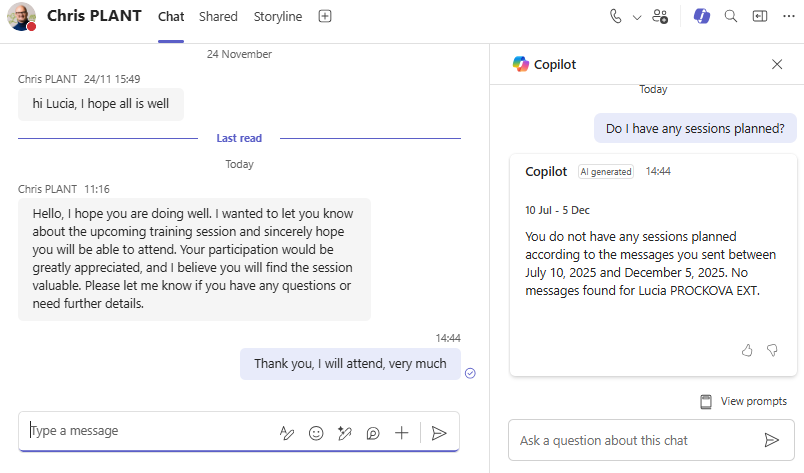
You can open Copilot as a chat where you ask questions and receive answers in real time.
What makes it powerful is its access to your workspace.
This makes the chat far more useful than a general search tool.
"Summarise the last three Teams messages in this channel and tell me what I need to do next."
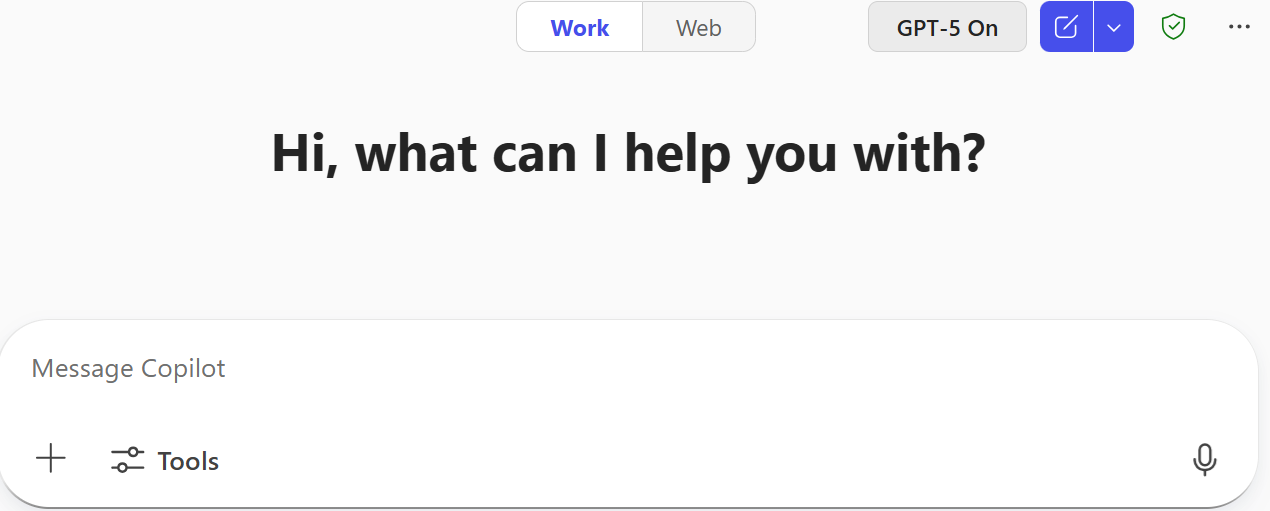
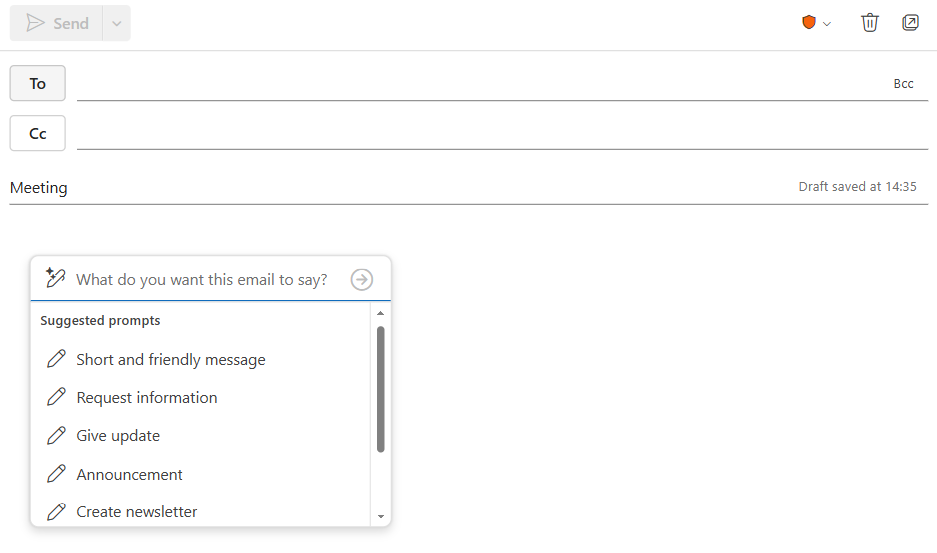
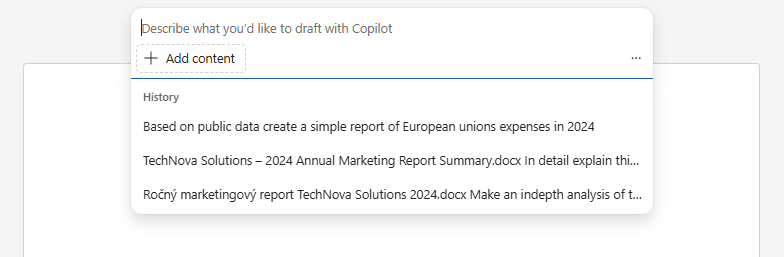
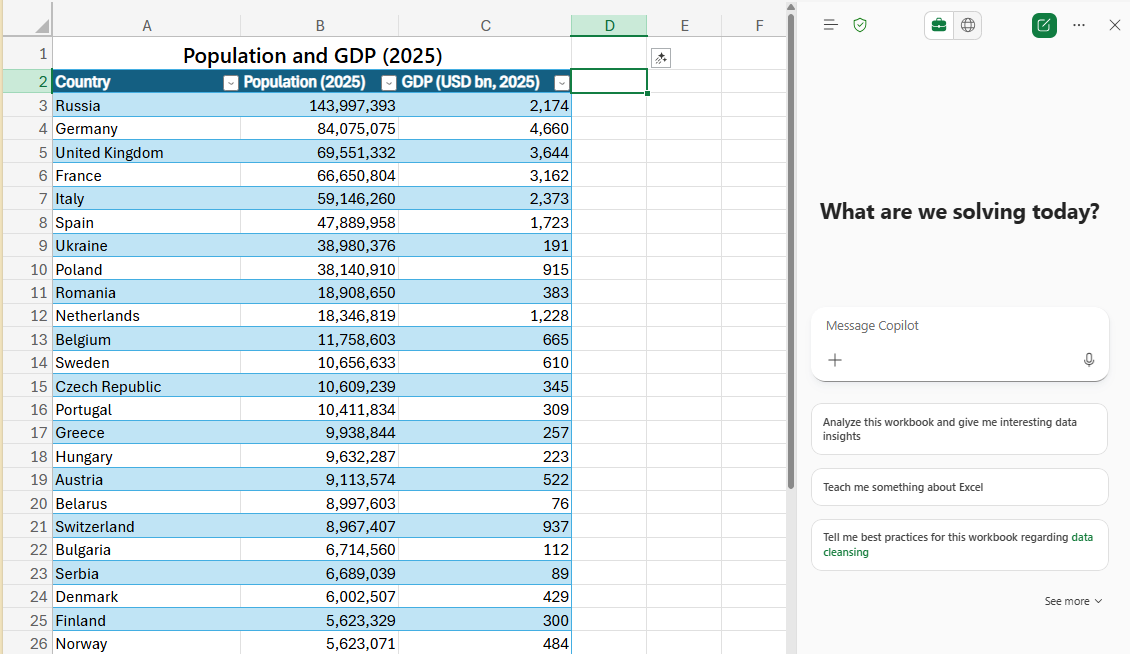
Copilot also lives directly inside the tools where your work happens. Each integration focuses on the tasks that matter most in that application.
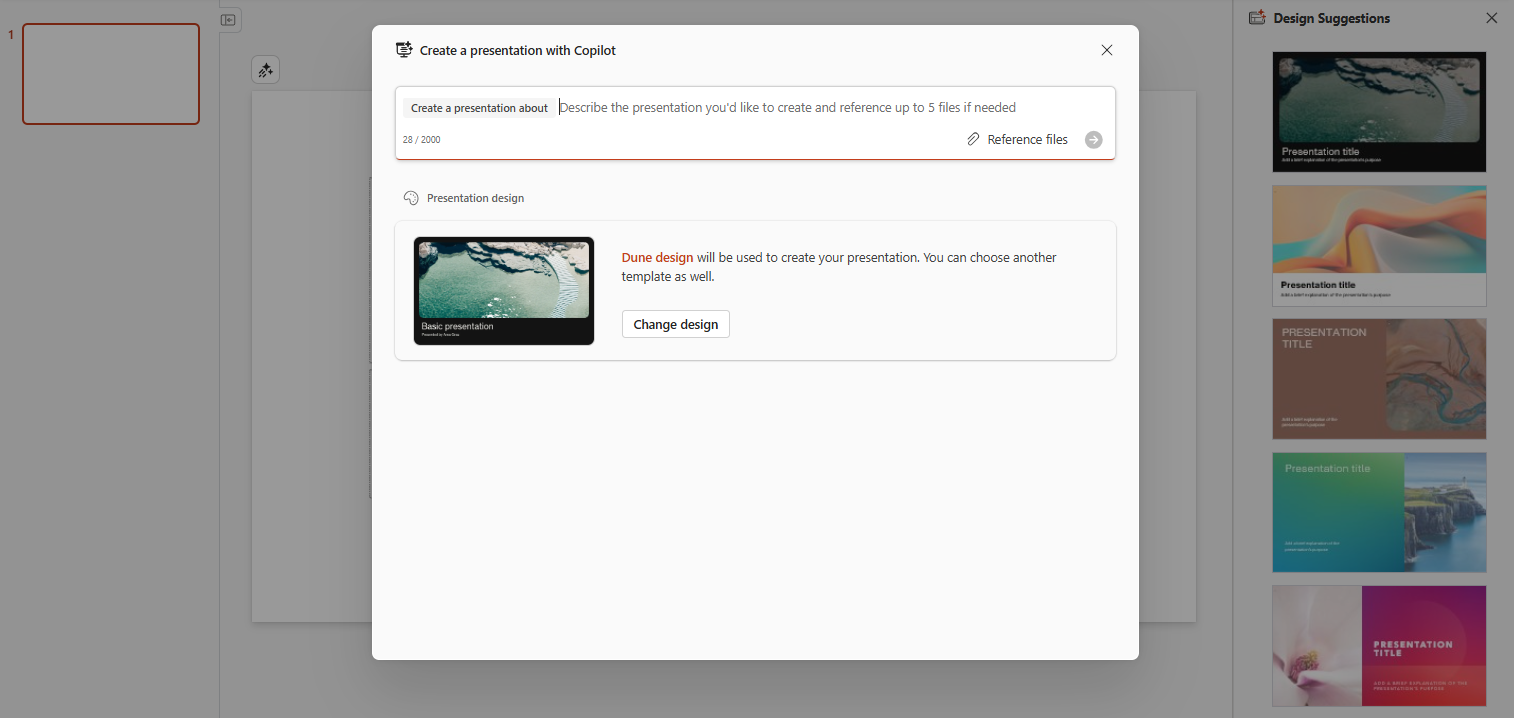
Copilot can create entire presentations based on your content.
It prepares structure, slide layouts, and often suitable visuals.
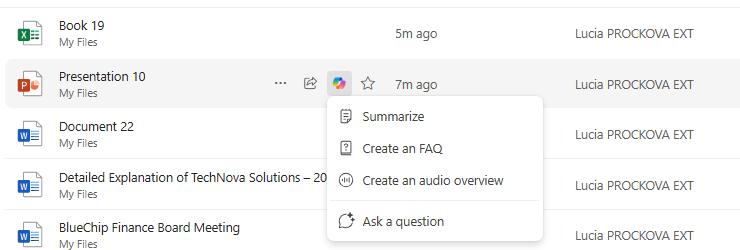
Copilot can reference your stored files. It can open them, find information inside them, and use that information to answer your questions or support your drafts.

Start your free trial today and see results within days.
Using Copilot does not mean handing over your work. It means handing over the time consuming parts that slow you down.
Here are the main advantages:
You stay in control. Copilot removes the friction.
Microsoft Copilot is a flexible, integrated AI assistant for your daily work. You can:
It becomes a supportive colleague who is always available, helping you focus on what actually matters.
If you want to master Copilot from the ground up and learn every essential skill for real world productivity, explore our Microsoft 365 Copilot Essentials training programme:
https://www.flowhunt.io/services/ai-training/microsoft-365-copilot-essentials/
We help companies like yours to develop smart chatbots, MCP Servers, AI tools or other types of AI automation to replace human in repetitive tasks in your organization.
Microsoft Copilot is an AI-powered assistant that enhances productivity and efficiency within Microsoft 365 apps. Built on OpenAI’s GPT-4, it automates tasks, p...

A clear introduction to the Copilot chat interface, its layout, and how to start using it effectively.

A clear overview of the key capabilities Copilot brings into Microsoft Word to help you draft, analyse, and refine content.
Cookie Consent
We use cookies to enhance your browsing experience and analyze our traffic. See our privacy policy.