
AI Agent
Custom AI Agent with a creative brainstorming persona for product and marketing managers, including defined backstory, goal, and role.
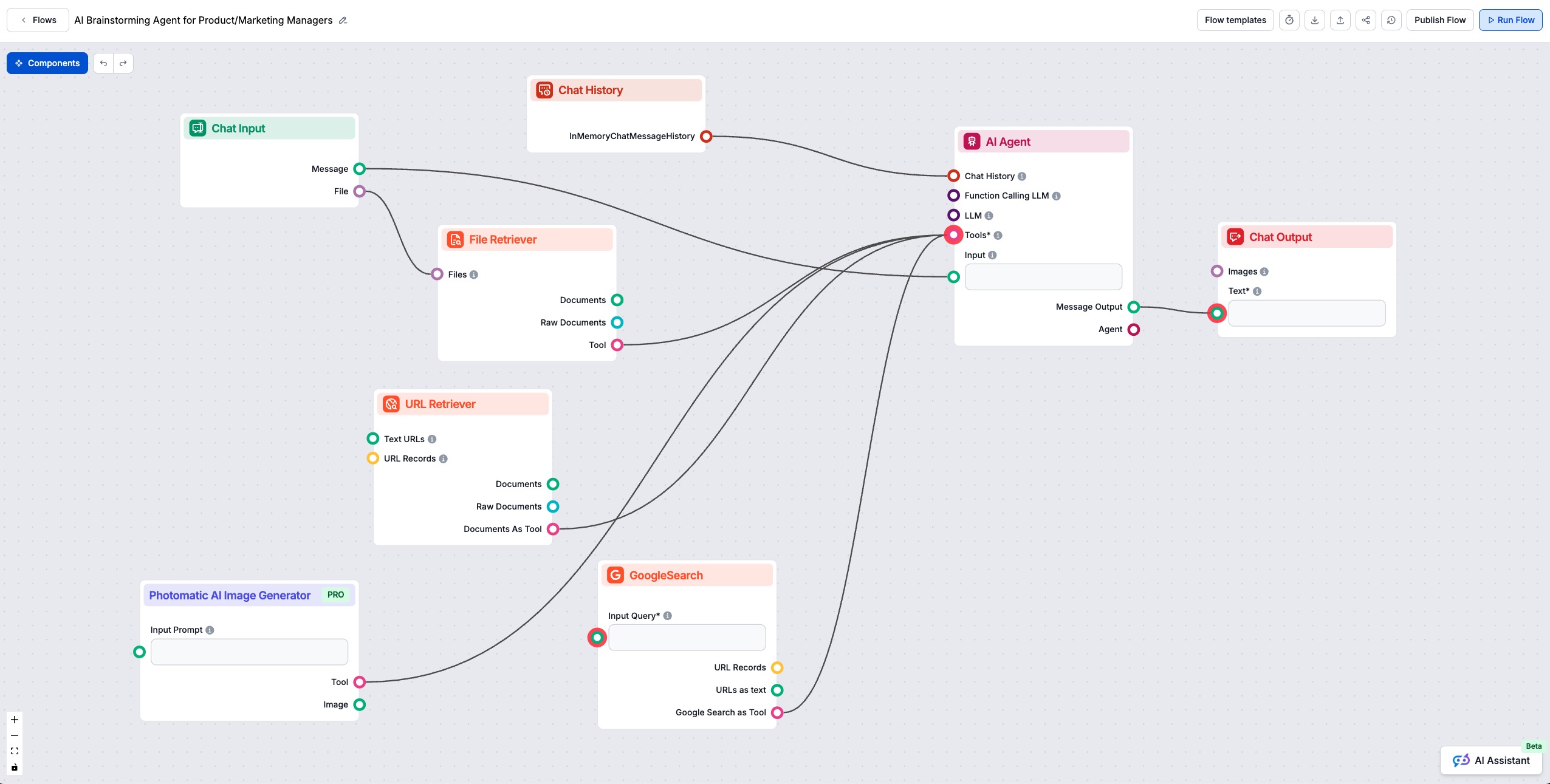
This AI-powered workflow helps product managers and marketers instantly brainstorm innovative ideas and uncover value propositions. Users can input their context, upload files, provide URLs, or leverage Google Search. The AI agent synthesizes all inputs, analyzes documents and web data, and generates actionable product and marketing suggestions. Visual ideas can be further enhanced with AI image generation.

Flows
Custom AI Agent with a creative brainstorming persona for product and marketing managers, including defined backstory, goal, and role.
Below is a complete list of all components used in this flow to achieve its functionality. Components are the building blocks of every AI Flow. They allow you to create complex interactions and automate tasks by connecting various functionalities. Each component serves a specific purpose, such as handling user input, processing data, or integrating with external services.

The Chat Opened Trigger component detects when a chat session starts, enabling workflows to respond instantly as soon as a user opens the chat. It initiates flows with the initial chat message, making it essential for building responsive, interactive chatbots.

The Button Widget component in FlowHunt transforms text or input into interactive, clickable buttons within your workflow. Perfect for creating dynamic user interfaces, collecting user choices, and improving engagement in AI-driven chatbots or automated processes.

Discover the Chat Output component in FlowHunt—finalize chatbot responses with flexible, multi-part outputs. Essential for seamless flow completion and creating advanced, interactive AI chatbots.

The Chat Input component in FlowHunt initiates user interactions by capturing messages from the Playground. It serves as the starting point for flows, enabling the workflow to process both text and file-based inputs.

The Chat History component in FlowHunt enables chatbots to remember previous messages, ensuring coherent conversations and improved customer experience while optimizing memory and token usage.

The AI Agent component in FlowHunt empowers your workflows with autonomous decision-making and tool-using capabilities. It leverages large language models and connects to various tools to solve tasks, follow goals, and provide intelligent responses. Ideal for building advanced automations and interactive AI solutions.

The File Retriever component in FlowHunt lets you bring files into your workflow and convert them into documents for further processing. It supports strategies for handling multiple documents and can use OCR on images within files, making it ideal for extracting and transforming information from a wide variety of file types.

Unlock web content in your workflows with the URL Retriever component. Effortlessly extract and process the text and metadata from any list of URLs—including web articles, documents, and more. Supports advanced options like OCR for images, selective metadata extraction, and customizable caching, making it ideal for building knowledge-rich AI flows and automations.

FlowHunt's GoogleSearch component enhances chatbot accuracy using Retrieval-Augmented Generation (RAG) to access up-to-date knowledge from Google. Control results with options like language, country, and query prefixes for precise and relevant outputs.

Explore the Photomatic AI Image Generator component—transform text prompts into high-quality AI-generated images with advanced models, customizable effects, and styles. Ideal for creative automation and enhancing visual workflows.
Flow description
This workflow is designed to help product managers and marketers brainstorm innovative product and marketing ideas, generate value propositions, and leverage external knowledge sources (files, URLs, Google Search, and image generation) to enhance ideation and concept development. The flow is automated, interactive, and extensible—making it a powerful assistant for ideation sessions, workshops, and ongoing product or marketing strategy work.
Upon opening the chat, the user is greeted by a welcome message and presented with a Button Widget. This widget includes a sample scenario—“Food delivery industry”—and a markdown-supported introduction message. The user can either select this sample or input their own prompt to set the brainstorming context.
| Step | Component | Purpose |
|---|---|---|
| Chat Opened | ChatOpenedTrigger | Detects when a user opens the chat. |
| Show Welcome/Button | ButtonWidget | Greets the user with a customizable intro and a sample brainstorming scenario. |
| Display to User | ChatOutput | Shows the message and button in the chat interface. |
This onboarding flow ensures that users have an intuitive entry point, making it easy to get started and select or define their area of interest.
The workflow supports two main streams of user input:
The ChatInput node captures user text and file attachments, while ChatHistory keeps track of the last 10 messages (up to 2000 tokens) for context-aware responses.
To enrich the brainstorming process, the workflow integrates multiple sources of external knowledge and tools:
These tools are connected as “tools” to the AI Agent, allowing it to draw upon them dynamically during conversation.
At the core of the workflow is the AI Agent, purpose-built for creative ideation and value proposition generation. It is configured with:
The results from the AI Agent—including ideas, value propositions, and even generated images—are displayed back to the user via a ChatOutput node. This ensures a seamless, conversational user experience.
| Functionality | Component(s) Involved | Description |
|---|---|---|
| Welcome & Onboarding | ChatOpenedTrigger, ButtonWidget, ChatOutput | Greets and guides users with sample scenarios and custom prompts |
| User Input | ChatInput | Accepts text and file input from user |
| Chat History | ChatHistory | Maintains context by storing recent messages |
| File Ingestion | FileContent | Converts uploaded files into usable text/documents |
| URL Ingestion | URLContent | Retrieves and processes content from web URLs |
| Web Search | GoogleSearch | Performs Google searches to fetch real-time web information |
| Image Generation | PhotomaticAIImageGenerator | Creates images to support ideation and visualization |
| AI-Powered Ideation | AIAgent | Generates ideas/value props by combining user input, context, and external knowledge/tools |
| User Output | ChatOutput | Presents results, suggestions, and visual content back to the user |
This workflow exemplifies how automation and AI can supercharge creative tasks, making brainstorming and value proposition development faster, more comprehensive, and more engaging.
We help companies like yours to develop smart chatbots, MCP Servers, AI tools or other types of AI automation to replace human in repetitive tasks in your organization.
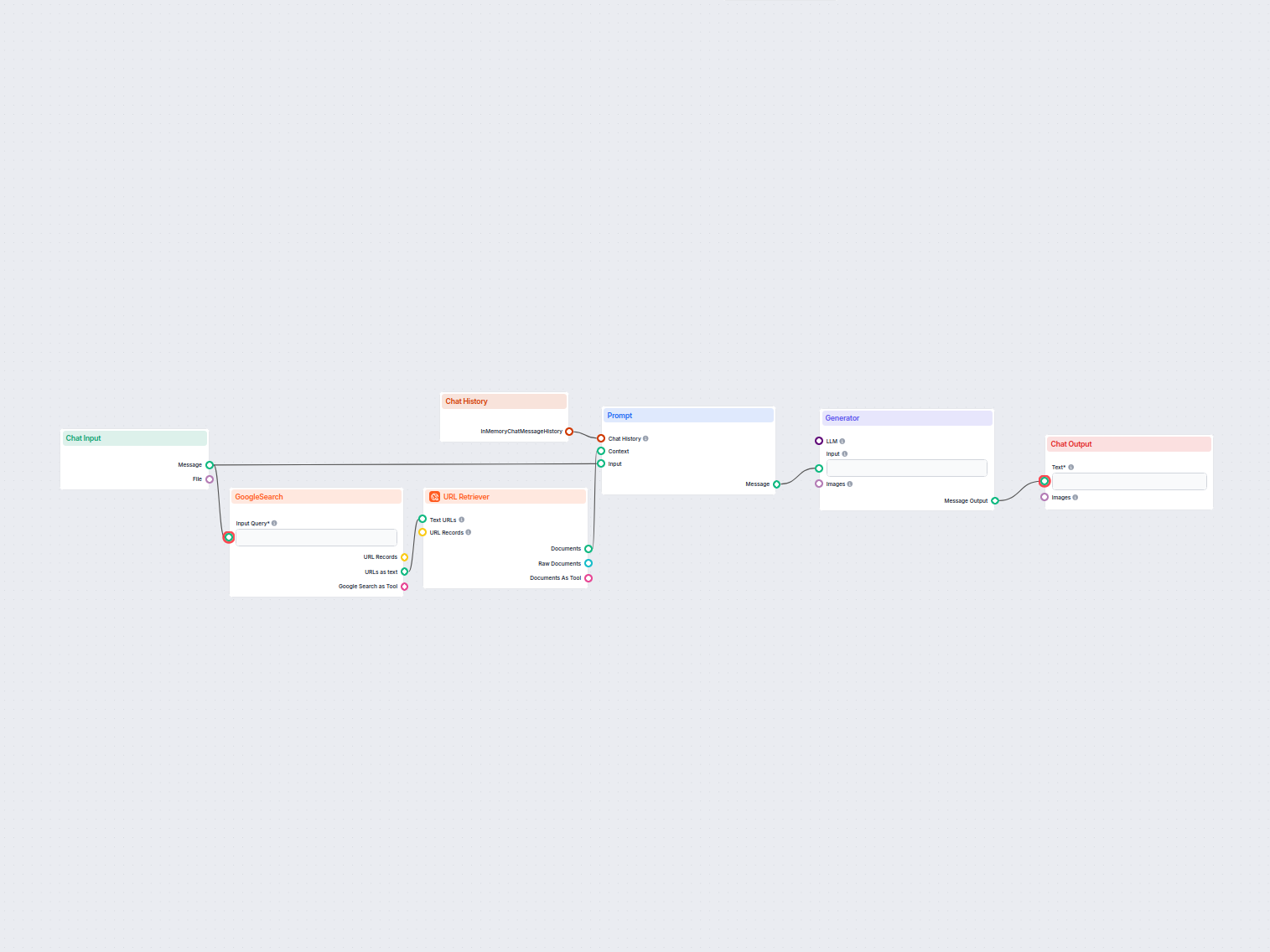
Generate unique content ideas and summaries using AI by researching top Google results for any keyword. Ideal for content marketers and creators to quickly disc...
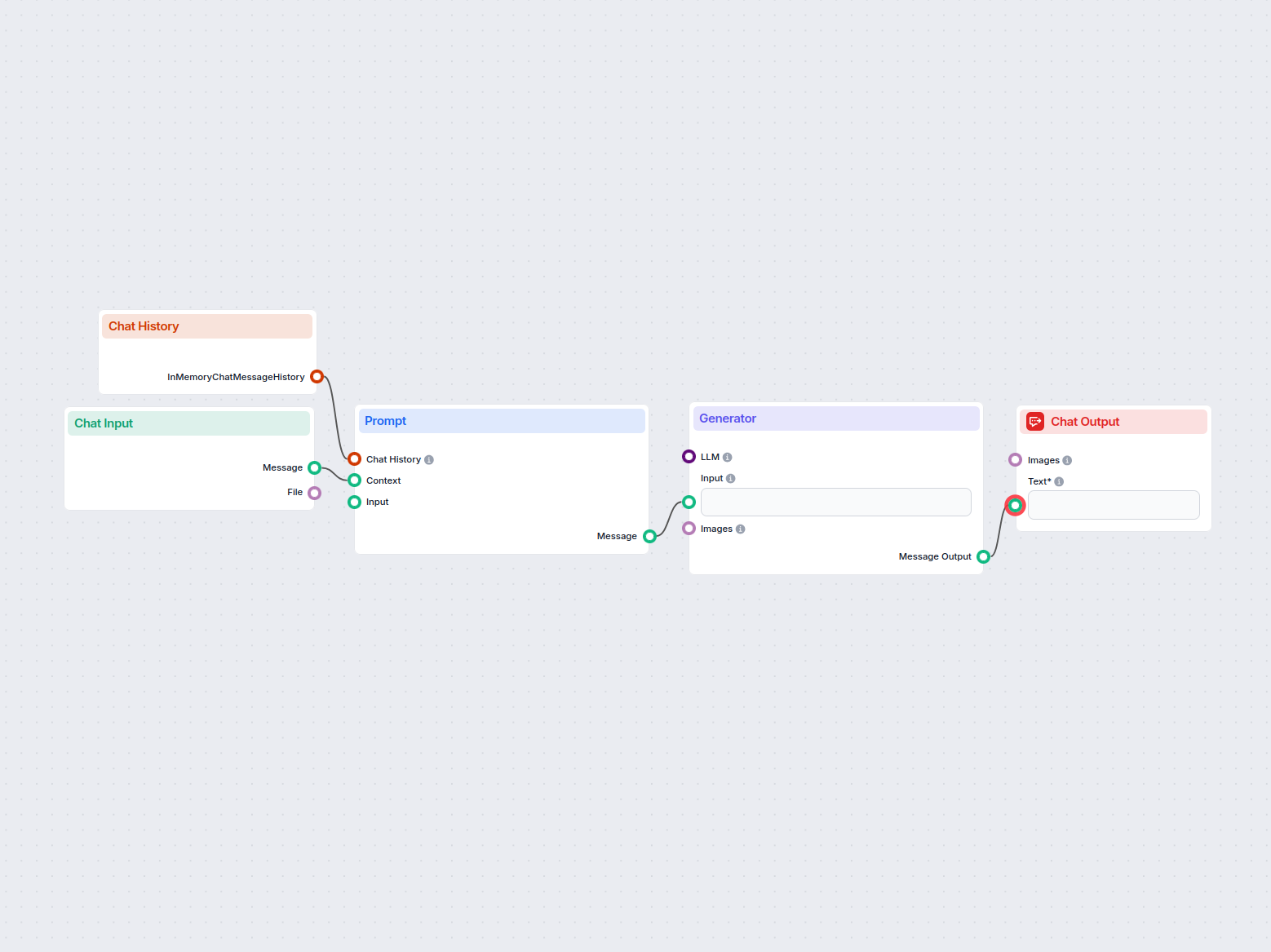
Generate innovative business ideas tailored to user input or selected industries using AI. This interactive flow provides suggestions based on user preferences ...
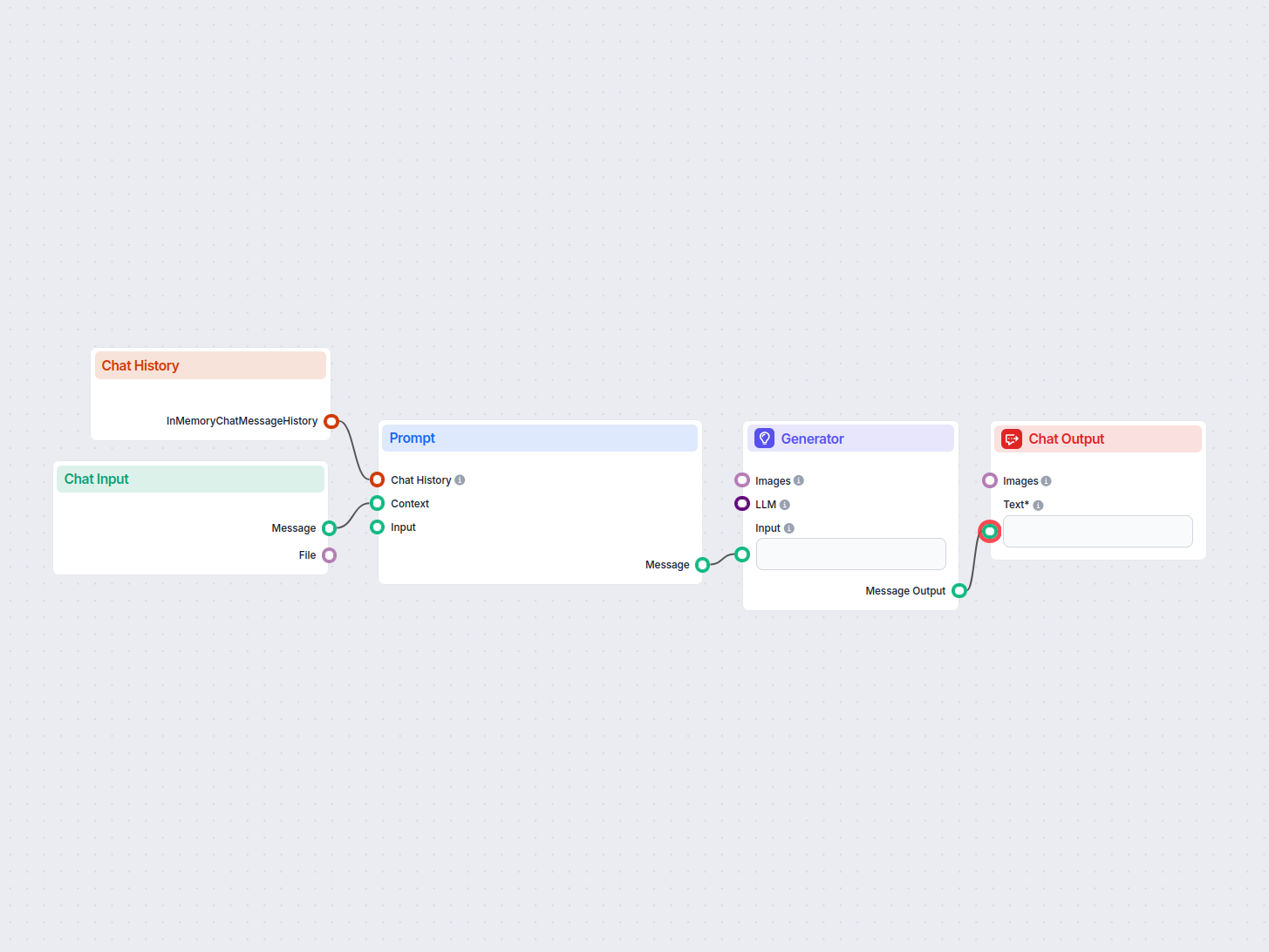
Easily generate comprehensive business plans using AI. This workflow collects user input, utilizes chat history for context, and leverages a prompt template and...
Cookie Consent
We use cookies to enhance your browsing experience and analyze our traffic. See our privacy policy.