How to Automate Customer Support with AI While Maintaining Human Handoff
Learn how to implement AI-powered customer support automation that seamlessly transitions to human agents for complex issues, improving efficiency while maintaining customer satisfaction.
AI
Customer Support
Automation
Chatbots
Customer Service
Key benefits of AI + human handoff customer support:
AI handles 60-80% of routine inquiries (FAQs, order tracking, basic troubleshooting)
Reduce support costs by 30-40% while improving satisfaction scores
Sentiment analysis detects frustration and auto-escalates to humans
Seamless handoff includes full conversation context for agents
AI suggests knowledge base articles and responses to speed up resolution
24/7 availability without proportionally increasing staff
What Is AI-Powered Customer Support Automation?
AI-powered customer support automation refers to the use of artificial intelligence technologies—primarily conversational AI, machine learning, and natural language processing—to handle customer inquiries, resolve issues, and manage support workflows with minimal human intervention. Unlike traditional rule-based chatbots that follow rigid decision trees, modern AI systems understand context, learn from interactions, and can handle nuanced conversations.
The core of this system is the AI chatbot, which serves as the first point of contact for customers. These chatbots are built on large language models (LLMs) like GPT-4, Claude, or specialized customer service models that have been trained on vast amounts of conversational data. They can understand customer intent, retrieve relevant information from knowledge bases, and provide accurate, helpful responses in natural language.
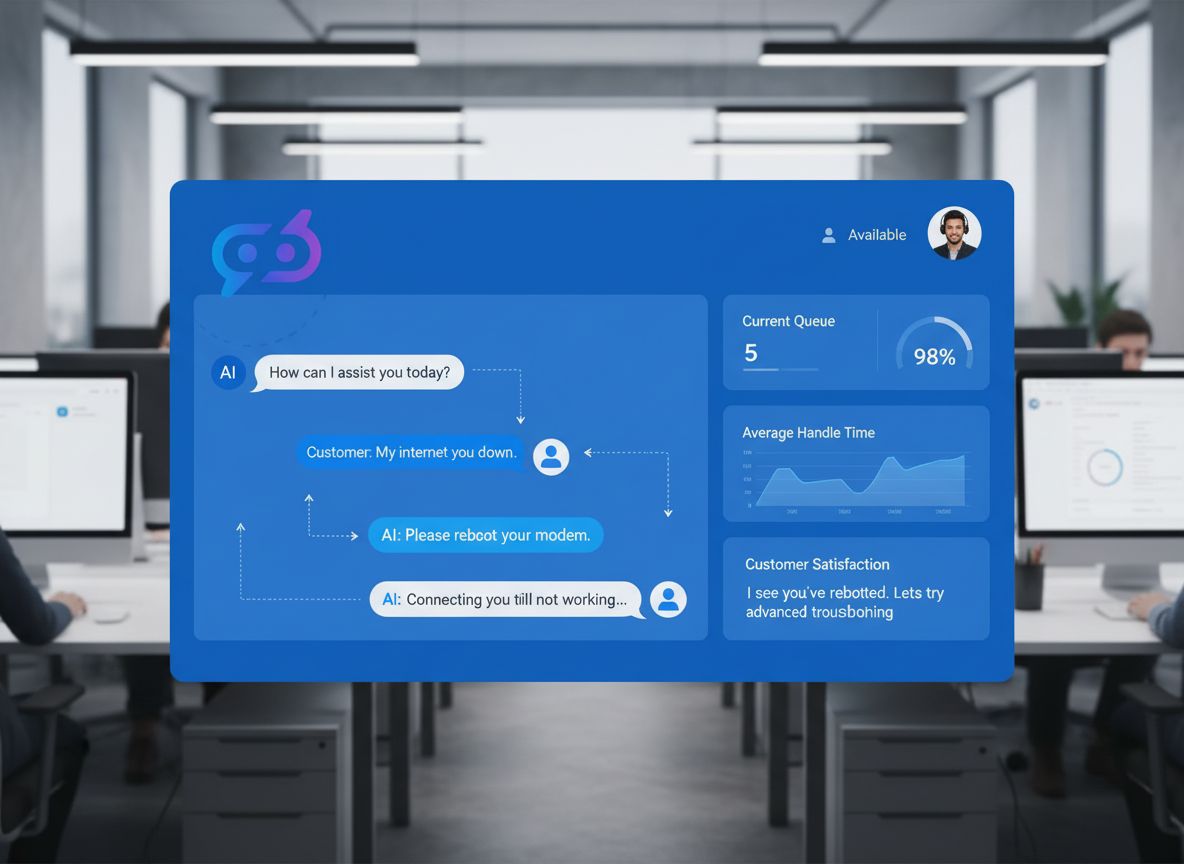
However, the true power of modern customer support automation isn’t just about replacing human agents—it’s about augmenting them. The system is designed with built-in intelligence to recognize when a situation exceeds its capabilities and requires human expertise. This is where the “handoff” mechanism becomes critical. Rather than frustrating customers with repeated “I don’t understand” messages, the system gracefully escalates to a human agent who has full context about the conversation and can take over seamlessly.
This hybrid approach represents a fundamental shift in how companies think about customer support. Instead of viewing AI and humans as competitors, they work together as a unified team, each handling what they do best.
Why AI-Powered Customer Support Matters for Modern Businesses
The business case for AI-powered customer support is compelling and multifaceted. First, consider the volume challenge. A typical mid-sized company might receive hundreds or thousands of support inquiries daily. Hiring enough human agents to handle all of these inquiries immediately would be prohibitively expensive. AI chatbots can handle multiple conversations simultaneously, providing instant responses 24/7 without fatigue or time-off requirements.
Beyond cost efficiency, there’s the customer expectation factor. Modern customers expect immediate responses. They’re accustomed to instant messaging, and waiting hours for an email response feels archaic. AI chatbots can provide instant acknowledgment and resolution for many issues, dramatically improving customer satisfaction metrics.
Consider these key business benefits:
Cost Reduction: Automating 60-80% of routine inquiries can reduce support costs by 30-40% while handling higher volumes
Faster Resolution Times: AI provides instant responses, reducing average resolution time from hours to minutes for routine issues
24/7 Availability: Support doesn’t stop when your office closes; customers get help whenever they need it
Improved Customer Satisfaction: Faster responses and reduced wait times lead to higher CSAT and NPS scores
Better Agent Productivity: Human agents focus on complex issues where they add the most value, increasing their effectiveness
Scalability: Handle 10x more inquiries without proportionally increasing headcount
Data-Driven Insights: AI systems generate detailed analytics about customer issues, pain points, and trends
The competitive advantage is clear: companies that implement effective AI customer support systems can serve more customers, faster, at lower cost, while maintaining or improving satisfaction levels. This creates a virtuous cycle where improved customer experience leads to better retention and word-of-mouth referrals.
Ready to grow your business?
Start your free trial today and see results within days.
The Architecture of an Effective AI Customer Support System
Building an effective AI customer support system requires more than just deploying a chatbot. It requires a thoughtful architecture that integrates multiple components working in concert. Let’s break down the essential elements:
AI Chatbot Layer: This is the customer-facing interface. Modern chatbots use large language models to understand customer intent and generate contextually appropriate responses. They should be trained on your company’s specific knowledge base, product documentation, and previous support interactions to provide accurate, branded responses.
Knowledge Base Integration: The chatbot needs access to a comprehensive, well-organized knowledge base containing FAQs, product documentation, troubleshooting guides, and policy information. This knowledge base should be regularly updated and indexed for fast retrieval.
Intelligent Routing Engine: When the chatbot determines that human intervention is needed, the routing engine decides which agent or team should handle the issue. This might be based on issue category, urgency level, required expertise, or current agent availability.
Conversation Context Management: The system must maintain complete conversation history and context. When a human agent takes over, they should see the entire conversation, customer sentiment analysis, issue classification, and any relevant customer history.
Sentiment Analysis Engine: This component analyzes customer messages in real-time to detect frustration, anger, or urgency. If sentiment deteriorates, the system can proactively offer human assistance before the customer becomes truly upset.
Ticketing and Case Management: All escalated issues should be automatically converted into support tickets with appropriate metadata, priority levels, and routing information.
Analytics and Learning System: The system should continuously track performance metrics, identify patterns, and use this data to improve both AI responses and human agent training.
Implementing AI Chatbots for Routine Customer Inquiries
The first step in building your AI customer support system is deploying an AI chatbot that can handle routine inquiries effectively. This requires careful planning and implementation.
Selecting the Right AI Platform: You have several options for building your chatbot. You can use pre-built platforms like Intercom, Drift, or Tidio, which offer AI chatbots with minimal technical setup. Alternatively, you can build a custom solution using APIs from OpenAI, Anthropic, or Google. Pre-built platforms offer faster deployment and built-in integrations, while custom solutions offer more flexibility and control.
Training Your Chatbot: The quality of your chatbot’s responses depends heavily on the training data and instructions you provide. You should:
Feed the chatbot your complete knowledge base, including FAQs, product documentation, and support articles
Provide examples of common customer inquiries and ideal responses
Set clear guidelines about what the chatbot should and shouldn’t attempt to handle
Include information about your company’s policies, procedures, and brand voice
Regularly review and update training data based on new products, policies, or common issues
Defining Scope and Limitations: Be explicit about what your chatbot can handle. Common categories include:
Product information and specifications
Order tracking and shipping status
Account management and password resets
Billing and payment inquiries
Basic troubleshooting steps
Policy questions and general information
Appointment scheduling
Testing and Refinement: Before deploying to all customers, thoroughly test your chatbot with real scenarios. Have team members attempt to trick it, ask edge cases, and provide feedback. Monitor early interactions closely and refine responses based on actual customer interactions.
Join our newsletter
Get latest tips, trends, and deals for free.
Intelligent Ticket Routing and Escalation
When a chatbot encounters an inquiry it cannot resolve, the system must intelligently route the issue to the appropriate human agent. This is more sophisticated than simply creating a ticket and putting it in a queue.
Complexity Detection: The system should analyze the customer’s message to determine complexity. Simple questions get simple answers; complex issues get escalated. The chatbot can ask clarifying questions to better understand the issue before deciding whether to escalate.
Category-Based Routing: Issues should be categorized (billing, technical, account, product, etc.) and routed to agents with relevant expertise. A billing issue shouldn’t go to a technical support specialist.
Priority Assessment: The system should evaluate urgency based on keywords, sentiment, customer value, and issue type. A long-time customer with a critical issue should be prioritized over a routine inquiry from a new customer.
Availability Matching: The routing engine should consider current agent availability, workload, and specialization. It should distribute work evenly and avoid overloading any single agent.
Proactive Escalation: Rather than waiting for the customer to explicitly ask for a human, the system should proactively offer escalation when:
The chatbot has failed to resolve the issue after multiple attempts
Customer sentiment indicates frustration or anger
The issue involves sensitive topics (complaints, refunds, account issues)
The customer explicitly requests a human agent
Seamless Handoff: Providing Context to Human Agents
The quality of the handoff from AI to human is critical to customer satisfaction. A poor handoff—where the human agent has no context and the customer must repeat themselves—defeats the purpose of the entire system.
Complete Conversation Transcripts: When a human agent takes over, they should see the entire conversation history. This includes all customer messages, chatbot responses, and any clarifying questions asked. The agent should never ask the customer to repeat information they’ve already provided.
Structured Issue Information: Beyond the raw conversation, the system should provide structured data about the issue:
Information Element
Purpose
Example
Issue Category
Route to correct team
“Billing Dispute”
Priority Level
Determine urgency
“High”
Customer Sentiment
Understand emotional state
“Frustrated”
Customer History
Provide context
“Long-time customer, 5 previous issues”
Attempted Solutions
Avoid repeating failed approaches
“Password reset attempted, didn’t resolve”
Relevant Documentation
Provide reference material
“Link to refund policy”
Customer Preferences
Personalize interaction
“Prefers email communication”
Agent Preparation: The system should prepare the agent for the conversation by highlighting key information. Some systems use AI to generate a brief summary of the issue and recommended next steps, allowing the agent to jump in immediately with context rather than spending time reading through the conversation.
Conversation Continuity: The handoff should feel natural to the customer. Rather than saying “I’m transferring you to an agent,” the system might say “I’m connecting you with Sarah, one of our specialists, who can help with this. She has all the details about your issue.” This maintains the sense of a continuous conversation rather than starting over.
Real-Time AI Assistance for Human Agents
While AI handles routine inquiries, it should also assist human agents handling complex issues. This creates a powerful multiplier effect where agents become more productive and effective.
Real-Time Knowledge Suggestions: As an agent types or reads a customer message, the system can suggest relevant knowledge base articles, previous case solutions, or recommended responses. This helps agents find answers faster without leaving the conversation.
Sentiment and Tone Analysis: The system can alert agents to customer sentiment in real-time. If a customer is becoming frustrated, the agent can adjust their approach, offer additional assistance, or escalate to a manager if needed.
Automated Follow-Ups: After an agent resolves an issue, the system can automatically send follow-up messages, satisfaction surveys, or additional resources. This keeps customers engaged and provides valuable feedback about agent performance.
Agent Performance Analytics: The system tracks metrics like resolution time, customer satisfaction, and issue complexity for each agent. This data can be used for coaching, training, and identifying best practices.
Suggested Responses: For common issues, the system can suggest response templates or talking points that agents can customize. This ensures consistency while allowing agents to maintain their personal touch.
Omnichannel Support Integration
Modern customers expect to reach support through their preferred channel—whether that’s live chat, email, social media, phone, or messaging apps. Your AI support system should work seamlessly across all these channels.
Unified Customer View: Regardless of which channel a customer uses, the system should maintain a unified view of their interactions. If a customer starts a chat, then emails, then calls, all three interactions should be visible in one place with full context.
Channel-Specific Optimization: While the underlying AI is the same, the interface should be optimized for each channel. A chatbot on your website might use rich formatting and buttons, while the same chatbot on SMS should use plain text and concise responses.
Cross-Channel Handoff: If a customer is chatting on your website but needs to speak with someone on the phone, the system should facilitate this seamlessly. The agent answering the phone should have full context about the chat conversation.
Consistent Experience: Customers should receive consistent quality and information regardless of channel. The knowledge base, response quality, and escalation logic should be identical across all channels.
Sentiment Analysis and Proactive Escalation
One of the most powerful features of modern AI customer support systems is sentiment analysis—the ability to detect customer emotions from their messages and respond appropriately.
Real-Time Emotion Detection: As customers type messages, the system analyzes sentiment to detect frustration, anger, confusion, or satisfaction. This happens in real-time, allowing the system to respond immediately.
Proactive Intervention: Rather than waiting for a customer to explicitly ask for help, the system can proactively offer escalation when sentiment deteriorates. For example:
Customer’s first message: “I can’t log into my account” (Neutral)
Chatbot provides reset instructions
Customer’s second message: “I tried that and it still doesn’t work” (Slightly frustrated)
Chatbot offers additional troubleshooting
Customer’s third message: “This is ridiculous, I’ve wasted 20 minutes on this!” (Angry)
System immediately offers: “I apologize for the frustration. Let me connect you with a specialist who can help right away.”
Preventing Escalation: By detecting frustration early and offering proactive assistance, the system can often prevent issues from escalating. A customer who feels heard and helped is less likely to become angry.
Emotional Intelligence: Advanced systems can detect not just sentiment but also emotional nuance. A customer might be frustrated with the product but satisfied with the support experience, or vice versa. This nuance helps agents understand the full situation.
Personalization and Predictive Support
AI customer support systems can go beyond reactive support to provide personalized, predictive assistance.
Customer Profile Integration: The system should integrate with your CRM to understand each customer’s history, preferences, purchase patterns, and previous issues. This allows for personalized responses that reference their specific situation.
Predictive Issue Detection: By analyzing customer behavior and patterns, the system can predict potential issues before customers contact you. For example:
A customer’s subscription is about to expire → Proactive renewal reminder
An order hasn’t shipped within the expected timeframe → Proactive status update
A customer has had multiple issues with a product → Proactive offer of replacement or refund
A customer’s account shows unusual activity → Proactive security alert
Personalized Recommendations: Based on customer history and behavior, the system can recommend relevant products, services, or solutions. A customer asking about a feature might be offered an upgrade that includes that feature.
Preference Learning: Over time, the system learns customer preferences. Some customers prefer detailed explanations; others want quick answers. Some prefer email; others prefer chat. The system adapts to these preferences.
Measuring Success: Analytics and Continuous Improvement
An effective AI customer support system generates valuable data that should be used to continuously improve both the AI and human support processes.
Key Performance Indicators to Track:
First Contact Resolution Rate: Percentage of issues resolved by the chatbot without escalation
Average Response Time: How quickly customers receive initial responses
Net Promoter Score (NPS): Long-term customer loyalty metric
Average Resolution Time: Time from initial contact to issue resolution
Cost Per Interaction: Total support cost divided by number of interactions
Agent Productivity: Issues resolved per agent per day
Escalation Rate: Percentage of conversations escalated to humans
Chatbot Accuracy: Percentage of chatbot responses rated as helpful by customers
Continuous Learning: The system should use this data to improve continuously. When customers rate responses as unhelpful, the system should learn from this feedback. When agents find workarounds to chatbot limitations, these should be incorporated into the AI training.
A/B Testing: Different chatbot responses, escalation triggers, and routing rules should be tested to identify what works best. Small improvements in first contact resolution rate or customer satisfaction can have significant business impact.
Trend Analysis: Analytics should reveal trends in customer issues, pain points, and product problems. These insights should inform product development, documentation updates, and training priorities.
FlowHunt: Streamlining AI Customer Support Automation
While building an AI customer support system requires integrating multiple tools and platforms, FlowHunt simplifies this process by providing a unified platform for automating customer support workflows. FlowHunt enables you to:
Orchestrate Complex Workflows: Rather than manually integrating chatbots, ticketing systems, and analytics tools, FlowHunt allows you to design complete customer support workflows visually. Define when to escalate, how to route issues, and what information to pass to human agents—all without coding.
Intelligent Routing and Escalation: FlowHunt’s workflow engine can implement sophisticated routing logic based on issue category, priority, customer value, agent availability, and sentiment analysis. This ensures every issue reaches the right person at the right time.
Context Management: FlowHunt automatically manages conversation context, ensuring that when a human agent takes over, they have complete information about the customer and issue. This eliminates the need for customers to repeat themselves.
Multi-Channel Integration: Connect your chatbot, email, live chat, social media, and other support channels through FlowHunt. Customers can start a conversation on one channel and continue on another without losing context.
Analytics and Optimization: FlowHunt provides comprehensive analytics about your support workflows, identifying bottlenecks, measuring performance, and suggesting optimizations. Use this data to continuously improve your support system.
AI-Powered Suggestions: FlowHunt can suggest optimal routing rules, escalation triggers, and workflow improvements based on your historical data and industry best practices.
By using FlowHunt to orchestrate your customer support automation, you can deploy a sophisticated, multi-channel support system in weeks rather than months, and continuously optimize it based on real performance data.
Real-World Implementation: A Case Study
Consider a mid-sized SaaS company with 50,000 customers and a support team of 12 agents. They were receiving 500+ support inquiries daily, with average response time of 4 hours and customer satisfaction of 72%.
The Challenge: The team was overwhelmed. Customers were frustrated with slow response times. Agents were burned out from handling repetitive inquiries. The company couldn’t afford to hire more agents without significantly impacting profitability.
The Solution: They implemented an AI customer support system with the following architecture:
AI Chatbot for handling common inquiries (account resets, billing questions, product information, basic troubleshooting)
Intelligent Routing that categorized issues and routed them to specialists
Sentiment Analysis that escalated frustrated customers to senior agents
Real-Time Agent Assistance providing suggested responses and knowledge articles
Omnichannel Integration connecting chat, email, and phone support
The Results (measured 6 months after implementation):
First Contact Resolution Rate: Increased from 35% to 72% (chatbot handles 60% of inquiries)
Average Response Time: Decreased from 4 hours to 8 minutes
Customer Satisfaction: Increased from 72% to 89%
Support Costs: Decreased by 35% despite handling 40% more inquiries
Agent Satisfaction: Increased significantly as agents focused on complex, interesting issues
Scalability: Could now handle 2x customer growth without hiring additional agents
The key to their success was viewing AI and humans as complementary rather than competitive. The AI handled volume and provided instant responses, while humans handled complexity and provided empathy. This combination created a superior customer experience at lower cost.
Supercharge Your Customer Support with FlowHunt
Automate routine support tasks while maintaining seamless human handoff for complex issues. Build an intelligent, omnichannel support system that scales with your business.
As you mature your AI customer support system, several advanced considerations become important.
Multi-Language Support: If you serve international customers, your system should support multiple languages. Modern AI models can handle this, but you need to ensure knowledge bases are translated and cultural nuances are understood.
Compliance and Privacy: Customer support involves sensitive information. Your system must comply with GDPR, CCPA, and other privacy regulations. Ensure data is encrypted, access is logged, and customer information is protected.
Integration with Business Systems: Your support system should integrate with your CRM, billing system, inventory management, and other business systems. This allows the chatbot to access real-time information and take actions (like issuing refunds or updating orders) when appropriate.
Custom AI Models: While general-purpose AI models work well, training custom models on your specific support data can significantly improve accuracy and relevance. This requires more investment but delivers better results.
Quality Assurance: Implement processes to monitor and improve support quality. This includes reviewing chatbot interactions, agent performance, and customer feedback. Use this data to identify training needs and system improvements.
Change Management: Implementing AI support requires change management. Agents may fear job loss; customers may distrust chatbots. Address these concerns through clear communication, training, and demonstrating the benefits of the new system.
Common Pitfalls to Avoid
Several common mistakes can undermine an AI customer support system:
Deploying Without Adequate Training: Chatbots trained on insufficient data provide poor responses. Invest time in comprehensive training before launch.
Ignoring Customer Feedback: If customers consistently rate certain responses as unhelpful, fix them. Don’t assume the system is working well without validating with actual customer feedback.
Making Escalation Too Difficult: If customers struggle to reach a human agent, they’ll become frustrated. Make escalation easy and obvious.
Failing to Update Knowledge Bases: As products and policies change, knowledge bases become outdated. Implement processes to keep them current.
Treating AI and Humans as Competitors: The best results come from viewing them as complementary. Design the system so they work together effectively.
Neglecting Analytics: Without measuring performance, you can’t improve. Implement comprehensive analytics from day one.
Over-Automating: Not everything should be automated. Some interactions benefit from human touch. Find the right balance for your business.
The Future of AI Customer Support
The field of AI customer support is rapidly evolving. Several trends are emerging:
Proactive Support: Rather than waiting for customers to contact you, AI systems will increasingly predict issues and offer help before customers realize they need it.
Emotional Intelligence: AI systems will become better at understanding and responding to customer emotions, providing more empathetic support.
Autonomous Resolution: AI will handle increasingly complex issues autonomously, with human escalation reserved for truly exceptional cases.
Predictive Analytics: Systems will predict which customers are at risk of churn and proactively offer support or incentives to retain them.
Voice and Video Support: AI will extend beyond text to handle voice and video support, providing more natural interactions.
Integration with Knowledge Work: AI will assist not just support agents but also product teams, helping them understand customer pain points and improve products.
Conclusion
Automating customer support with AI while maintaining human handoff is no longer a futuristic concept—it’s a practical, proven approach that leading companies are implementing today. The key to success is viewing AI and humans as complementary rather than competitive, designing systems where each handles what they do best.
The business case is compelling: companies that implement effective AI customer support systems can reduce costs by 30-40%, improve response times from hours to minutes, and increase customer satisfaction scores significantly. These improvements compound over time, creating competitive advantages that are difficult for competitors to match.
The implementation path is clear: start with an AI chatbot handling routine inquiries, implement intelligent routing and escalation for complex issues, provide human agents with real-time AI assistance, and continuously measure and optimize based on performance data. Tools like FlowHunt can accelerate this implementation by providing a unified platform for orchestrating complex support workflows.
The companies that will thrive in the coming years are those that embrace this hybrid approach—leveraging AI for efficiency and scale while preserving human expertise and empathy for situations where they matter most. The future of customer support isn’t AI versus humans; it’s AI and humans working together to create exceptional customer experiences at scale.
Frequently asked questions
AI chatbots excel at handling routine inquiries such as FAQs, order tracking, product details, basic troubleshooting, account information, and policy questions. These represent 60-80% of typical support volume.
Sentiment analysis detects customer frustration or anger in real-time, automatically escalating conversations to human agents before issues worsen. This prevents negative experiences and improves resolution rates.
The best handoff includes providing the human agent with a complete conversation transcript, customer context, issue categorization, and sentiment analysis. This ensures continuity and reduces resolution time.
AI can suggest relevant knowledge base articles, previous case solutions, and recommended responses in real-time, allowing agents to resolve issues faster without manual searching.
Arshia is an AI Workflow Engineer at FlowHunt. With a background in computer science and a passion for AI, he specializes in creating efficient workflows that integrate AI tools into everyday tasks, enhancing productivity and creativity.
Arshia Kahani
AI Workflow Engineer
Streamline Your Customer Support with FlowHunt
Automate routine support tasks while maintaining seamless human handoff for complex issues. Let FlowHunt help you build an intelligent support system.
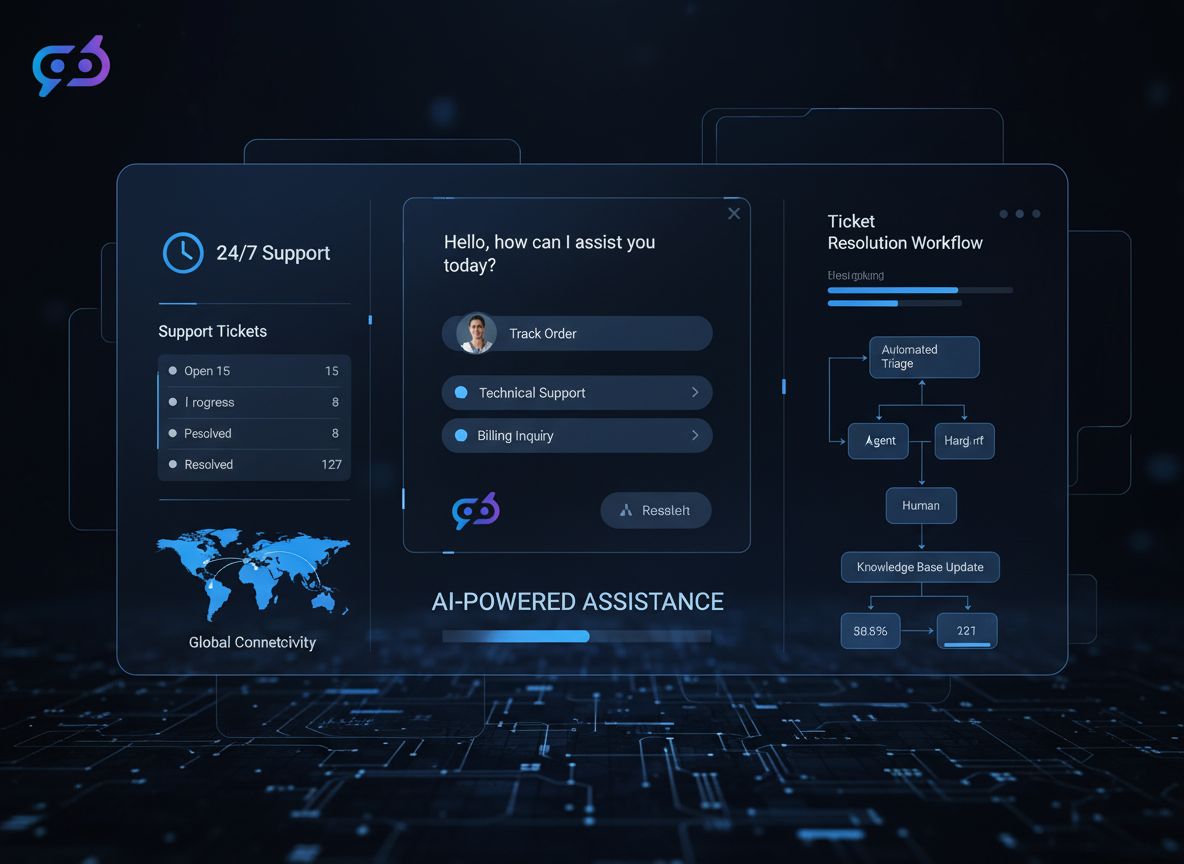
AI-Powered 24/7 Customer Service: Transforming Support Ticket Resolution
Discover how AI chatbots, intelligent routing, and automated resolution systems enable businesses to provide round-the-clock customer support while reducing cos...
Discover the benefits of an AI-Agent Powered Customer Service Flow. Enhance support with AI-driven responses, seamless transitions to human agents, and improved...
How AI Reduces Response Time and Increases Satisfaction for Delivery-Related Customer Inquiries
Explore how AI transforms delivery customer support by reducing response times, improving satisfaction, and offering actionable implementation strategies for lo...
7 min read
AI
Customer Support
+3
Cookie Consent We use cookies to enhance your browsing experience and analyze our traffic. See our privacy policy.