Best AI Agent Builder in 2026: 12 Tools Ranked and Reviewed
Ranked and reviewed: the 12 best AI agent builders in 2026. Comparison table, pricing, free tiers, and a clear verdict on which platform fits your use case.
AI Agents
Automation
AI Tools
Workflow Automation
No-Code
Building a useful AI agent is no longer a research project — it’s a product decision. The market has matured enough that you can have a production agent running in an afternoon, but picking the wrong platform costs weeks of migration work later.
This guide covers the 12 best AI agent builders available in 2026: what they’re actually good at, where they fall short, and who they’re built for. FlowHunt ranks first, but every tool on this list solves a real problem for the right team.
Quick Comparison Table
Tool
Best For
Pricing
Free Tier
No-Code
FlowHunt
End-to-end agents, marketing & support
Free + usage-based
✅
✅
Relevance AI
Business teams, pre-built templates
From $19/mo
✅
✅
Copilot Studio
Microsoft 365 shops
From $200/mo (tenant)
❌
✅
n8n
Self-hosted, developer-friendly
Free (self-host) / $20/mo cloud
✅
Partial
Make
Broad integrations, SMB automations
From $9/mo
✅
✅
Lindy
Personal productivity, quick setup
From $49/mo
✅
✅
Gumloop
Content & research workflows
From $97/mo
✅
✅
LangChain/LangGraph
Custom developer agents
Free (OSS)
✅
❌
CrewAI
Multi-agent role orchestration
Free (OSS)
✅
❌
Flowise
Self-hosted LLM flows
Free (self-host)
✅
Partial
Zapier
Workflow automation + AI actions
From $19.99/mo
✅
✅
AutoGen
Research, conversational multi-agent
Free (OSS)
✅
❌
How We Evaluated These Tools
Every tool on this list was assessed across six criteria:
Integration depth — Can it connect to your real stack (CRM, helpdesk, database, browser)?
Model flexibility — GPT-4o only, or can you swap in Claude, Gemini, or an open-source model?
Agent architecture — Single agent or true multi-agent orchestration with memory and handoffs?
Observability — Can you see what the agent did, why, and where it failed?
Enterprise readiness — SSO, RBAC, audit logs, data residency options?
Pricing transparency — Is the free tier actually useful, or a funnel to a $500/mo plan?
Ready to grow your business?
Start your free trial today and see results within days.
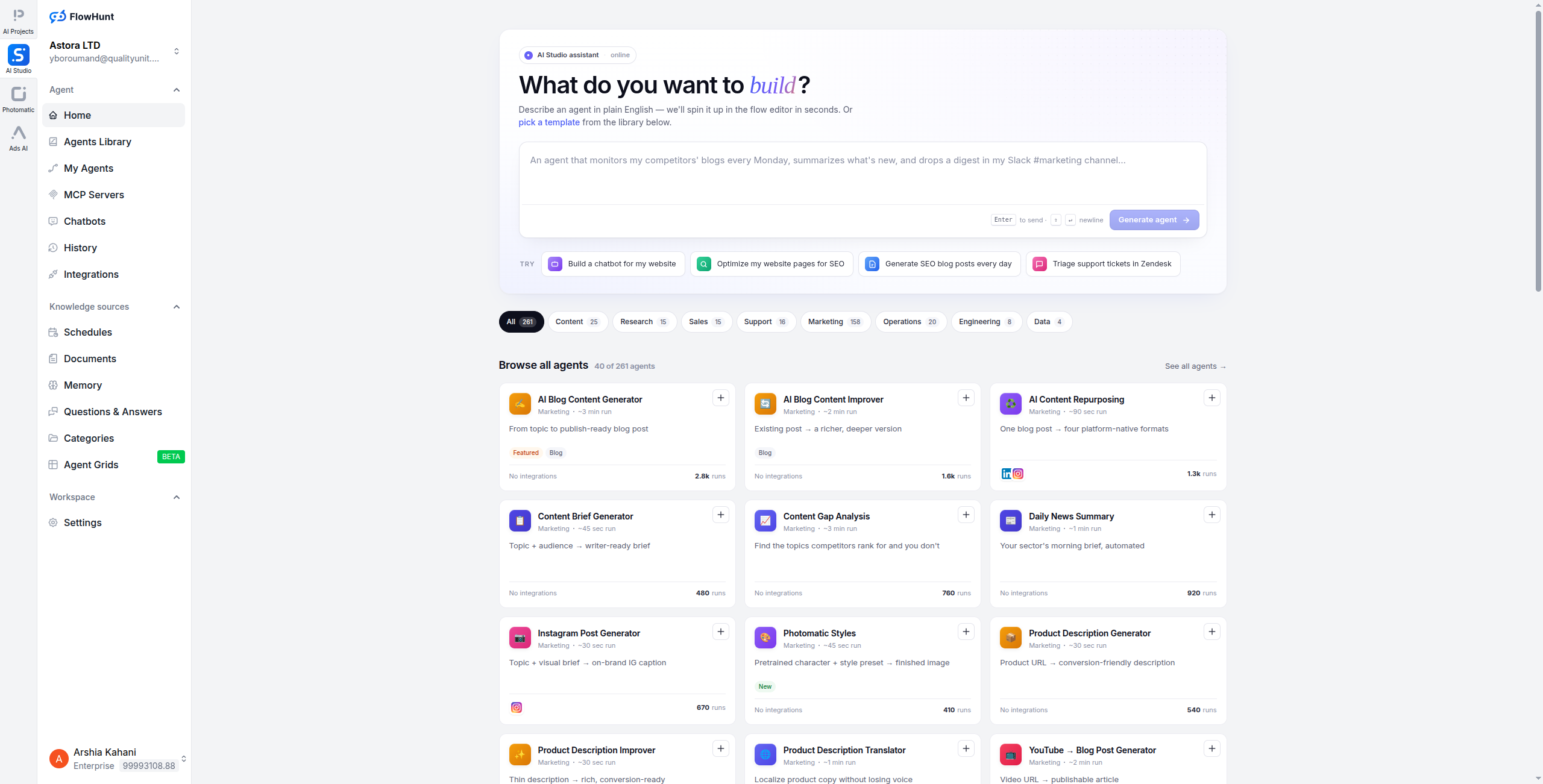
FlowHunt is a no-code platform built specifically for teams that need agents in production, not just demos. The core abstraction is a visual flow canvas where you wire together AI models, tools, data sources, and logic — and the result is a deployable agent that runs on a schedule, responds to webhooks, or powers a chatbot widget.
What makes it stand out:
1,400+ native integrations including Salesforce, HubSpot, Jira, Slack, Google Workspace, and all major AI APIs — no Zapier middleware needed
Multi-agent orchestration with explicit subagent handoffs, shared memory, and parallel execution
Model agnostic — run GPT-4o, Claude 3.5, Gemini 1.5, Mistral, or any custom endpoint from the same canvas
Hosted MCP servers — connect your internal tools to any Claude-based agent without building infrastructure
Built-in observability — every agent run is logged with inputs, outputs, latency, and token cost
Enterprise security — SSO, RBAC, SOC 2 posture, and a security layer between your internal systems and AI tools
Pricing: Free tier with generous limits. Paid plans are usage-based (pay for what you run). See the full pricing breakdown
.
Pros:
Zero code required for most production use cases
Fastest path from idea to deployed agent
Strong multi-agent and human-in-the-loop support
MCP server hosting removes the biggest integration bottleneck
Cons:
Deep custom model fine-tuning requires the API
Some advanced logic (conditional branching at scale) needs workflow discipline
Best for: Teams that need production AI agents running within days — especially marketing, SEO, and customer support workflows where no-code building and 1,400+ integrations cover most requirements without any coding.
Pro Tip: Start with one of FlowHunt’s AI agent templates
rather than from a blank canvas. The marketing content agent and customer support triage agent ship with pre-wired integrations — you can have something live in under 30 minutes and customise from there.
2. Relevance AI — Best for Business Teams Wanting Templates
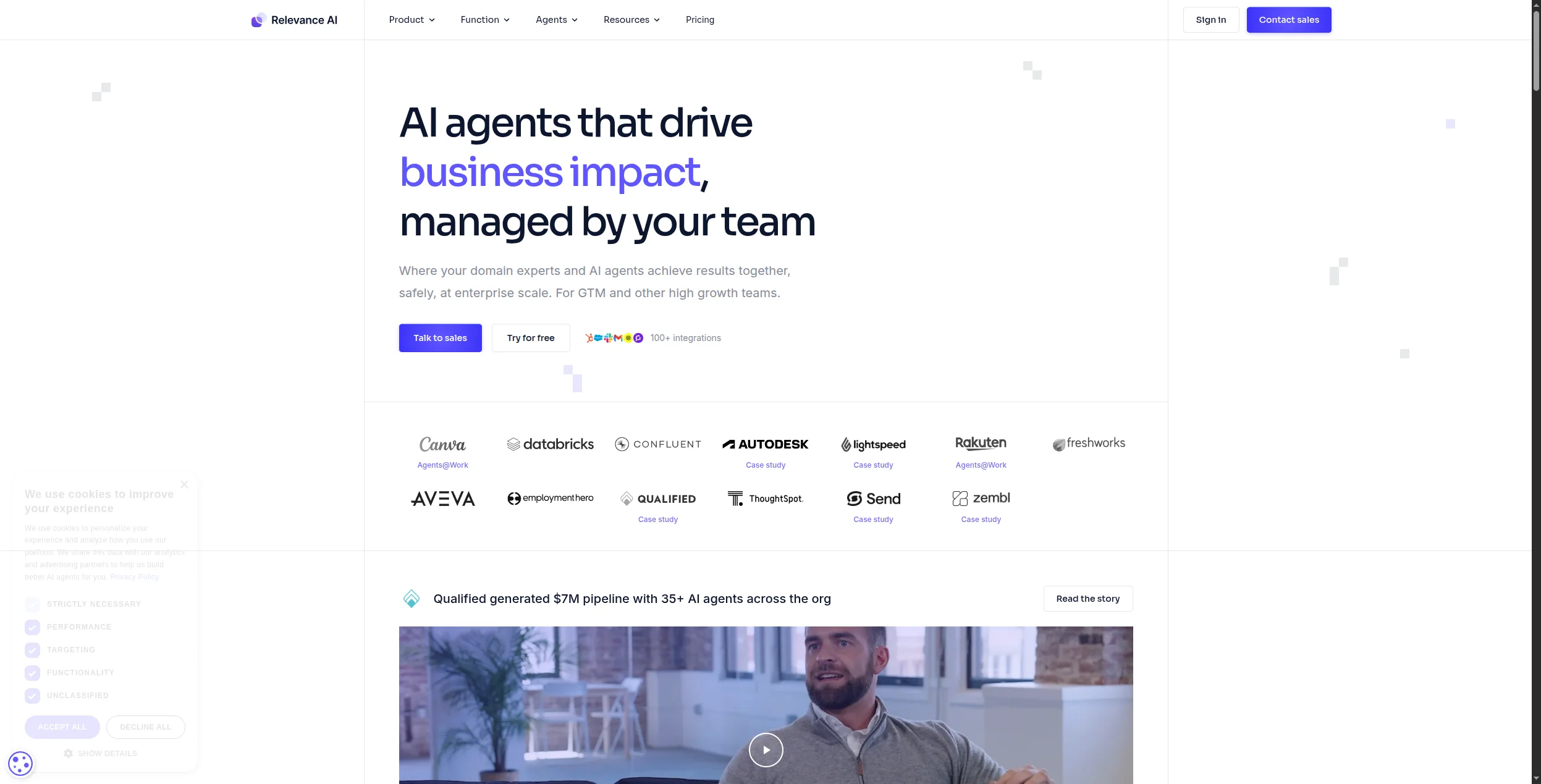
Relevance AI takes a “multi-agent workforce” approach: you build specialist agents (a researcher, a writer, a QA reviewer) and chain them together into a team. The library of pre-built templates — 200+ across sales, marketing, and operations — means most teams can get a working agent without starting from scratch.
The platform organises around three core building blocks. First, the Tool Builder lets you create reusable tools — web search, database queries, API calls, document lookups — that agents can invoke on demand. Second, the Agent Builder lets you chain those tools together with memory, conditional logic, and multi-step reasoning. Third, a built-in Knowledge Base connects documents, URLs, and databases so agents have context before they start working. This layered structure means non-technical users can assemble capable agents from primitives without writing a single line of code.
Relevance AI is particularly strong for revenue-team use cases: lead enrichment, prospect research, CRM updates, and outreach drafting all have polished templates. The integration with HubSpot
and Salesforce is first-class, and agents can trigger actions in those systems directly — not just read from them. The target user is a sales ops or marketing ops professional who wants production-ready agent workflows without a developer in the loop.
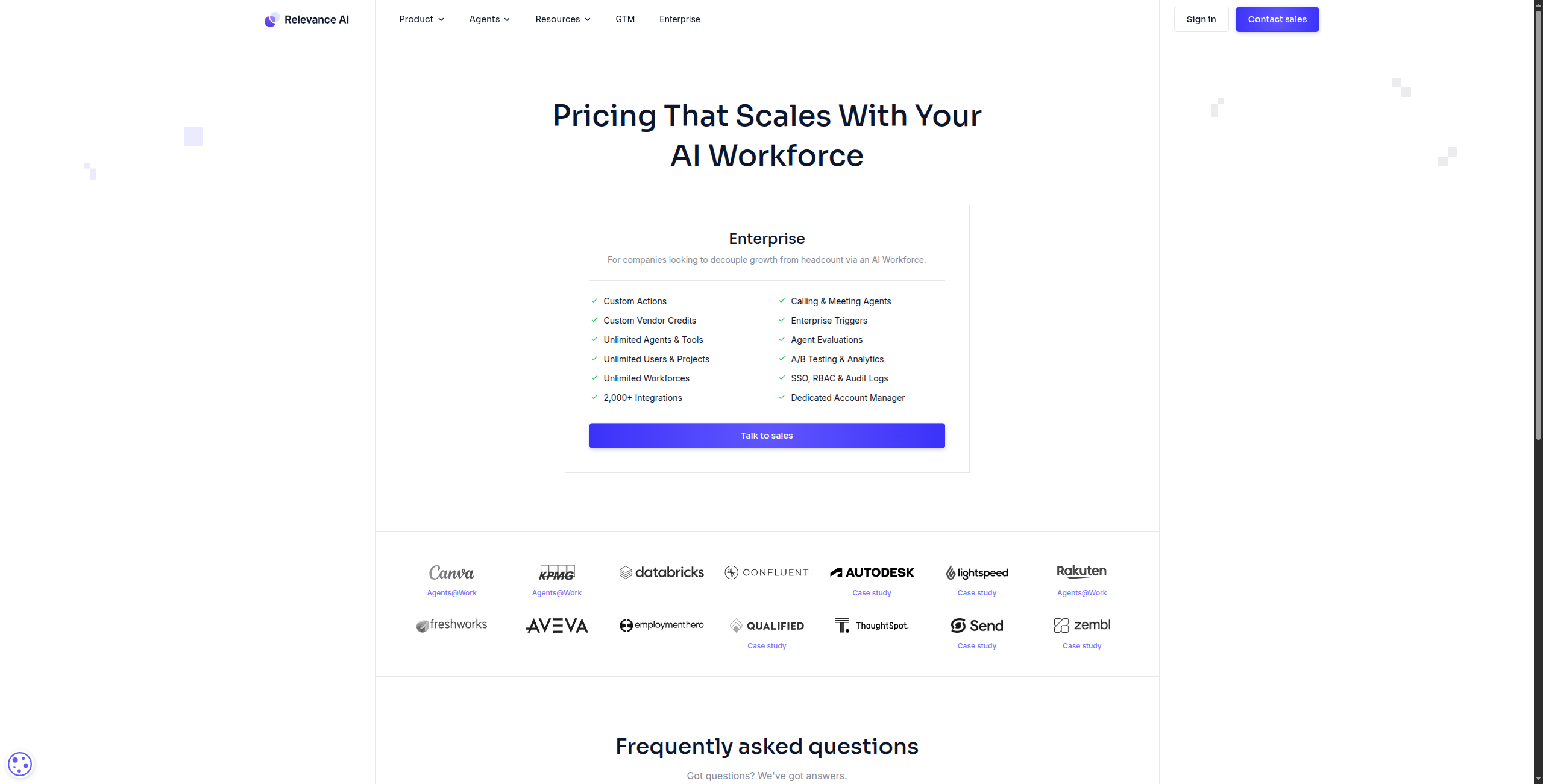
Pricing: Free plan (limited runs), Team $19/user/month, Business $199/month (includes higher run limits and priority support), Enterprise custom.
Pros:
200+ pre-built agent templates covering sales, marketing, and operations — most teams don’t need to start from scratch
Tool-building interface is genuinely intuitive: reusable tools can be assembled and tested independently before attaching them to an agent
Best for: Business teams (especially sales and marketing) that want to deploy AI agents from a rich template library without any coding.
Best for: Business teams (especially sales and marketing) that want to deploy AI agents from a rich template library without any coding.
Join our newsletter
Get latest tips, trends, and deals for free.
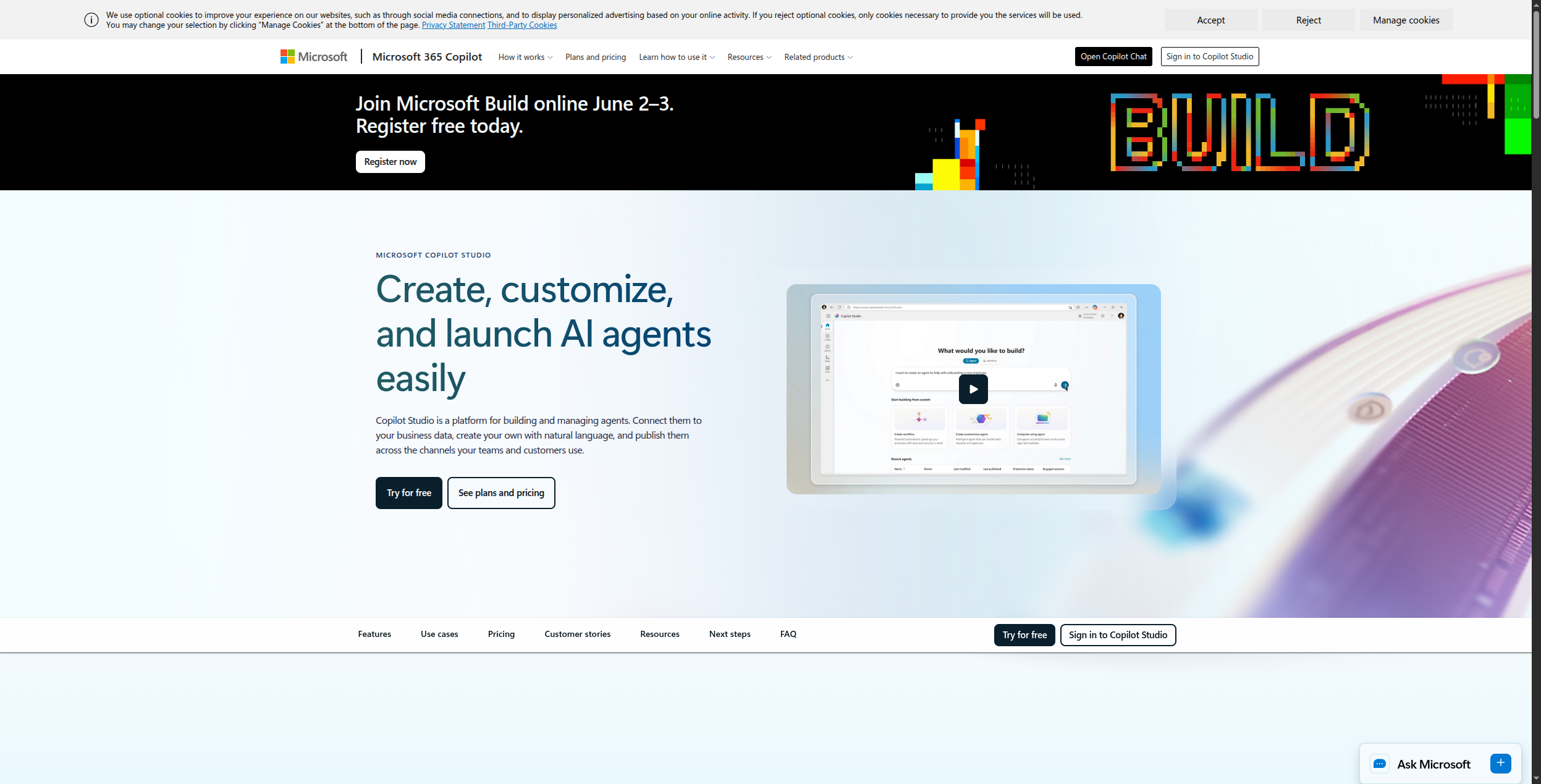
3. Microsoft Copilot Studio — Best for Microsoft 365 Enterprises
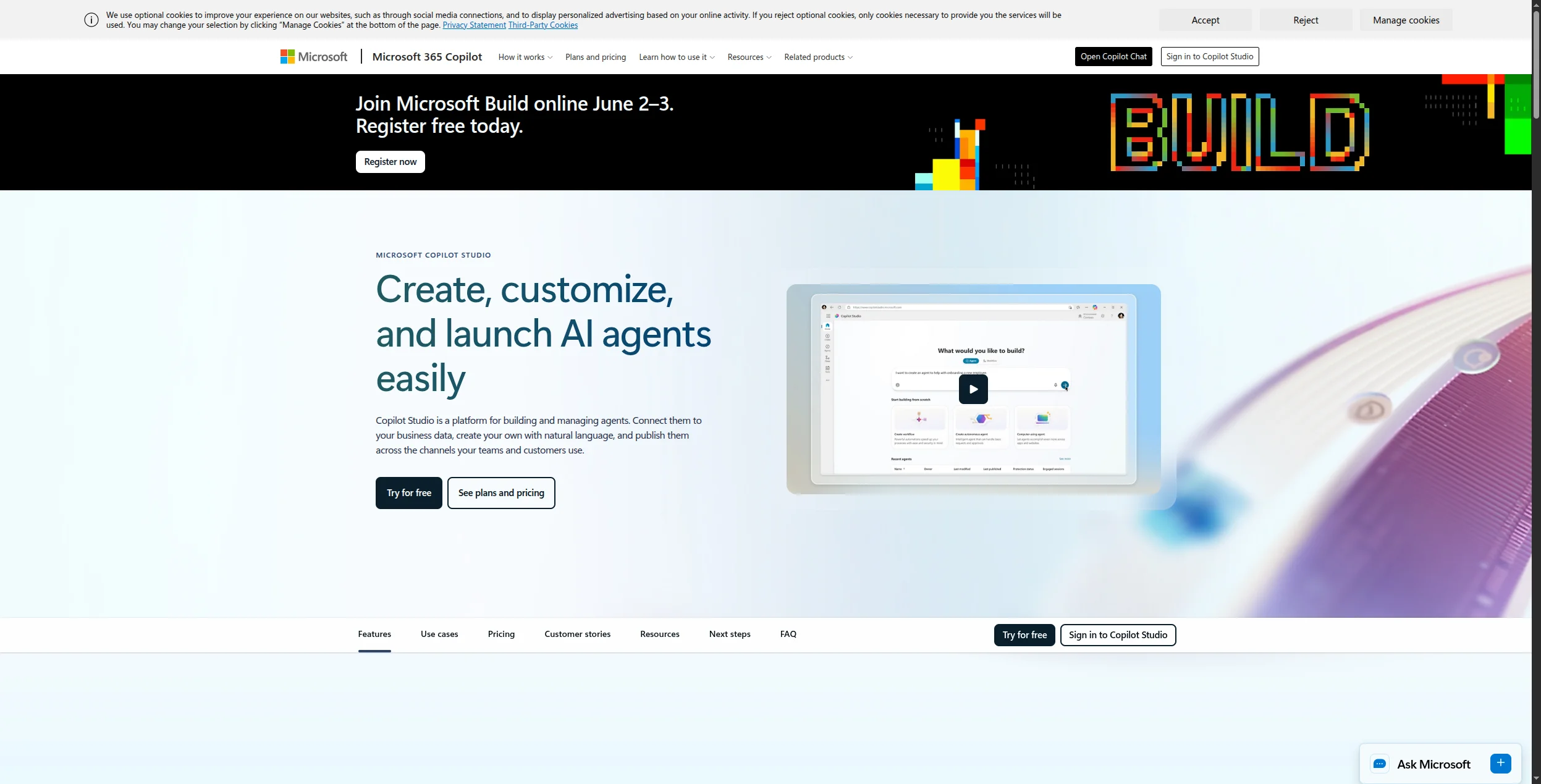
If your organisation runs on Teams, SharePoint, and Dynamics 365, Copilot Studio is the natural choice. Agents are built via a low-code canvas, deployed directly into Teams channels, and authenticated via Azure AD — no separate auth stack needed. Microsoft’s security posture (FedRAMP, GDPR, ISO 27001) satisfies most enterprise compliance requirements out of the box.
Copilot Studio evolved from Power Virtual Agents and is now the unified AI agent builder across the Power Platform. The canvas uses Power FX formulas for conditional logic, giving technically inclined users a spreadsheet-like expression language rather than requiring full code. Under the hood, agents run on the Microsoft Copilot runtime powered by Azure OpenAI Service, which means your data stays within your Microsoft tenant and benefits from Microsoft’s existing data processing agreements.
The platform’s key strength is the breadth of native connectors: Power Automate flows, SharePoint document libraries, Dataverse tables, SAP, Salesforce, and hundreds of other enterprise systems can all be called from an agent without leaving the Microsoft ecosystem. You can publish the same agent to Teams, SharePoint pages, web chat, and mobile simultaneously. For enterprises already using the Microsoft stack, this eliminates a significant amount of integration work. The compliance certifications — FedRAMP High, SOC 2, ISO 27001, and HIPAA — mean legal and security teams can usually approve deployments faster than with third-party platforms.
Pricing: $200/month per tenant (includes 25,000 messages), then $10 per additional 25 messages. A Microsoft 365 license is required to deploy into the Teams channel.
Pros:
First-class Teams, SharePoint, and Dynamics 365 integration — agents are embedded where employees already work
Mature enterprise governance: RBAC, DLP policies, full audit logs, and conditional access via Azure AD
FedRAMP High, SOC 2, ISO 27001, and HIPAA certifications satisfy most regulated-industry requirements
Power Automate connector library (hundreds of enterprise systems) available natively without middleware
Single tenant pricing model means cost is predictable as headcount grows
Cons:
Almost entirely useless if your organisation is not on Microsoft 365 — the platform is deeply coupled to the Microsoft ecosystem
Per-tenant pricing at $200/month can feel expensive for small teams, especially when message overages at $10/25 messages add up
Customising beyond Microsoft’s native connectors requires Power Automate expertise, adding a second learning curve
Model flexibility is limited — you cannot easily swap in Claude, Gemini, or open-source models
Best for: Microsoft 365 enterprises that need AI agents deployed inside Teams and SharePoint, with Azure AD authentication and enterprise-grade compliance out of the box.
Best for: Microsoft 365 enterprises that need AI agents deployed inside Teams and SharePoint, with Azure AD authentication and enterprise-grade compliance out of the box.
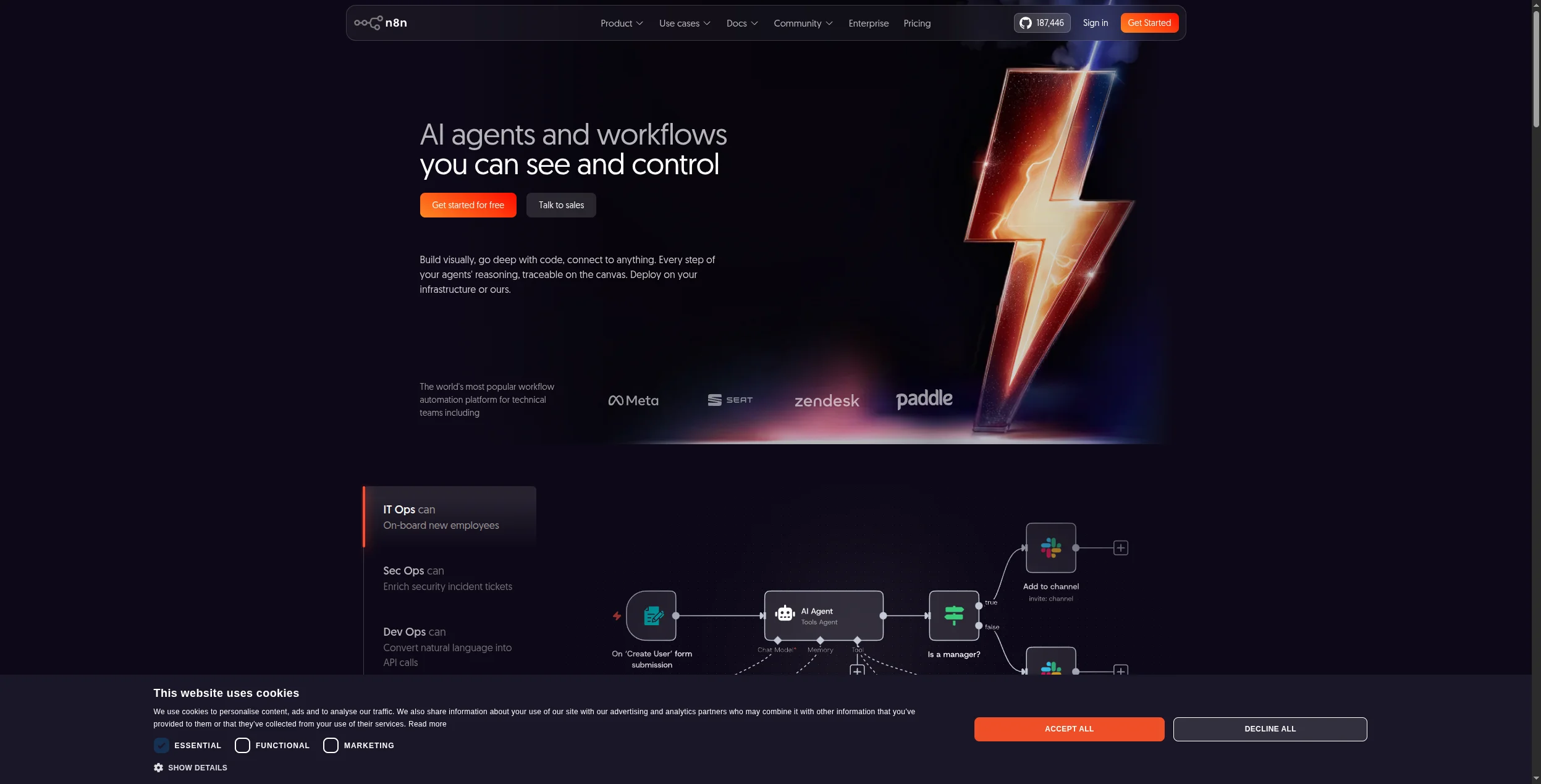
4. n8n — Best Open-Source Option for Developers
n8n is the most popular self-hosted automation platform and has shipped serious AI agent capabilities: LLM nodes, tool-calling, memory stores, and a visual agent builder. The community maintains hundreds of integrations, and the fact that it’s fair-code licensed (source-available, free for self-hosted use) means you can inspect and fork the source code.
Founded in 2019, n8n gained its initial following as a self-hostable Zapier alternative. The AI pivot happened in earnest with dedicated AI Agent nodes that expose tool-calling, memory, and multi-step reasoning directly in the workflow canvas. The AI Agent node supports three memory architectures — buffer memory (last N messages), window memory (token-based sliding window), and vector store memory for semantic retrieval — which gives developers precise control over what context an agent carries between steps. LLM connections cover all major providers: OpenAI, Anthropic, Hugging Face, and local models via Ollama.
Vector store integrations are a particular strength: Pinecone, Weaviate, Qdrant, and Chroma all have native nodes, making it straightforward to build RAG pipelines alongside agentic logic in the same workflow. The platform also exposes JavaScript and Python code nodes for any logic that doesn’t fit a pre-built node, and the 400+ native integrations cover most enterprise systems. Self-hosting via Docker or npm means your data never leaves your infrastructure — a critical requirement for healthcare, finance, and government deployments. For teams comfortable operating their own services, n8n is the most capable self-hosted option in this category.
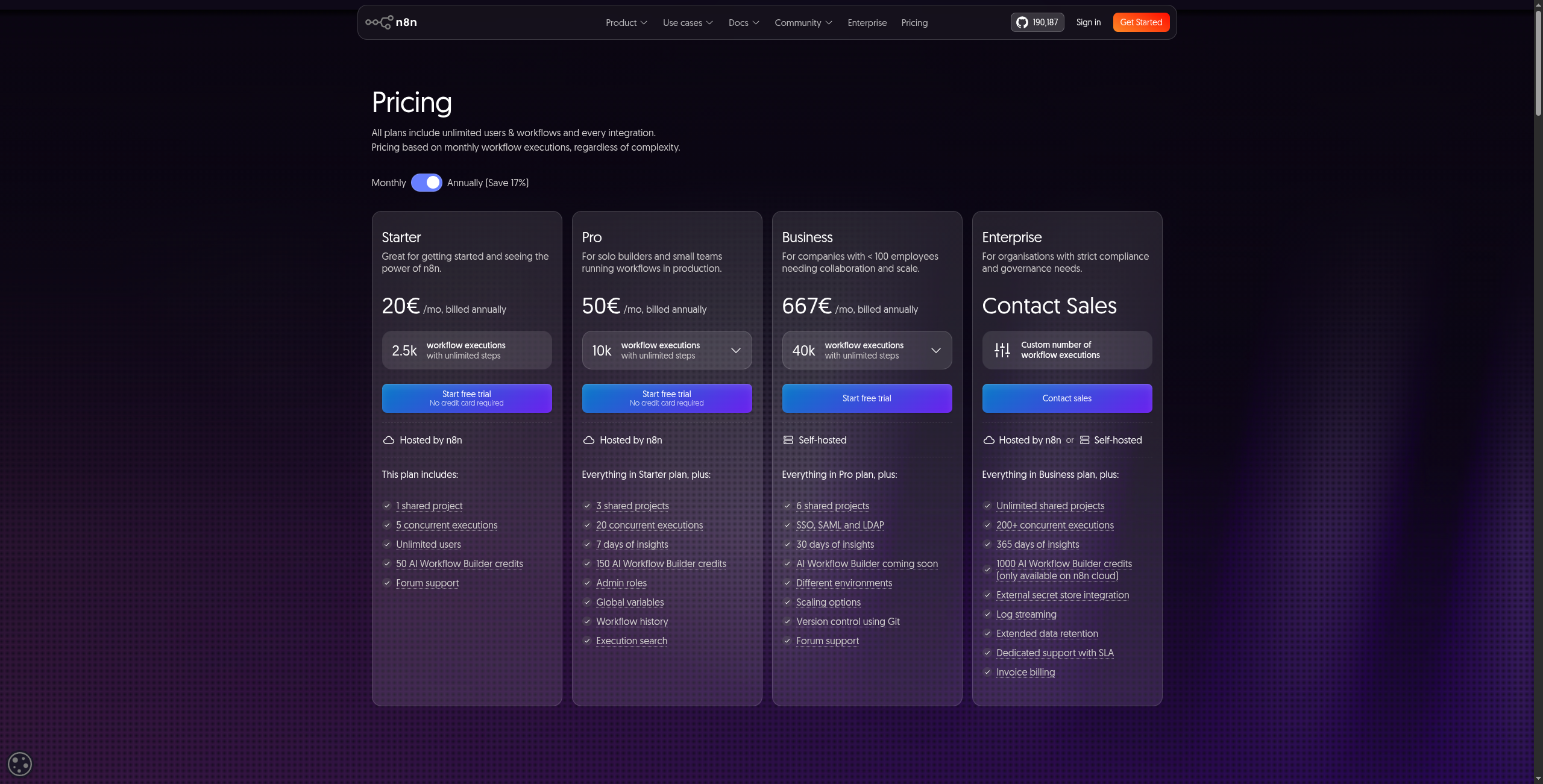
Pricing: Self-hosted community edition is free with no limits. Cloud plans: Starter $20/month (2,500 workflow executions), Pro $50/month (higher limits and execution history), Enterprise custom pricing.
Pros:
Fully self-hostable via Docker or npm — data stays on your infrastructure, critical for regulated industries
400+ native integrations with active community maintenance and a fast release cadence
Three memory architectures (buffer, window, vector store) give fine-grained control over agent context
Native vector store nodes for Pinecone, Weaviate, Qdrant, and Chroma enable RAG pipelines without middleware
JavaScript and Python code nodes cover any logic that doesn’t fit a pre-built node
Cons:
AI agent features are newer and less polished than dedicated platforms — edge cases require workarounds
Debugging multi-step agent runs lacks the purpose-built observability layer that dedicated agent platforms provide
Scaling self-hosted deployments requires DevOps capacity — queue management, worker nodes, and database ops all fall on your team
No built-in multi-agent orchestration; complex agent handoffs must be hand-wired in the workflow
Best for: Technical teams that need a self-hosted, open-source AI agent builder with full data control and no vendor lock-in.
Best for: Technical teams that need a self-hosted, open-source AI agent builder with full data control and no vendor lock-in.
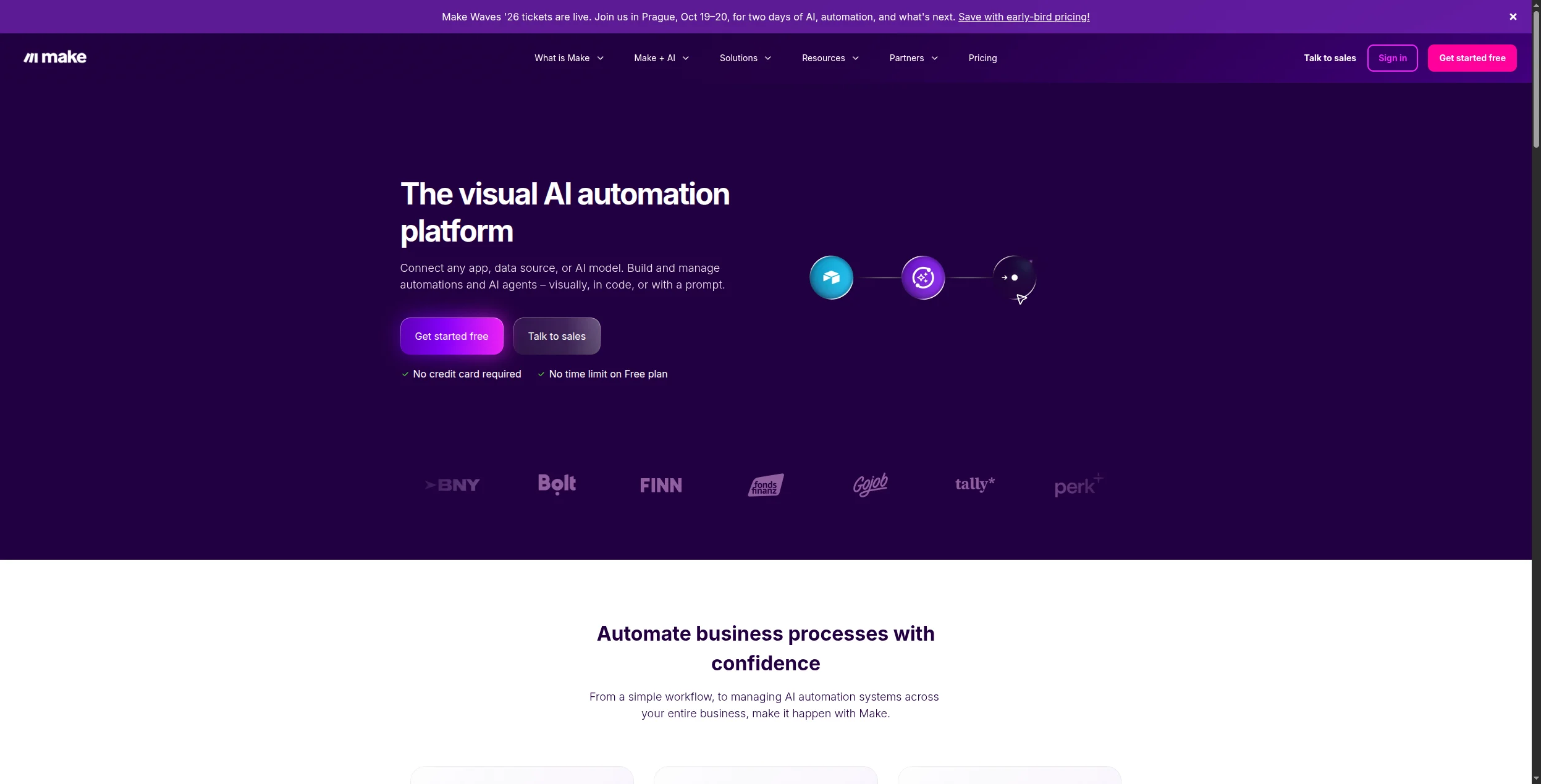
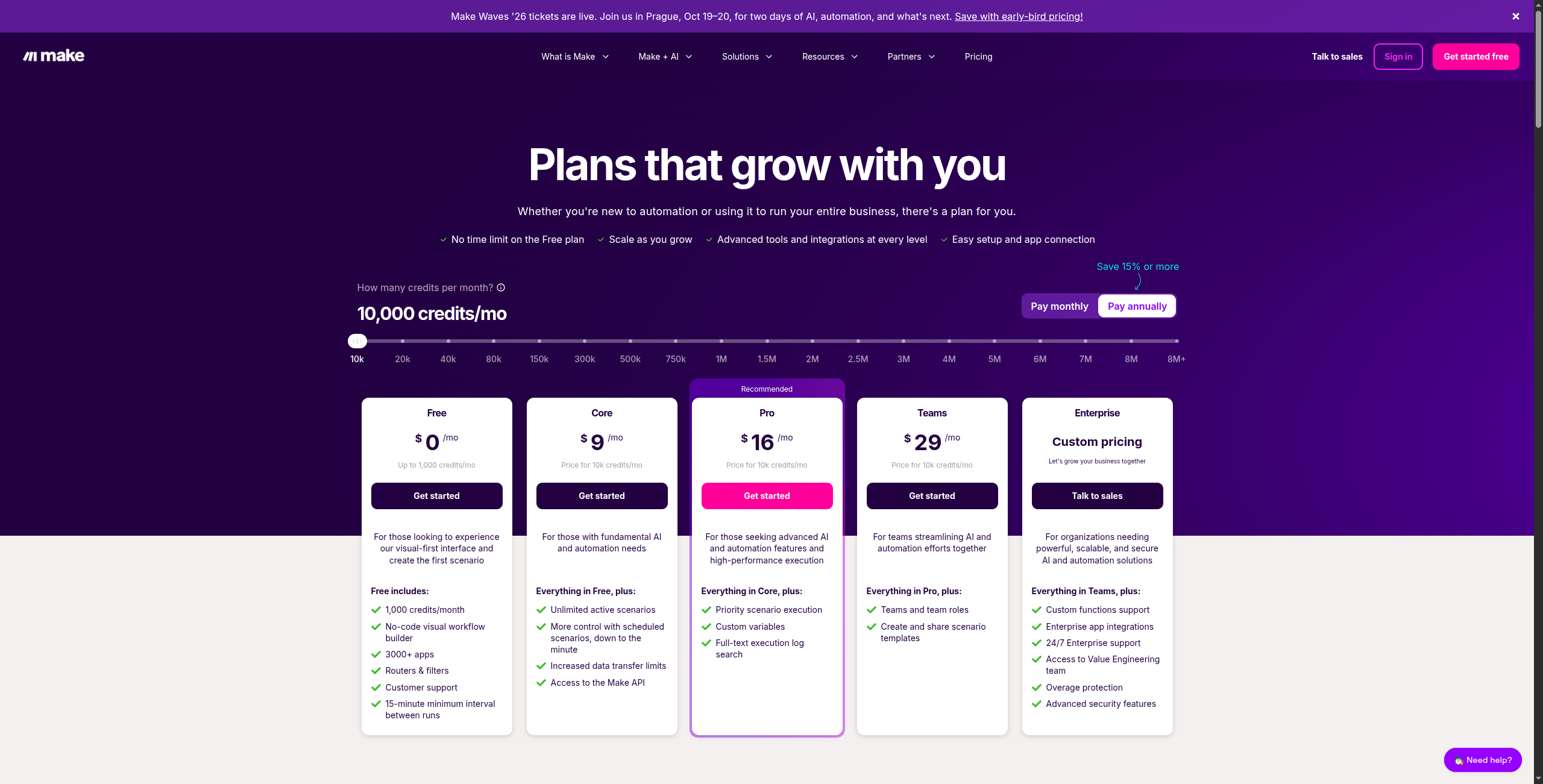
5. Make — Best for SMBs Already Using It for Automation
Make (formerly Integromat) has the deepest integration catalog of any automation platform — 1,800+ apps — and has added AI capabilities via OpenAI, Anthropic, and HTTP modules. For teams that already have Make automations and want to add an AI reasoning layer, it’s the least-friction upgrade path.
The platform’s visual “scenario” builder is one of the most mature in the automation space. Each scenario is a canvas of connected modules: data flows left to right, and you can insert AI modules — an OpenAI call, an Anthropic message, or a raw HTTP request to any LLM API — anywhere in that chain. Make’s flow control primitives are particularly strong: routers split data into parallel branches based on conditions, iterators process arrays item by item, and aggregators collect results back into a single record. This makes it practical to build workflows where an LLM generates a list of items and downstream modules process each one independently.
Error handling is a standout feature often overlooked in AI agent discussions: Make supports auto-retry with configurable intervals, fallback routes that execute when a module fails, and error email notifications — all configured visually. Every scenario execution is logged with full input and output for each individual module, which makes debugging AI step failures straightforward. For teams already running dozens of Make scenarios, adding AI reasoning to existing automation logic requires almost no ramp-up time. The limitation is that this is still fundamentally a sequential automation tool, not an agent framework — there is no concept of autonomous reasoning, memory, or tool selection.
Pricing: Free plan (1,000 operations/month), Core $9/month (10,000 ops), Pro $16/month (10,000 ops with advanced features), Teams $29/month, Enterprise custom.
Pros:
1,800+ app integrations — one of the widest catalogs in the automation space, covering nearly any tool an SMB team uses
Generous free tier at 1,000 operations/month with no time limit, genuinely useful for low-volume use cases
Full execution history with input and output logged for every module step — makes debugging AI failures fast and transparent
Router, iterator, and aggregator primitives make it practical to process LLM-generated lists in parallel branches
Mature error handling: auto-retry, fallback routes, and error notifications are all configurable without code
Cons:
Not purpose-built for AI agents — LLM modules are additions to an automation tool, not a first-class agent runtime
Complex agent logic (branching memory, multi-step reasoning, tool selection) gets visually messy and hard to maintain
No native multi-agent orchestration — there is no concept of autonomous agents handing tasks to one another
The HTTP module workaround for newer LLM APIs requires manual JSON handling that can break on API updates
Best for: SMBs already using Make for automation who want to add AI reasoning layers to existing workflows without migrating to a new platform.
Best for: SMBs already using Make for automation who want to add AI reasoning layers to existing workflows without migrating to a new platform.
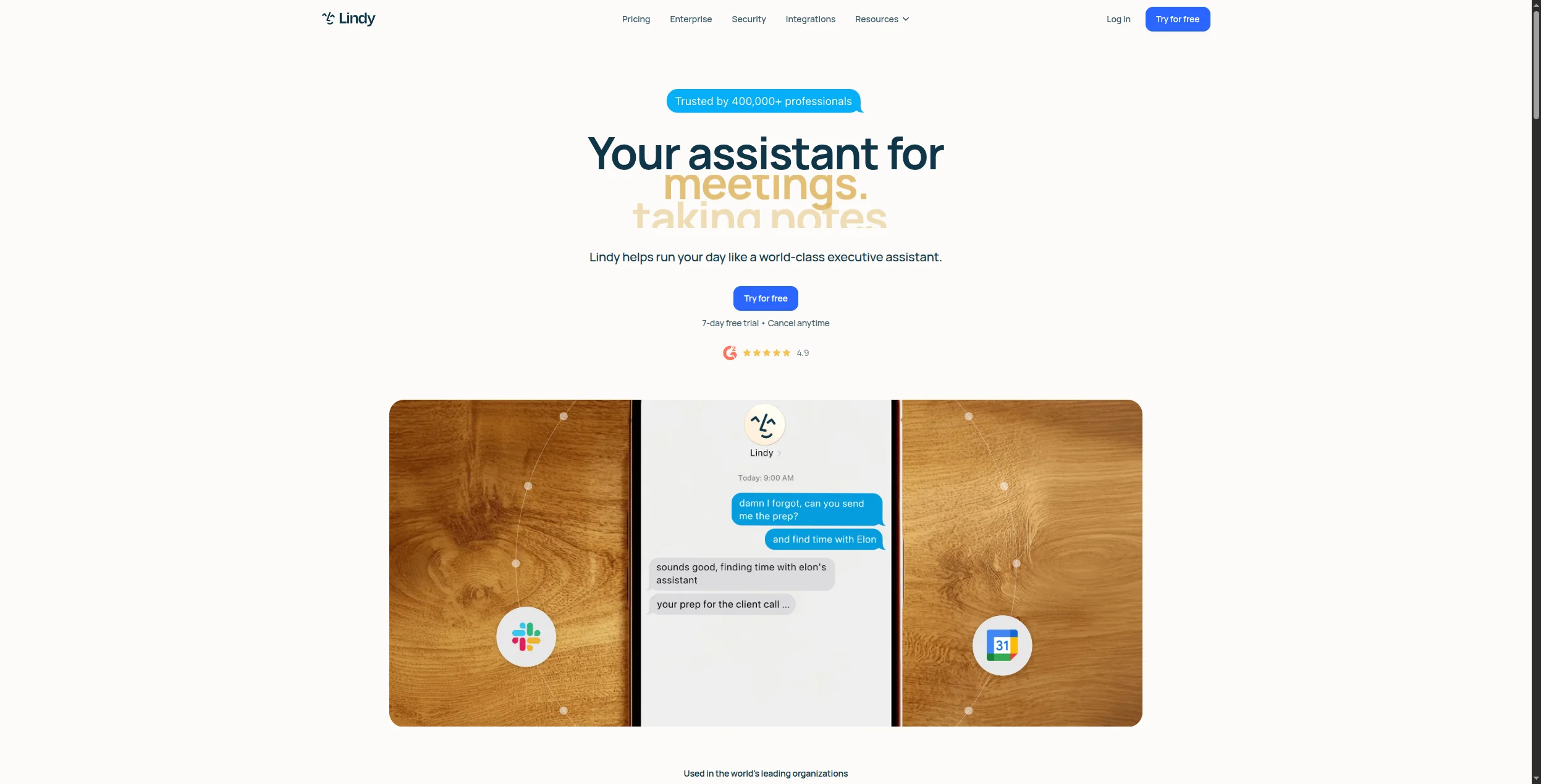
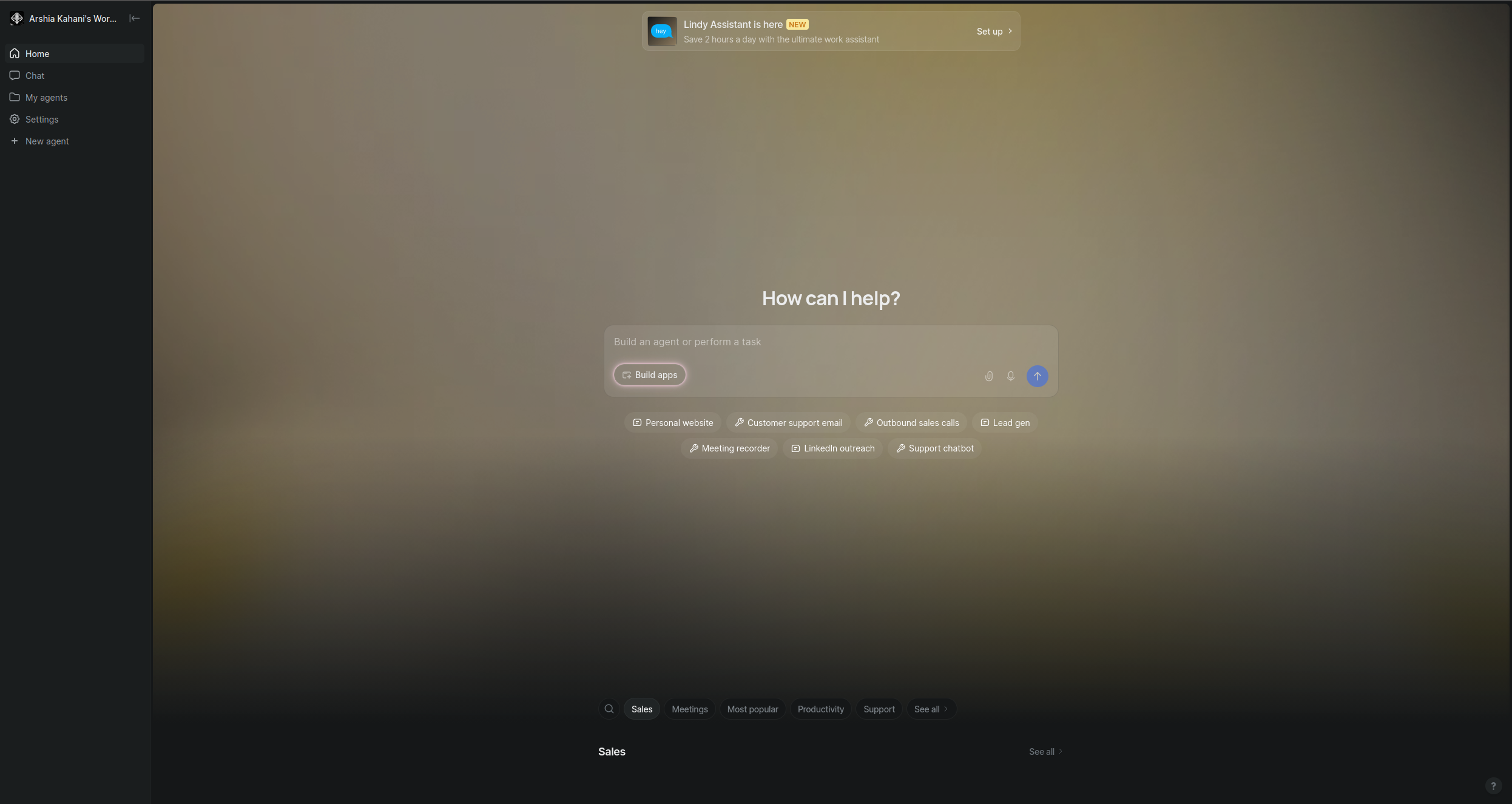
6. Lindy — Best for Individual Users and Small Teams
Lindy positions itself as an AI employee you can hire for a specific job: email management, meeting scheduling, research, or customer follow-up. Setup is conversational — you describe the task in plain language and Lindy figures out the workflow. It’s the closest thing on this list to “just describe it and it runs.”
Founded in 2023, Lindy leans into the “AI employee” framing more explicitly than most competitors. Each agent — called a Lindy — is configured by describing its job in natural language: “Monitor my inbox, flag anything from a customer that needs a reply within 24 hours, draft a response using context from HubSpot, and add the interaction to the CRM.” The platform interprets that description and wires up the appropriate integrations and logic. There is no visual canvas; configuration is entirely through natural language and a structured form that reveals settings as you need them.
Built-in capabilities cover the most common individual and small-team workflows: email triage and drafting, meeting scheduling via Calendly integration, CRM sync with HubSpot and Salesforce, and customer support ticket handling. Lindy also has a memory layer — it learns from your interactions over time, adjusting its behaviour based on corrections and feedback. With over 4,000 available action steps and multi-Lindy workflows (where one agent triggers and coordinates others), the platform can handle more complexity than its consumer-friendly interface suggests. The target user is a founder, executive, or small operations team who wants an assistant that handles repetitive communication tasks autonomously without a workflow builder learning curve.
Pricing: Free plan (limited tasks per month), Pro from $49.99/month with higher action limits, Teams pricing available for multi-seat deployments.
Pros:
Fastest setup of any platform on this list for standard productivity workflows — describe the job, Lindy builds the workflow
Genuinely conversational configuration: no visual canvas or node-wiring required, accessible to non-technical users immediately
Strong email and calendar integrations with Gmail, Outlook, and Calendly built in and working out of the box
Memory layer learns from your corrections and feedback, making agents progressively more accurate over time
Multi-Lindy workflows let you chain agents for more complex scenarios without abandoning the natural-language interface
Cons:
Limited for complex, enterprise-grade production workflows — the natural-language-only interface becomes a ceiling for advanced logic
Less control over agent reasoning and tool selection compared to visual or code-based platforms
Pricing jumps sharply from the free tier to Pro ($49.99/month), with limited middle ground for light-use paid scenarios
Relatively young platform (founded 2023) with a smaller integration catalog than established tools like Zapier or Make
Best for: Individuals and small teams who need AI assistants for productivity tasks like email management, meeting scheduling, and CRM updates — configured in plain English with minimal setup.
Best for: Individuals and small teams who need AI assistants for productivity tasks like email management, meeting scheduling, and CRM updates — configured in plain English with minimal setup.
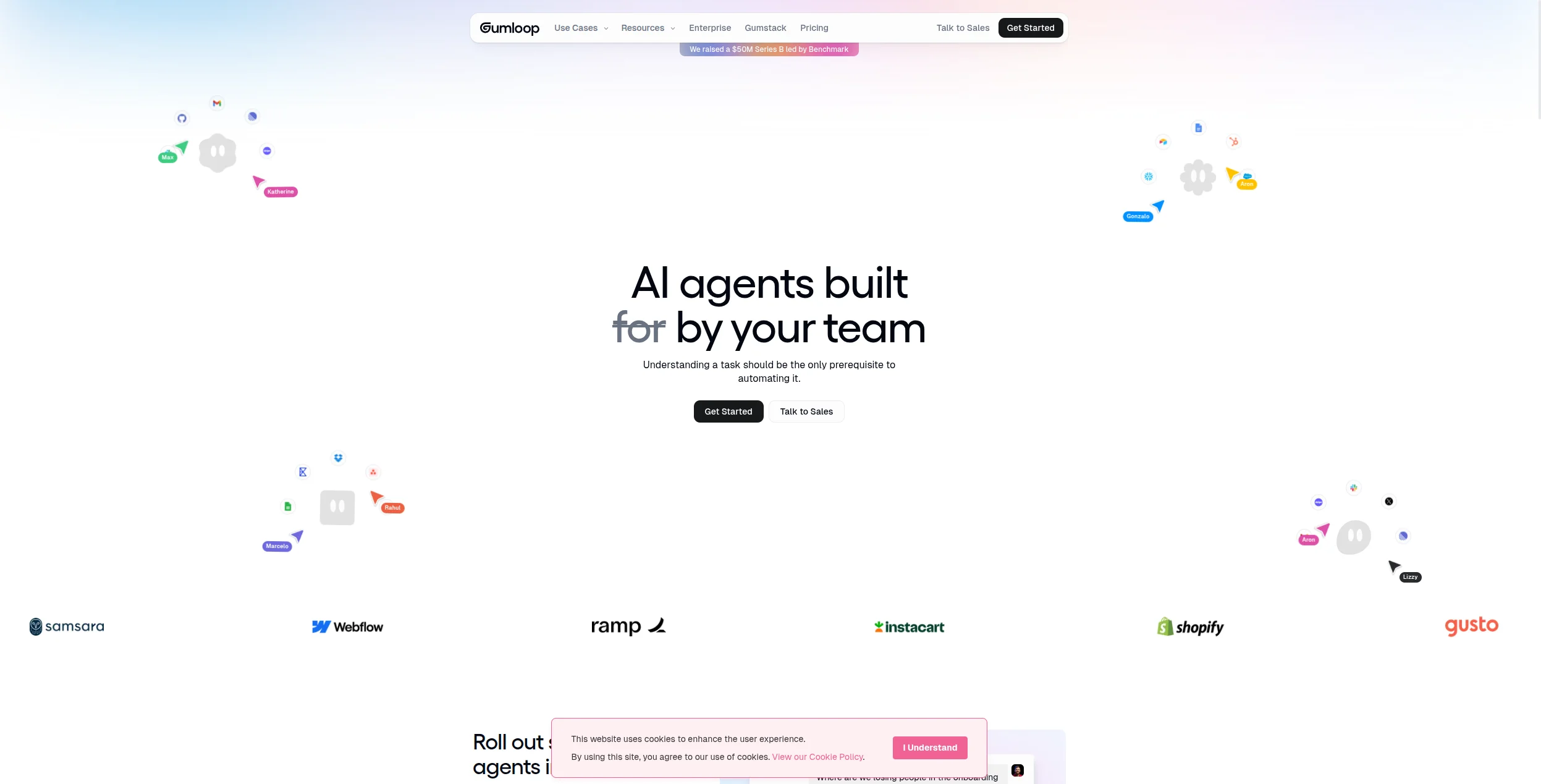
7. Gumloop — Best for Content and Research Workflows
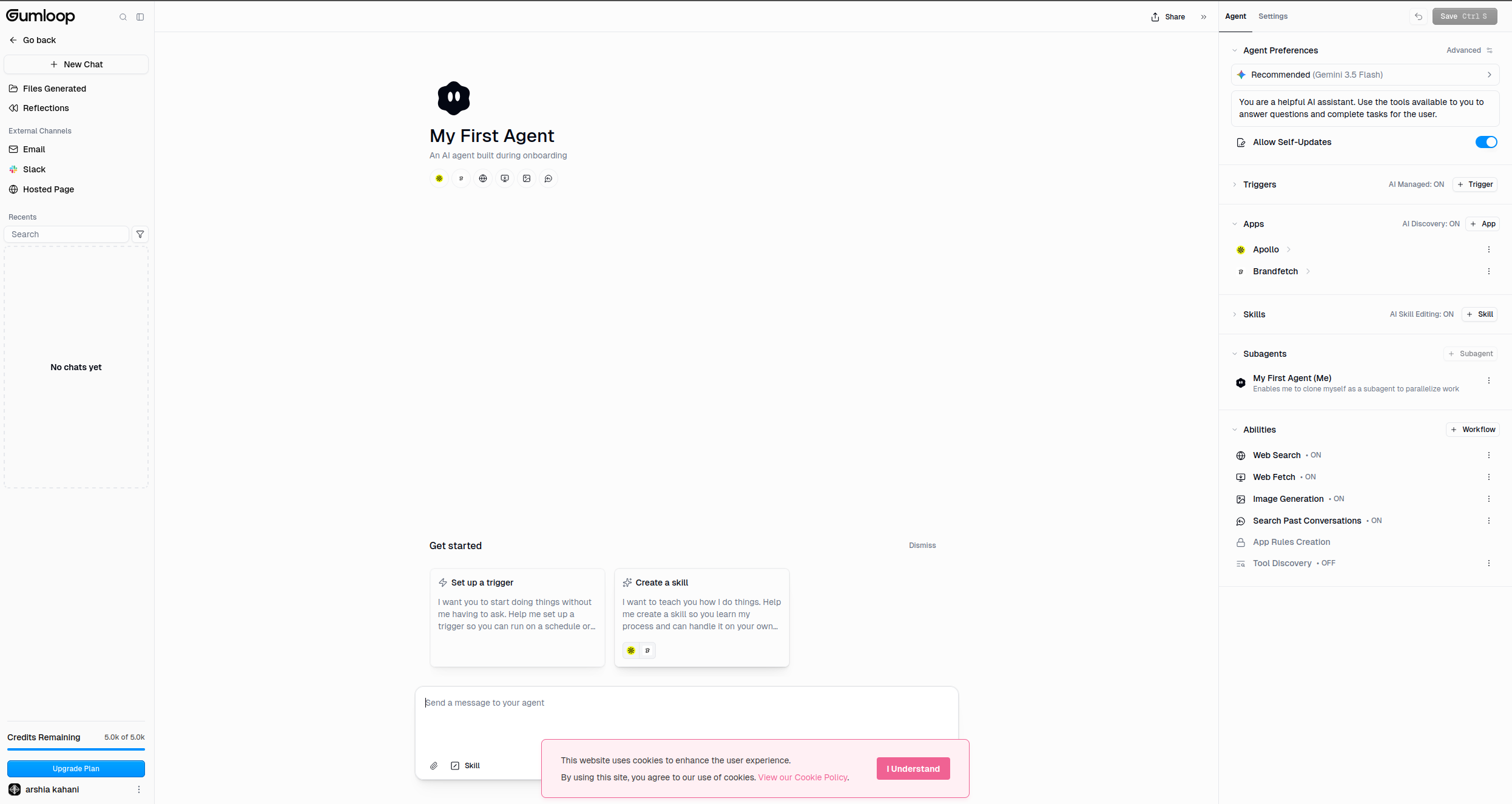
Gumloop is built around a drag-and-drop canvas and is optimised for workflows where the output is content: research reports, blog drafts, SEO briefs, competitive analyses. It has strong web scraping and search tool support, and the visual editor makes it accessible to non-technical marketers.
The platform’s node library is purpose-built for content production: web scraping, Google and Bing search, LLM text generation, file processing, and code execution are all first-class nodes. A typical Gumloop workflow might pull a list of target keywords from a Google Sheet, run a search for each, scrape the top-ranking pages, pass the content through an LLM to extract key themes, and produce a structured brief — all without code. The canvas is clean and approachable for marketers and content strategists who are not engineers.
CSV and file inputs enable bulk processing: you can feed a spreadsheet of 500 competitor URLs and run the same analysis pipeline across all of them in a single run. Workflows can also be deployed as API endpoints, letting developers trigger Gumloop pipelines from other systems. Integrations focus on the tools content teams actually use: Google Sheets, Slack, HubSpot, and Airtable are all supported. The platform is particularly popular for SEO research pipelines, competitor analysis, and automated blog writing workflows — use cases where the content team needs repeatable AI-assisted production rather than a general-purpose automation tool.
Pricing: Free tier (limited runs per month), Starter $97/month, Growth $297/month. No per-seat pricing — plans are based on workflow runs.
Pros:
Purpose-built node library for content production: web scraping, search, LLM generation, and file processing in one canvas
CSV and file inputs enable bulk processing — run the same workflow across hundreds of URLs or records in a single job
Clean, accessible interface that non-technical content marketers and SEO specialists can use without training
API endpoint deployment lets other tools trigger Gumloop pipelines programmatically
Strong for SEO research, competitor analysis, and automated brief generation workflows specifically
Cons:
Not designed for enterprise-scale or complex multi-agent systems — the platform’s depth ends at content automation
More limited integration catalog than FlowHunt or Make; enterprise system connectors are sparse
Pricing is relatively high for the feature set — $97/month Starter is steep for teams with light workflow volume
Less observability and error handling than general-purpose automation platforms
Best for: Content teams and marketers who need drag-and-drop workflows for producing research reports, blog drafts, SEO briefs, and competitive analyses.
Best for: Content teams and marketers who need drag-and-drop workflows for producing research reports, blog drafts, SEO briefs, and competitive analyses.
8. LangChain / LangGraph — Best Developer Framework
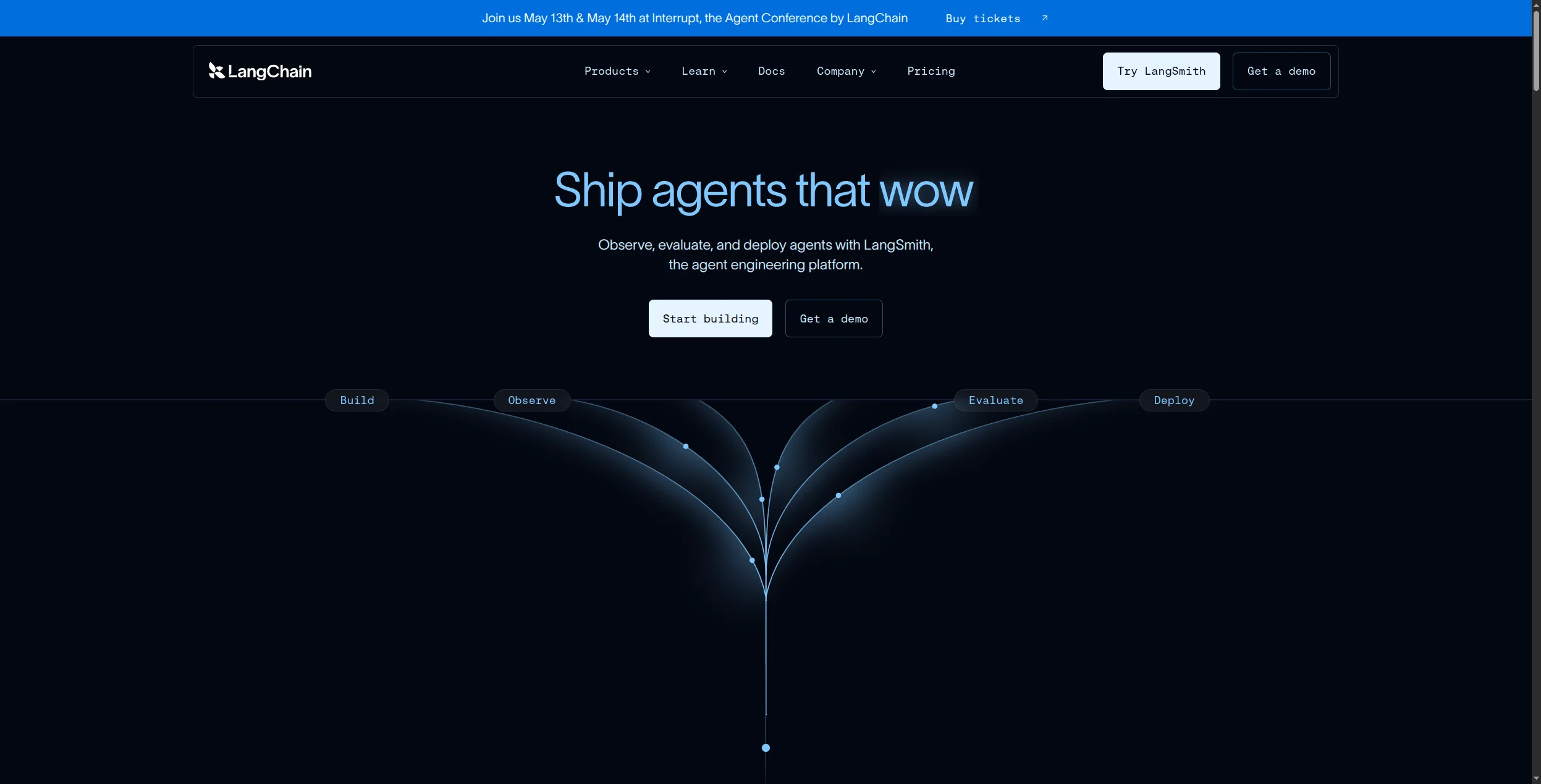
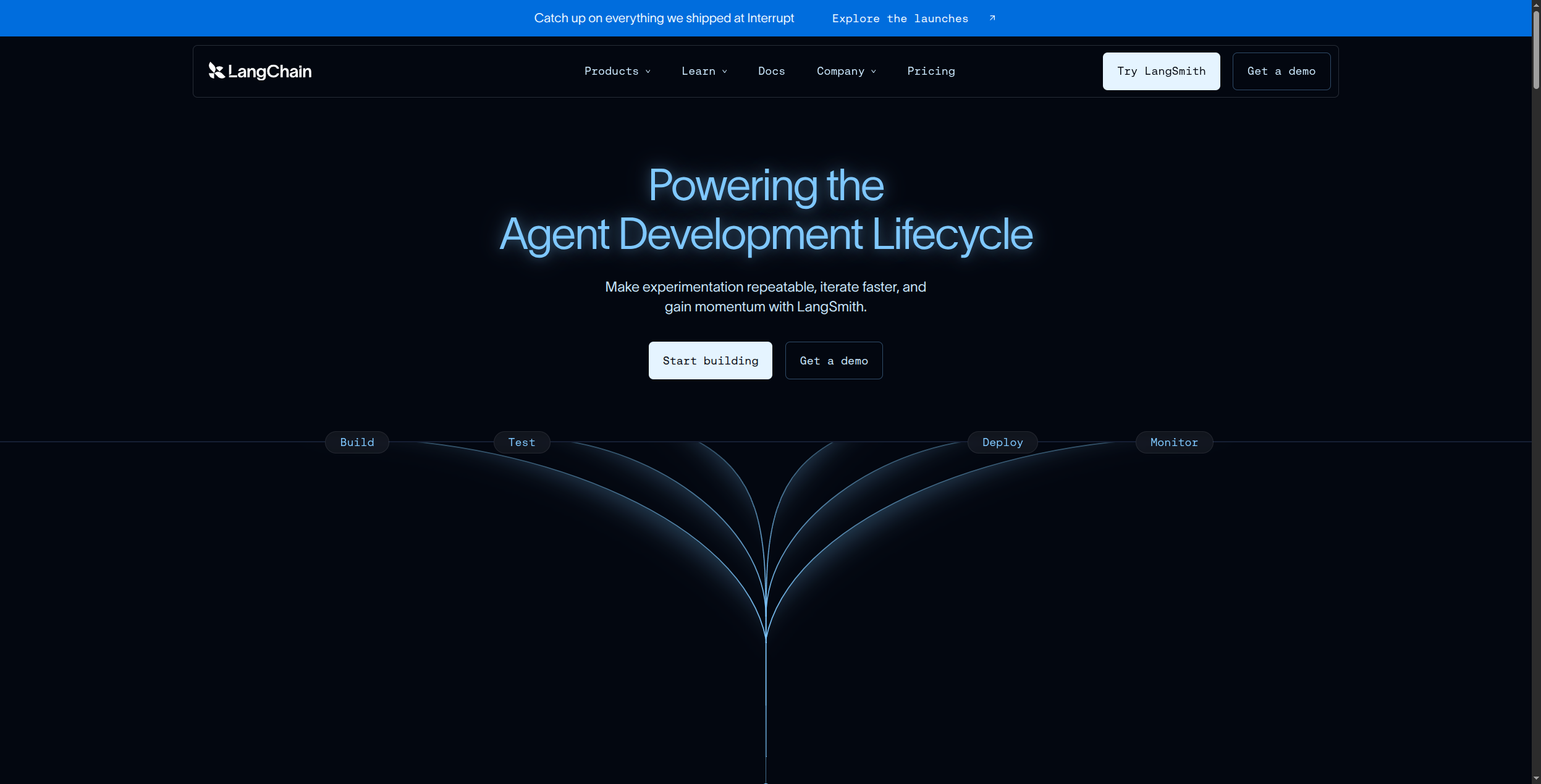
LangChain is the most widely used library for building LLM-powered applications; LangGraph is its stateful agent extension. If you want maximum control over agent reasoning, memory management, and tool orchestration — and you have Python developers — LangGraph gives you that control. The tradeoff is that you’re writing code, not configuring a UI.
LangChain provides the foundational primitives used by millions of developers globally: Chains (sequences of LLM calls and transformations), Agents (LLM-driven reasoning loops that select and invoke tools), Memory (session and persistent state), Retrievers (vector search and document loading), and a unified interface to 100+ LLM providers and 100+ vector stores. Available in both Python and JavaScript/TypeScript SDKs, it covers virtually every combination of model and data store a developer might need. LangServe adds one-command deployment of chains as REST APIs.
LangGraph extends this foundation for stateful, multi-actor agents. Where LangChain chains are linear, LangGraph agents are graphs: nodes represent agent states or actions, edges define transitions, and cycles allow agents to loop back and self-correct. This graph architecture is what enables the conditional branching, multi-agent handoffs, and human-in-the-loop interrupt points that production agents require. The complementary LangSmith platform adds observability — tracing every LLM call, tool invocation, and memory operation in a timeline view with latency and token cost. For teams debugging why an agent made a wrong decision three steps into a complex reasoning chain, LangSmith is the most capable diagnostic tool in the ecosystem.
Pricing: LangChain and LangGraph are open-source and completely free. LangSmith (the observability platform) offers a Developer plan from $39/month; team and enterprise tiers are available.
Pros:
Maximum flexibility and customisation — if an LLM pattern exists, LangChain has a primitive for it
100+ LLM providers, 100+ vector stores, and 100+ document loaders through a unified interface, eliminating vendor lock-in
LangSmith provides the most capable observability in the ecosystem — trace every LLM call, tool invocation, and memory operation
Used by millions of developers globally with an extensive community, tutorials, and third-party tooling
Cons:
Significant upfront engineering investment — production agents require solid Python skills and software architecture knowledge
No visual interface or UI for non-technical team members; everything is code
Maintenance burden grows with agent complexity — dependency management and LangChain version upgrades have historically been painful
LangSmith adds cost ($39+/month) on top of the free frameworks for the observability most production deployments actually need
Best for: Python developer teams building custom AI applications where maximum control over agent reasoning, memory management, and tool orchestration is essential.
Best for: Python developer teams building custom AI applications where maximum control over agent reasoning, memory management, and tool orchestration is essential.
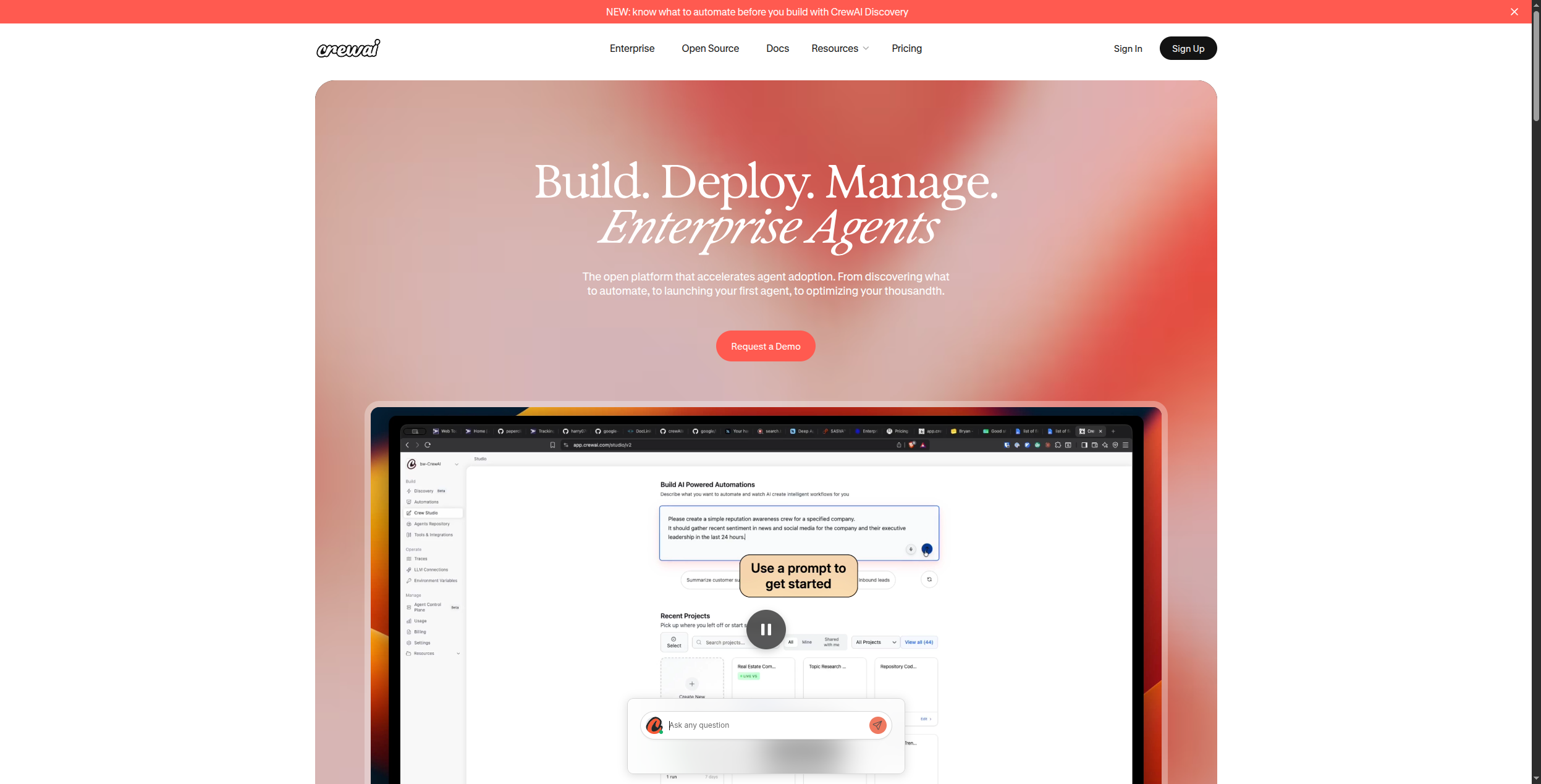
9. CrewAI — Best for Role-Based Multi-Agent Orchestration
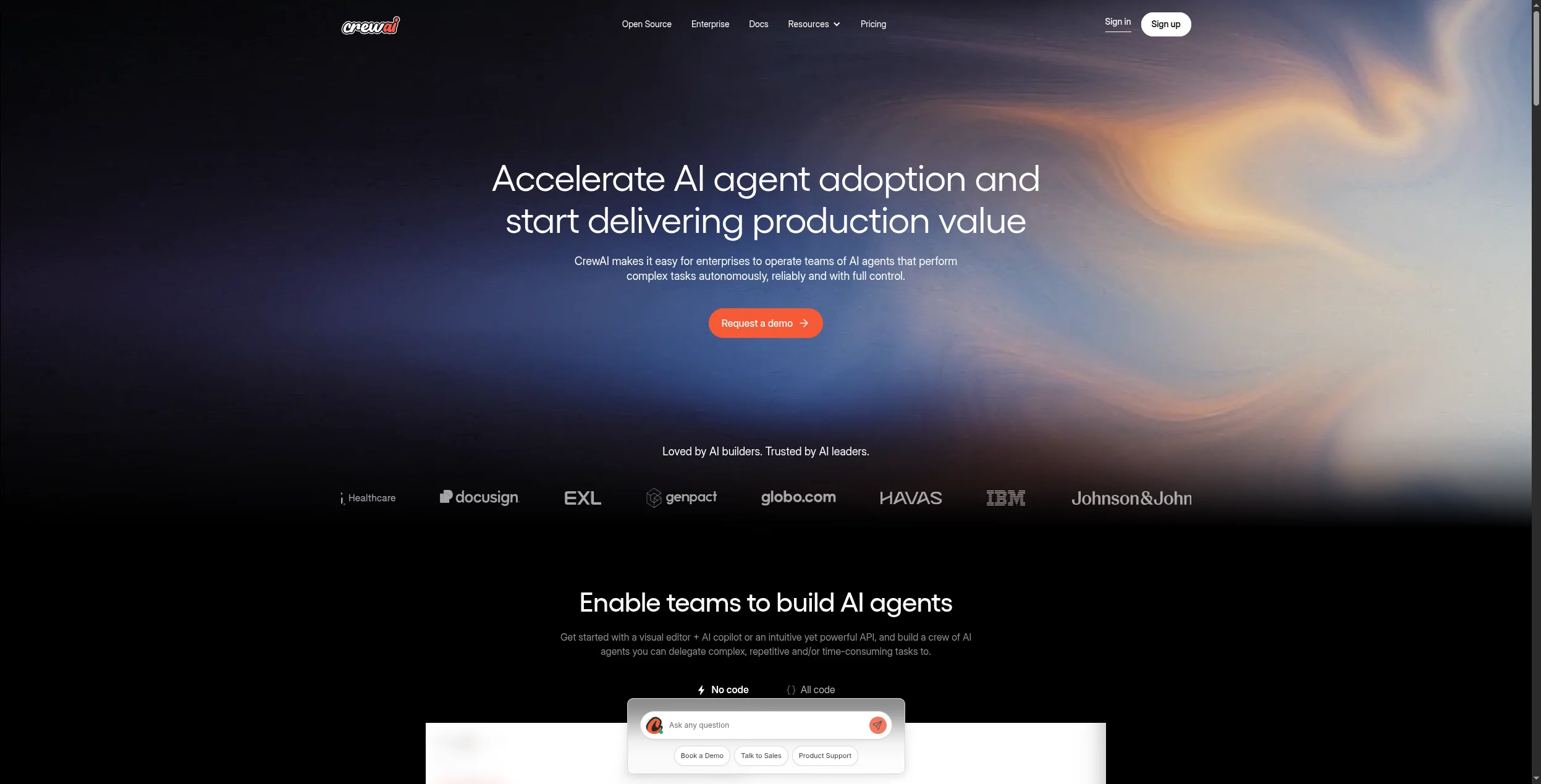
CrewAI introduces a clean abstraction for multi-agent systems: you define agents with specific roles, goals, and backstories, then assemble them into a crew with delegated tasks. It’s well-suited for workflows that map naturally to a team — a researcher, analyst, writer, reviewer — each with distinct responsibilities.
The framework’s design philosophy maps closely to how humans structure teams, which makes it intuitive for developers who think in organisational terms rather than graph theory. Each agent is defined with four properties: a role (its job title), a goal (what it’s optimising for), a backstory (context that shapes its behaviour and tone), and a set of tools it can invoke. Tasks are assigned to specific agents, and crews can run in sequential mode (tasks execute in order), hierarchical mode (a manager agent assigns and reviews subtasks), or consensual mode (agents vote on outputs — currently in development).
Memory is a notable built-in feature: CrewAI ships with short-term memory (conversation context within a session), long-term memory (persistent storage across runs), entity memory (tracks people, organisations, and facts encountered), and contextual memory (synthesises all three). This makes it practical for workflows that need to accumulate knowledge across many runs — competitive research, ongoing content production, or code review pipelines. The framework is open-source under the MIT license, widely used for content generation, research workflows, and automated code review, and the CrewAI+ cloud platform for managed deployment is available in beta.
Pricing: Open-source framework is free (MIT license). CrewAI+ cloud deployment platform pricing is available through their enterprise sales process.
Pros:
Elegant role-based agent design model that mirrors how humans structure teams — roles, goals, backstories, and tools are intuitive to define
Four built-in memory types (short-term, long-term, entity, contextual) enable agents to accumulate and recall knowledge across runs
Sequential and hierarchical process modes give developers control over whether tasks chain linearly or get managed by a supervisor agent
Straightforward Python API with good documentation and strong community growth since its 2023 launch
MIT license with no usage restrictions, suitable for commercial products without licensing concerns
Cons:
Code-only — no visual interface means non-technical team members cannot configure or debug agent behaviour independently
Memory and persistence are basic compared to enterprise platforms; long-term memory requires additional configuration to work reliably
Production deployment requires additional infrastructure — no managed hosting beyond the beta CrewAI+ cloud, which is still maturing
Agent tool ecosystem is smaller than LangChain’s; complex integrations often require writing custom tool wrappers
Best for: Developer teams building multi-agent workflows where different agents have distinct roles — researcher, analyst, writer, reviewer — with clear task delegation.
Best for: Developer teams building multi-agent workflows where different agents have distinct roles — researcher, analyst, writer, reviewer — with clear task delegation.
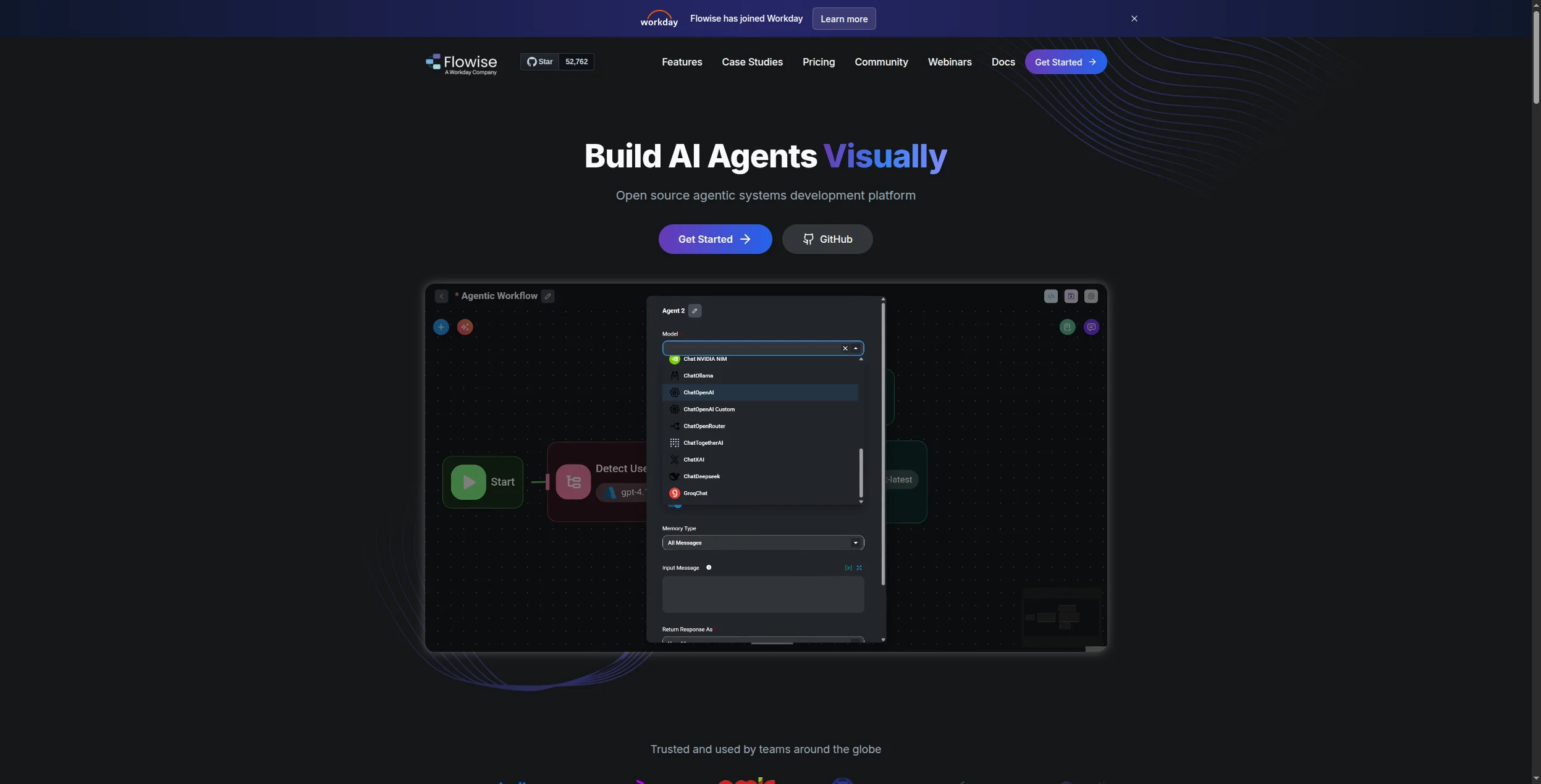
10. Flowise — Best Self-Hosted Visual LLM Builder
Flowise is an open-source, drag-and-drop builder for LLM flows built on top of LangChain. If you want the visual experience of a no-code platform but need to self-host for data privacy reasons, Flowise is the go-to choice. It’s particularly popular in the healthcare and legal sectors for this reason.
The platform provides two distinct builder modes. Chatflow is for single-turn conversational applications: you connect a document loader, a vector store, an embedding model, and an LLM, and the result is a retrieval-augmented chatbot that can be embedded via iframe or called via API. Agentflow extends this for multi-turn, tool-calling agents: the agent can reason, invoke tools, and loop back across multiple steps before returning a response. Both modes are configured entirely through a drag-and-drop canvas that maps directly to LangChain and LlamaIndex concepts — which makes Flowise an accessible entry point for teams familiar with those frameworks but reluctant to write and maintain code.
The vector store support is comprehensive: Pinecone, Chroma, Weaviate, Qdrant, and Milvus all have native nodes. Document loaders cover PDFs, Word documents, HTML pages, Notion databases, and GitHub repositories. This range makes Flowise the most capable self-hosted option for teams building knowledge-base-grounded chatbots or document-heavy agent applications. The MIT license means there are no restrictions on commercial use, and self-hosting via Docker or npm is well-documented. Flowise Cloud offers a managed hosted option starting at $35/month for teams that want the same interface without operating their own infrastructure.
Pricing: Open-source and free for self-hosted deployments (MIT license). Flowise Cloud starts at $35/month for the hosted version.
Pros:
Fully self-hostable via Docker or npm under the MIT license — ideal for healthcare, legal, and financial teams with strict data residency requirements
Visual canvas abstracts LangChain and LlamaIndex complexity, making the power of those frameworks accessible to non-developers
Comprehensive vector store support (Pinecone, Chroma, Weaviate, Qdrant, Milvus) and wide document loader range (PDFs, Notion, GitHub, HTML)
Chatbot embeds via iframe or API endpoint, enabling fast deployment into existing websites and products
Flowise Cloud option provides the same interface as managed infrastructure for teams that don’t want to operate their own server
Cons:
Slower feature development than commercial platforms — enterprise features and new LLM integrations tend to lag behind paid tools
RBAC and SSO require additional configuration beyond a standard deployment; they are not as polished as commercial enterprise platforms
Community support only for self-hosted; no SLA or guaranteed response time for production issues
Agentflow (multi-turn agent mode) is newer and less mature than the Chatflow builder, with fewer documented patterns
Best for: Teams that need a visual LLM flow builder but must self-host for data privacy or compliance reasons — particularly popular in healthcare and legal sectors.
Best for: Teams that need a visual LLM flow builder but must self-host for data privacy or compliance reasons — particularly popular in healthcare and legal sectors.
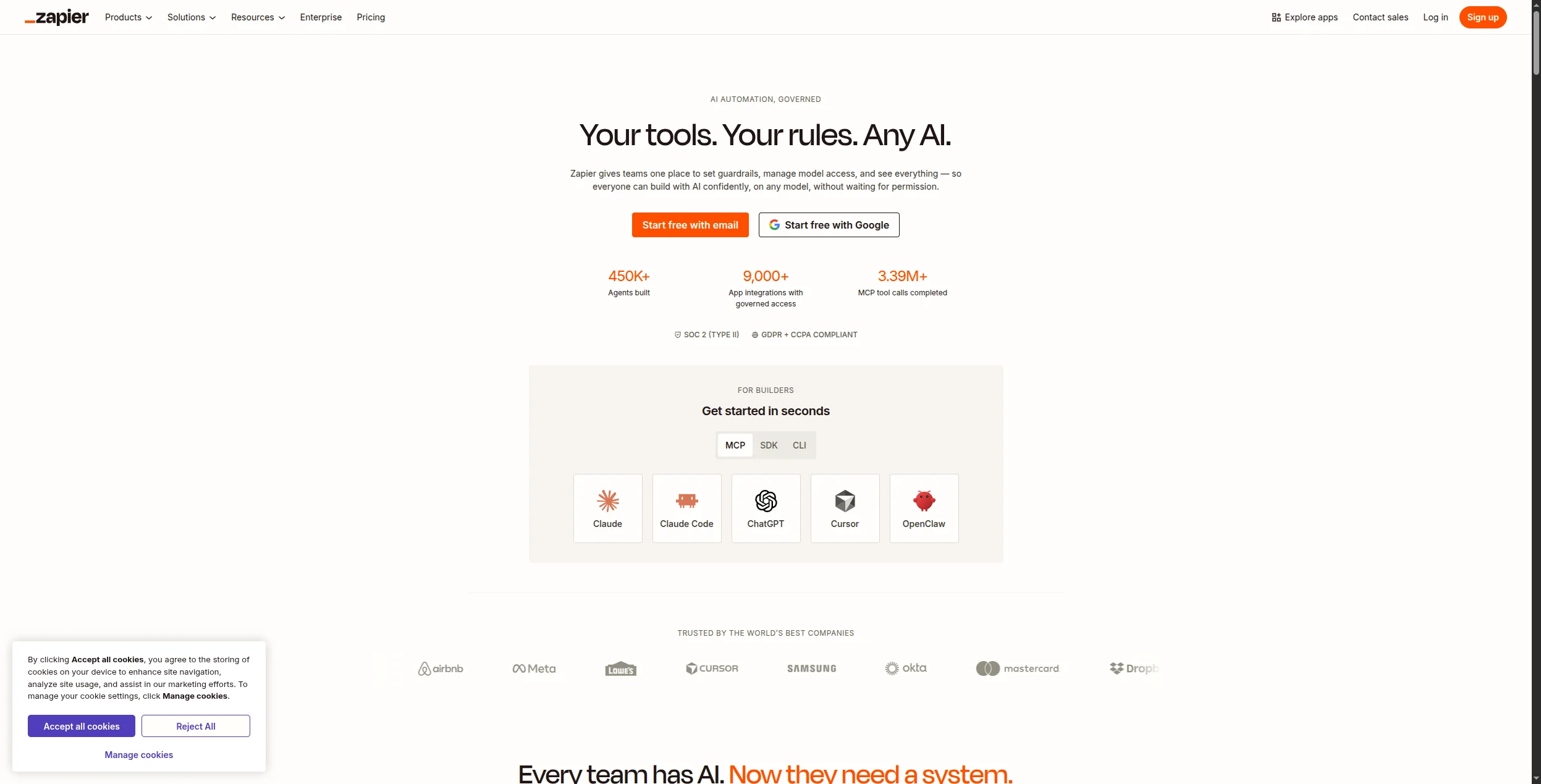
11. Zapier — Best for Teams Already in the Zapier Ecosystem
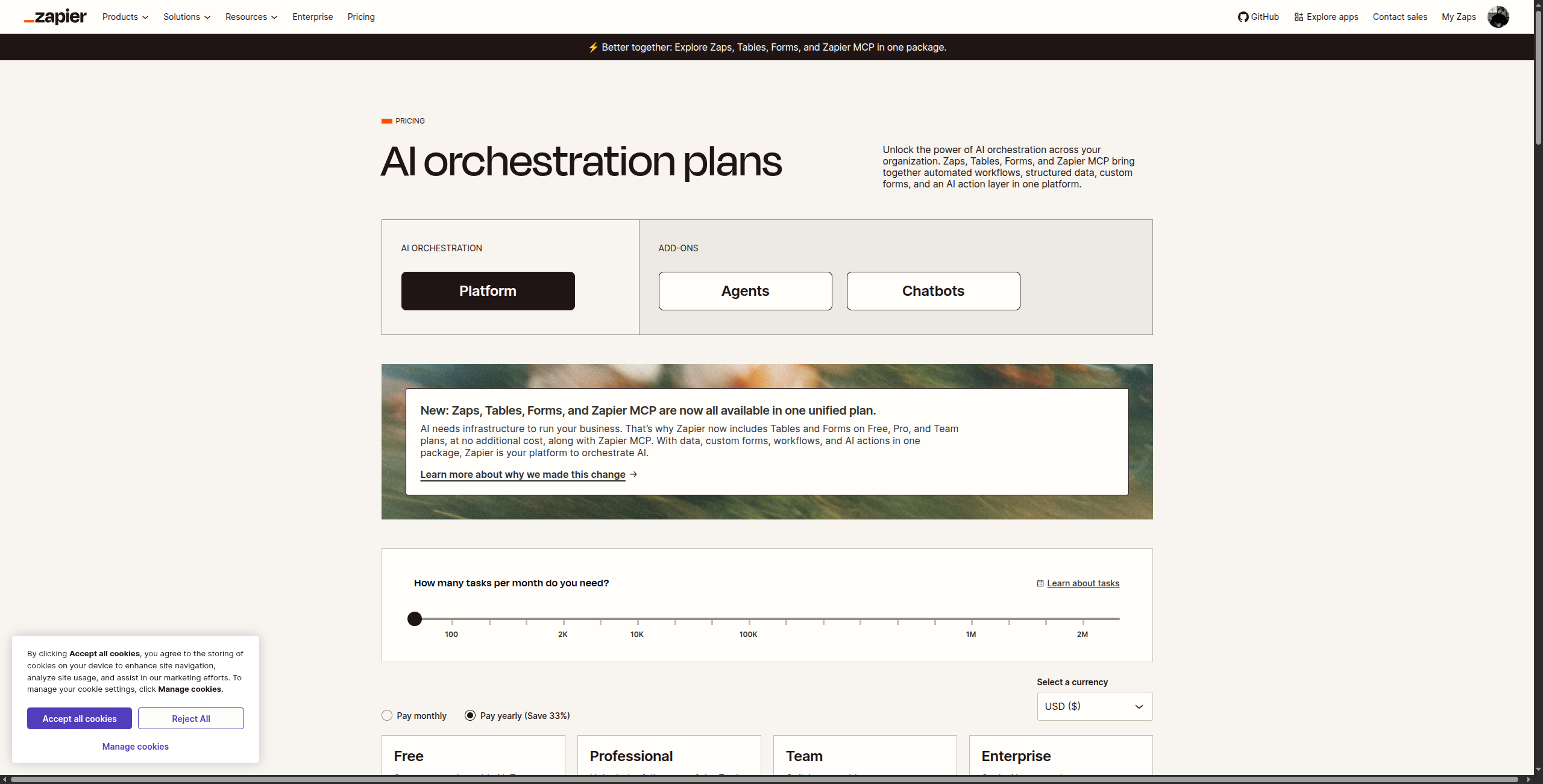
Zapier’s AI features — AI actions in Zaps, the Chatbot builder, and Agents (beta) — are a natural extension for the tens of thousands of teams already using it for automation. If your team lives in Zapier, adding an AI layer is as simple as adding an AI step to an existing Zap.
Zapier’s AI strategy has three distinct layers. AI Actions are the most mature: any Zap can include an OpenAI, Claude, or Gemini step that generates text, classifies inputs, extracts data, or transforms content within an existing automation chain. This is the layer that delivers immediate value for existing Zapier users — no migration required, and the AI step fits naturally between triggers and actions you already have. The Chatbot builder lets you create an AI assistant trained on a knowledge base, deployed as an embeddable widget; it’s straightforward to configure and connects to your existing Zaps for actions. Zapier Agents (currently in beta) is the most ambitious layer: autonomous agents that can independently decide which of your 7,000+ connected apps to invoke, run multi-step tasks, and report back — though this capability is still maturing and less reliable than dedicated agent platforms.
The 7,000+ app integration catalog is Zapier’s most significant competitive asset and far exceeds any dedicated agent builder. For teams that have spent months or years building Zapier workflows, the prospect of migrating that infrastructure to a new platform is a real cost — and Zapier’s AI additions let those teams add intelligence to existing automations incrementally. The constraint is architectural: Zapier was designed for linear, trigger-action workflows, and the AI layers sit on top of that model rather than replacing it. Complex stateful reasoning, dynamic tool selection, and multi-agent handoffs are not native capabilities and are unlikely to match purpose-built agent platforms in the near term.
Pricing: Free (100 tasks/month), Professional $19.99/month, Team $69/month, Enterprise custom.
Pros:
7,000+ app integrations — the widest catalog in automation by a wide margin, covering virtually any tool a business team uses
Zero learning curve for existing Zapier users — AI steps slot directly into Zaps you already have running in production
AI Actions are mature and reliable for text generation, classification, and data transformation within linear automation chains
Good AI chatbot builder for knowledge-base-grounded customer-facing assistants that connect to existing Zaps for actions
Free tier at 100 tasks/month is genuinely usable for testing AI capabilities before committing to a paid plan
Cons:
Zapier Agents (beta) is significantly less capable than dedicated agent platforms for complex, stateful, multi-step reasoning
Pricing escalates sharply at scale — task-based pricing means high-volume AI workflows get expensive faster than usage-based competitors
Not designed for complex stateful agent reasoning; the underlying trigger-action architecture limits agent autonomy
AI features are best understood as enhancements to existing Zapier workflows, not a primary agent-building platform
Best for: Teams already invested in the Zapier ecosystem who want to add AI actions or a basic chatbot to their existing automation workflows without switching platforms.
Best for: Teams already invested in the Zapier ecosystem who want to add AI actions or a basic chatbot to their existing automation workflows without switching platforms.
12. AutoGen — Best for Research and Conversational Multi-Agent Systems
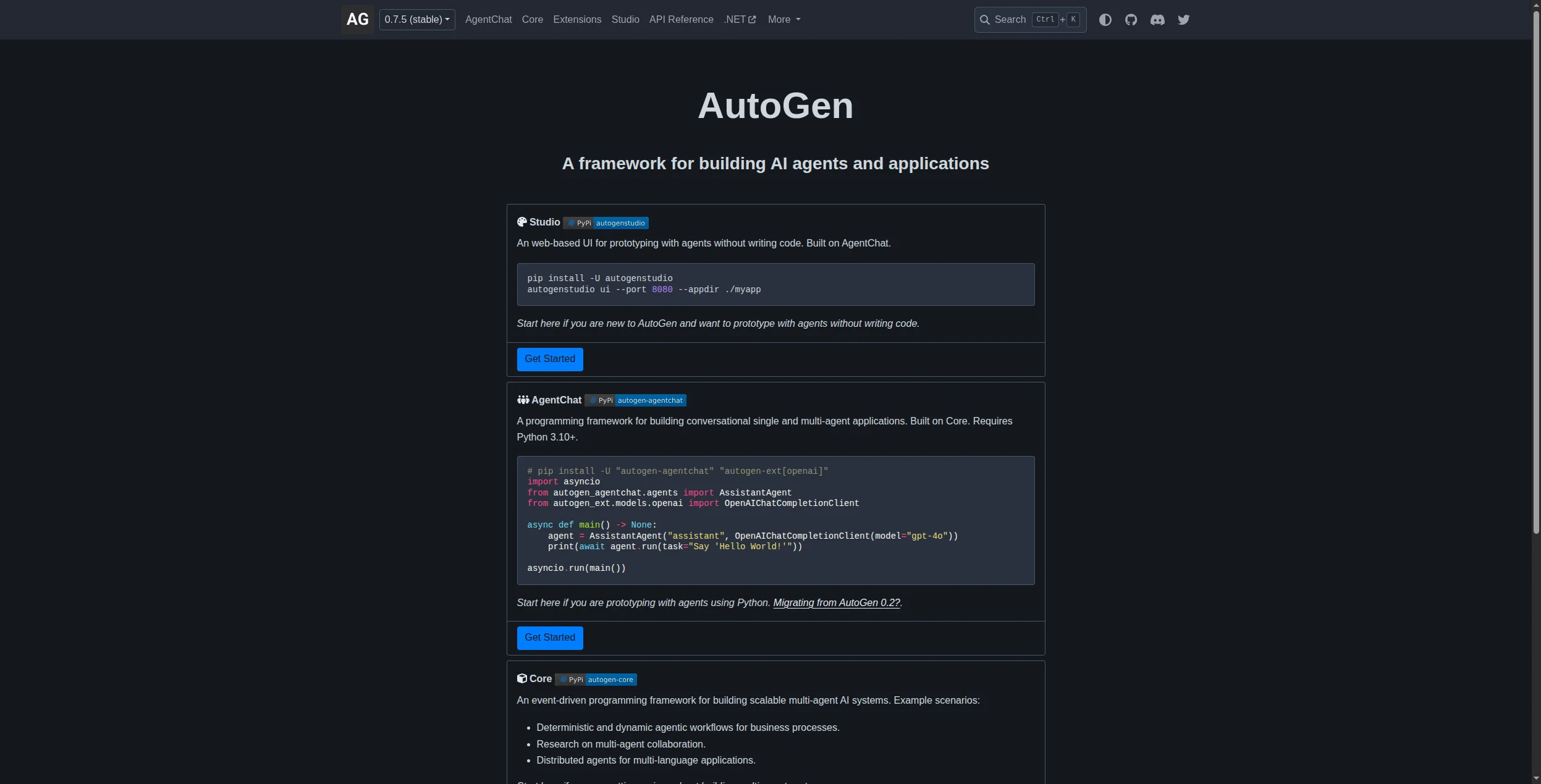
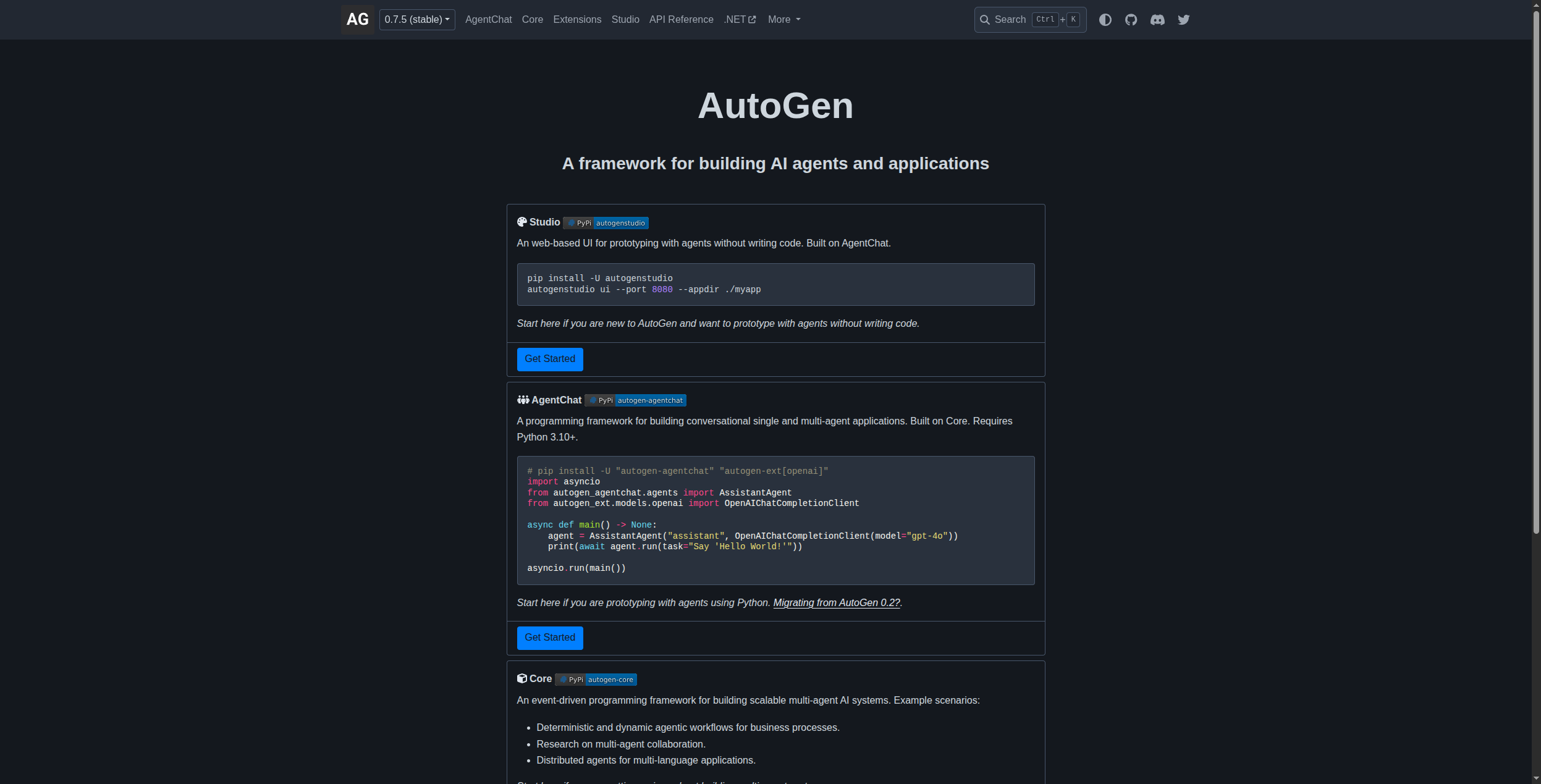
Microsoft’s AutoGen is a research-grade framework for building systems where multiple agents converse with each other and with humans to solve problems. It’s powerful for exploratory or complex reasoning tasks but requires significant engineering work to productionise.
AutoGen (now at v0.4, a significant architectural rework by Microsoft Research) is built around one core idea: agents that converse. The primary primitive is the ConversableAgent — an agent that can both send and receive messages, invoke tools, and generate code. Two ConversableAgents talking to each other can accomplish tasks that neither could alone: one agent proposes a solution in Python, the other executes it and reports the result, the first revises based on feedback, and they iterate until both are satisfied. GroupChat extends this to larger ensembles: you define multiple agents with different specialisations, and a manager agent orchestrates the conversation, routing messages to the right participant at each turn.
A defining feature of AutoGen is the human proxy: a special agent type that represents a human in the loop. You configure exactly when the human proxy interrupts the conversation — after every step, only when confidence is low, or never — giving you fine-grained control over human oversight without breaking the conversational flow. Agents can write and execute Python code within the conversation, verify the output, and iterate, making AutoGen particularly powerful for data analysis, mathematical reasoning, and software engineering tasks. The AutoGen Studio no-code interface lets non-developers explore agent conversation patterns visually without writing Python, though it lacks the production infrastructure of commercial platforms. All models are supported: OpenAI, Azure OpenAI, Anthropic, Google, and local models via Ollama.
Pricing: Open-source under the MIT license — completely free. No commercial tiers or managed hosting.
Pros:
ConversableAgent and GroupChat primitives make multi-agent conversation patterns straightforward to implement in Python
Human proxy design gives precise, configurable control over when humans are inserted into the agent loop — a genuine differentiator for high-stakes tasks
Agents can write and execute Python code iteratively, making AutoGen uniquely capable for data analysis, mathematical reasoning, and software engineering tasks
Supports all major model providers (OpenAI, Azure OpenAI, Anthropic, Google, local models) with a unified interface
AutoGen Studio no-code UI lets non-developers explore and test agent conversation patterns without writing Python
Cons:
Steep learning curve: the conversational agent model is conceptually different from most frameworks and takes time to internalise
Not suitable for non-technical teams in production — AutoGen Studio is exploratory, not production-grade
Production deployment is entirely DIY: no managed hosting, no SLAs, no enterprise support structure
v0.4 architectural rewrite introduced breaking changes from earlier versions, so community tutorials and examples may be outdated
Best for: Research teams and data scientists building experimental multi-agent systems where agents converse, execute code, and verify outputs through iteration.
Best for: Research teams and data scientists building experimental multi-agent systems where agents converse, execute code, and verify outputs through iteration.
How to Choose the Right AI Agent Builder
You want something deployed this week → FlowHunt or Relevance AI. Both have free tiers, visual editors, and templates designed for common business workflows. You’ll be in production before the weekend.
You’re already in Microsoft 365 and need enterprise governance → Copilot Studio. The Teams integration and Azure compliance posture are unmatched. Just budget accordingly.
You need to self-host for data residency or compliance → n8n or Flowise. Both are mature, actively developed, and give you full control of the data layer.
You have Python developers and need a custom agent → LangChain/LangGraph or CrewAI. The flexibility is worth the investment if your use case genuinely requires it.
You’re already automating with Make or Zapier → Add AI steps there first. Migration isn’t worth the friction unless you hit their limitations.
FlowHunt vs. the Field: A Closer Look
For teams focused on marketing, SEO, and customer support — the highest-ROI agent use cases in 2026 — FlowHunt’s combination of no-code accessibility and production-grade infrastructure is hard to beat.
The AI Agent Powered Customer Service
tool shows what’s possible out of the box: an agent that triages tickets, retrieves context from your knowledge base, drafts responses, and escalates edge cases to humans — without a single line of code.
The AI Agent Speechwriter with Google Research
demonstrates the content automation angle: an agent that researches a topic, structures a narrative, and produces a draft ready for editorial review.
These aren’t demos — they’re live tools you can clone and adapt in minutes.
Bottom Line
The best AI agent builder is the one your team will actually use in production. For most teams in 2026, that means FlowHunt: low barrier to entry, serious production infrastructure, and the flexibility to grow from a single support agent to a multi-agent marketing operation.
For developer-heavy teams or highly regulated environments, n8n, LangChain, or Flowise give you control that commercial platforms can’t match. For Microsoft shops, Copilot Studio is the pragmatic choice.
An AI agent builder is a platform that lets you create autonomous AI agents — software that can reason, plan, and take multi-step actions across tools and data sources without constant human input. Builders range from no-code visual editors to developer frameworks.
FlowHunt ranks first for no-code AI agent building in 2026. It combines a visual workflow editor, 1,400+ native integrations, multi-agent orchestration, and enterprise security — without requiring any coding.
A chatbot responds to messages. An AI agent takes actions: it can browse the web, write and execute code, call APIs, update records in your CRM, send emails, and chain multiple steps together to complete a goal — all autonomously.
Not with no-code platforms like FlowHunt, Relevance AI, or Gumloop. Developer frameworks like LangChain, CrewAI, and AutoGen require Python knowledge. The right choice depends on your team's technical capacity and how custom your agent needs to be.
Key criteria: integration depth (can it connect to your existing stack?), model flexibility (GPT, Claude, Gemini, or your own?), pricing model, human-in-the-loop controls, observability and logging, and whether you need to self-host for compliance.
Arshia is an AI Workflow Engineer at FlowHunt. With a background in computer science and a passion for AI, he specializes in creating efficient workflows that integrate AI tools into everyday tasks, enhancing productivity and creativity.
Arshia Kahani
AI Workflow Engineer
Build Your First AI Agent with FlowHunt — Free
No code required. Connect your tools, define the goal, and deploy in minutes. Thousands of teams use FlowHunt to automate marketing, support, and sales workflows.
Best AI Agent Tools in 2026: 12 Platforms for Building and Running AI Agents
Ranked and reviewed: the 12 best AI agent tools in 2026. From no-code agent builders to open-source frameworks — find the right platform for your team's AI stra...
The Best AI Agent Builders in 2026: A Comprehensive Guide to Autonomous Intelligence Platforms
Explore the top AI agent builders in 2026, from no-code platforms to enterprise-grade frameworks. Discover which tools are best for your use case and how FlowHu...
Best Workflow Automation Tools in 2026: 12 Platforms Ranked and Reviewed
Ranked and reviewed: the 12 best workflow automation tools in 2026. Comparison table, pricing, free tiers, and a clear verdict on which platform fits your team.
12 min read
Automation
AI Tools
+3
Cookie Consent We use cookies to enhance your browsing experience and analyze our traffic. See our privacy policy.