Best AI Agent Tools in 2026: 12 Platforms for Building and Running AI Agents
Ranked and reviewed: the 12 best AI agent tools in 2026. From no-code agent builders to open-source frameworks — find the right platform for your team’s AI strategy.
AI agents are the fastest-moving category in software right now. In 2024, most organizations were experimenting. In 2026, the leading companies are running AI agents in production — handling customer queries, researching competitors, generating content pipelines, qualifying leads, and monitoring systems around the clock.
But the tool landscape has fragmented into developer frameworks, no-code builders, cloud-native platforms, and specialized business tools. This guide cuts through the noise and ranks the 12 best AI agent tools for teams at every technical level.
Pro Tip: “AI agent tools” spans two very different audiences. If you’re a developer building production infrastructure, you want LangChain, CrewAI, or AutoGen. If you’re a business team looking to deploy agents without writing code, FlowHunt, Relevance AI, or Lindy are more appropriate starting points. Most teams need both — a no-code platform for speed, and frameworks for customization. We’ve flagged which tools serve which audience throughout this list.
AI Agent Tools Compared at a Glance
Tool
Type
Starting Price
Best For
Free Tier
FlowHunt
No-code agent + workflow platform
From $29/mo
Business teams, marketing/SEO agents
Yes
LangChain
Developer framework (Python/JS)
Free (OSS)
Developers building custom LLM apps
Yes
CrewAI
Multi-agent framework (Python)
Free (OSS)
Role-based multi-agent systems
Yes
AutoGen
Multi-agent framework (Python)
Free (OSS)
Conversational multi-agent workflows
Yes
LlamaIndex
Data + RAG framework (Python)
Free (OSS)
Enterprise RAG and document agents
Yes
Relevance AI
No-code agent builder
Free / $19/mo
Sales & marketing AI workers
Yes
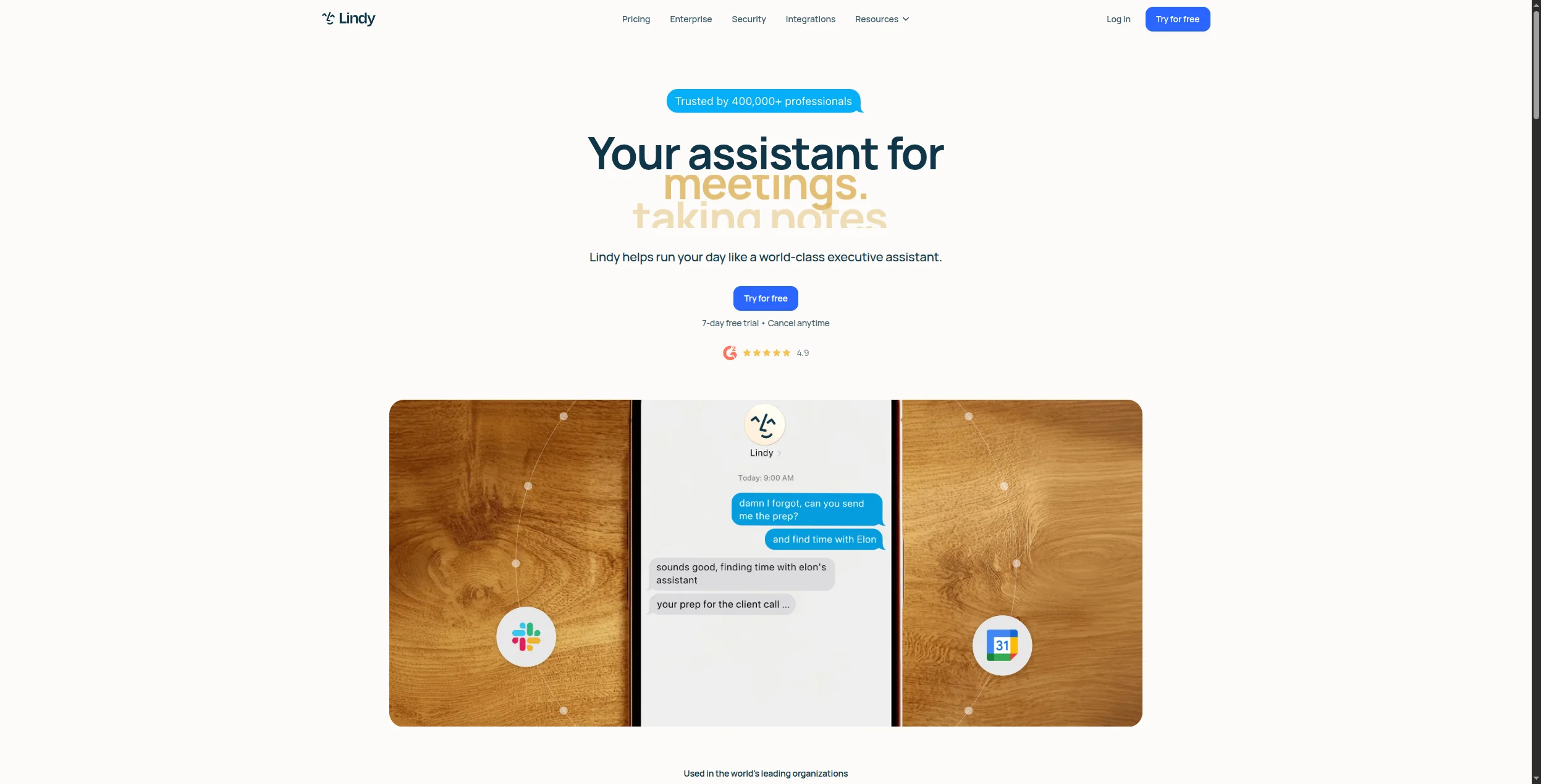
Lindy
No-code business agent builder
From $49.99/mo
Operations, email, scheduling agents
Yes
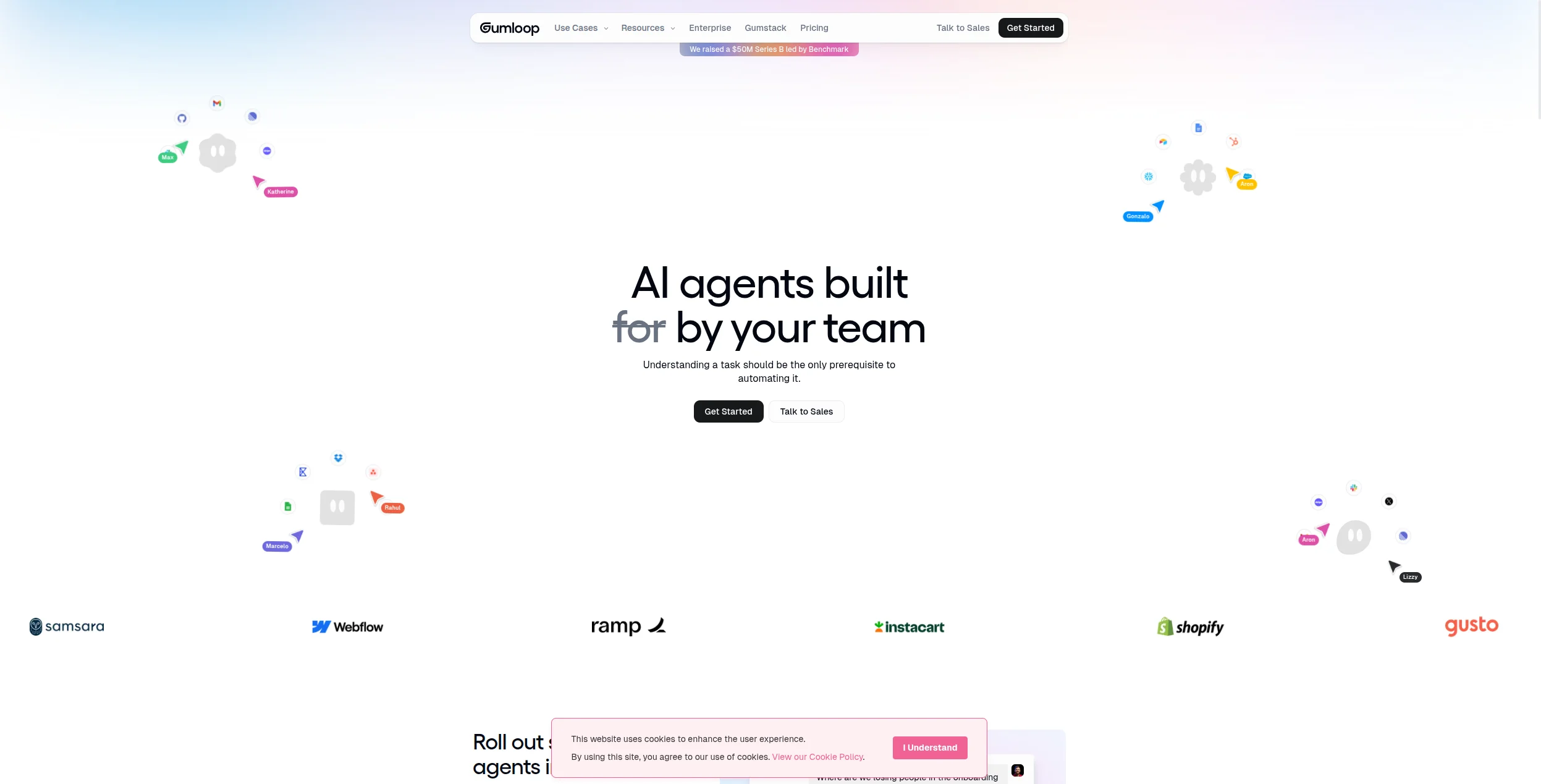
Gumloop
Visual AI workflow builder
Free / $97/mo
No-code agentic automation
Yes
Flowise
Open-source visual LangChain
Free (self-host)
Self-hosted agent development
Yes
Dify
Open-source LLM app platform
Free (self-host)
RAG + agent workflows, any model
Yes
Copilot Studio
Low-code Microsoft agent builder
From $200/mo
Microsoft 365 and Teams integration
Limited
Vertex AI Agent Builder
Cloud enterprise agent platform
Usage-based
Google Cloud, multi-agent enterprise
Yes (credits)
1. FlowHunt — Best AI Agent Tool for Business Teams
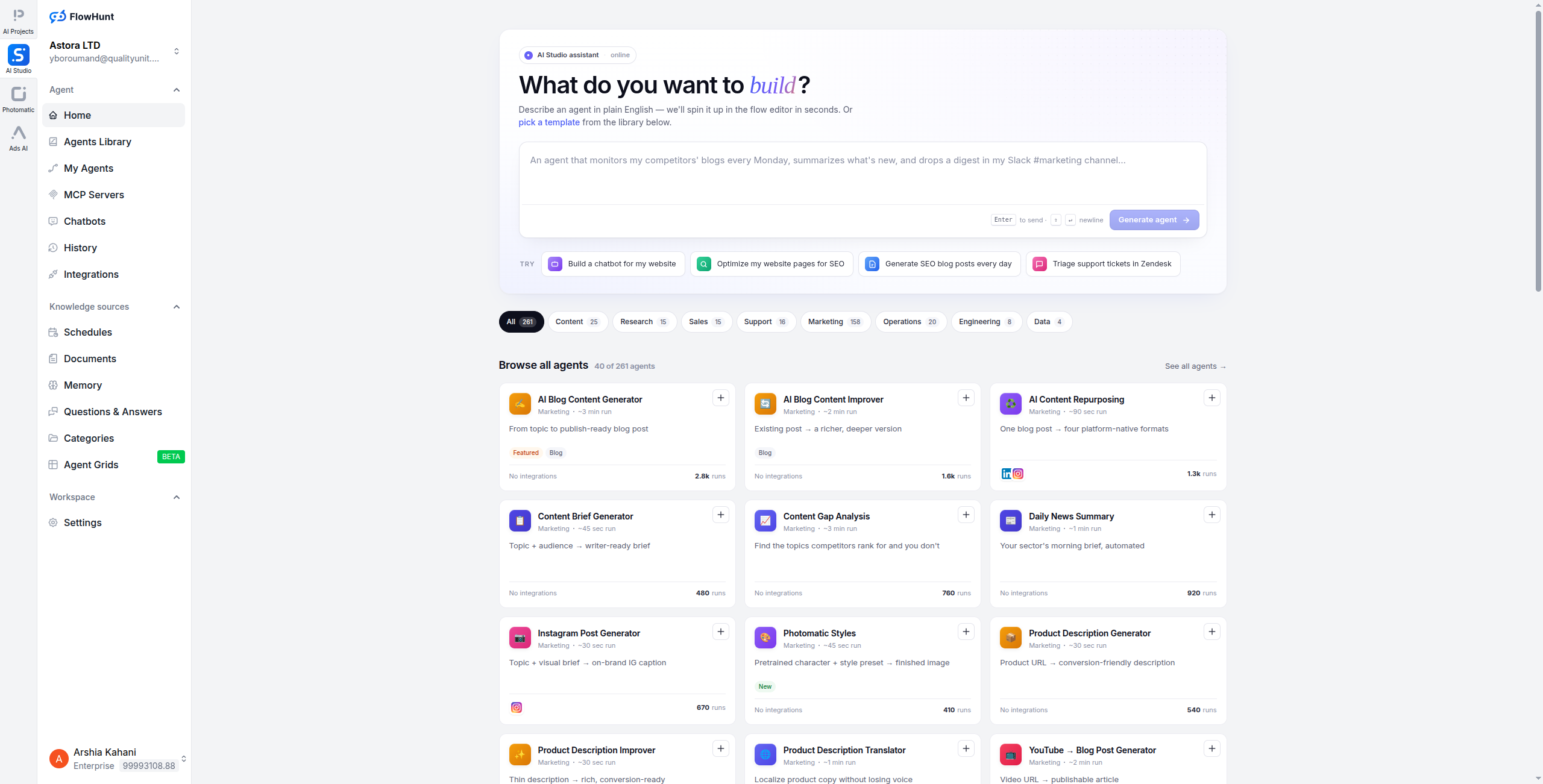
FlowHunt is built for the majority of teams that want to deploy real AI agents — not write framework code. Its visual canvas lets you design agents that reason over context, call tools, connect to live data, and take adaptive multi-step actions without any programming. The result is a platform where a marketing manager can build a content research agent, a support lead can build a ticket triage agent, and an SEO team can build a competitor monitoring agent — all independently of engineering.
What distinguishes FlowHunt from simpler no-code automation tools is depth: its agents use LLMs as reasoning engines, not just text generators. An agent can decide which of 1,400+ integrations to call based on what it finds, branch differently depending on context, and produce structured outputs for downstream tools — all within a workflow you can see, test, and iterate.
Key strengths:
Visual agent builder — no code, full reasoning capability
1,400+ integrations including CRMs, databases, APIs, and AI tools
Multi-channel: deploy as web chat, email, Slack, WhatsApp, or API
2. LangChain — Best Developer Framework for Building LLM Agents
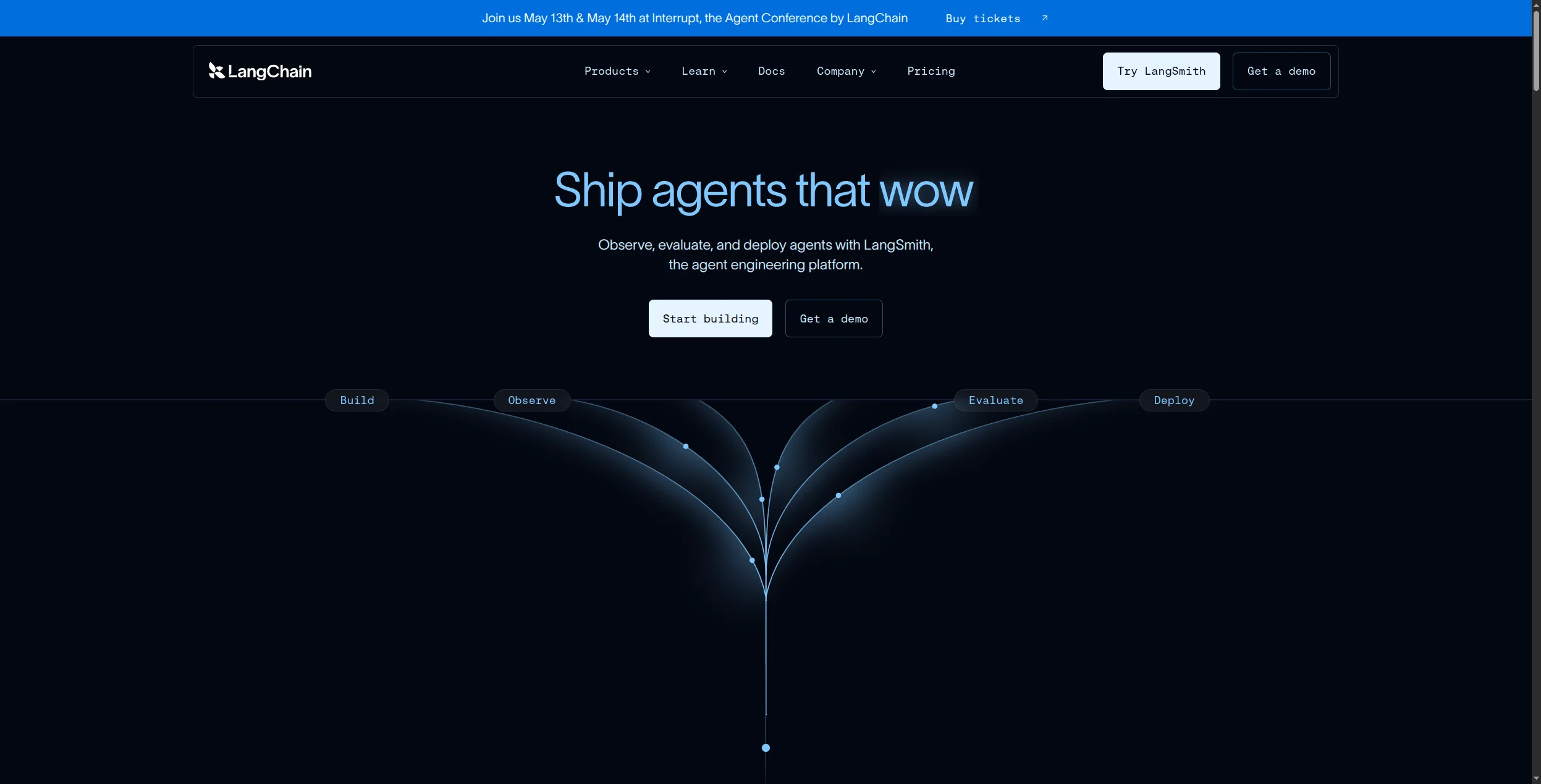
LangChain is the foundational framework most AI engineers reach for when building LLM-powered agents. It provides the primitives — chains, agents, tools, memory, retrievers, and callbacks — that you’d otherwise have to build from scratch. Its Python and JavaScript SDKs are the most widely used in the industry, and its ecosystem of integrations, vector store connectors, and community extensions is unmatched.
LangChain’s strength is flexibility: you can build virtually any LLM agent architecture — ReAct, Plan-and-Execute, Self-Ask, OpenAI function-calling — with consistent abstractions. LangGraph, its graph-based agent orchestration layer, adds stateful multi-agent support for more complex systems.
Pros:
Most mature LLM agent ecosystem — libraries, examples, community
Supports every major model: OpenAI, Anthropic, Mistral, local models
LangGraph for stateful, graph-based multi-agent workflows
LangSmith for agent observability, tracing, and debugging
Production-ready — used at scale by major companies
Cons:
Requires Python or JavaScript knowledge
Abstraction layers can obscure underlying behavior
Documentation is extensive but can be overwhelming
LangGraph has a steeper learning curve than basic chains
Best for: Developers building production LLM agents who need flexible, framework-level control over agent behavior, memory, and tool use.
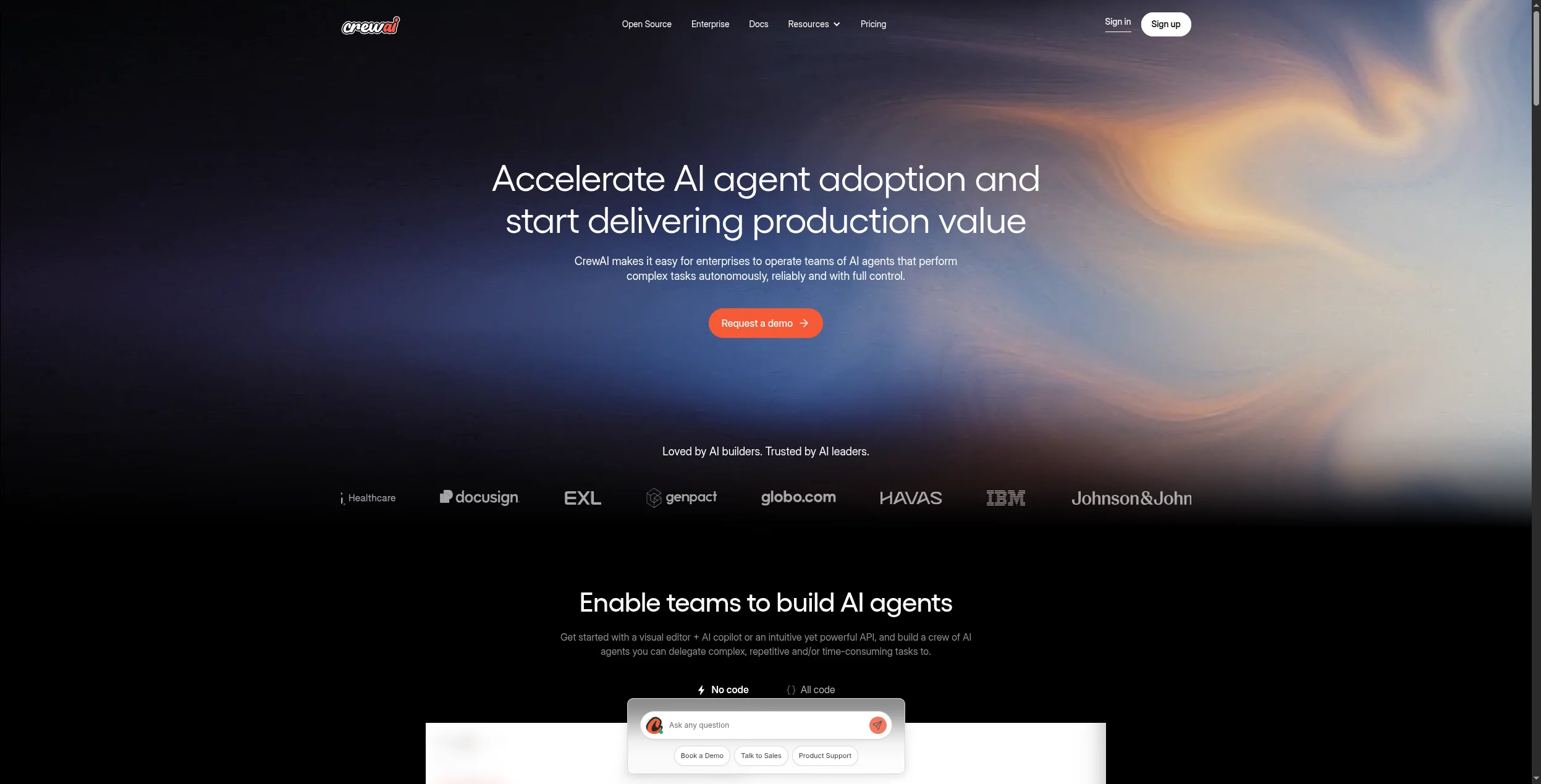
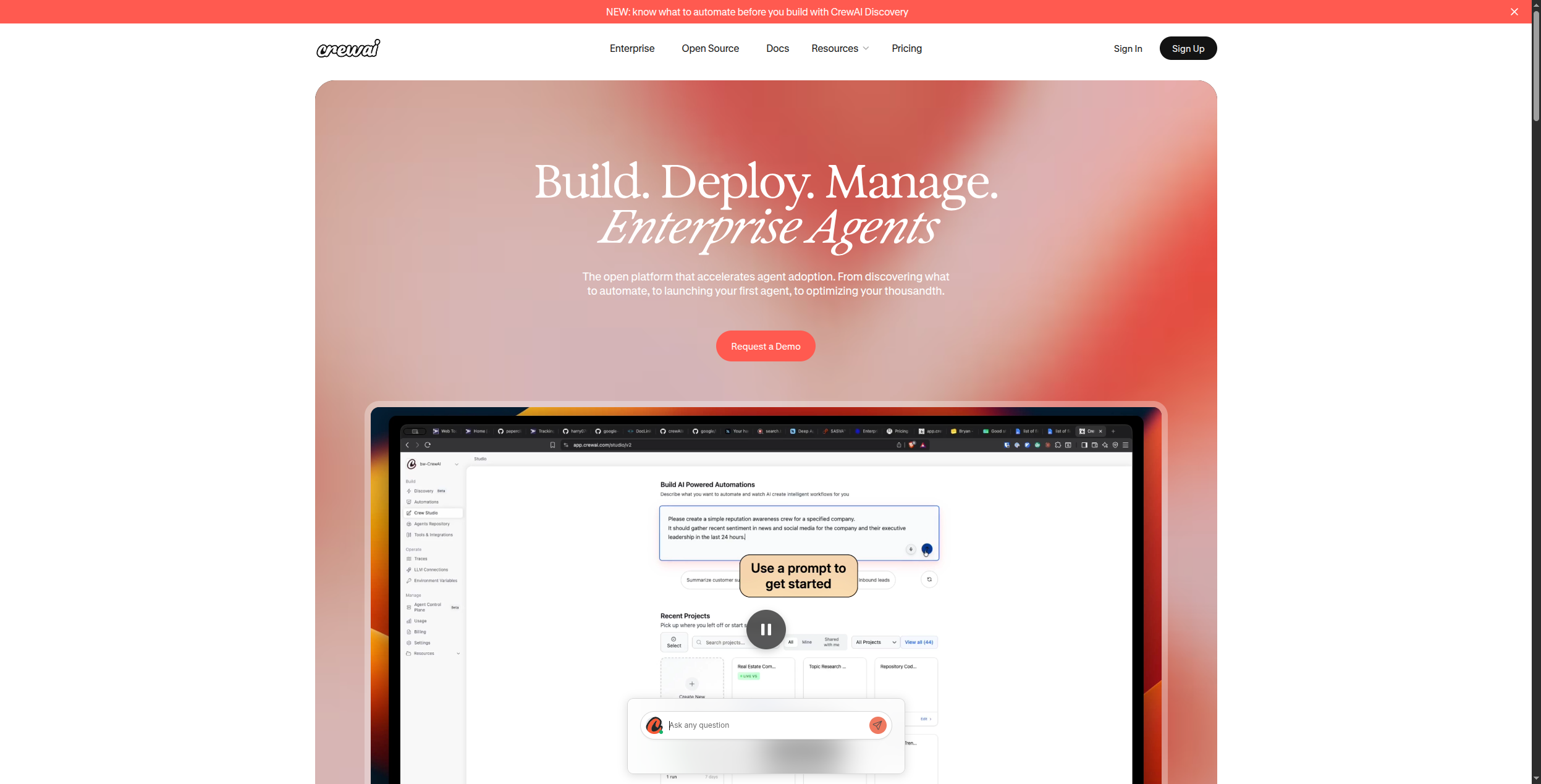
3. CrewAI — Best for Multi-Agent Role-Based Systems
CrewAI frames AI agents as team members — each with a defined role, goal, backstory, and set of tools. You create a “crew” of agents (Researcher, Writer, Editor, QA) and define a process (sequential or hierarchical) for how they collaborate to complete a task. This mental model maps naturally to real workflows and makes complex multi-agent systems more intuitive to design.
It’s gained rapid adoption for content generation pipelines, research workflows, and code review systems — anywhere you’d benefit from specialized agents collaborating rather than a single generalist agent doing everything.
Pros:
Intuitive role-based agent design
Sequential and hierarchical execution processes
Built-in memory, caching, and tool sharing between agents
Large community of pre-built crews and templates
Integrates with LangChain tools and any OpenAI-compatible model
Cons:
Python required — not accessible to non-developers
Longer-running crews can be slow and costly on LLM tokens
Debugging multi-agent conversations can be complex
Less suited for real-time or customer-facing agents
Pricing: Open-source (MIT). CrewAI+ cloud platform in development.
Best for: Developers building complex workflows where multiple specialized agents need to collaborate — content pipelines, research systems, code review, report generation.
Join our newsletter
Get latest tips, trends, and deals for free.
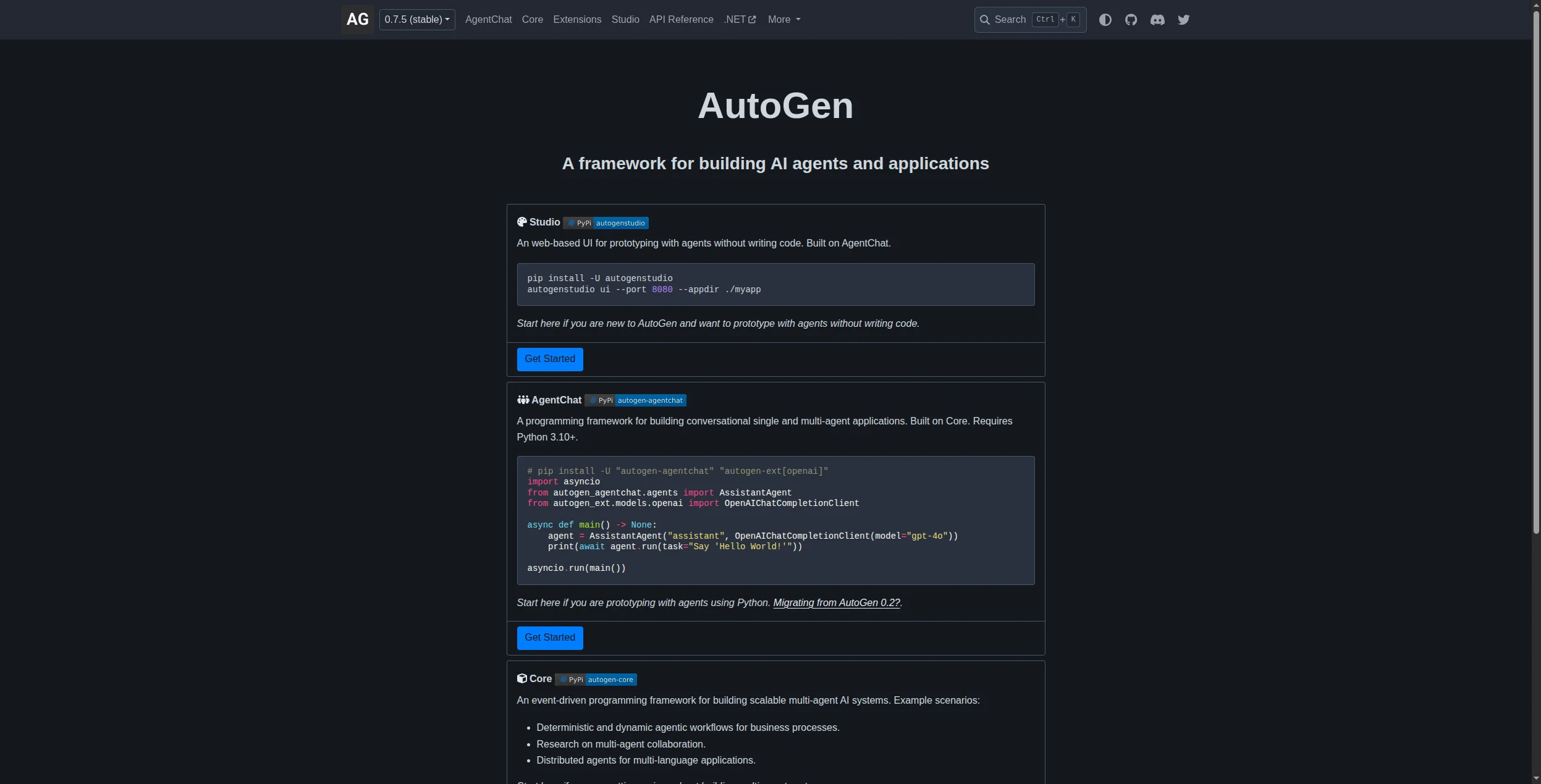
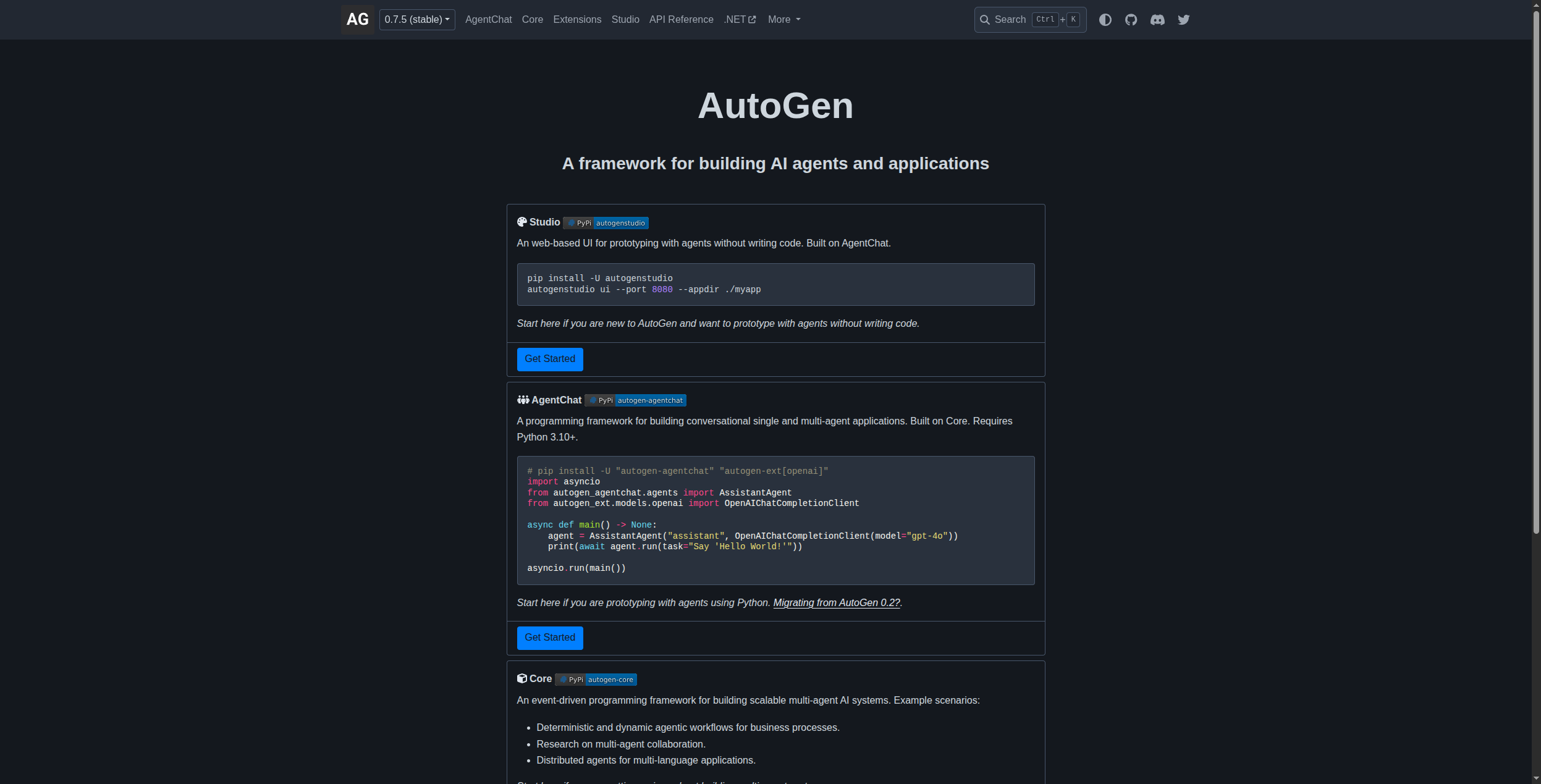
4. AutoGen — Best for Conversational Multi-Agent Workflows
Microsoft’s AutoGen specializes in conversational multi-agent systems — frameworks where LLM-powered agents communicate with each other (and optionally with humans) to solve problems through dialogue. Its ConversableAgent class makes it straightforward to define agents that can initiate conversations, respond, request clarification, and call tools as part of a back-and-forth exchange.
AutoGen’s distinctive contribution to the agent space is its research-backed approach to multi-agent conversation patterns: how agents should disagree, delegate, verify each other’s work, and converge on solutions. This makes it particularly suited for automated code generation, scientific research simulation, and complex problem-solving tasks.
Pros:
Strong research foundation from Microsoft Research
Excellent for code generation and debugging workflows
Flexible model backends including local models
Cons:
Python required — not beginner-accessible
Conversational overhead can increase cost and latency
Less opinionated on workflow structure than CrewAI
Fewer pre-built templates than LangChain
Pricing: Open-source (MIT).
Best for: Researchers and developers building systems where agents debate, verify, and refine each other’s outputs — code generation, scientific analysis, complex reasoning chains.
5. LlamaIndex — Best for Data-Heavy and RAG-First Agent Architectures
LlamaIndex (formerly GPT Index) takes a data-first approach to AI agents — it’s the framework of choice when your agents need to reason over large document libraries, structured databases, knowledge graphs, or heterogeneous enterprise data sources. Its data connectors, indexing strategies, and retrieval pipelines are significantly more sophisticated than LangChain’s for complex RAG use cases.
Its agent layer (ReActAgent, OpenAIAgent, and the newer Workflows) sits on top of a data infrastructure layer — meaning your agents can query internal wikis, financial reports, legal documents, and customer databases as naturally as a developer queries an SQL table.
Pros:
Best-in-class RAG pipeline tooling
Rich data connector ecosystem (PDFs, databases, APIs, wikis)
Query engine and agent abstractions work together cleanly
Strong enterprise adoption in document-heavy industries
Cons:
More complex than LangChain for simple use cases
Python required
Documentation assumes familiarity with RAG concepts
Less community content than LangChain for general agent patterns
Pricing: Open-source (MIT). LlamaCloud managed service available.
Best for: Engineering teams building agents that need to reason over large internal document libraries, structured databases, or complex enterprise data — legal, financial, research, and technical domains.
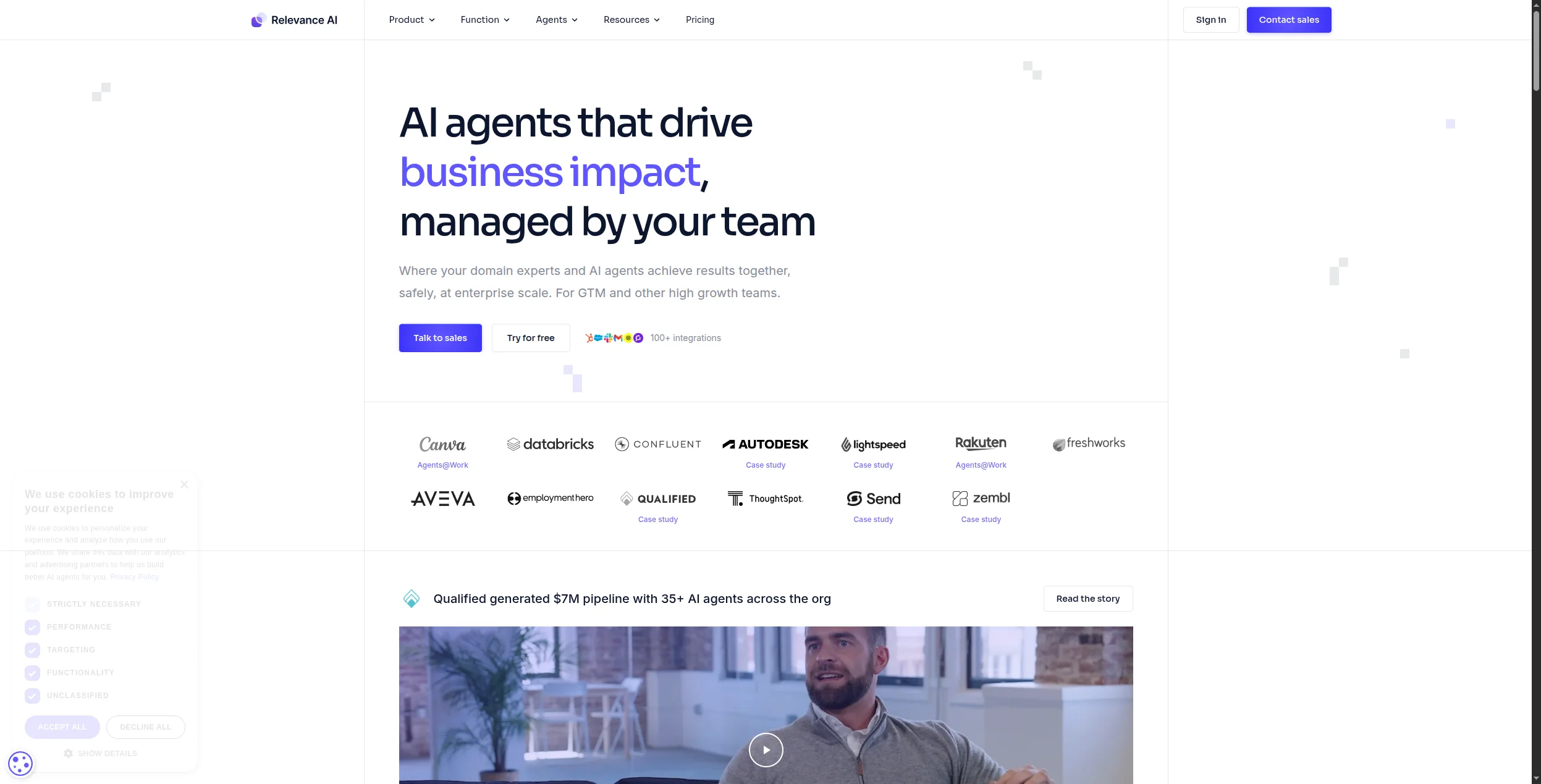
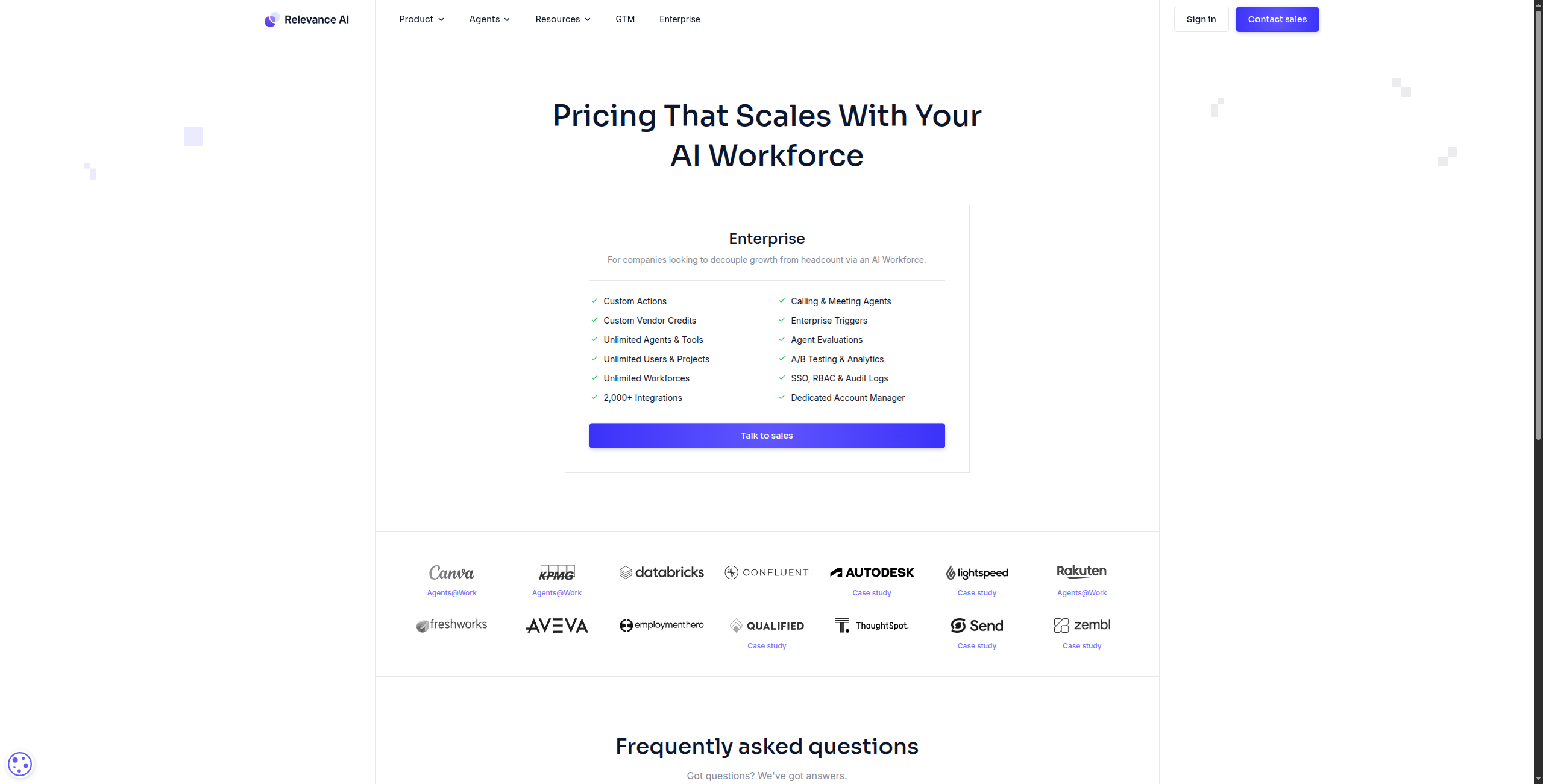
6. Relevance AI — Best No-Code AI Worker Builder for Sales and Marketing
Relevance AI positions its agents as “AI workers” — a framing that resonates with business teams tired of infrastructure abstractions. Its no-code builder lets you define what the AI knows, what tools it has access to, and what triggers its execution — then deploy it as a standalone tool your team can run without setup.
It’s particularly strong for sales use cases: prospect research, lead enrichment from LinkedIn, personalized outreach drafting, and CRM update automation. Its tool-building interface makes it easy to create reusable AI capabilities that non-technical team members can trigger themselves.
Pros:
No code required — visual tool and agent builder
Strong for sales and marketing workflow use cases
Tools are shareable and reusable across team members
Web browsing, document reading, and API calling built-in
LLM model choice flexibility
Cons:
Credit-based pricing can scale unexpectedly for high-volume use
Smaller integration catalog than FlowHunt for complex pipelines
Less suited for real-time customer-facing agent deployment
Some advanced branching requires workarounds
Pricing: Free tier. Team plans from $19/month.
Best for: Sales and marketing teams building AI workers for prospecting, research, content personalization, and CRM automation without engineering help.
7. Lindy — Best No-Code Agent Platform for Business Operations
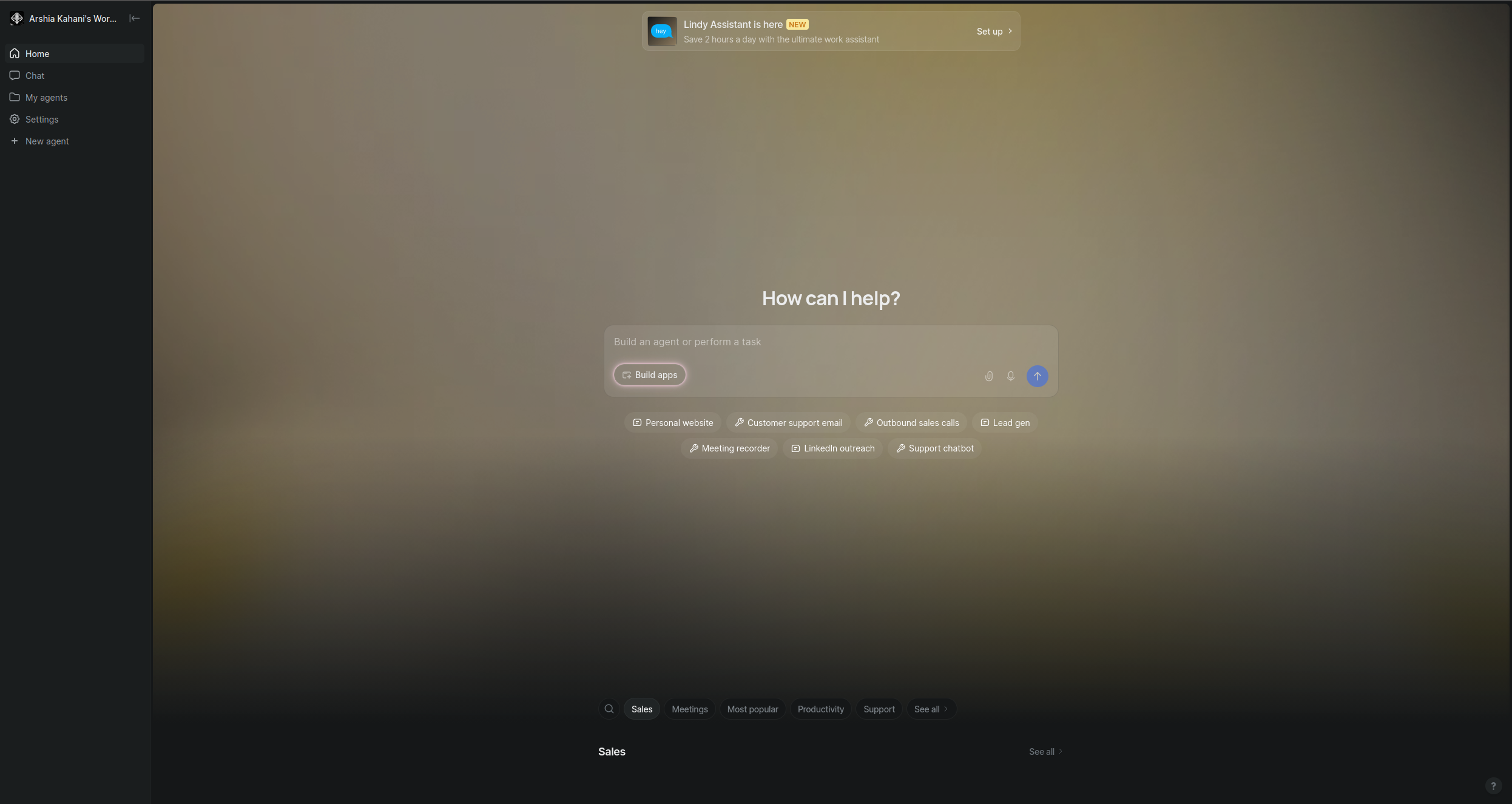
Lindy focuses on the operational side of AI agents — building “Lindies” (individual agents) for specific, recurring business tasks: triaging email, scheduling meetings, following up on deals, summarizing customer calls, and updating records. The interface is simple enough that a non-technical operations manager can configure and deploy an agent independently in under an hour.
What Lindy does well is the “last mile” problem of agent deployment: making it easy to connect agents to existing email accounts, calendars, CRMs, and Slack workspaces without complex API setup. For teams with specific, high-frequency tasks to automate, it delivers fast time-to-value.
Pros:
Very fast setup for common business automation patterns
Native email, calendar, Slack, and CRM connectivity
Human-in-the-loop approvals for sensitive actions
Agents share context across conversations
Non-technical setup — no code required
Cons:
Less flexible for custom or novel agent architectures
Pricing adds up with multiple agents
Less powerful for complex multi-step reasoning
Not suited for customer-facing or public agent deployment
Pricing: Free tier. Paid from $49.99/month.
Best for: Operations, RevOps, and executive assistant use cases — replacing repetitive email, scheduling, and CRM tasks with always-on AI agents.
8. Gumloop — Best Visual No-Code Agentic Workflow Builder
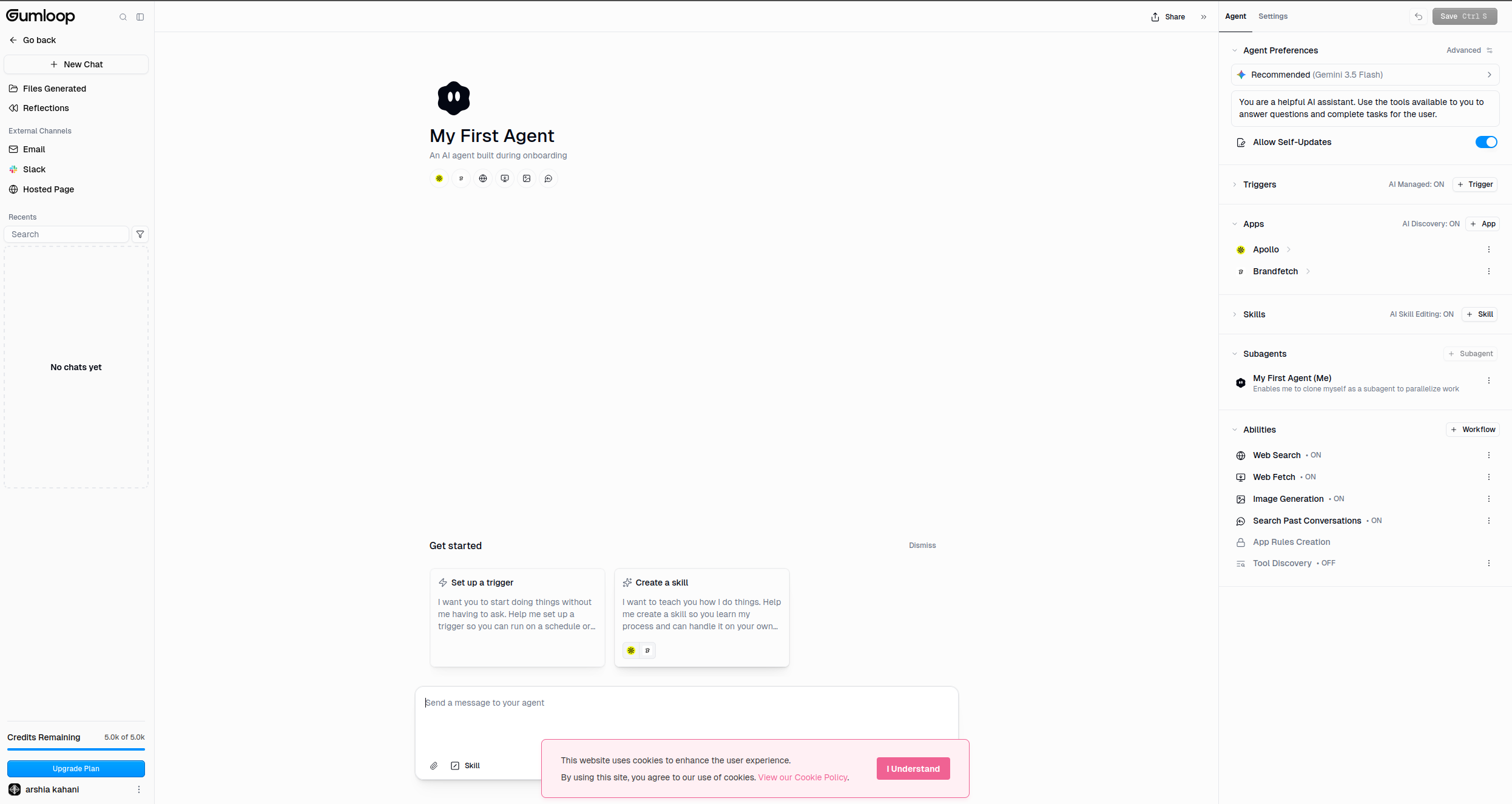
Gumloop offers a visual canvas for building agentic AI workflows — connecting nodes for web scraping, LLM reasoning, data transformation, and API calls into pipelines that run autonomously. It’s one of the few no-code tools explicitly designed around the “agentic” paradigm rather than traditional trigger-action automation.
Its strength is in research and content workflows: scraping competitor sites, extracting structured data, generating summaries, enriching lead lists, and publishing outputs to downstream tools — all visually, without code. For teams that found tools like Zapier too limited for AI reasoning tasks but don’t want to write Python, Gumloop fills a real gap.
Pros:
Visual canvas for agentic multi-step workflows
Strong for web scraping and data extraction workflows
Native AI/LLM nodes alongside data processing steps
Growing library of pre-built workflow templates
No coding required
Cons:
Newer platform — smaller ecosystem than LangChain or FlowHunt
Less suited for real-time customer-facing agents
Credit-based pricing can be unpredictable for high-volume use
Limited multi-channel deployment options
Pricing: Free tier. Paid from $97/month.
Best for: Research, SEO, and content teams who need visual agentic workflows for web scraping, data enrichment, and LLM-powered processing pipelines.
9. Flowise — Best Open-Source Visual Agent Builder
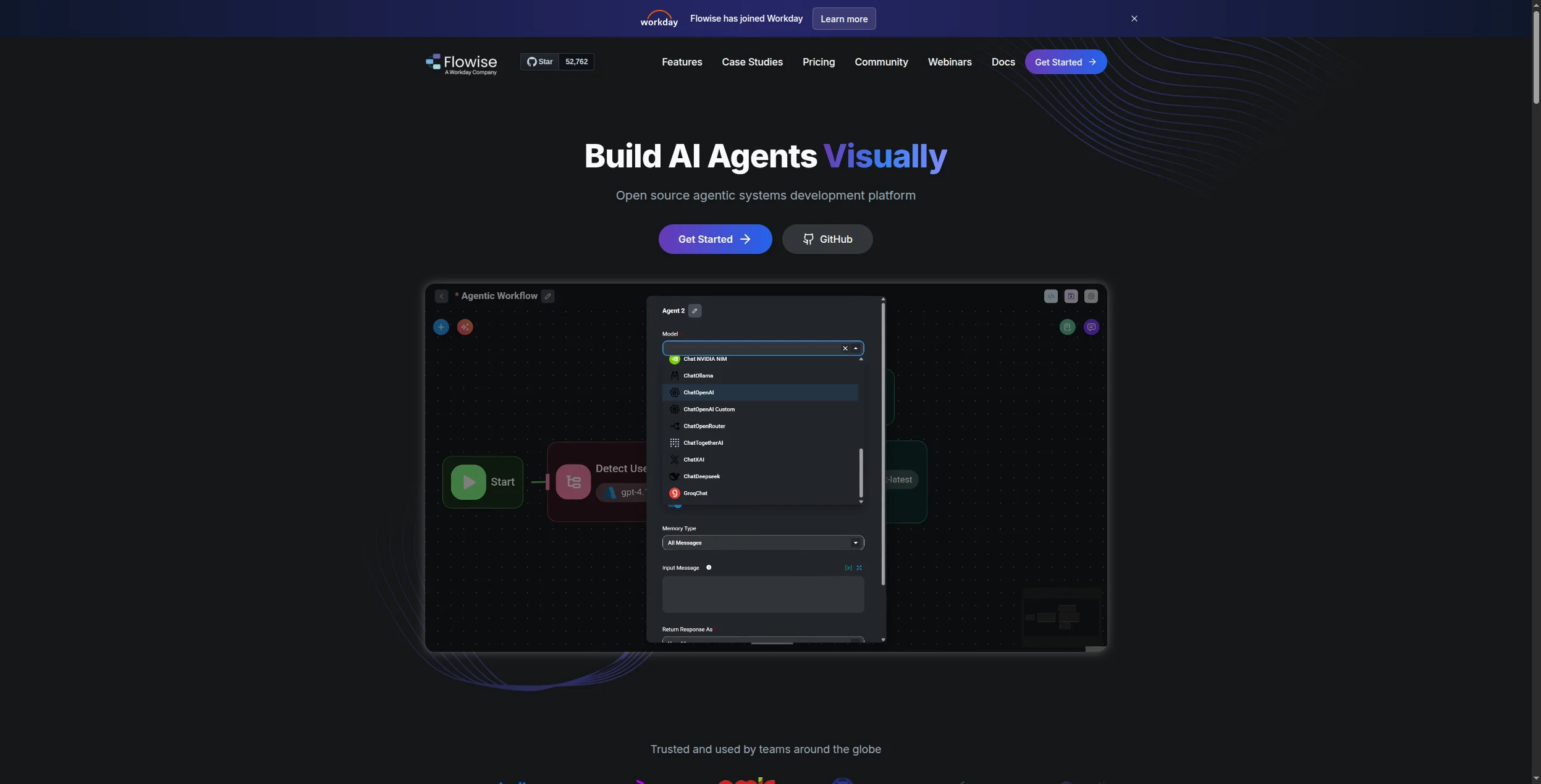
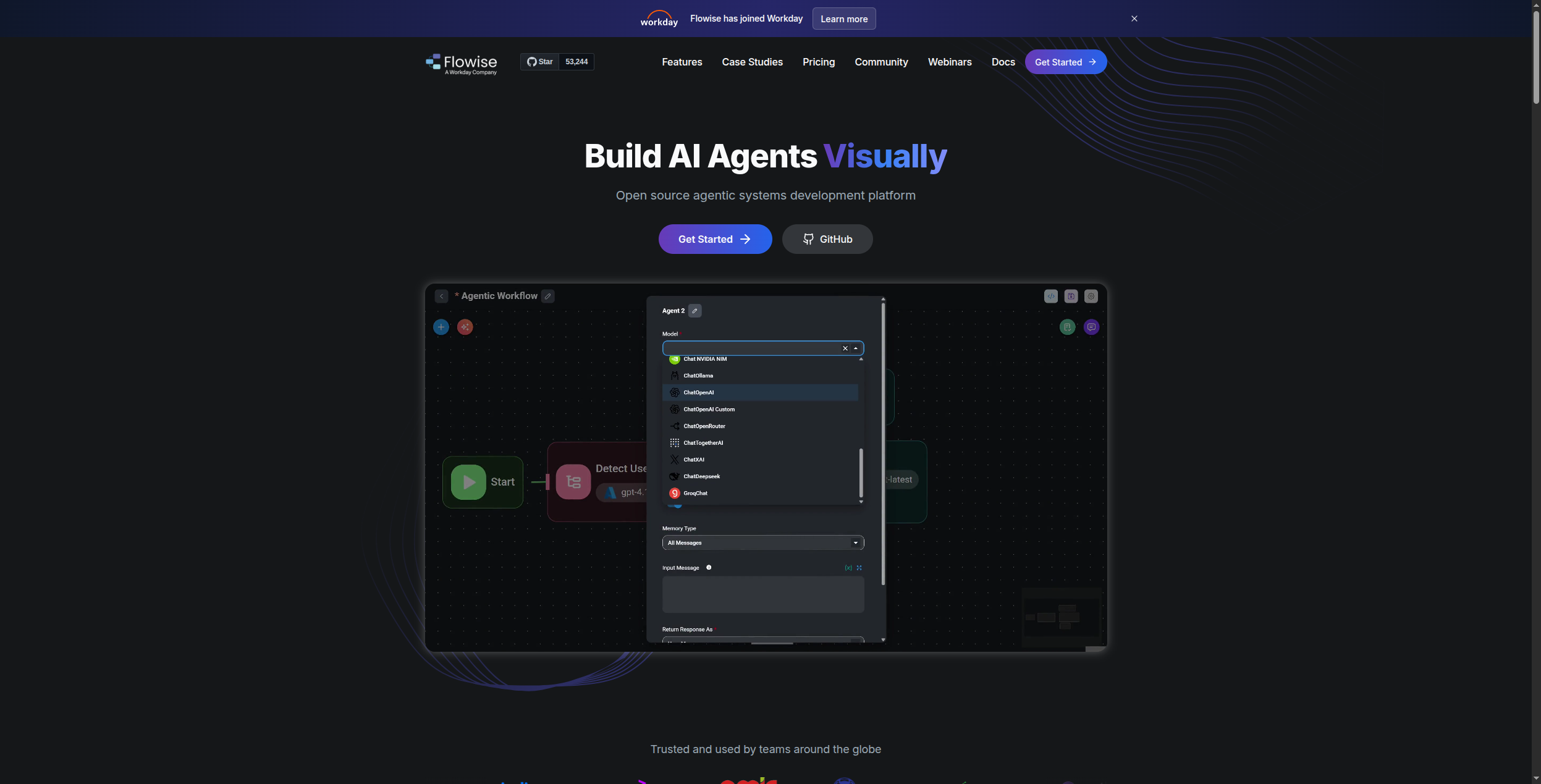
Flowise is an open-source drag-and-drop tool for building LangChain and LlamaIndex-powered agents without writing boilerplate code. It sits in the space between using raw LangChain (full code control) and commercial no-code tools (platform dependency) — you get a visual builder with full source access and self-hosting capability.
For developers who want to prototype AI agents quickly, share flows with teammates, and run everything on their own infrastructure, Flowise is a practical choice. Its active community has produced hundreds of shared flows covering RAG, SQL agents, web search agents, and multi-step reasoning patterns.
Best for: Developers who want LangChain capabilities through a visual interface — ideal for RAG prototyping, internal chatbots, and self-hosted agent deployments.
10. Dify — Best Open-Source LLM App and Agent Platform
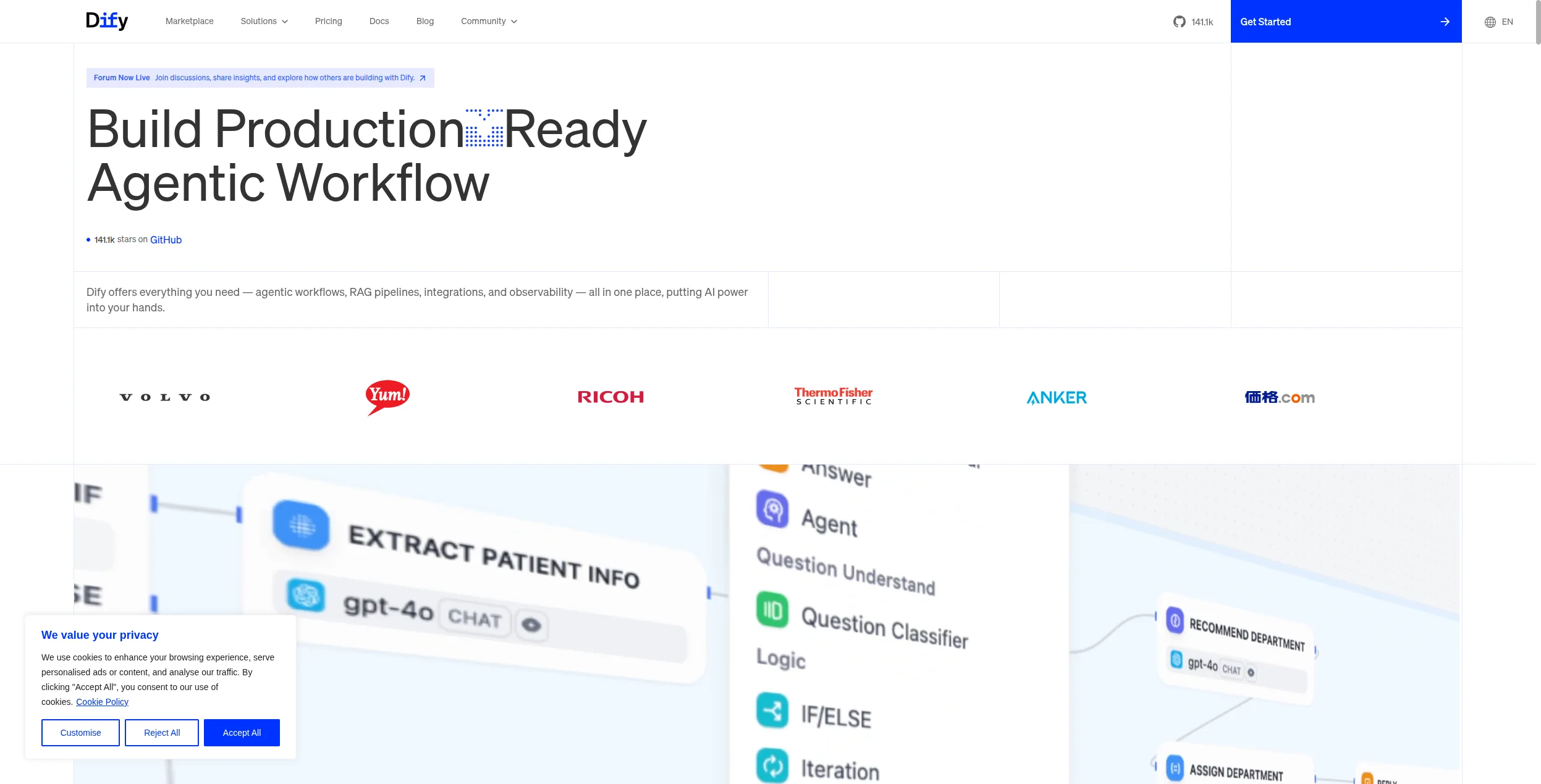
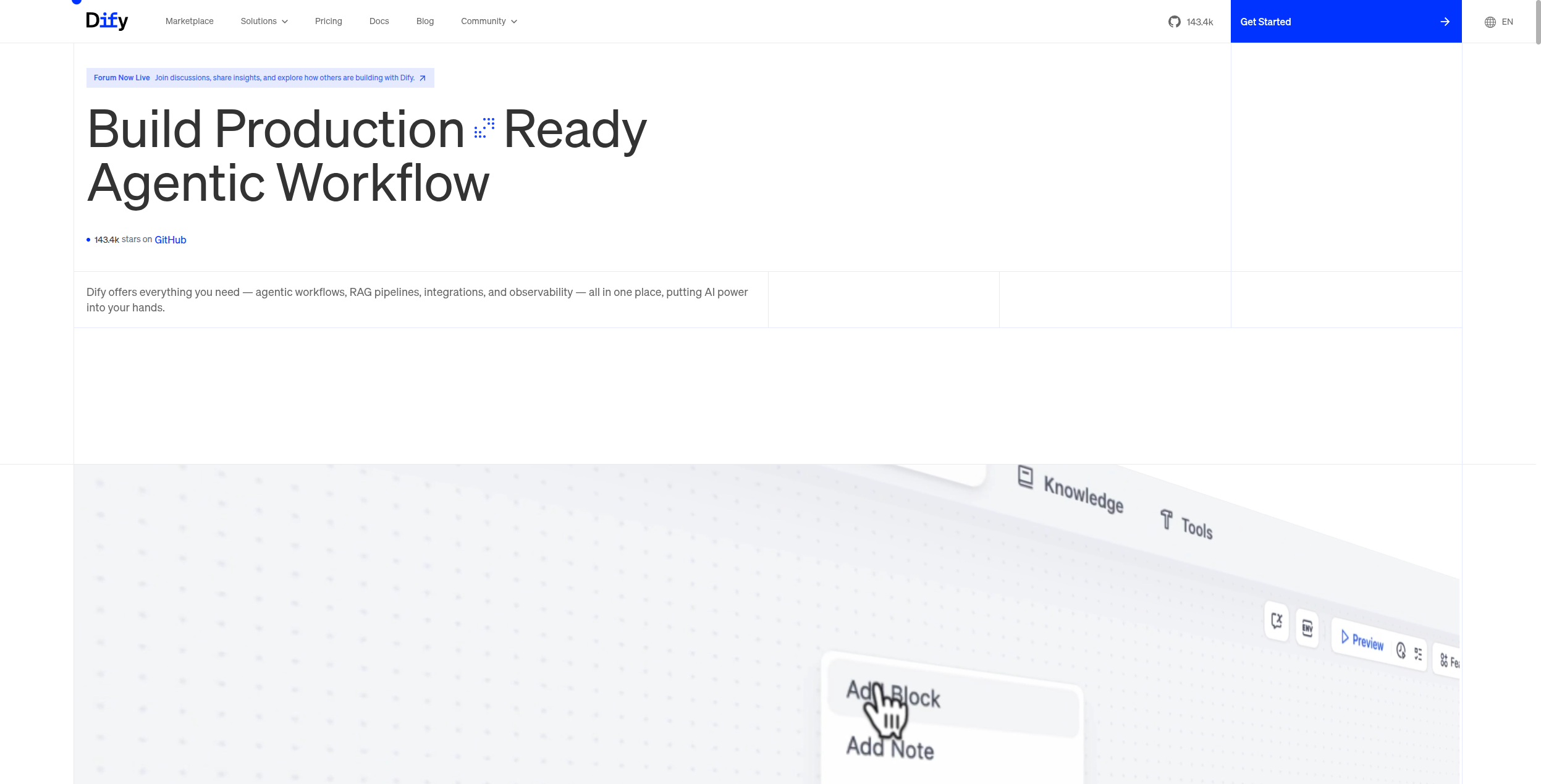
Dify is a more complete open-source platform than Flowise — covering LLM application development, agent orchestration, RAG pipelines, prompt management, and observability in a single interface. Its Workflow canvas supports complex multi-step agent logic, and its support for 100+ models (including local Ollama and self-hosted models) makes it uniquely flexible for organizations with model constraints.
Where Flowise is primarily a visual LangChain wrapper, Dify is a full-featured application development environment with production-ready features: API endpoints, rate limiting, usage analytics, and team management.
Pros:
Complete LLM application platform — not just agent orchestration
100+ model providers including local
Production-ready: APIs, analytics, team management
Strong RAG with document ingestion and knowledge management
Active development, 40,000+ GitHub stars
Cons:
More complex to self-host than simpler tools
Learning curve for full feature utilization
Enterprise features require paid Dify Cloud or self-hosted enterprise edition
Community support primarily via GitHub issues and Discord
Best for: Technical teams wanting a full-featured, self-hosted LLM application platform — from RAG pipelines and chatbots to complex multi-step agent workflows.
11. Microsoft Copilot Studio — Best for Microsoft 365 Ecosystems
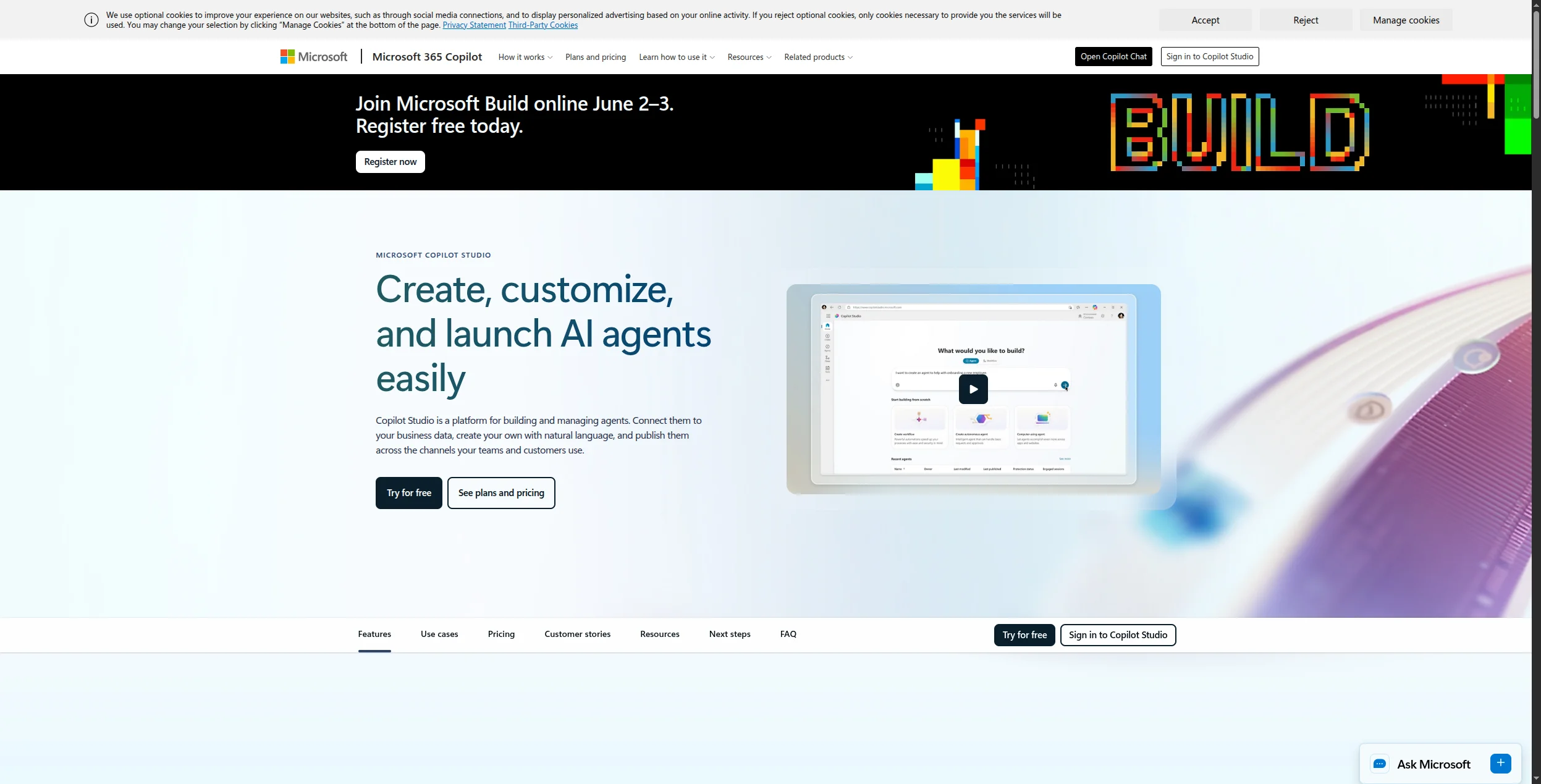
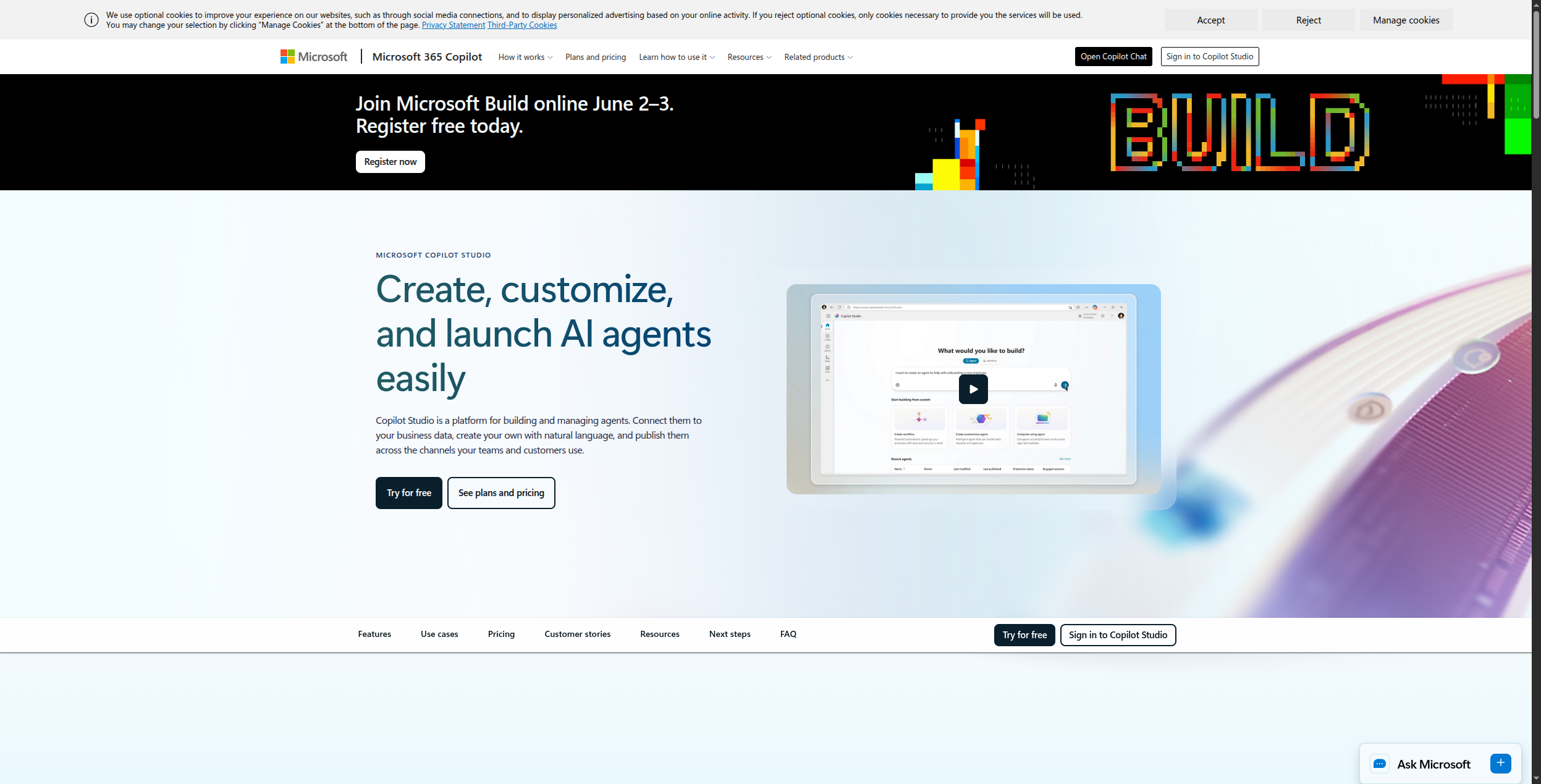
Microsoft Copilot Studio is a low-code platform for building custom AI agents that integrate deeply with Microsoft 365, Teams, SharePoint, Dynamics, and the Power Platform connector library. If your organization runs on Microsoft infrastructure, Copilot Studio is the most natural path to deploying AI agents that interact with your existing tools and data.
Its generative AI features (powered by Azure OpenAI) enable agents that can answer questions from SharePoint content, trigger Power Automate flows, look up Dynamics CRM data, and respond directly in Teams — all configured through a low-code interface that IT departments and business analysts can manage.
Pros:
Deep native integration with Microsoft 365 and Teams
1,000+ Power Platform connectors out of the box
IT governance, security, and compliance aligned with Microsoft standards
Low-code — accessible to business analysts
Strong for internal employee-facing AI assistants
Cons:
Best value only within a Microsoft-heavy organization
Pricing model is complex and can become expensive at scale
Less capable for external customer-facing deployments
Tied to Microsoft’s model choices and infrastructure
Pricing: From $200/month (25,000 messages). Pay-per-use also available.
Best for: Enterprises already on Microsoft 365 and Azure who want AI agents integrated with Teams, SharePoint, and Dynamics without significant infrastructure work.
12. Google Vertex AI Agent Builder — Best for Google Cloud Enterprise Deployments
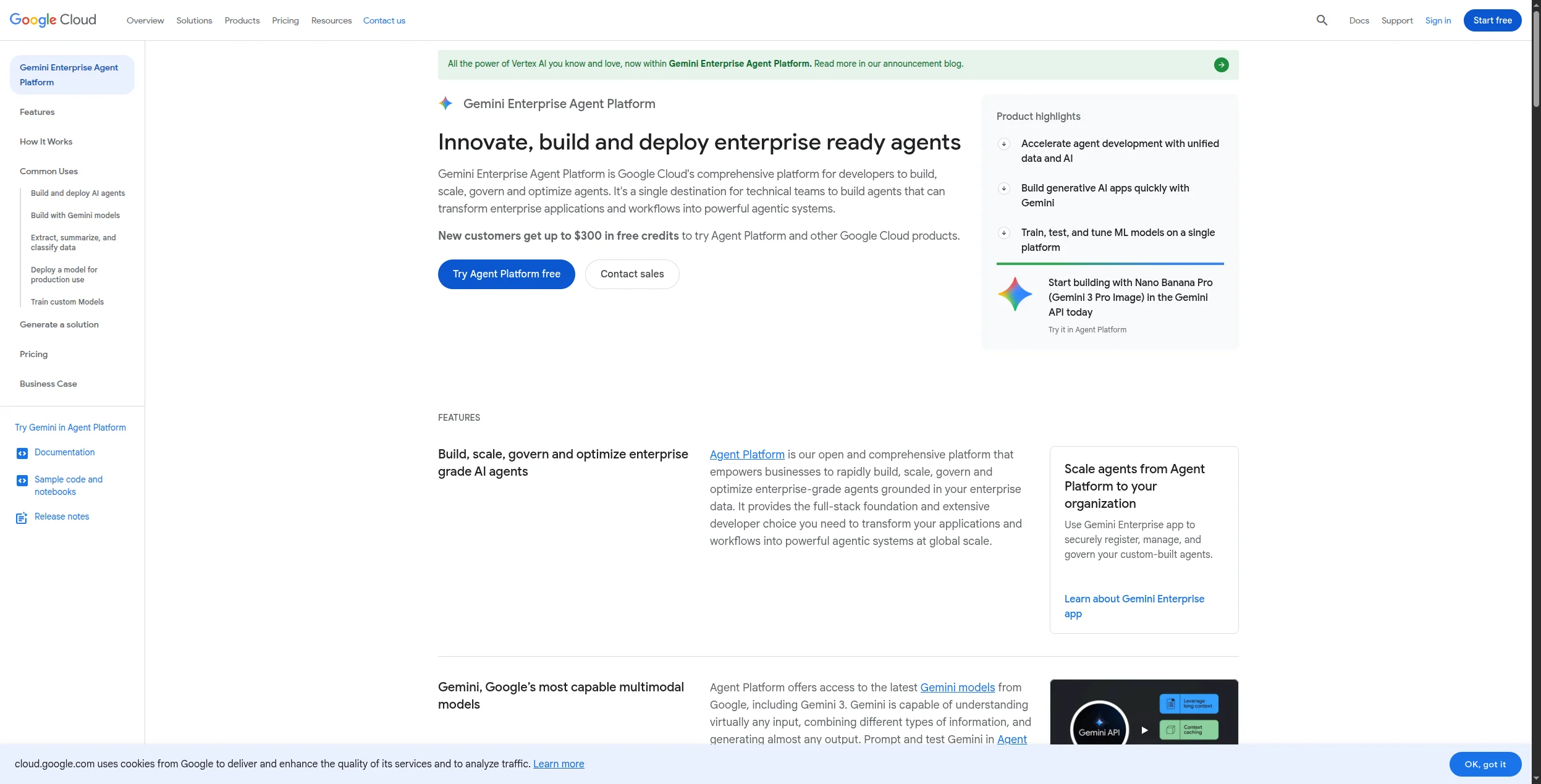
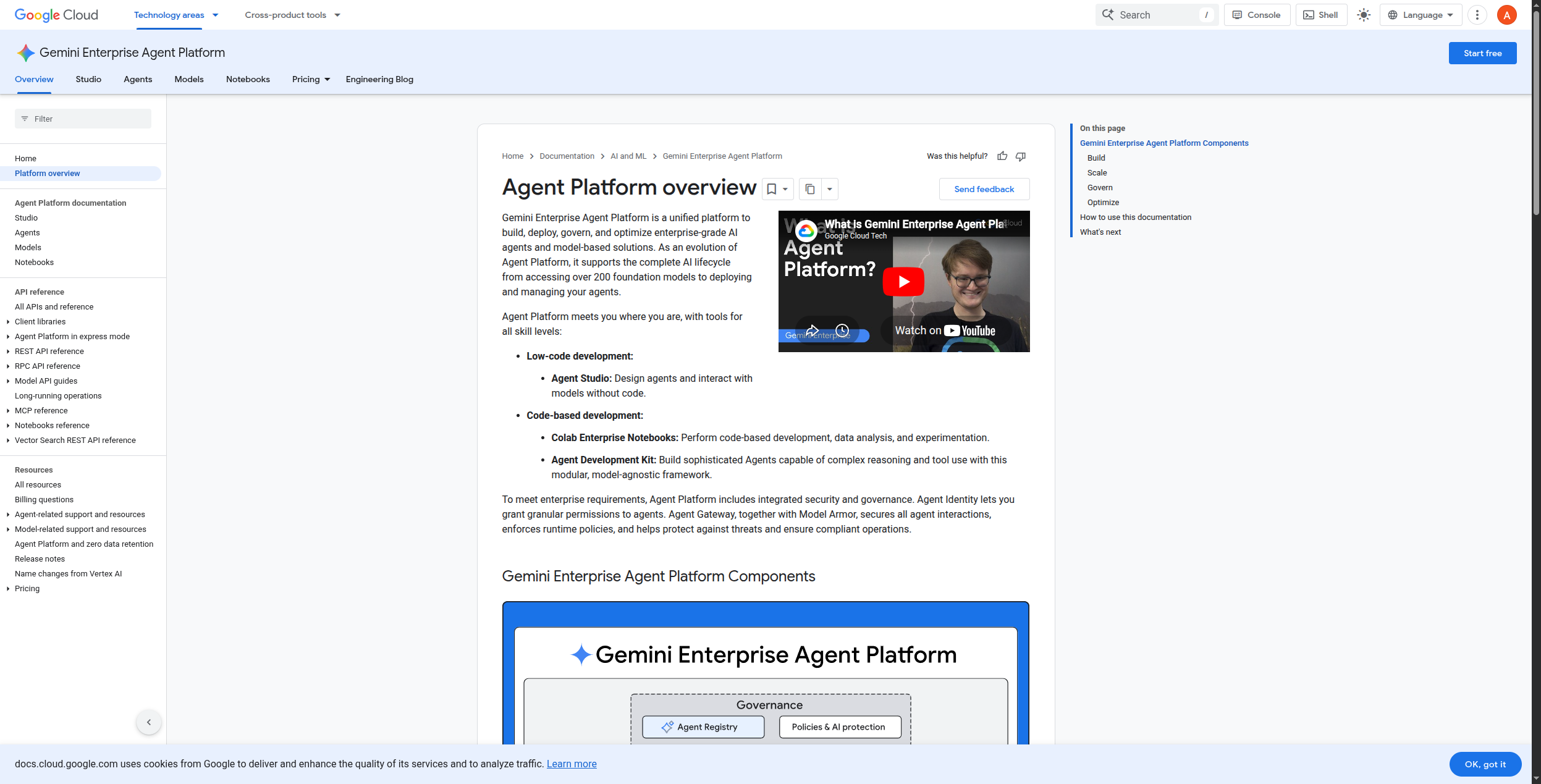
Google’s Vertex AI Agent Builder (part of the Gemini Enterprise Agent Platform) is a managed cloud platform for building production multi-agent systems grounded in Google Search, Google Workspace, BigQuery, and enterprise data connectors. It’s the right choice for organizations already deep in Google Cloud who want enterprise-grade AI agent infrastructure with Gemini models at the core.
Its Agent Engine handles deployment, scaling, session management, and observability — solving the operational complexity of running agents at enterprise scale. The multi-agent framework lets you compose specialized sub-agents under a coordinating orchestrator agent, following Google’s “Agent-to-Agent” (A2A) model.
Pros:
Native Google Search grounding for up-to-date, factual responses
Agent Engine for managed deployment and scaling
Multi-agent orchestration with A2A protocol
Deep BigQuery, Google Workspace, and Cloud integration
Enterprise security and compliance on Google Cloud infrastructure
Cons:
Usage-based pricing can be difficult to predict
Best value only for Google Cloud-committed organizations
Complex setup compared to no-code alternatives
Gemini model lock-in for best integration
Pricing: Usage-based (per character/token). Free credits for new GCP accounts.
Best for: Google Cloud-committed enterprises building production AI agent systems that need grounded, real-time information and deep GCP ecosystem integration.
How to Choose the Right AI Agent Tool
The right AI agent tool depends on two axes: your team’s technical capability and your deployment goal.
For business teams without developers: FlowHunt, Relevance AI, Lindy, and Gumloop all offer no-code agent building. FlowHunt is the most versatile for complex, multi-integration workflows. Lindy is fastest for specific operational tasks. Relevance AI is strongest for sales and marketing.
For developers building production agents: Start with LangChain for general flexibility, CrewAI if your use case maps to collaborative multi-agent roles, AutoGen if you need conversational agent-to-agent interaction, and LlamaIndex if your agents need to reason over large document corpora.
For enterprise cloud deployments: Copilot Studio for Microsoft organizations, Vertex AI Agent Builder for Google Cloud, and Stack AI for compliance-heavy industries.
For self-hosted control: Flowise (quick to deploy) and Dify (more complete) are the strongest open-source options.
Pro Tip: Don’t start with the framework — start with the use case. Write down the three highest-value tasks your team currently does manually that follow a repeatable pattern. Then ask: does this require reasoning and tool use, or just conditional logic? If reasoning — you need a true AI agent tool. If conditional — a workflow automation tool may suffice. Only invest in agent infrastructure for the former.
AI agent tools are platforms and frameworks for building, deploying, and running AI agents — software that can perceive context, reason over it, use tools (search, APIs, databases), and take multi-step actions to complete goals. They range from developer frameworks like LangChain and AutoGen to no-code platforms like FlowHunt and Relevance AI.
FlowHunt, Relevance AI, and Lindy are the strongest options for non-technical users. All three let you build and deploy AI agents through visual interfaces without writing code. FlowHunt is the most flexible for complex integrations; Lindy is the fastest for common business tasks; Relevance AI is strongest for sales and marketing workflows.
A chatbot follows a predefined script or answers questions from a knowledge base. An AI agent can reason over context, decide which tools to use, take actions (API calls, database lookups, file operations), handle multi-step tasks, and adapt its behavior based on what it discovers. Agents are significantly more capable — and require more sophisticated infrastructure.
Not necessarily. No-code platforms like FlowHunt, Relevance AI, Gumloop, and Lindy let you build capable AI agents visually. Developer frameworks like LangChain, CrewAI, and AutoGen require Python or JavaScript. The right choice depends on your team's technical profile and the complexity of agents you need to build.
Multi-agent AI refers to systems where multiple AI agents collaborate to complete a task — each with a specific role, capabilities, and tools. One agent might research, another draft, another review and refine. Frameworks like CrewAI and AutoGen specialize in multi-agent orchestration. FlowHunt supports multi-agent patterns within its workflow canvas.
Arshia is an AI Workflow Engineer at FlowHunt. With a background in computer science and a passion for AI, he specializes in creating efficient workflows that integrate AI tools into everyday tasks, enhancing productivity and creativity.
Arshia Kahani
AI Workflow Engineer
The AI Agent Platform Built for Real Business Outcomes
FlowHunt agents reason, use tools, connect to your data, and take actions across your stack — without engineering sprints. Deploy your first agent in hours, not months.
Best AI Agent Builder in 2026: 12 Tools Ranked and Reviewed
Ranked and reviewed: the 12 best AI agent builders in 2026. Comparison table, pricing, free tiers, and a clear verdict on which platform fits your use case.
Best AI Agent Frameworks in 2026: LangChain, CrewAI, AutoGen & More
Comparing the 8 best AI agent frameworks in 2026 — LangChain, CrewAI, AutoGen, LlamaIndex, Dify, Haystack, Semantic Kernel, and FlowHunt. Which is right for you...
The Best AI Agent Builders in 2026: A Comprehensive Guide to Autonomous Intelligence Platforms
Explore the top AI agent builders in 2026, from no-code platforms to enterprise-grade frameworks. Discover which tools are best for your use case and how FlowHu...
15 min read
AI Agents
Automation
+3
Cookie Consent We use cookies to enhance your browsing experience and analyze our traffic. See our privacy policy.