Best AI App Builder in 2026: 12 Tools to Build Smarter Apps Faster
Ranked and reviewed: the 12 best AI app builders in 2026. Whether you want to build AI agents, ship full-stack apps from a prompt, or create internal tools — there’s a platform for you.
AI Tools
No-Code
App BuilderAI Agents
Developer Tools
“AI app builder” means something different depending on who you ask. For a developer, it might mean an AI coding assistant that generates code. For a marketer, it means a no-code tool to spin up an AI chatbot. For a founder, it’s a platform to ship a SaaS product in a weekend.
In 2026, a new category has emerged that addresses all three: platforms where AI both builds the application and runs inside it. This guide covers the 12 best AI app builders across all these interpretations — with honest assessments of what each tool actually delivers.
Pro Tip: There are two distinct use cases hiding under “AI app builder.” The first is building apps that use AI (FlowHunt, Dify, Stack AI — great for agents, chatbots, and AI workflows). The second is using AI to build apps (Bolt.new, Lovable, Replit — AI generates the application from your description). Many teams need both. Clarify your primary need before evaluating platforms.
AI App Builders Compared at a Glance
Tool
Primary Use Case
Starting Price
Best For
Free Tier
FlowHunt
AI agent & workflow app builder
From $29/mo
AI-native apps, agents, automations
Yes
Bolt.new
AI generates full-stack apps
Free / $20/mo
Shipping web apps from prompts
Yes
Lovable
Conversational AI app generation
Free / $20/mo
React apps from natural language
Yes
Bubble
No-code SaaS app builder
Free / $32/mo
Production SaaS products
Yes
Dify
Open-source LLM app platform
Free (self-host)
AI chatbots, RAG, agent workflows
Yes
Relevance AI
No-code AI agent builder
Free / $19/mo
Business AI tools without code
Yes
Retool
Internal tool builder + AI
Free / $10/mo
Engineering teams, admin dashboards
Yes
Stack AI
Enterprise AI app builder
From $199/mo
Enterprise RAG, compliance-heavy AI
Yes
Replit
AI-assisted coding & deployment
Free / $25/mo
Developers using AI to code faster
Yes
Flowise
Open-source LLM flow builder
Free (self-host)
Self-hosted LangChain visual builder
Yes
Glide
Spreadsheet-to-app builder
Free / $49/mo
Data-driven business apps
Yes
Lindy
AI agent builder for business
From $49.99/mo
No-code AI assistants for operations
Yes
1. FlowHunt — Best AI App Builder for Agents, Workflows, and Customer-Facing Tools
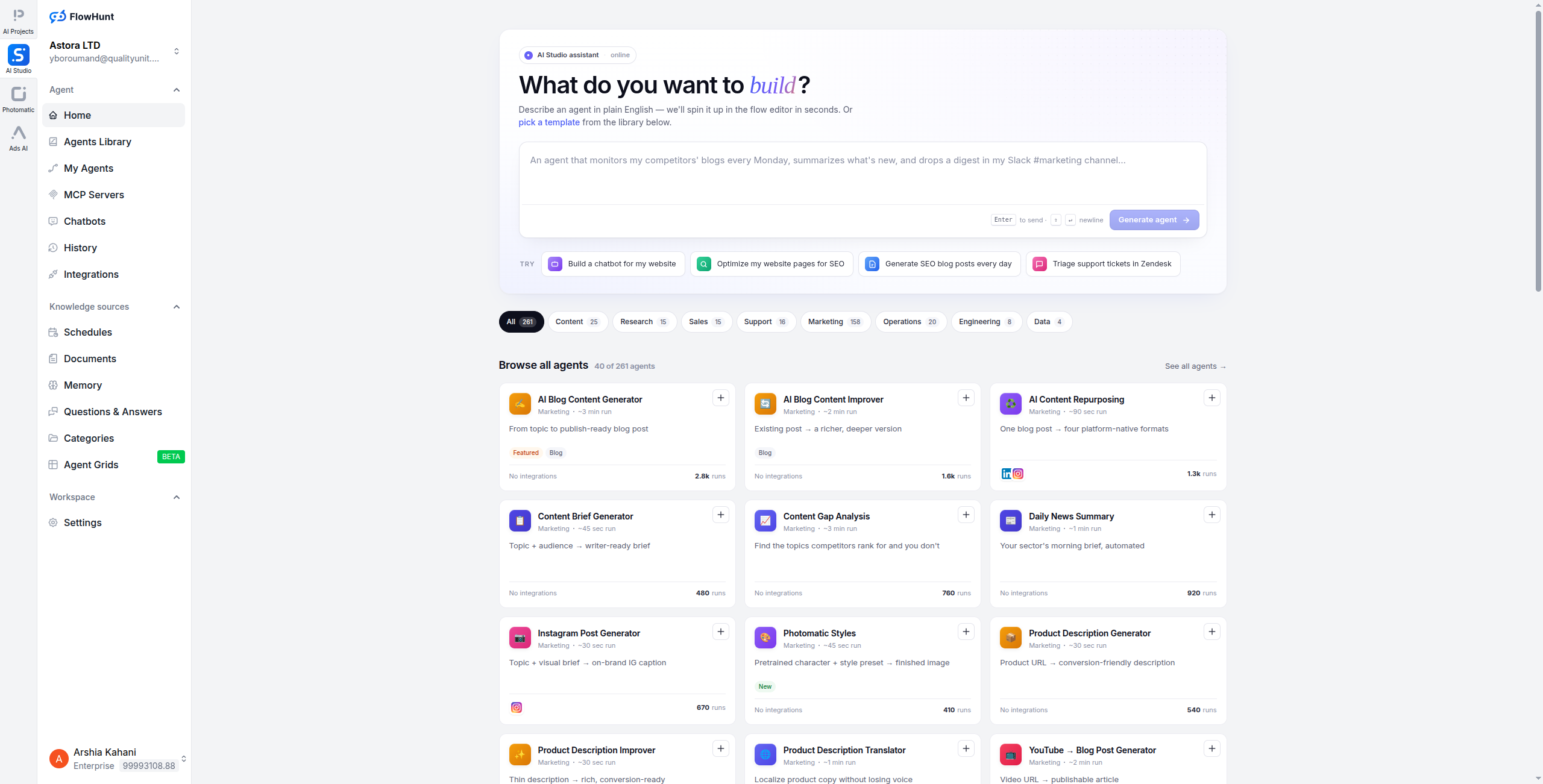
FlowHunt is purpose-built for teams that want to ship AI-powered applications — not general software, but specifically apps where AI reasoning, tool use, and multi-step automation are the core functionality. Think customer service agents, SEO research pipelines, content generators, lead qualification bots, and internal knowledge assistants.
The visual builder lets you wire together LLM nodes, data sources, API calls, conditional logic, and human handoff steps on a canvas — no code required. The result isn’t a chatbot with a hardcoded script; it’s an agent that reasons over context, uses tools, and takes adaptive actions. You can deploy that agent as a web widget, an API endpoint, a Slack bot, or an email responder — all from the same builder.
Key strengths:
Visual canvas for building AI agents, not just chatbots
1,400+ integrations — connect agents to real data and systems
2. Bolt.new — Best for Generating Full-Stack Web Apps from Prompts
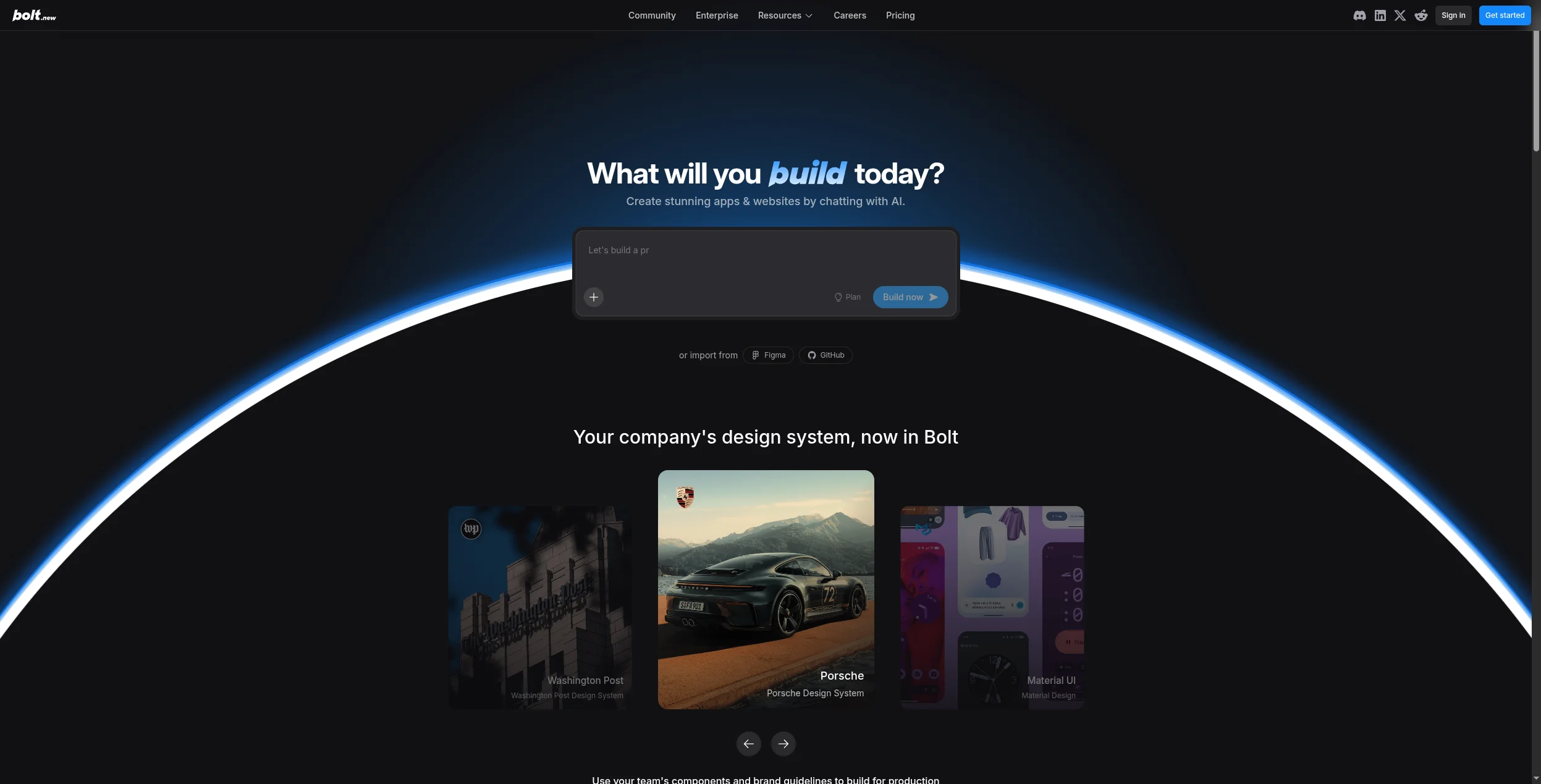
Bolt.new is the most impressive demonstration of what AI-generated development looks like in practice. Describe what you want in plain English — “build me a CRM with a Kanban board, contact database, and email logging” — and Bolt generates a complete, working web application: frontend, backend, database schema, and all. You can then iterate conversationally, test in-browser, and deploy to production.
Built on StackBlitz’s in-browser runtime, Bolt executes code in a sandboxed environment, so you can see the app running as it’s being built. For MVPs, prototypes, and internal tools that would otherwise take a developer days to scaffold, it’s genuinely remarkable.
Pros:
Generates complete, deployable full-stack apps from prompts
In-browser preview as the AI builds
Supports React, Node, Supabase, Tailwind — modern stack
Fast iteration: chat to refine, not rebuild from scratch
Free tier for exploration
Cons:
Generated code can be hard to maintain at scale without developer oversight
Complex custom business logic often requires manual editing
Not suited for AI agent/workflow use cases
Output quality varies significantly by prompt specificity
Pricing: Free tier (limited credits). Pro from $20/month.
Best for: Founders, designers, and product managers who want to ship functional web app prototypes without waiting for engineering.
3. Lovable — Best Conversational AI App Builder for React Apps
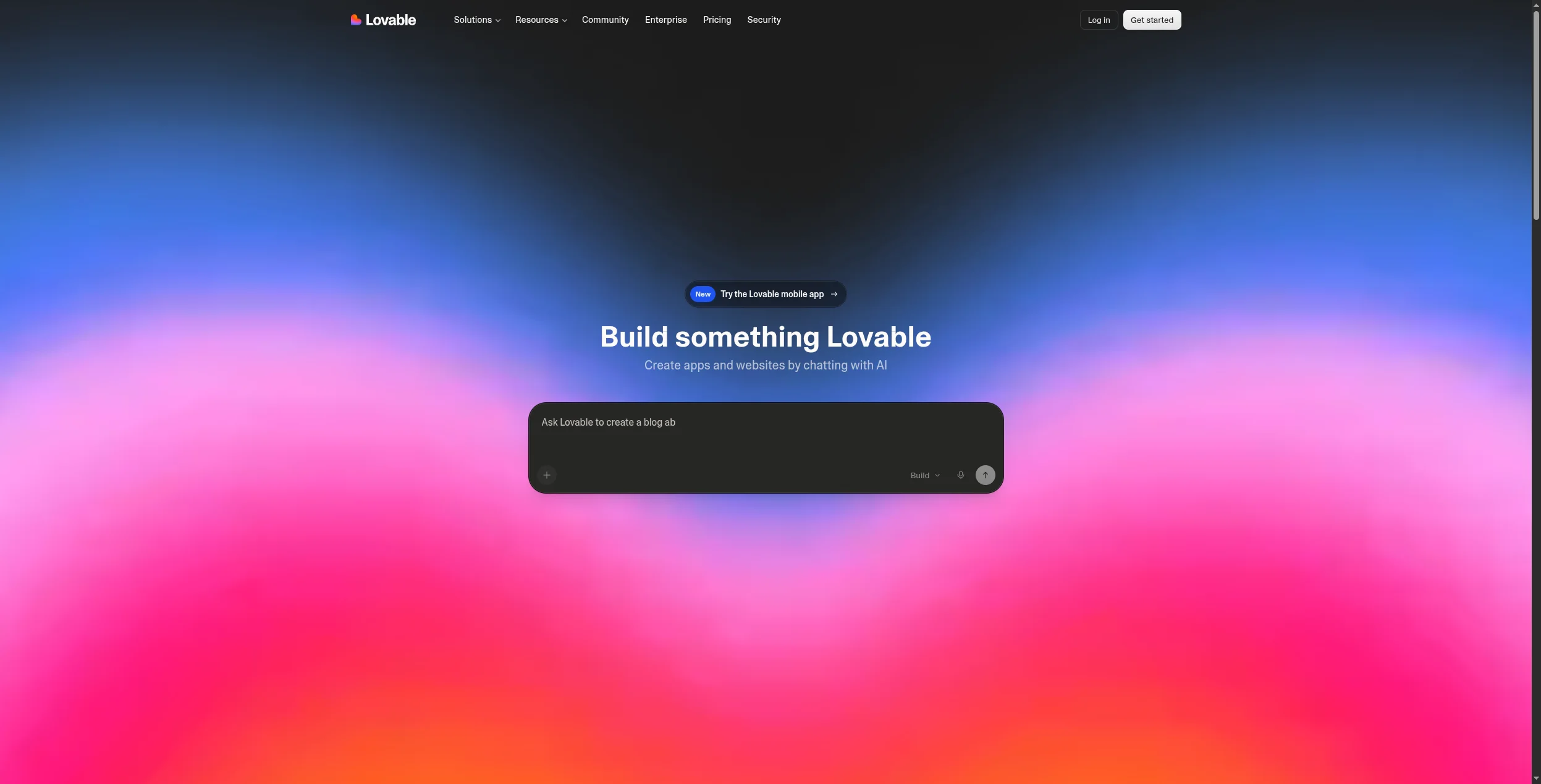
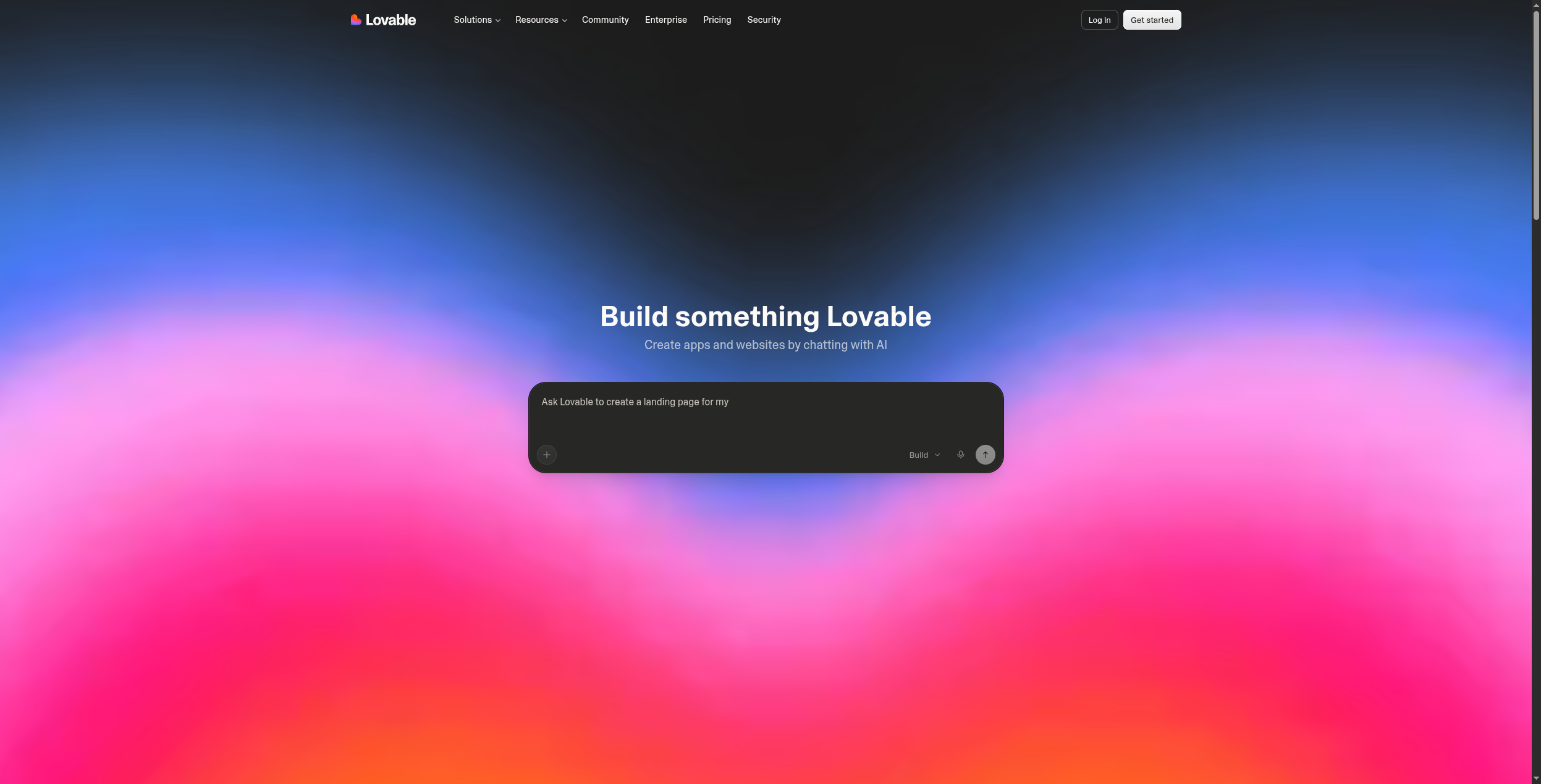
Lovable (formerly GPT Engineer) takes a similar approach to Bolt.new but leans more heavily into the conversational, iterative building experience. You describe your app, review the generated UI, suggest refinements (“make the sidebar collapsible”, “add a dark mode toggle”), and Lovable updates the code in real time.
It generates clean React code that you can export, connect to Supabase for a backend, and deploy via GitHub Actions. For teams that want AI-generated apps with a path to code ownership — rather than a locked platform — Lovable’s approach is appealing.
Pros:
Clean, exportable React code with real ownership
Supabase integration for instant database and auth
Iterative conversational refinement
GitHub sync for version control
Generates mobile-responsive UIs by default
Cons:
Less powerful for complex backend logic than hand-coded apps
Generated UI sometimes requires significant design polish
Not suited for AI agent workflows
Pricing scales with usage credits
Pricing: Free tier. Pro from $20/month.
Best for: Startup founders and product teams who want AI-generated apps with exported, ownable code they can hand to developers for future work.
Join our newsletter
Get latest tips, trends, and deals for free.
4. Bubble — Best No-Code Platform for Production SaaS Apps
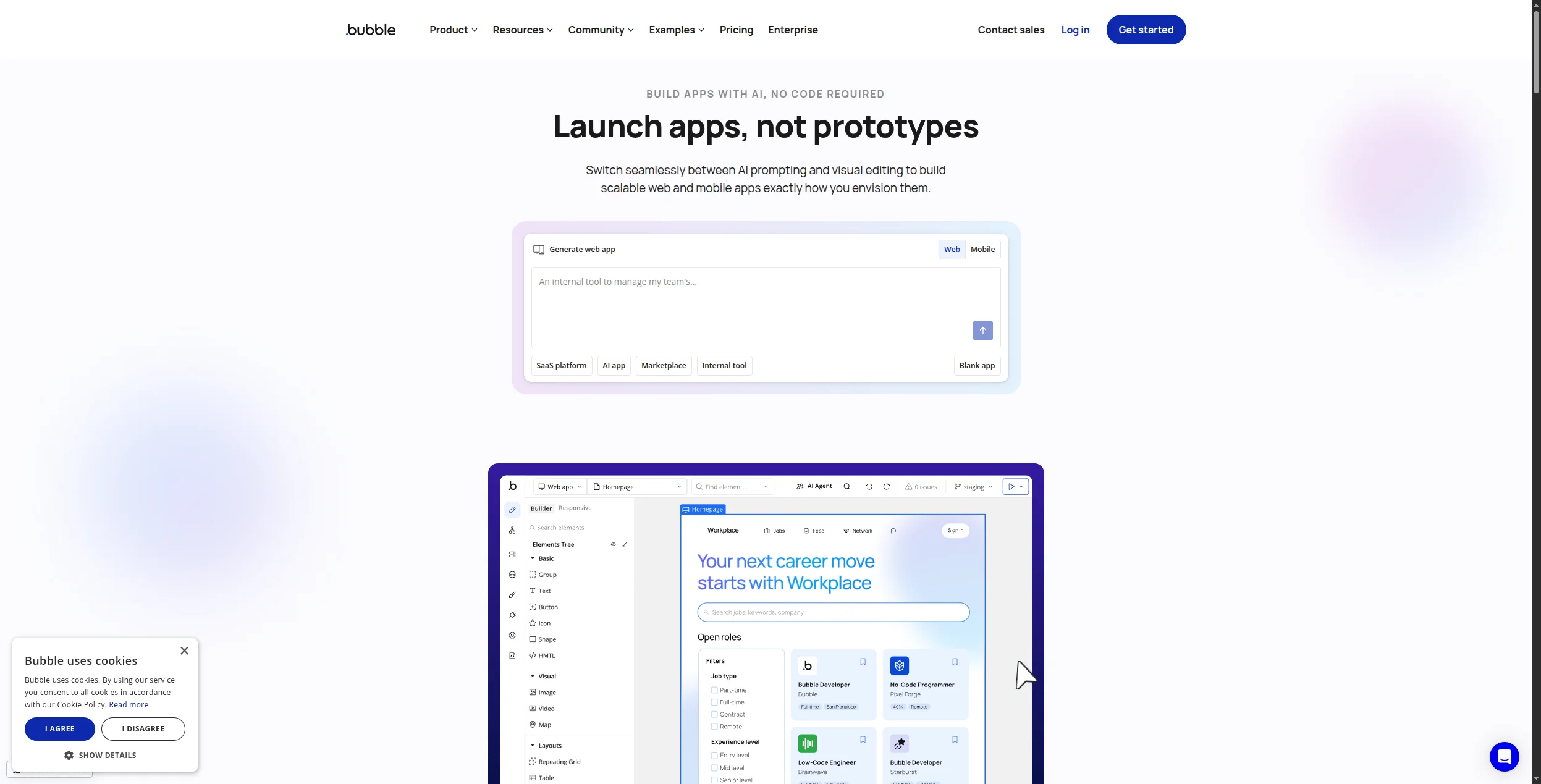
Bubble is the most battle-tested no-code app builder available — thousands of real production SaaS products run on it, including companies that have raised venture capital and scaled to tens of thousands of users. Its visual editor handles frontend, backend, database, user authentication, payments, and API integrations in a single platform.
It’s not an AI-first tool, but Bubble’s plugin ecosystem includes OpenAI, Anthropic, and vector database integrations that let you add AI features to any Bubble app. For teams who want full control over app behavior, complex data models, and production-grade performance — it remains the gold standard in no-code.
Pros:
Most mature no-code ecosystem — thousands of templates and plugins
Handles complex relational data models and business logic
Native payment, authentication, and API integration
Large developer community and freelancer marketplace
Proven at production scale
Cons:
Steeper learning curve than newer AI-first builders
Performance can degrade on complex apps without optimization
AI features require plugins, not native
Hosting costs scale with usage
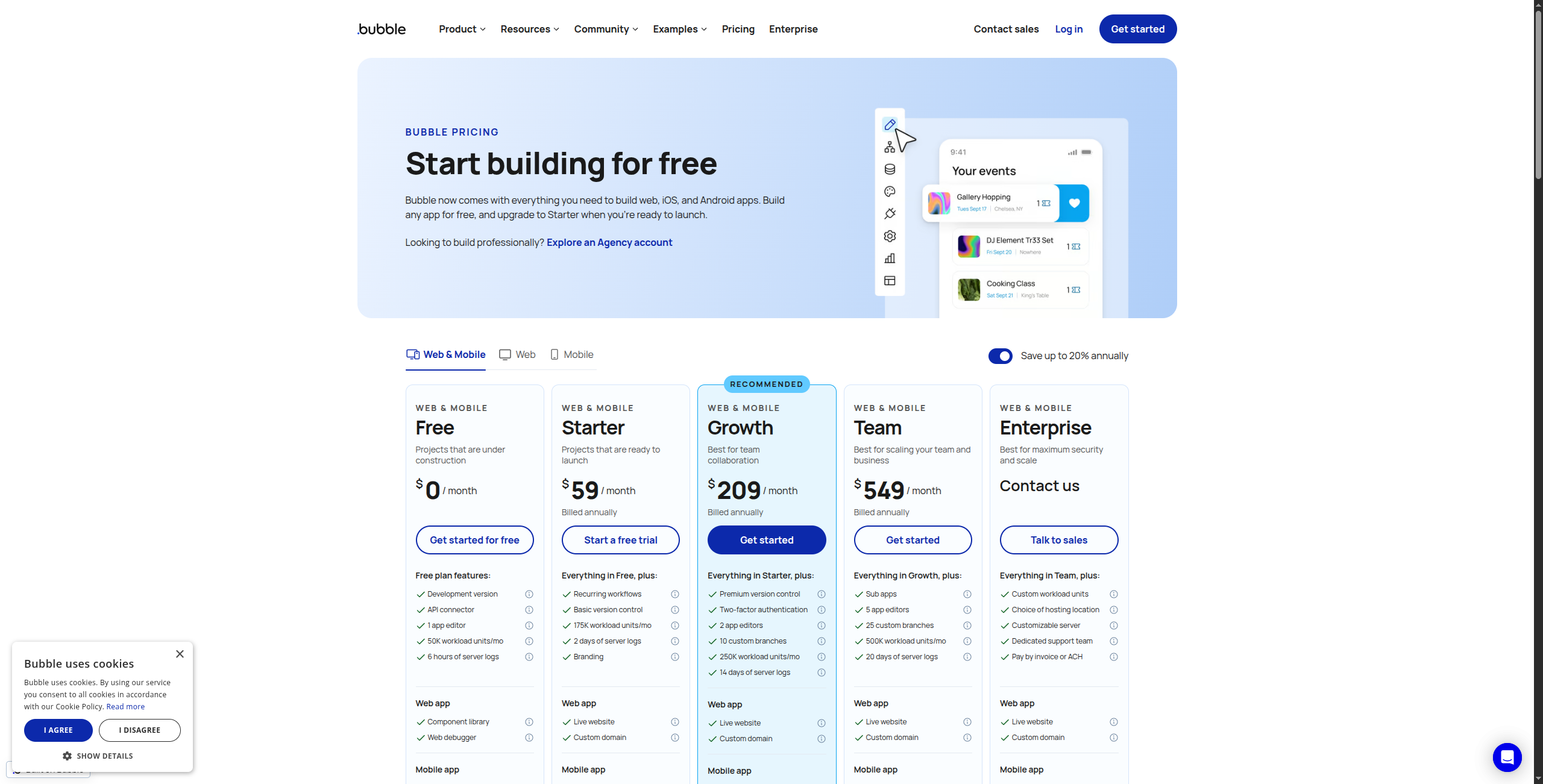
Pricing: Free tier. Starter from $32/month.
Best for: Founders building real SaaS products who want no-code depth, a proven platform, and a freelancer ecosystem for hiring help.
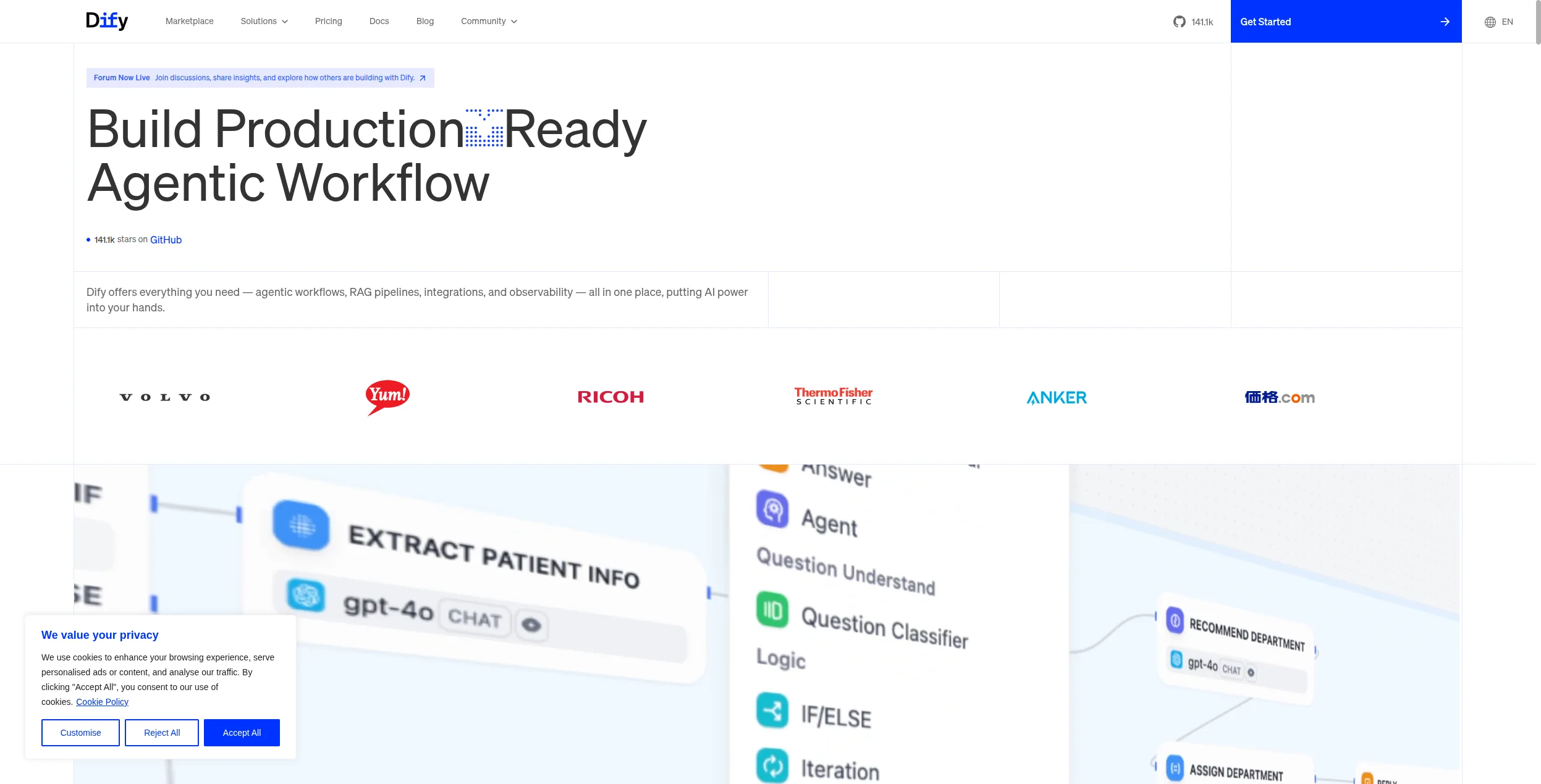
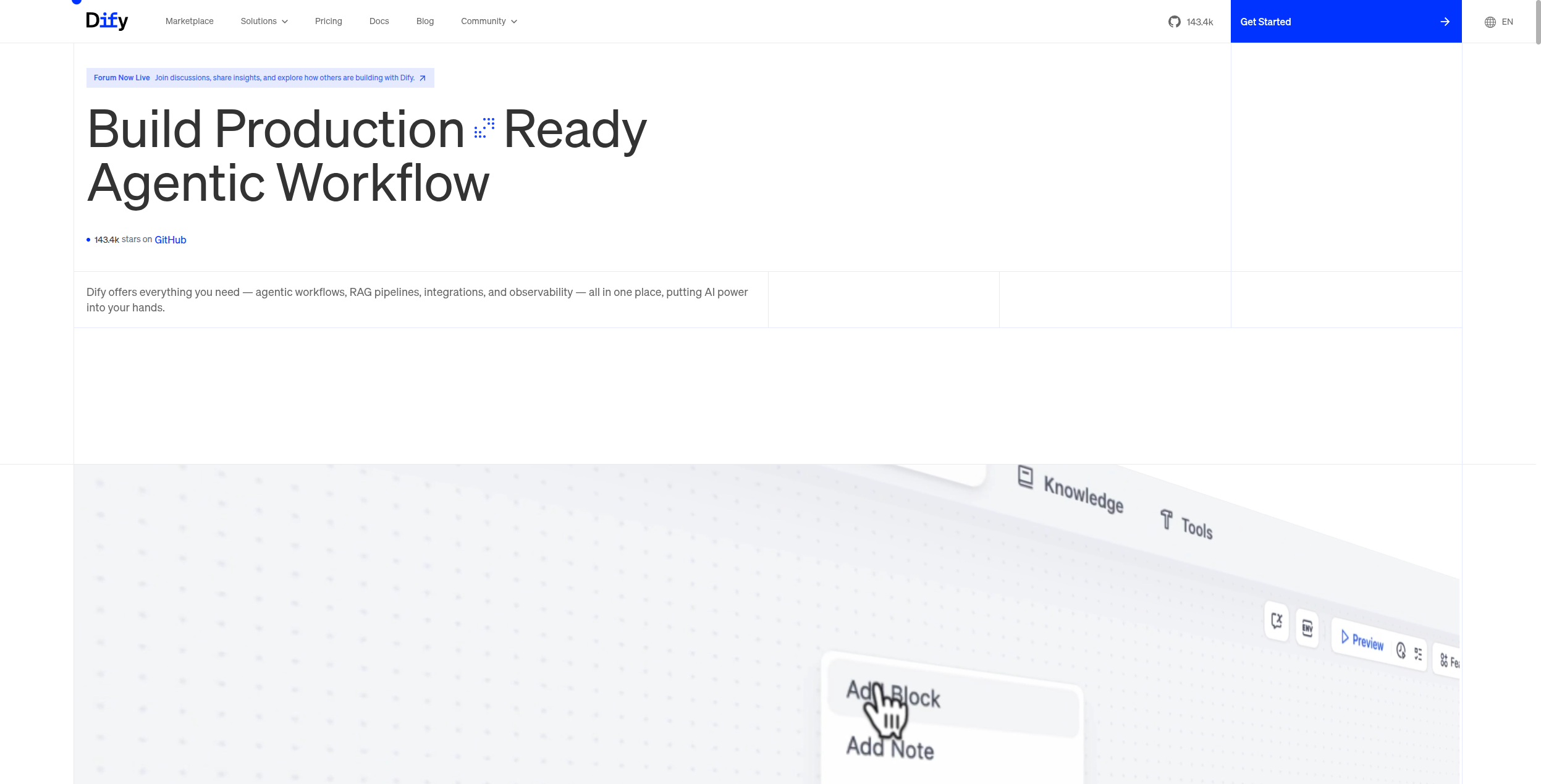
5. Dify — Best Open-Source LLM Application Builder
Dify is an open-source platform for building LLM-powered applications — chatbots, RAG pipelines, AI agents, and multi-step workflows — with a visual canvas and support for 100+ models including OpenAI, Anthropic, Mistral, and local models via Ollama. It’s the platform of choice for developers who want LangChain-level capability without writing Python boilerplate.
Self-hosting Dify gives you full data control, no per-message fees, and the ability to run entirely on local models. The cloud version lowers the barrier for teams without infrastructure expertise. Its knowledge base management, prompt versioning, and observability tools make it genuinely production-ready.
Pros:
Open-source, self-hostable, MIT-licensed
Supports 100+ LLM providers including local models
RAG pipeline builder with document ingestion and retrieval
Prompt versioning, A/B testing, and analytics
Active community and fast development pace
Cons:
Requires some technical setup for self-hosting
Less suited for building full-stack web applications
Fewer pre-built integrations than FlowHunt or Make
Best for: Technical teams who want full control over their AI stack — models, data, and infrastructure — with a visual builder that doesn’t require LangChain expertise.
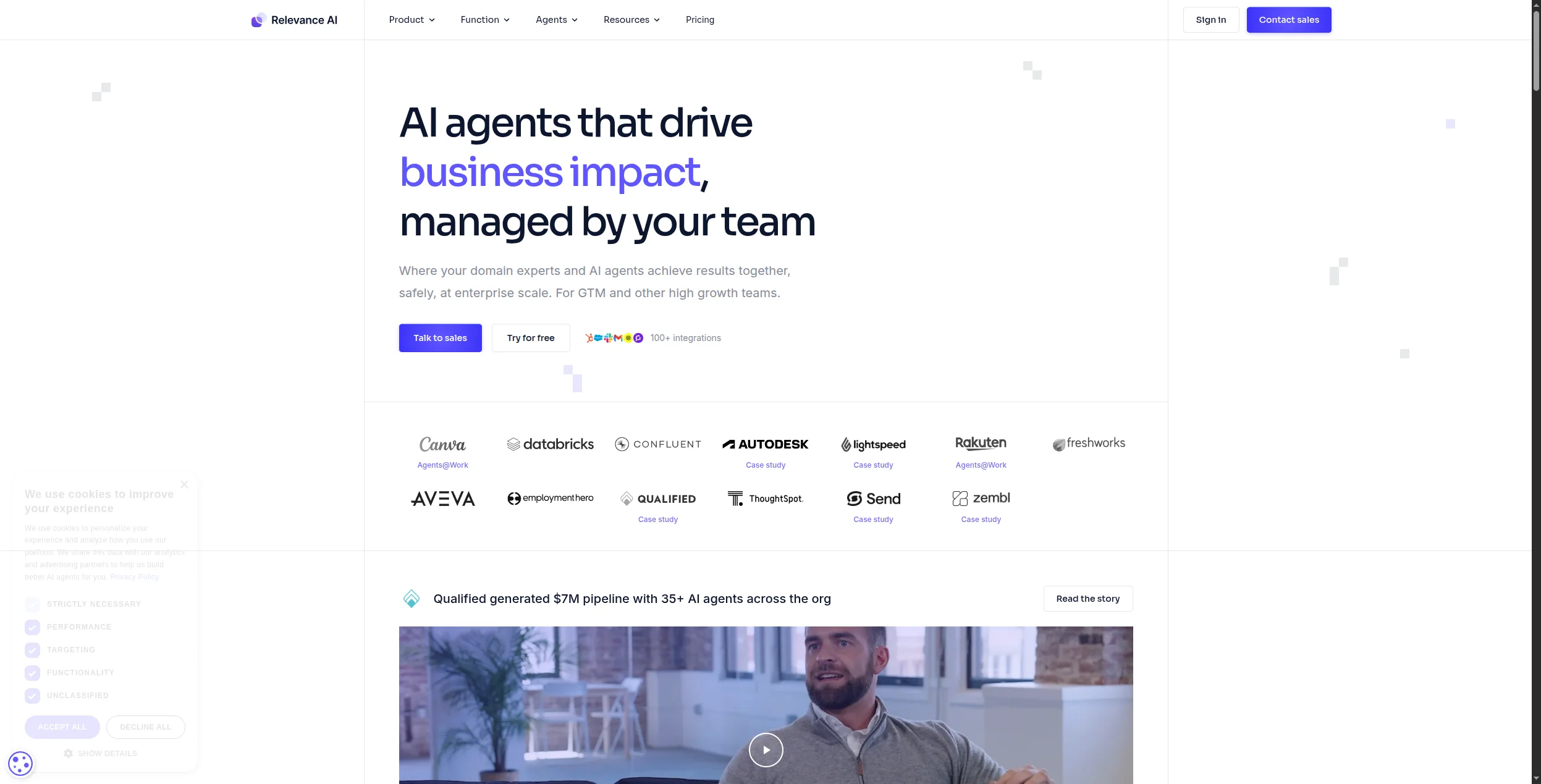
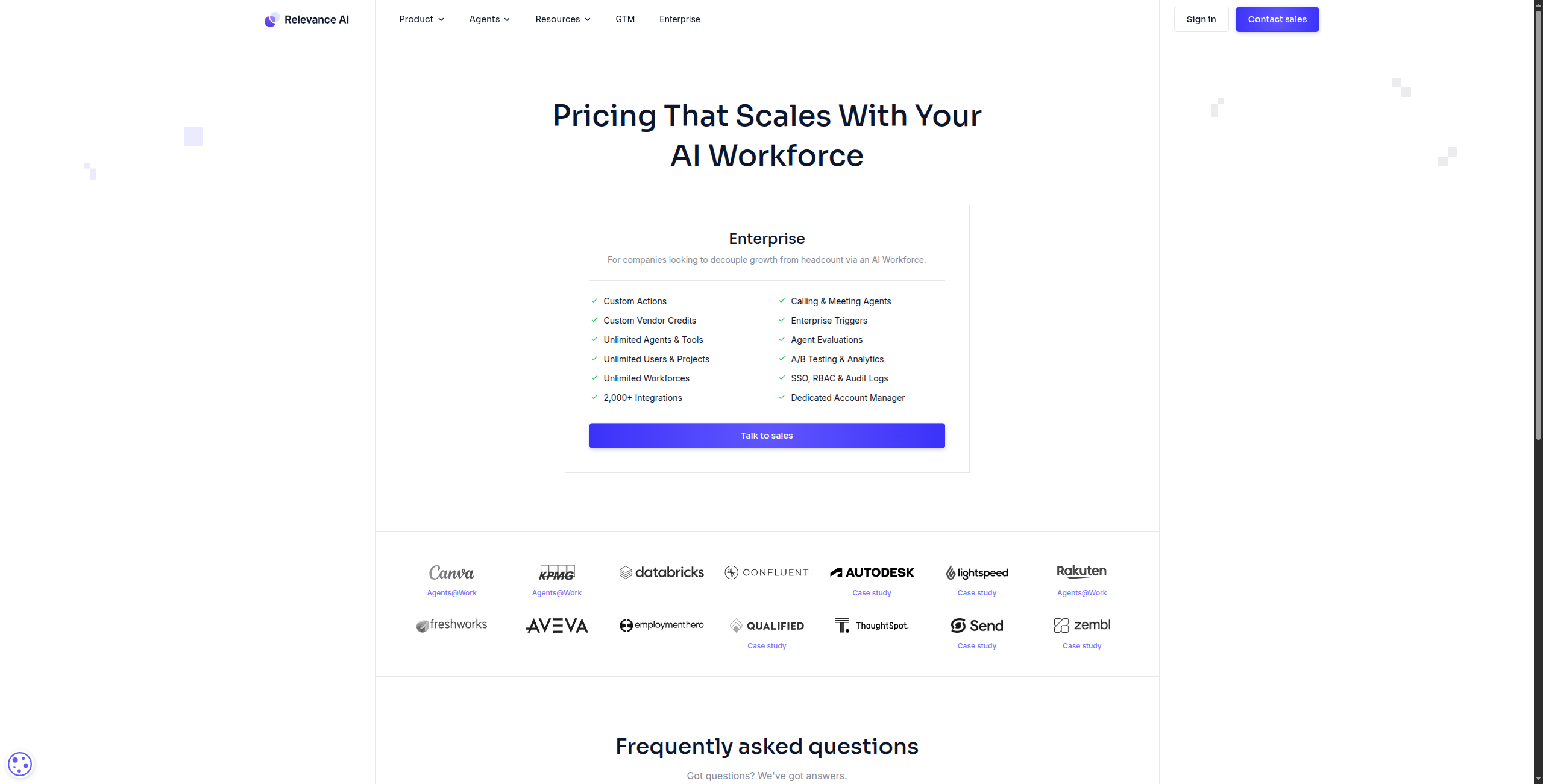
6. Relevance AI — Best No-Code AI Agent Builder for Business Teams
Relevance AI positions itself as a platform where business teams — not just developers — can build AI workers: agents that execute repeatable multi-step tasks using your data and tools. Its “Tools” and “Agents” builder uses a drag-and-drop interface to define what the AI knows, what it can do, and when it should escalate.
It’s particularly strong for sales and marketing use cases: enriching leads from LinkedIn, drafting personalized outreach, researching prospects, and summarizing CRM activity. The concept of “AI workers” that replace specific job functions resonates with operations-focused teams.
Pros:
Business-friendly framing (AI workers, not code workflows)
Strong sales and marketing use case templates
Knowledge base connection, web browsing, and API tools
Shareable tools that teams can run without setup
Cons:
Pricing can escalate with high credit usage
Less suitable for complex branching automation
Smaller integration catalog than FlowHunt or Zapier
Some advanced features require developer familiarity
Pricing: Free tier. Paid from $19/month.
Best for: Sales, marketing, and operations teams who want to deploy AI workers for specific repeatable tasks without developer involvement.
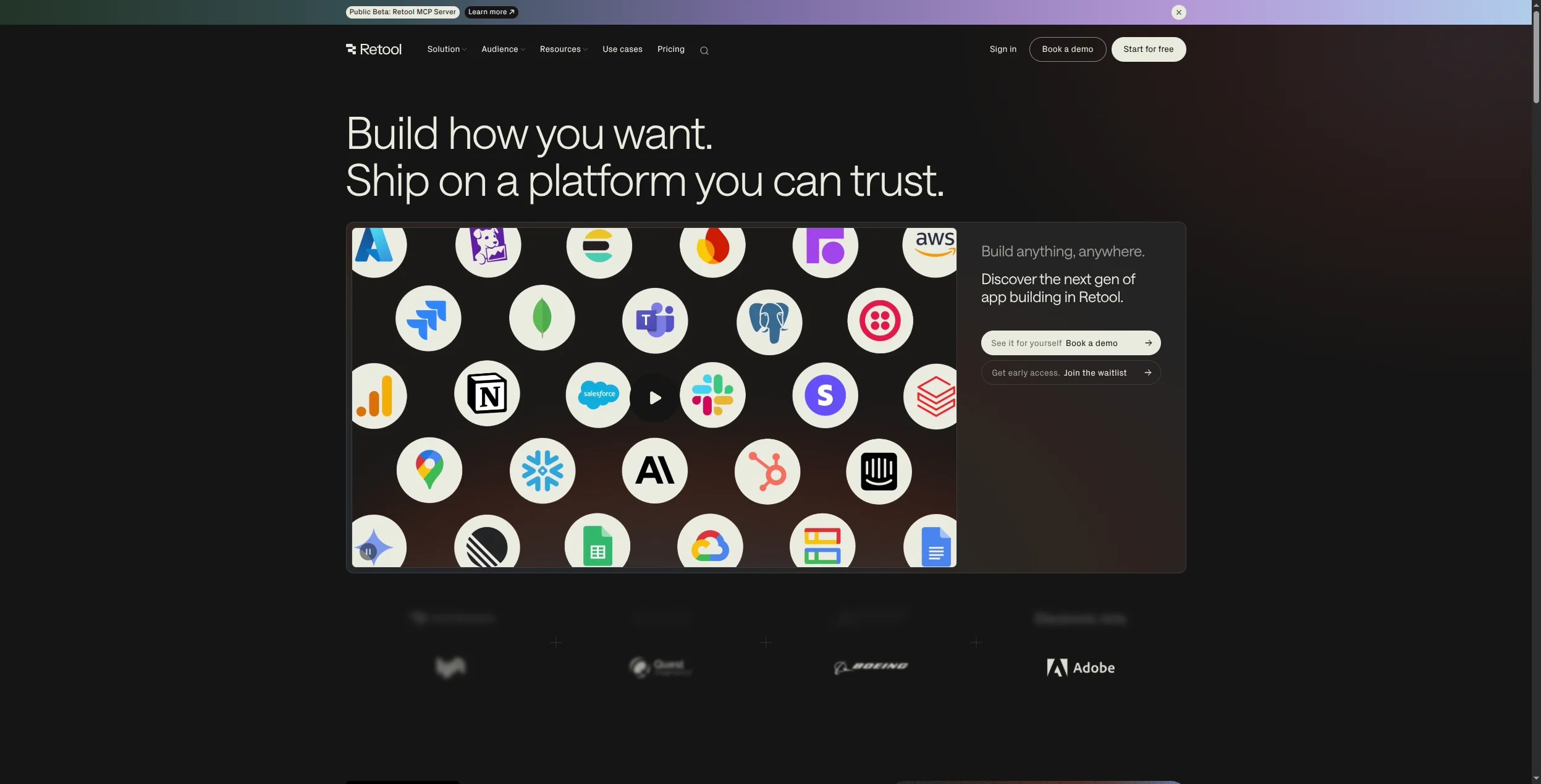
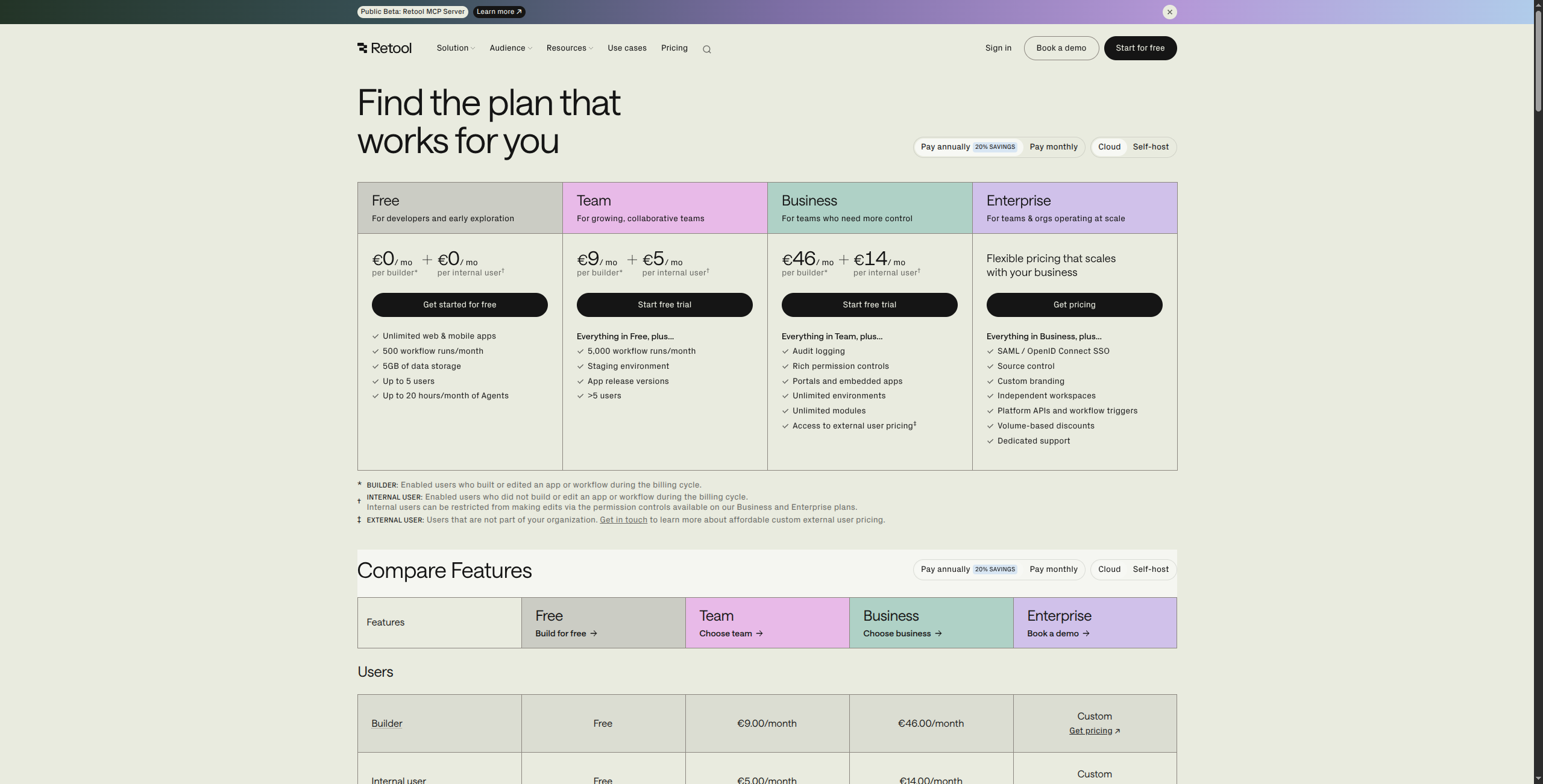
7. Retool — Best for Building Internal AI-Powered Tools
Retool is the industry standard for building internal tools — admin dashboards, data tables, approval workflows, and ops interfaces that connect directly to your databases and APIs. Its AI layer adds components like AI-powered search, LLM text generation, and agent-based automations that can run inside internal apps.
It’s not a consumer-facing AI app builder — Retool apps are typically behind a login, used by internal teams. But for engineering and operations teams who need to ship database-driven internal tools with AI features quickly, nothing else comes close to its combination of speed and depth.
Pros:
Connect directly to any SQL database, REST API, or GraphQL endpoint
AI components for text generation and semantic search
Fine-grained access controls and audit logs
Strong enterprise security posture
Cons:
Learning curve for non-developers (requires some SQL/API knowledge)
Not suited for consumer-facing or public-facing apps
Pricing scales quickly with users
Less AI-first than newer platforms
Pricing: Free (5 users). Team from $10/user/month.
Best for: Engineering and ops teams building internal dashboards, admin tools, and data interfaces that need AI features alongside database connectivity.
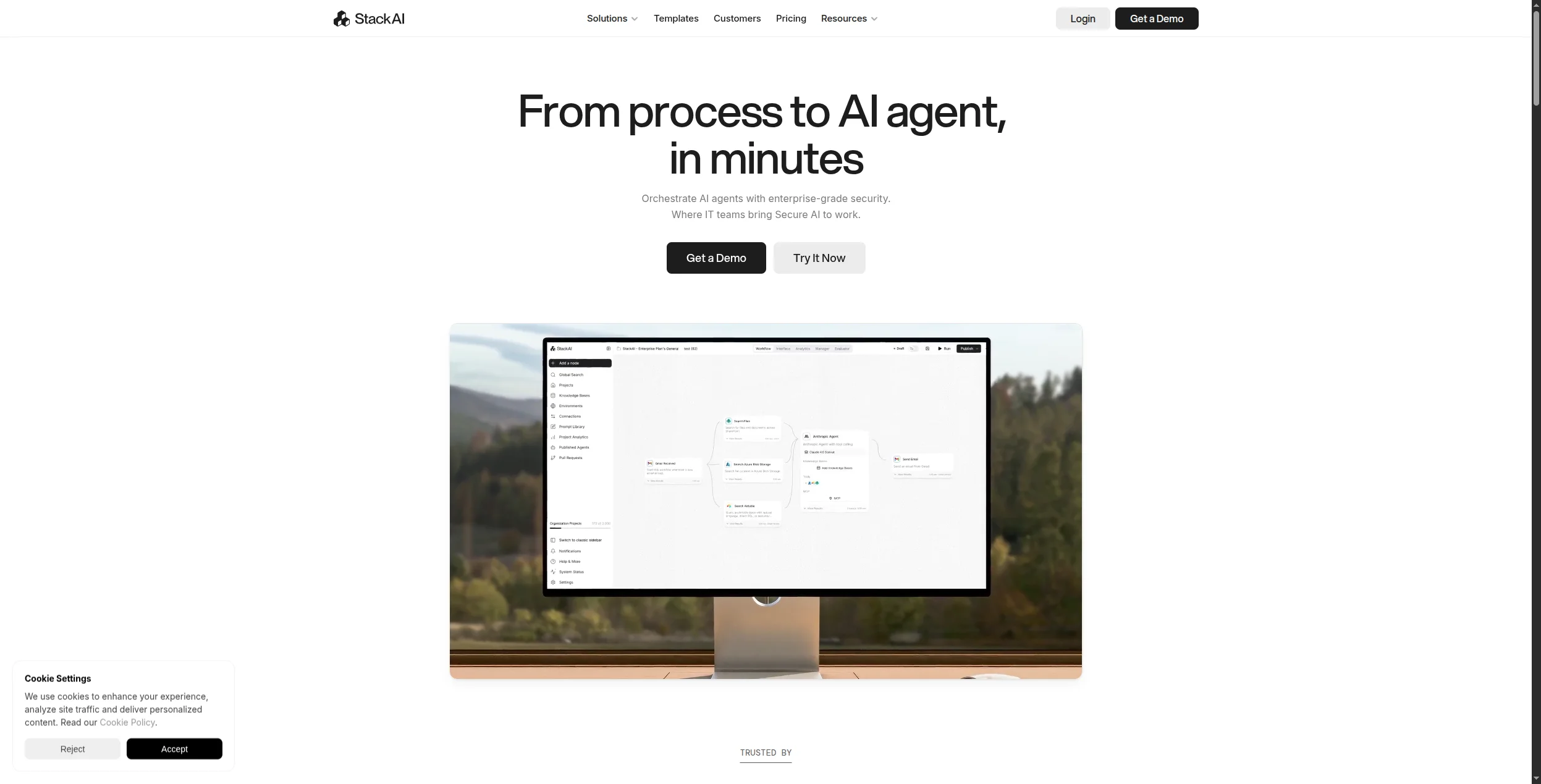
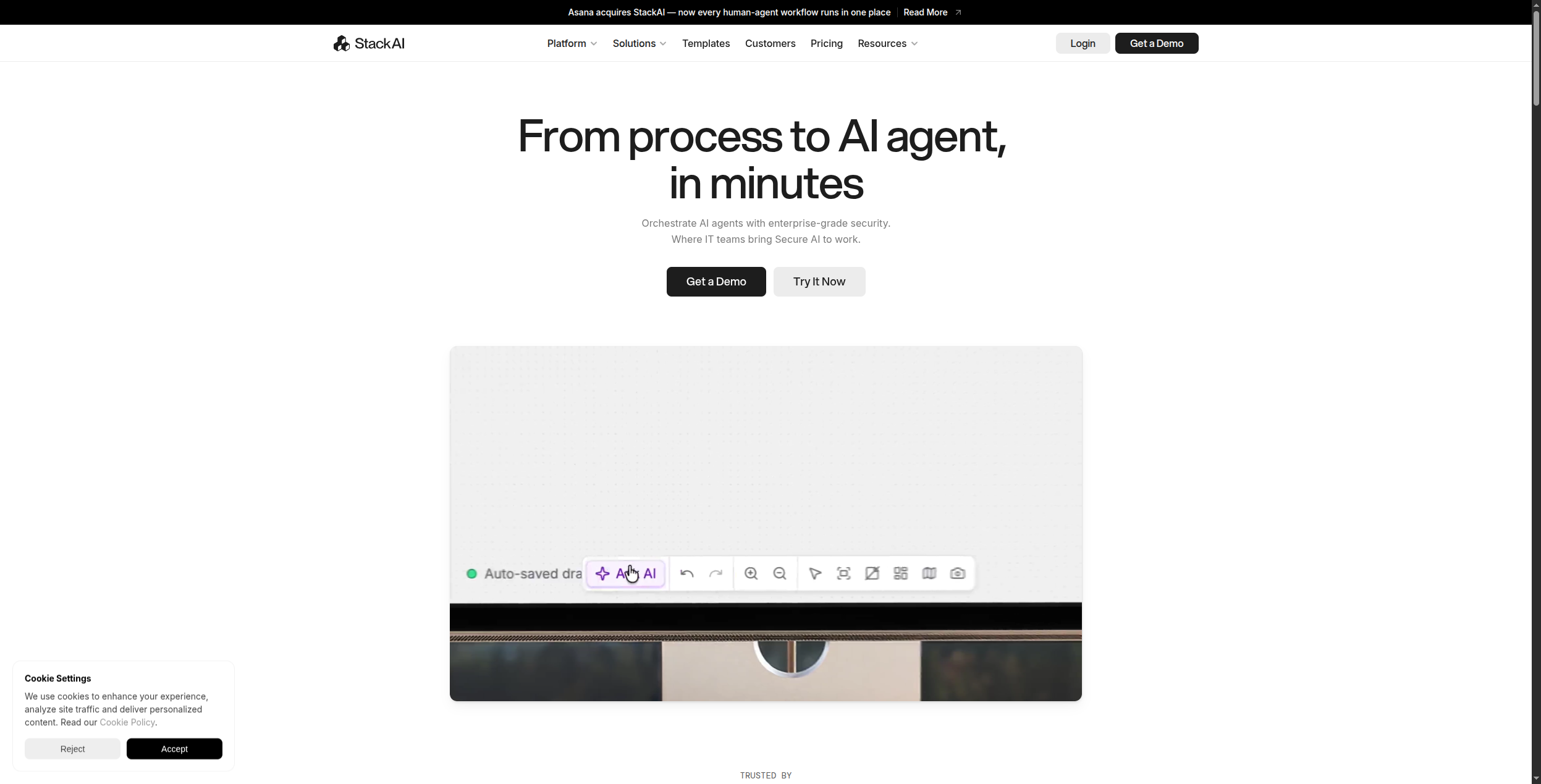
8. Stack AI — Best Enterprise AI Application Builder
Stack AI is aimed squarely at enterprise teams building production AI applications — RAG pipelines over internal document libraries, AI agents connected to enterprise systems, and LLM-powered workflows with SSO, RBAC, and audit logging. Its visual canvas is similar to Dify and FlowHunt, but with enterprise-grade compliance controls baked in from the start.
It’s one of the few platforms with official FedRAMP readiness, SOC 2 compliance, and the ability to deploy entirely within a company’s cloud environment. For regulated industries where self-hosting and compliance documentation matter, Stack AI has a strong position.
Visual builder for complex RAG and agent workflows
Deploy to your own VPC/cloud environment
Fine-grained role-based access control
Strong customer success and enterprise support
Cons:
Expensive for small teams
Less accessible than FlowHunt or Relevance AI for non-technical users
Smaller community than open-source alternatives
Some features locked behind enterprise tiers
Pricing: Free trial. Paid from $199/month. Enterprise custom.
Best for: Enterprise teams in regulated industries (finance, healthcare, government) building AI applications with strict compliance, data residency, and access control requirements.
9. Replit — Best for Developers Using AI to Code Faster
Replit is a cloud development environment with an AI agent that can build, debug, and deploy applications from natural language. Unlike Bolt.new or Lovable which abstract away code entirely, Replit gives you full visibility into the code being generated — you’re in a real IDE, the AI is your coding partner, not a black box.
Replit Agent can take a prompt like “build a Flask API that connects to my Postgres database and returns paginated results” and generate working, testable code in minutes. For developers who want AI assistance without giving up code ownership or flexibility, Replit is a natural fit.
Pros:
Full code visibility and control alongside AI assistance
Instant deployment with Replit hosting
Supports dozens of languages and frameworks
Collaborative — teams can code together in real time
AI that debugs and fixes errors, not just generates
Cons:
Requires developer knowledge to get full value
Generated code quality varies — review required
Cloud hosting performance limited on free tier
Less suited for non-technical users
Pricing: Free tier. Core from $25/month.
Best for: Developers who want to ship faster using AI assistance while maintaining full code control and ownership.
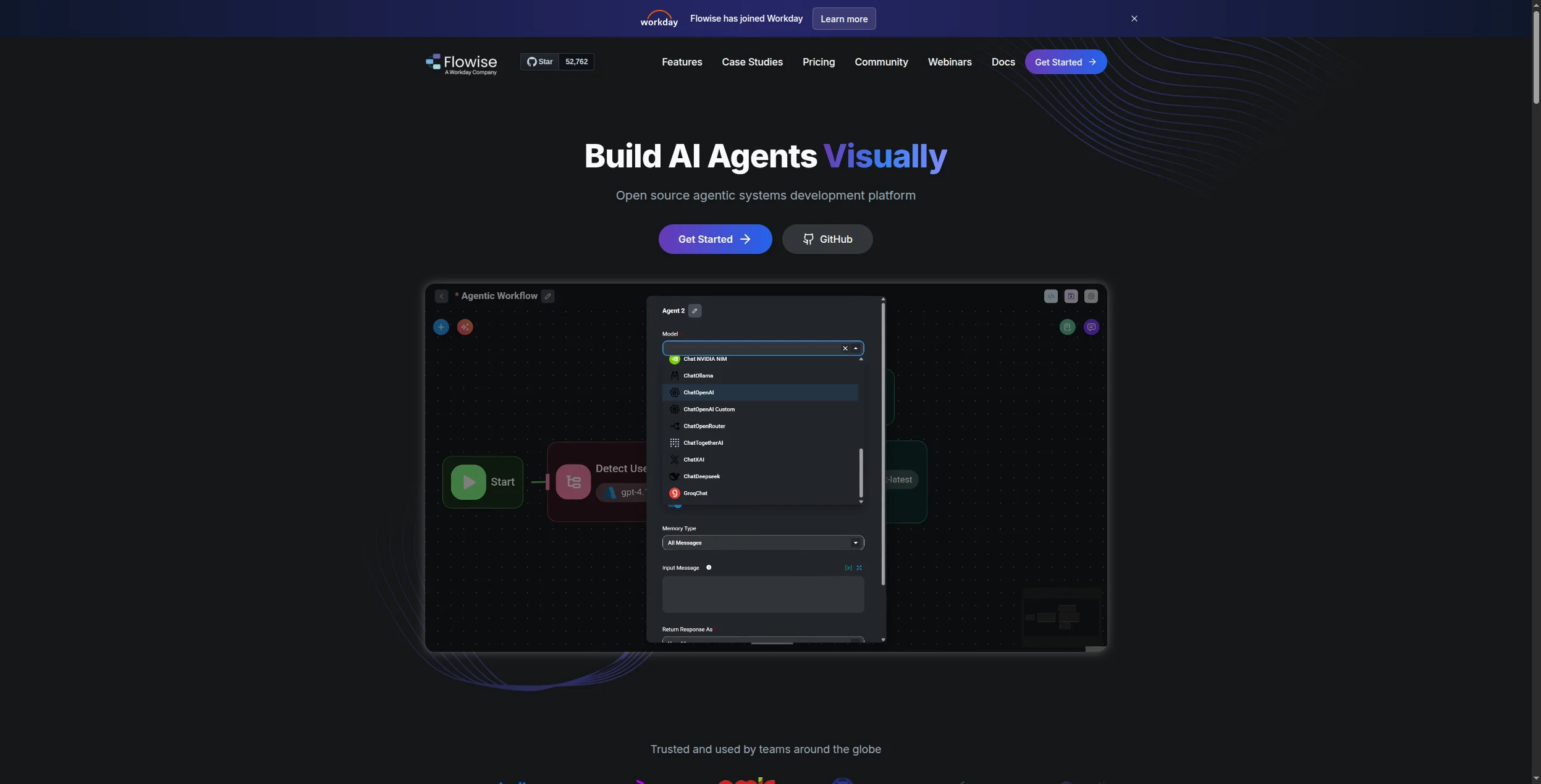
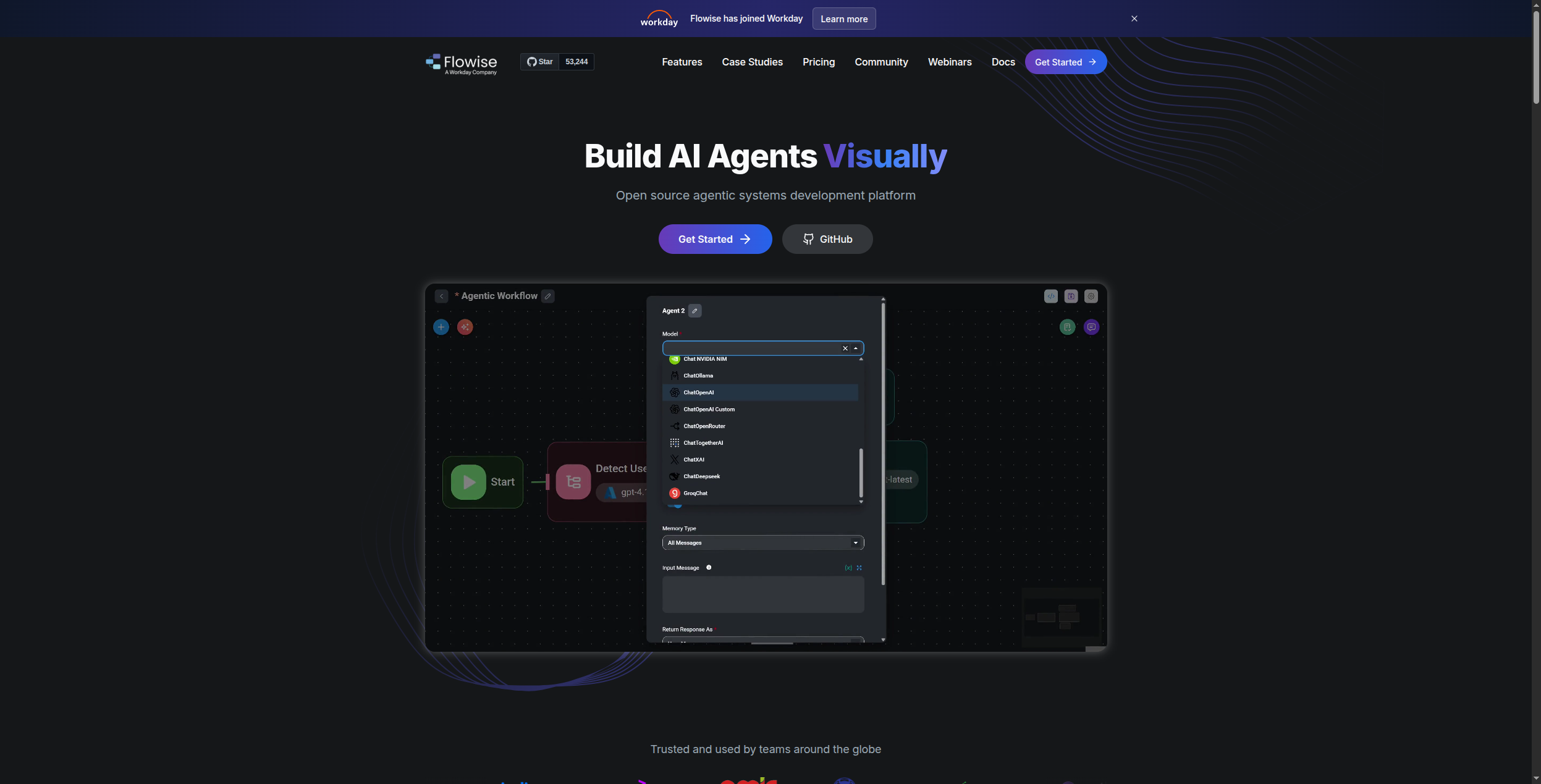
10. Flowise — Best Open-Source Visual LangChain Builder
Flowise is an open-source drag-and-drop builder for LangChain and LlamaIndex flows — letting developers build RAG pipelines, AI chatbots, and agent workflows visually without writing LangChain boilerplate. It’s free to self-host, supports all major LLM providers, and has a growing community of shared templates.
For developers who know they want to use LangChain but find the Python API tedious for iteration, Flowise dramatically reduces time-to-prototype. It’s also a popular choice for embedding AI chatbots in internal apps where a self-hosted solution is preferred over a SaaS subscription.
Pros:
Free and open-source (Apache 2.0 license)
Visual LangChain/LlamaIndex builder — no boilerplate code
Supports all major models: OpenAI, Anthropic, Mistral, local
Active community with shared flow templates
Self-hosted for full data privacy
Cons:
Requires Docker/Node.js knowledge to self-host
Less polished UI than commercial alternatives
Limited enterprise features (auth, multi-tenancy)
Not a full application builder — just AI flow orchestration
Best for: Developers who want to prototype LangChain-based AI apps visually before committing to production code — or self-host AI chatbots cheaply.
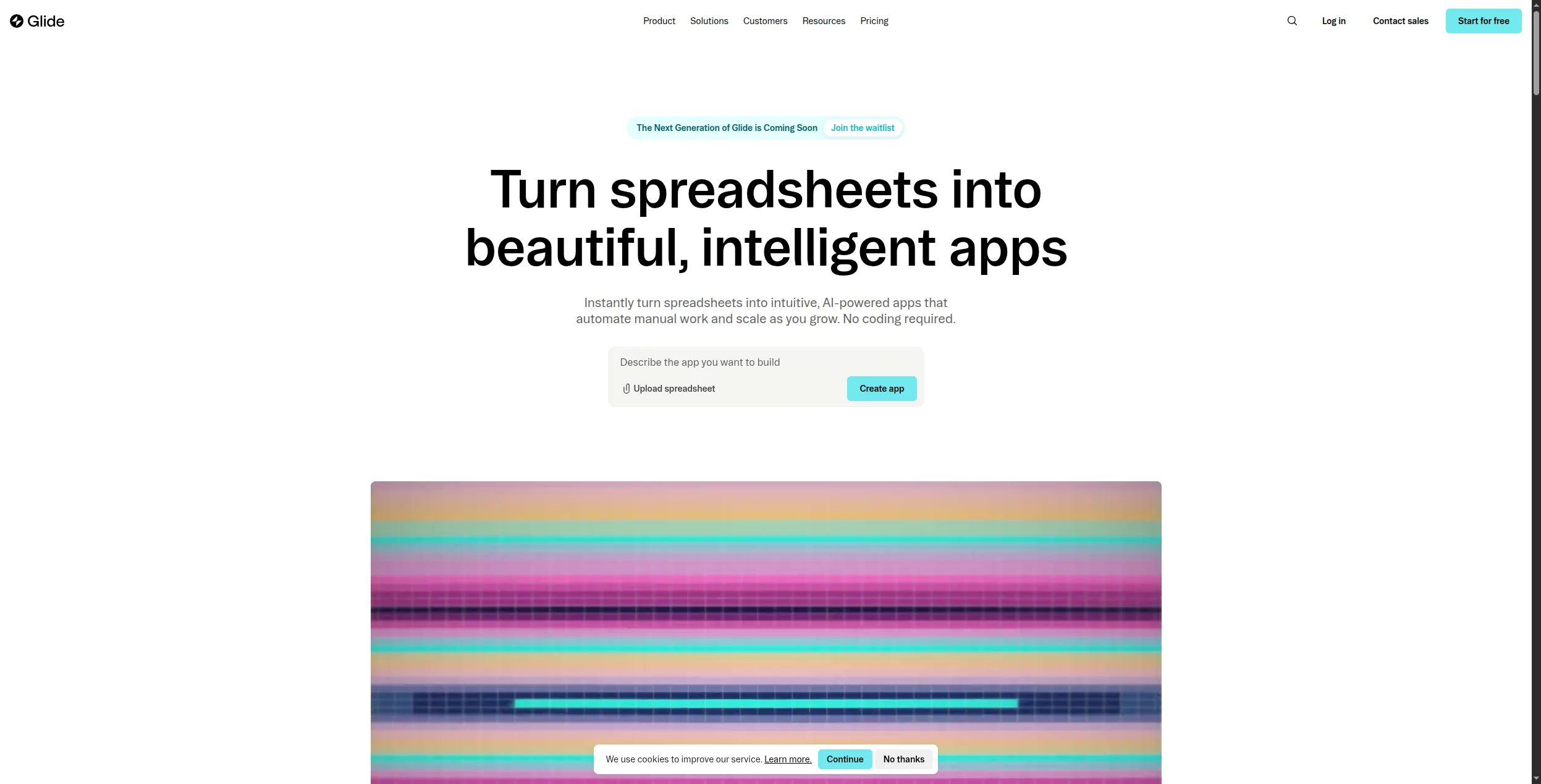
11. Glide — Best for Turning Data into AI-Powered Business Apps
Glide takes a data-first approach to app building: connect a Google Sheet, Airtable, or SQL database, and Glide auto-generates a mobile-friendly application from it. Its AI layer — “AI Columns” — lets you add LLM-powered computed fields to any data table: summarize text, classify entries, extract structured data, or generate personalized content at scale.
For business users who live in spreadsheets and need to turn that data into something shareable or actionable, Glide’s approach is uniquely accessible. It’s not trying to replace Bubble or Bolt.new — it’s trying to replace the “we emailed a spreadsheet” workflow.
Pros:
Connect any Google Sheet, Airtable, or SQL DB as the data layer
AI Columns for LLM-powered computed fields on any data
Mobile-first, beautiful default UI
Non-technical users can build in hours
Strong for field teams, client portals, and data dashboards
Cons:
Limited for complex business logic beyond CRUD operations
Glide-hosted — less control than Bubble or custom code
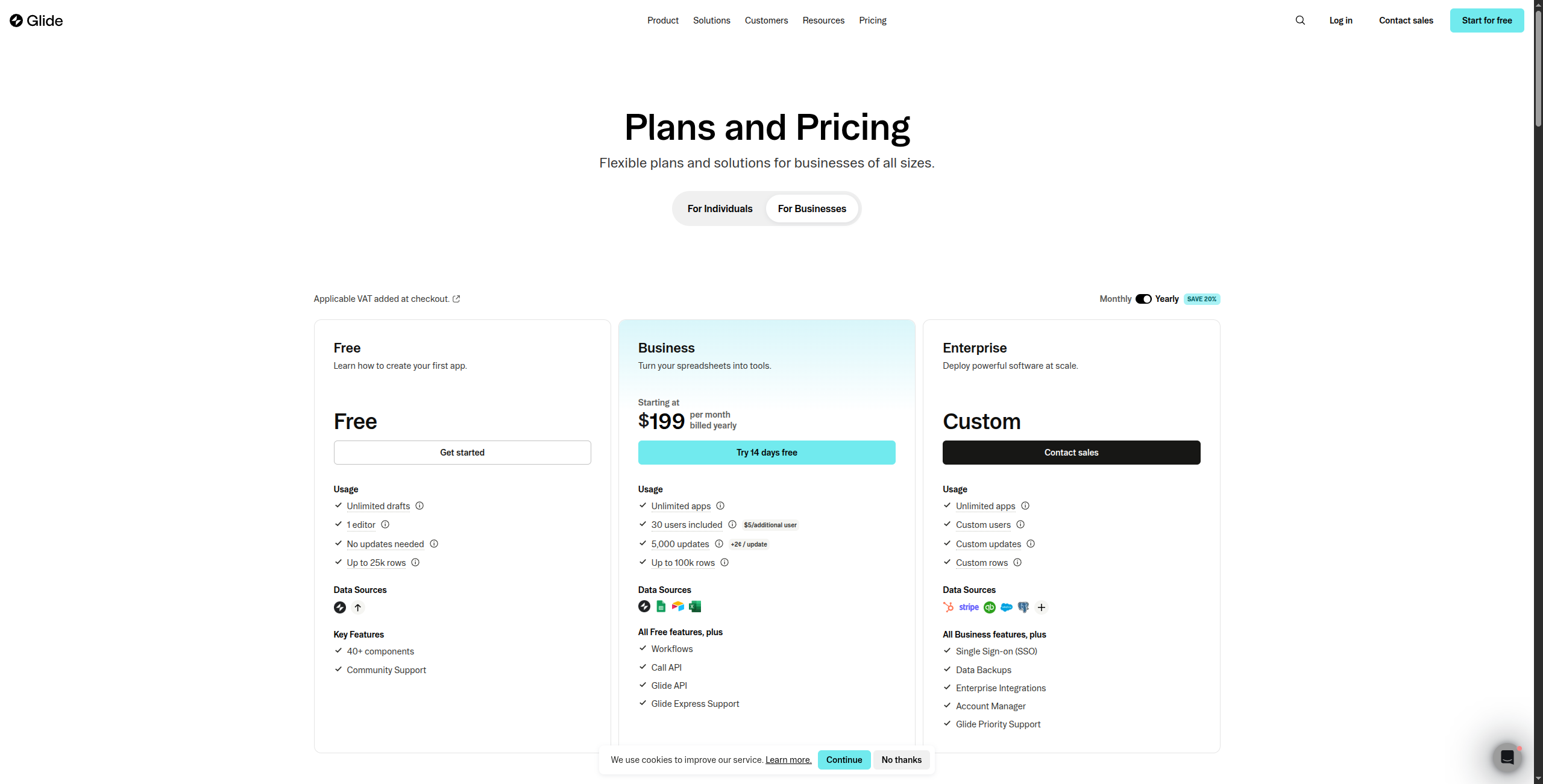
Pricing scales with data rows and users
Not suited for AI agent workflows
Pricing: Free tier. Paid from $49/month.
Best for: Operations and business teams who want to turn spreadsheet data into shareable mobile apps — with AI fields for automated analysis and content generation.
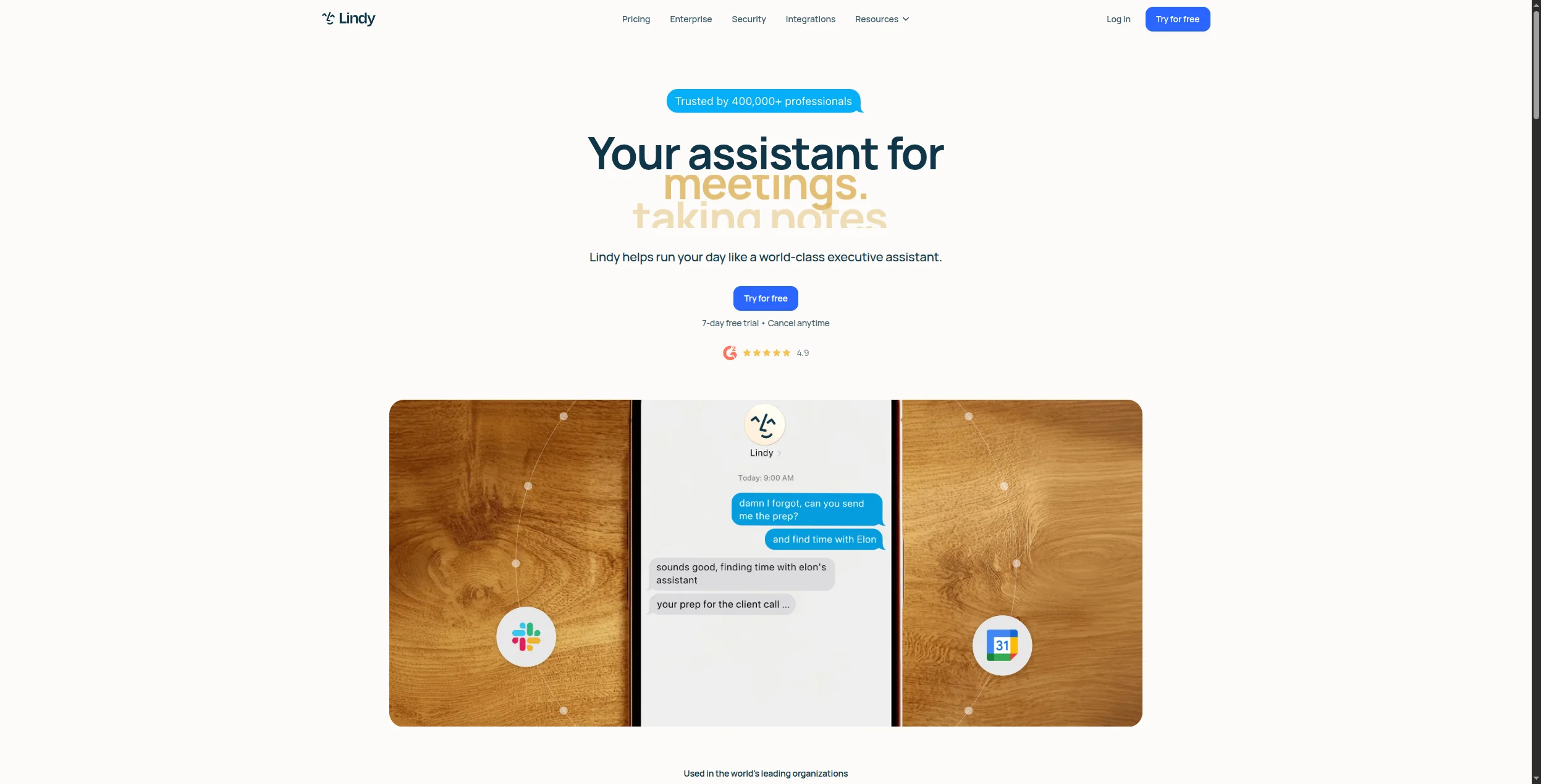
12. Lindy — Best No-Code AI Agent Builder for Operations Teams
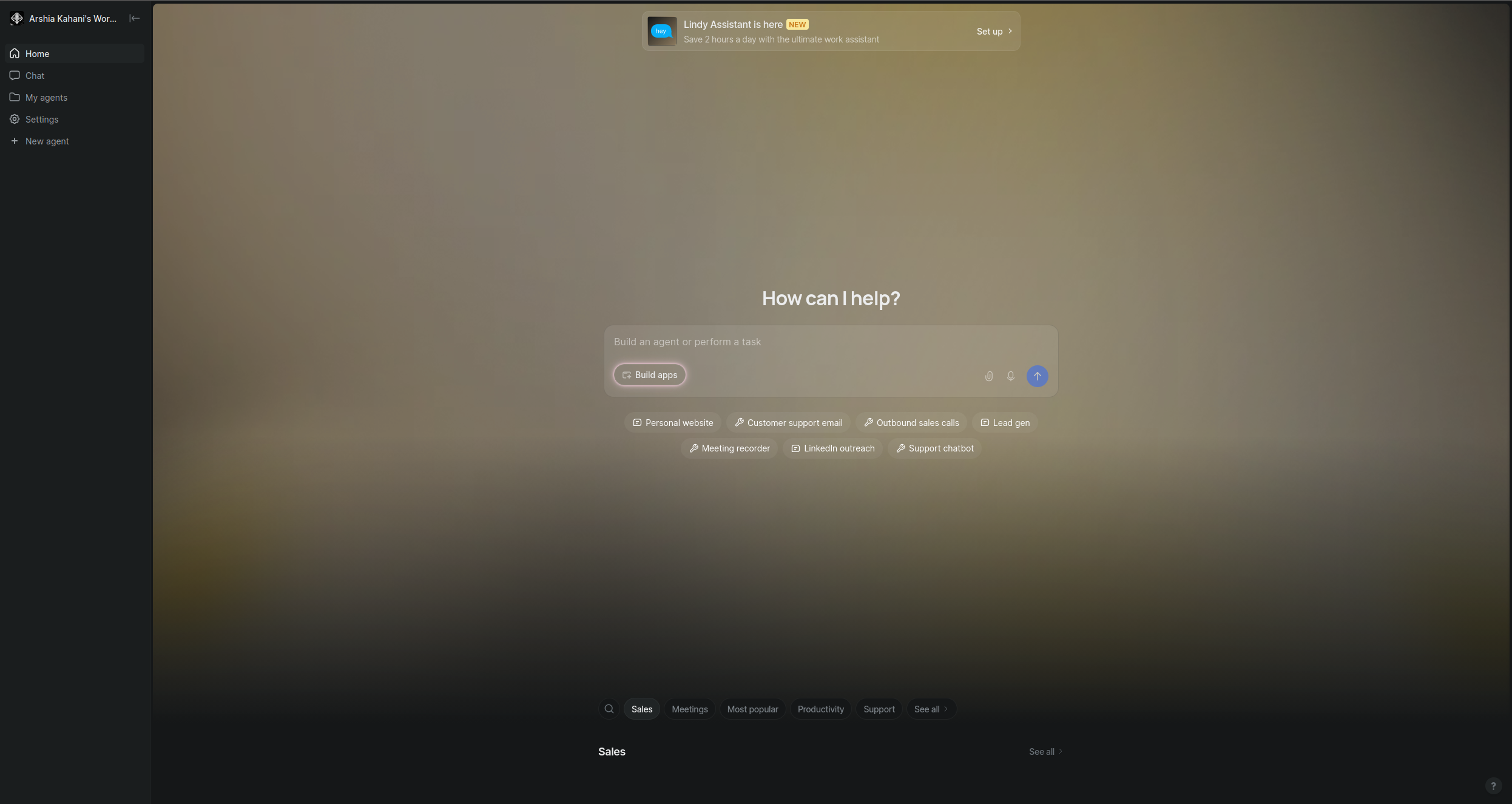
Lindy is a no-code AI agent builder focused specifically on business operations: sales prospecting, email management, meeting follow-ups, customer support triage, and HR workflows. Its agents (“Lindies”) are configured through a simple interface — define what the agent knows, what triggers it, and what actions it can take — then deploy.
Where FlowHunt emphasizes complex multi-step reasoning and deep integrations, Lindy emphasizes speed of deployment for common business tasks. For non-technical teams that want an AI assistant handling specific repeatable jobs without IT involvement, it’s a well-designed option.
Pros:
Fast to configure for common business use cases
Email, calendar, CRM, and Slack integrations built-in
Agents can be deployed in under 30 minutes
Human-in-the-loop steps for sensitive actions
Shareable across team members
Cons:
Less flexible for custom or complex agent logic
Smaller integration catalog than FlowHunt or Zapier
Pricing adds up for multiple agents
Not suitable for building customer-facing apps
Pricing: Free tier. Paid from $49.99/month.
Best for: Operations and RevOps teams who want AI agents handling specific business tasks — email, CRM updates, scheduling — without building from scratch.
How to Choose the Right AI App Builder
The category is broad enough that the “best” tool depends entirely on what you’re building:
Building AI agents or workflow automation? FlowHunt, Dify, Relevance AI, and Lindy are the strongest options. They’re designed around AI reasoning and tool use, not traditional app UI.
Want AI to generate your app for you? Bolt.new and Lovable are the current leaders. Both generate real, working code from natural language — Bolt.new for broader full-stack apps, Lovable for clean React with Supabase.
Building a production SaaS product without code? Bubble’s maturity and ecosystem are unmatched. It’s the platform that has proven it can handle real-scale SaaS workloads.
Need internal tools with AI features? Retool is the default for engineering and ops teams — the AI features are increasingly capable, and the database connectivity is unmatched.
Want self-hosted control? Dify and Flowise are the strongest open-source options for AI-powered apps, with active development and large communities.
Pro Tip: When evaluating AI app builders, ask: where does the intelligence live? In some platforms, AI is a feature (a text generation button, a smart autocomplete). In others, AI is the core execution engine — the thing that decides what to do next. The latter category (FlowHunt, Dify, Stack AI) is better suited for applications where behavior needs to adapt based on context, not just execute a fixed script.
An AI app builder is a platform that lets you create AI-powered applications — either by using AI to generate the app itself (like Bolt.new or Lovable), or by providing tools to build apps that incorporate AI features like chatbots, agents, and LLM-powered workflows (like FlowHunt, Dify, or Stack AI). The best platforms today blur both definitions.
Yes. Platforms like FlowHunt, Relevance AI, Bubble, and Glide let you build AI-powered applications entirely without code. For AI agent workflows specifically, FlowHunt's visual builder requires no programming knowledge. For generating full web apps from prompts, Bolt.new and Lovable are the current leaders.
For building AI agents and workflow automation, FlowHunt and Relevance AI are the most accessible. For building full web applications, Bubble has the most mature no-code ecosystem. For generating apps directly from natural language, Bolt.new and Lovable require almost no technical knowledge.
Traditional no-code builders (like early Bubble or Glide) help you build apps visually without code, but the apps themselves are conventional software. AI app builders either use AI to build the app for you (Bolt.new, Lovable), or help you build apps whose core functionality is AI-powered — agents, LLM pipelines, intelligent automation (FlowHunt, Dify, Stack AI).
Costs vary widely. Open-source tools like Dify and Flowise are free to self-host. No-code platforms like FlowHunt and Glide start around $15–29/month. Enterprise platforms like Stack AI and Retool can cost hundreds to thousands per month depending on users and usage. LLM API costs (OpenAI, Anthropic) are typically separate from the builder cost.
Arshia is an AI Workflow Engineer at FlowHunt. With a background in computer science and a passion for AI, he specializes in creating efficient workflows that integrate AI tools into everyday tasks, enhancing productivity and creativity.
Arshia Kahani
AI Workflow Engineer
Build AI-Powered Apps Without the Engineering Backlog
FlowHunt lets you ship AI agents, workflows, and customer-facing tools in hours — not sprints. Connect your data, define the logic, and deploy across any channel.
Best AI Agent Builder in 2026: 12 Tools Ranked and Reviewed
Ranked and reviewed: the 12 best AI agent builders in 2026. Comparison table, pricing, free tiers, and a clear verdict on which platform fits your use case.
Best AI Agent Tools in 2026: 12 Platforms for Building and Running AI Agents
Ranked and reviewed: the 12 best AI agent tools in 2026. From no-code agent builders to open-source frameworks — find the right platform for your team's AI stra...
The Best AI Agent Builders in 2026: A Comprehensive Guide to Autonomous Intelligence Platforms
Explore the top AI agent builders in 2026, from no-code platforms to enterprise-grade frameworks. Discover which tools are best for your use case and how FlowHu...
15 min read
AI Agents
Automation
+3
Cookie Consent We use cookies to enhance your browsing experience and analyze our traffic. See our privacy policy.