Best Make Alternatives in 2026: 12 Tools Ranked for Power, Price, and AI
Ranked and reviewed: the 12 best Make (formerly Integromat) alternatives in 2026. From AI-native platforms to open-source options — find the tool that fits your workflow and budget.
Automation
AI Tools
Workflow Automation
No-Code
Integrations
Make (formerly Integromat) is genuinely powerful — its visual canvas, multi-step scenarios, and data transformation capabilities put it well ahead of simpler tools. But it has real limitations: operations-based pricing that scales painfully with volume, a steep learning curve for non-developers, and no native AI agent layer.
If you’ve hit those walls, you’re in the right place. This guide ranks the 12 best Make alternatives in 2026 — from AI-native platforms to open-source self-hosted options — with honest assessments of where each tool wins and where it falls short.
Pro Tip: “Best Make alternative” is the wrong question for most teams. The right question is: what’s the best tool for my specific workflow complexity, budget, and AI ambition? We’ve structured this list to help you answer exactly that.
What is Make?
Make (formerly Integromat) is a visual workflow automation platform founded in 2012 in Prague. It lets users connect apps and services by dragging and dropping modules onto a canvas, with data flowing visually between them — a paradigm that makes complex multi-step workflows far more legible than Zapier’s linear list format. Make is best known for its powerful data transformation functions, its iterator/aggregator modules for processing lists, and its operations-based pricing model that’s often significantly cheaper than Zapier at equivalent volume. It has 1,800+ app integrations and is widely used by marketing agencies, SaaS teams, and operations teams that need more logic than Zapier can handle without paying enterprise prices.
Make Alternatives Compared at a Glance
Tool
Primary Use Case
Starting Price
Best For
Free Tier
FlowHunt
AI-native workflow automation
$29/mo
AI-powered agents & complex workflows
Yes
Zapier
App-to-app integrations
$19.99/mo
Non-technical teams, 7,000+ apps
Yes (limited)
n8n
Developer automation
Free (self-host)
Data-sensitive, self-hosted teams
Yes
Activepieces
Open-source Make clone
Free (self-host)
Teams wanting OSS Make alternative
Yes
Pipedream
Developer-first event automation
Free tier
Developers with custom code needs
Yes
Workato
Enterprise iPaaS
Custom
Large enterprise, ERP/CRM integration
No
Relay.app
Human-in-the-loop workflows
$9/mo
Teams needing manual approval steps
Yes
Integrately
Budget integrations
$19.99/mo
SMBs on a tight budget
Yes
Pabbly Connect
One-time pricing
$249 one-time
Agencies, solopreneurs, cost-cutters
No
Albato
EU-based automation
$13/mo
GDPR-sensitive European teams
Yes
Latenode
AI + low-code
$17/mo
Devs who want AI nodes + code
Yes
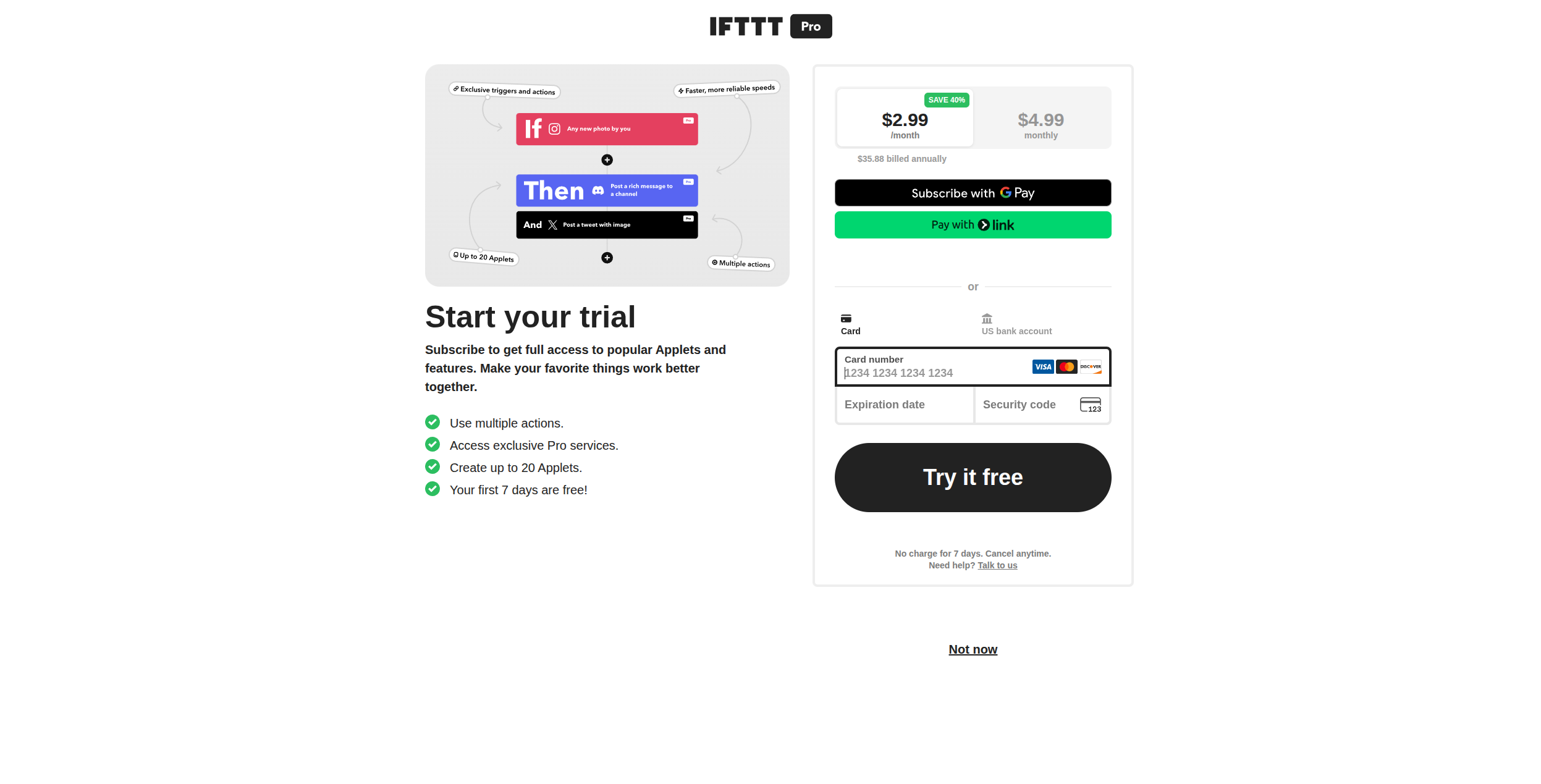
IFTTT
Simple personal automation
Free / $2.99/mo
Consumer automation, IoT
Yes
Ready to grow your business?
Start your free trial today and see results within days.
1. FlowHunt — Best Make Alternative for AI-Native Workflows
FlowHunt isn’t trying to replicate Make with a few AI features bolted on. It’s built from the ground up around AI agents — workflows where LLMs reason over context, choose actions dynamically, and handle multi-step tasks that would require dozens of Make modules and conditional branches.
Where Make excels at moving data between apps in predictable, scripted paths, FlowHunt excels when the path isn’t fully known in advance. An AI agent can scrape a competitor’s pricing page, analyze the structure, extract the relevant data, and push a formatted summary to Slack — without you pre-defining every parsing rule as a separate module.
Key strengths:
AI agents with LLM-driven decision-making at the core (not an add-on)
1,400+ integrations including all major SaaS, databases, and APIs
Visual workflow builder with AI, code, and logic nodes side-by-side
Smaller template library than Make’s mature ecosystem
Advanced data transformation requires understanding the AI node model
Newer platform — some niche integrations still in progress
Pricing: Free tier available. Paid plans from $29/month. See the FlowHunt pricing page
for full details.
Best for: Marketing, SEO, and content teams that want AI automation — not just app integration. See our AI agents overview
for what’s possible.
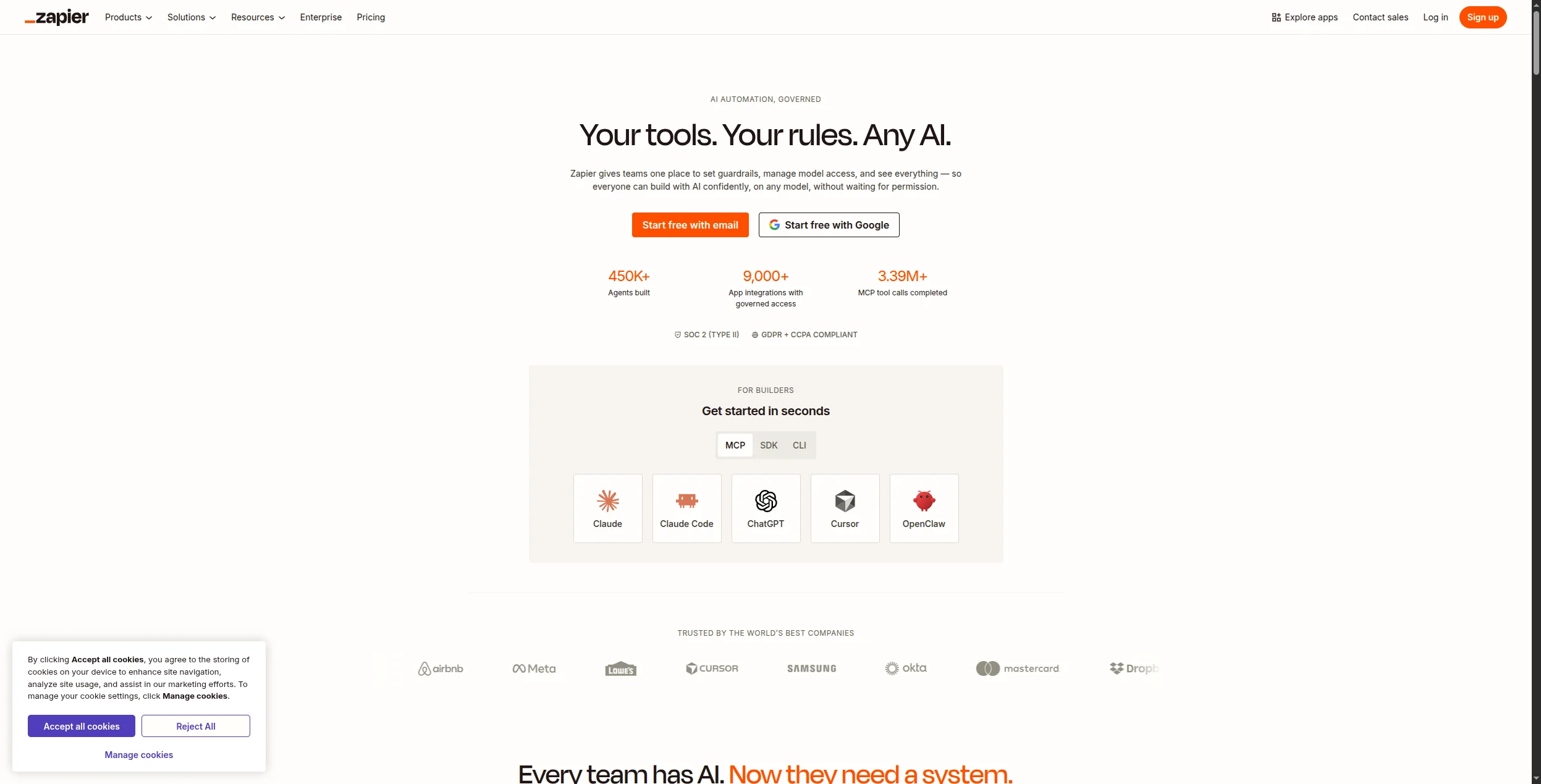
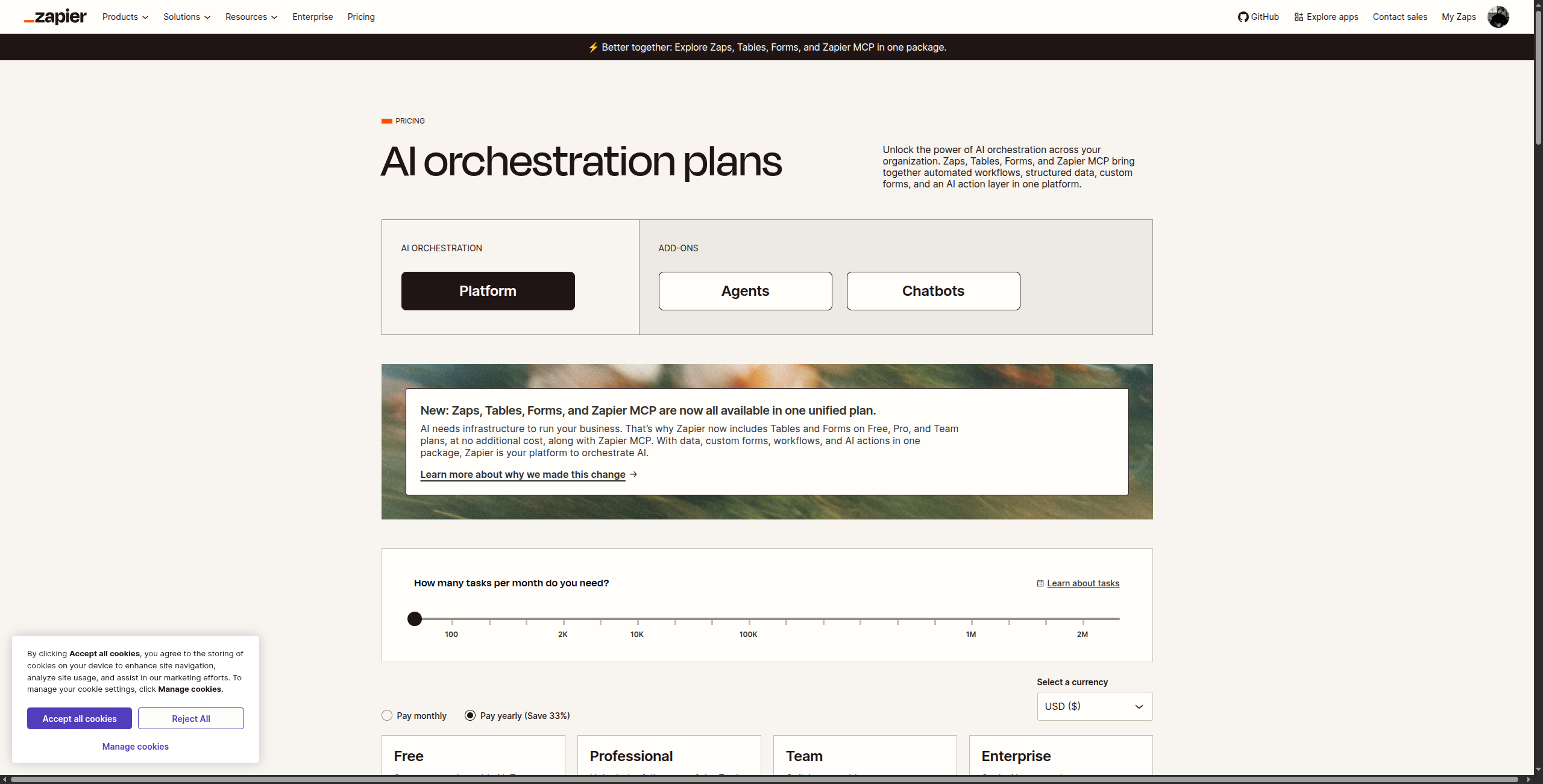
2. Zapier — Best for Breadth of Integrations
Zapier is the closest thing to a universal standard in no-code automation. With 7,000+ app integrations (nearly 4x Make’s library), it’s the default choice when your stack includes obscure SaaS tools that other platforms haven’t yet integrated.
The tradeoff is cost and depth. Zapier’s pricing scales by tasks per month, and high-volume automations get expensive fast. Its “Zap” model is also fundamentally linear — complex branching scenarios that are natural in Make can require awkward workarounds in Zapier.
Pricing:
Free — 100 tasks/month, single-step Zaps, 5 Zaps active
Professional — $19.99/month (billed annually, 750 tasks). Multi-step Zaps, filters, formatter, and unlimited Zaps
7,000+ app integrations — the largest catalog in the automation industry
Copilot AI assistant that can draft multi-step Zaps from a plain-language description
Paths feature for conditional branching within a Zap
Formatter built-in for text, number, date, and currency transformations
Zapier Tables for storing and processing automation data without a separate database
Interfaces (beta) for building lightweight automation-connected apps
Pros:
Largest integration catalog in the industry
Extremely beginner-friendly editor
AI-assisted Zap building (Copilot feature)
Excellent documentation and community
Cons:
Task-based pricing gets expensive at volume
Less visual than Make for complex workflows
Limited native AI agent capabilities
Free tier is very restrictive (100 tasks/month)
Best for: Teams that need coverage of obscure or niche apps, and don’t run high automation volumes.
Join our newsletter
Get latest tips, trends, and deals for free.
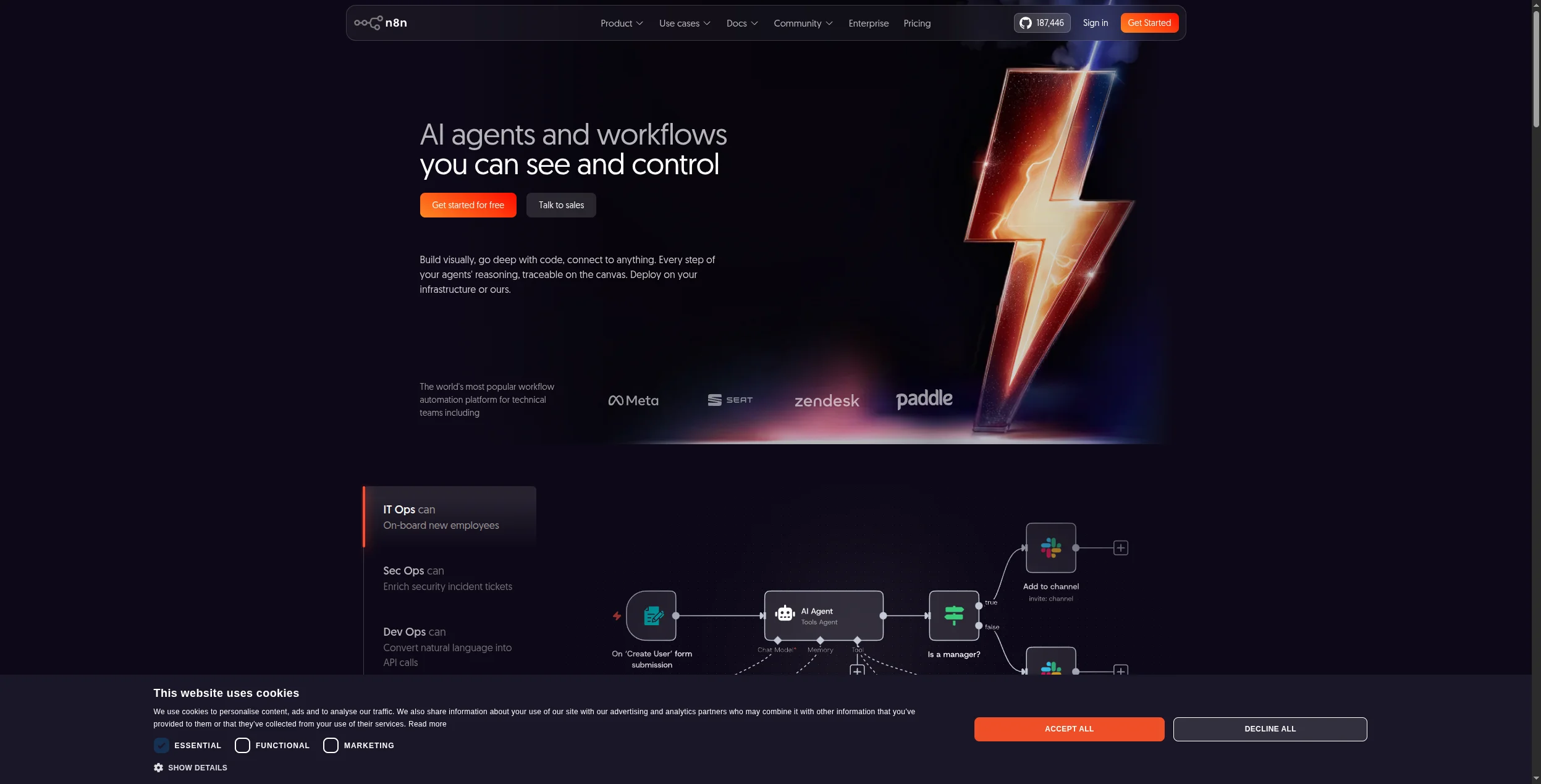
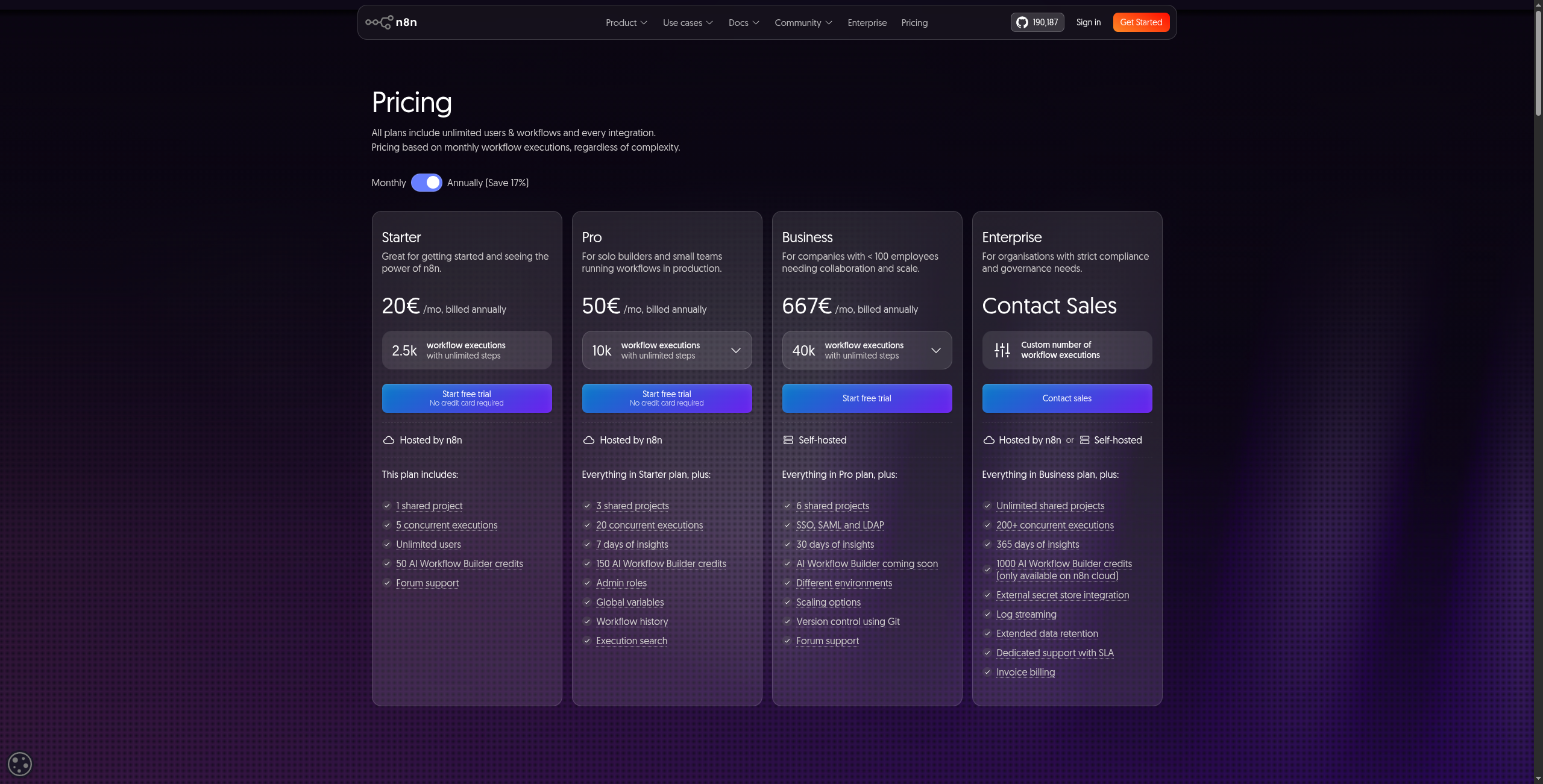
3. n8n — Best Open-Source Make Alternative
n8n is the open-source platform most similar to Make in visual philosophy — you build workflows on a canvas, connect nodes, and route data through branching paths. But n8n adds what Make lacks: self-hosting, full data sovereignty, native AI/LLM nodes, and no per-operation pricing.
If your team is technical and your workflows involve sensitive data (healthcare, finance, legal), n8n’s self-hosted option is hard to beat. The community template library is also extensive, making common use cases quick to deploy.
Pricing:
Self-hosted (Community) — Free forever. Unlimited workflows and executions on your own infrastructure
Starter — $20/month (cloud). 2,500 executions/month, 5 active workflows, community support
Pro — $50/month (cloud). 10,000 executions/month, unlimited active workflows, debug mode, priority support
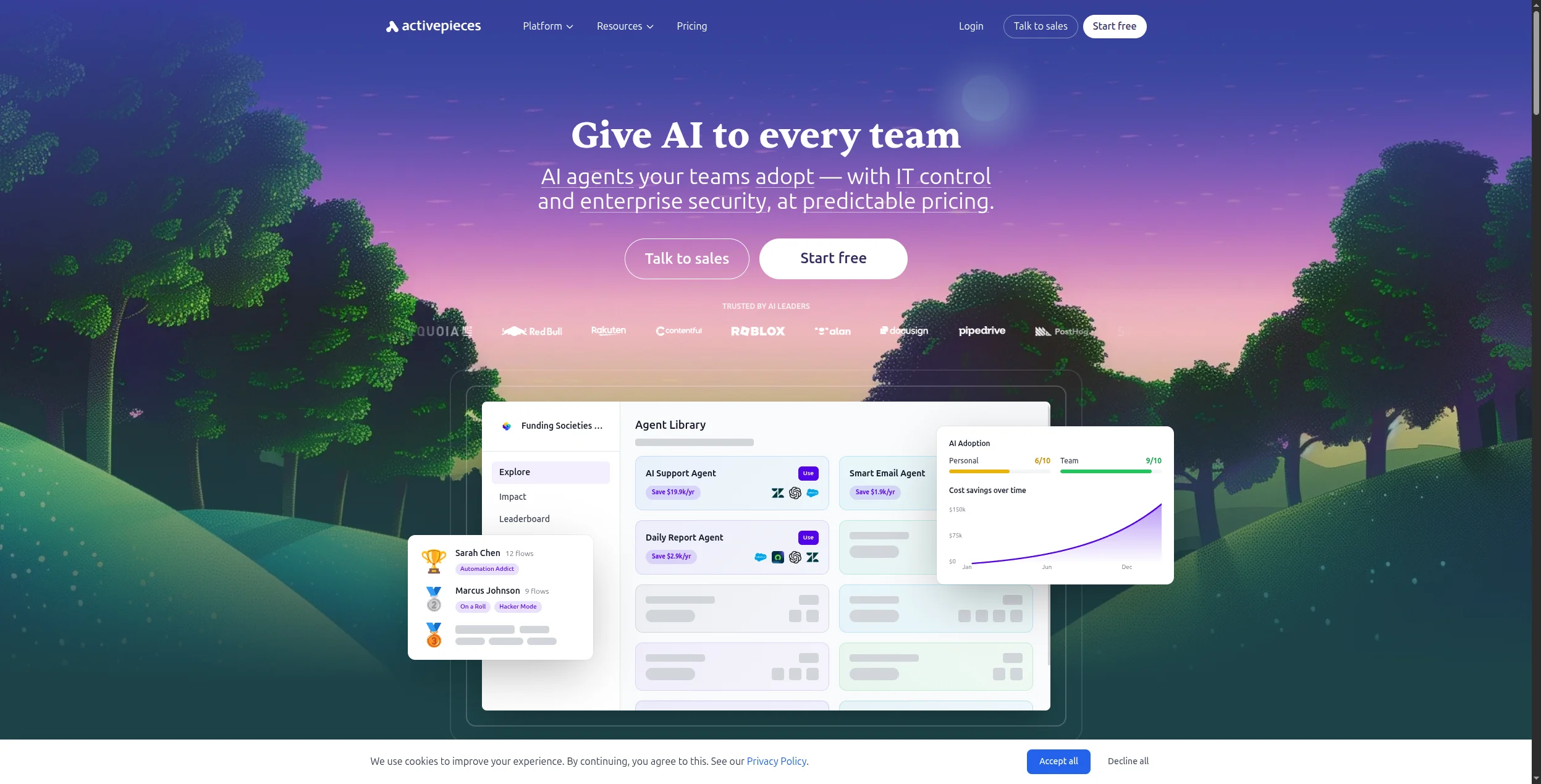
4. Activepieces — Best Open-Source Clone of Make’s UX
Activepieces is the closest 1:1 open-source replacement for Make. It uses the same canvas-based approach, has a familiar interface for Make users migrating away, and is MIT-licensed — meaning you can self-host, white-label, and customize it freely.
The integration catalog is smaller than Make’s (though growing fast), and the enterprise features are still maturing. But for teams that want Make’s workflow style without Make’s pricing, Activepieces is the strongest option.
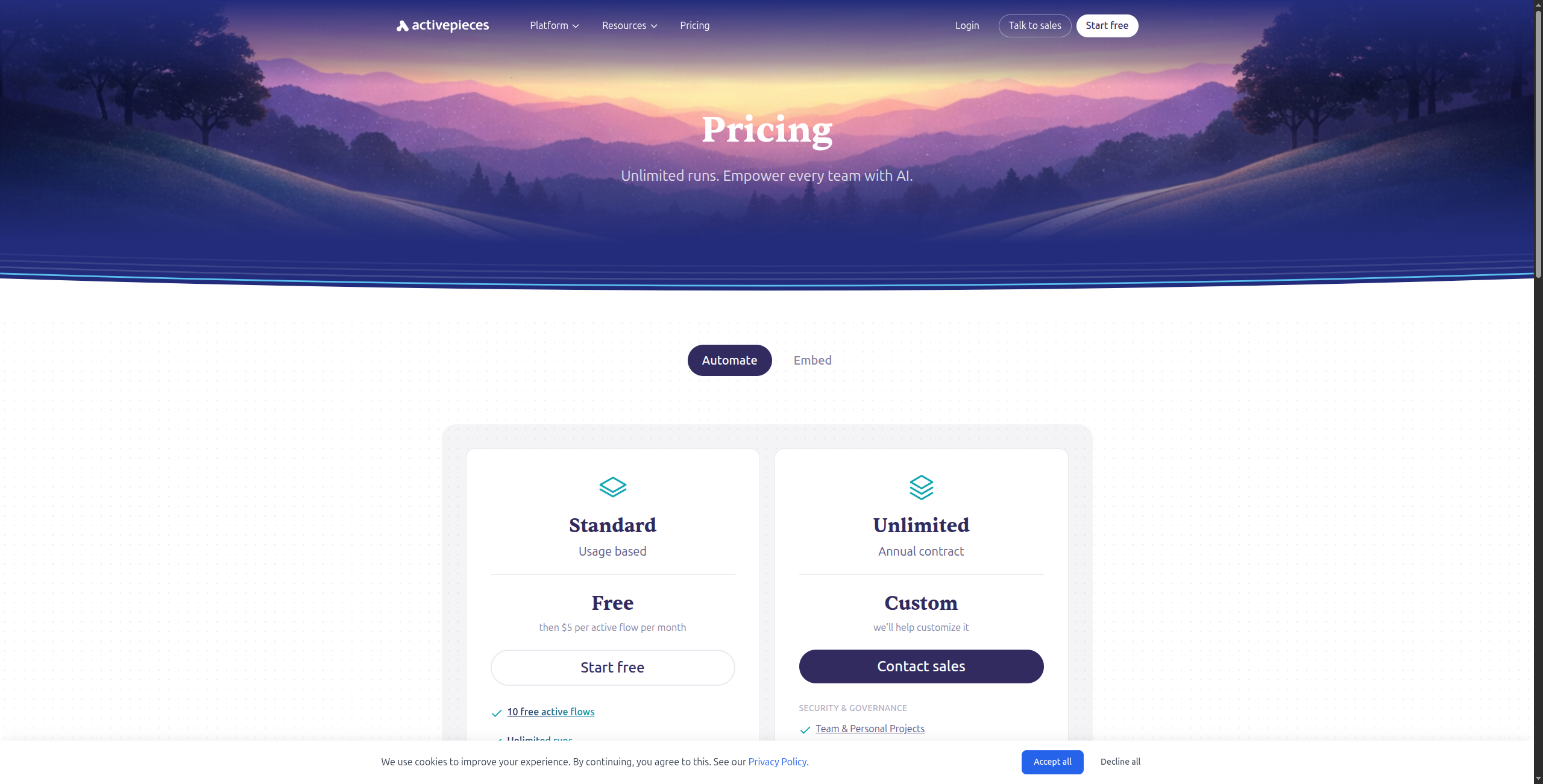
Pricing:
Free (Self-hosted) — Free forever. Unlimited flows and tasks on your own infrastructure
Branch and loop primitives for conditional and iterative automation logic
AI piece for OpenAI/Anthropic LLM steps within any workflow
Docker Compose self-hosting in a single command — straightforward infrastructure setup
Pros:
Open-source, self-hostable (MIT license)
UX very familiar to existing Make users
Actively developed, growing integration catalog
White-label and embed options
Cons:
Smaller integration library than Make
Some enterprise features still in development
AI features less mature than newer platforms
Best for: Make users who want to migrate to an open-source platform without relearning a new UX paradigm.
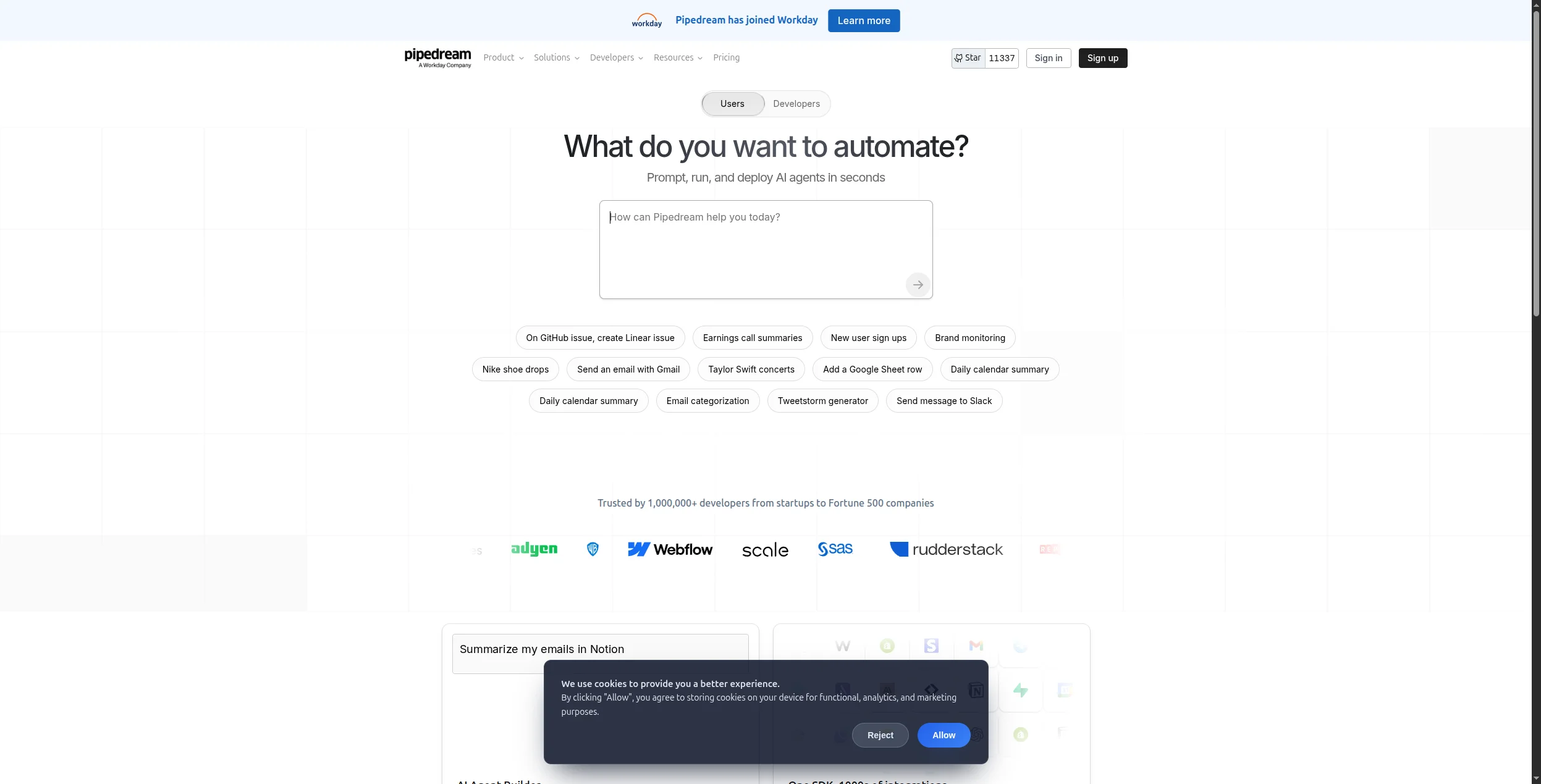
5. Pipedream — Best for Developers Who Want Code + Integrations
Pipedream occupies the space between Make’s visual builder and a full custom integration framework. You get 1,000+ pre-built triggers and actions, but any step can be replaced with a custom Node.js or Python block — giving you precision that purely visual tools can’t match.
It’s free for low-volume usage, which makes it popular for indie developers and small teams. The serverless runtime means zero infrastructure management, and event sources can trigger workflows from webhooks, schedules, email, or RSS.
Serverless execution — no servers to provision, scale, or maintain
Step-level debugging with full input/output logs for every execution
Environment variables and secrets manager built into the platform
Version control for workflows with diff view and rollback
Pros:
Mix visual components with custom code (Node.js, Python, Go)
Generous free tier (10,000 events/month)
Serverless — no infrastructure to manage
Strong version control and debugging tools
Cons:
Less visual than Make for non-developers
Custom code steps require programming knowledge
Community templates less polished than Make’s
Best for: Developers who want the integration depth of Make but need custom code for specific data transformation steps.
6. Workato — Best Enterprise Make Alternative
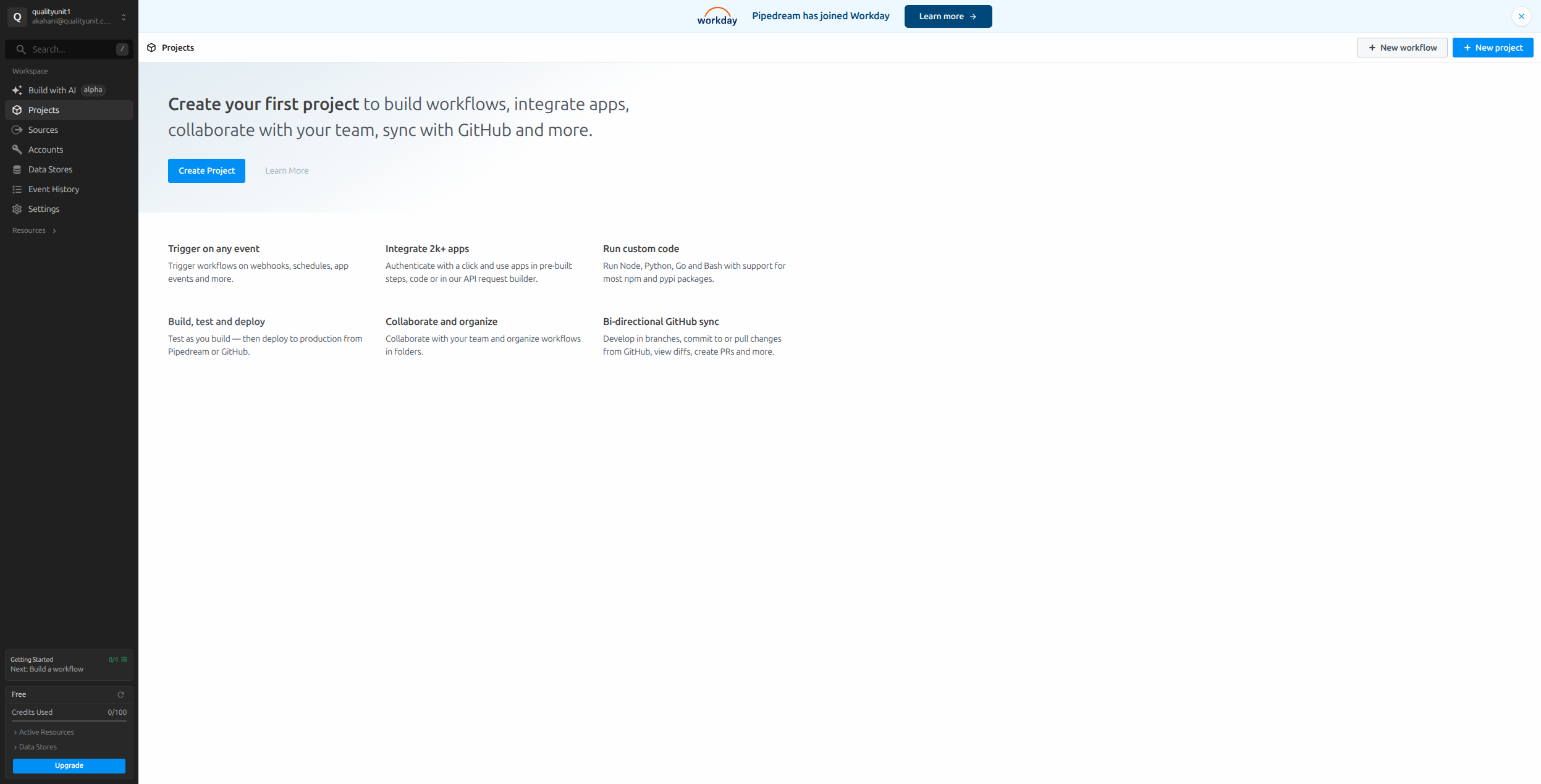
Workato is where you land when Make isn’t enterprise-grade enough. It’s an iPaaS (integration Platform as a Service) built for IT and operations teams at mid-market and enterprise companies — with governance controls, SSO, audit logs, role-based access, and pre-built accelerators for Salesforce, SAP, Workday, and ServiceNow.
The tradeoff is cost and complexity. Workato doesn’t publish pricing publicly, and contracts typically start in the thousands per year. It’s not the right tool for a 10-person startup, but for a 500-person company whose workflows span multiple enterprise systems, it’s often worth it.
Pricing:
Base — Typically $15,000+/year (contact sales). Set number of recipes and tasks included
Business — Custom pricing. Expanded recipe count, premium connectors, enhanced support
1,200+ enterprise connectors including deep SAP, Oracle, Workday, and ServiceNow integrations
Workato Copilot: AI-assisted recipe creation from natural language workflow descriptions
Enterprise governance: RBAC, SSO/SAML, audit logs, and multi-environment deployment (dev/staging/prod)
Pre-built accelerator packages for common enterprise use cases (Salesforce ↔ SAP sync, HR onboarding, etc.)
Workbot for Slack and Teams — embedded automation bots for employee-facing internal workflows
Real-time and batch processing with built-in error handling and retry policies
Pros:
Enterprise-grade security and compliance controls
Deep ERP/CRM/HRIS integrations with pre-built accelerators
Strong IT governance and auditability
Professional services and support
Cons:
Custom pricing — typically expensive
Overkill for small-to-medium teams
Steeper learning curve than Make
Best for: Enterprise IT and operations teams integrating complex systems like Salesforce, SAP, or Workday at scale.
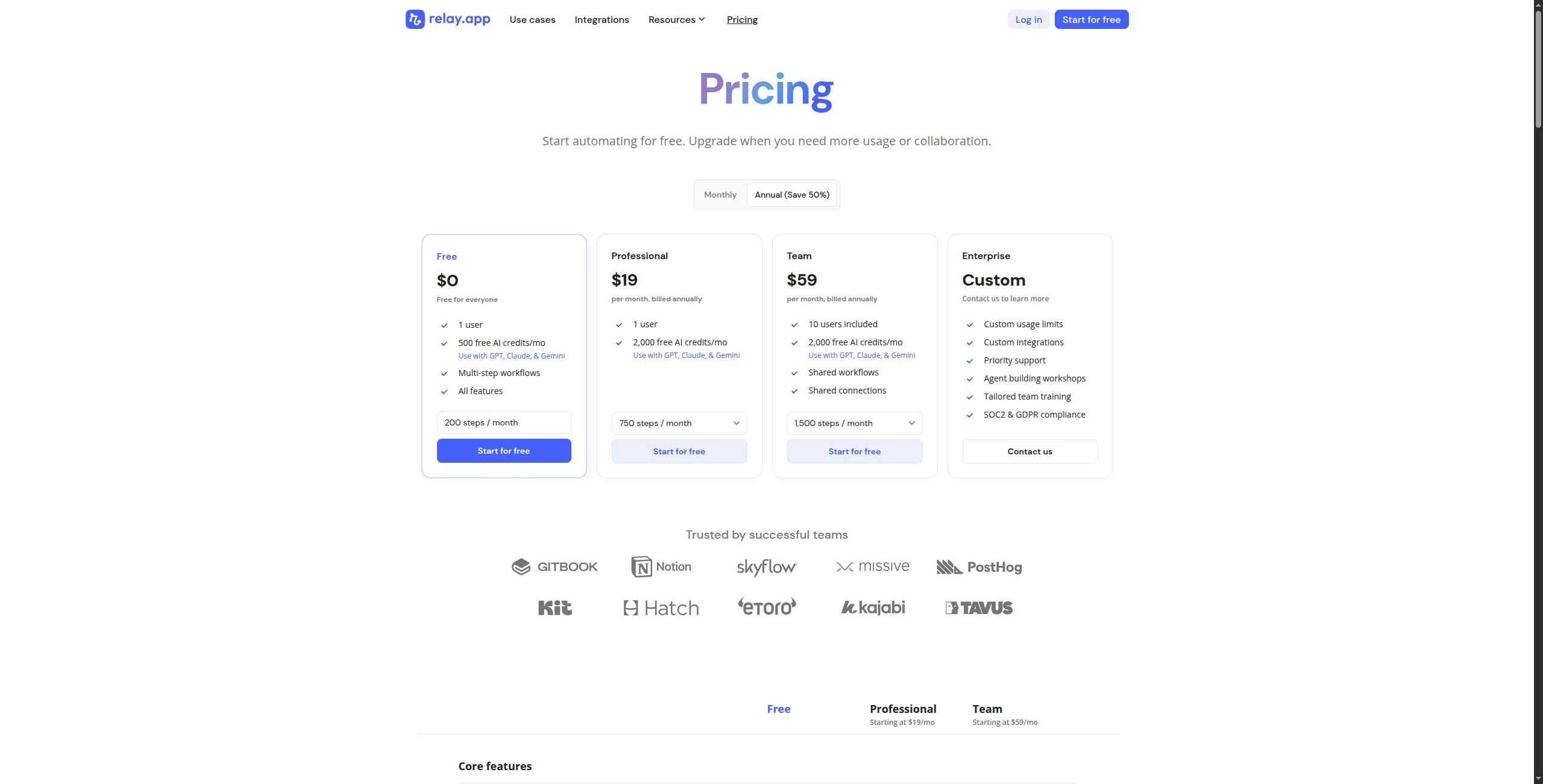
7. Relay.app — Best for Human-in-the-Loop Workflows
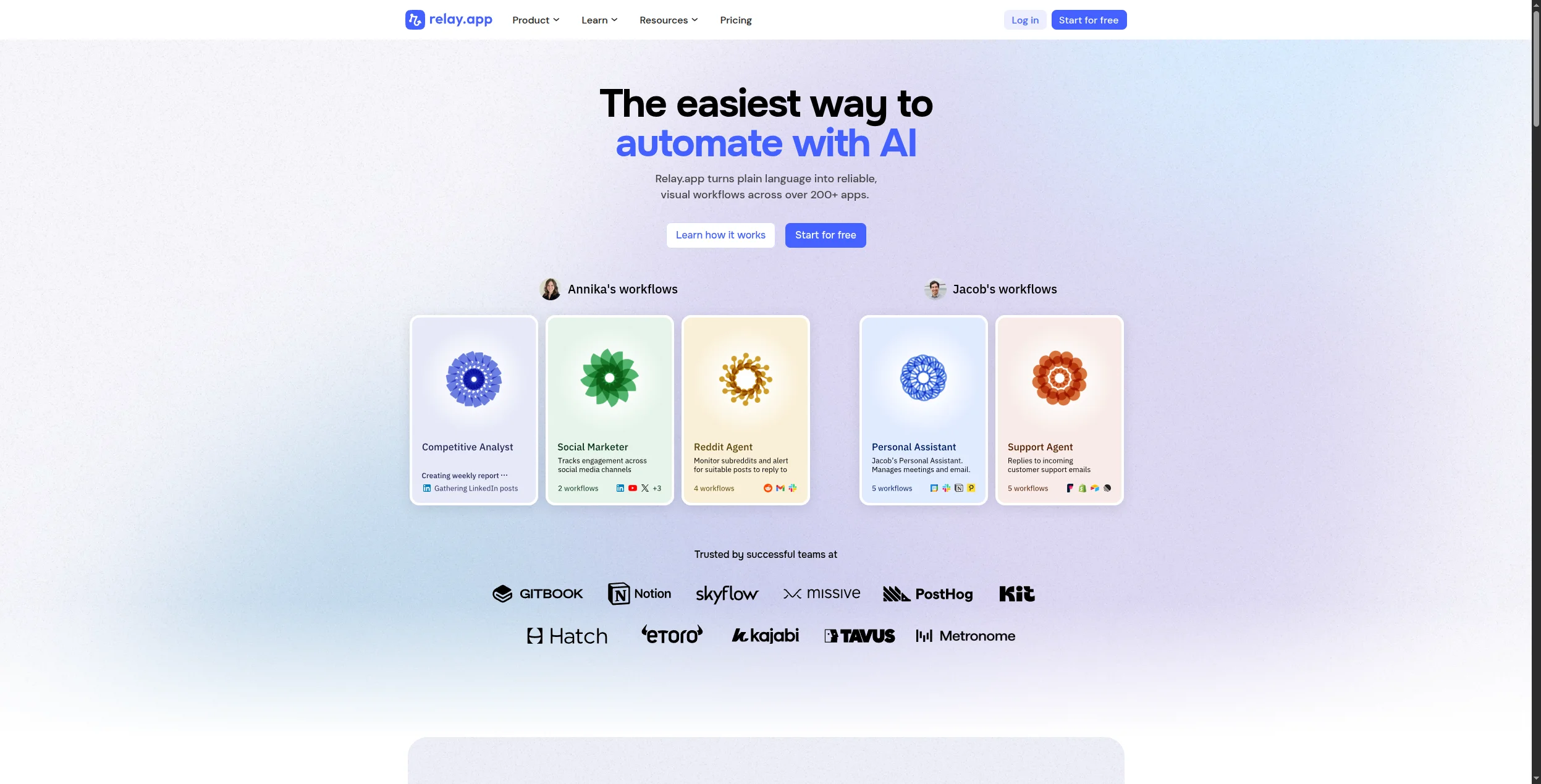
Most automation platforms assume every step should be handled by code. Relay.app disagrees. It’s designed for workflows where humans need to stay in the loop — approval gates, content reviews, manager sign-offs, or collaborative handoffs between team members and automated actions.
Where Make would require a notification step + a wait loop + a conditional branch to replicate a human review, Relay.app makes it a first-class native feature. If your workflows involve people, not just apps, this is worth a close look.
Not ideal for purely automated, high-volume pipelines
Fewer data transformation capabilities
Best for: Operations and RevOps teams whose workflows require regular human approvals or collaborative decision-making.
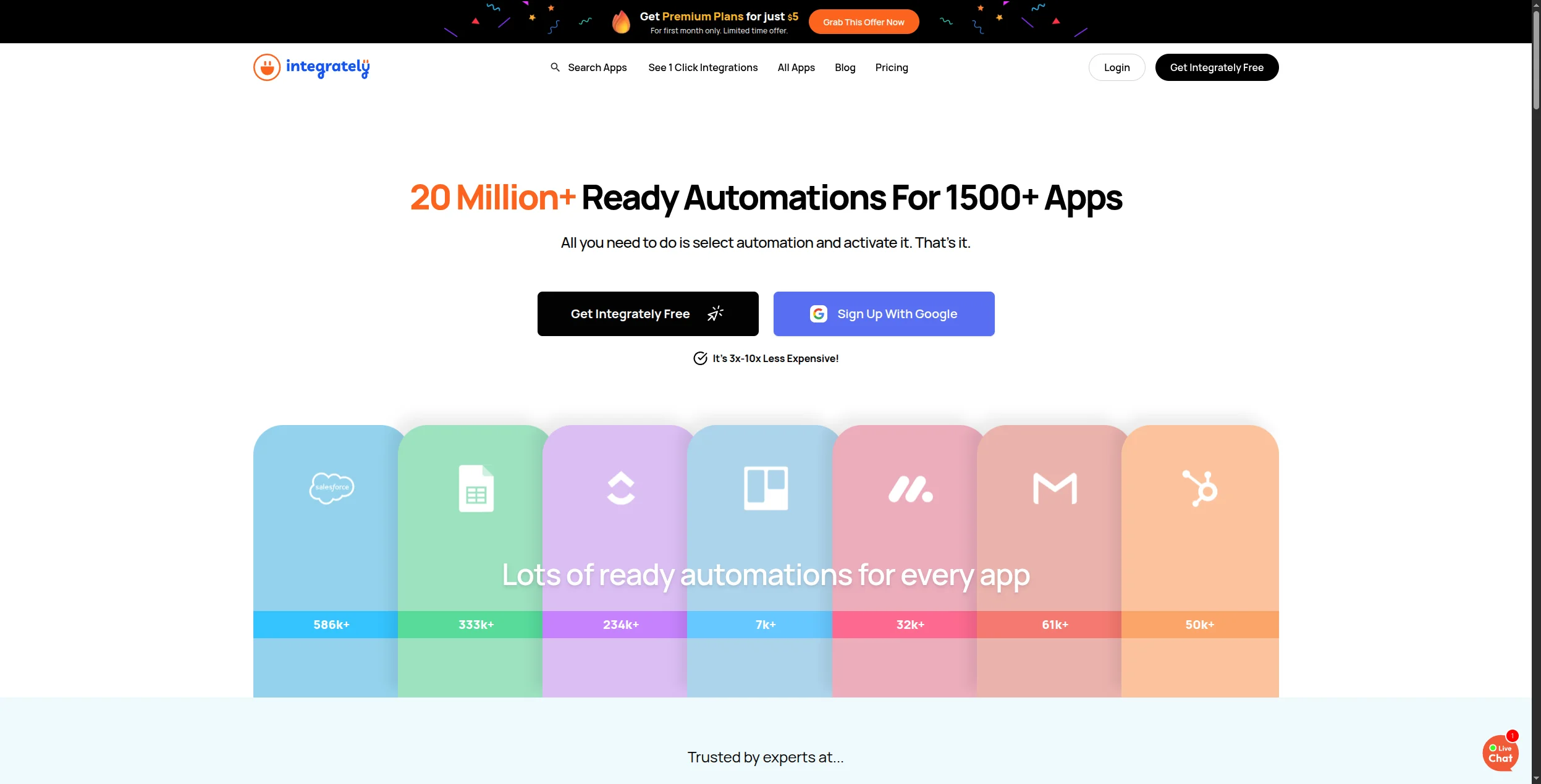
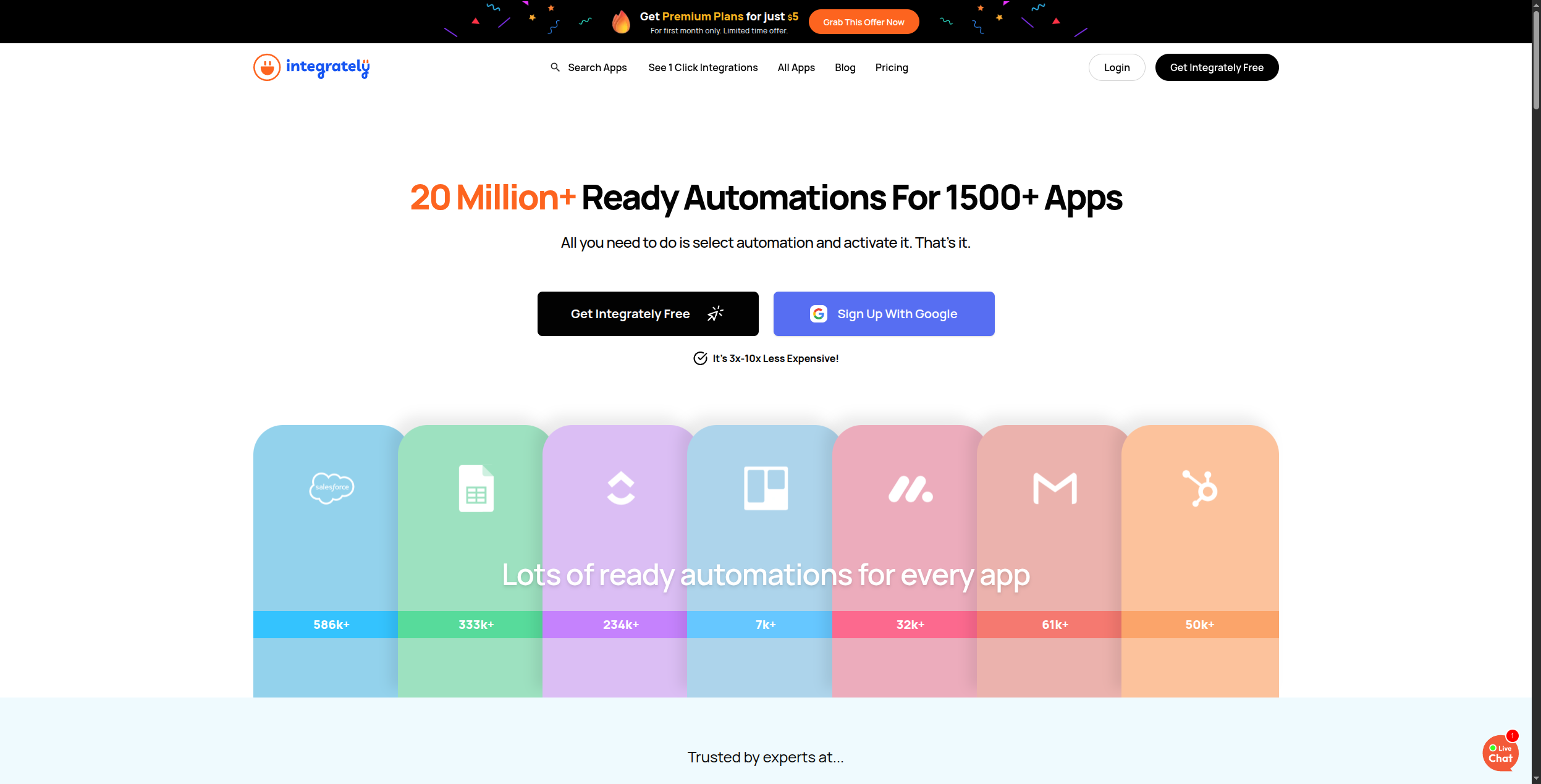
8. Integrately — Best Budget Make Alternative
Integrately competes primarily on price and ease. It has over 8 million pre-built automation templates (they call them “1-click automations”) which makes getting started faster than any other platform on this list — no building from scratch. With 1,200+ app integrations, it covers most common SaaS tools.
The depth isn’t as rich as Make for complex multi-step scenarios, but for simple trigger-action workflows at an affordable price point, it’s hard to beat.
Formatter for text, number, and date transformations between apps
Router module for conditional branching to multiple paths in one automation
Team dashboard for managing multiple automations across collaborators
Pros:
8M+ pre-built automation templates
Very affordable (plans from $19.99/mo)
Clean, beginner-friendly interface
Unlimited automations on all plans
Cons:
Less powerful for complex multi-step branching
Fewer integrations than Zapier or Make
Limited data transformation capabilities
Customer support can be slow
Best for: SMBs and solopreneurs who want a cheaper Make with quick-start templates and don’t need deep data transformation.
9. Pabbly Connect — Best for Teams on a Tight Budget
Pabbly Connect’s headline feature is its lifetime pricing: pay once, get unlimited workflows forever. That’s a compelling proposition for freelancers, agencies, and bootstrapped startups with consistent automation needs but unpredictable monthly cashflow.
It covers most mainstream SaaS integrations, supports multi-step workflows, and has basic branching and filters. It won’t replace Make for complex data transformation or AI workflows, but for straightforward automation at zero monthly cost, it’s a standout option.
Pricing:
Standard — $19/month. 12,000 tasks/month, unlimited workflows, multi-step automation, webhook support
Pro — $39/month. 24,000 tasks/month, all Standard features plus priority support
Ultimate — $79/month. 50,000 tasks/month
Lifetime Deal — From $249 one-time. Unlimited tasks, unlimited workflows, no recurring fees (available periodically via direct/AppSumo)
Key features:
Unlimited workflows and multi-step automation on all paid plans — no cap on the number of automations
Webhook triggers for receiving events from any HTTP-capable source
Workflow scheduler for time-based recurring automations
Iterator module for processing list and array data in bulk
Shared team workspace on higher-tier plans
Pros:
Lifetime deal pricing (pay once)
Unlimited workflows and connections
Multi-step automation with basic branching
Webhook support
Cons:
No free tier (lifetime deal only, no monthly trial)
Less polished UI than Make or Zapier
Smaller integration catalog
Limited AI features
Best for: Cost-conscious teams running predictable automations who want to eliminate recurring SaaS subscription costs.
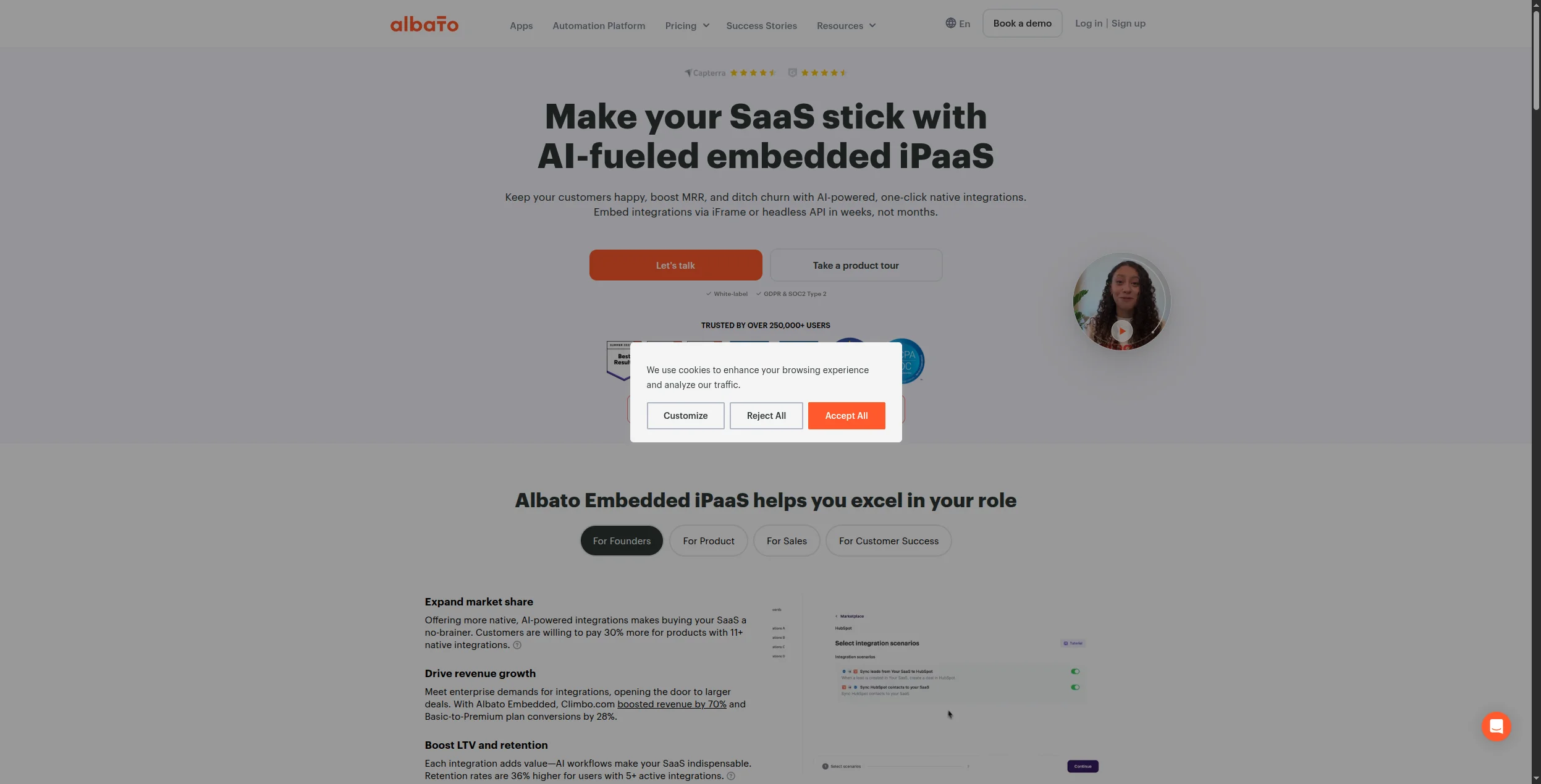
10. Albato — Best GDPR-Friendly Make Alternative
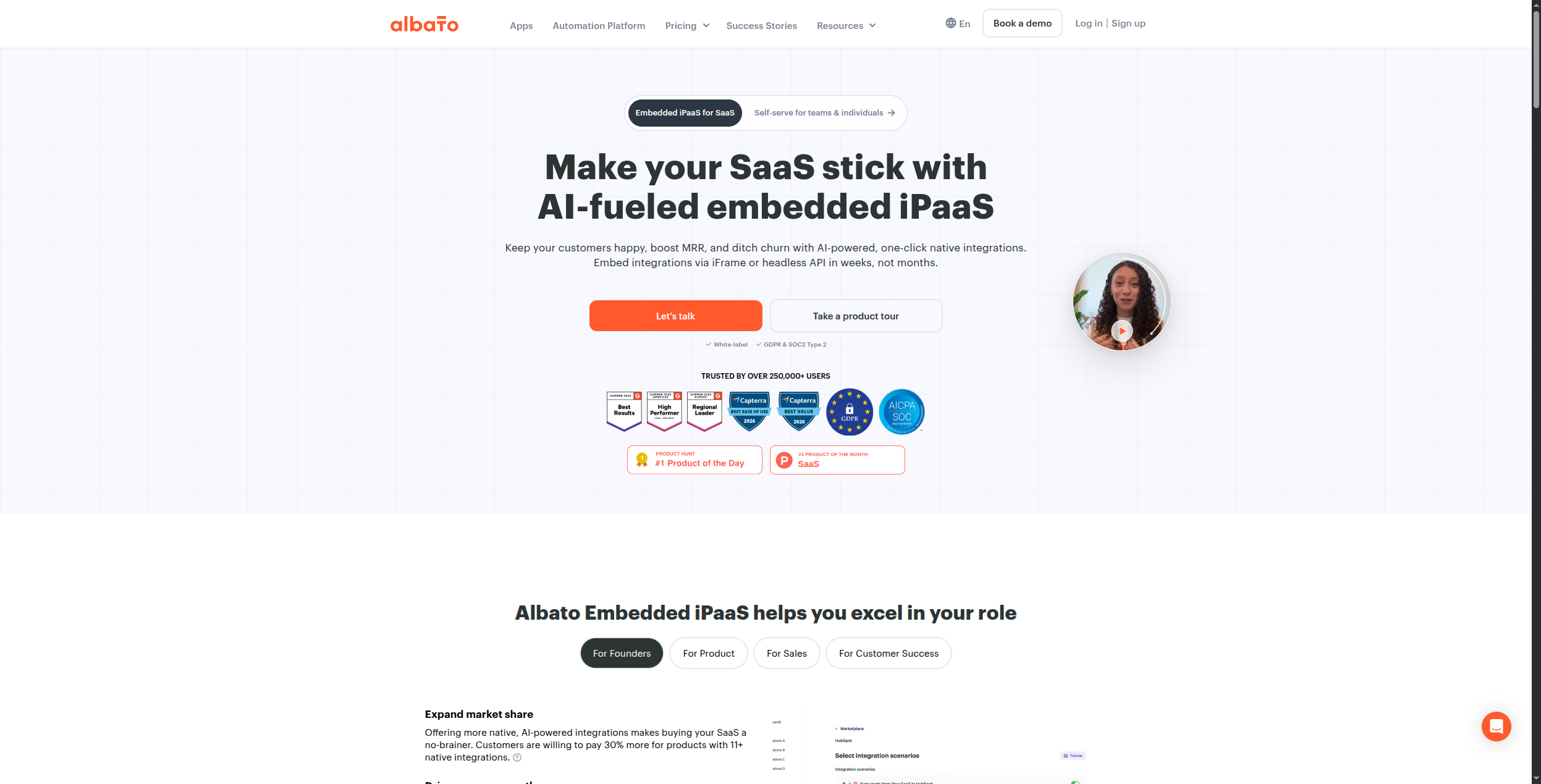
Albato is an EU-headquartered automation platform — a meaningful distinction for European businesses with strict data residency requirements. Beyond compliance, it offers 600+ integrations, competitive per-step pricing, and a clean builder that sits comfortably between Zapier’s simplicity and Make’s depth.
It doesn’t have the template library breadth or advanced AI features of some rivals, but for EU-based teams where data sovereignty matters, it’s the most pragmatic choice.
Standard — $29/month. 15,000 transactions/month, unlimited automations, scheduler, filters
Pro — $69/month. 50,000 transactions/month, priority support, advanced logic
White-label — Custom pricing. Embed Albato under your own brand in your SaaS product
Key features:
600+ integrations with strong coverage of European and CIS-region apps not commonly found in Zapier or Make
GDPR-compliant data processing with EU infrastructure and data residency options
White-label embedding for SaaS companies wanting to offer native automation to their customers
Multi-step workflows with filters, conditions, and field-level data mapping
Webhook support for custom HTTP event sources
Scheduler for time-based and recurring automation triggers
Pros:
EU-based, GDPR-compliant data processing
Competitive pricing (from $13/month)
Clean interface, good integration coverage
Embedded automation offering for SaaS products
Cons:
Smaller integration catalog than Make
Less powerful for complex data transformation
Fewer AI capabilities
Best for: European teams or any organization with strict GDPR/data residency requirements for their automation infrastructure.
11. Latenode — Best for Developers Who Want AI + Code
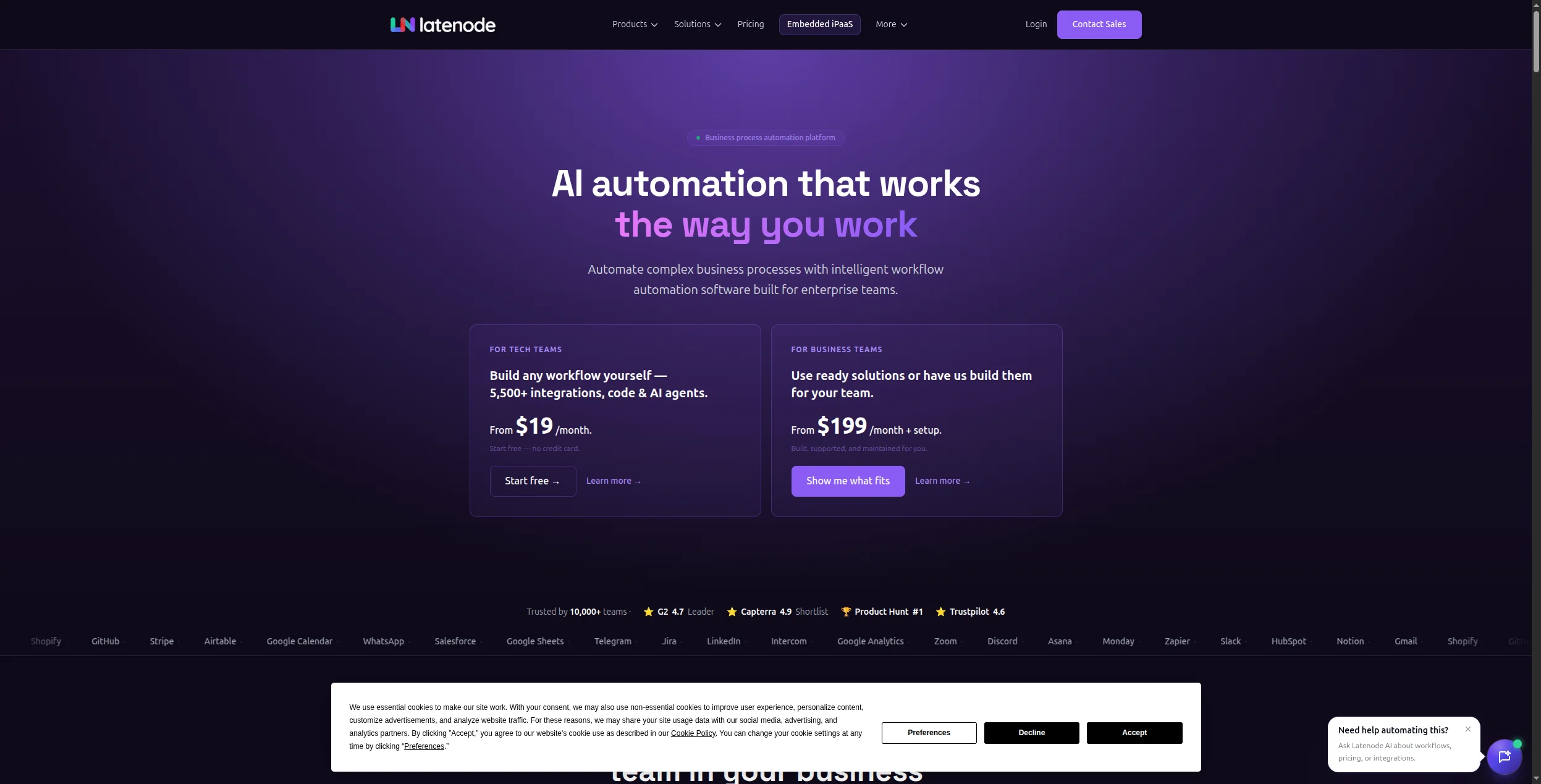
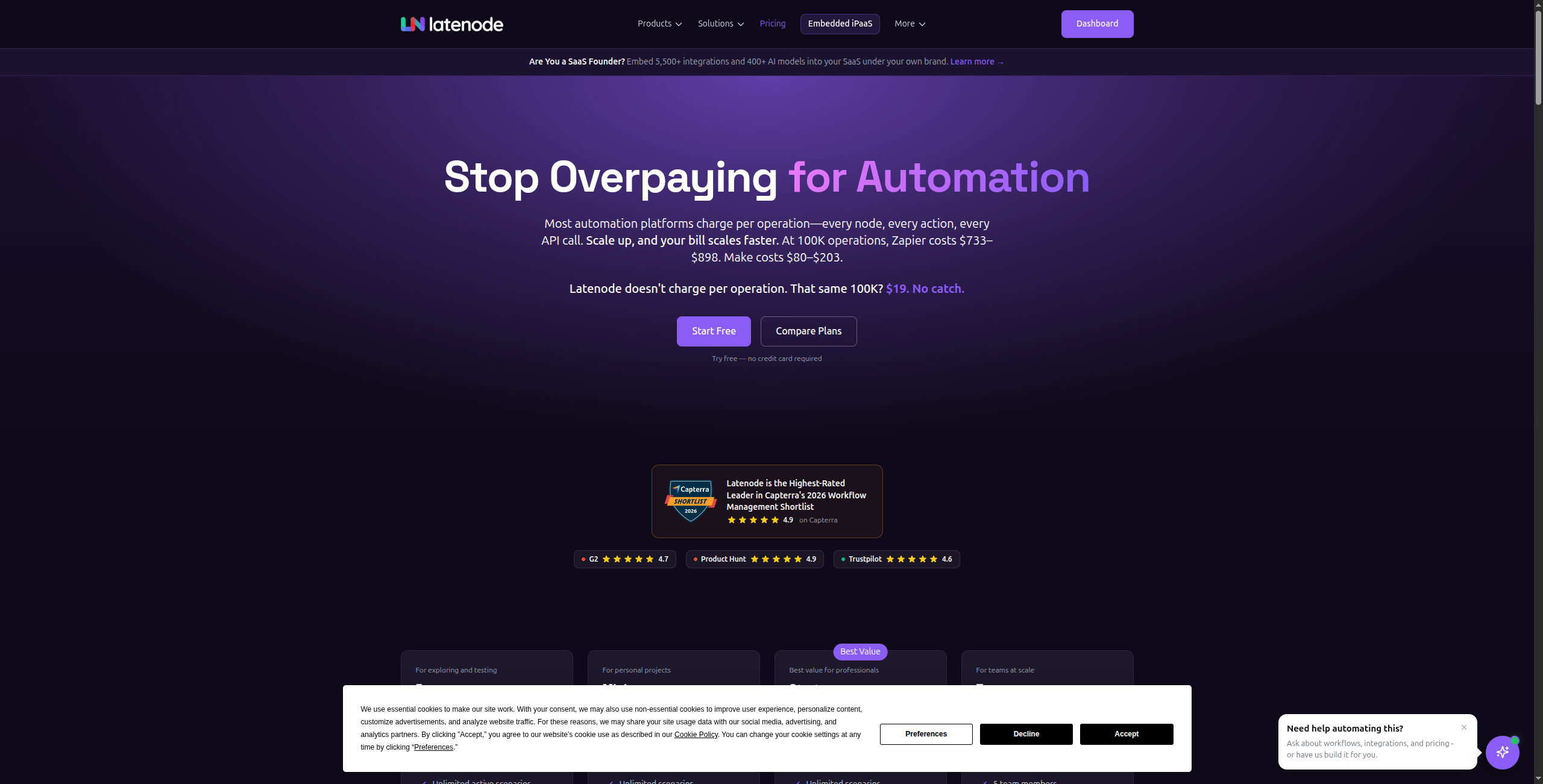
Latenode blends Make’s visual canvas with code-first flexibility and native AI node support. You can build a workflow visually, drop in a JavaScript function for a custom transformation, add an LLM reasoning step, and continue visually — all in the same editor.
It’s newer than most tools on this list, which means a smaller integration catalog and less community content, but the core platform is solid and pricing is aggressive.
Pricing:
Free — Limited executions/month, access to visual builder and basic nodes
Micro — $17/month. 10,000 workflow credits/month, all integrations, JavaScript nodes
Start — $47/month. 50,000 credits/month, priority execution, team collaboration
Grow — $97/month. 200,000 credits/month, advanced AI nodes, enhanced support
Prime — Custom pricing. Unlimited credits, dedicated infrastructure, SSO
Key features:
Visual canvas builder with native JavaScript code nodes that can be inserted anywhere in the workflow
Built-in AI/LLM nodes for GPT-4, Claude, and open-source model integration without external API setup
200+ pre-built integrations with the ability to call any HTTP/REST API directly
Conditional branching, loops, and data transformation in the same visual editor
AI-assisted node generation: describe what a node should do in natural language and Latenode scaffolds the code
Serverless execution with automatic scaling — no infrastructure management required
Pros:
Visual workflow builder + JavaScript code nodes
Native AI/LLM integration nodes
Affordable starting price ($17/month)
Modern, responsive editor
Cons:
Smaller integration catalog (catching up fast)
Less mature ecosystem than Make or n8n
Limited enterprise compliance features
Best for: Developers who want to mix low-code visual workflows with code blocks and AI — without paying enterprise prices.
12. IFTTT — Best for Simple Personal and Consumer Automation
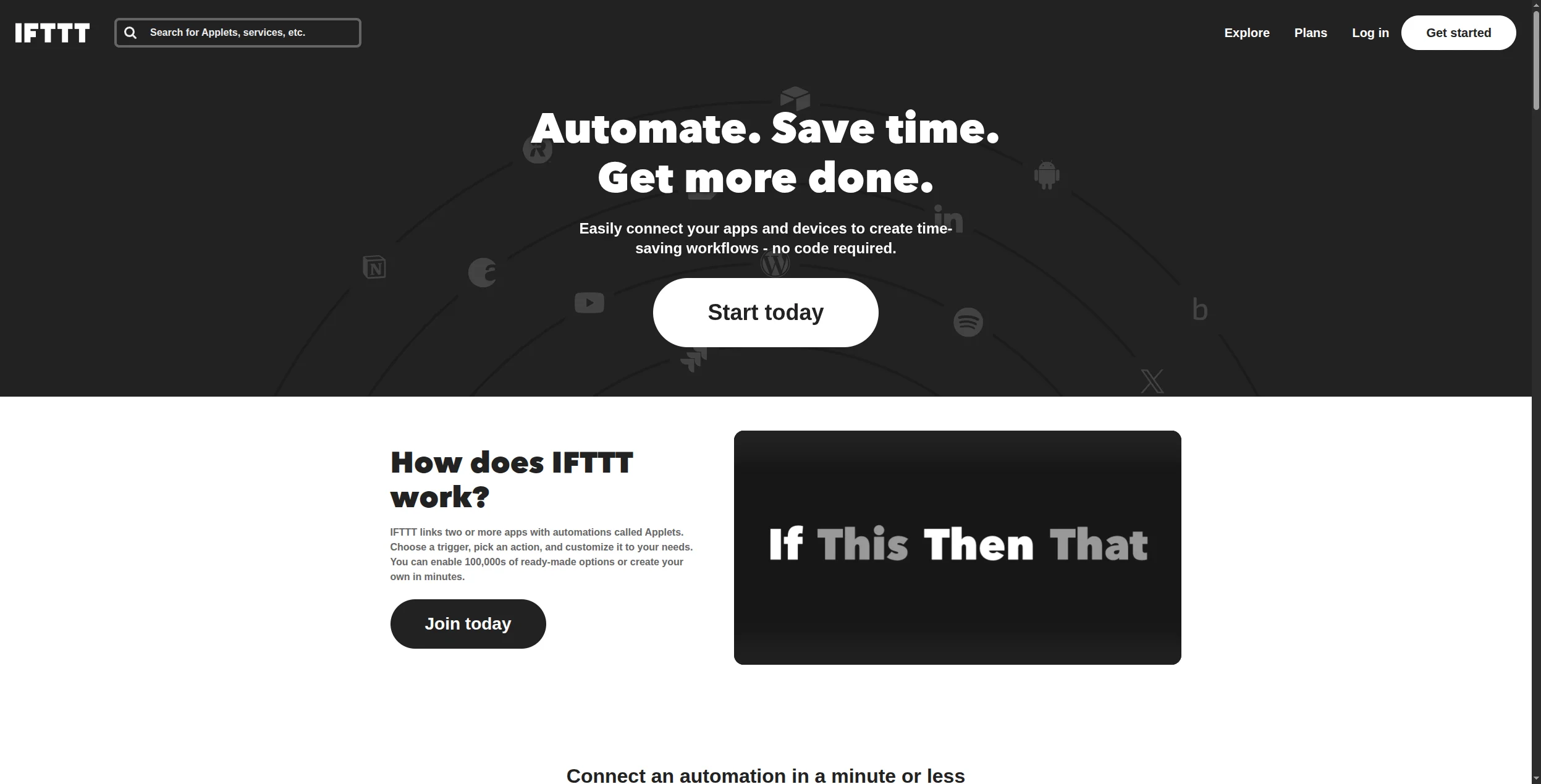
IFTTT invented the trigger-action automation paradigm that Make, Zapier, and every tool on this list is built on. In 2026 it remains the simplest option available — but simplicity is genuinely valuable for personal use cases and lightweight business automations.
Where Make would let you build a 15-step scenario with complex data routing, IFTTT handles “when this happens, do that one thing.” For IoT, smart home, social media monitoring, or basic notifications — it’s still unmatched for speed of setup.
Pricing:
Free — 3 applets, standard triggers only, community support
Pro+ — $12.99/month (or $9.99/month billed annually). Multiple-account service connections, faster polling, priority customer support
Key features:
700+ service integrations across IoT devices, smart home platforms, and consumer apps (Google Home, Alexa, Philips Hue, Ring, etc.)
Dead-simple applet builder: choose a trigger service, pick a trigger event, choose an action service, configure the action — no code ever needed
Multi-action applets (Pro+) for chaining multiple actions from a single trigger
AI-powered actions using OpenAI for text generation, summarization, and translation steps
Webhook/Maker service for triggering applets from any HTTP-capable device or application
IFTTT for Business for organizations running shared applets and branded customer-facing automations
Pros:
Completely free for basic use
Dead-simple interface — minutes to set up
Strong IoT and smart home integrations
Very large library of consumer-facing applets
Cons:
Very limited multi-step logic
No developer features or custom code
Not suitable for business-critical automations
Pro tier needed for multiple actions per trigger
Best for: Personal use, IoT/smart home, and basic consumer automation where setup speed matters more than workflow complexity.
How to Choose the Right Make Alternative
The best Make alternative depends on three factors: your technical profile, your workflow complexity, and your budget trajectory.
Go with FlowHunt if your workflows involve AI decision-making, content generation, or SEO tasks that need reasoning — not just data routing. If you’re building AI-powered content workflows
or automating research pipelines, the gap between FlowHunt and Make widens quickly.
Go with n8n or Activepieces if your team is technical, you have data sovereignty requirements, or you want Make’s visual model at zero cost. Both are genuinely strong open-source alternatives.
Go with Zapier if integration coverage is the top priority — especially for obscure apps — and volume is low enough that task-based pricing isn’t a concern.
Go with Workato if you’re at enterprise scale integrating Salesforce, SAP, or Workday with strict compliance requirements.
Go with Pabbly or Integrately if budget is the primary constraint and your workflows are relatively straightforward.
Pro Tip: Before migrating away from Make, export your scenario list and map each one against your top alternative. Most platforms offer a free trial — test with your three most complex scenarios before committing. Migration friction is real.
Frequently Asked Questions
Is Make still worth it in 2026?
Make remains a strong choice for teams who love its visual canvas and don’t hit volume limits. But for teams scaling operations, adding AI capabilities, or wanting open-source control, alternatives like FlowHunt, n8n, and Activepieces have closed the gap significantly.
What happened to Integromat?
Integromat rebranded to Make in 2022. All Integromat accounts, features, and workflows migrated to the Make platform. The core product is the same — just under a new name and with continued feature development.
Can I migrate from Make to another platform without losing my automations?
There’s no universal migration tool. Most platforms (n8n, Activepieces) have import features, but they work with their own export formats — not Make’s. Budget time to rebuild your most complex scenarios manually. Simpler trigger-action workflows typically migrate in minutes; complex multi-branch scenarios may take hours.
How does FlowHunt compare to Make for marketing automation?
Make can orchestrate marketing tool integrations (CRM → email → analytics) reliably. FlowHunt adds an AI layer — agents can generate content, analyze performance data, identify gaps, and take action based on reasoning. For teams running content marketing automation
, that’s a qualitative difference in what’s possible.
Make is a visual workflow automation platform that connects apps and services using a drag-and-drop canvas of 'modules'. It's popular for multi-step automations, data transformation, and scenarios requiring complex branching logic — positioned between the simplicity of Zapier and the technical depth of n8n.
Common reasons include Make's operations-based pricing (costs scale quickly with high-volume workflows), the learning curve of its module-based editor, and the lack of native AI agent capabilities. Teams doing 100,000+ operations per month often find cheaper or more capable alternatives.
Yes — several. n8n and Activepieces are both open-source and free to self-host. FlowHunt, Pipedream, and Relay.app all offer free tiers. IFTTT has a free tier for basic personal automations.
FlowHunt is the strongest choice for AI-native workflows. Unlike Make's module-based approach, FlowHunt lets you build agents that reason over context, use LLMs as decision-makers, and take adaptive multi-step actions — not just linear trigger-action chains.
Pabbly Connect offers a one-time lifetime deal starting around $249 with unlimited workflows. Albato and Integrately have monthly plans starting under $20. For self-hosters, n8n and Activepieces are completely free.
Arshia is an AI Workflow Engineer at FlowHunt. With a background in computer science and a passion for AI, he specializes in creating efficient workflows that integrate AI tools into everyday tasks, enhancing productivity and creativity.
Arshia Kahani
AI Workflow Engineer
The Make Alternative Built for the AI Era — Try FlowHunt Free
FlowHunt goes beyond scenarios and modules. Build AI agents that reason, adapt, and automate complex multi-step workflows — without the operations bill that comes with Make.
Best Zapier Alternatives in 2026: 12 Tools That Do More for Less
Ranked and reviewed: the 12 best Zapier alternatives in 2026. Whether you need AI-native automation, cheaper pricing, self-hosting, or enterprise power — there'...
Best n8n Alternatives in 2026: 12 Tools Ranked for Developers and Teams
Ranked and reviewed: the 12 best n8n alternatives in 2026. From AI-native no-code platforms to open-source orchestration frameworks — find the right fit for you...
Best No-Code Automation Tools in 2026: 10 Platforms Compared
The definitive guide to no-code automation platforms in 2026. We compare 10 tools — from visual workflow builders to AI-native platforms — to help you automate ...
24 min read
No-Code
Automation
+2
Cookie Consent We use cookies to enhance your browsing experience and analyze our traffic. See our privacy policy.