Best No-Code Automation Tools in 2026: 10 Platforms Compared
The definitive guide to no-code automation platforms in 2026. We compare 10 tools — from visual workflow builders to AI-native platforms — to help you automate without writing a line of code.
No-code automation has moved from a curiosity to a mainstream enterprise capability. The best no-code automation platforms today let marketing teams build lead routing systems, operations teams automate invoice processing, and HR teams streamline onboarding — all without a developer writing a single line of code.
But the category has expanded significantly. “No-code automation” now covers everything from simple trigger-action tools (Zapier) to visual AI agent builders (FlowHunt) to full no-code app development platforms (Bubble). Choosing the right one depends on what you’re trying to automate and how technical your team is.
This guide covers the 10 best no-code automation platforms in 2026, with honest assessments of what each one does well and where it falls short.
Quick answer:FlowHunt
is the best no-code platform for teams that need AI-powered automation. Zapier wins on integration breadth. Make is better for complex visual workflows. n8n and Activepieces are the top open-source options.
Quick Comparison: No-Code Automation Platforms
Tool
Best For
AI Agents
Integrations
Free Plan
Pricing Starts
FlowHunt
AI-native automation
Yes
1,400+
Yes
Freemium
Zapier
Breadth of integrations
Limited
7,000+
Yes
$19.99/mo
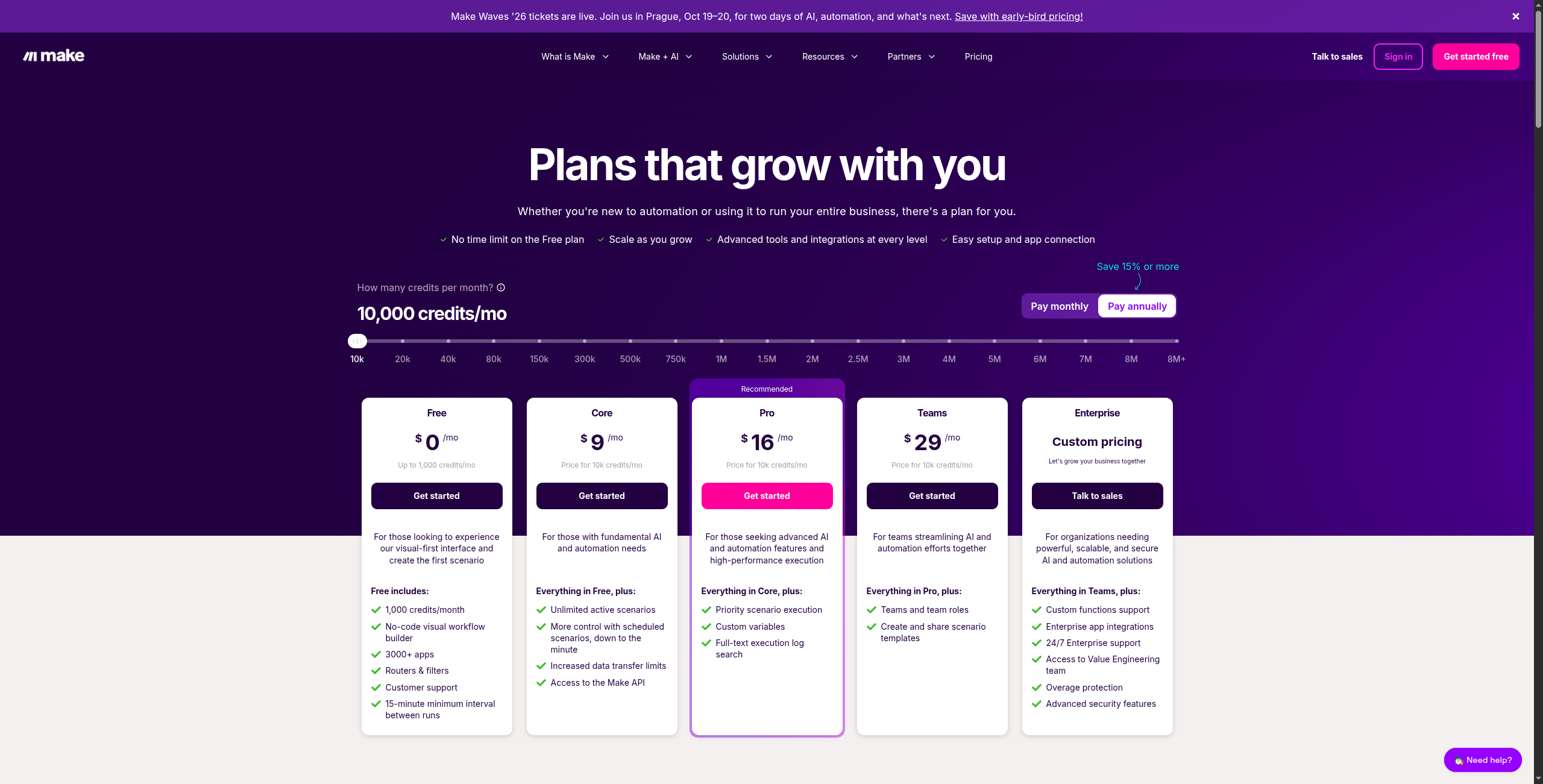
Make
Complex visual workflows
Limited
1,800+
Yes
$9/mo
n8n
Open-source/self-hosted
Yes
400+
Self-hosted
$20/mo (cloud)
Activepieces
Open-source budget
Limited
500+
Self-hosted
$0 (self-hosted)
Pabbly Connect
Unlimited volume, low cost
No
1,000+
No
$19/mo
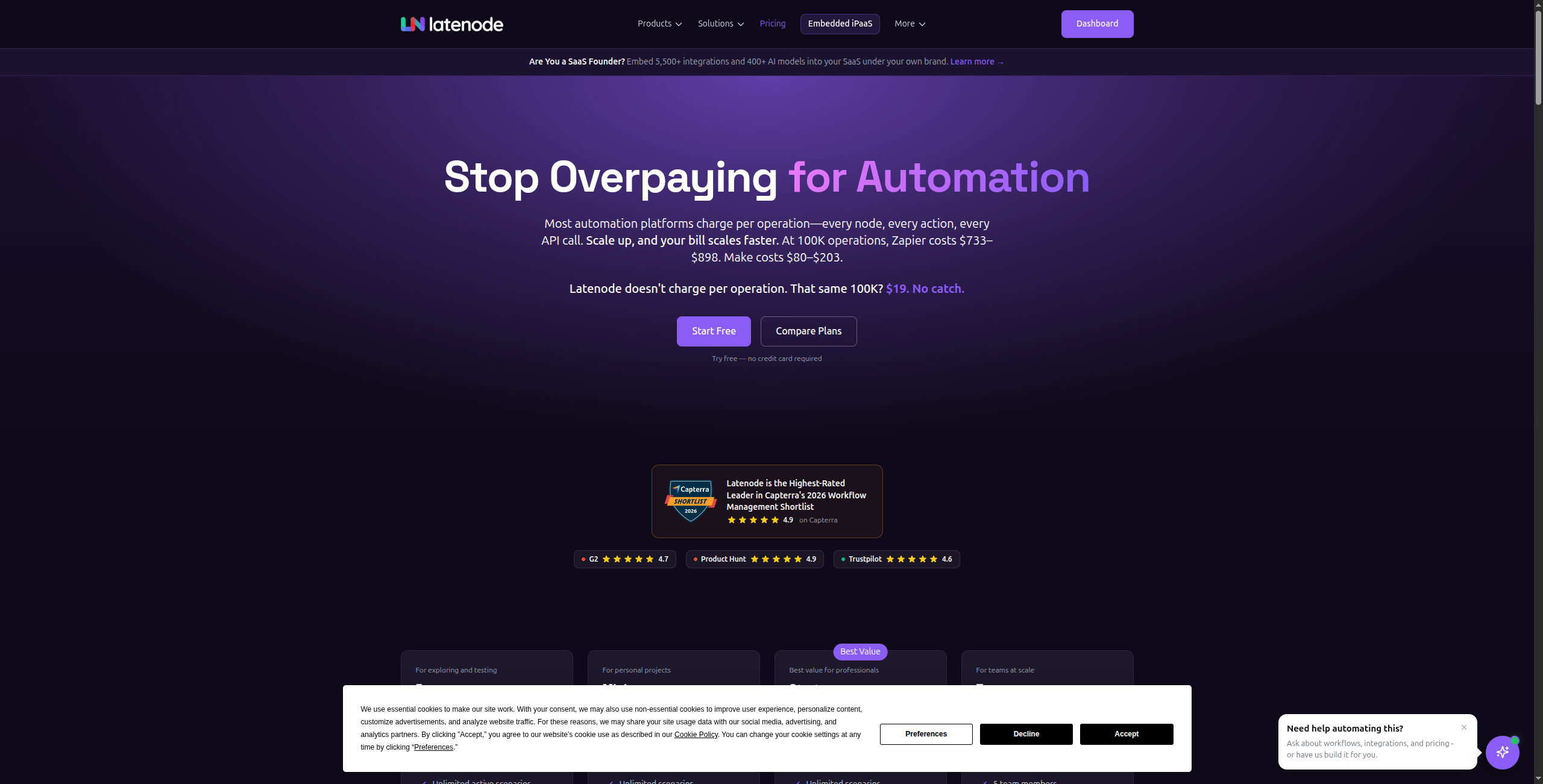
Latenode
Low-code flexibility
Limited
300+
Yes
$17/mo
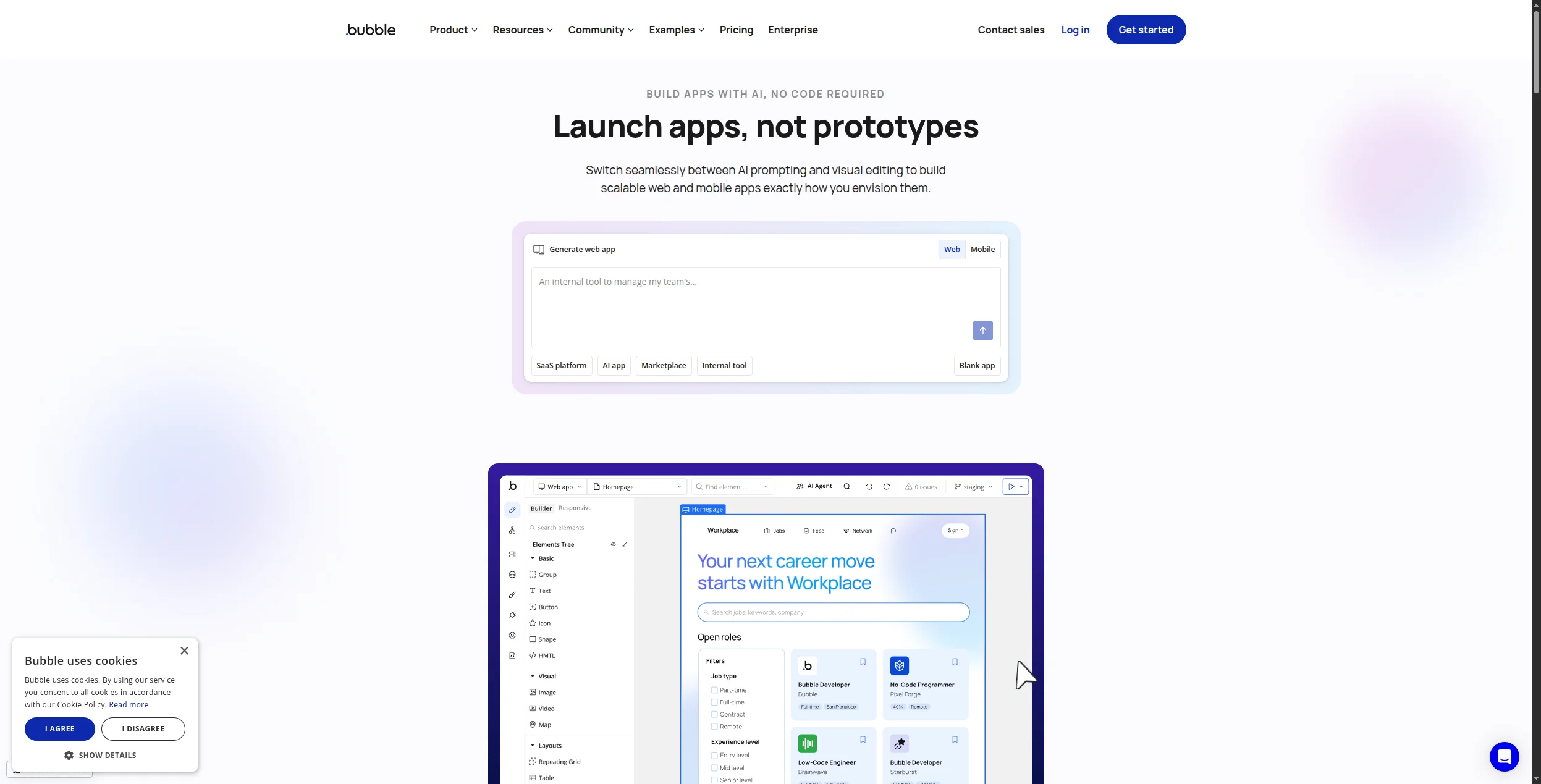
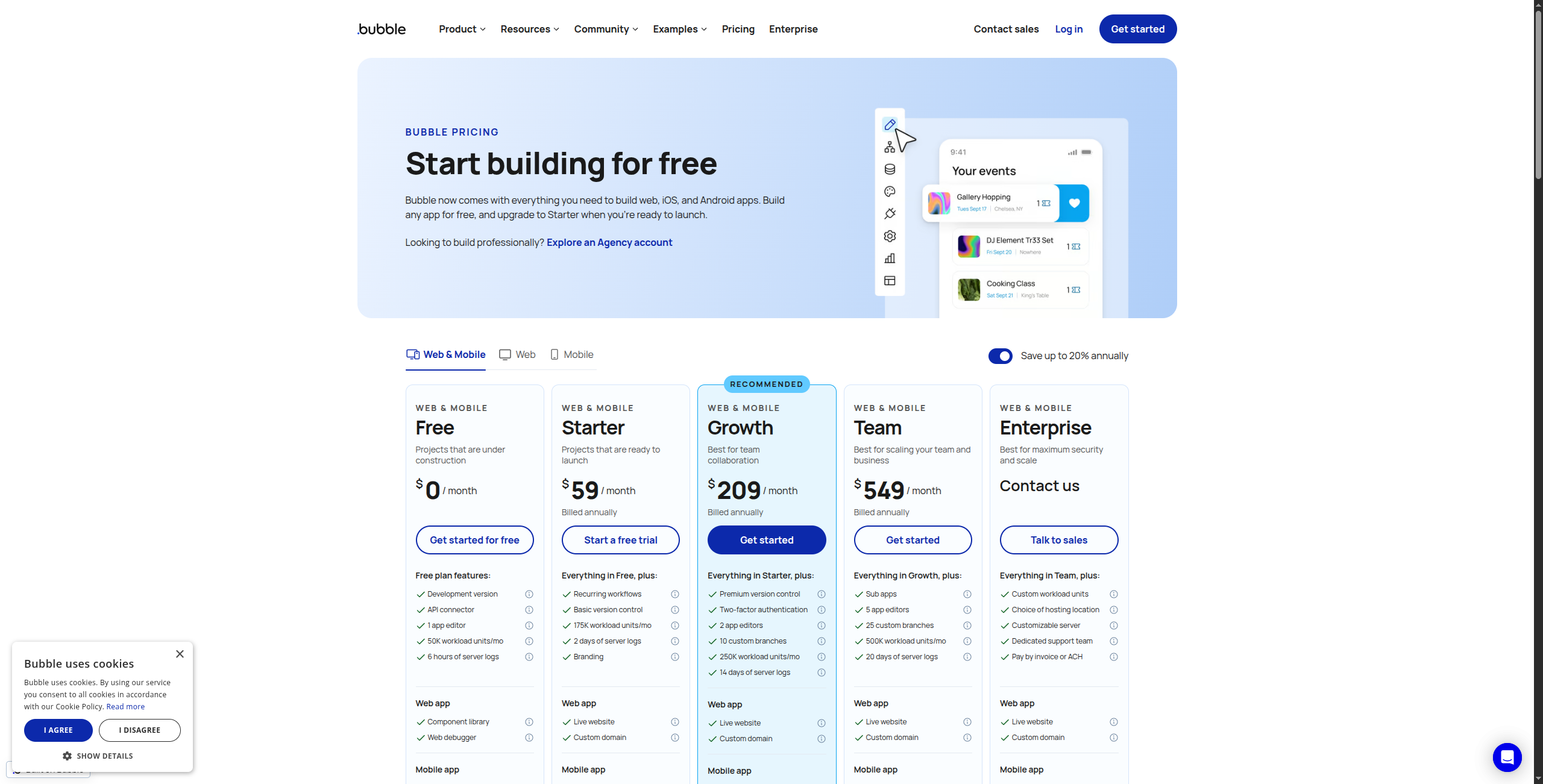
Bubble
Full app development
No
Via APIs
Yes
$29/mo
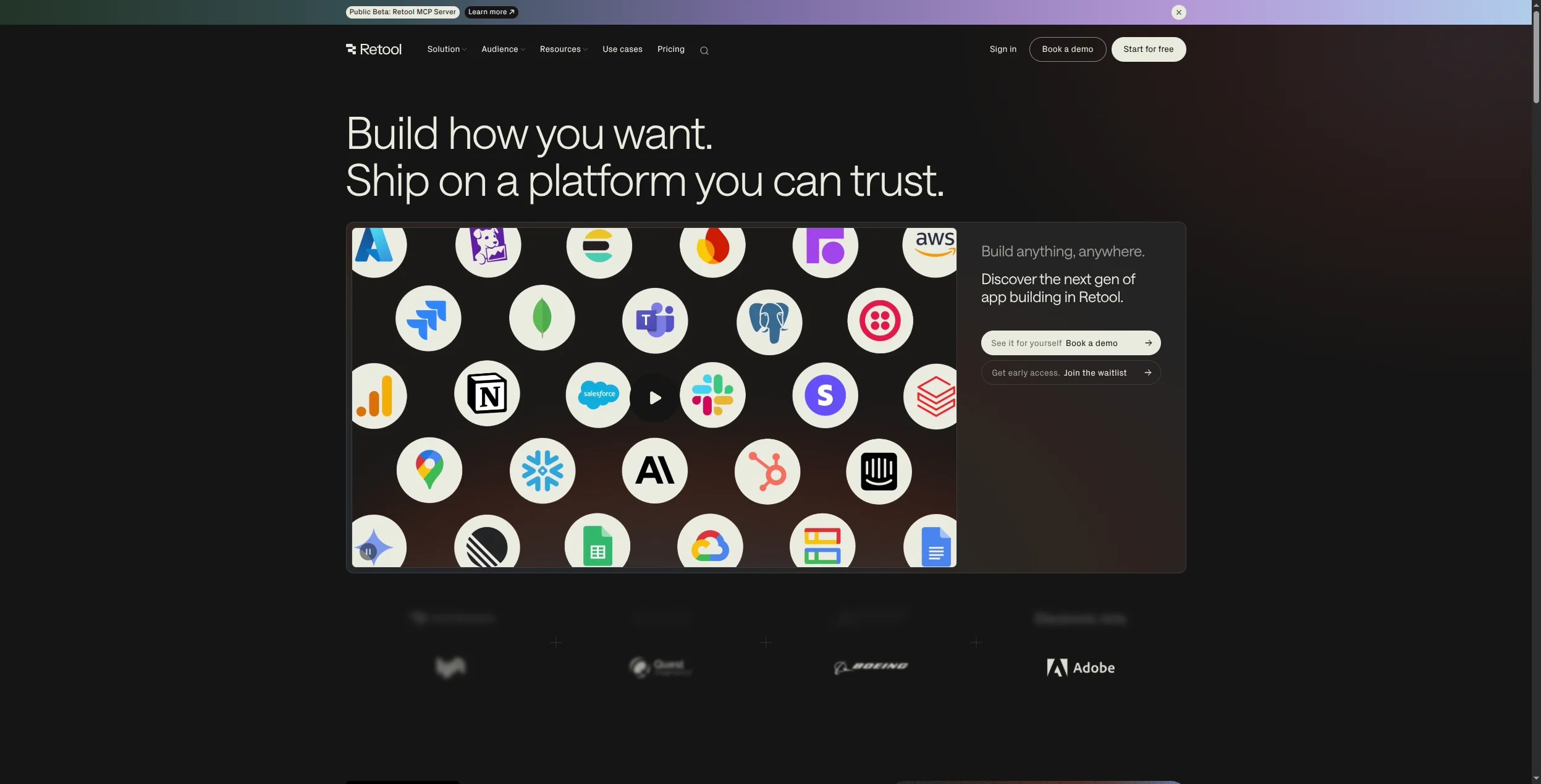
Retool
Internal tools & dashboards
No
Via APIs
Yes
$10/mo
Glide
Simple mobile/web apps
No
Sheets/Airtable
Yes
$49/mo
What Makes a Great No-Code Automation Platform?
Before reviewing individual tools, it’s worth defining what separates a great no-code automation platform from a mediocre one:
Integration depth — not just how many apps it connects to, but how deeply it integrates. A “Salesforce integration” that can only create leads is far less valuable than one that handles 200+ Salesforce actions.
Error handling — real business automation fails. The best platforms make it easy to see what went wrong, retry failed steps, and get notified when something breaks.
AI capabilities — in 2026, automation without AI is table stakes. The best platforms embed AI natively — not as an afterthought integration with OpenAI, but as a core part of the workflow logic.
Scalability — pricing that doesn’t punish you for succeeding. Some platforms charge per task in ways that become prohibitive once automation is working well.
Ready to grow your business?
Start your free trial today and see results within days.
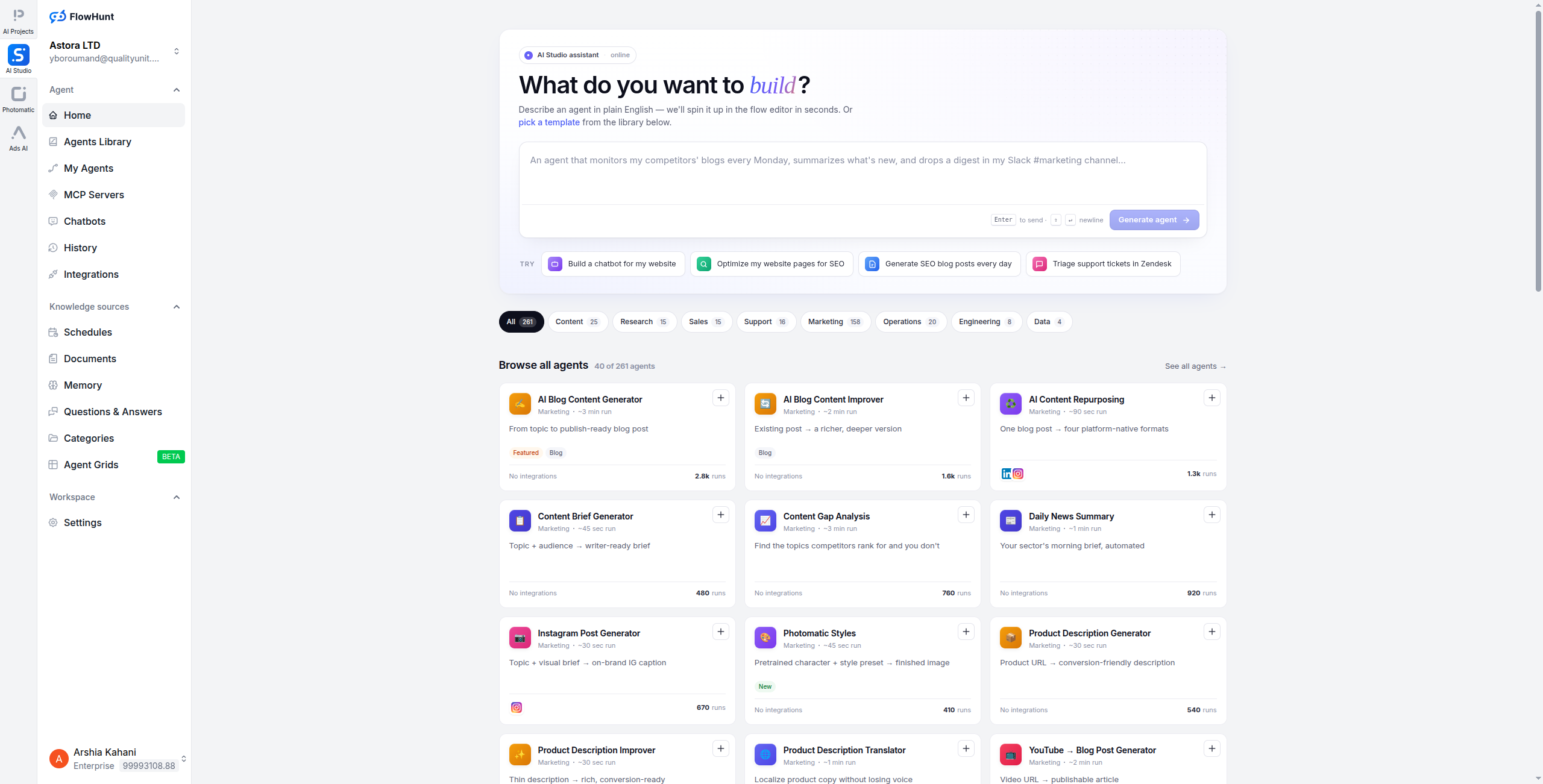
1. FlowHunt — Best AI-Native No-Code Automation Platform
FlowHunt
is the most capable no-code platform for teams that want AI agents, not just trigger-action automation. Its visual canvas lets citizen developers — people who understand business processes but don’t write code — build sophisticated workflows where AI agents reason, decide, and act.
The core difference between FlowHunt and tools like Zapier or Make: those platforms automate steps you’ve defined in advance. FlowHunt lets AI agents handle steps that you can’t fully define in advance — because they require reading, reasoning, and judgment. An AI agent can read an incoming email, determine its intent, look up relevant customer history, draft a response, and route it for approval — without you needing to anticipate every possible email scenario.
This is particularly valuable for:
Content marketing automation — research, write, review, and publish content in one workflow
Customer support — ticket classification, response drafting, escalation routing
SEO workflows — keyword research, content gap analysis, brief generation
For teams looking to move beyond simple automation into workflow automation for beginners
, FlowHunt offers the most complete no-code path to AI-native automation.
Pricing:
Free — $0/month. Generous execution credits, access to all components, community support
Pro — Usage-based. Scales with workflow executions and AI API calls — no per-seat charge
Visual node-based workflow builder — every step visible, testable, and editable
True multi-agent orchestration with branching, loops, and conditional logic
1,400+ native integrations across CRMs, helpdesks, databases, spreadsheets, and APIs
Built-in RAG (retrieval-augmented generation) for knowledge base agents
Web scraping and monitoring built into the workflow canvas
Self-hosting available for data compliance requirements
Persistent agent memory and conversation history across workflow runs
Pros:
AI agents with genuine reasoning capability — not just LLM call nodes bolted onto triggers
Visual canvas that non-technical users can navigate without developer help
1,400+ integrations including all major business tools across every category
Multi-agent orchestration — chain multiple AI agents with branching and conditional logic
Self-hosting available for data-sensitive organisations with compliance requirements
Generous free tier — build and test fully functional AI workflows without a credit card
Cons:
Steeper initial learning curve than Zapier for simple trigger-action automations
Template library still growing — not as extensive as Zapier’s thousands of Zap templates
Requires more upfront workflow design than a point-and-click sequencer
Best for: Teams that need AI agents to reason, research, and write — not just route data — particularly in marketing, customer support, and sales operations.
Best for: Teams that need AI agents to reason, research, and write — not just route data — particularly in marketing, customer support, and sales operations.
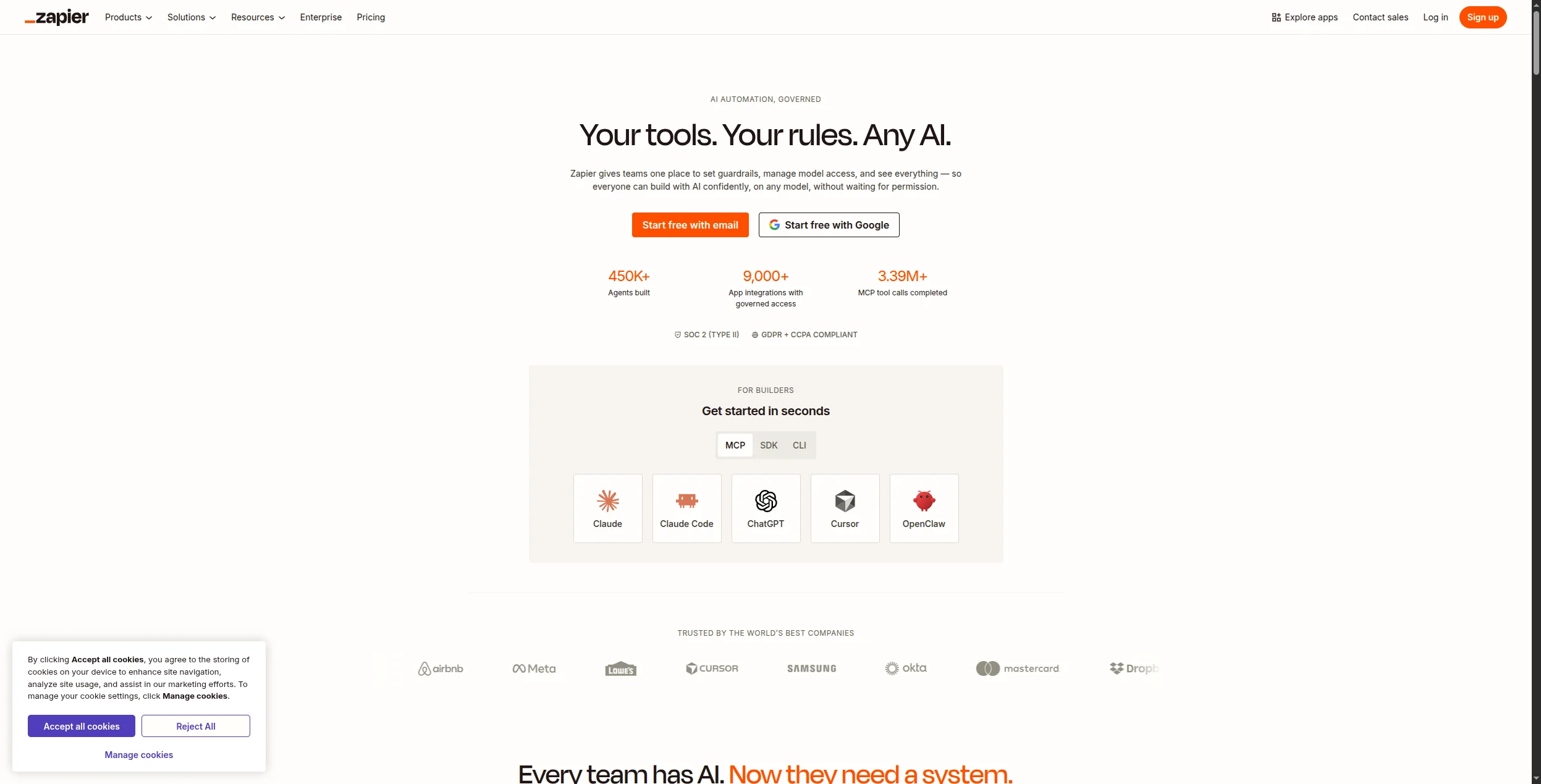
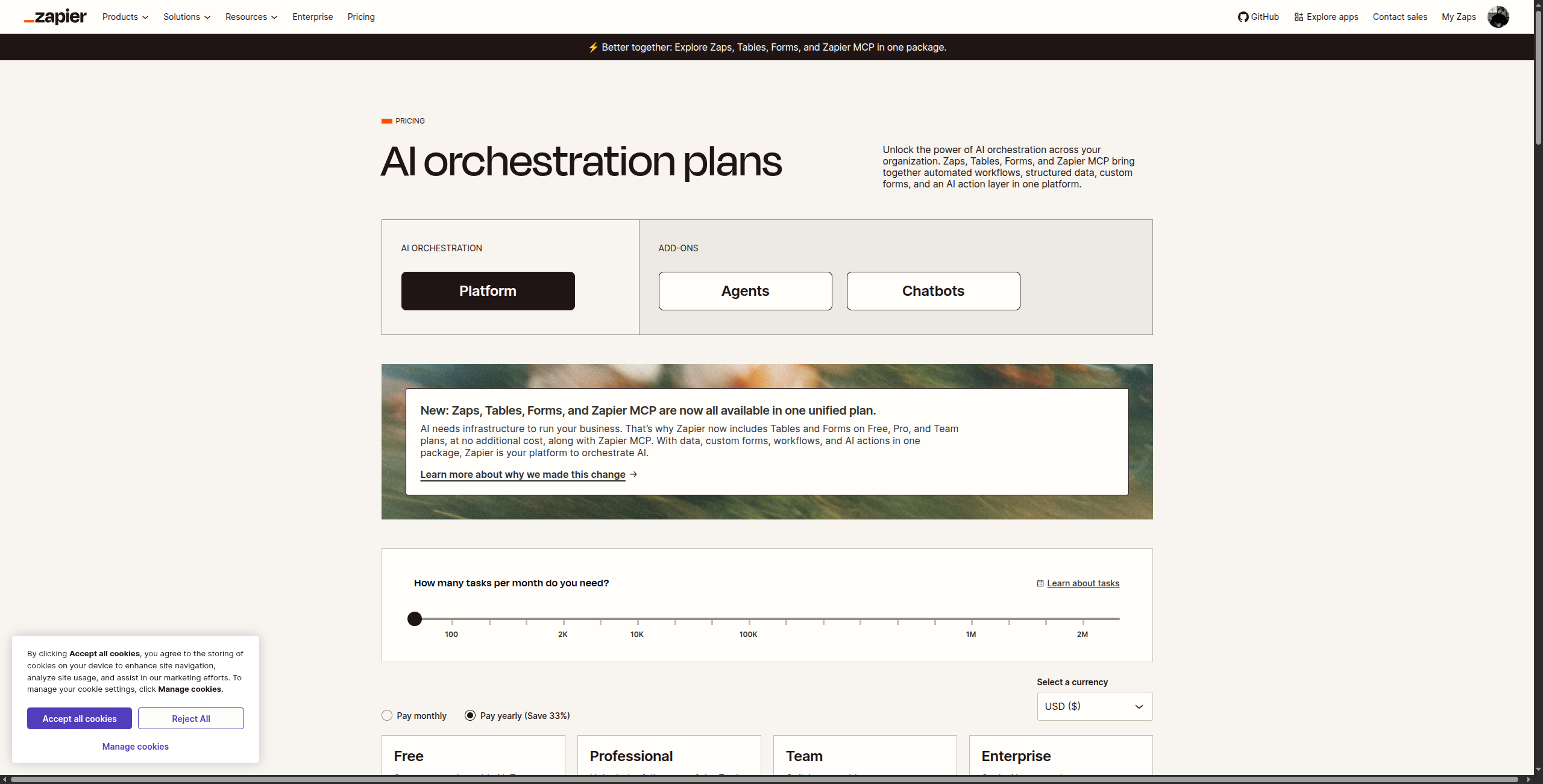
2. Zapier — Best for Integration Breadth
Zapier is still the most widely deployed automation platform in the world, and its 7,000+ integrations are the main reason. If you need to connect two specific apps, Zapier almost certainly has a pre-built integration for both. Its “Zaps” (trigger-action workflows) are the fastest to set up for standard use cases, and a library of thousands of pre-built templates means common automations — new Typeform lead → add to HubSpot + Slack notification — can be live in minutes.
Zapier has added meaningful AI capabilities since 2024, including an AI-powered Zap builder that generates workflow steps from plain-language descriptions, and Zapier Agents (beta) for goal-directed task automation. These additions keep Zapier competitive in an increasingly AI-first market, though its roots remain in reliable trigger-action execution rather than deep reasoning.
7,000+ app integrations — the largest catalog of any automation platform
Zap templates library with thousands of pre-built automation recipes
Zapier AI for generating workflow steps from plain language descriptions
Multi-step Zaps with filters, paths (conditional branching), and formatters
Zapier Tables and Interfaces for lightweight data storage and front-end forms
Zapier Agents (beta) for AI-powered, goal-driven task execution
Formatter: built-in data transformation for dates, text, numbers, and lookup tables
Pros:
7,000+ app integrations — unmatched breadth across every software category
Massive library of pre-built Zap templates — fastest time-to-value for common workflows
Zapier AI can generate workflow steps from plain language descriptions
Reliable and battle-tested at scale — handles millions of workflow runs daily
Very active community for support, templates, and troubleshooting
Cons:
Pricing scales steeply with task volume — expensive for high-volume automation at mid-market scale
Not designed for AI agents — reasoning and decision-making capability is limited
Complex conditional logic requires multiple Zaps or premium path features
Task-based pricing is opaque — hard to predict costs before deploying at scale
Best for: Non-technical teams that need broad app coverage and the fastest possible setup — where the workflow is simple and integration breadth matters more than logic power.
Best for: Non-technical teams that need broad app coverage and the fastest possible setup — where the workflow is simple and integration breadth matters more than logic power.
Join our newsletter
Get latest tips, trends, and deals for free.
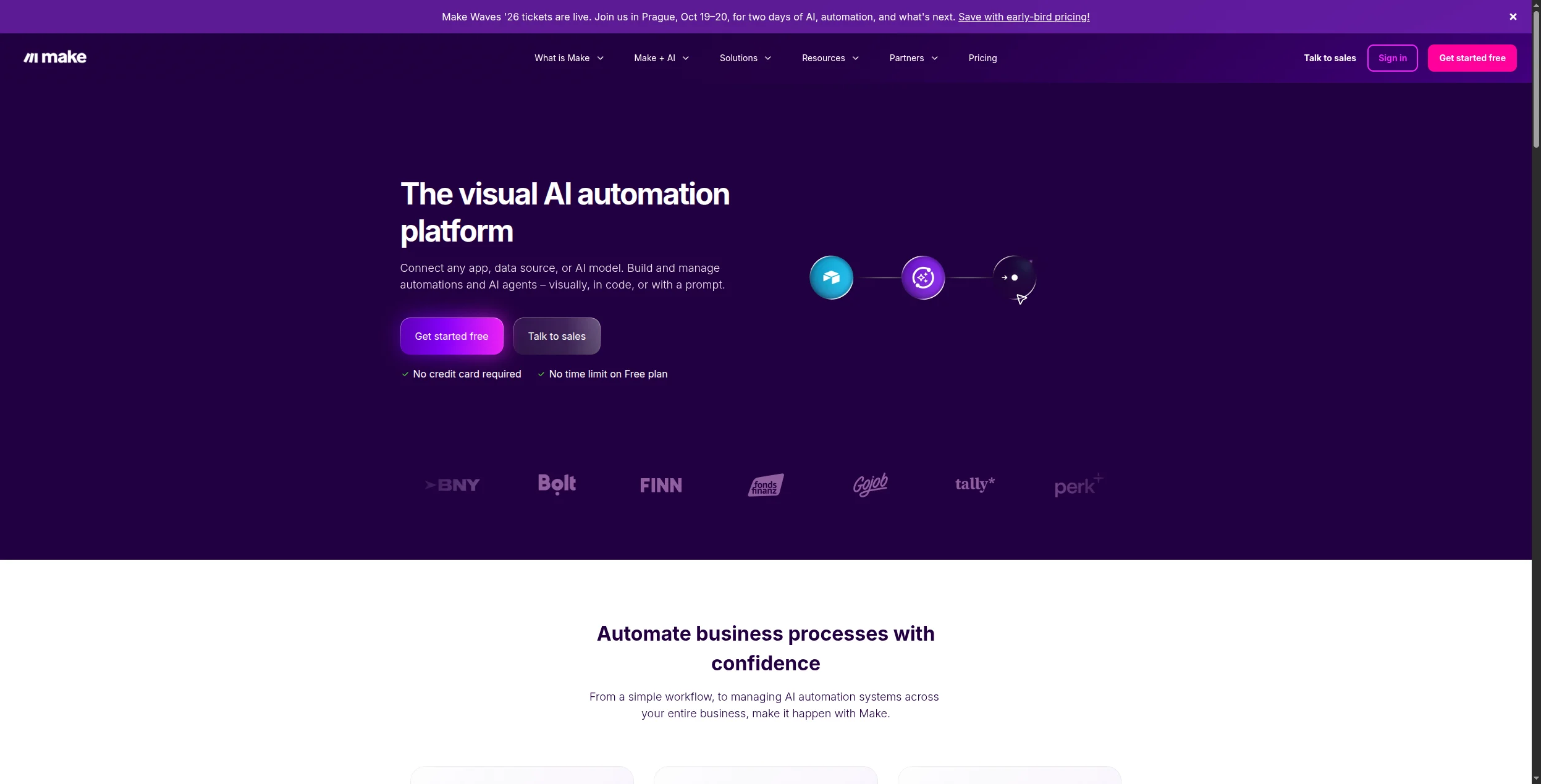
3. Make — Best Visual Workflow Builder
Make (formerly Integromat) offers the most powerful visual scenario editor in the no-code automation space. Where Zapier uses a linear list of steps, Make’s canvas shows the entire flow at once — with visual branching, routers, aggregators, and data transformation tools that Zapier can’t match. If you’ve hit Zapier’s ceiling on workflow complexity or pricing, Make is almost always the natural upgrade.
The key differentiator is Make’s data handling. Built-in functions for text manipulation, date formatting, array iteration, JSON transformation, and mathematical operations mean you can transform data mid-flow without an external tool. Its error handling — retry policies, custom error routes, and execution logs — makes it suitable for production workflows where reliability matters.
Visual scenario builder with drag-and-drop modules, routers, iterators, and aggregators
1,800+ app integrations covering SaaS, databases, cloud storage, and APIs
Advanced data transformation with 100+ built-in functions for text, math, dates, arrays, and JSON
Error handling with custom error routes, auto-retry logic, and broken execution logs
Data stores: lightweight built-in database for persisting state between scenario runs
Scenario blueprints for sharing and importing pre-built automation templates
AI modules for OpenAI, Anthropic, and other LLM providers
Pros:
Superior visual canvas with full branching, routers, and aggregators — beats Zapier for complexity
1,800+ integrations at dramatically lower cost than Zapier for equivalent task volumes
Scenario-based pricing makes high-volume automation affordable
Generous free tier (1,000 operations/month) — more usable than Zapier’s free 100 tasks
Strong data transformation tools built in — no external ETL tool needed
Cons:
More complex to learn than Zapier for simple automations — steeper initial curve
AI agent capabilities require external LLM connections, not native
No native AI reasoning — it’s a powerful router and transformer, not an intelligent agent
Operations-based pricing can be unpredictable for workflows that process large arrays
Best for: Operations teams that need complex multi-step workflows with branching, data transformation, and error handling — at significantly lower cost than Zapier.
Best for: Operations teams that need complex multi-step workflows with branching, data transformation, and error handling — at significantly lower cost than Zapier.
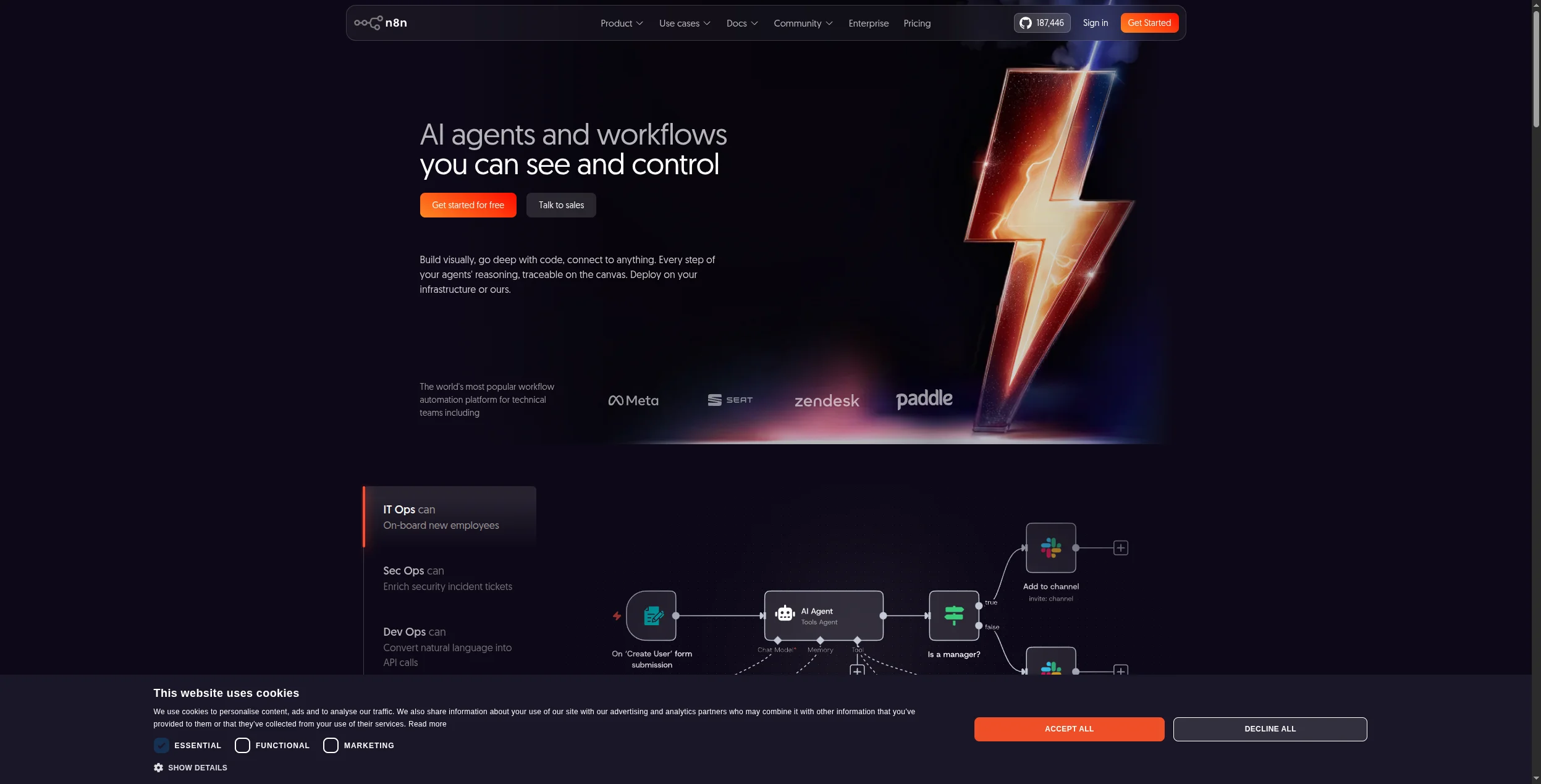
4. n8n — Best Open-Source No-Code Platform
n8n is the leading open-source workflow automation platform, combining a visual no-code builder with native AI node support and the option to self-host on your own infrastructure. For teams that need no-code accessibility with full data control, n8n is the strongest option — and for self-hosted deployments, it’s completely free.
n8n’s AI nodes support OpenAI, Anthropic, Hugging Face, and other LLM providers natively, making it genuinely capable of AI-assisted automation without external configuration. The self-hosted option means no data ever leaves your infrastructure — critical for healthcare, finance, and legal teams. Its code node (JavaScript or Python) lets developers extend any workflow with custom logic when the visual builder reaches its limits.
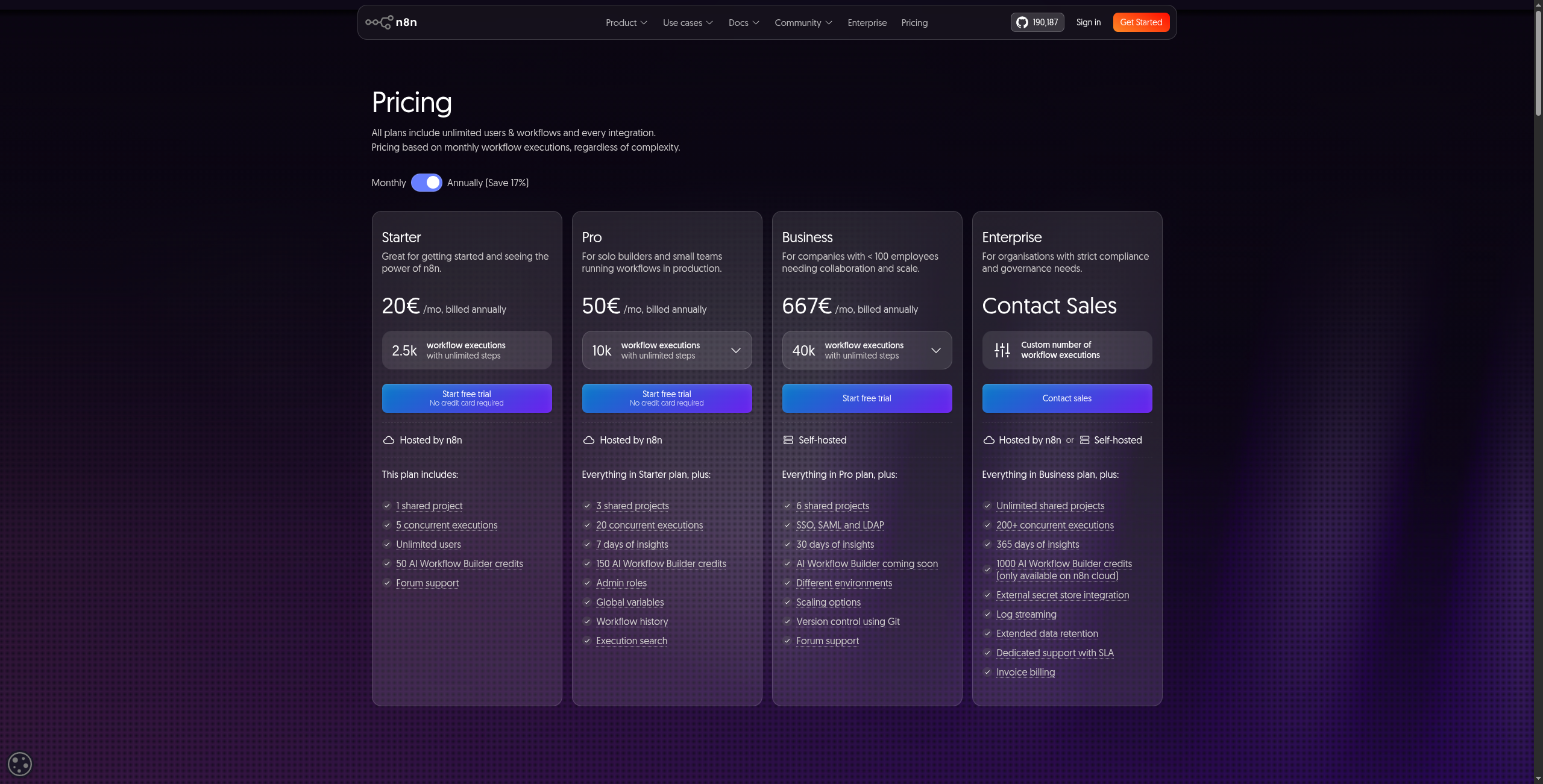
Pricing:
Community (Self-hosted) — Free forever. Full feature access, unlimited workflows and executions, community support
Starter — $20/month (cloud). 2,500 workflow executions/month, 5 active workflows, community support
Pro — $50/month (cloud). 10,000 executions/month, unlimited active workflows, email support, execution history search
Cloud plan pricing is competitive but less generous than Make at equivalent volumes
Smaller integration catalog than Zapier or Make (400+ vs 7,000+)
Community support only on free tier — paid support requires cloud subscription
Best for: Technical teams with data compliance requirements who need self-hosting, native AI nodes, and a no-code builder without sacrificing infrastructure control.
Best for: Technical teams with data compliance requirements who need self-hosting, native AI nodes, and a no-code builder without sacrificing infrastructure control.
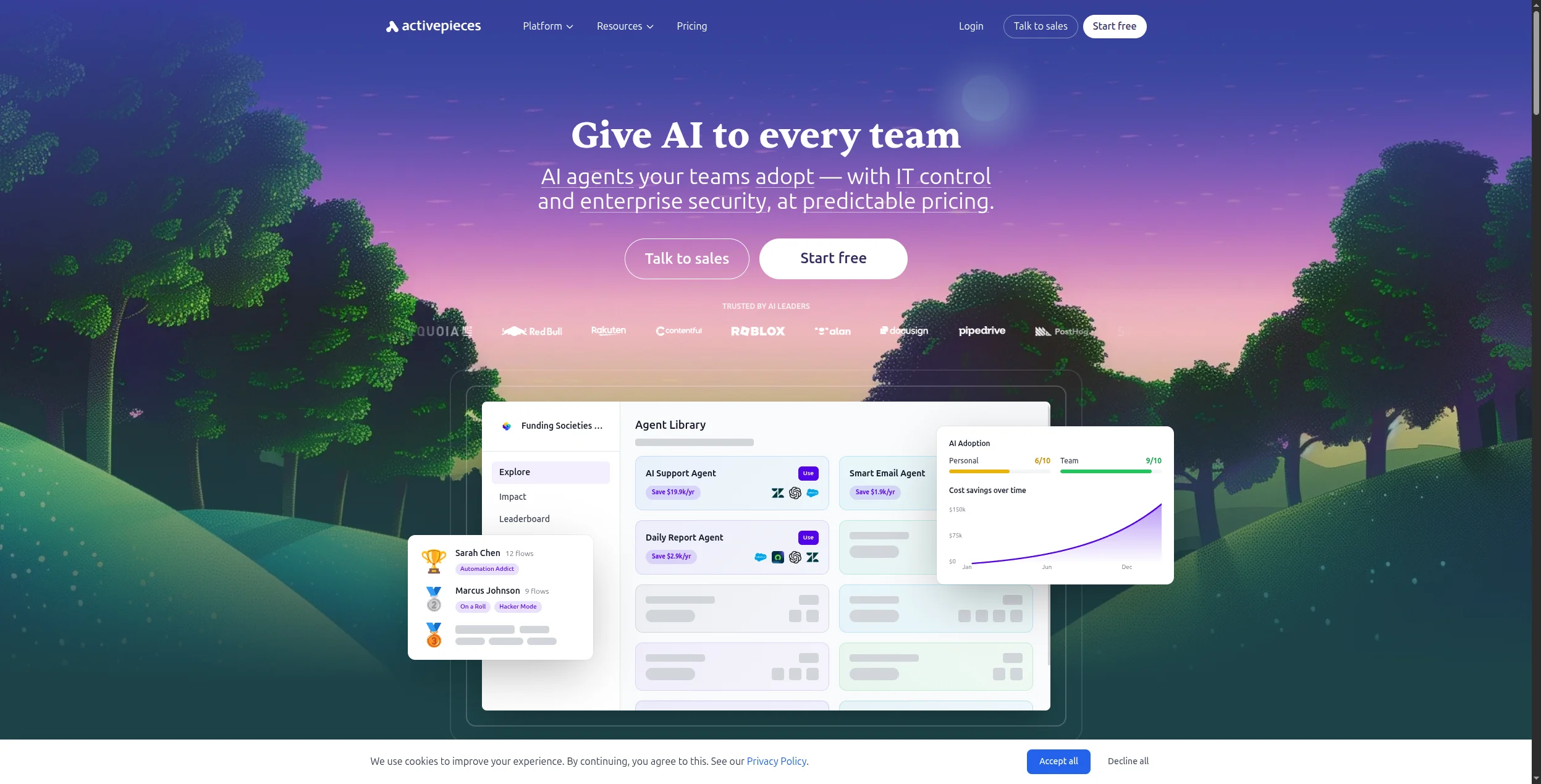
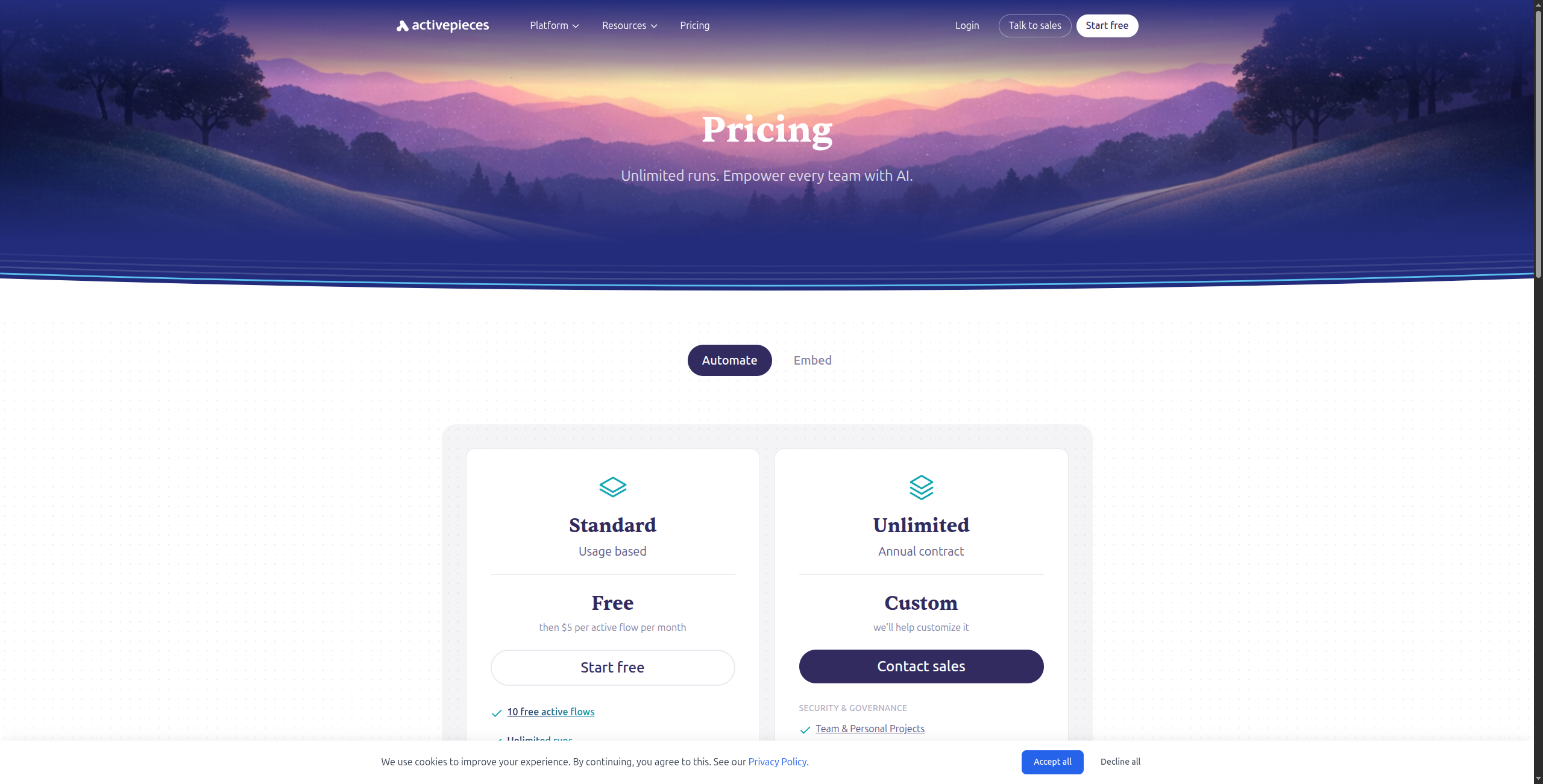
5. Activepieces — Best Open-Source Budget Option
Activepieces is a newer entrant in the open-source automation space, positioning itself as a Zapier replacement with self-hosting, a clean interface, and a rapidly growing integration catalog. For teams on tight budgets who want a familiar Zapier-like experience without the pricing, Activepieces is the top choice — and its MIT license means no licensing restrictions on self-hosted deployments.
Activepieces has been adding integrations at a remarkable pace, now covering 500+ apps, and its embedded automation builder (Platform plan) makes it suitable for SaaS companies that want to offer workflow automation to their own customers as a product feature. The interface deliberately mirrors Zapier’s step-list approach rather than Make’s visual canvas — which makes migration from Zapier especially easy.
Pricing:
Free (Cloud) — $0/month. 1,000 tasks/month, unlimited flows, all integrations, community support
Plus — $6/month (billed annually). 10,000 tasks/month, priority support, advanced flow features
Pro — $20/month (billed annually). 50,000 tasks/month, team collaboration, custom pieces, premium support
Clean, intuitive interface — lowest learning curve of any open-source option
500+ integrations and growing fast with active contributor community
Self-hosting available under MIT license — free for unlimited automation on your infrastructure
Active development with frequent new integrations being added
Platform plan allows SaaS companies to embed automation as a feature
Cons:
AI capabilities are early-stage compared to FlowHunt or n8n
Enterprise features (SSO, RBAC) require the paid Platform tier
Smaller community and less documentation than n8n or Zapier
No native visual canvas — complex branching logic is harder to express than in Make
Best for: Budget-conscious teams migrating from Zapier who want open-source self-hosting with a familiar linear-step interface and minimal setup complexity.
Best for: Budget-conscious teams migrating from Zapier who want open-source self-hosting with a familiar linear-step interface and minimal setup complexity.
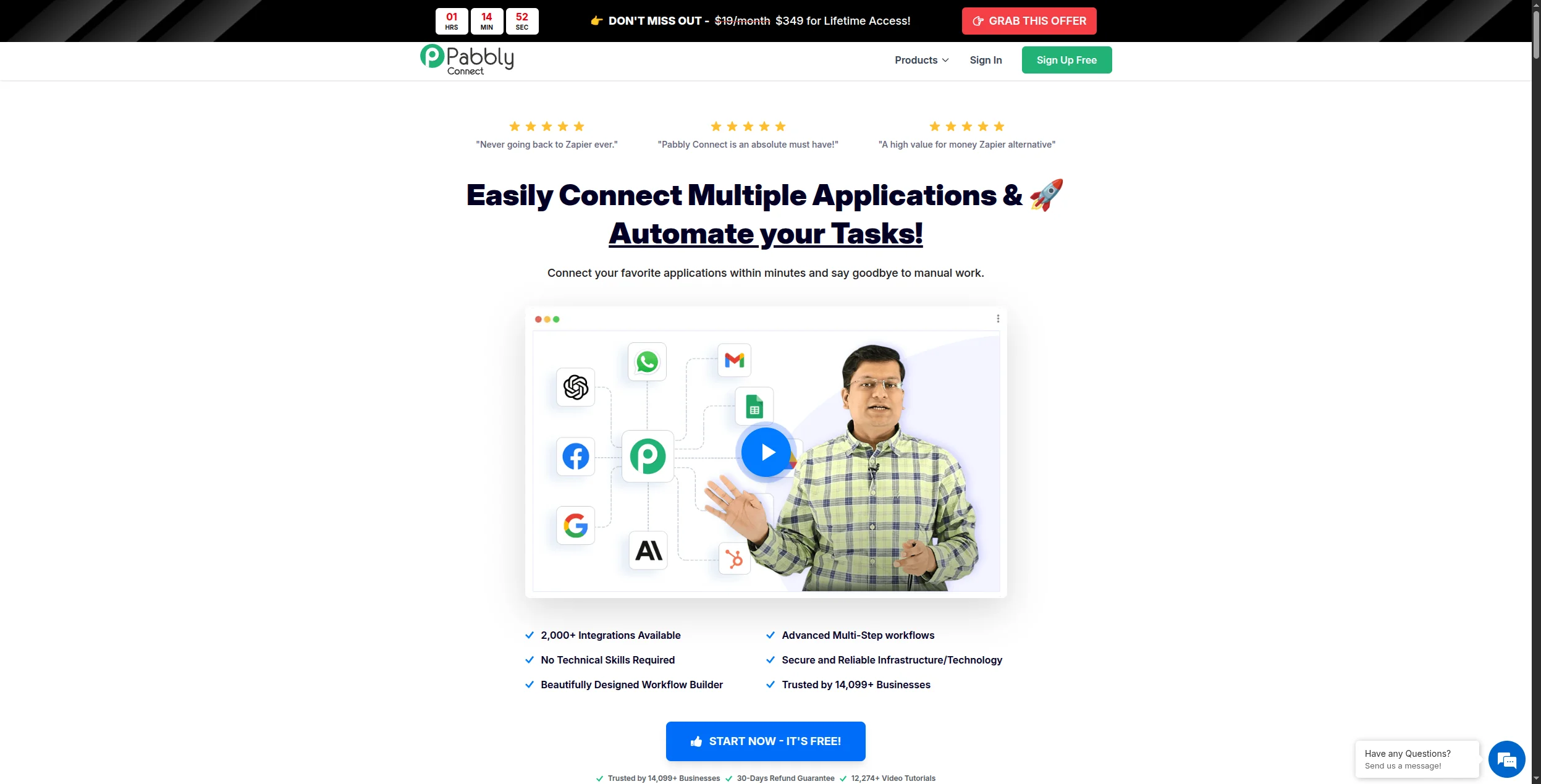
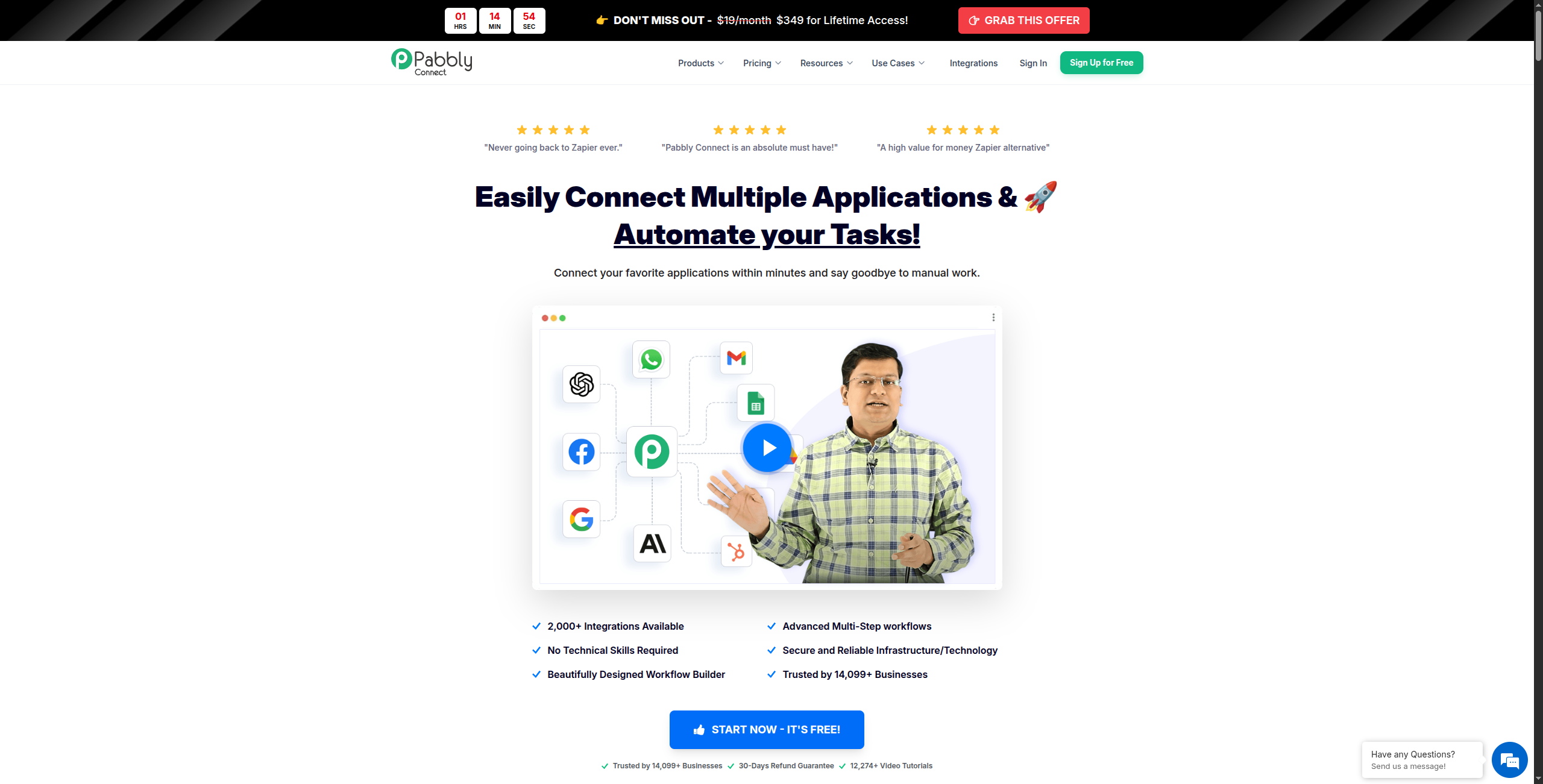
6. Pabbly Connect — Best for Unlimited Volume at Low Cost
Pabbly Connect’s key differentiator is pricing: a one-time lifetime payment covers unlimited workflows and unlimited operations. For teams whose primary pain point is Zapier’s per-task pricing model, Pabbly eliminates that constraint entirely. There are no task limits, no overage charges, and no monthly recurring fees on the lifetime plan — making it the most cost-effective option for businesses with predictably high automation volumes.
Pabbly’s 1,000+ integrations cover the main business apps — Google Workspace, HubSpot, Shopify, WooCommerce, Stripe, and hundreds more — and its workflow builder handles multi-step automations, conditional routing, and data formatting. It’s not the most polished platform, but for teams that prioritise economics over UI refinement, it has an unbeatable long-term cost structure.
Pricing:
Standard — $19/month (or $249 one-time lifetime). Unlimited workflows, unlimited tasks, 1,000+ integrations, basic support
Pro — $39/month (or $499 one-time lifetime). Everything in Standard plus priority support and faster execution
Lifetime plans are periodically available during promotions — a one-time payment eliminates recurring costs permanently
Key features:
Unlimited task execution on all paid plans — no per-task pricing
1,000+ integrations covering Google Workspace, HubSpot, Shopify, Stripe, and more
Multi-step workflows with conditional logic, filters, and data formatters
Re-verification system automatically retries failed tasks without manual intervention
Webhook support for connecting custom or unlisted apps
Built-in email marketing module (Pabbly Email Marketing) as part of the broader Pabbly suite
Shared connections for team environments
Pros:
Lifetime pricing option — best long-term economics for high-volume automation by far
Unlimited workflows and task execution on all paid plans — no overage surprises
1,000+ integrations covering most business tools in the SMB market
Multi-step workflows with filters and conditional branching included
Auto-retry on failed tasks reduces manual monitoring burden
Cons:
Interface and reliability are noticeably less polished than Make or Zapier
No AI agent capabilities or native LLM integration
Support response times can be slow compared to established platforms
Execution speed can lag under heavy load compared to premium platforms
Best for: Small businesses and agencies with high-volume automation where per-task pricing from Zapier or Make has become the primary cost driver — especially those willing to trade UI polish for economics.
Best for: Small businesses and agencies with high-volume automation where per-task pricing from Zapier or Make has become the primary cost driver — especially those willing to trade polish for economics.
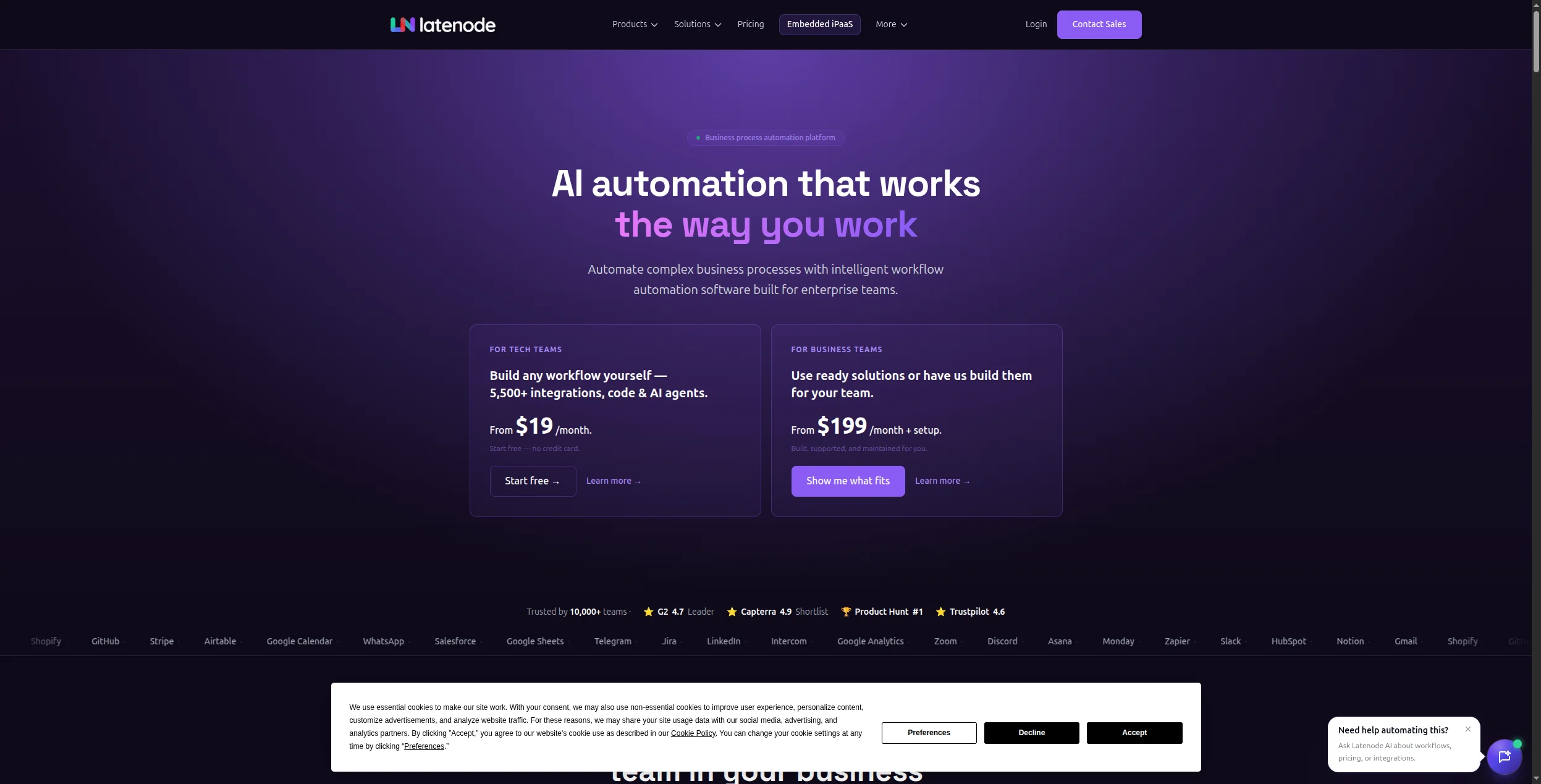
7. Latenode — Best for Bridging No-Code and Low-Code
Latenode sits at the intersection of no-code and low-code: a visual builder that non-technical users can use productively, with the option to drop into JavaScript code nodes when the visual builder hits its limits. For teams with mixed technical levels — some developers, some non-technical users — it provides the most flexible environment on this list.
Unlike n8n (which is primarily developer-oriented) and Zapier (which is primarily no-code), Latenode is genuinely designed for both. A marketer can build a workflow using the visual node editor, and a developer on the same team can extend it with a JavaScript function node to handle complex data manipulation, custom API calls, or business logic that no pre-built integration covers. AI nodes are built into the canvas alongside standard integrations.
Starter — $17/month (billed annually). Increased workflow runs, full integration catalog, standard support
Pro — $97/month (billed annually). High-volume runs, priority execution, advanced AI nodes, priority support
Enterprise — Custom pricing. Custom run volumes, SSO, dedicated support, SLA, team management
Key features:
Visual node-based workflow builder accessible to non-technical users
JavaScript code nodes for custom logic when visual builder reaches its limits
AI action nodes (OpenAI, Anthropic) built directly into the workflow canvas
300+ integrations covering CRMs, databases, APIs, and productivity tools
HTTP/webhook nodes for calling any REST API without a pre-built connector
Conditional branching, loops, and data transformation built in
Sub-workflow support for modular, reusable automation components
Pros:
Visual builder accessible to non-technical users and code nodes for developers — genuine dual-audience tool
JavaScript code nodes let developers handle any edge case without leaving the platform
AI action nodes built into the canvas — no external LLM configuration needed
Competitive pricing vs Zapier and Make at equivalent automation complexity
Good fit for teams that want n8n’s flexibility without full DevOps overhead
Cons:
Smaller integration catalog than the top-tier tools (300+ vs 1,800+ for Make)
Less mature platform — fewer templates, community resources, and tutorials
Documentation quality varies — some integrations are underdocumented
Less established reliability track record than Zapier or Make
Best for: Mixed technical teams — some developers, some non-technical users — who need a visual builder for everyday automations with the option to add custom code for edge cases.
Best for: Mixed technical teams — some developers, some non-technical users — who need a visual builder for everyday automations with the option to add custom code for edge cases.
8. Bubble — Best for Full No-Code App Development
Bubble goes beyond workflow automation into full no-code application development. With Bubble, you can build entire web applications — complete with database schemas, user authentication, payment processing, and custom UI — without writing code. If your automation need is tightly coupled with building a new application, Bubble is the most capable no-code option on the market.
Bubble’s data layer handles relational database design visually. Its workflow editor handles application logic: what happens when a button is clicked, a form is submitted, or an API call returns data. A large marketplace of plugins covers Stripe payments, Google Maps, SendGrid, Intercom, and more. The learning curve is steeper than a scheduling tool or a Zap builder, but the output — a fully functional, custom web application — is fundamentally different from what the rest of this list produces.
Pricing:
Free — $0/month. Single app, Bubble subdomain, 200 workflow runs/month, community support
Visual database designer with relationships, field types, and data views
Drag-and-drop UI builder for web application layouts and components
Workflow editor for application logic — conditionals, loops, API calls, and data actions
500+ community plugins covering payments (Stripe), maps, communications, and analytics
API connector for integrating any REST API into your app’s data and workflow layer
Native responsive design tools for mobile and tablet layouts
Built-in user authentication, roles, and data privacy rules
Pros:
Build full web applications — database, UI, logic, and integrations — without any code
Handles user auth, payments, and complex relational data out of the box
Large ecosystem of 500+ plugins and an active community with extensive tutorials
Active community and Bubble Academy for structured learning
Can build and launch a validated product in weeks rather than months
Cons:
Not a workflow automation tool — a fundamentally different use case from the others on this list
Learning curve is steeper than workflow tools — takes weeks, not hours, to master
Performance can be limited for high-traffic applications — Bubble runs on shared infrastructure
Costs escalate with server capacity needs for production-grade apps
Best for: Founders and product teams that need to build and launch a full web application — with database, user auth, and custom logic — without hiring developers.
Best for: Founders and product teams that need to build and launch a full web application — with database, user auth, and custom logic — without hiring developers.
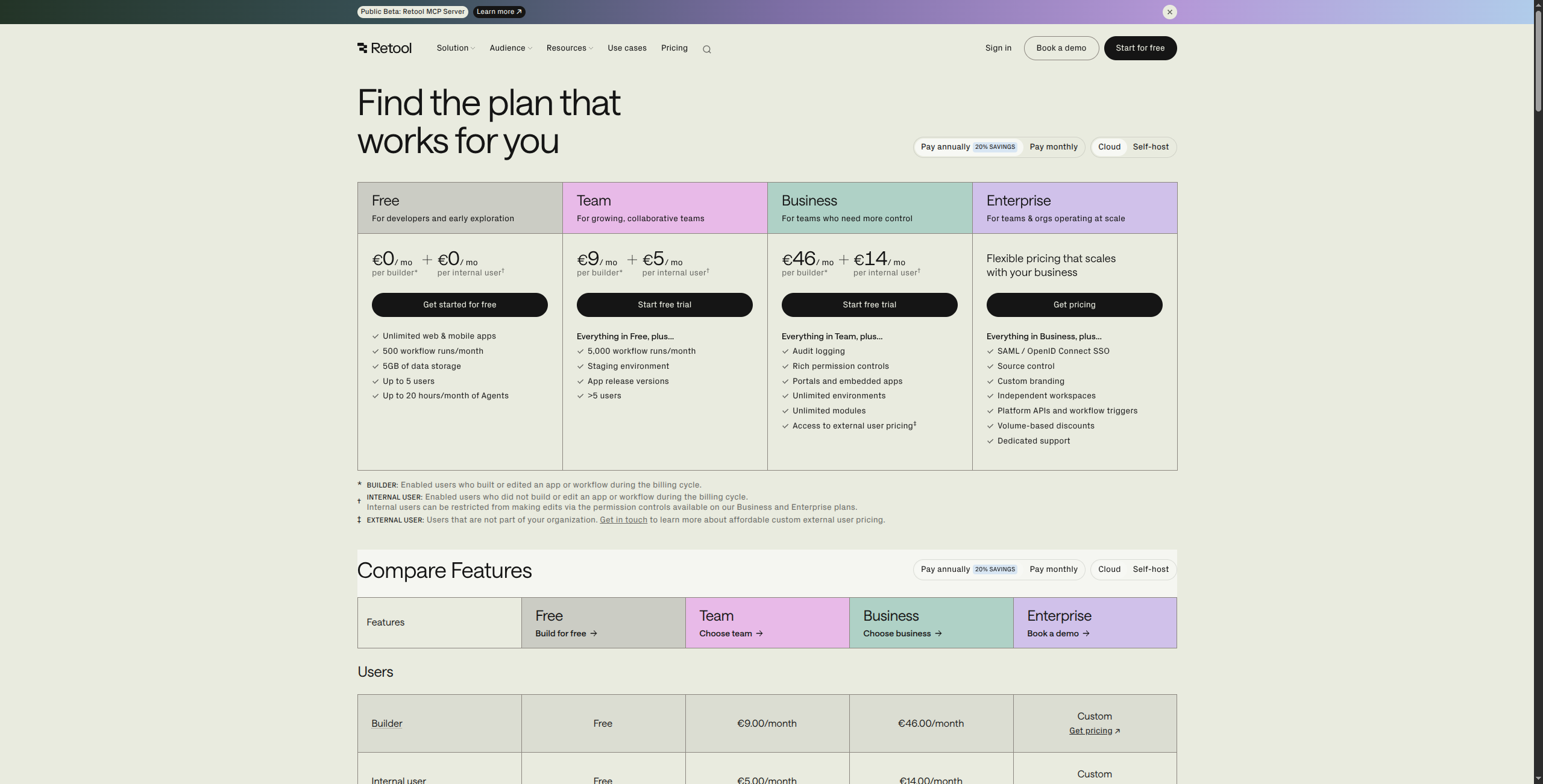
9. Retool — Best for Internal Tools and Dashboards
Retool is a low-code internal tool builder that lets ops, data, and engineering teams build admin panels, dashboards, and CRUD applications by dragging components onto a canvas and connecting them to any database or API. It’s not a workflow automation tool in the Zapier/Make sense, but for teams that need both custom interfaces and automation, it fills the internal app gap faster than any other option.
Retool’s pre-built component library — tables, forms, date pickers, charts, file uploads, and more — covers the vast majority of internal tool patterns. Connecting to a Postgres database, a REST API, or a GraphQL endpoint takes minutes. The result is an internal tool that would take a developer weeks to build from scratch, delivered in hours by a technically-capable non-developer. Its Retool Workflows feature also supports scheduled and event-triggered backend automations, closing the gap with pure automation platforms.
Pricing:
Free — $0/month. Up to 5 users, unlimited apps, all standard components, 5 GB storage
Team — $10/user/month (billed annually). Up to 25 users, custom branding, audit logs, version history
Native connectors for Postgres, MySQL, MongoDB, Redis, BigQuery, Snowflake, and more
REST API and GraphQL query editor with authentication handling
Retool Workflows: scheduled and webhook-triggered backend automations
Retool Database: built-in PostgreSQL database for apps with no external DB
Version control with staging and production environments (Business+)
JavaScript editor for custom component logic and data transformations
Pros:
Excellent for building internal dashboards, admin panels, and CRUD interfaces rapidly
Connects directly to databases (Postgres, MySQL, MongoDB, Snowflake) and APIs
Pre-built UI components cover most internal tool patterns without custom CSS
Self-hosting available for enterprise deployments with data residency requirements
Retool Workflows adds scheduled automation to complement the app-building layer
Cons:
Requires some technical knowledge to connect and query data sources effectively
Not a workflow automation tool — trigger-action automation is secondary to app building
Pricing scales with user count, which becomes expensive for large internal teams
Component customisation requires JavaScript knowledge for complex layouts
Best for: Ops and data teams that need admin panels, internal dashboards, and CRUD interfaces connected to databases or APIs — built faster than with custom code.
Best for: Ops and data teams that need admin panels, internal dashboards, and CRUD interfaces connected to databases or APIs — built faster than with custom code.
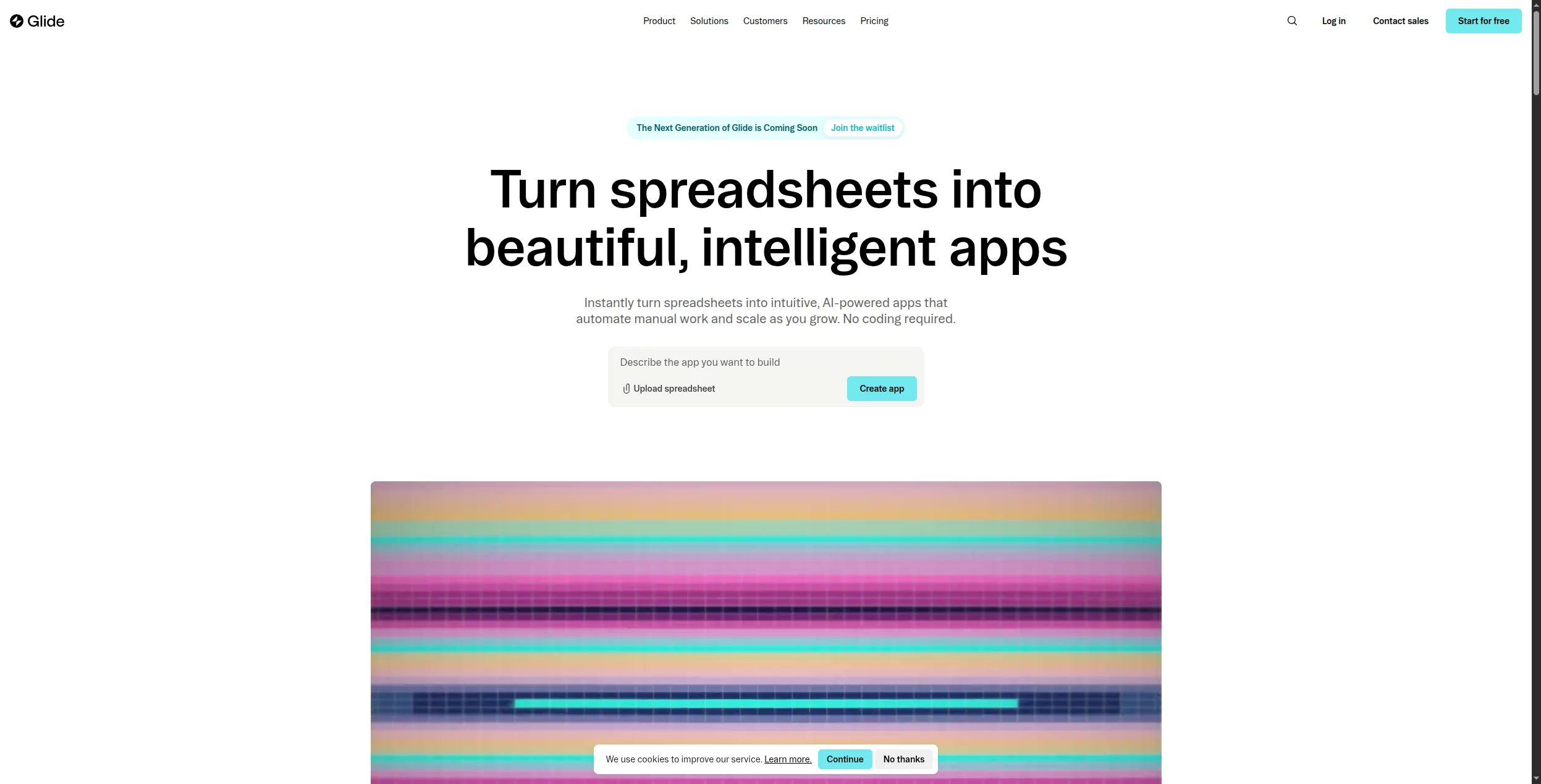
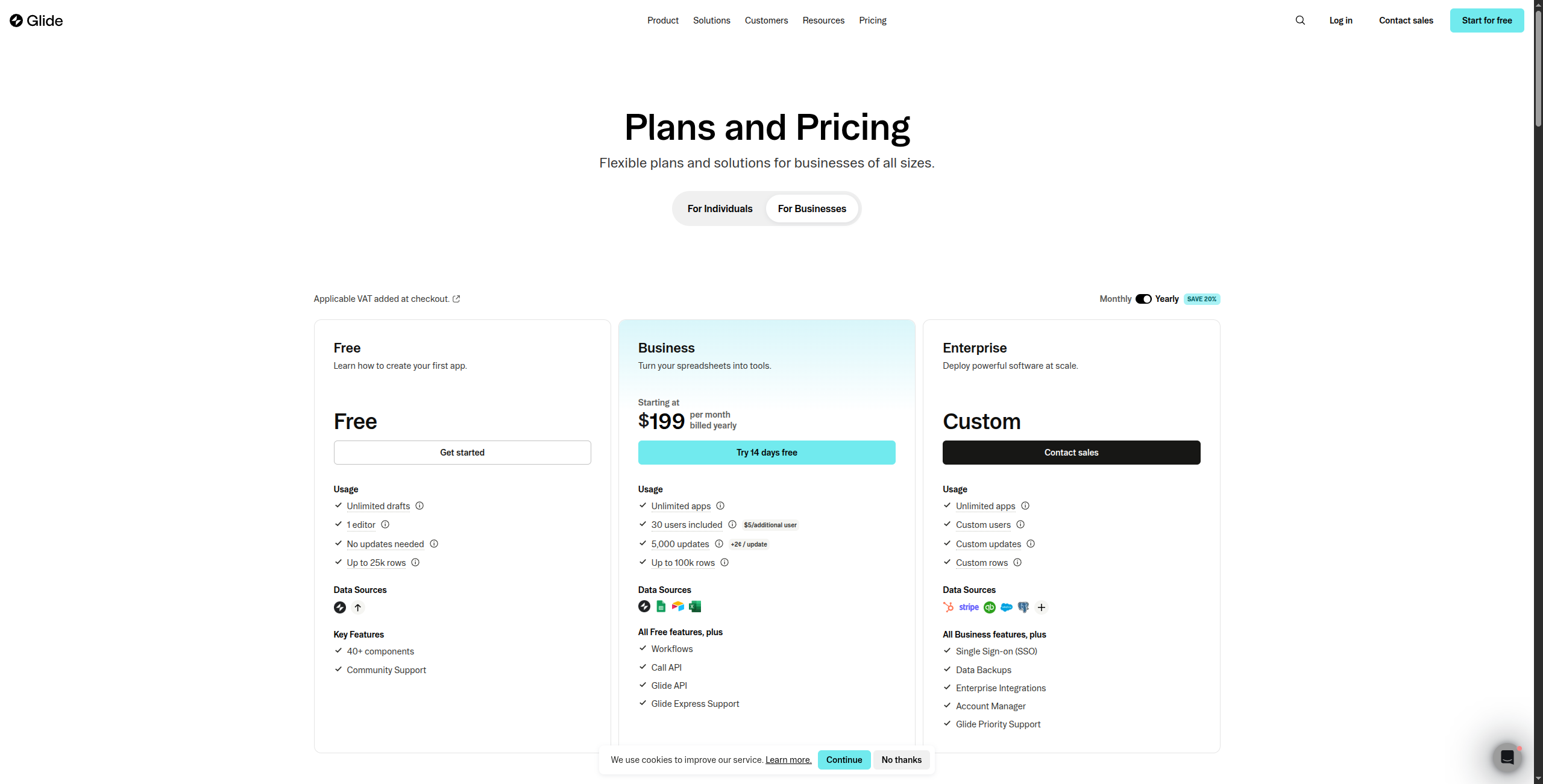
10. Glide — Best for Simple Mobile and Web Apps
Glide turns Google Sheets or Airtable data into mobile and web apps without code. For teams that need a simple business app — a field service checklist, a product catalogue, an internal directory, or an employee portal — Glide is the fastest path from data to deployed app. Apps are genuinely usable within hours of starting.
Glide’s strength is accessibility: if you can use a spreadsheet, you can build a Glide app. Columns in your Sheet become fields in your app. Rows become records. Glide generates a default layout based on the data types and you customise from there. It supports user roles (some rows visible only to some users), basic forms, and conditional visibility — enough logic for most simple business apps. Glide AI adds computed columns that use AI to classify, extract, or generate data directly in the spreadsheet layer.
Pricing:
Free — $0/month. 1 app, Glide subdomain, 500 rows, up to 25 users, community support
Pro — $99/month. Unlimited apps, 25,000 rows, 100 users, custom branding, priority support
Business — $249/month. 100,000 rows, 250 users, SSO, API access, Glide AI columns
Enterprise — Custom pricing. Unlimited rows and users, SLA, custom security, dedicated support
Key features:
Data source connectors for Google Sheets, Airtable, Excel, SQL databases, and Glide Tables
Drag-and-drop app layout editor with mobile and web responsive preview
User roles and row-level visibility controls for private/public content segmentation
Forms for data collection — create records in the underlying sheet without opening it
Glide AI computed columns: AI-powered classification, extraction, and generation in the data layer
Custom actions: trigger automations when users tap a button (create record, send email, update field)
Zapier and Make integration for connecting Glide apps to broader automation workflows
Pros:
Build mobile apps directly from spreadsheet data — truly no code required
Rapid deployment — functional apps can be live in hours, not weeks
Glide AI adds intelligent computed columns without external integration
Good for field teams, simple directories, event apps, and operational checklists
Affordable entry point for businesses that need apps but not Bubble’s complexity
Cons:
Limited to relatively simple app logic — complex conditional workflows push to Bubble or Retool
Performance and scalability bounded by the underlying spreadsheet’s row limits
Not designed for complex workflow automation — limited event-trigger capabilities
Expensive per-user pricing on higher tiers for internal team apps
Best for: Field teams, small businesses, and operations teams that need a simple mobile or web app built from a Google Sheet or Airtable base — deployed in hours, not weeks.
Best for: Field teams, small businesses, and operations teams that need a simple mobile or web app built from a Google Sheet or Airtable base — deployed in hours, not weeks.
How to Choose: No-Code Automation vs No-Code App Building
One important distinction: some tools on this list (Bubble, Retool, Glide) are app builders — they create interfaces and data layers. Others (Zapier, Make, FlowHunt, n8n) are automation platforms — they connect apps and automate processes. Many organisations need both.
If you need to automate business processes between existing apps → FlowHunt, Zapier, Make, or n8n.
If you need AI agents that reason and act, not just route data → FlowHunt.
If you need to build a new app for internal or external use → Bubble (complex), Glide (simple), Retool (internal tools).
If your primary constraint is cost or data control → n8n or Activepieces (self-hosted).
Bottom Line
The no-code automation market has matured significantly. The tools at the top of this list now handle use cases that required developer work as recently as two years ago — and the best AI-native platforms like FlowHunt handle use cases that no amount of developer work could handle before LLMs existed.
For most teams, the right no-code automation stack in 2026 looks like: FlowHunt for AI-powered workflow automation + a specialised app builder if you need custom interfaces. That combination covers 90% of automation needs without a line of code.
A no-code automation platform lets you build automated workflows between apps and services without writing any code. Instead of programming, you use visual builders, drag-and-drop interfaces, or pre-built templates to define triggers (an event that starts a workflow) and actions (what happens as a result). Examples include sending a Slack message when a new lead fills out a form, or updating a CRM when a payment is received.
No-code platforms are designed entirely around visual, point-and-click interfaces — no coding knowledge required. Low-code platforms offer visual builders but also allow developers to write code for complex logic that the visual builder can't handle. Tools like Zapier and Make are no-code; platforms like n8n and Latenode are low-code (they work without code but let developers extend them further with code when needed).
The best free no-code automation tools include FlowHunt (generous free tier with AI agents), Make (1,000 operations/month free), Zapier (100 tasks/month free), Activepieces (free for self-hosted), and n8n (free for self-hosted). For app building rather than workflow automation, Glide offers a free plan for basic apps.
No-code automation tools can handle a large percentage of repetitive, rule-based workflow automation that previously required developer time — but they don't replace developers entirely. Complex integrations, custom business logic, security-sensitive workflows, and performance-critical applications still benefit from developer involvement. The right framing is that no-code tools free developers from routine automation work so they can focus on genuinely complex problems.
Leading no-code automation platforms implement enterprise-grade security: SOC 2 compliance, end-to-end encryption, role-based access control, and audit logging. For data-sensitive organisations, platforms like n8n and Activepieces also support self-hosting — your data never leaves your infrastructure. Always review a platform's security documentation and data processing agreements before connecting business-critical systems.
Arshia is an AI Workflow Engineer at FlowHunt. With a background in computer science and a passion for AI, he specializes in creating efficient workflows that integrate AI tools into everyday tasks, enhancing productivity and creativity.
Arshia Kahani
AI Workflow Engineer
The No-Code Automation Platform Built for AI — Try FlowHunt Free
FlowHunt combines the simplicity of a visual no-code builder with the power of AI agents — automate complex workflows without writing a single line of code.
Best Workflow Automation Tools in 2026: 12 Platforms Ranked and Reviewed
Ranked and reviewed: the 12 best workflow automation tools in 2026. Comparison table, pricing, free tiers, and a clear verdict on which platform fits your team.
Best Zapier Alternatives in 2026: 12 Tools That Do More for Less
Ranked and reviewed: the 12 best Zapier alternatives in 2026. Whether you need AI-native automation, cheaper pricing, self-hosting, or enterprise power — there'...
Best n8n Alternatives in 2026: 12 Tools Ranked for Developers and Teams
Ranked and reviewed: the 12 best n8n alternatives in 2026. From AI-native no-code platforms to open-source orchestration frameworks — find the right fit for you...
19 min read
Automation
AI Tools
+3
Cookie Consent We use cookies to enhance your browsing experience and analyze our traffic. See our privacy policy.