Best Workflow Automation Tools in 2026: 12 Platforms Ranked and Reviewed
Ranked and reviewed: the 12 best workflow automation tools in 2026. Comparison table, pricing, free tiers, and a clear verdict on which platform fits your team.
Automation
AI Tools
Workflow Automation
No-Code
AI Agents
Most teams spend more time managing work than doing it. Workflow automation fixes that — but the market has fractured into three distinct categories: legacy rule-based tools, modern no-code platforms, and a new breed of AI-native systems that can reason, not just react.
This guide covers the 12 best workflow automation tools in 2026, what makes each one worth considering, and which is the right fit depending on your team’s use case and technical capacity.
FlowHunt is built from the ground up for AI-driven automation. Where most tools automate fixed rules, FlowHunt lets you build workflows where an AI agent decides what to do next — choosing tools, processing unstructured data, drafting content, and handing off to humans when needed.
The visual flow canvas connects AI models, data sources, APIs, and business tools into end-to-end automations. A typical marketing workflow might: scrape a competitor’s pricing page, summarise changes with an LLM, draft a Slack alert, and update a Google Sheet — all without human intervention.
What sets it apart:
AI agents, not just rules — workflows can reason, branch dynamically, and handle inputs that don’t match a predefined template
1,400+ native integrations — CRMs, CMSs, analytics tools, helpdesks, and all major AI model APIs
Multi-agent orchestration — chain specialist agents together with shared memory and explicit handoffs
Hosted MCP servers — connect internal tools to AI without building custom infrastructure
Built-in observability — every run is logged with inputs, outputs, duration, and token cost
Pricing: Free tier with generous execution credits. Paid plans are usage-based. See full pricing details
.
Pros:
Handles unstructured inputs that break rule-based tools
No-code for 90% of use cases, API for the rest
Strongest multi-agent support of any no-code platform
Cons:
Overkill for simple two-step Zapier-style triggers
Advanced prompt engineering helps but isn’t required
Best for: Marketing, support, and operations teams that need AI-native automation — workflows that reason about inputs, draft content, and handle edge cases that break rule-based tools.
Pro Tip: FlowHunt’s AI Content Planner
and Blog Improver Agent
are ready-to-use workflow automations you can clone and adapt in minutes — no setup from scratch needed.
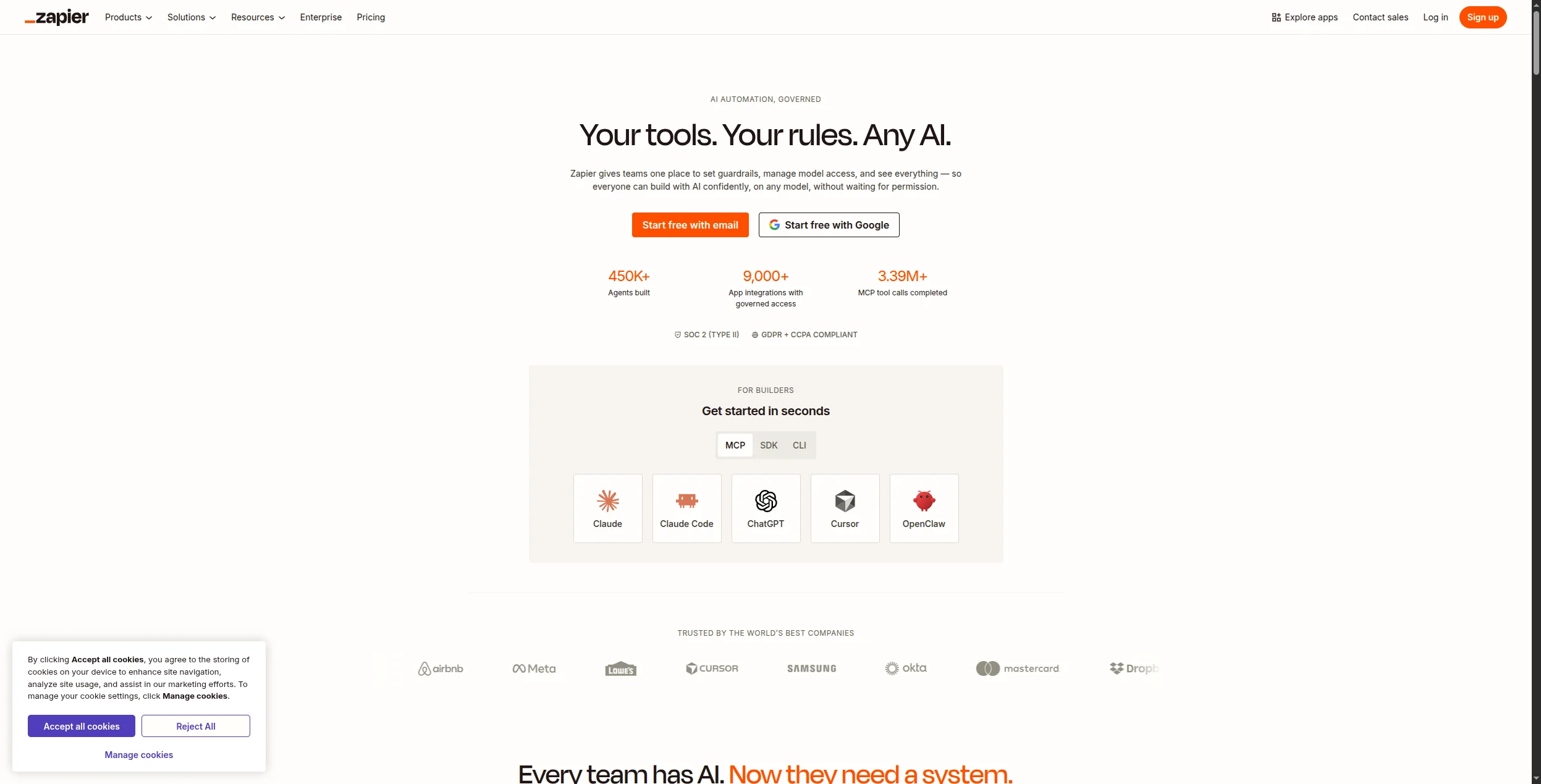
Zapier is the default starting point for workflow automation — and for good reason. With 6,000+ app integrations and a no-code editor that any team member can use, it remains the easiest way to connect two apps and trigger an action. Its newer AI features (AI actions in Zaps, AI chatbot builder, Zapier Agents in beta) extend the platform towards genuine AI automation.
Pros:
Unmatched integration catalog (6,000+ apps)
Extremely low barrier to entry
Reliable execution with strong error notifications
Cons:
Pricing escalates quickly at volume (task-based billing)
AI agent features are still early-stage
Complex multi-step logic gets unwieldy fast
Best for: Non-technical teams that need to connect two or more apps quickly, and whose workflows are simple enough that task-based pricing stays manageable.
Join our newsletter
Get latest tips, trends, and deals for free.
3. Make — Best for Visual Multi-Step Workflows
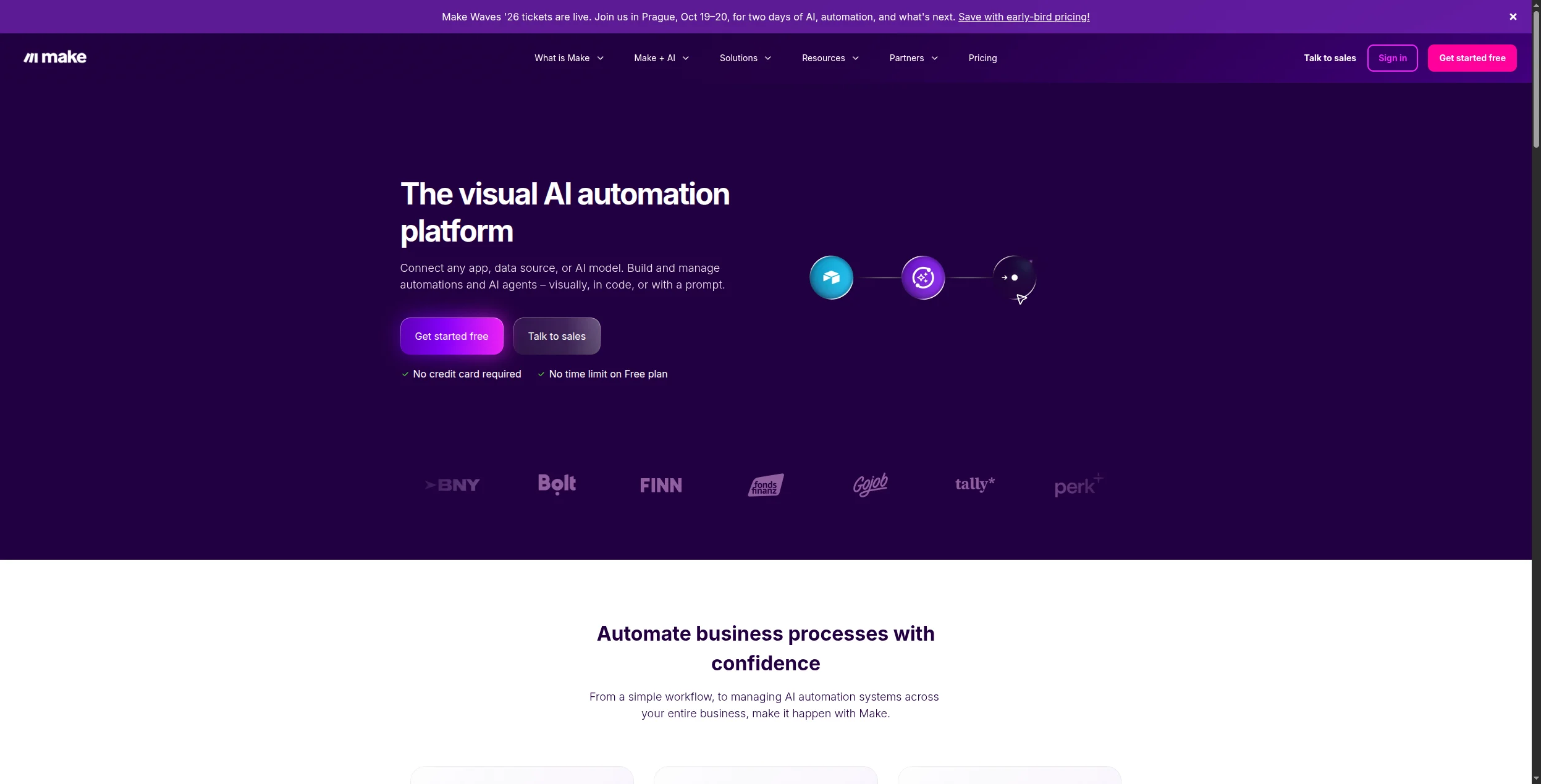
Make (formerly Integromat) takes a more sophisticated approach than Zapier: its canvas shows the full workflow as a connected graph, making it easier to reason about branching logic, error handling, and data mapping. The free tier is genuinely useful (1,000 operations/month), and the 1,800+ integrations cover most business stacks.
Pros:
Visual canvas makes complex workflows legible
Better data transformation than Zapier
Generous free tier
Cons:
No native AI agent capability (relies on OpenAI/Anthropic modules)
Best for: Teams that have outgrown Zapier’s linear editor and need complex multi-step workflows with branching, loops, and data transformation at a significantly lower cost.
4. n8n — Best Open-Source Automation Tool
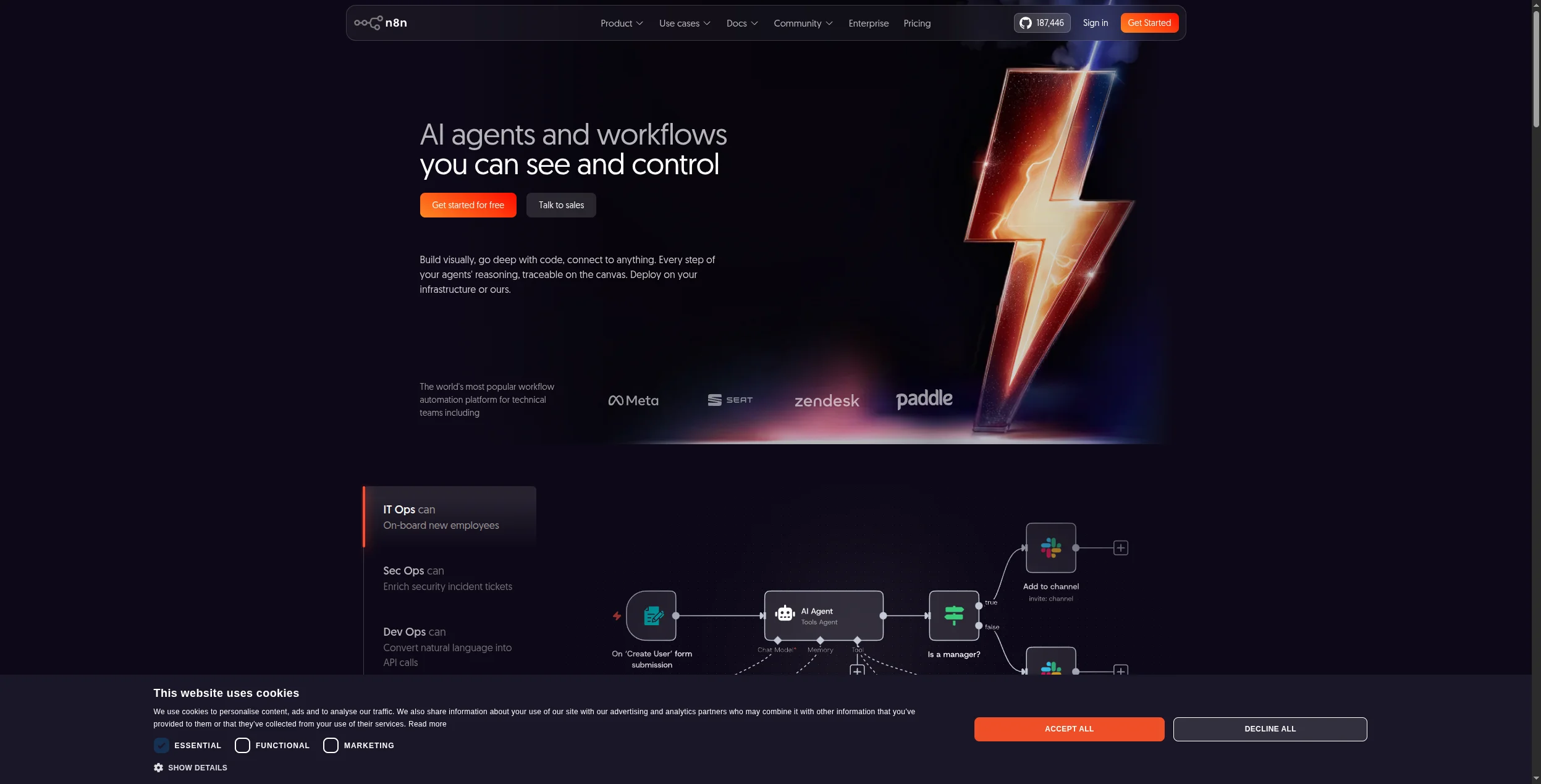
n8n is the most mature open-source workflow automation platform, now with solid AI node support: LLM calls, vector store integration, tool-calling agents, and memory. Self-hosting gives you complete data control — critical for regulated industries — and the MIT licence means you can inspect, fork, and extend everything.
Pros:
Fully self-hostable — your data never leaves your infrastructure
Strong AI workflow support (agents, chains, vector stores)
400+ integrations, active community
Cons:
Requires DevOps capacity to run and scale self-hosted
AI features less polished than dedicated AI platforms
Debugging complex flows takes more effort
Best for: Technical teams and developers that need full data sovereignty, 400+ integrations, and AI workflow nodes — and can manage their own Docker infrastructure.
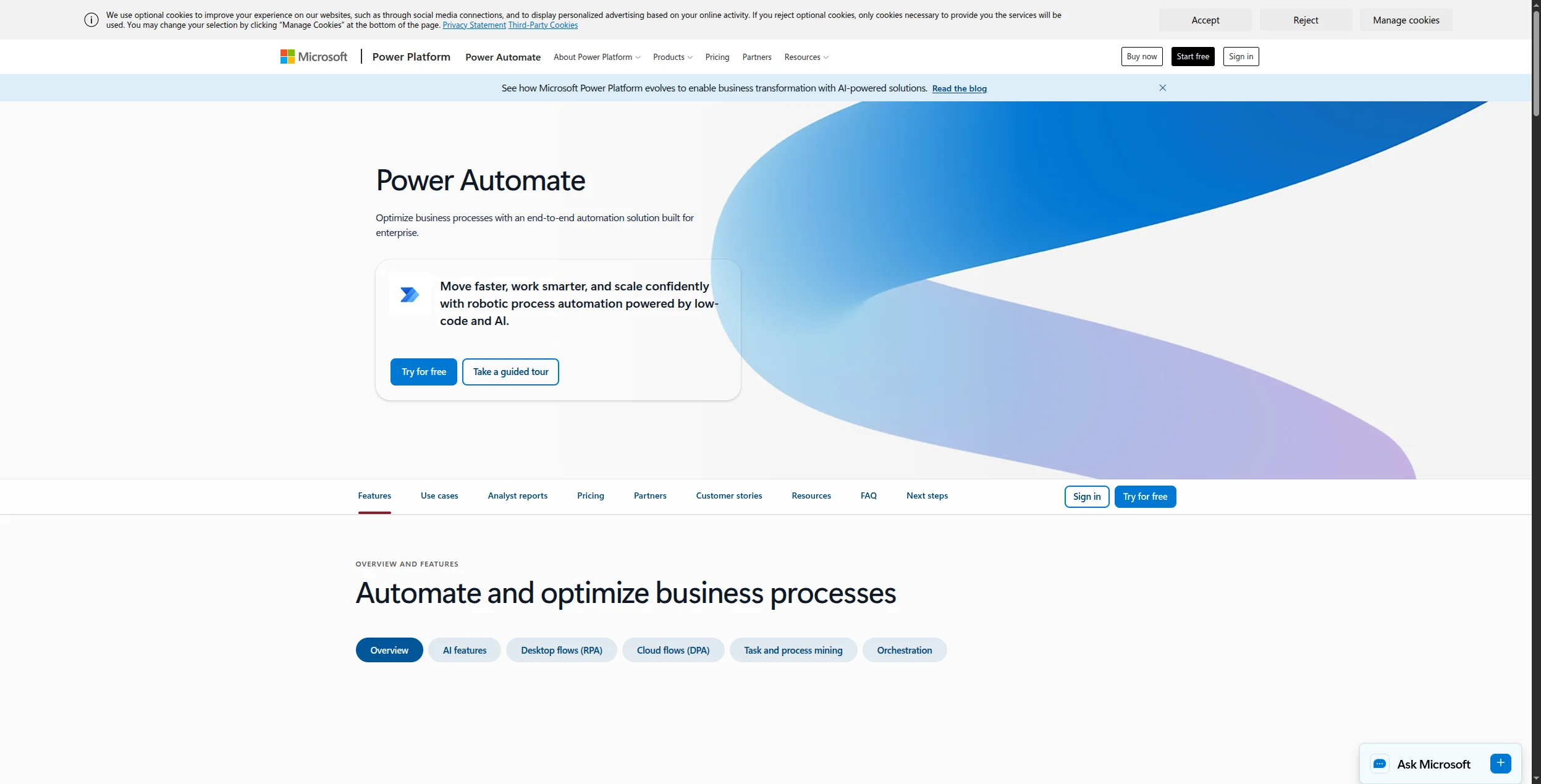
5. Microsoft Power Automate — Best for Microsoft 365 Teams
Power Automate is the automation layer of the Microsoft stack — deeply integrated with Teams, SharePoint, Outlook, Dynamics 365, and the rest of the Microsoft ecosystem. If your organisation already runs on M365, Power Automate is the lowest-friction path to automating internal workflows. Copilot integration adds natural language workflow creation for licensed users.
Pros:
Native M365 integration — no auth setup for Teams, SharePoint, Outlook
Enterprise governance baked in (RBAC, DLP, audit logs)
Copilot can draft flows from plain-language descriptions
Cons:
Almost no value outside the Microsoft ecosystem
Connector quality drops sharply for non-Microsoft apps
Pricing model is complex (per-user vs per-flow vs premium connectors)
Best for: Organisations already running Microsoft 365 who want to automate SharePoint, Teams, Outlook, and Dynamics workflows without a separate tool subscription.
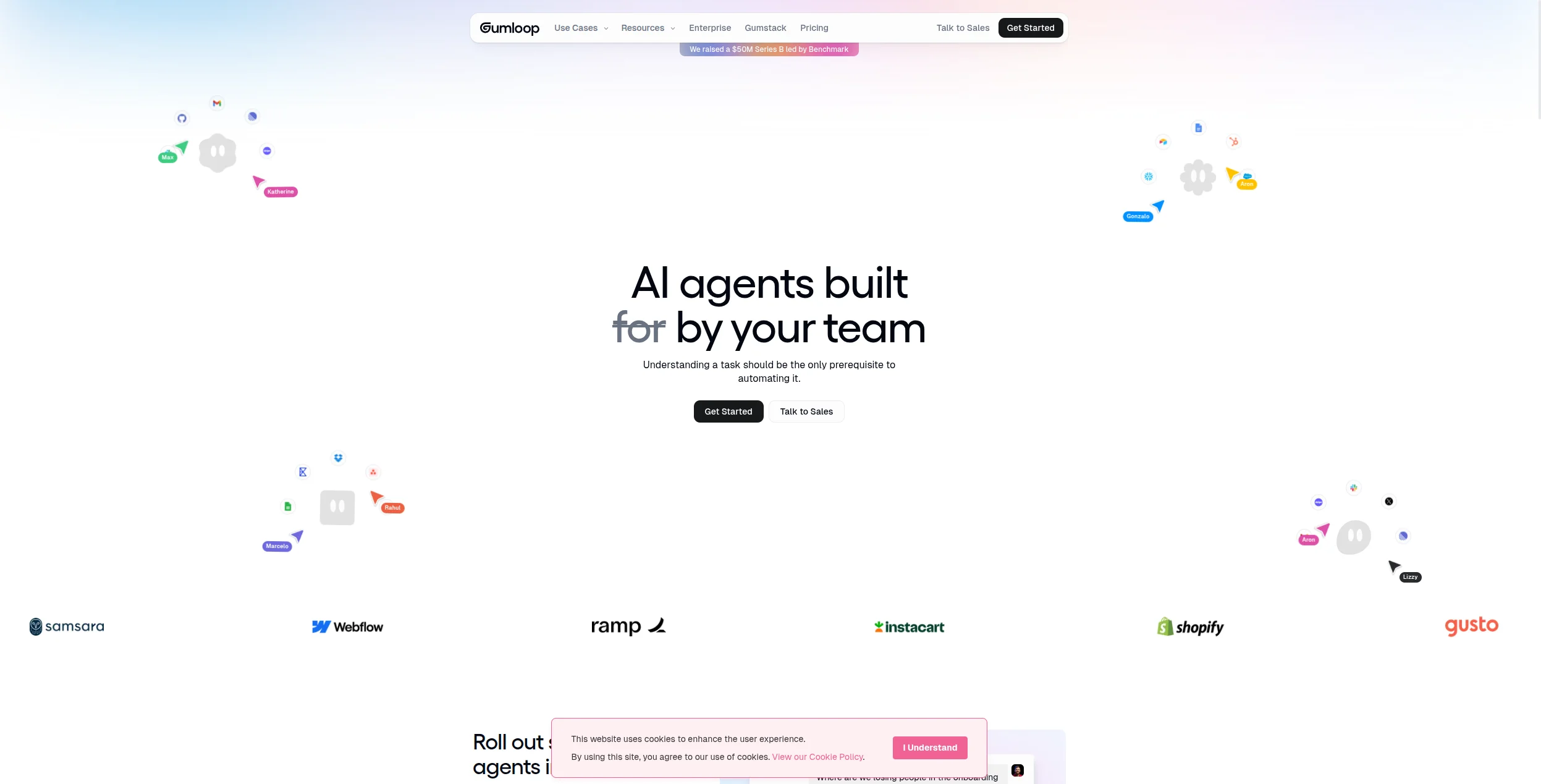
6. Gumloop — Best for Content and Research Automation
Gumloop is AI-first and built for one category of workflow particularly well: content and research pipelines. Its drag-and-drop canvas wires together web scrapers, search tools, LLMs, and output formatters into repeatable research workflows. Marketing teams use it to generate SEO briefs, competitive snapshots, and first-draft content at scale.
Pros:
Purpose-built for content and research use cases
Strong web scraping and search integration
Clean, approachable visual editor
Cons:
Limited integration catalog outside content tools
Higher price point for the feature set
Not suitable for complex cross-system enterprise automations
Best for: Marketing and content teams that run repeatable research pipelines — competitive snapshots, SEO briefs, or first-draft content generation — without needing developer involvement.
7. Workato — Best Enterprise iPaaS
Workato sits in the enterprise integration platform (iPaaS) tier — alongside MuleSoft and Boomi — with a significantly better user experience than either. Its AI-powered recipe builder can suggest workflow steps from natural language, and the platform handles complex data transformations, error logic, and cross-system orchestration that no-code tools can’t touch.
Pros:
Designed for complex enterprise integration scenarios
Strong governance, compliance, and IT controls
AI-assisted recipe builder reduces development time
Cons:
Expensive — typically five-figure annual contracts
No self-service free tier
Overkill for SMBs or single-department use cases
Best for: Large enterprises with complex ERP, HRIS, and CRM integration needs that require IT governance, audit logging, and battle-tested connectors for Salesforce, SAP, and Workday.
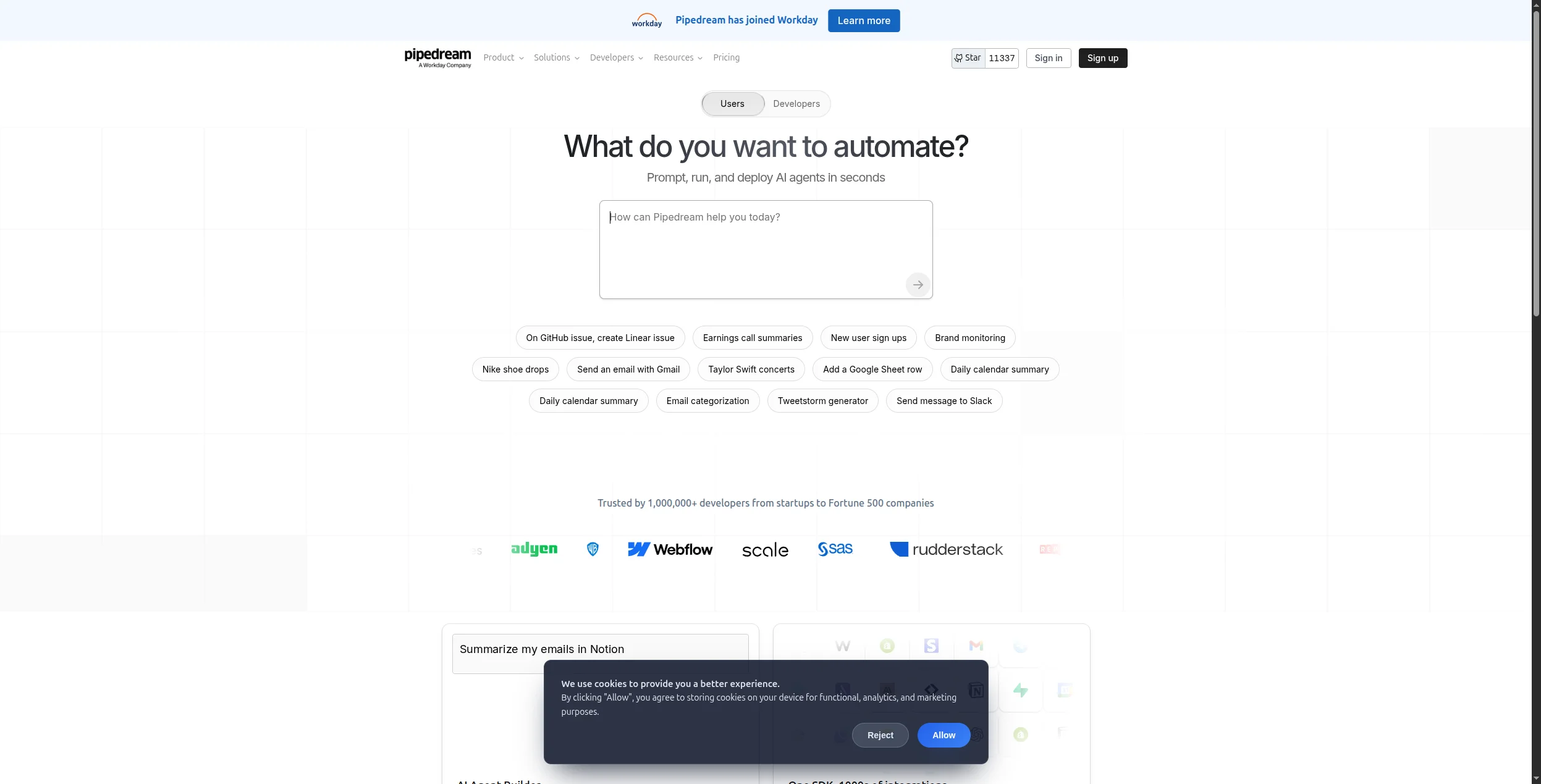
8. Pipedream — Best for Developer-Led Automation
Pipedream is event-driven workflow automation for developers. Every trigger or action step can be customised with Node.js, Python, or Go code alongside hundreds of pre-built integrations. It’s serverless — no infrastructure to manage — and the free tier is generous enough for most side projects and small-team use cases.
Pros:
Mix no-code steps with custom code in the same workflow
Observability is basic for complex multi-step workflows
Best for: Developers who want the flexibility to write custom code at any step in a workflow, alongside pre-built SaaS connectors — without managing server infrastructure.
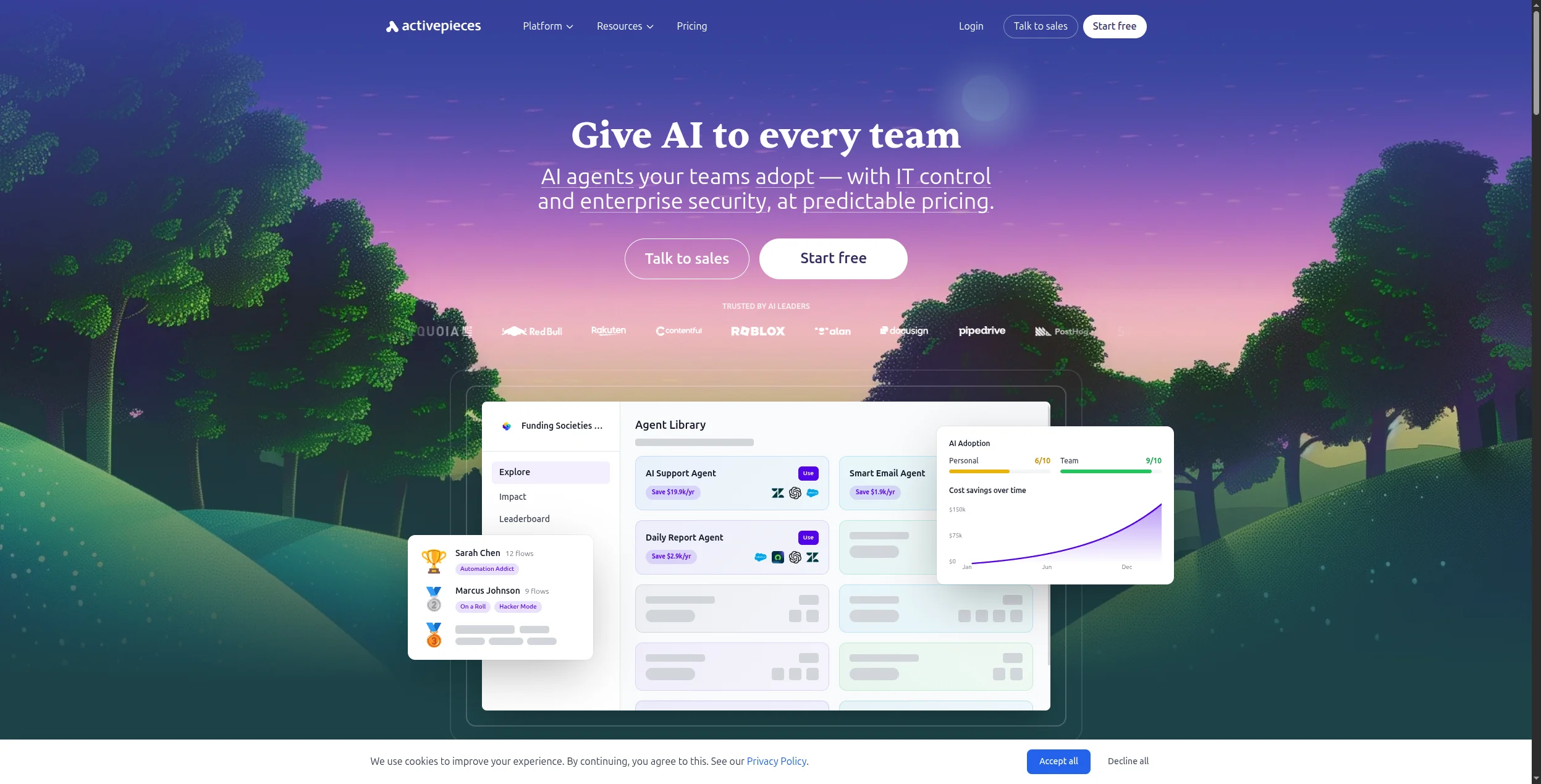
9. Activepieces — Best Open-Source Zapier Alternative
Activepieces is a clean, modern alternative to Zapier with an open-source core. The interface is deliberately familiar — triggers, actions, and conditions — making migration from Zapier straightforward. Self-hosting is supported via Docker, and the cloud version offers a free tier. The community is growing fast and adding new integrations regularly.
Enterprise features (SSO, RBAC) are on the paid tier
Best for: Teams migrating away from Zapier who want open-source self-hosting and a familiar linear-step interface — without n8n’s steeper learning curve.
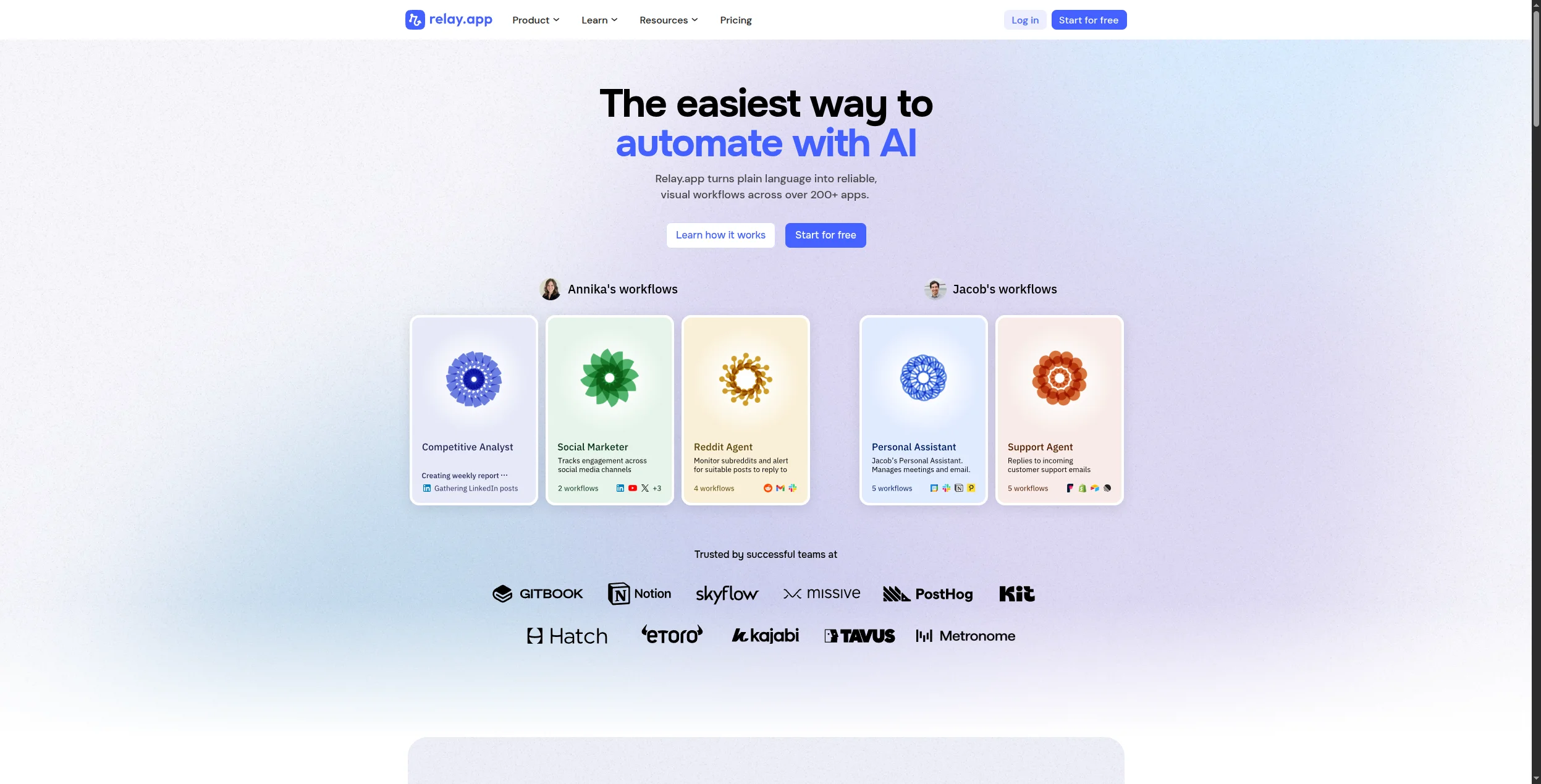
10. Relay.app — Best for Human-in-the-Loop Workflows
Relay.app is built around a specific insight: not every automation should run fully unattended. It lets you build workflows with built-in approval steps, human review gates, and manual inputs — so your team stays in control of the decisions that matter while automating the rest. It’s particularly well-suited for RevOps, HR, and finance workflows.
Pros:
Excellent human-in-the-loop design
Clean, intuitive interface
Affordable pricing for small teams
Cons:
Integration catalog is smaller than Zapier or Make
Less suited for fully automated, unattended workflows
AI capabilities are limited compared to FlowHunt
Best for: RevOps, HR, legal, and finance teams whose workflows require human approval steps or manager sign-offs before proceeding — where full automation isn’t appropriate.
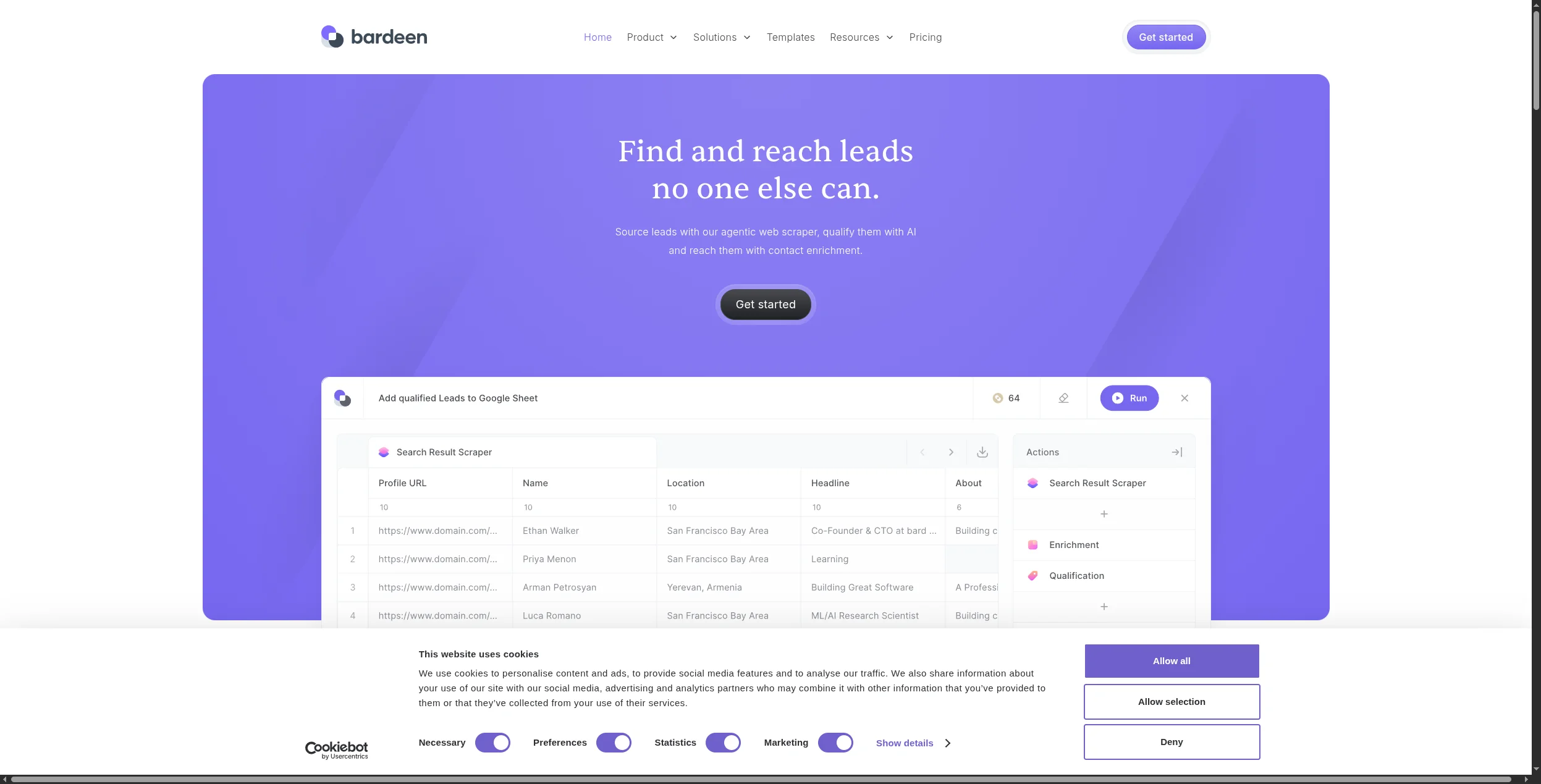
11. Bardeen — Best for Browser-Based Task Automation
Bardeen is a Chrome extension that automates repetitive browser tasks: scraping data from web pages, filling forms, moving data between tabs, and triggering actions based on what’s on screen. Sales teams use it to pull prospect data from LinkedIn; recruiters use it to move candidates between tools. It’s a different category from most tools on this list — more robotic process automation (RPA) than workflow orchestration.
Pros:
Genuinely useful for browser-based repetitive tasks
AI-powered scraping handles unstructured web content
Low price point for individuals and small teams
Cons:
Requires Chrome — not suitable for server-side automation
Can break when websites update their HTML structure
Not a replacement for a full workflow automation platform
Best for: Sales teams and recruiters who need to extract prospect data from LinkedIn and websites, or automate repetitive browser tasks without building a full automation workflow.
12. Tray.io — Best Enterprise API Automation
Tray.io (now Tray AI) is an enterprise iPaaS with a low-code builder and a strong focus on API connectivity. Its Universal Connector handles any REST API without a pre-built integration, making it unusually flexible for connecting proprietary or internal systems. AI features include natural language query and AI-assisted connector building.
Pros:
Universal Connector handles any REST API
Strong enterprise governance and error handling
AI-assisted integration building speeds up development
Cons:
No self-service pricing — enterprise contracts only
Steep implementation cost
More suited for IT teams than business users
Best for: Enterprise IT teams with proprietary internal systems that need a Universal Connector for any REST API, combined with enterprise governance and embedded iPaaS capabilities for their own products.
How to Choose the Right Workflow Automation Tool
You need AI that can reason, not just react → FlowHunt. If your workflows involve unstructured data, content generation, or decisions that can’t be reduced to if-then rules, you need an AI-native platform.
You want the widest app catalog with minimal setup → Zapier. The 6,000+ integrations and no-code interface make it the fastest path from idea to running automation for simple use cases.
You need self-hosting for data compliance → n8n or Activepieces. Both are mature, actively developed, and give you full infrastructure control.
You’re in a Microsoft-first organisation → Power Automate. The M365 depth is unmatched; just budget for premium connectors.
You need enterprise iPaaS with IT governance → Workato or Tray.io. These are built for complex enterprise integration — not SMB automation.
Why AI-Native Automation Is Winning in 2026
Traditional workflow automation tools hit a wall when the inputs are unpredictable. A Zapier zap can copy a form submission to a spreadsheet — but it can’t read an incoming email, understand what the customer wants, decide which team should handle it, draft a response, and log the ticket. That requires reasoning, not rules.
FlowHunt’s approach — combining a visual workflow builder with AI agents that can use tools, process natural language, and adapt to context — closes this gap. Teams using it for customer support automation
and SEO content workflows
are replacing three or four separate tools with a single platform.
The result: fewer integrations to maintain, faster iteration, and automation that handles the edge cases that used to require human intervention.
Bottom Line
The best workflow automation tool in 2026 depends on what you’re automating:
AI-driven, content-heavy, or unpredictable workflows → FlowHunt
Simple app-to-app triggers with maximum integration breadth → Zapier or Make
Developer-controlled, self-hosted, or API-heavy → n8n or Pipedream
Enterprise compliance and IT-grade integration → Workato or Tray.io
Start with FlowHunt’s free tier
or book a demo
to see how marketing and support teams are replacing legacy automation stacks with AI-native workflows. Related reading:
Workflow automation is the use of software to execute recurring tasks or processes automatically, replacing manual work. Modern platforms add AI reasoning so the automation can adapt to data, make decisions, and take multi-step actions across multiple tools.
FlowHunt and Make are the strongest options for small businesses in 2026. FlowHunt's AI-native approach handles complex multi-step logic; Make offers a generous free tier and 1,800+ integrations for simpler automations.
Traditional workflow automation follows fixed rules: if X happens, do Y. AI agents can reason about the task, choose which tools to use, handle unexpected inputs, and complete multi-step goals without predefined paths. FlowHunt combines both — structured automations with AI agent capabilities.
No-code platforms like FlowHunt, Zapier, and Make are designed for non-technical users with visual editors. Developer tools like n8n and Pipedream require coding knowledge but offer far greater flexibility.
Costs range from free (n8n self-hosted, Activepieces) to thousands per month for enterprise iPaaS platforms. FlowHunt offers a free tier with usage-based paid plans. Zapier starts at $19.99/mo. Make starts at $9/mo. Enterprise tools like Workato and Tray.io are typically quoted on contract.
Arshia is an AI Workflow Engineer at FlowHunt. With a background in computer science and a passion for AI, he specializes in creating efficient workflows that integrate AI tools into everyday tasks, enhancing productivity and creativity.
Arshia Kahani
AI Workflow Engineer
Automate Your Workflows with AI — Start Free on FlowHunt
Build intelligent workflow automations that think, adapt, and act. Connect your tools, define the goal, and deploy in minutes — no code required.
Best No-Code Automation Tools in 2026: 10 Platforms Compared
The definitive guide to no-code automation platforms in 2026. We compare 10 tools — from visual workflow builders to AI-native platforms — to help you automate ...
Best AI Agent Builder in 2026: 12 Tools Ranked and Reviewed
Ranked and reviewed: the 12 best AI agent builders in 2026. Comparison table, pricing, free tiers, and a clear verdict on which platform fits your use case.
10 Best Marketing Automation Software Platforms in 2026: Ranked and Reviewed
The 10 best marketing automation software platforms in 2026, ranked by AI capability, ease of use, and pricing. Find the right platform for your team's size and...
23 min read
Marketing Automation
AI Tools
+2
Cookie Consent We use cookies to enhance your browsing experience and analyze our traffic. See our privacy policy.