
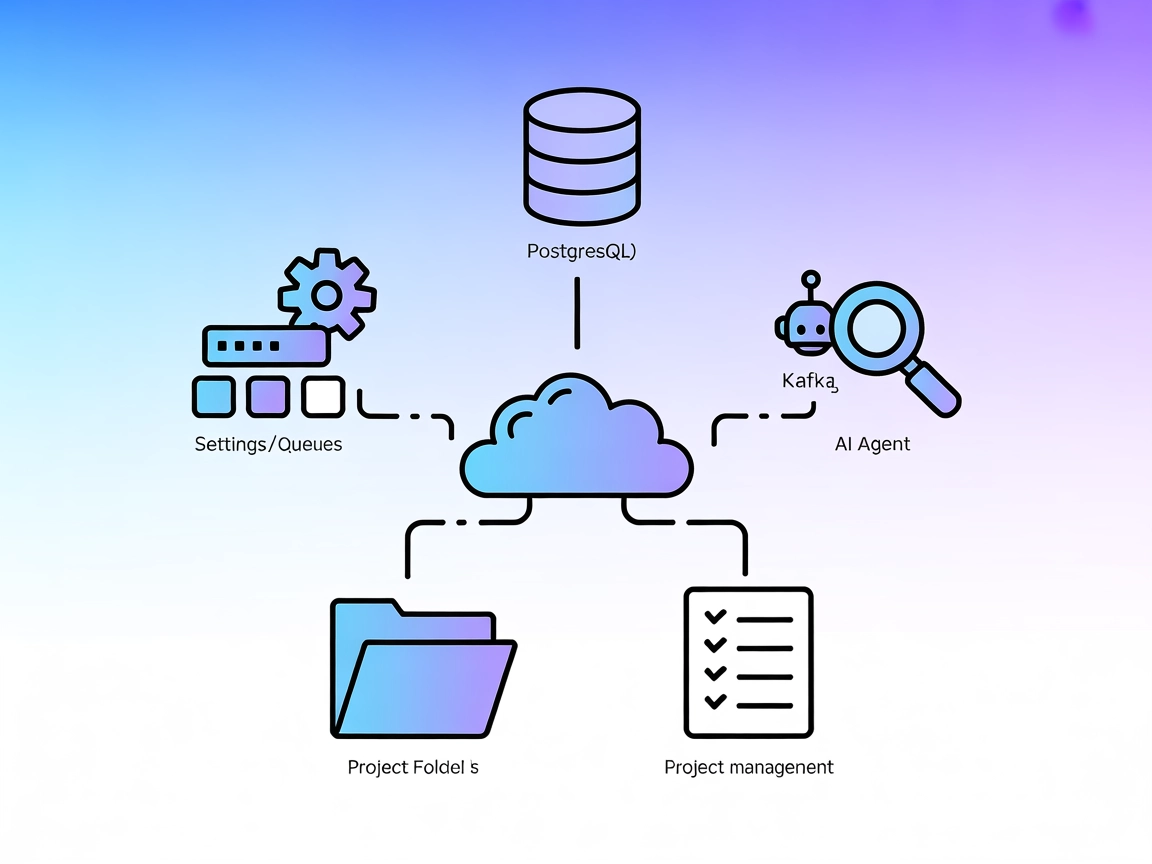
Development Guide for MCP Servers
Learn how to build and deploy a Model Context Protocol (MCP) server to connect AI models with external tools and data sources. Step-by-step guide for beginners ...
17 min read
AI
Protocol
+4
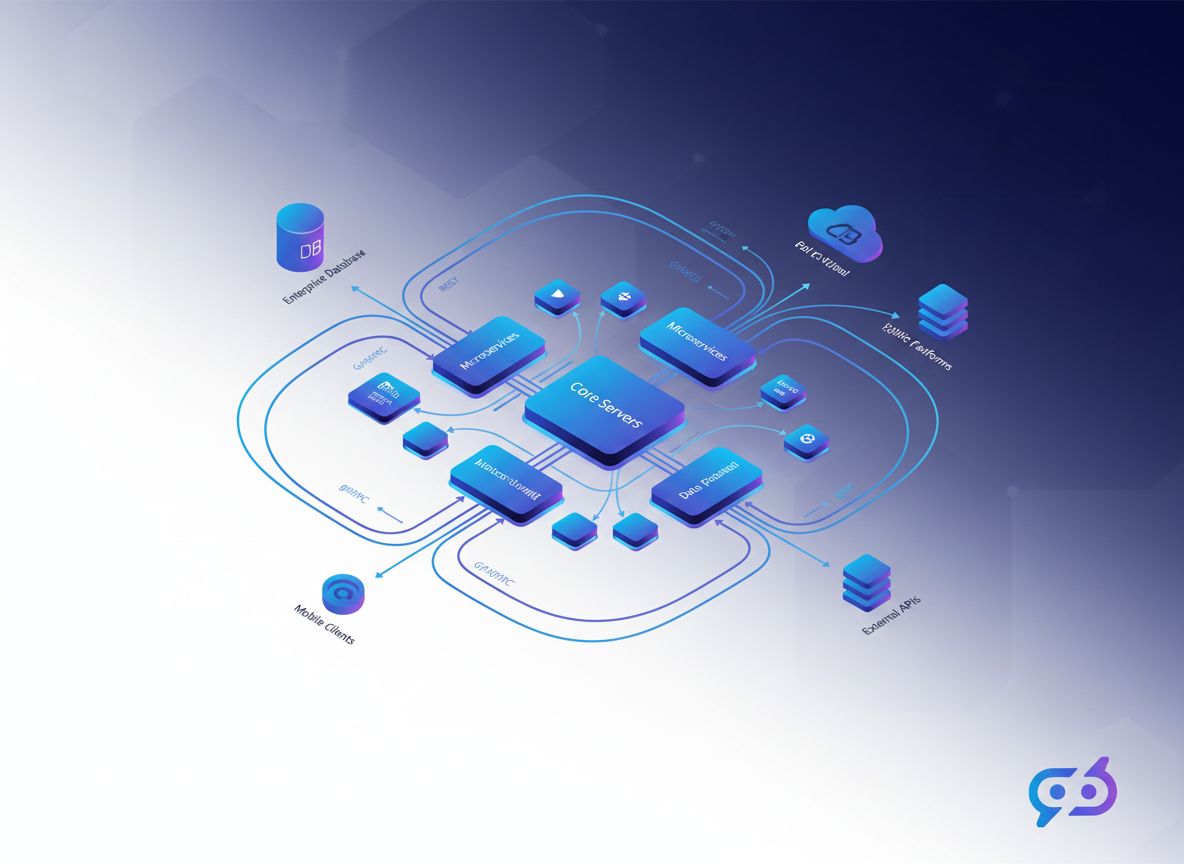
Explore comprehensive MCP server examples and learn how to build, deploy, and integrate Model Context Protocol servers to enhance AI agent capabilities across enterprise systems.
The Model Context Protocol (MCP) represents a fundamental shift in how artificial intelligence agents interact with external systems and data sources. As organizations increasingly deploy AI-powered solutions, the ability to seamlessly connect these intelligent systems to existing infrastructure, databases, and services has become critical. MCP servers serve as the bridge between AI agents and the real world, enabling them to access information, execute actions, and integrate with enterprise systems in a standardized, secure manner.
This comprehensive guide explores MCP server examples, their architecture, implementation patterns, and real-world applications. Whether you’re building a custom integration for your organization or evaluating existing MCP server solutions, understanding these examples will help you design more effective AI systems that can truly interact with your business processes.
The Model Context Protocol is an open standard developed by Anthropic that defines how AI agents communicate with external services and data sources. Unlike traditional API integrations that require custom code for each connection, MCP provides a unified interface that allows AI agents to discover, access, and utilize resources from any MCP-compatible server.
At its core, MCP operates on a client-server architecture where the MCP client (typically an AI agent or application) connects to one or more MCP servers. These servers expose resources and tools that the client can use to accomplish tasks. This standardization eliminates the need for custom integration code for each service, dramatically reducing development time and complexity.
The protocol supports several key capabilities that make it powerful for enterprise integration. Resources in MCP represent data that the AI agent can read or query—think of them as the information sources available to the agent. Tools, on the other hand, are actions that the agent can invoke to perform operations, modify data, or trigger workflows. Prompts provide templates for common interactions, allowing agents to follow established patterns when working with specific services.

Start your free trial today and see results within days.
The importance of MCP servers in contemporary AI architecture cannot be overstated. As organizations move beyond simple chatbot implementations toward sophisticated AI systems that drive business operations, the need for reliable, standardized integration becomes paramount. MCP servers address several critical challenges in AI deployment.
First, they solve the integration complexity problem. Without a standardized protocol, each new service integration requires custom development, testing, and maintenance. This approach doesn’t scale well in enterprise environments where systems need to connect to dozens or hundreds of different services. MCP eliminates this friction by providing a common interface that works across all compatible services.
Second, MCP servers enable real-time context for AI agents. Rather than relying on static training data or periodic data refreshes, MCP allows agents to access live information from your systems. This means your AI can make decisions based on current data, significantly improving accuracy and relevance. An AI customer service agent, for example, can instantly access current order status, inventory levels, and customer history—information that would be impossible to include in training data.
Third, MCP provides security and governance benefits. By centralizing integrations through MCP servers, organizations can implement consistent authentication, authorization, and audit logging. This is far superior to having AI agents with direct access to multiple systems, each with its own security configuration.
Finally, MCP servers facilitate the development of more sophisticated AI workflows. When agents can reliably access data and invoke actions, developers can build complex multi-step processes that would be impractical with traditional integration approaches. This opens up possibilities for autonomous systems that can handle increasingly complex business processes.
To effectively implement MCP servers, it’s essential to understand their architectural components and how they interact. An MCP server implementation typically consists of several key layers:
Authentication and Authorization Layer: This is the foundation of any secure MCP server. It handles credential validation, token management, and permission checking. Most MCP servers support multiple authentication methods including API keys, OAuth 2.0, and custom authentication schemes. The authentication layer ensures that only authorized clients can access resources and invoke tools.
Resource Discovery and Management: MCP servers must expose information about available resources and tools to clients. This includes metadata about what data is available, what operations can be performed, and what parameters are required. The discovery mechanism allows clients to dynamically understand server capabilities without hardcoding integration details.
Tool Invocation Engine: This component handles the execution of tools—the actions that agents can perform. It manages parameter validation, error handling, and response formatting. A well-designed tool invocation engine ensures that operations complete reliably and that failures are handled gracefully.
Data Access and Transformation Layer: This layer manages how data is retrieved from backend systems and transformed into formats that MCP clients can consume. It handles pagination, filtering, and data formatting to ensure efficient data transfer.
Logging and Monitoring: Enterprise-grade MCP servers include comprehensive logging and monitoring capabilities. This allows organizations to track which agents are accessing which resources, audit sensitive operations, and troubleshoot integration issues.
Get latest tips, trends, and deals for free.
The MCP ecosystem includes numerous server implementations, each designed to solve specific integration challenges. Understanding these examples provides valuable insights into how to design your own MCP servers.
K2view MCP Server represents one of the most sophisticated examples of real-time data integration. K2view specializes in entity-based data access, allowing AI agents to retrieve complete, contextual information about customers, orders, or other business entities. The server provides secure, silo-spanning virtualization, meaning it can aggregate data from multiple systems while maintaining data governance and security policies. This is particularly valuable for customer service AI agents that need comprehensive customer context to provide effective support.
InfluxDB MCP Server demonstrates how time-series databases can be exposed through MCP. This server allows AI agents to query metrics, analyze trends, and retrieve historical data. It’s particularly useful for operations teams building AI systems that monitor infrastructure, analyze performance metrics, or predict system issues based on historical patterns.
ArangoDB MCP Server shows how graph and document databases can be integrated. This server enables agents to perform complex queries across related data, making it ideal for applications that need to understand relationships between entities—such as recommendation systems or fraud detection platforms.
Notion MCP Server provides access to workspace data including pages, databases, and tasks. This server enables AI agents to read and update team documentation, manage project tasks, and access organizational knowledge. It’s particularly valuable for knowledge management workflows where AI agents need to retrieve information from company wikis or update project status.
Jira and Confluence MCP Servers allow AI agents to interact with project management and documentation systems. Agents can create issues, update statuses, retrieve project information, and access documentation. This enables sophisticated workflow automation where AI can manage the entire lifecycle of development tasks.
Zapier MCP Server is one of the most comprehensive examples, exposing access to over 6,000 applications through a single interface. This server demonstrates how a meta-integration platform can be wrapped in MCP, allowing agents to trigger automations, manage workflows, and integrate with virtually any business application. The live integration context provided by Zapier means agents always have access to current information about available integrations.
Home Assistant MCP Server shows how IoT and smart home systems can be integrated with AI agents. This server allows agents to control devices, query sensor data, and automate home systems. While focused on consumer applications, it demonstrates patterns applicable to industrial IoT and facility management systems.
| Server Type | Primary Use Case | Key Features | Complexity | Scalability |
|---|---|---|---|---|
| K2view | Real-time entity data | Silo-spanning virtualization, secure access | High | Enterprise |
| Zapier | Multi-app automation | 6,000+ integrations, live context | Medium | High |
| Notion | Knowledge management | Workspace data, document access | Low | Medium |
| InfluxDB | Time-series analytics | Metrics, trends, historical data | Medium | High |
| ArangoDB | Graph/document queries | Complex relationships, flexible queries | High | High |
| Vectorara | Semantic search | RAG-ready, embeddings | Medium | High |
| Custom Database | Specific data access | Tailored to your schema | Variable | Variable |
While using existing MCP servers is valuable, many organizations need to build custom servers tailored to their specific systems and workflows. Understanding implementation patterns helps ensure your custom servers are robust, secure, and maintainable.
Starting with the MCP Specification: The first step in building a custom MCP server is thoroughly understanding the MCP specification. The protocol defines how clients and servers communicate, what messages are supported, and how resources and tools should be structured. Most implementations use JSON-RPC 2.0 for message transport, making the protocol language-agnostic and relatively straightforward to implement.
Choosing Your Technology Stack: MCP servers can be implemented in virtually any programming language. Popular choices include Python for rapid development and data science integration, Node.js for JavaScript ecosystems, Go for high-performance systems, and Rust for systems requiring maximum performance and safety. The choice depends on your existing infrastructure, team expertise, and performance requirements.
Implementing Resource Endpoints: Resources in MCP represent data that agents can access. A well-designed resource endpoint should support listing available resources, reading specific resources, and optionally searching or filtering. For example, a customer database MCP server might expose resources like /customers, /customers/{id}, and /customers/search with appropriate filtering parameters.
Designing Tool Invocations: Tools represent actions that agents can perform. Each tool should have clear documentation about what it does, what parameters it requires, and what results it returns. Tools should be designed with safety in mind—they should validate inputs, handle errors gracefully, and provide meaningful feedback about what happened.
Security Implementation: Security is non-negotiable in MCP servers. At minimum, implement authentication to verify that clients are authorized to connect. Add authorization checks to ensure that authenticated clients can only access resources and invoke tools they’re permitted to use. Implement rate limiting to prevent abuse, and add comprehensive logging for audit purposes.
Error Handling and Resilience: Production MCP servers must handle failures gracefully. Implement retry logic for transient failures, provide meaningful error messages that help clients understand what went wrong, and ensure that failures in one operation don’t cascade to affect other operations.
FlowHunt provides powerful capabilities for automating the entire lifecycle of MCP server implementations and integrations. Rather than manually managing server deployments, monitoring, and integration workflows, FlowHunt enables organizations to automate these processes at scale.
Automated Server Deployment: FlowHunt can automate the deployment of MCP servers across your infrastructure. Whether you’re deploying to cloud platforms, on-premises servers, or hybrid environments, FlowHunt handles the orchestration, configuration, and verification of your MCP server deployments.
Integration Workflow Automation: FlowHunt excels at automating complex integration workflows. You can define workflows that automatically provision new MCP server instances, configure authentication, register resources and tools, and test connectivity—all without manual intervention.
Monitoring and Alerting: FlowHunt provides comprehensive monitoring of your MCP servers, tracking uptime, performance metrics, and error rates. When issues occur, FlowHunt can automatically alert your team and even trigger remediation workflows.
Content and Documentation Generation: FlowHunt can automatically generate documentation for your MCP servers, including resource catalogs, tool descriptions, and integration guides. This ensures your documentation stays synchronized with your actual server implementations.
Testing and Validation: FlowHunt can automate testing of your MCP servers, validating that resources are accessible, tools function correctly, and security policies are enforced. This continuous validation ensures your servers remain reliable and secure.
Understanding how MCP servers are used in practice helps illustrate their value. Consider several realistic scenarios:
Customer Service Automation: A financial services company implements an MCP server that exposes customer account data, transaction history, and support ticket systems. An AI agent connected to this server can handle customer inquiries by accessing real-time account information, checking transaction status, and creating support tickets when needed. The agent can provide accurate, contextual responses without requiring human intervention for routine inquiries.
Content Generation and Publishing: A media company builds an MCP server that exposes their content management system, analytics platform, and publishing tools. FlowHunt uses this server to automate content research, generation, optimization, and publishing workflows. The system can automatically analyze trending topics, generate relevant content, optimize for SEO, and publish to multiple channels—all coordinated through the MCP server.
Operational Intelligence: An e-commerce company creates an MCP server exposing inventory systems, order management, and logistics platforms. An AI agent uses this server to monitor operations, identify bottlenecks, predict demand, and optimize fulfillment processes. The agent can make real-time decisions about inventory allocation and shipping strategies based on current data.
Development Workflow Automation: A software development company implements MCP servers for their version control, issue tracking, and CI/CD systems. Developers use AI agents connected to these servers to automate code reviews, generate documentation, manage releases, and coordinate deployments.
As you gain experience with MCP servers, several advanced patterns emerge that improve reliability, performance, and maintainability.
Caching and Performance Optimization: MCP servers that access external systems should implement intelligent caching to reduce latency and load on backend systems. Cache strategies should consider data freshness requirements—real-time data might need minimal caching, while reference data can be cached more aggressively.
Pagination and Streaming: When MCP servers expose large datasets, implementing pagination prevents overwhelming clients with massive responses. For even larger datasets, streaming responses allows clients to process data incrementally rather than waiting for complete results.
Versioning and Backward Compatibility: As your MCP servers evolve, maintaining backward compatibility with existing clients is important. Implement versioning strategies that allow you to introduce new features without breaking existing integrations.
Multi-tenancy: Enterprise MCP servers often need to serve multiple organizations or teams. Implementing proper multi-tenancy ensures that data from different tenants remains isolated and that each tenant’s resources and tools are properly scoped.
Federation and Composition: Advanced MCP deployments sometimes involve multiple servers working together. Implementing federation patterns allows servers to delegate requests to other servers, enabling complex integrations that span multiple systems.
MCP servers represent a fundamental advancement in how AI agents interact with enterprise systems. By providing a standardized, secure interface for accessing data and invoking actions, MCP eliminates integration complexity and enables sophisticated AI workflows that would be impractical with traditional approaches.
The examples discussed in this guide—from K2view’s real-time data virtualization to Zapier’s multi-application automation—demonstrate the breadth of possibilities when AI agents can reliably access and manipulate business systems. Whether you’re implementing existing MCP servers or building custom solutions tailored to your organization, understanding these patterns and best practices ensures you build systems that are secure, scalable, and maintainable.
As AI becomes increasingly central to business operations, the ability to integrate AI agents with your existing systems becomes a competitive advantage. MCP servers provide the foundation for this integration, enabling organizations to unlock the full potential of AI while maintaining security, governance, and operational control. The future of enterprise AI is not isolated AI systems, but intelligent agents deeply integrated with your business processes—and MCP servers make this future possible.
Experience how FlowHunt automates MCP server deployment, integration management, and monitoring — from configuration and testing to documentation and continuous validation — all in one intelligent platform.
Arshia is an AI Workflow Engineer at FlowHunt. With a background in computer science and a passion for AI, he specializes in creating efficient workflows that integrate AI tools into everyday tasks, enhancing productivity and creativity.

Streamline MCP server deployment, monitoring, and integration management with FlowHunt's intelligent automation platform.
Learn how to build and deploy a Model Context Protocol (MCP) server to connect AI models with external tools and data sources. Step-by-step guide for beginners ...
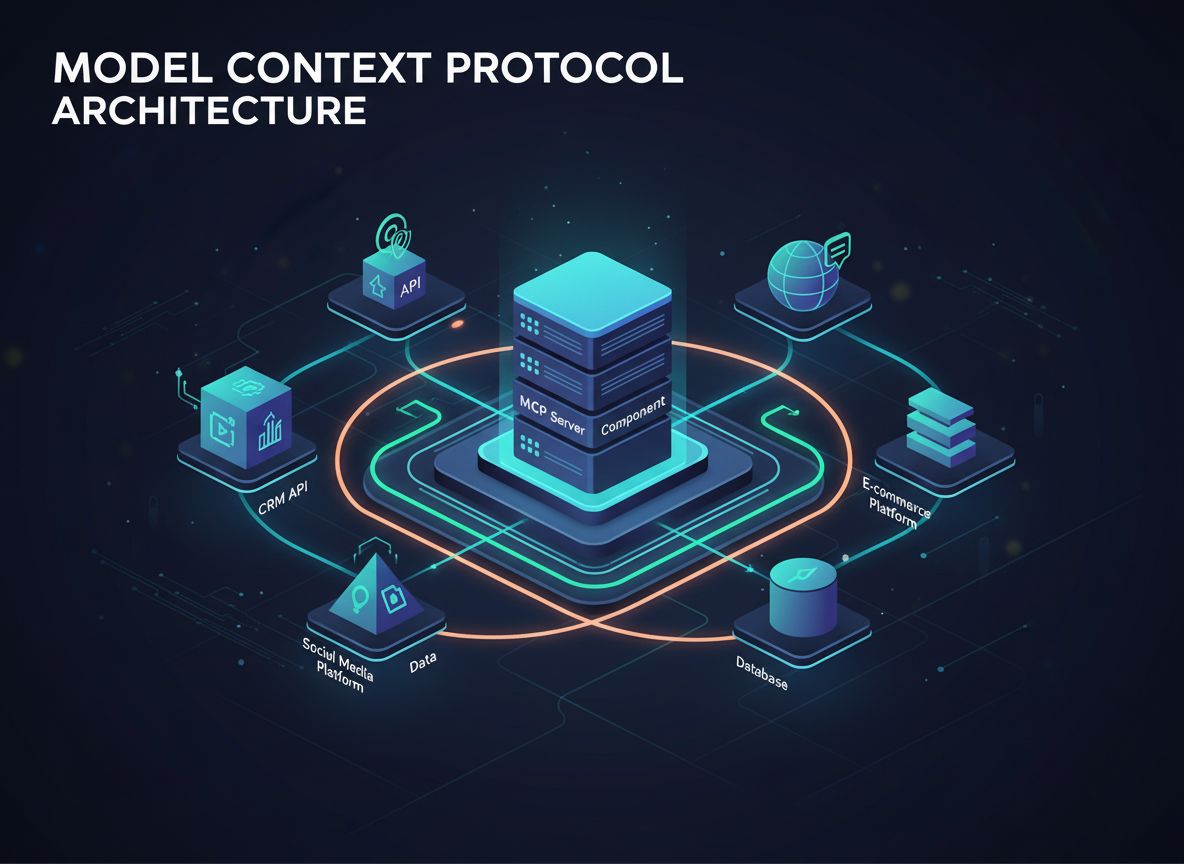
Learn what MCP (Model Context Protocol) servers are, how they work, and why they're revolutionizing AI integration. Discover how MCP simplifies connecting AI ag...
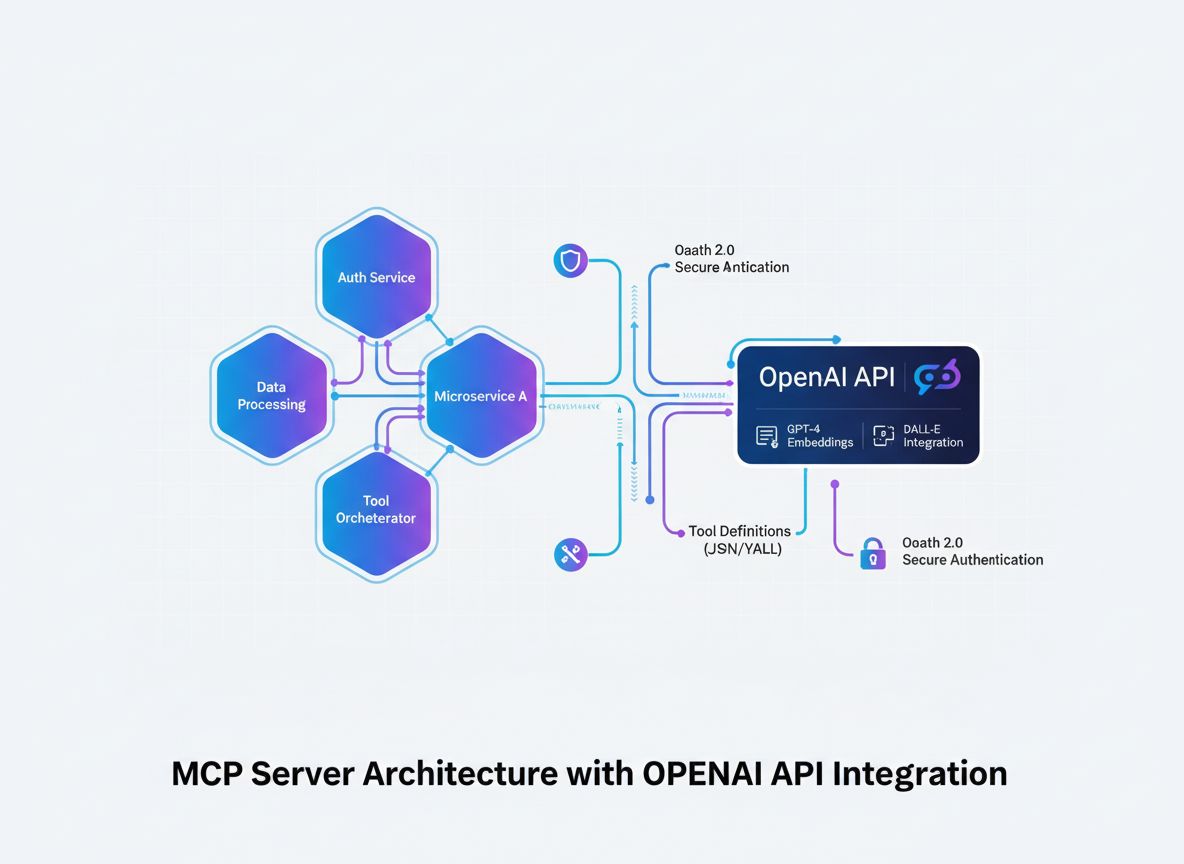
Learn how to develop a Model Context Protocol (MCP) server that seamlessly integrates with OpenAI's API, enabling powerful AI-driven tool execution and intellig...