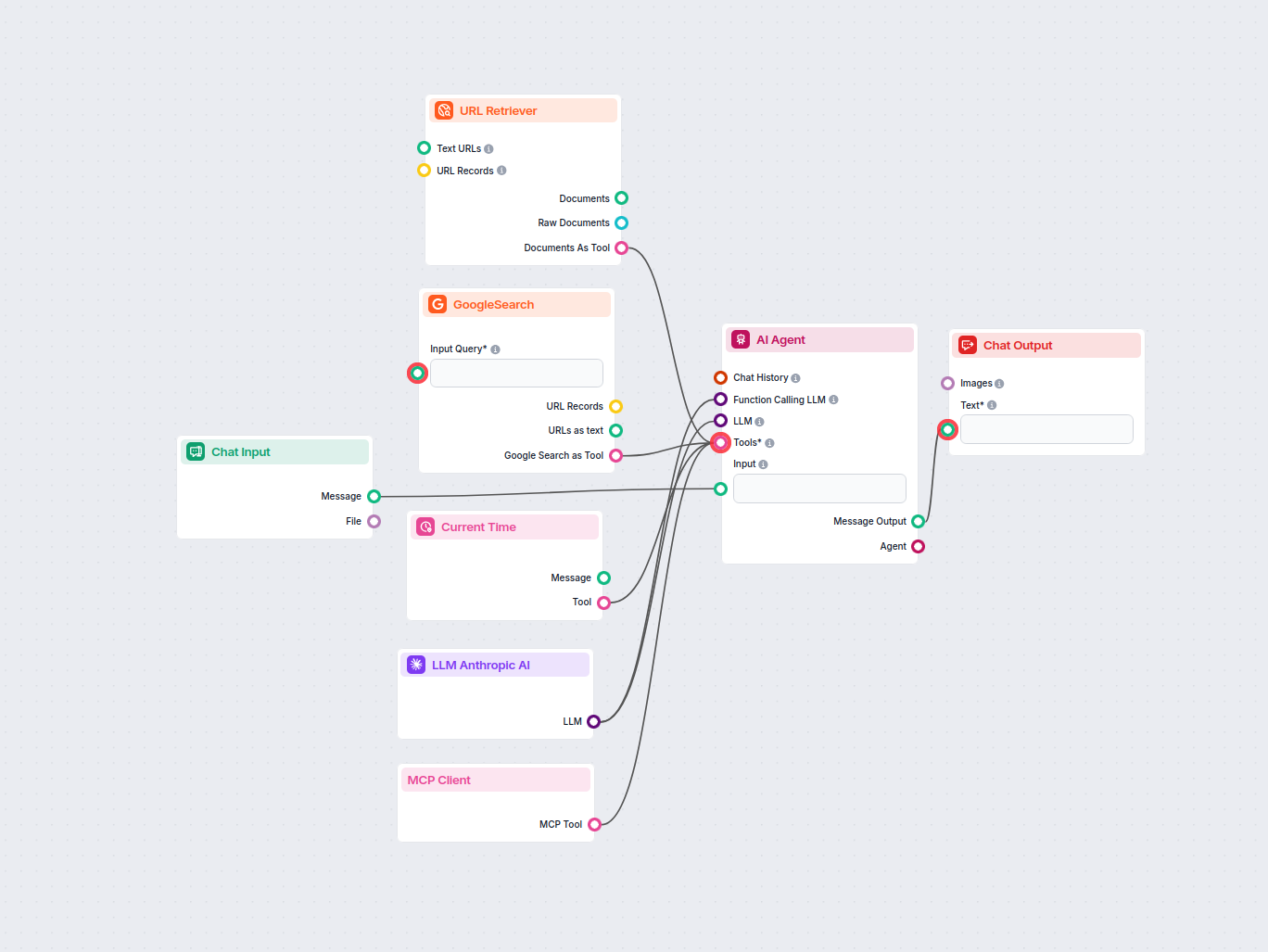
MCP Client – Flow Component Overview
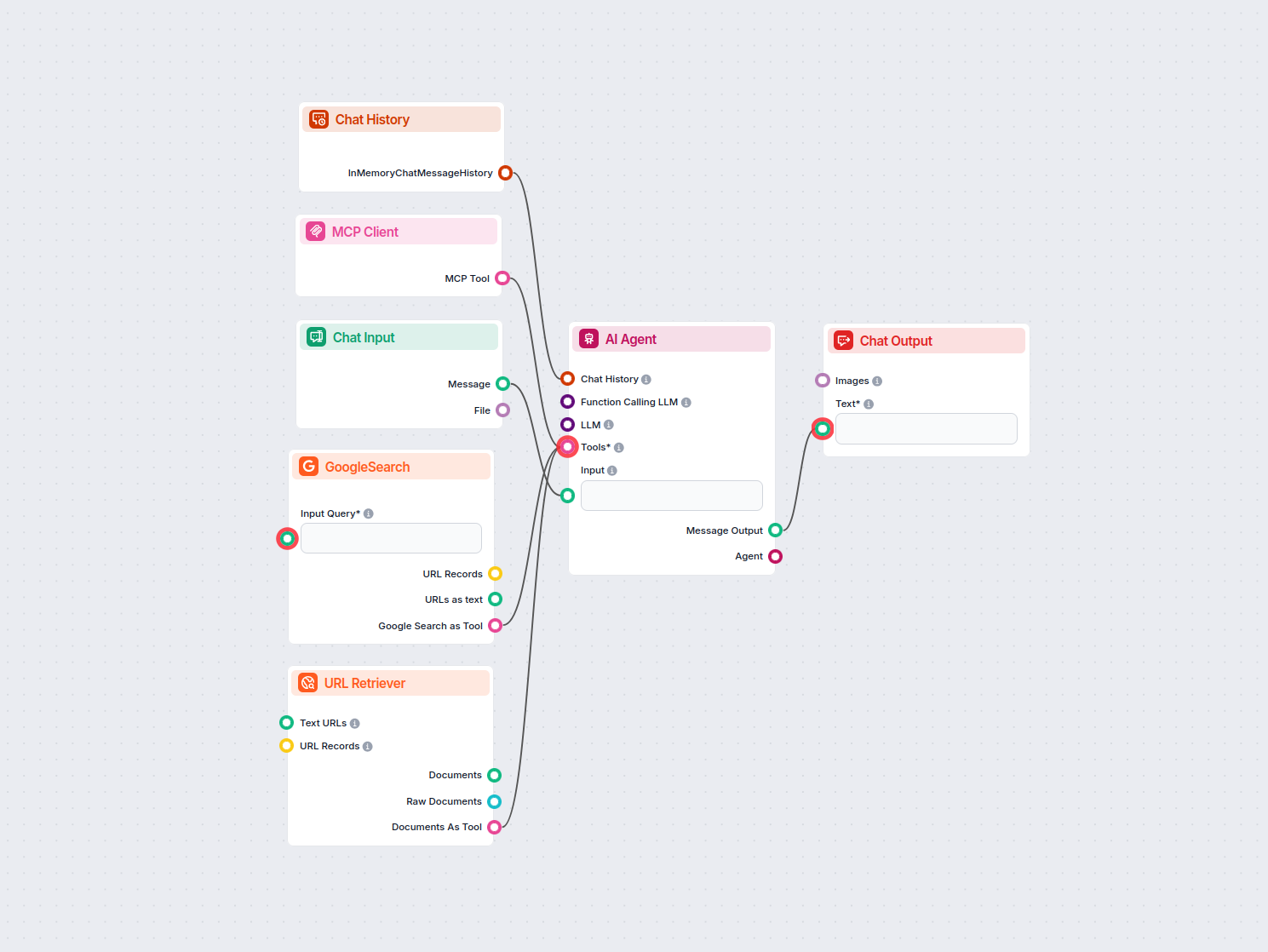
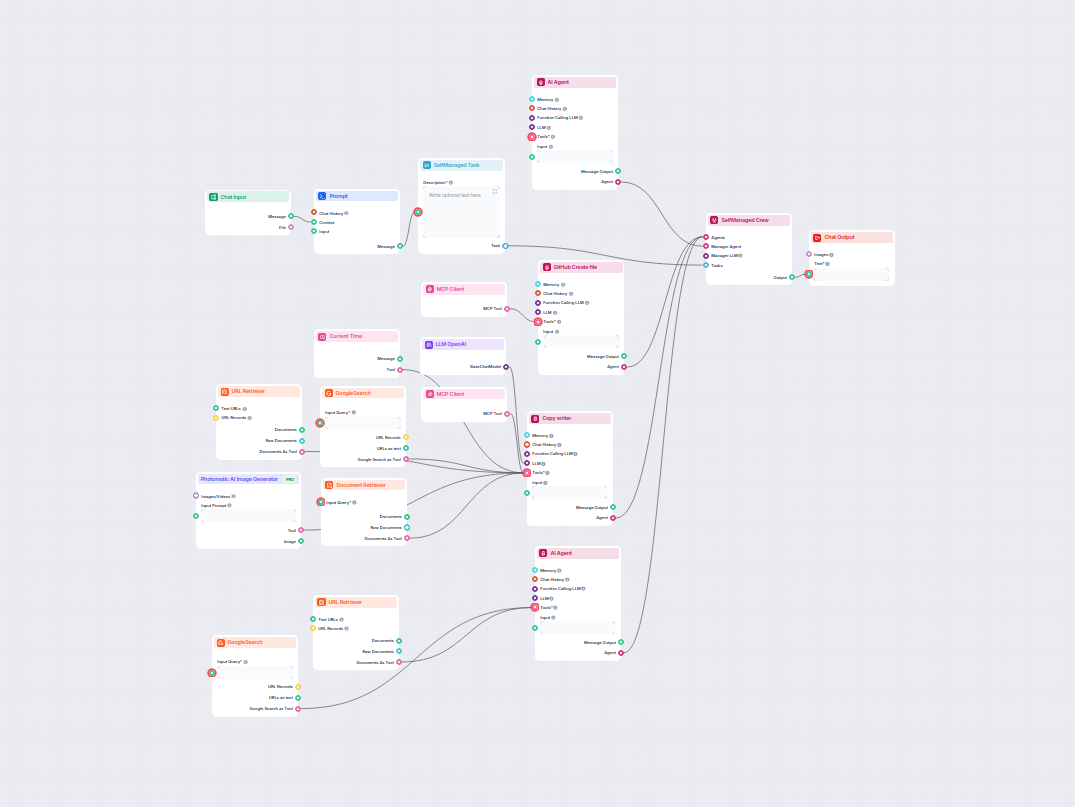
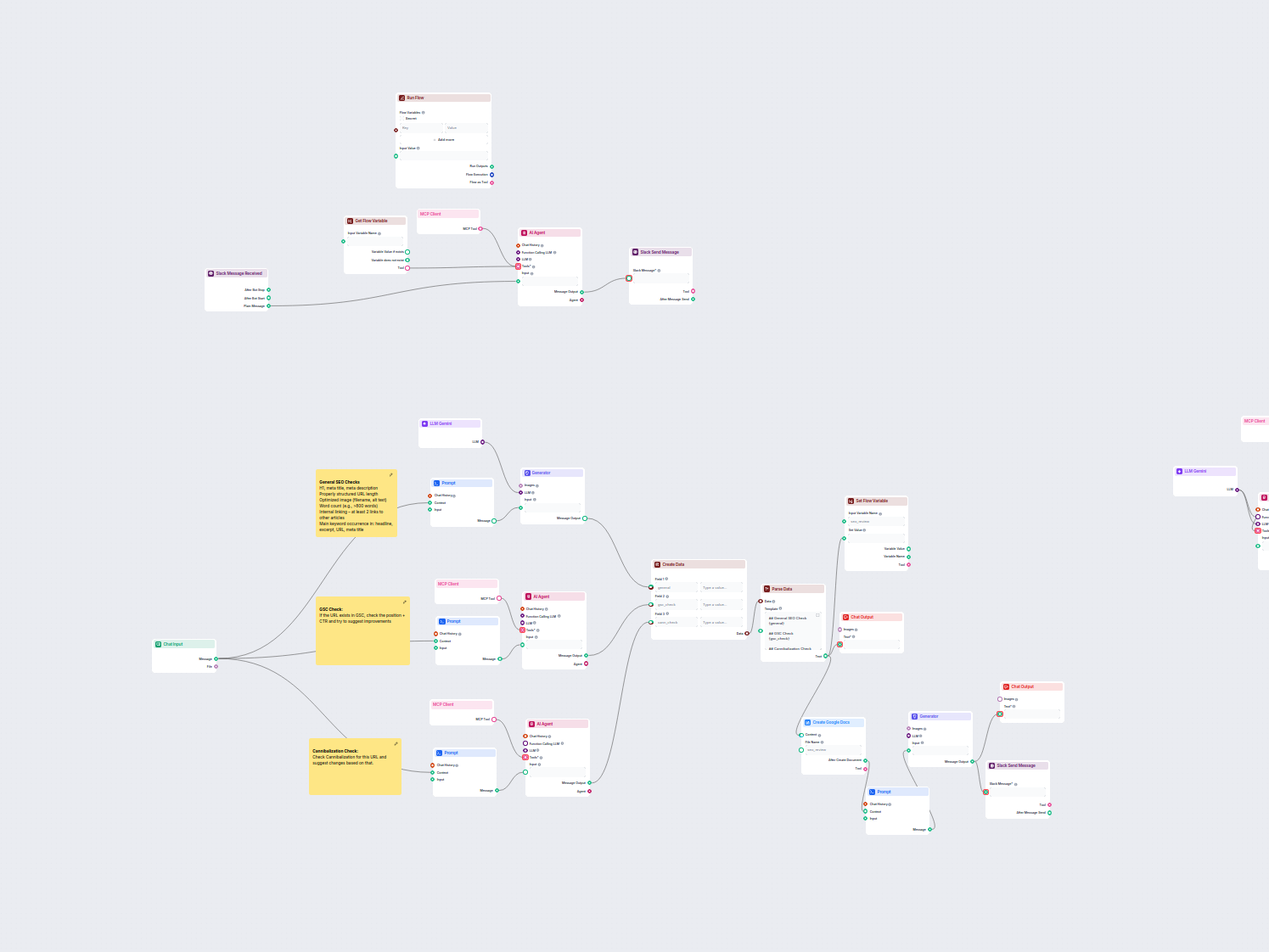
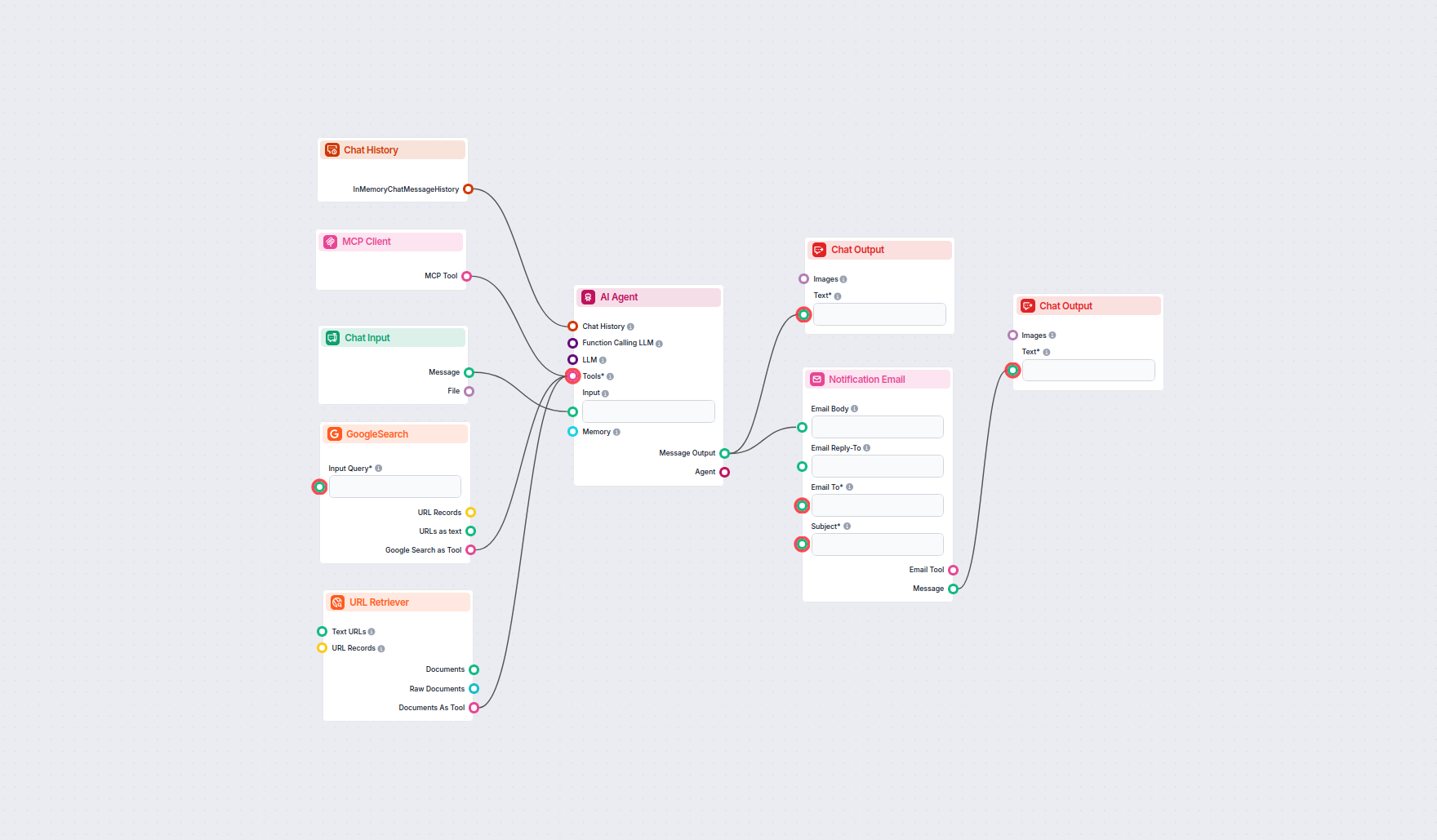
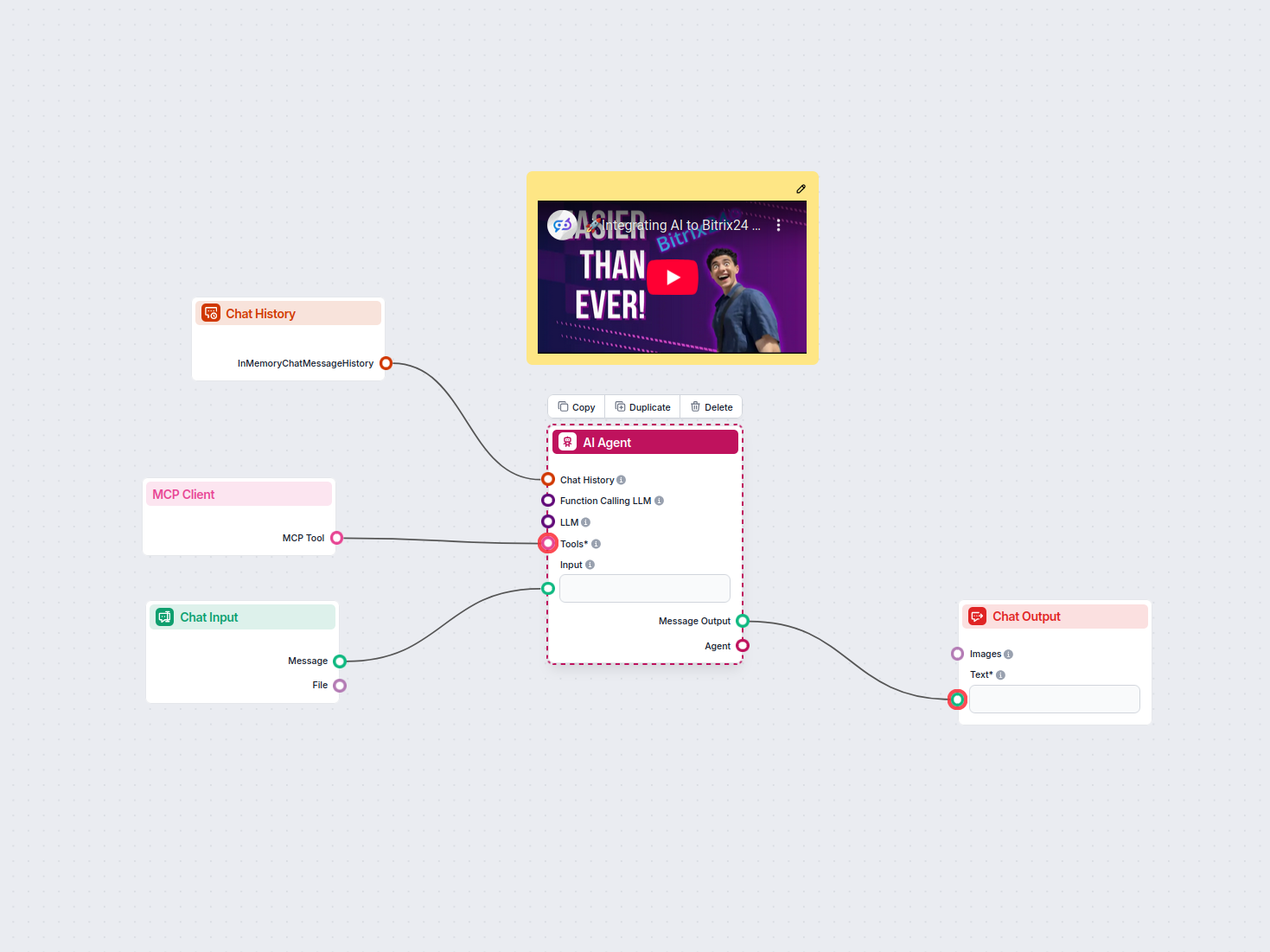
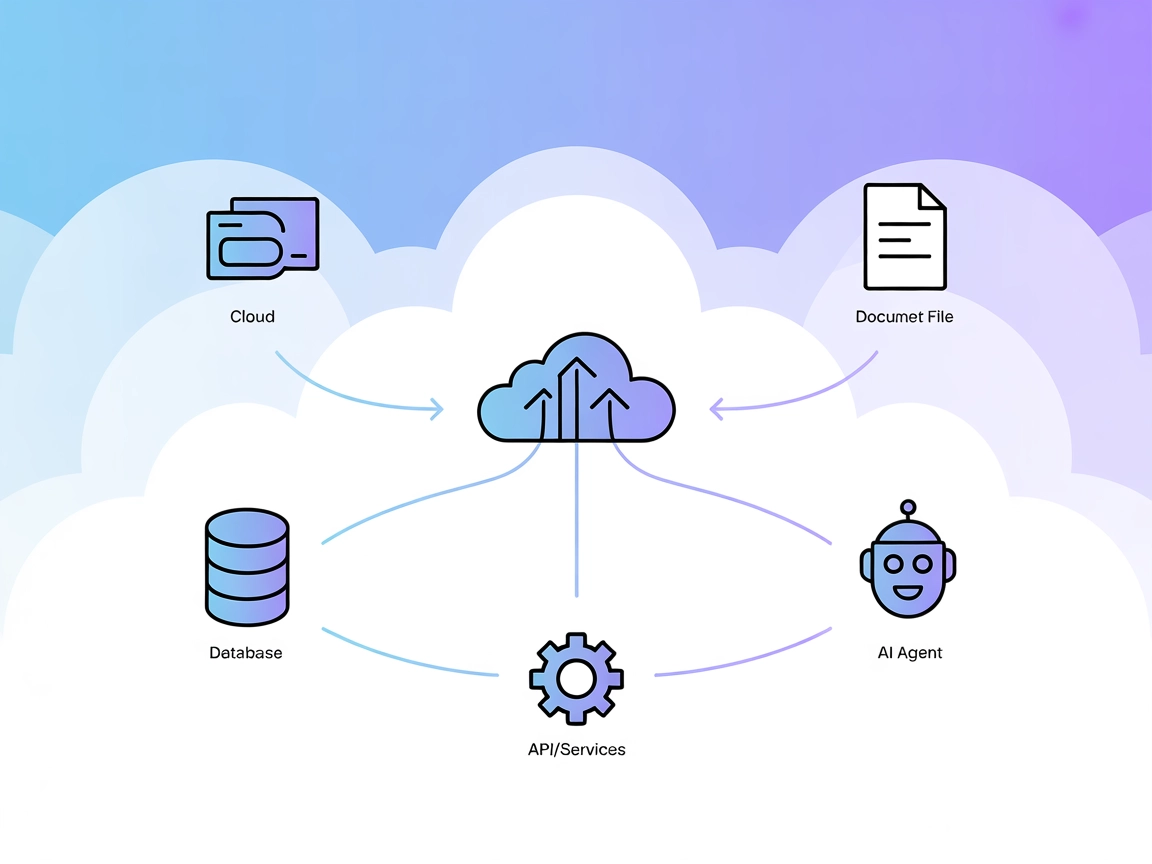
The MCP Client component is designed to connect an AI workflow to an MCP (Multi-Channel Platform) Client, thereby making a wide range of MCP tools accessible to your AI Agents. This integration allows for enhanced capabilities and flexibility in AI-driven processes, leveraging the features and services provided by the MCP infrastructure.
Purpose and Functionality
The primary purpose of the MCP Client component is to act as a bridge between your AI workflow and the MCP system. By configuring and connecting this client, you enable your workflow to utilize various MCP tools, which can be essential for tasks such as communication, data processing, and external system integrations.
This component is particularly useful in scenarios where your AI workflow needs to:
- Interact with multiple channels or services through a unified client
- Access advanced tools provided by the MCP platform
- Trace and monitor input and metadata for debugging or auditing purposes
Inputs
The component requires a configuration input called MCP Configuration (mcp_conf):
| Name | Type | Multiline | Required | Description |
|---|---|---|---|---|
| MCP Configuration | string | Yes | Yes | The configuration details needed to connect to the MCP Client. This must be provided in a multiline format and typically includes connection parameters, authentication, and other client-specific settings. |
Additional Input Features:
- Trace as Input: The input can be traced for debugging or auditing.
- Trace as Metadata: Metadata related to the input can be captured for monitoring.
- Advanced Setting: The input is marked as advanced, indicating that it is intended for users familiar with MCP integration.
Outputs
The component produces the following output:
| Name | Type | Description |
|---|---|---|
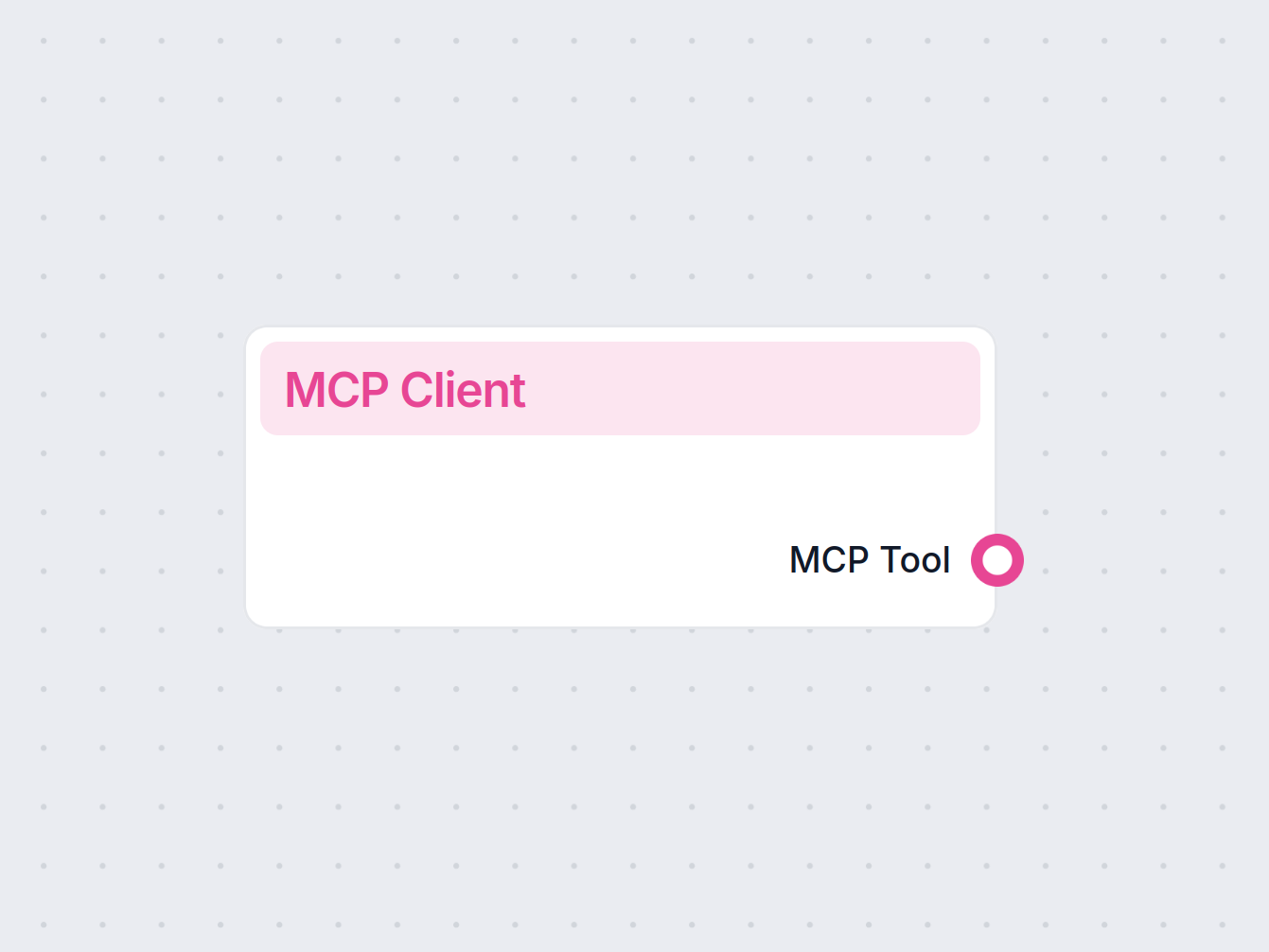
| MCP Tool | Tool | An MCP Tool object that can be used by downstream components or AI Agents to access MCP functionality. |
This output is essential for connecting subsequent tools or agents in your workflow to the MCP platform.
Key Features
- Icon: The component is represented with an MCP-specific icon for easy identification.
- Caching: Some caching is supported for performance, although the component itself is not fully cachable.
- Version: 1.0.0
- Base Class: Inherits from the “Tool” base class, ensuring compatibility with other tool-based components.
- No Database Load: The component does not load configurations from a database, increasing security and control.
Why Use the MCP Client Component?
- Centralized Connection: Simplifies the process of connecting multiple tools and agents to the MCP platform.
- Flexible Configuration: Supports complex, multiline configuration inputs for advanced customization.
- Traceability: Enables tracing of inputs and metadata, facilitating monitoring and debugging.
- Expandability: Makes it easy to add MCP-powered features to your AI workflow.
Summary Table
| Feature | Details |
|---|---|
| Component Name | MCP Client |
| Input | MCP Configuration (multiline string, required) |
| Output | MCP Tool (for downstream workflow integration) |
| Usage | Connects AI workflows to MCP services and tools |
| Advanced Options | Tracing, metadata, multiline input, advanced configuration |
| Version | 1.0.0 |
By integrating the MCP Client component into your AI workflow, you can leverage powerful MCP tools and services, making your automated processes more robust, scalable, and feature-rich.