
AI Agent for Bitrix24
Deploy AI agents that connect directly to your Bitrix24 CRM—automate lead and deal management, create and update contacts and companies, manage tasks, and power intelligent sales workflows. FlowHunt handles the repetitive CRM work so your team can focus on closing deals.
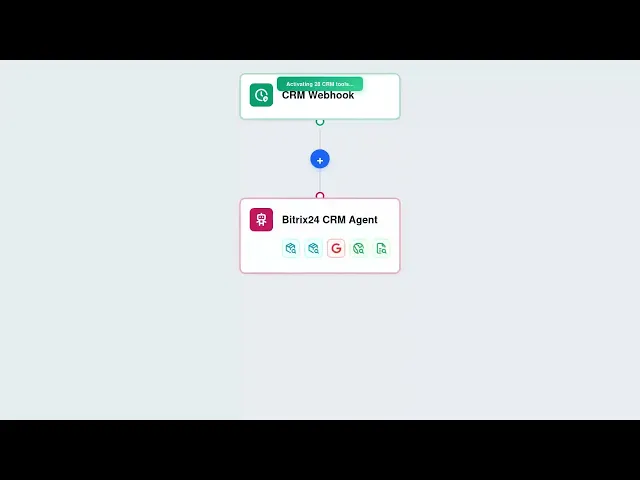




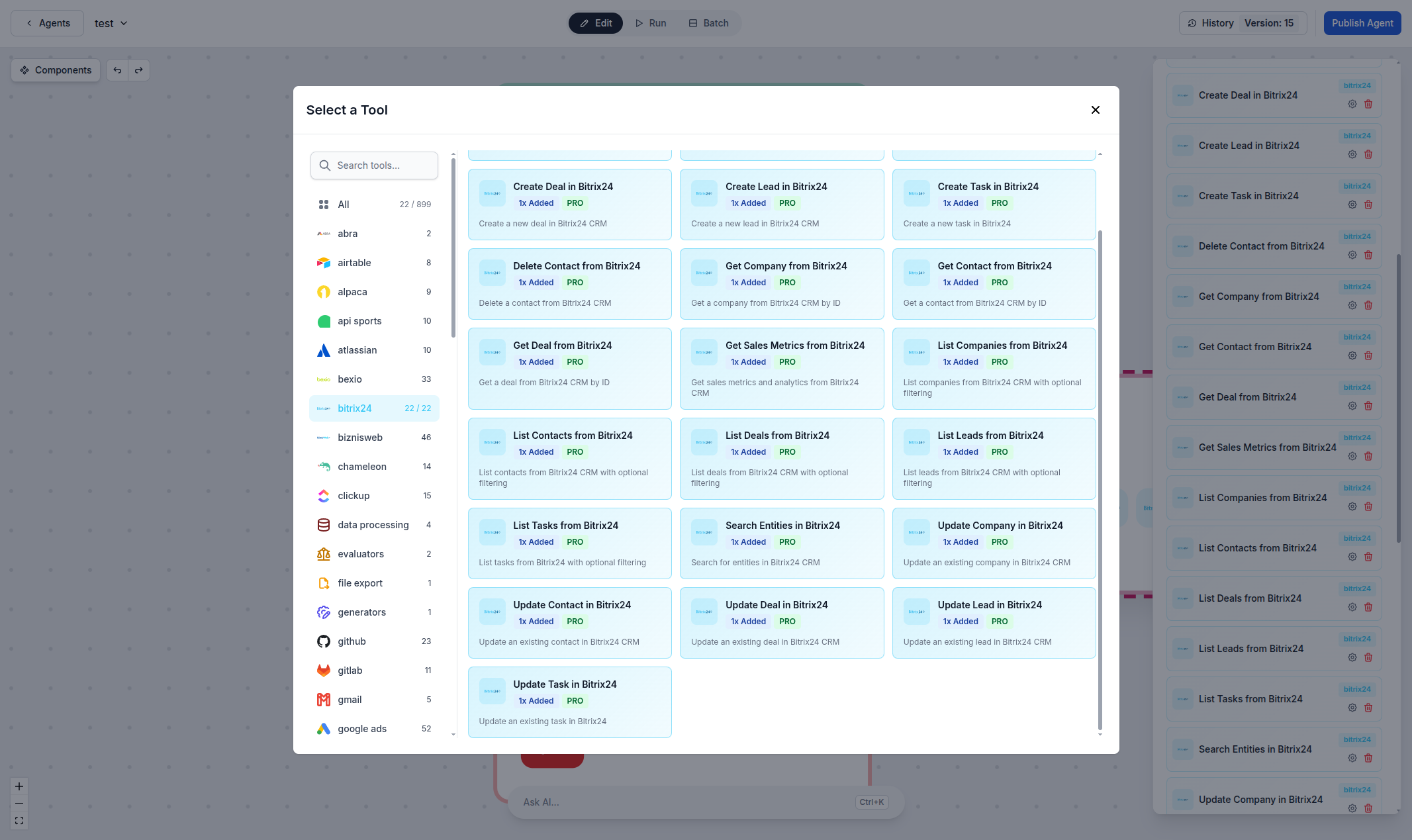
Automated Lead & Deal Management
Create, update, and manage leads and deals directly from AI workflows. Whether you're qualifying prospects, moving deals through your pipeline, or updating deal stages, FlowHunt's Bitrix24 integration lets you automate the entire sales lifecycle with natural language commands and intelligent triggers.
- Lead & Deal Management:
- Create, update, and track leads and deals directly through AI workflows—no manual CRM navigation needed.
- Pipeline Automation:
- Automatically qualify leads, move deals through stages, and trigger follow-up actions based on deal status changes.
- Example:
- An AI agent monitors incoming leads, scores them based on criteria, and automatically creates deals for high-quality prospects.
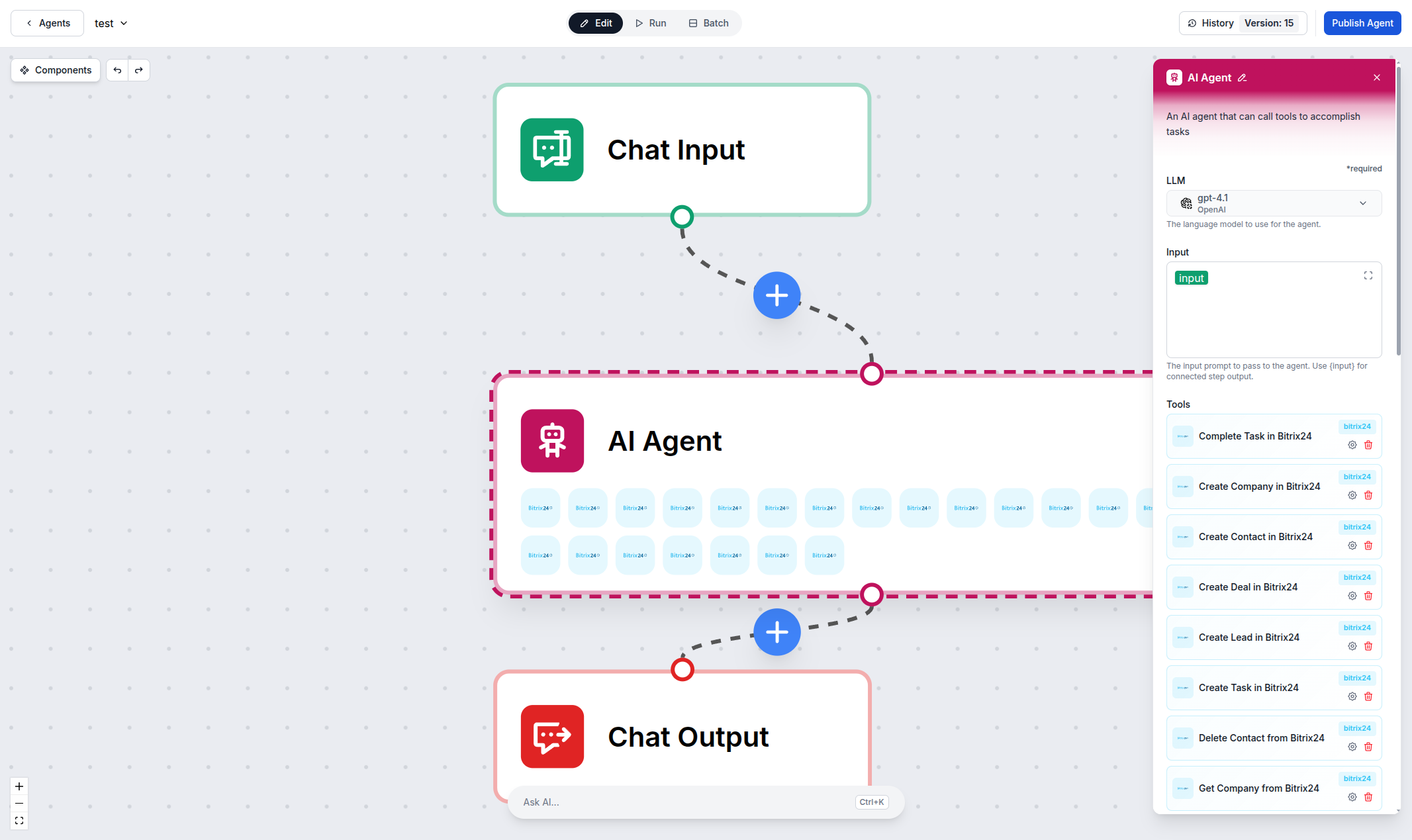
Contact & Company Management
Automate your contact and company management with AI. Create, update, search, and organize contacts and companies programmatically—enrich records, deduplicate entries, and keep your CRM data clean and up-to-date without manual data entry.
- Contact Management:
- Create and update contacts and companies automatically—from lead capture forms to CRM enrichment workflows.
- Smart Search:
- Find contacts, companies, and deals instantly using natural language queries across your entire Bitrix24 CRM.
- Example:
- An AI workflow enriches new contacts with company data, assigns them to the right sales rep, and creates follow-up tasks automatically.
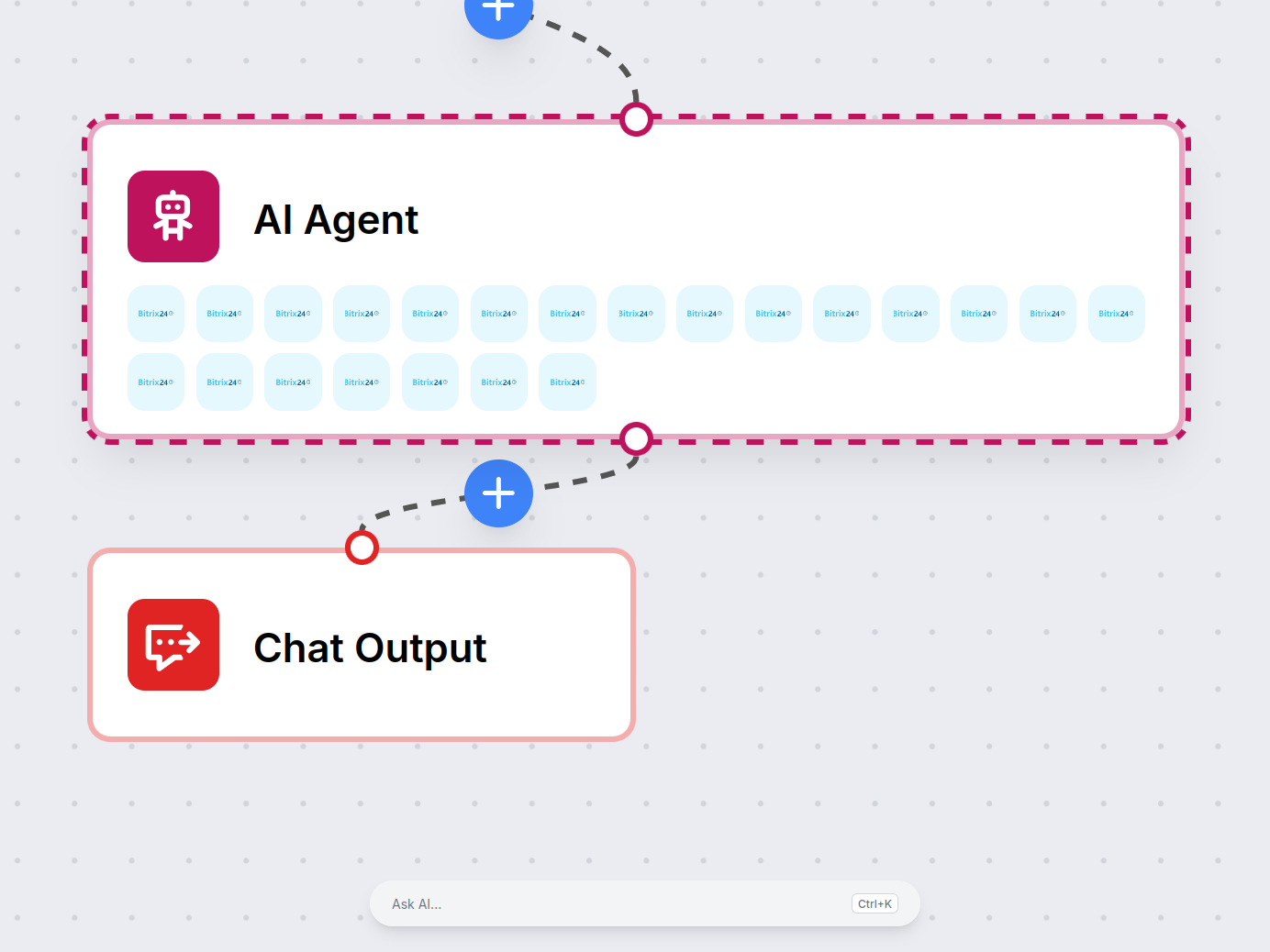
Sales Analytics & Task Automation
Go beyond manual CRM management. Build AI-powered workflows that track sales metrics, automate task creation, generate performance reports, and keep your team productive—all running autonomously based on your sales processes.
- Sales Metrics:
- Pull sales metrics and analytics from Bitrix24 to generate reports, track KPIs, and identify trends automatically.
- Task Automation:
- Create, assign, and complete tasks programmatically—automate follow-ups, reminders, and team assignments.
- Example:
- An AI agent generates weekly sales reports by pulling deal data, win rates, and pipeline metrics from Bitrix24.
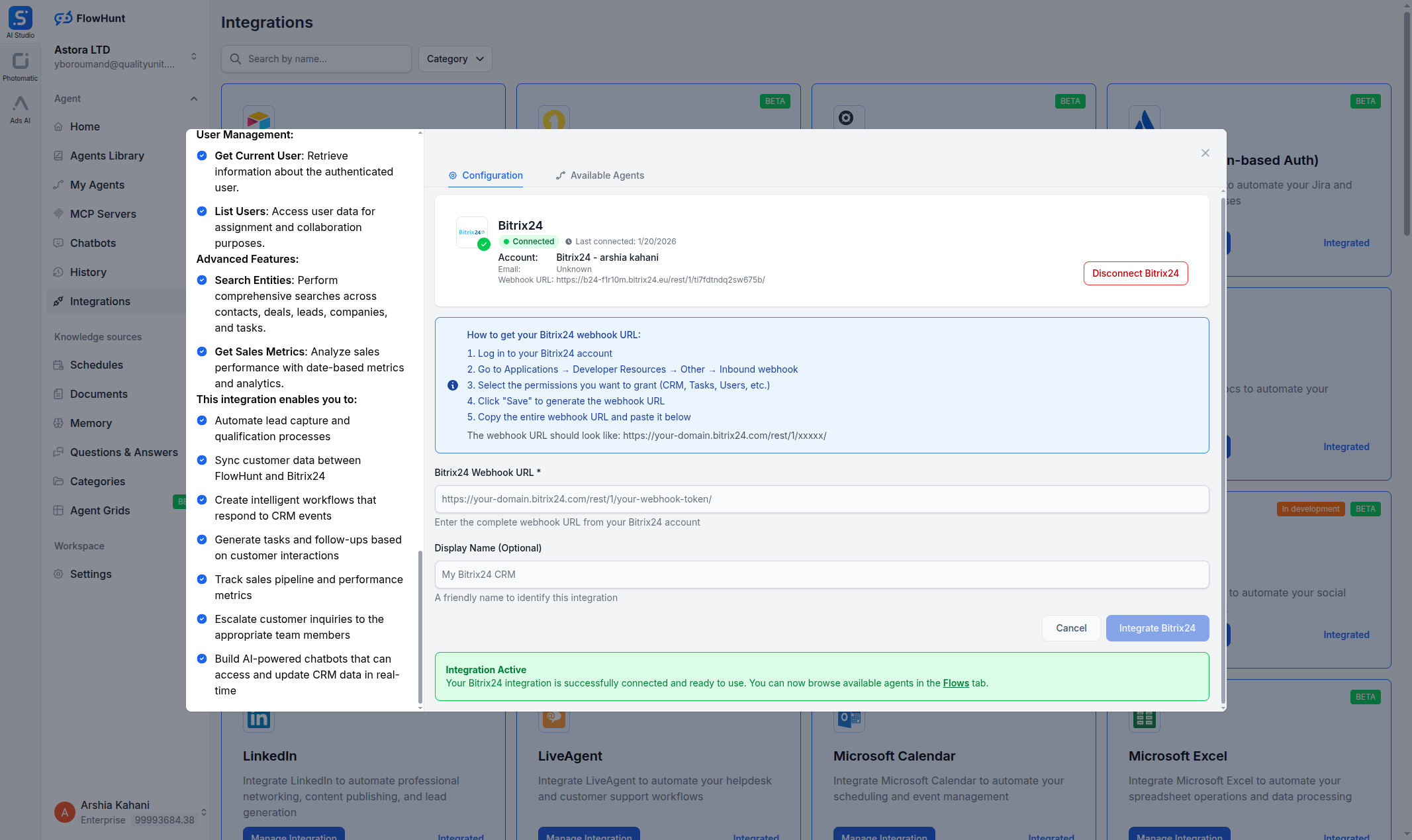
Step 1
Open the Integrations Page
Log in to your FlowHunt account and navigate to the Integrations page from the sidebar menu. Find Bitrix24 in the list and click the Manage Integration button.
- Find Bitrix24:
- In the Integrations page, find the Bitrix24 card and click Manage Integration to open the setup dialog.
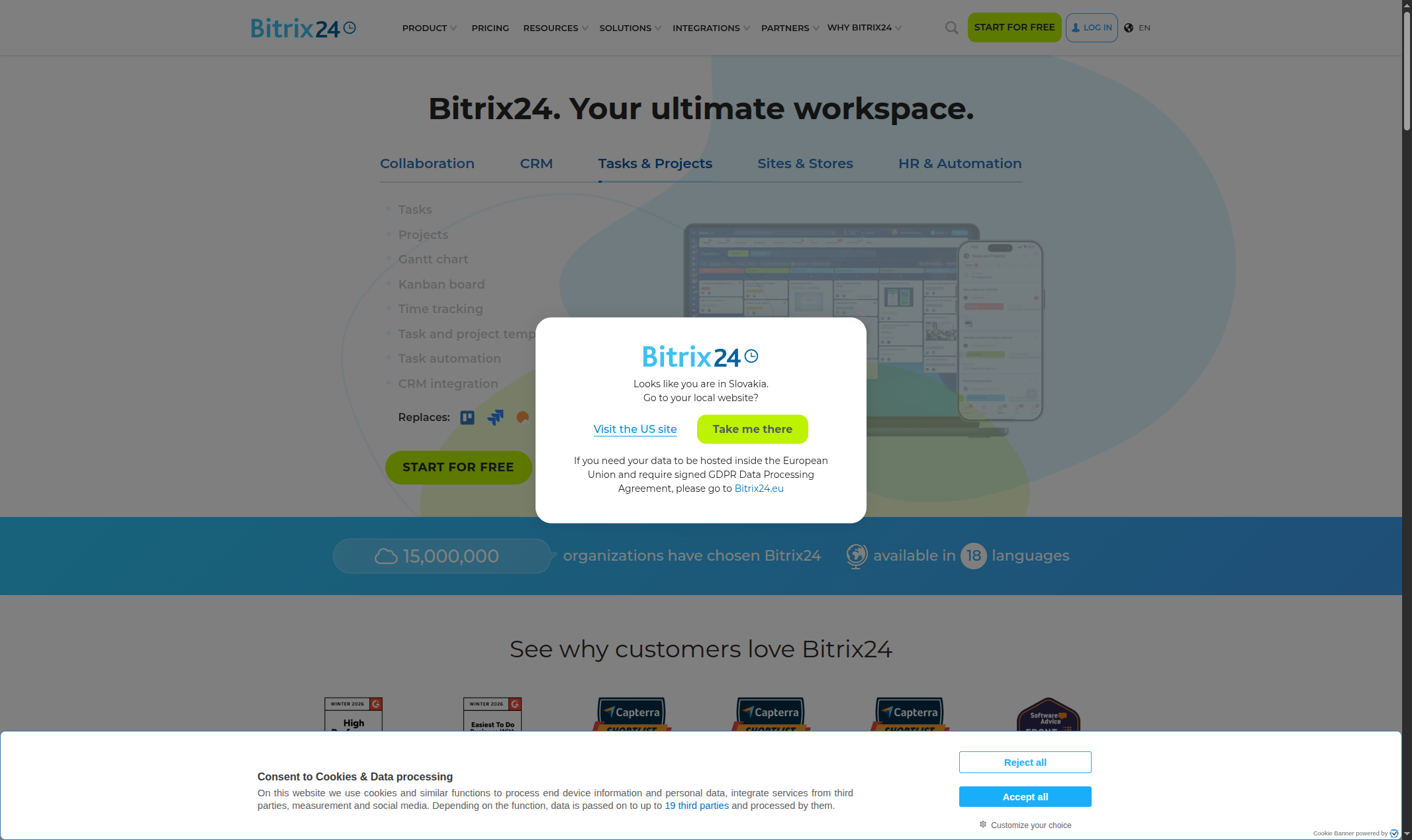
Step 2
Get Your Bitrix24 Webhook URL
Go to your Bitrix24 workspace and navigate to Developer resources or Webhooks in the settings. Create an inbound webhook with the required CRM permissions and copy the webhook URL.
- Create a Webhook:
- Generate a webhook URL from your Bitrix24 workspace settings with the necessary CRM permissions.
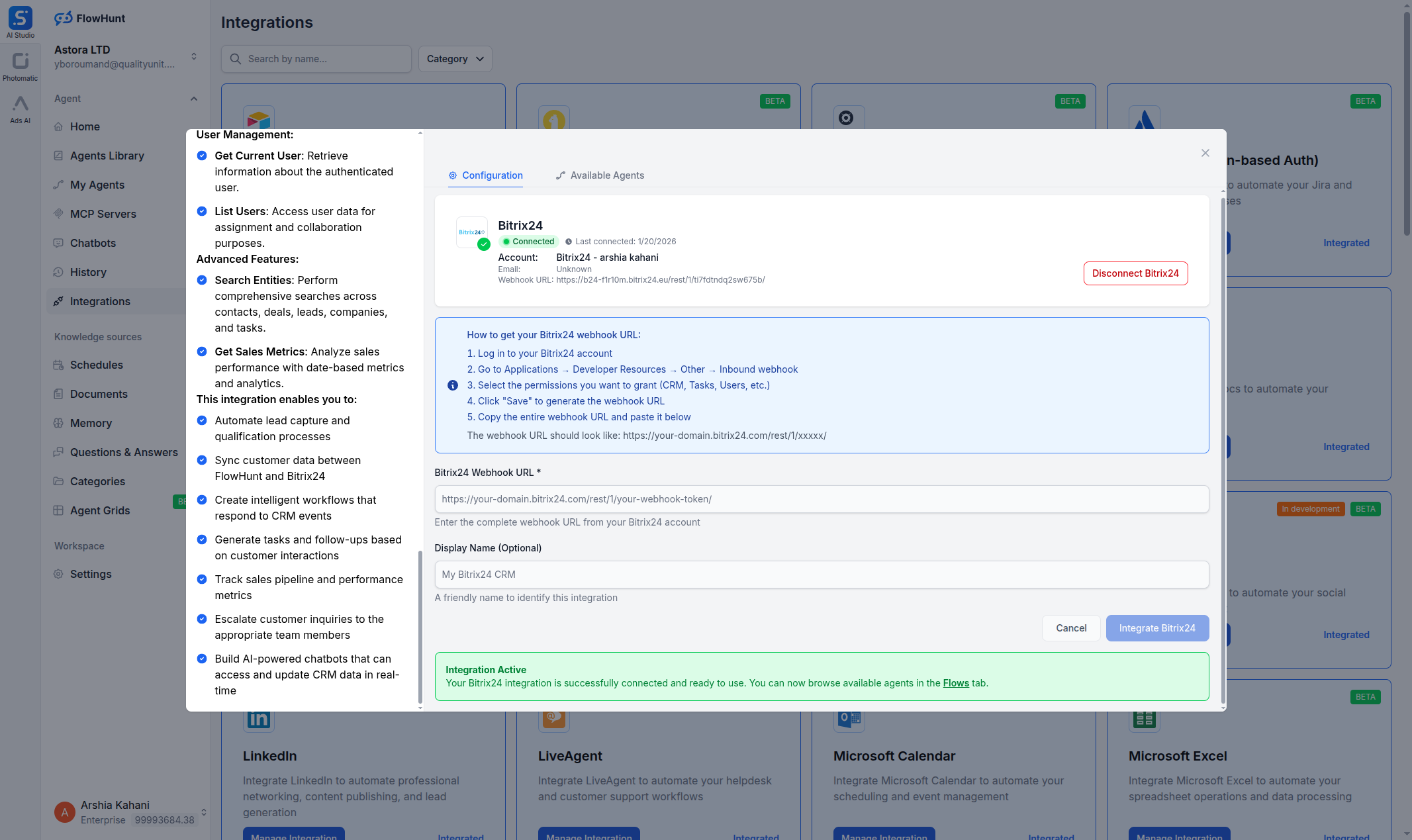
Step 3
Connect Bitrix24 in FlowHunt
Back in the FlowHunt Bitrix24 dialog, enter your Bitrix24 Webhook URL. Click Integrate to establish the connection between FlowHunt and your Bitrix24 workspace.
- Connect Your CRM:
- Enter your Bitrix24 webhook URL and click Integrate to connect your CRM workspace.
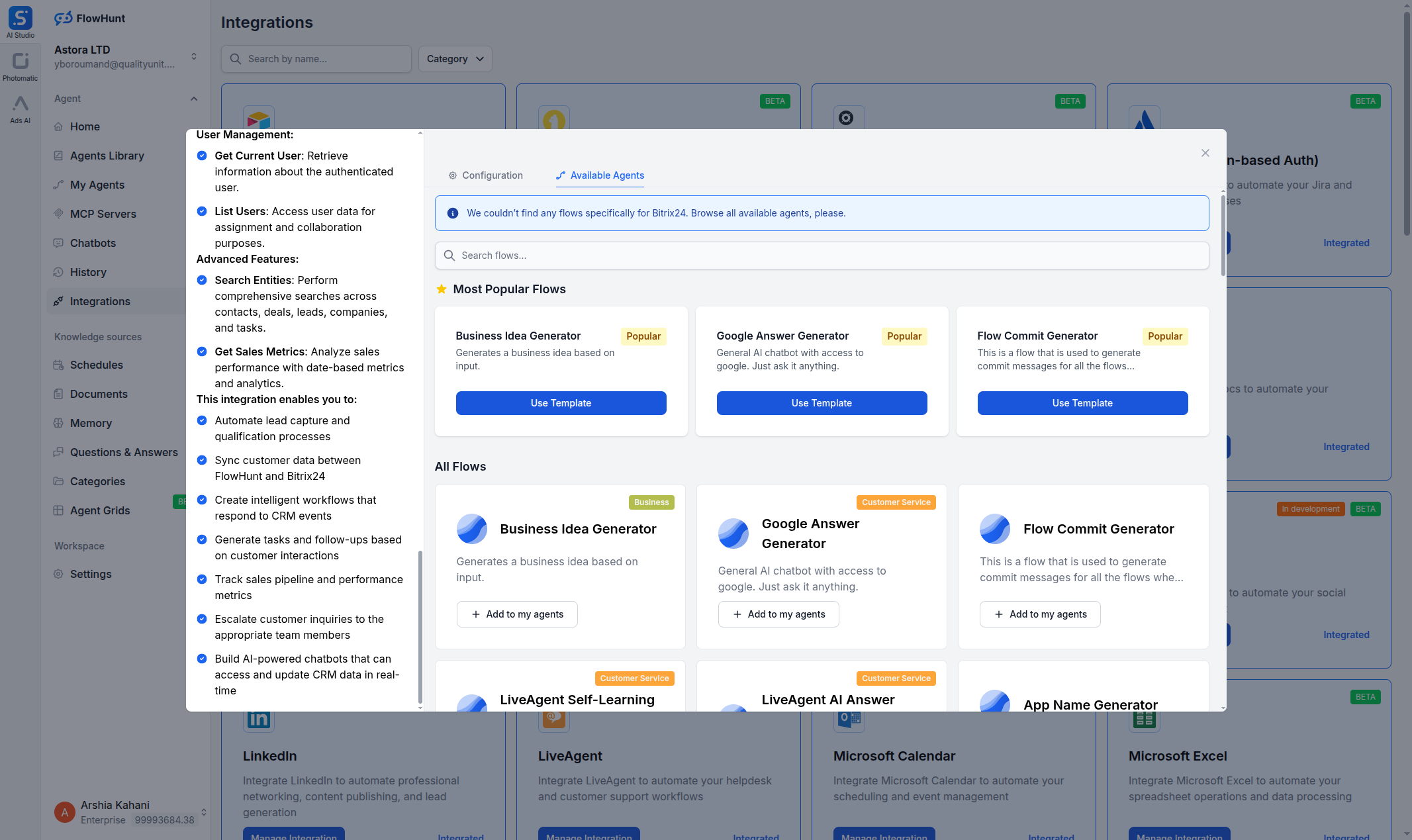
Step 4
Start Building CRM Workflows
Once connected, switch to the Available Agents tab to browse flow templates, or build a custom flow using Bitrix24 components in the flow builder.
- Connected!:
- Your Bitrix24 CRM is now linked to FlowHunt. Pick a template or build a custom sales automation workflow.
Use Cases & Flows
Everything You Can Do with FlowHunt + Bitrix24
A complete overview of available use cases, flow templates, and capabilities for the Bitrix24 integration:
- Automated Lead Qualification
- AI agents analyze incoming leads, score them based on criteria, and automatically create deals for high-quality prospects.
- Deal Pipeline Management
- Move deals through pipeline stages automatically based on activity, follow-ups, and engagement signals.
- Contact Enrichment
- Enrich new contacts with company data, social profiles, and industry information automatically.
- Sales Report Generation
- Generate weekly or monthly sales reports pulling deal data, win rates, and pipeline metrics from Bitrix24.
- Task Automation
- Create follow-up tasks automatically when deals change stages, new leads arrive, or contacts need attention.
- Cross-Platform Sync
- Sync Bitrix24 CRM data with other tools like Slack, email, or project management systems.
- Customer Onboarding
- Automate new customer onboarding workflows—create tasks, send welcome emails, and set up accounts.
- Custom AI Workflows
- Combine Bitrix24 components with LLMs, web search, and other integrations for any CRM automation need.