
AI Agent for LinkedIn
Deploy AI agents that connect directly to your LinkedIn account—automate content publishing, retrieve profile and company data, analyze post engagement, and manage your professional presence. FlowHunt handles the repetitive LinkedIn work so your team can focus on building meaningful connections and growing your brand.
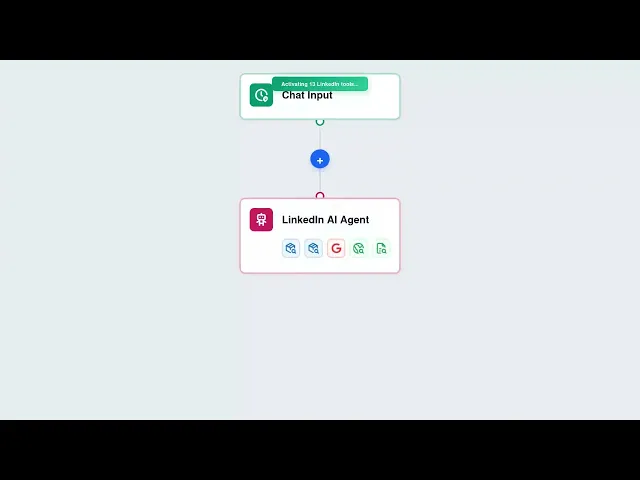




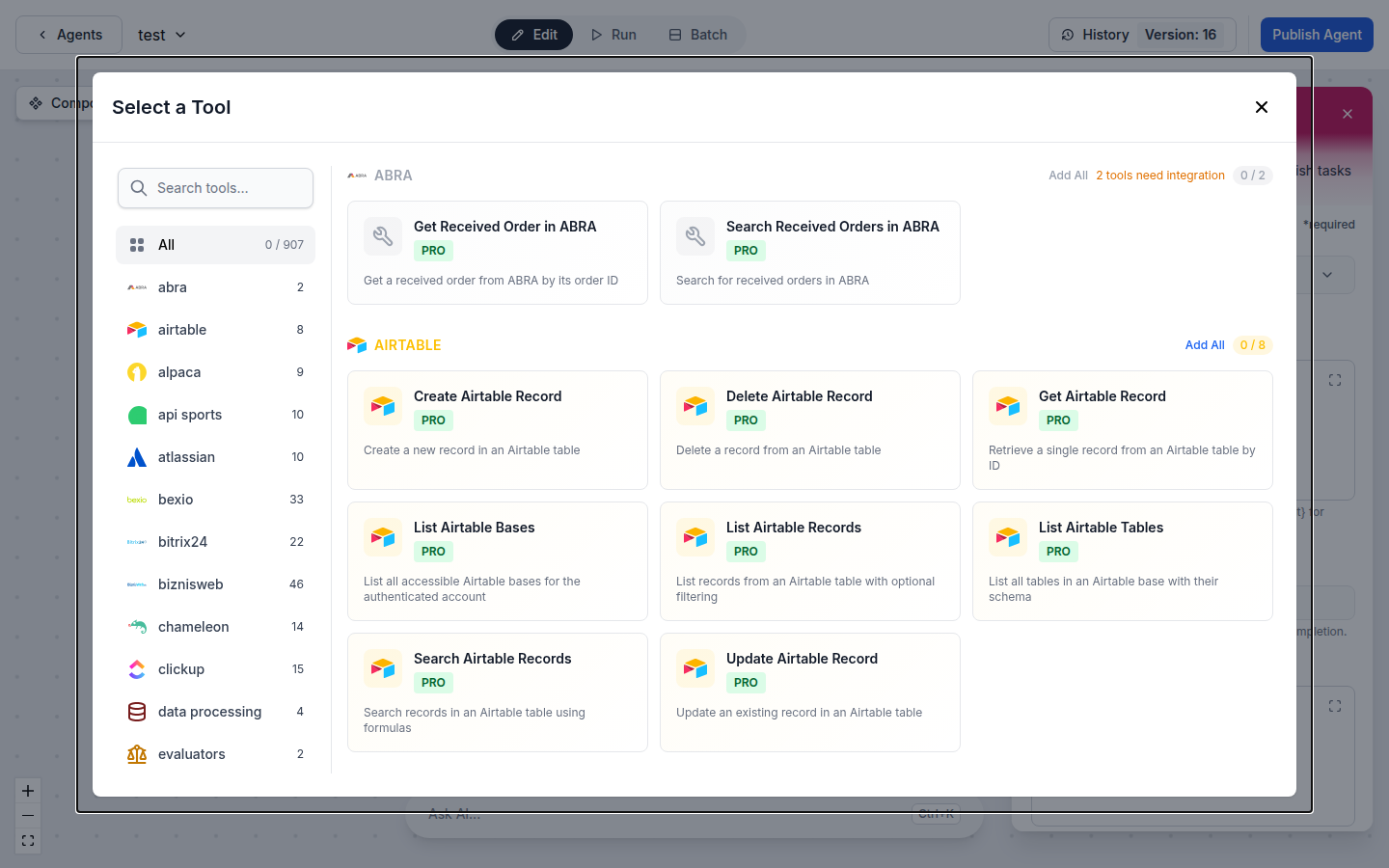
Automate LinkedIn Content Publishing
Create and publish posts directly from AI workflows. Whether you're running thought leadership campaigns, scheduling announcements, or responding to industry trends, FlowHunt's LinkedIn integration lets you automate every publishing operation with natural language commands.
- Post Publishing:
- Create and publish LinkedIn posts automatically from AI workflows and content calendars.
- Post Management:
- Delete outdated or incorrect posts programmatically as part of content management workflows.
- Post Analytics:
- Retrieve engagement analytics for any post to measure reach, impressions, and interaction rates.
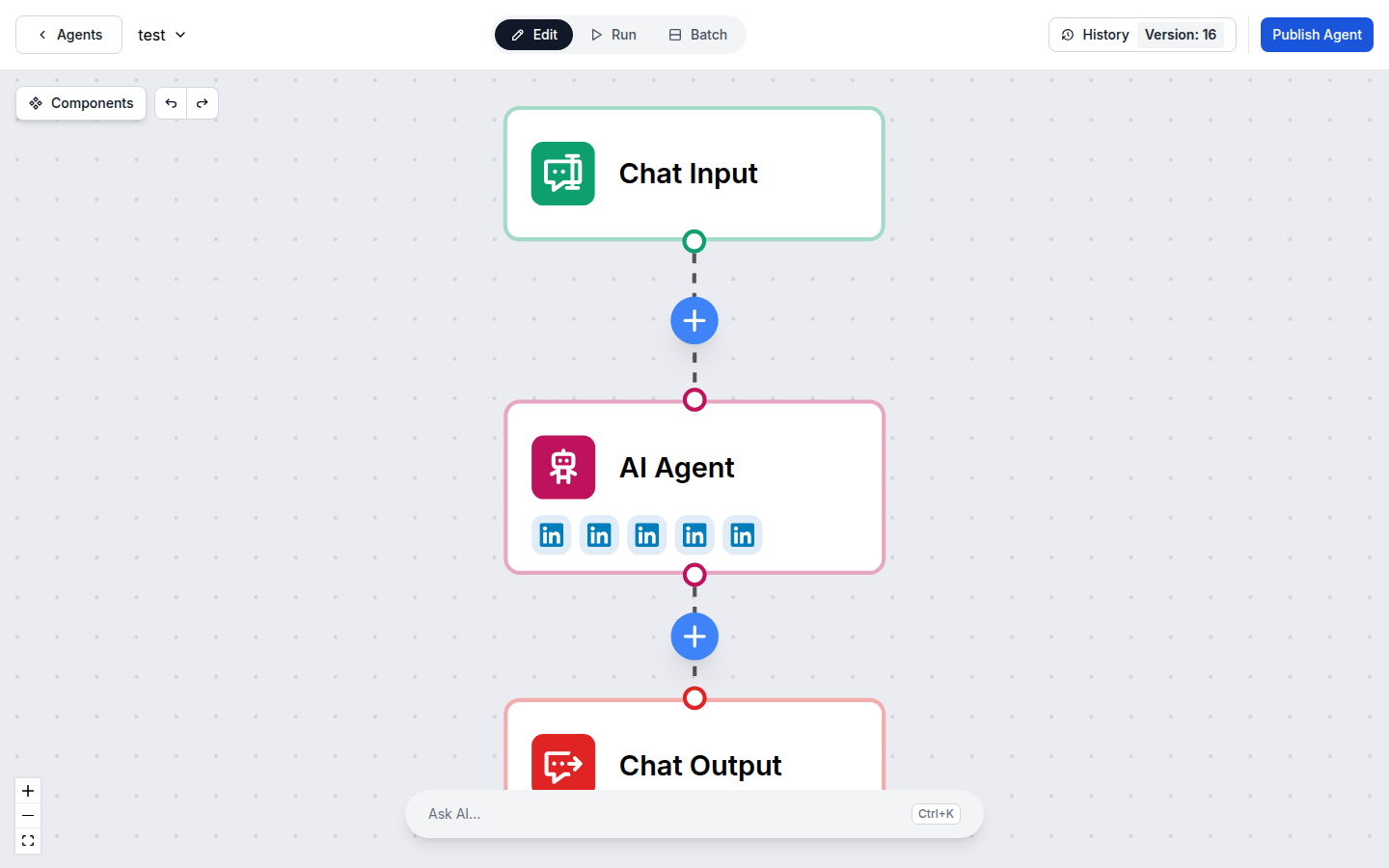
LinkedIn Profile & Company Intelligence
Retrieve authenticated profile data and company information to power data-driven outreach and lead generation strategies. FlowHunt agents pull your LinkedIn data directly into any workflow for enrichment, reporting, or personalization.
- Profile Data:
- Fetch authenticated user profile information to personalize campaigns and workflows.
- Company Information:
- Retrieve LinkedIn company data for competitive research, lead enrichment, and outreach automation.
- Lead Intelligence:
- Combine profile and company data with AI to qualify leads and automate personalized outreach.
Connect in Minutes — OAuth Setup
Setting up the LinkedIn integration takes just a few clicks. Authenticate with your LinkedIn account via OAuth, and your AI agents are ready to manage your professional presence.
- One-Click OAuth:
- Connect your LinkedIn account with a single click via LinkedIn's secure OAuth flow.
- Secure by Design:
- OAuth 2.0 authentication with LinkedIn's permission scoping keeps your account safe.
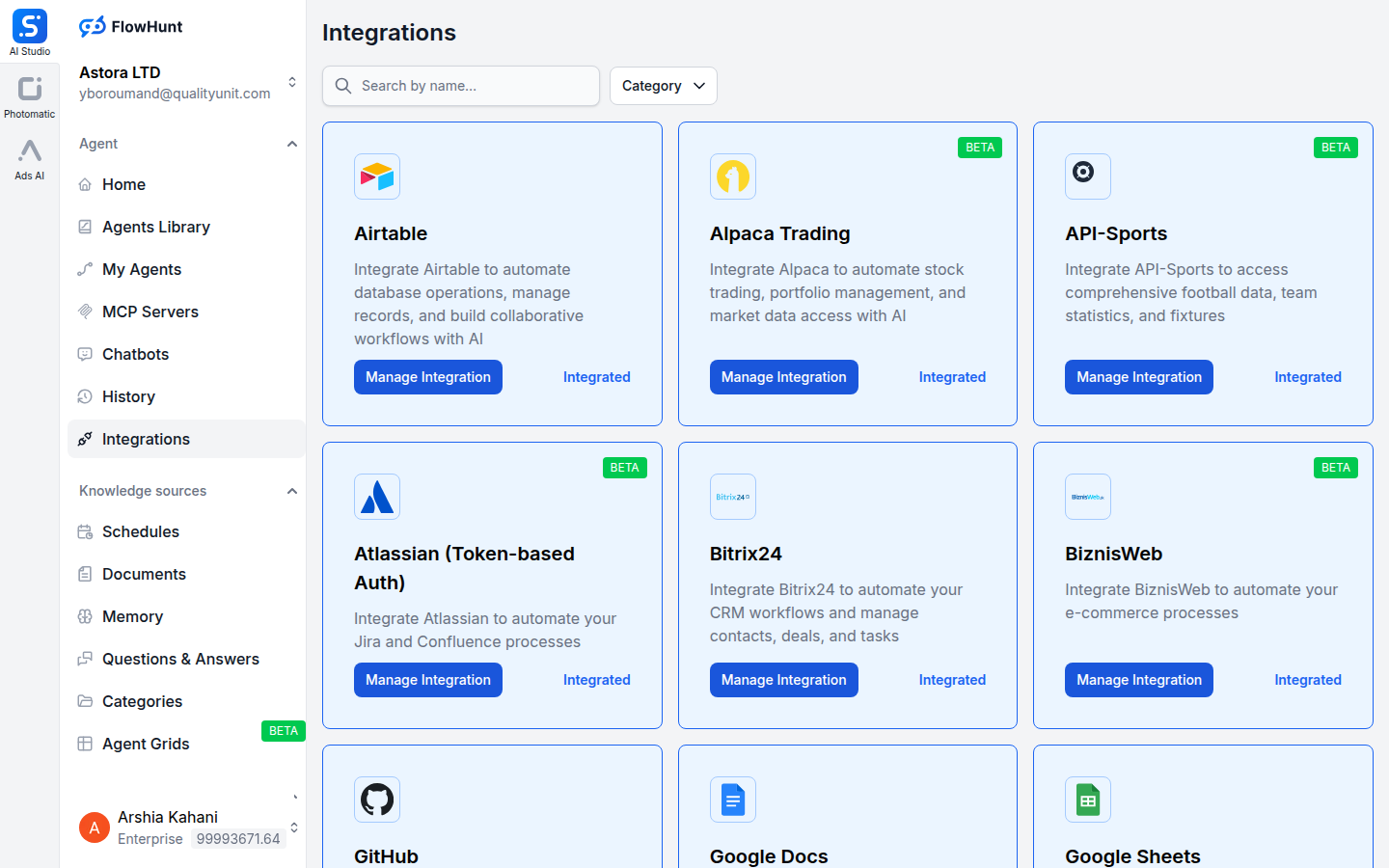
Step 1
Open Integrations
Navigate to the Integrations page in FlowHunt and find LinkedIn.
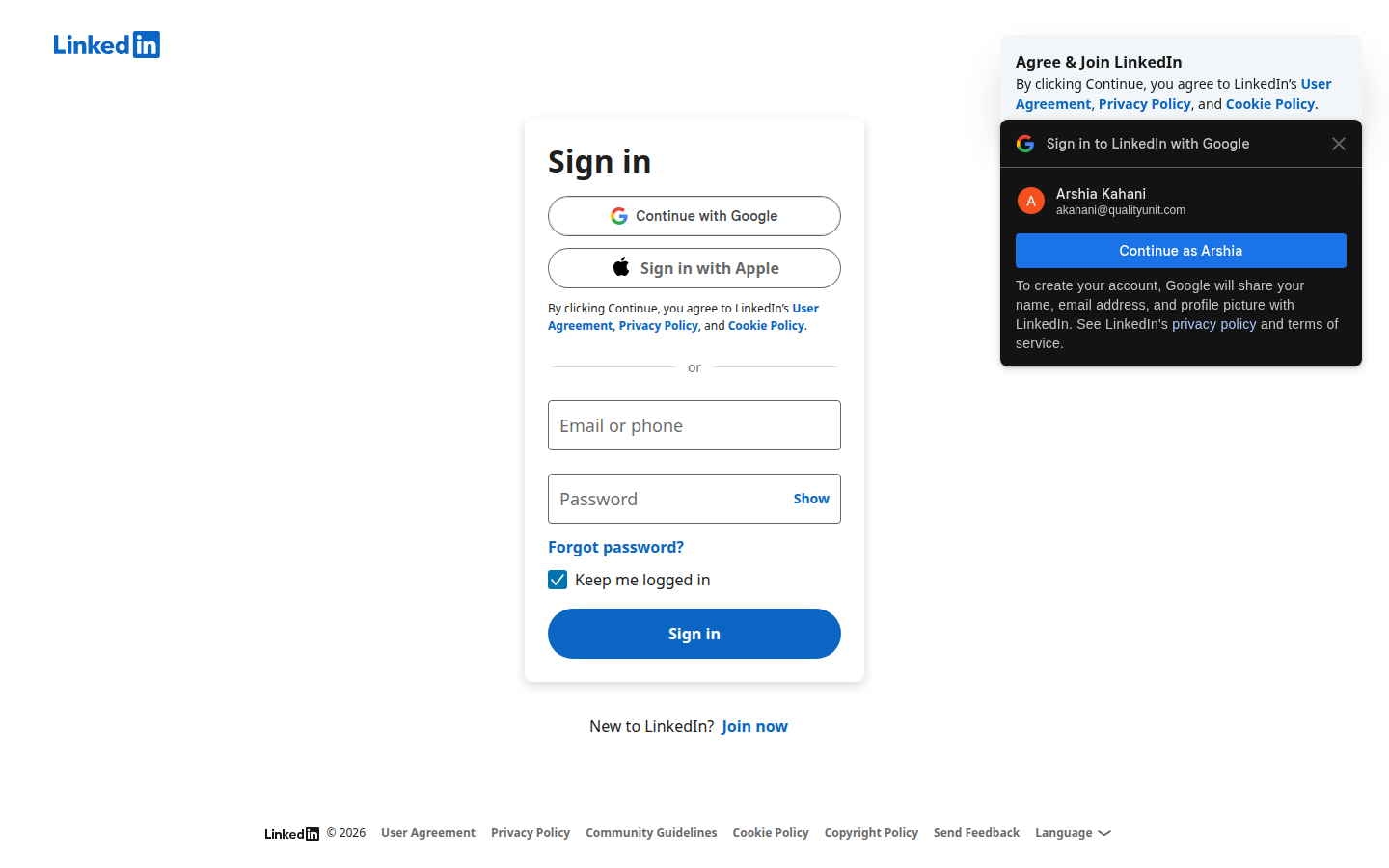
Step 2
Go to LinkedIn
Visit LinkedIn and log into the account you want to connect to FlowHunt.
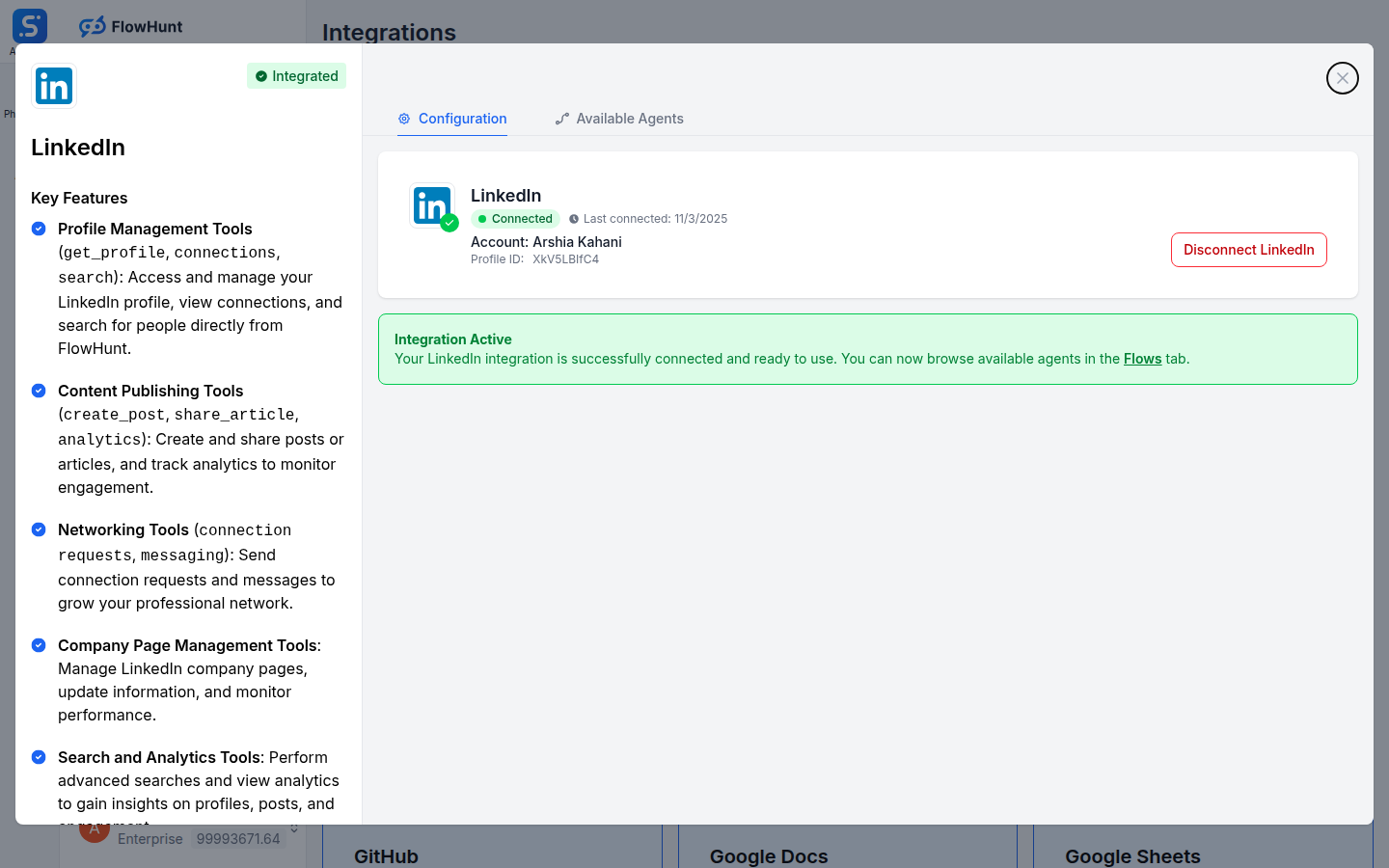
Step 3
Authenticate with LinkedIn
Click Manage Integration on the LinkedIn card and authenticate your account via OAuth.
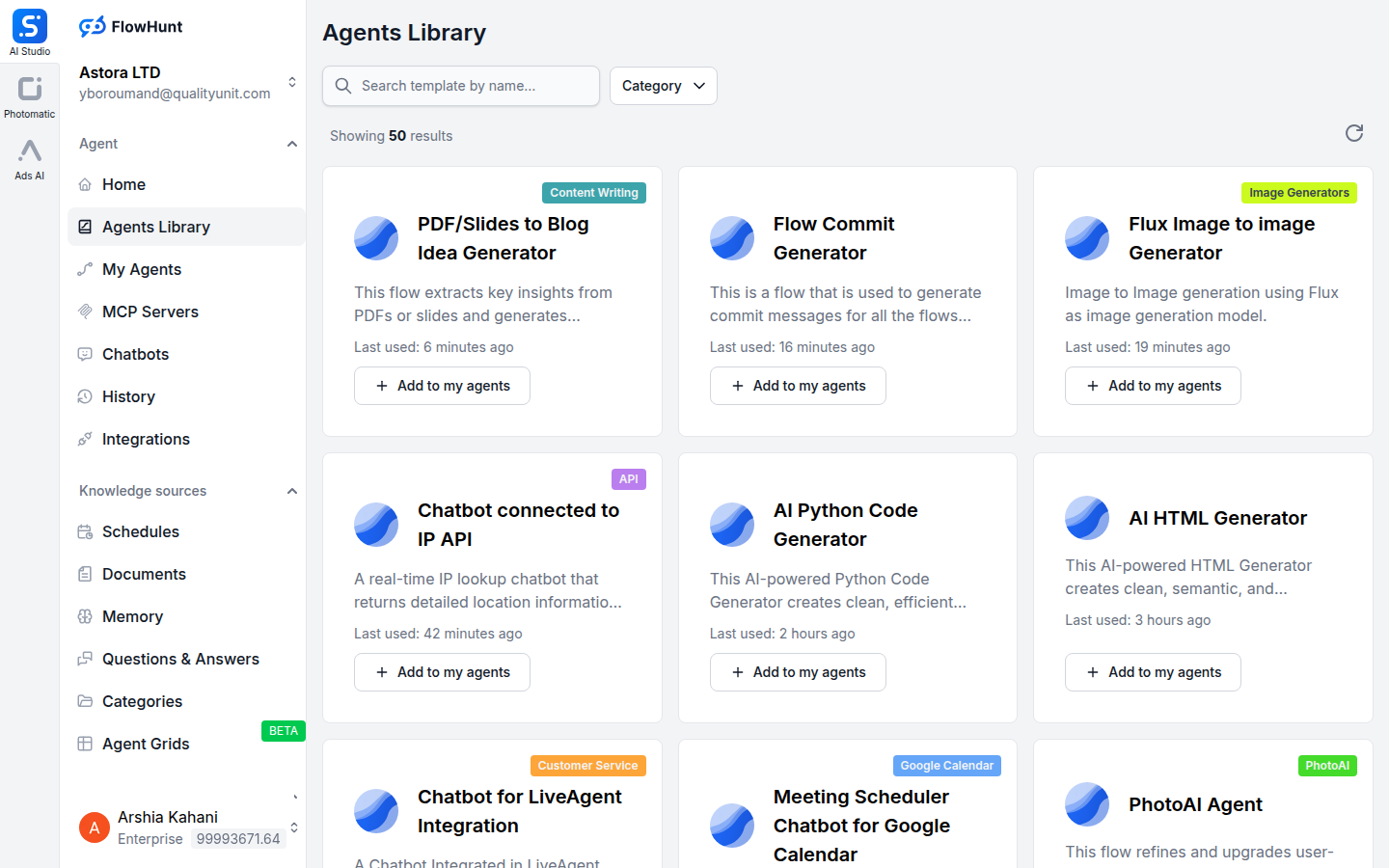
Step 4
Add to Your Agent
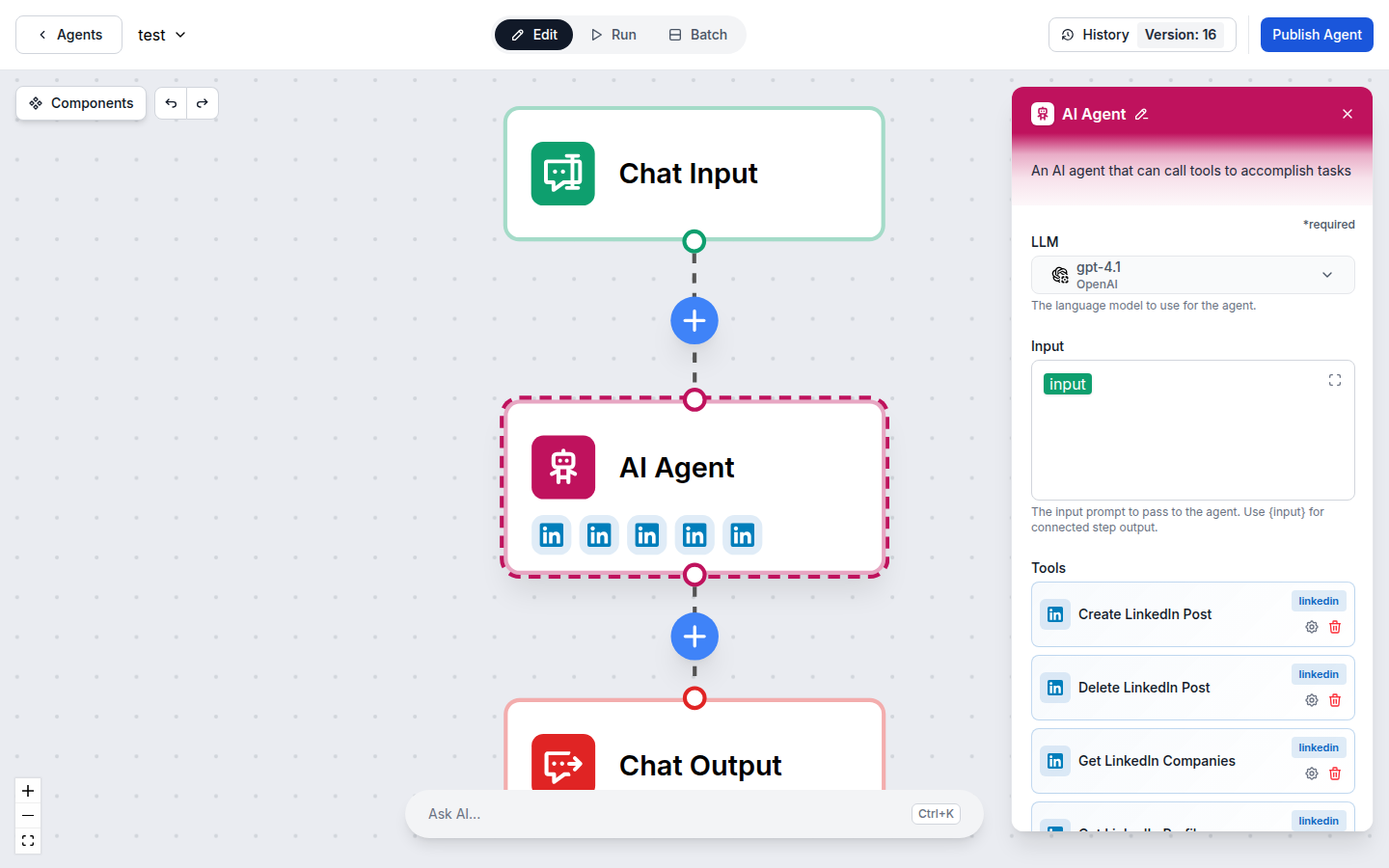
Open any AI Agent, click Add Tool, and select the LinkedIn tools you need.
Use Cases
What You Can Do with LinkedIn + FlowHunt
FlowHunt provides 5 ready-to-use LinkedIn components covering content publishing, analytics, profile data, and company intelligence. Each component can be used as a tool inside an AI agent or as a standalone building block in any custom flow.
- Automated Content Publishing
- AI agents create and publish LinkedIn posts based on your content calendar, news triggers, or campaign rules.
- Post Performance Tracking
- Automatically retrieve engagement analytics for posts to fuel reporting and content strategy workflows.
- Lead Enrichment
- Fetch LinkedIn profile and company data to enrich CRM records and personalize outreach sequences.
- Thought Leadership Automation
- Combine LinkedIn publishing tools with LLMs to generate and post AI-written thought leadership content.
- Competitive Intelligence
- Retrieve company information from competitor LinkedIn profiles for market research workflows.
- Content Cleanup
- Delete outdated or off-brand posts automatically as part of content governance workflows.
- Profile-Driven Personalization
- Use authenticated profile data to personalize marketing campaigns and AI agent responses.
- Multi-Account Management
- Manage multiple LinkedIn accounts from a single FlowHunt workspace with centralized AI workflows.
All 5 LinkedIn Components
Every LinkedIn tool available in FlowHunt — use them as AI agent tools or standalone flow components.
| Component | Description |
|---|---|
| Create LinkedIn Post | Create and publish a new post on LinkedIn. |
| Delete LinkedIn Post | Delete an existing post from LinkedIn. |
| Get LinkedIn Companies | Retrieve company information from LinkedIn. |
| Get Post Analytics | Get engagement analytics for a LinkedIn post. |
| Get LinkedIn Profile | Get the authenticated user’s LinkedIn profile information. |