
AI Agent for Microsoft Calendar
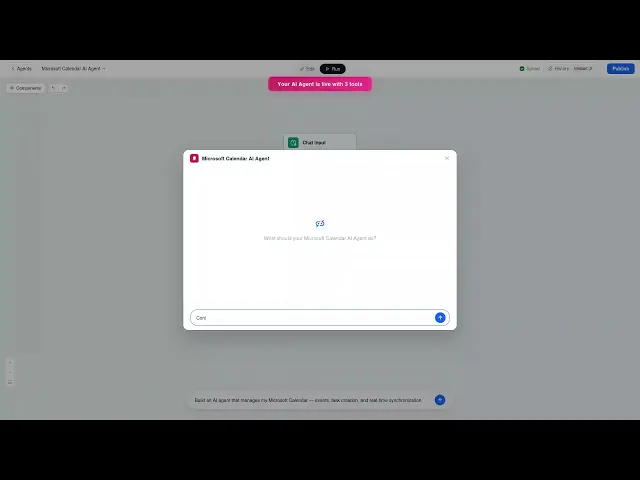
Automate your scheduling with AI. FlowHunt connects directly to Microsoft Calendar so AI agents can create events, list upcoming meetings, query your calendars, update existing events, and manage your schedule — all triggered automatically or through natural language commands.




Full Calendar Control via AI
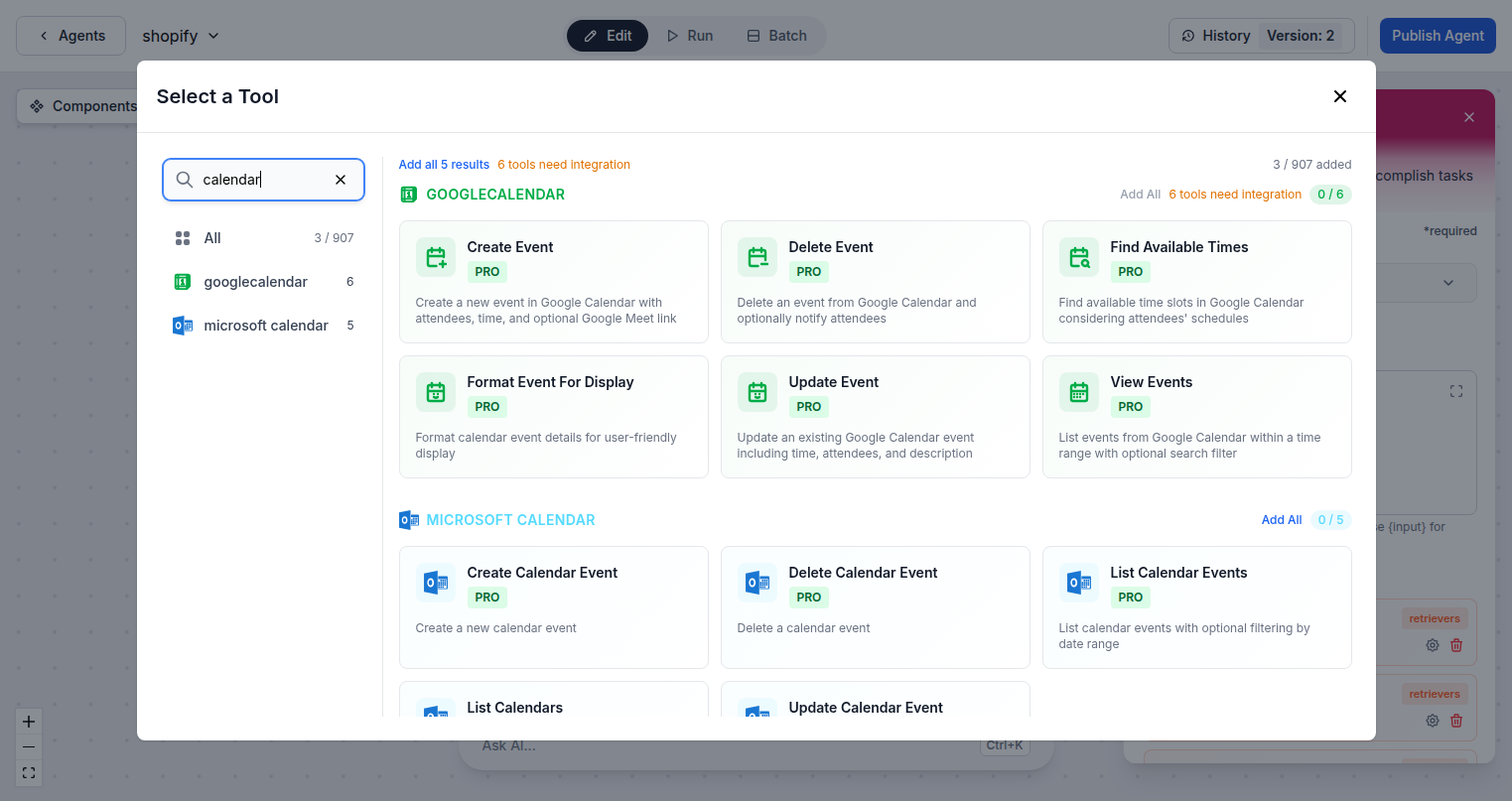
FlowHunt gives your AI agents complete access to Microsoft Calendar through the Graph API. Create new events with attendees and locations, list events within date ranges, update existing meetings, delete cancelled events, and query all available calendars — all through intelligent automation.
- Create and Update Events:
- AI agents create calendar events with full details — title, time, attendees, location, and notes — and update them as plans change.
- Query Your Schedule:
- List upcoming events within any date range and search across multiple calendars to check availability and plan ahead.
- Multi-Calendar Access:
- Access all calendars in your Microsoft account — personal, shared, and group calendars — from a single AI agent.
AI-Driven Scheduling Workflows
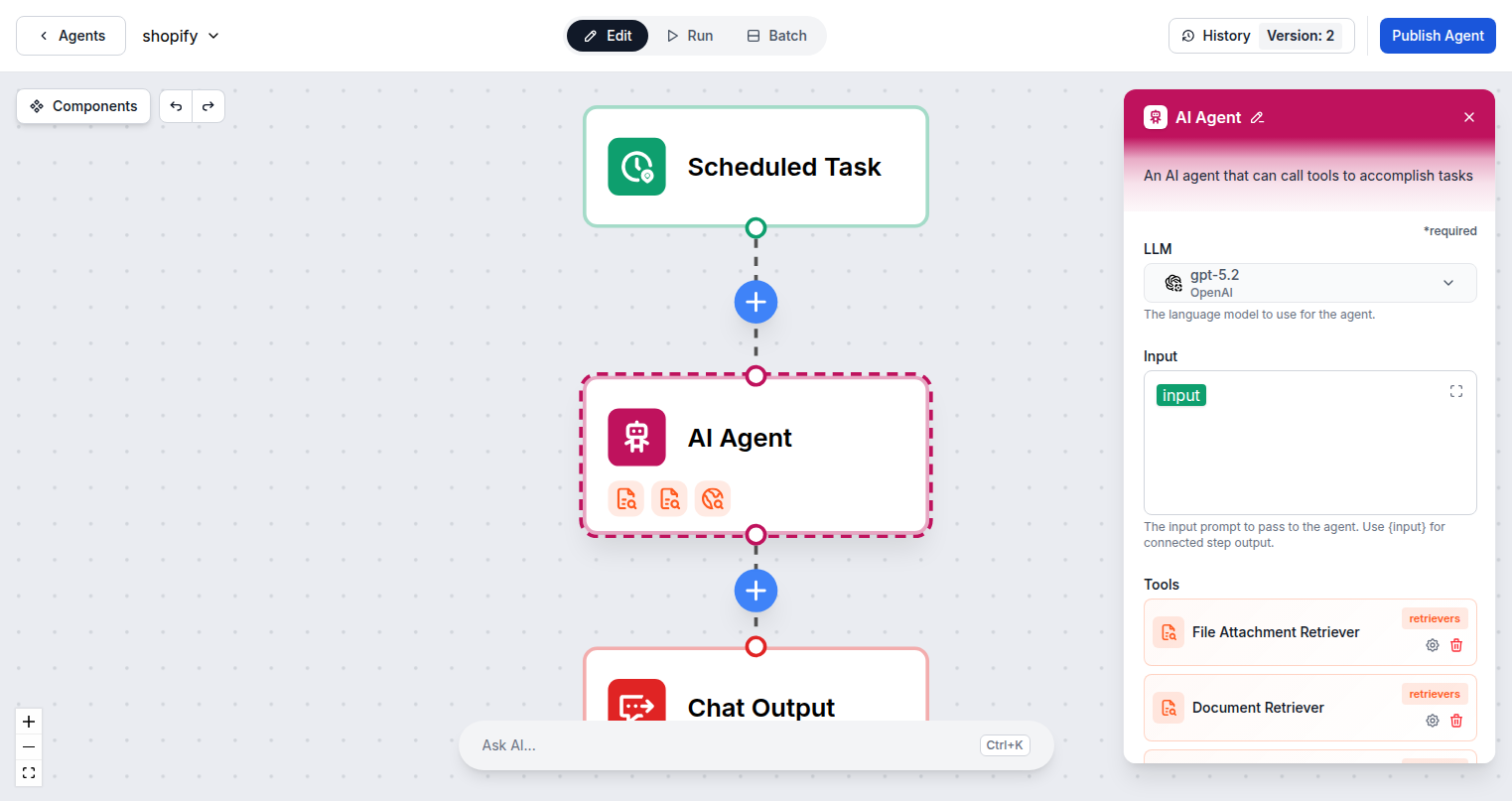
Connect FlowHunt to Microsoft Calendar and build workflows that handle scheduling automatically. Book meetings from form submissions, create follow-up events after calls, block time based on task priorities, and keep your calendar in sync with everything else in your workflow stack.
- Auto-Book from Triggers:
- Automatically schedule calendar events when a form is submitted, a deal is closed, or any other trigger fires in your workflow.
- Cross-System Sync:
- Create calendar events based on CRM updates, project milestones, or any event across your connected integrations.
- Schedule Management:
- Update, reschedule, or cancel events programmatically as plans evolve — keeping your calendar always accurate.
One Microsoft Login — Instant Access
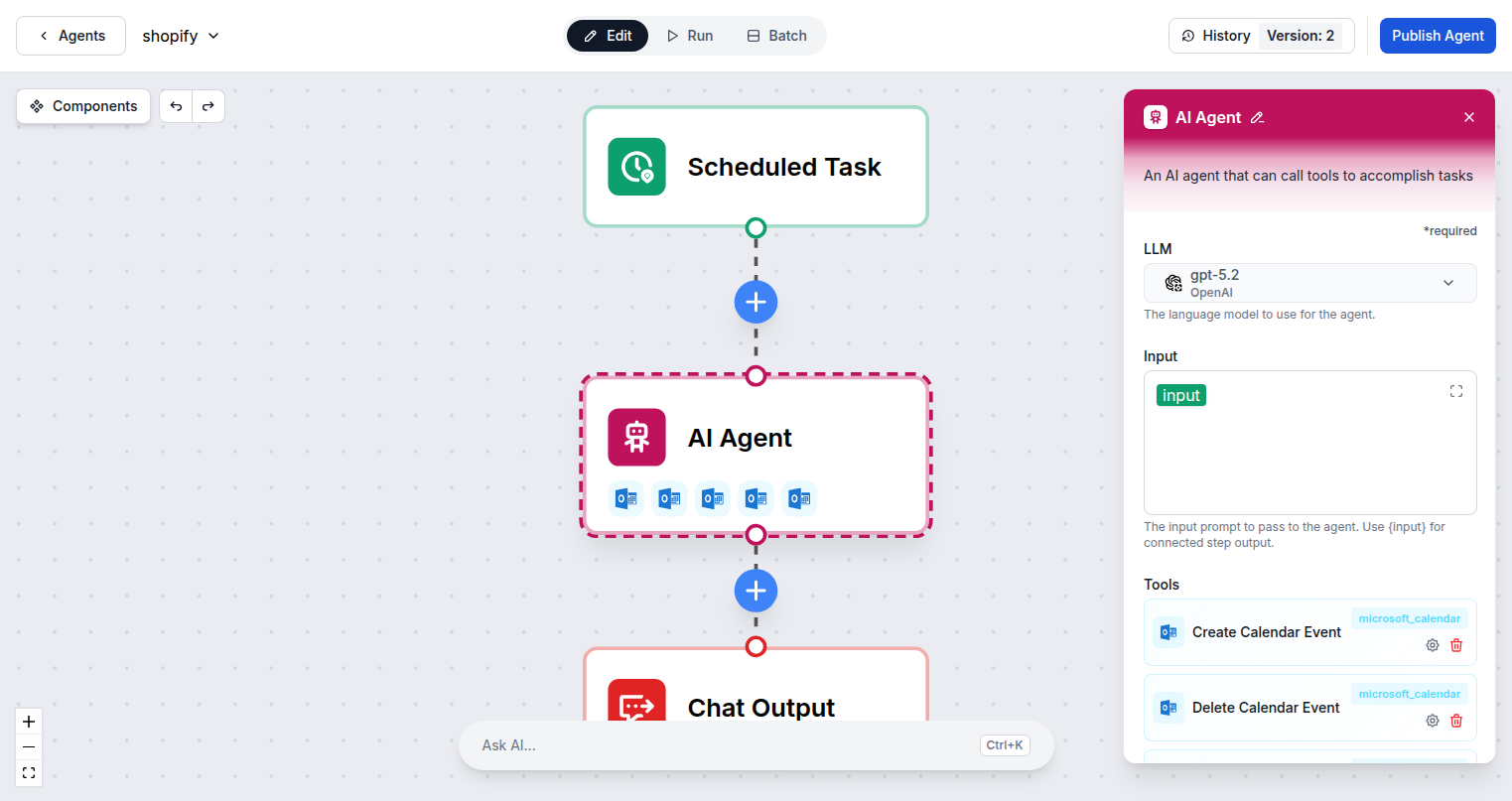
Connecting FlowHunt to Microsoft Calendar requires only your Microsoft account. Sign in once via standard OAuth and all 5 Calendar tool actions are immediately available to add to any AI agent flow in your workspace.
- OAuth Sign-In:
- One Microsoft sign-in connects FlowHunt — shared across all Microsoft 365 integrations in your account.
- 5 Calendar Actions:
- Create, list, update, and delete events plus list all available calendars in your account.
- Microsoft Graph API:
- Built on the official Graph API for secure, reliable, and enterprise-grade calendar automation.
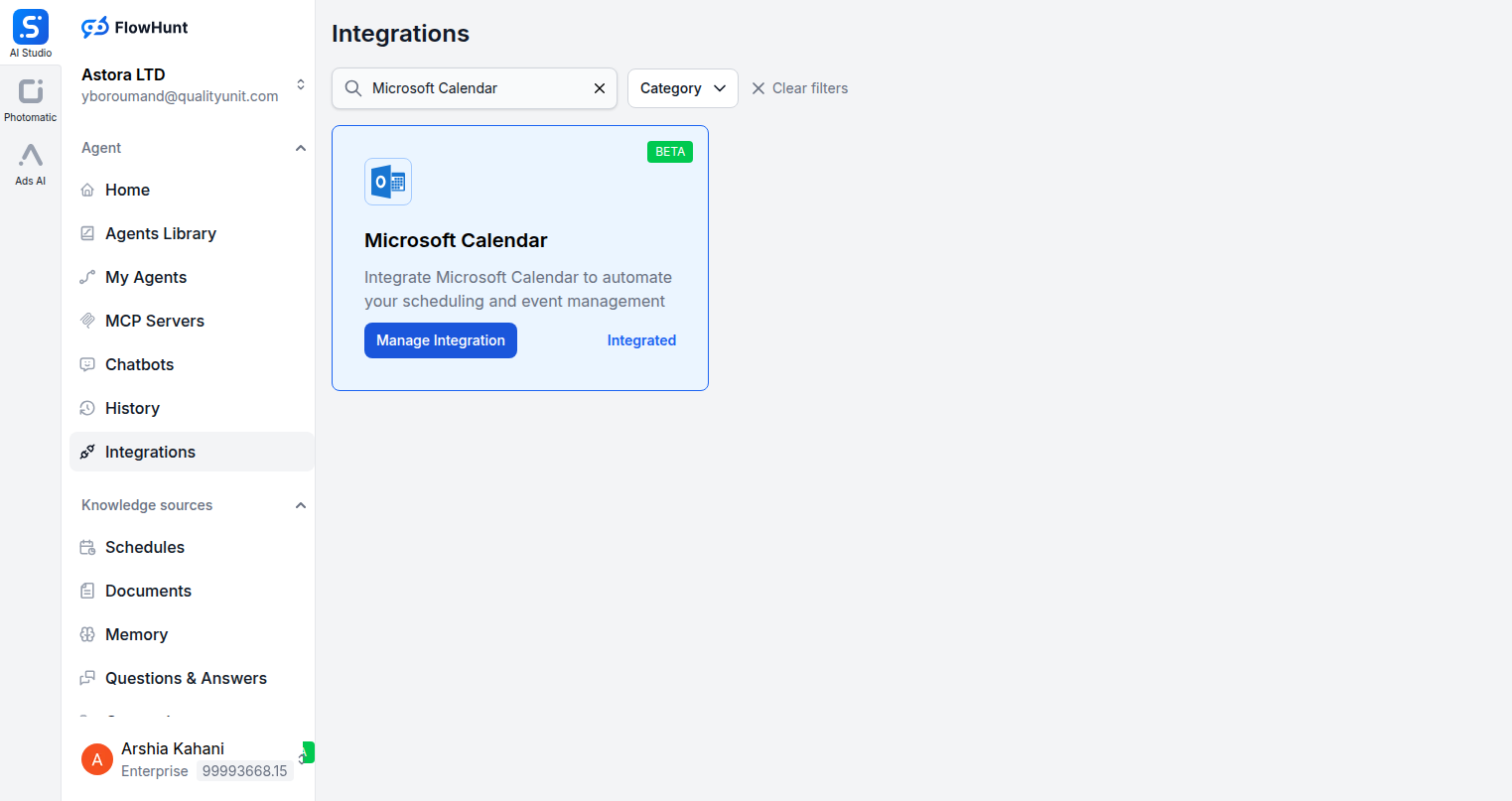
Step 1
Open Integrations
Navigate to the Integrations page in FlowHunt and find Microsoft Calendar.
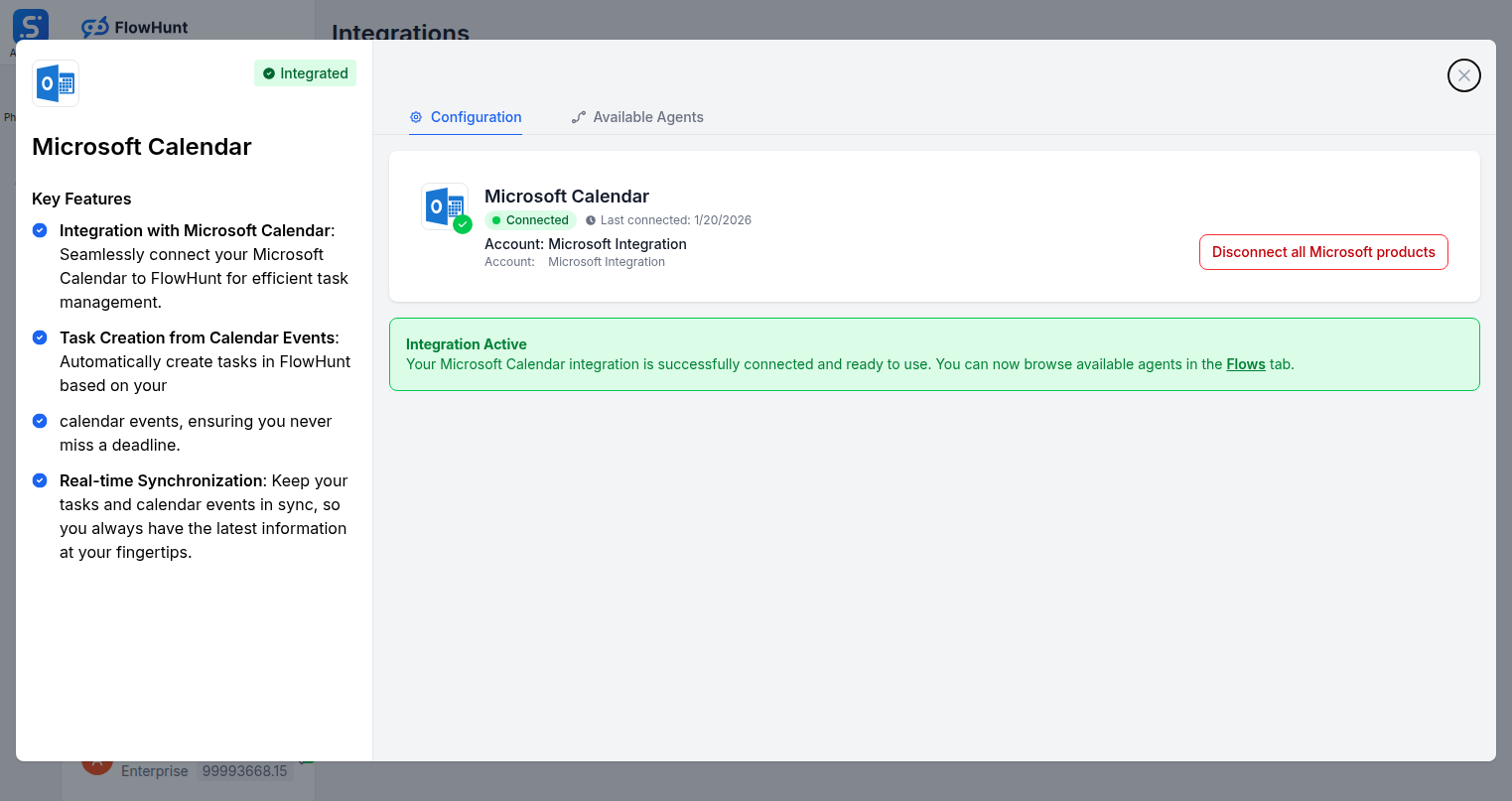
Step 2
Connect Microsoft Calendar
Click Manage Integration on the Microsoft Calendar card and sign in with your Microsoft account to authorize the connection.
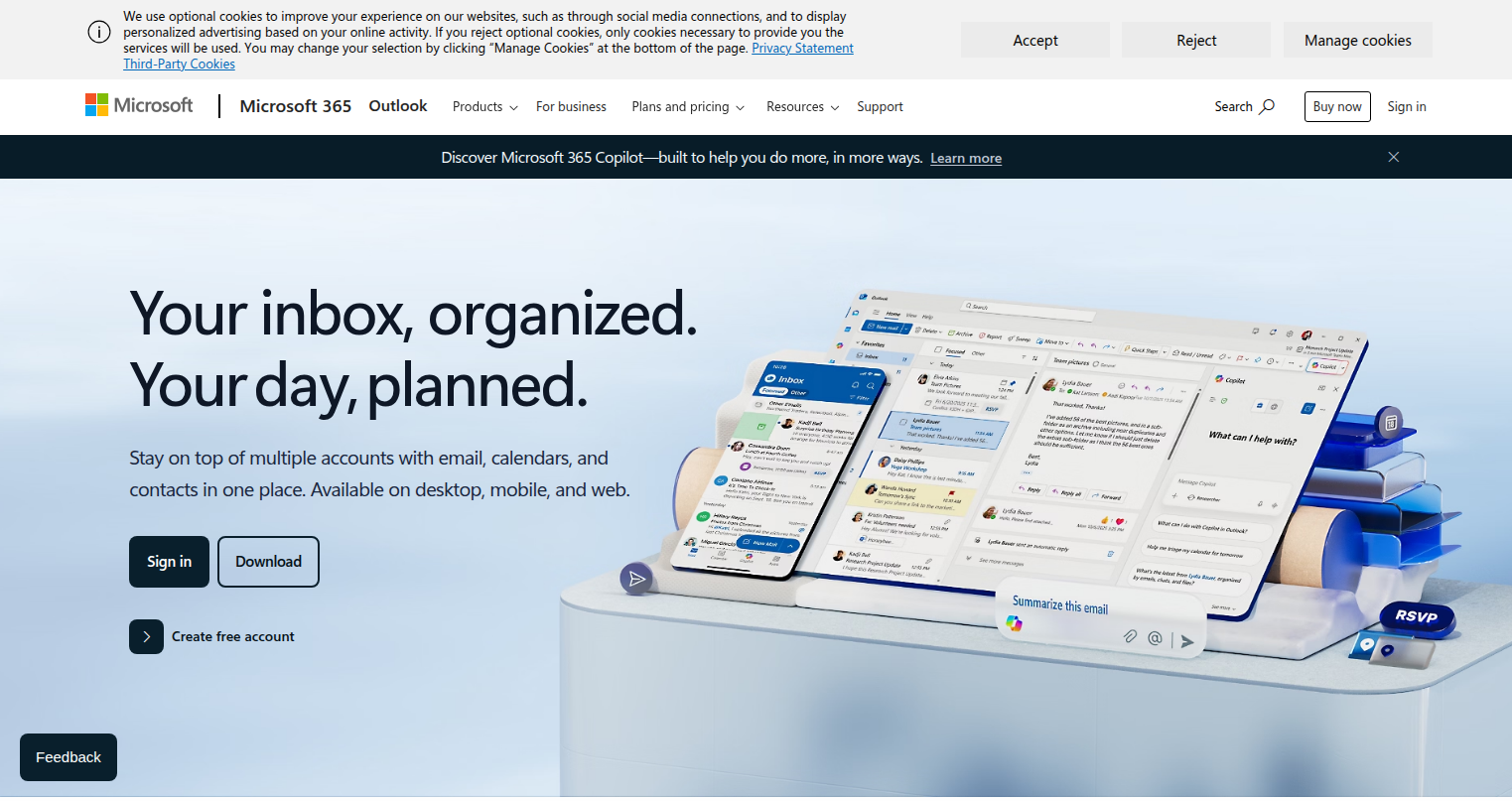
Step 3
Access Microsoft Calendar
Log into your Microsoft account at outlook.live.com/calendar where your calendar events and schedules are managed.
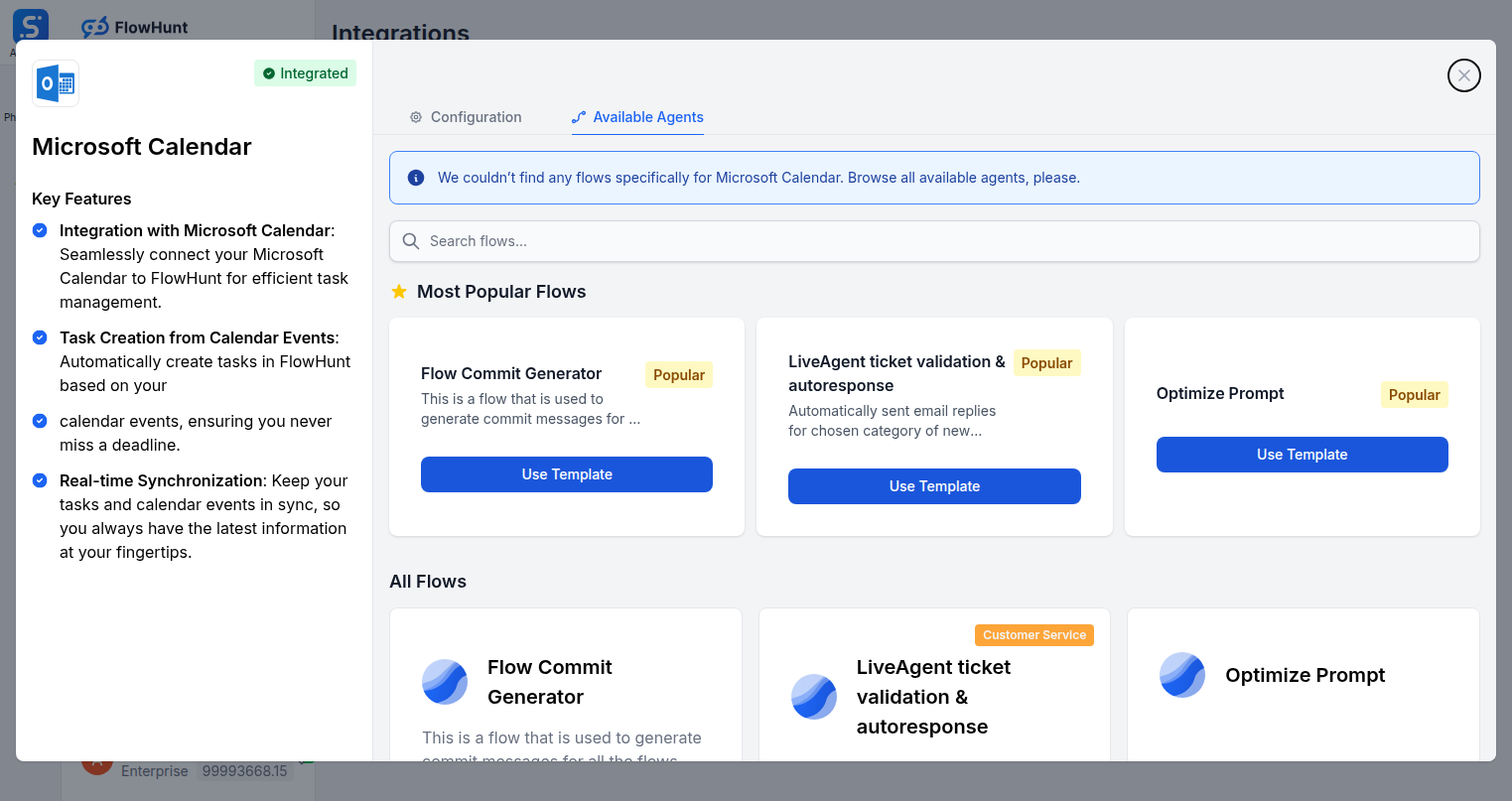
Step 4
Add to Your Agent
Open the Available Agents tab and add Microsoft Calendar tools to your AI agent workflow.
Use Cases
What You Can Do with Microsoft Calendar + FlowHunt
FlowHunt's Microsoft Calendar integration makes AI your personal scheduling assistant. Use the full calendar action set inside any flow to automate every aspect of your time management and event coordination.
- Auto-Book Meetings
- Automatically create calendar events when leads fill out a form or book a demo.
- Post-Call Follow-Ups
- Schedule follow-up meetings automatically after a call is completed or a deal advances.
- Project Milestone Events
- Create calendar checkpoints from project management tools when milestones are hit.
- Availability Checking
- Query your calendar before scheduling to detect conflicts and free time slots.
- Event Rescheduling
- Automatically update event times when related tasks or deadlines shift in other systems.
- Team Onboarding
- Create orientation events for new team members as part of automated onboarding workflows.
- Deadline Blocking
- Block calendar time automatically when high-priority tasks are created in project tools.
- Cross-System Sync
- Keep your calendar in sync with CRM, project management, and task tools automatically.
Microsoft Calendar Components
All Microsoft Calendar tool actions available in FlowHunt — add any of them to your AI agent flows.
| Component | Description |
|---|---|
| Create Calendar Event | Create a new calendar event in Microsoft Calendar. |
| Delete Calendar Event | Delete a calendar event from Microsoft Calendar. |
| List Calendar Events | List calendar events with optional filtering by date range. |
| List Calendars | List all available calendars for the user. |
| Update Calendar Event | Update an existing calendar event. |