
AI Agent for Microsoft Excel
Automate your Excel workflows with AI. FlowHunt connects directly to Microsoft Excel workbooks stored in OneDrive, enabling AI agents to read data ranges, update cells, apply formulas, create worksheets and charts, and list your workbooks — all without opening a spreadsheet.
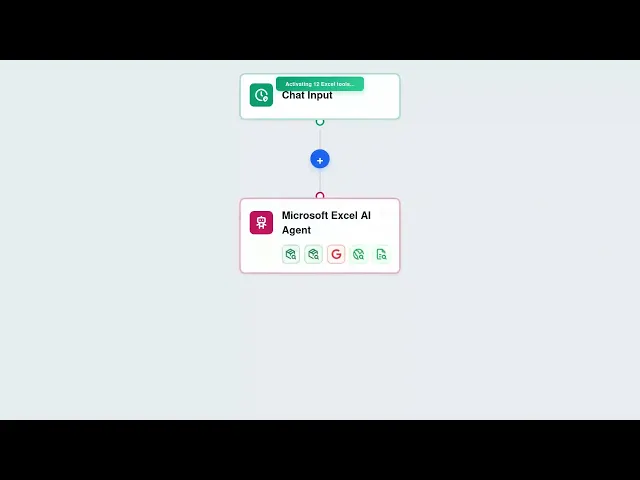




Full Excel Workbook Control via AI
FlowHunt gives your AI agents direct access to Excel workbooks via the Microsoft Graph API. Read specific cell ranges, update data programmatically, apply formulas to ranges, create worksheets, generate charts, and manage your entire workbook structure — all from automated flows.
- Read and Write Ranges:
- Get data from any cell range in your spreadsheet and update values programmatically without manual data entry.
- Apply Formulas:
- AI agents apply formulas to specific cells or ranges, automating calculations and analysis across your workbooks.
- Create Charts:
- Generate charts from your spreadsheet data automatically as part of reporting and visualization workflows.
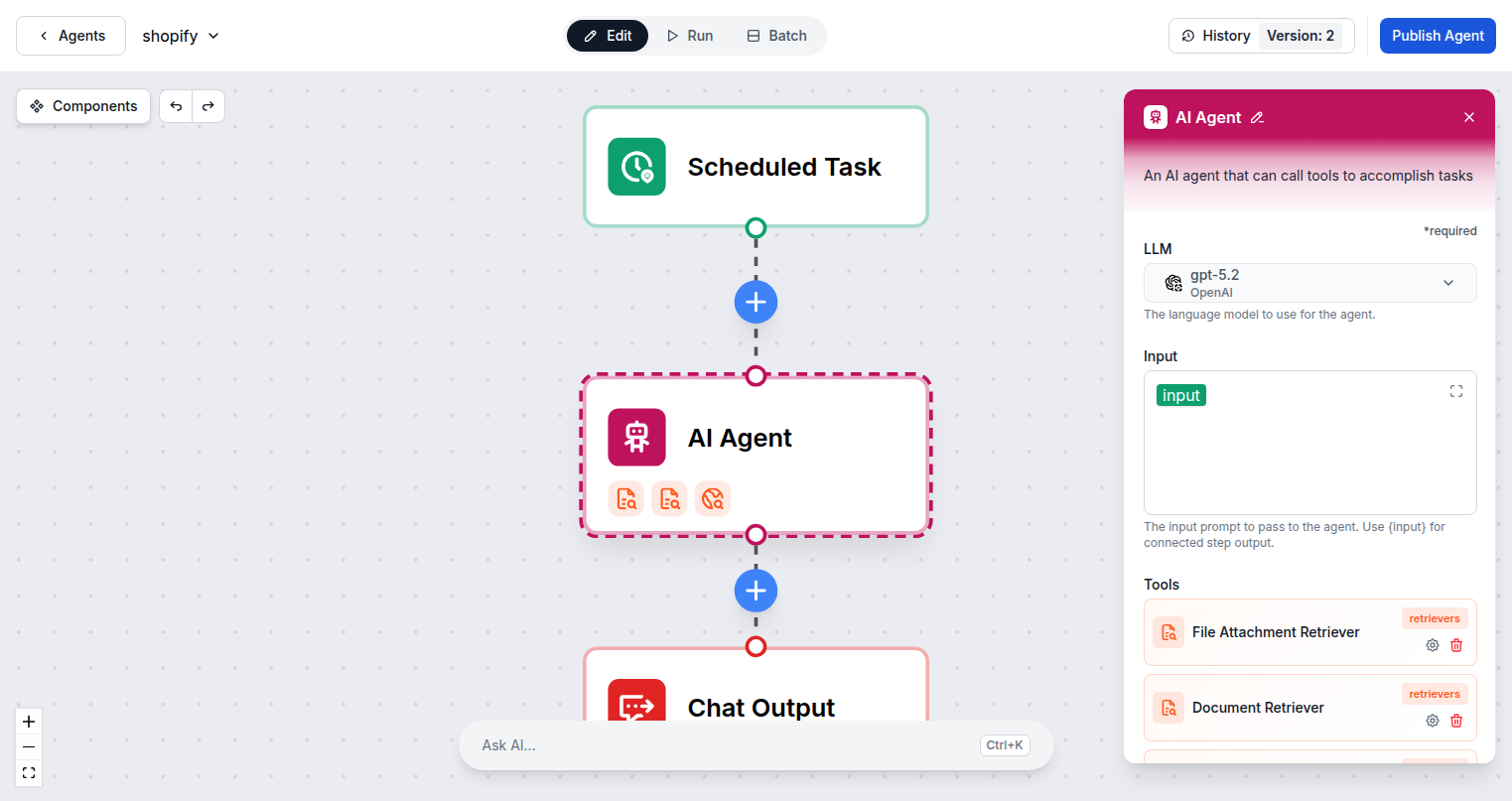
AI-Powered Spreadsheet Automation
Connect FlowHunt to Excel and build AI workflows that handle data processing automatically. Populate spreadsheets from form submissions, read data to power AI analysis, update reports on a schedule, and create worksheets for new projects — all without manual spreadsheet work.
- Auto-Populate from Triggers:
- Write data to Excel automatically when forms are submitted, orders are placed, or any trigger event fires.
- Workbook Discovery:
- List all Excel workbooks from OneDrive so AI can identify and target the right file for each task.
- Dynamic Sheet Management:
- Create new worksheets for each project, client, or reporting period as part of automated setup workflows.
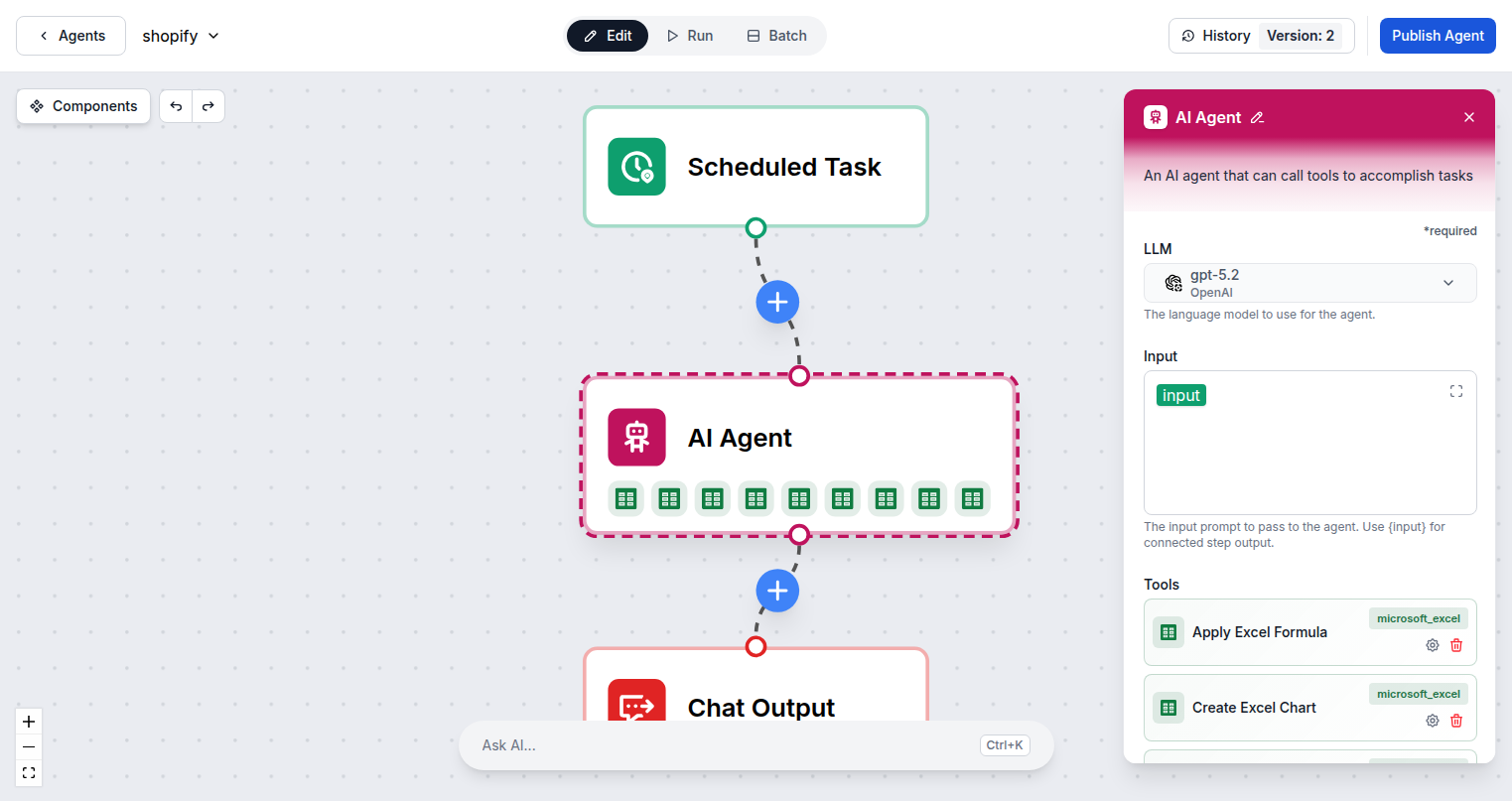
One Microsoft Login — 9 Excel Actions
Connecting FlowHunt to Microsoft Excel requires only your Microsoft account. Sign in once via standard OAuth and all 9 Excel tool actions are immediately available to add to any AI agent flow in your workspace.
- OAuth Authentication:
- One Microsoft sign-in provides access to Excel and all other Microsoft 365 integrations in FlowHunt.
- 9 Excel Actions:
- Read ranges, update data, apply formulas, manage worksheets, create charts, and list workbooks.
- OneDrive-Based Access:
- Works with all Excel workbooks stored in your OneDrive — personal and shared files.
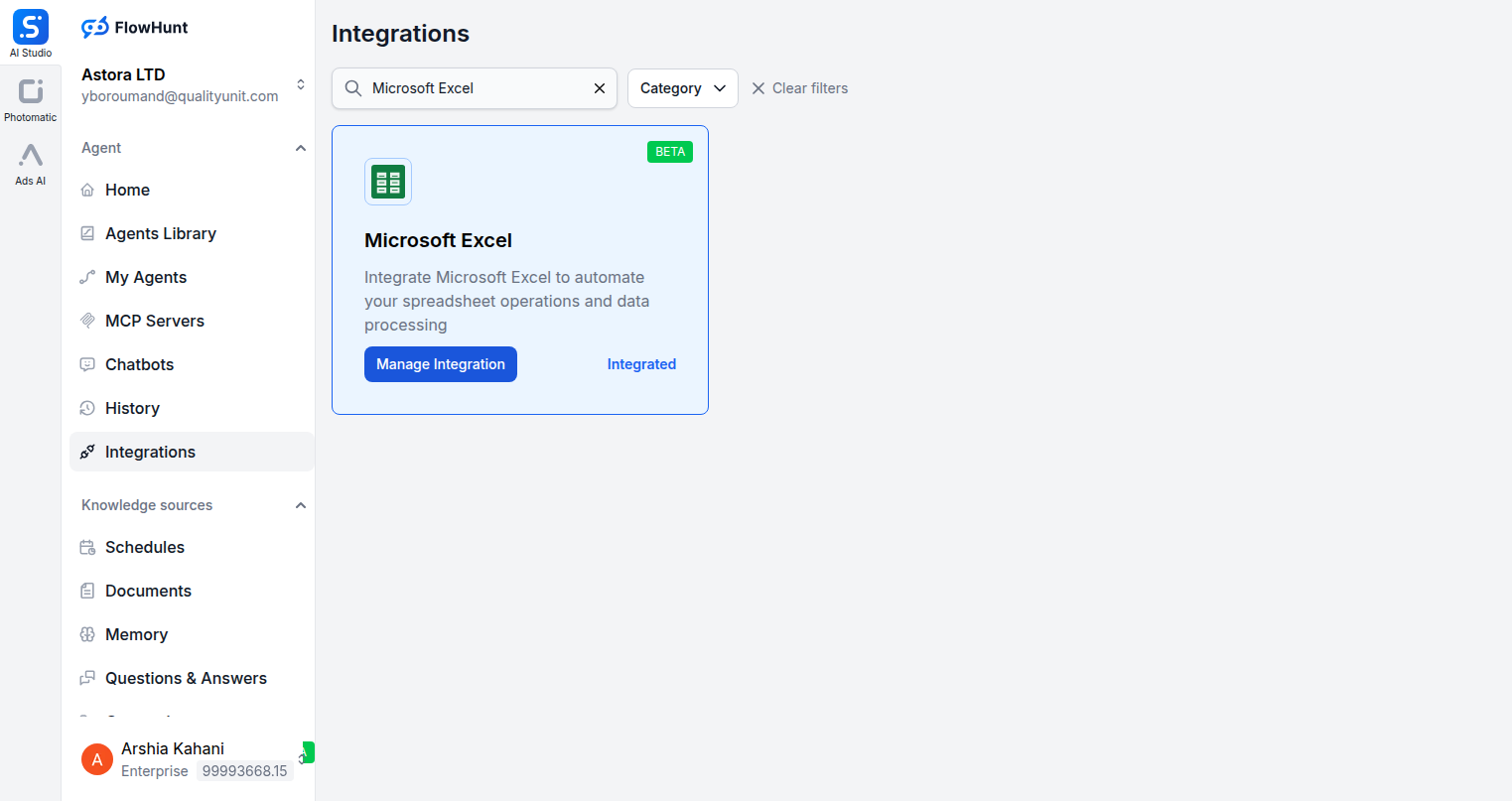
Step 1
Open Integrations
Navigate to the Integrations page in FlowHunt and find Microsoft Excel.
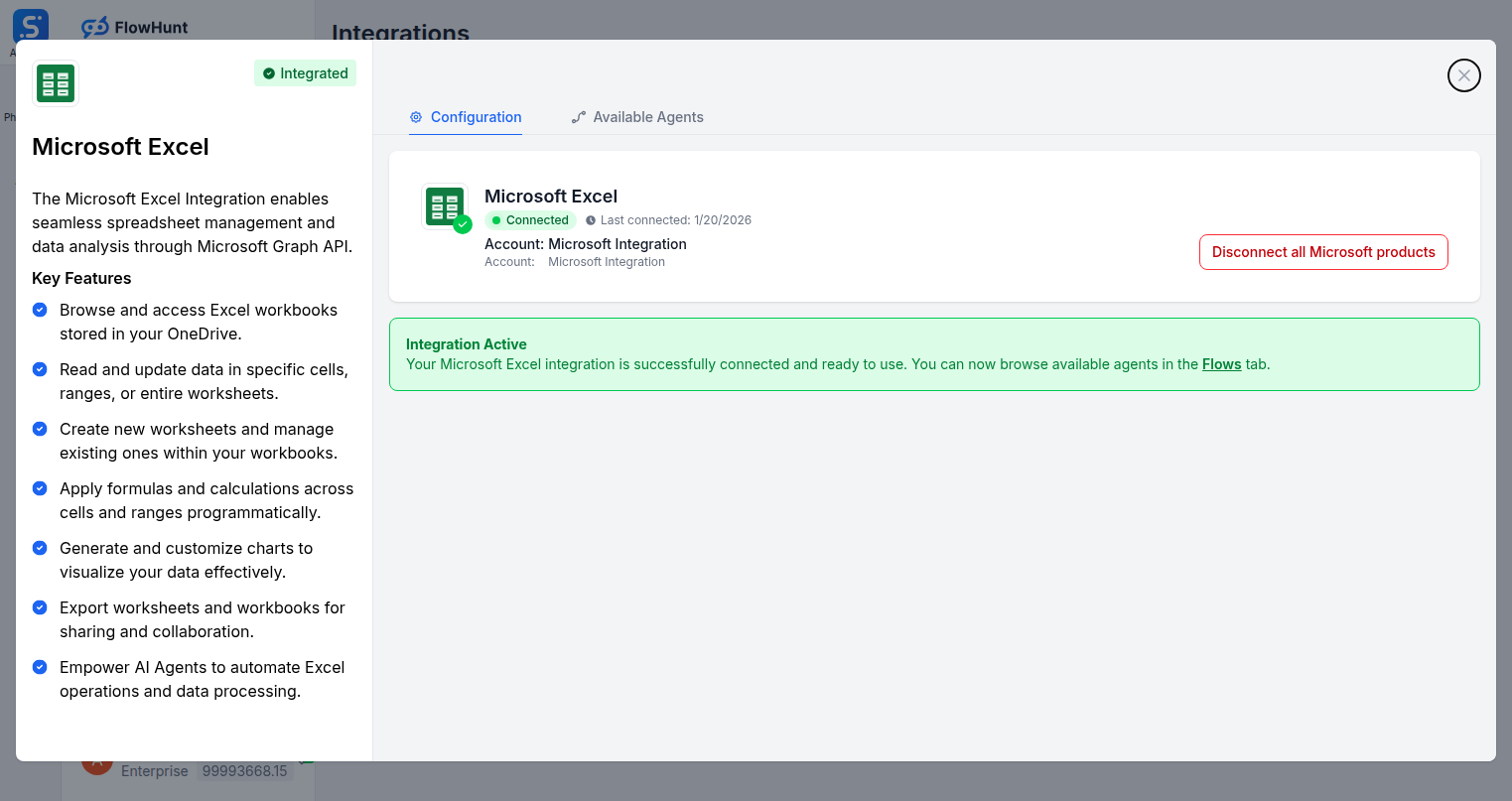
Step 2
Connect Microsoft Excel
Click Manage Integration on the Microsoft Excel card and sign in with your Microsoft account to authorize access to your Excel workbooks.
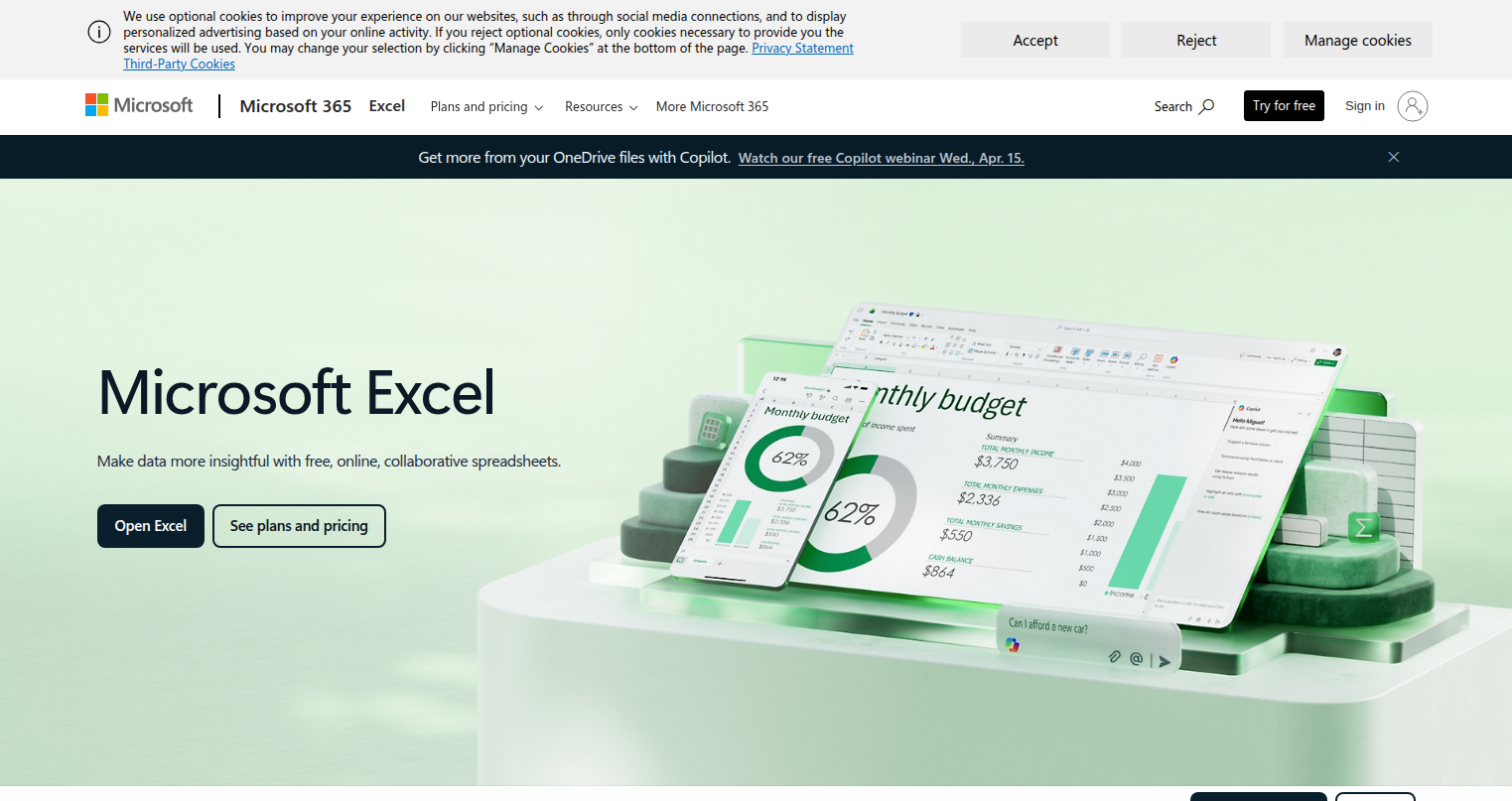
Step 3
Access Microsoft Excel
Log into your Microsoft account at microsoft.com/excel where your workbooks are stored and managed via OneDrive.
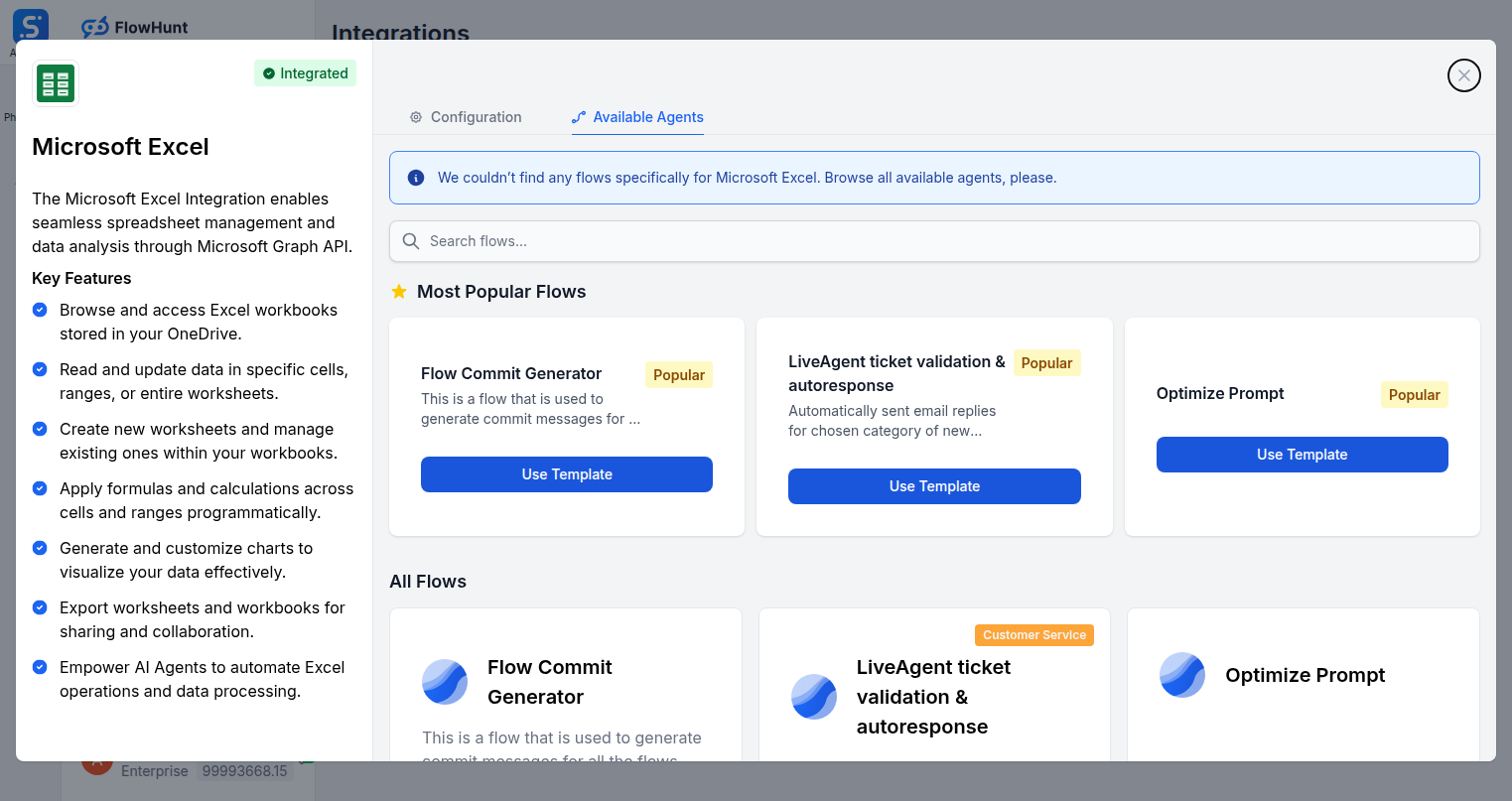
Step 4
Add to Your Agent
Open the Available Agents tab and add Microsoft Excel tools to your AI agent workflow.
Use Cases
What You Can Do with Microsoft Excel + FlowHunt
FlowHunt's Microsoft Excel integration turns AI into your spreadsheet automation engine. Use all 9 Excel actions inside any flow to eliminate manual data entry and keep your workbooks always up to date.
- Auto-Populate Reports
- Write data to Excel automatically from form submissions, APIs, or any connected tool.
- Scheduled Data Exports
- Export data from CRM, analytics, or databases directly into Excel workbooks on a schedule.
- Formula Application
- AI applies complex formulas to ranges after data is written, completing calculations automatically.
- Chart Generation
- Create visual charts from updated data ranges as part of automated reporting workflows.
- Multi-Sheet Projects
- Create new worksheets for each client, project, or period automatically as workflows scale.
- Data Analysis
- Read Excel ranges and feed the data into AI for analysis, summarization, or decision-making.
- Inventory Tracking
- Update product quantity cells automatically when orders are placed or stock changes occur.
- Financial Reporting
- Populate financial model worksheets from accounting tools and apply formulas on each cycle.
Microsoft Excel Components
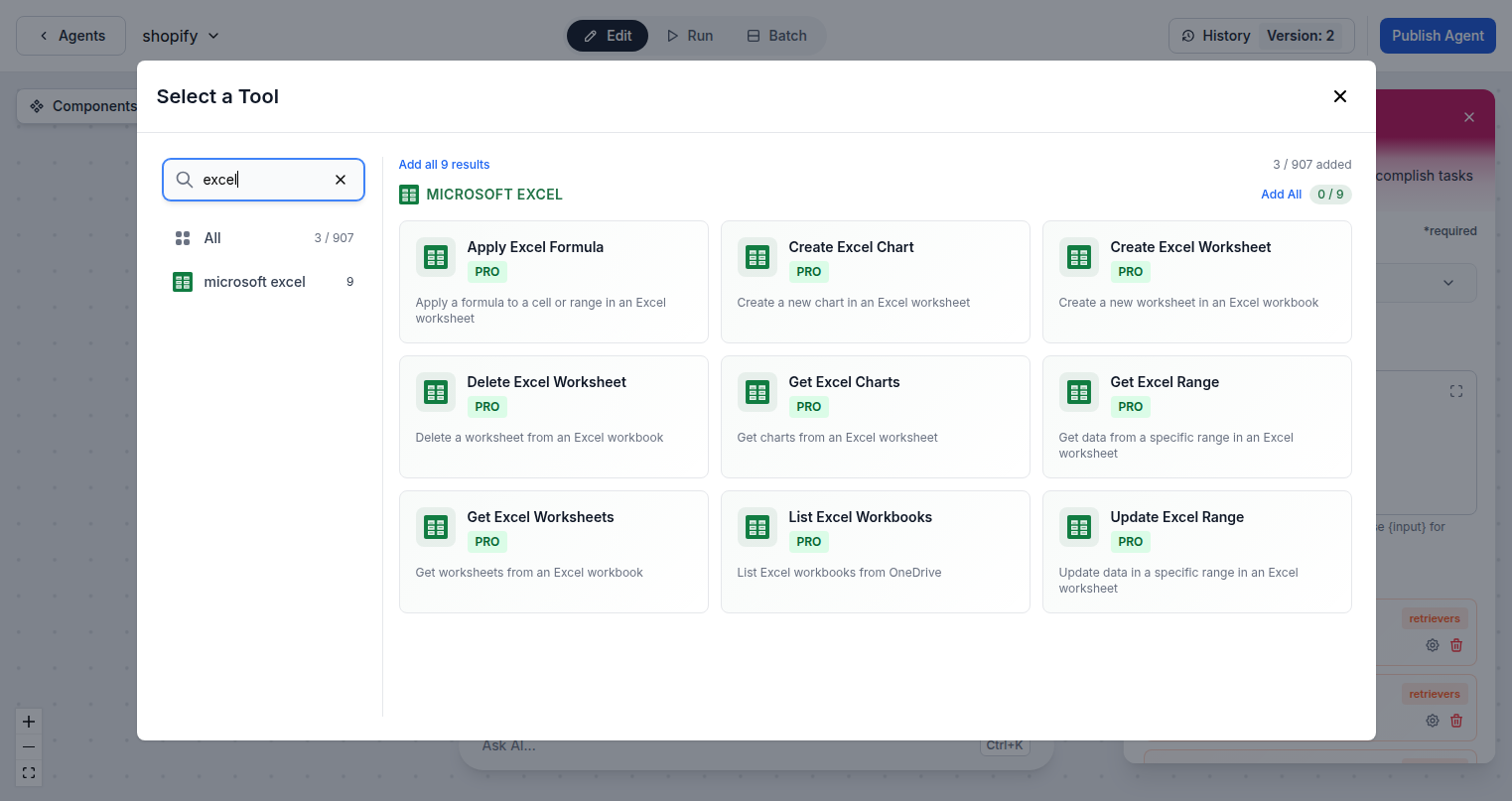
All Microsoft Excel tool actions available in FlowHunt — add any of them to your AI agent flows.
| Component | Description |
|---|---|
| Apply Excel Formula | Apply a formula to a cell or range in an Excel worksheet. |
| Create Excel Chart | Create a new chart in an Excel worksheet. |
| Create Excel Worksheet | Create a new worksheet in an Excel workbook. |
| Delete Excel Worksheet | Delete a worksheet from an Excel workbook. |
| Get Excel Charts | Get charts from an Excel worksheet. |
| Get Excel Range | Get data from a specific range in an Excel worksheet. |
| Get Excel Worksheets | Get worksheets from an Excel workbook. |
| List Excel Workbooks | List Excel workbooks from OneDrive. |
| Update Excel Range | Update data in a specific range in an Excel worksheet. |