
AI Agent for Microsoft OneDrive
Automate your cloud file management with AI. FlowHunt connects directly to Microsoft OneDrive so AI agents can upload files, list and search your storage, create folder structures, move and copy files, generate sharing links, and retrieve file content — all through intelligent workflows.
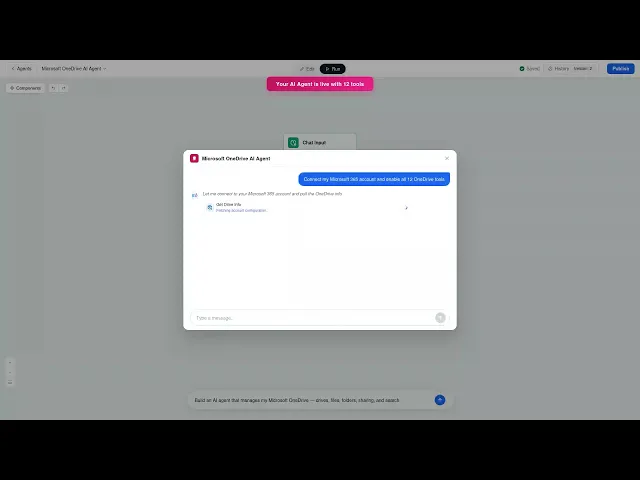




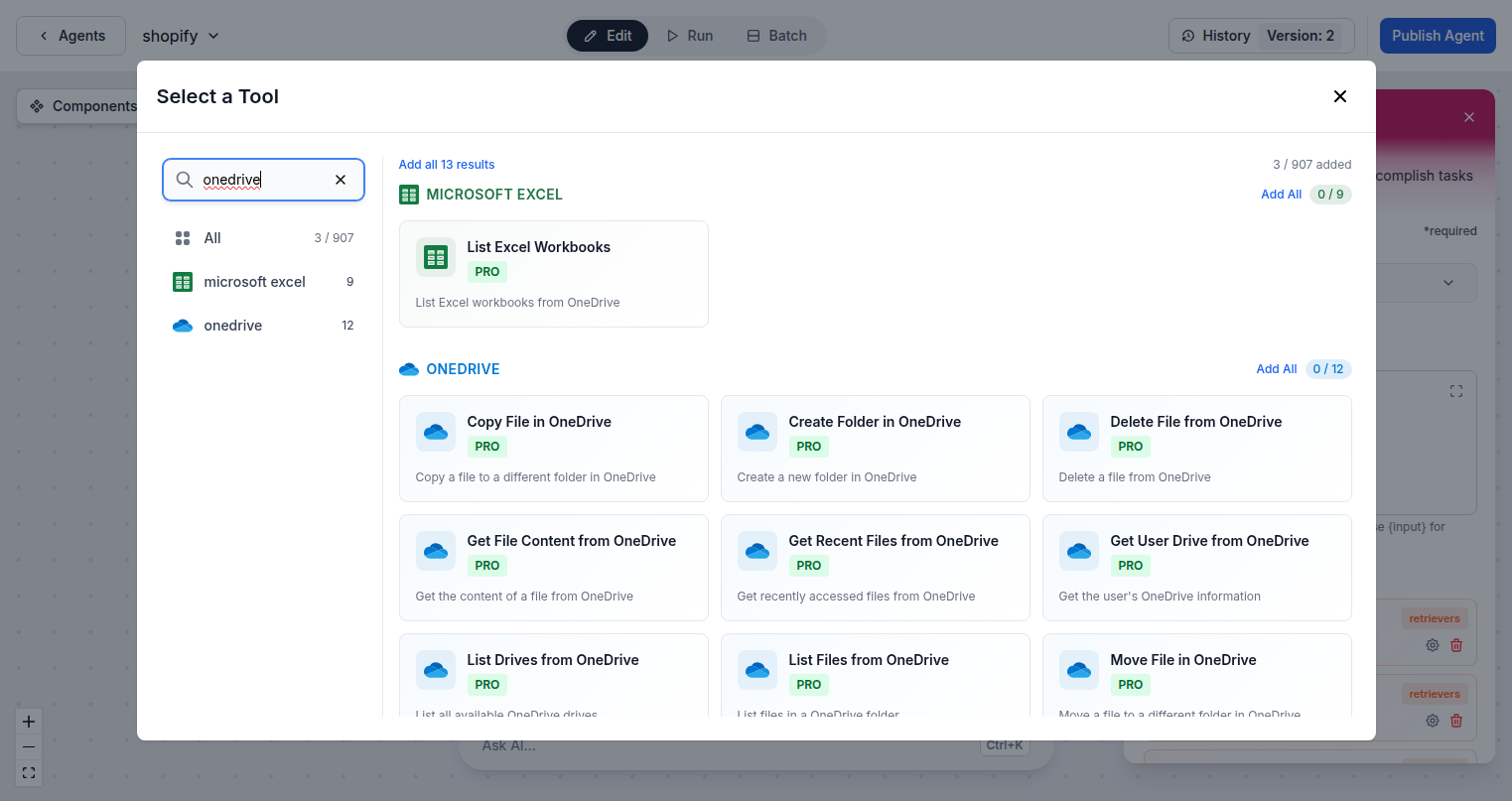
Complete OneDrive File Automation
FlowHunt gives AI agents full access to Microsoft OneDrive via the Graph API. Upload files from any source, list and search your storage, read file content, create folder structures, move and copy files between locations, generate shareable links, and manage multiple drives — all from automated workflows.
- Upload and Retrieve Files:
- Upload files to OneDrive automatically and retrieve file content for processing in subsequent workflow steps.
- Search Across Storage:
- Search for files by name or content across your entire OneDrive to locate and retrieve exactly what's needed.
- Create Sharing Links:
- Generate shareable links for any file automatically as part of collaboration and delivery workflows.
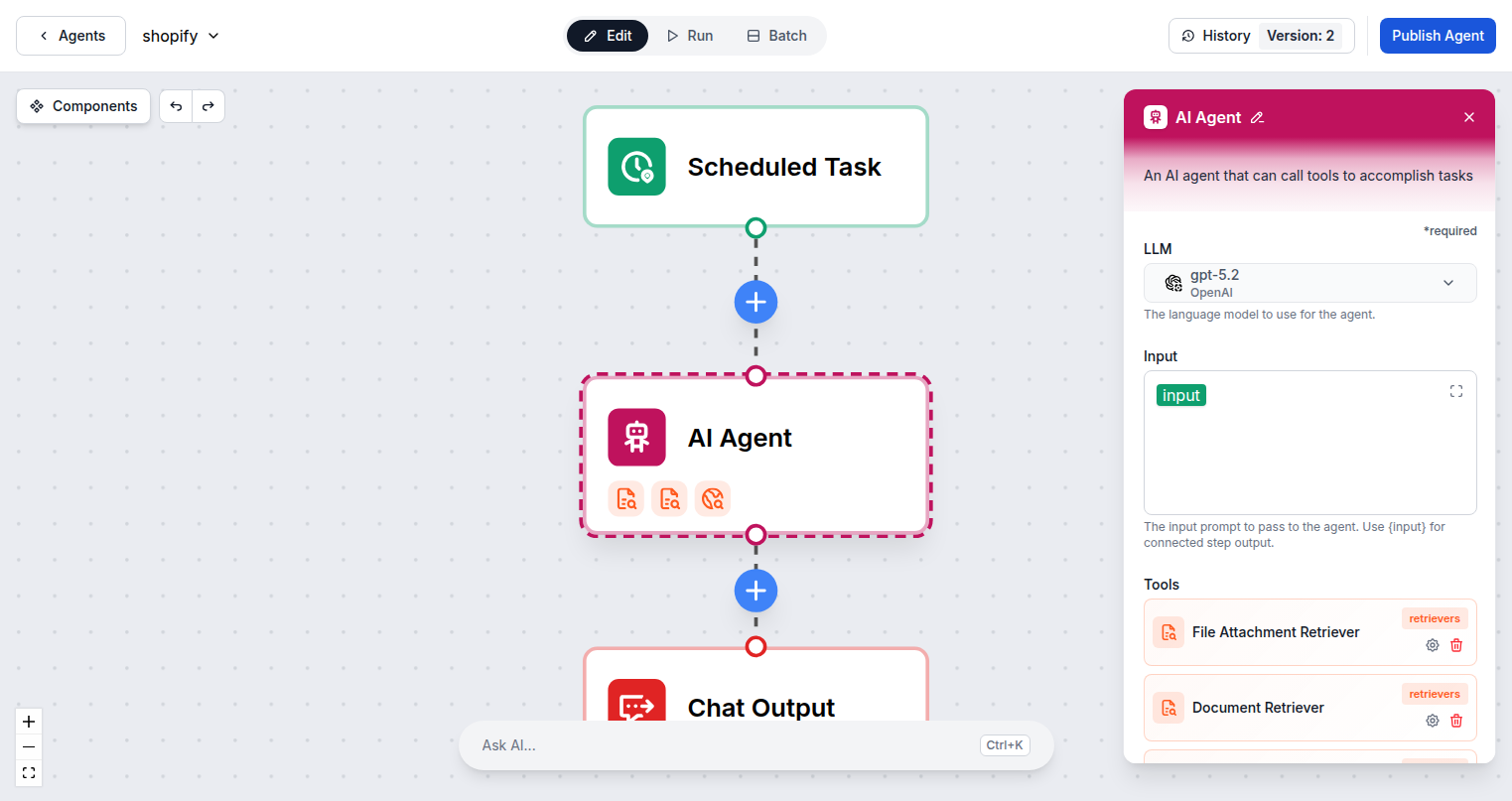
AI-Powered File Management Workflows
Connect FlowHunt to OneDrive and build workflows that handle file operations automatically. Save generated documents to OneDrive, organize uploads into the right folder structure, share files with clients after processing, and keep your cloud storage organized without manual effort.
- Auto-Save Generated Files:
- Save AI-generated documents, reports, and exports directly to OneDrive as the final step in any workflow.
- Dynamic Folder Creation:
- Create folder structures automatically for new clients, projects, or periods to keep storage organized.
- Move and Copy Files:
- Reorganize your OneDrive storage programmatically — move files to archive folders or copy assets to new project locations.
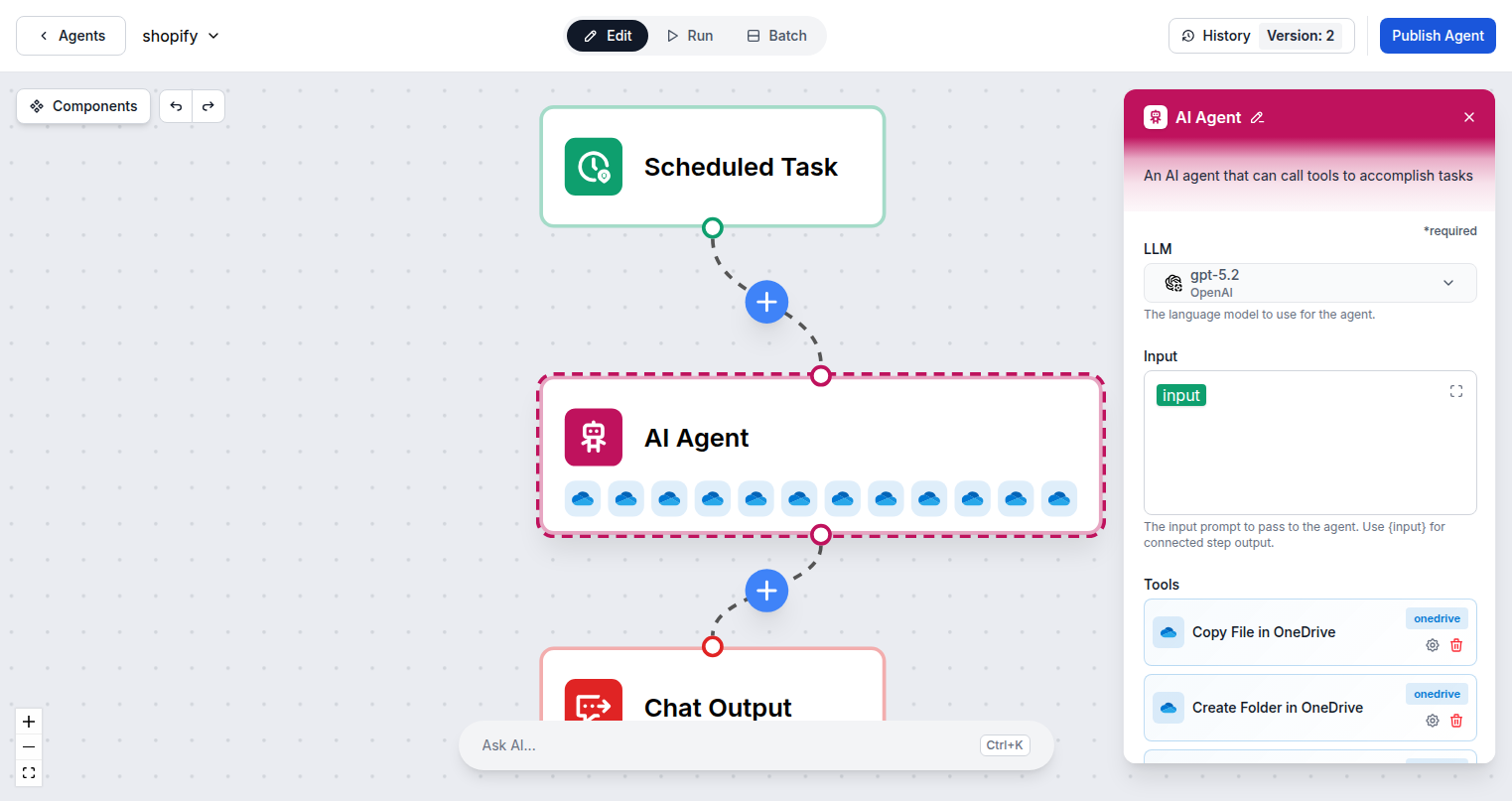
One Microsoft Login — 12 OneDrive Actions
Connecting FlowHunt to Microsoft OneDrive requires only your Microsoft account. Sign in once via standard OAuth and all 12 OneDrive tool actions are immediately available to add to any AI agent flow in your workspace.
- OAuth Sign-In:
- One Microsoft account sign-in provides access to OneDrive and all other Microsoft 365 integrations.
- 12 File Actions:
- Upload, download, list, search, move, copy, delete, share, and organize files and folders in OneDrive.
- Microsoft Graph API:
- All operations run through the official Graph API for secure, reliable, enterprise-grade file automation.
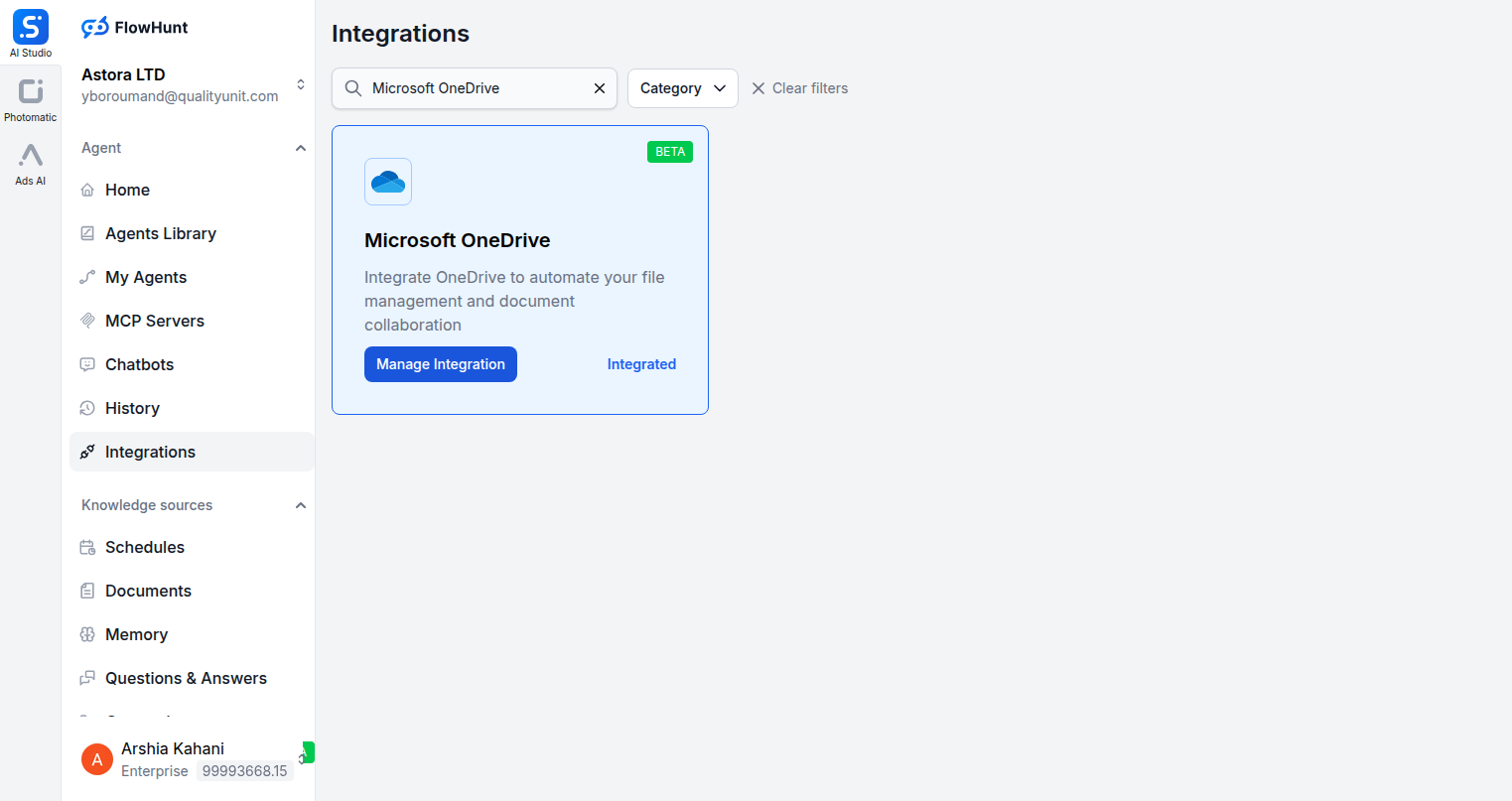
Step 1
Open Integrations
Navigate to the Integrations page in FlowHunt and find Microsoft OneDrive.
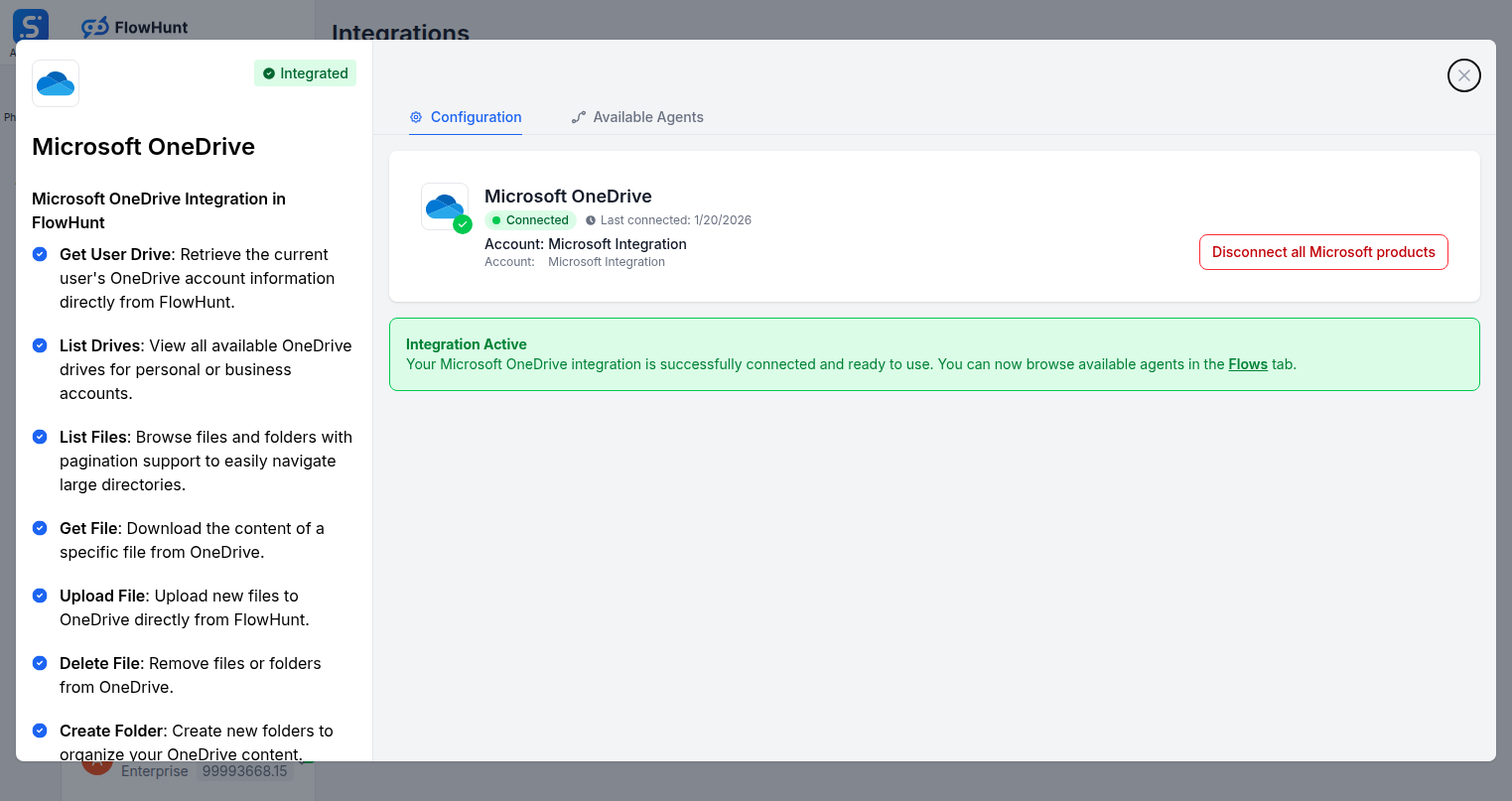
Step 2
Connect Microsoft OneDrive
Click Manage Integration on the Microsoft OneDrive card and sign in with your Microsoft account to authorize file access.
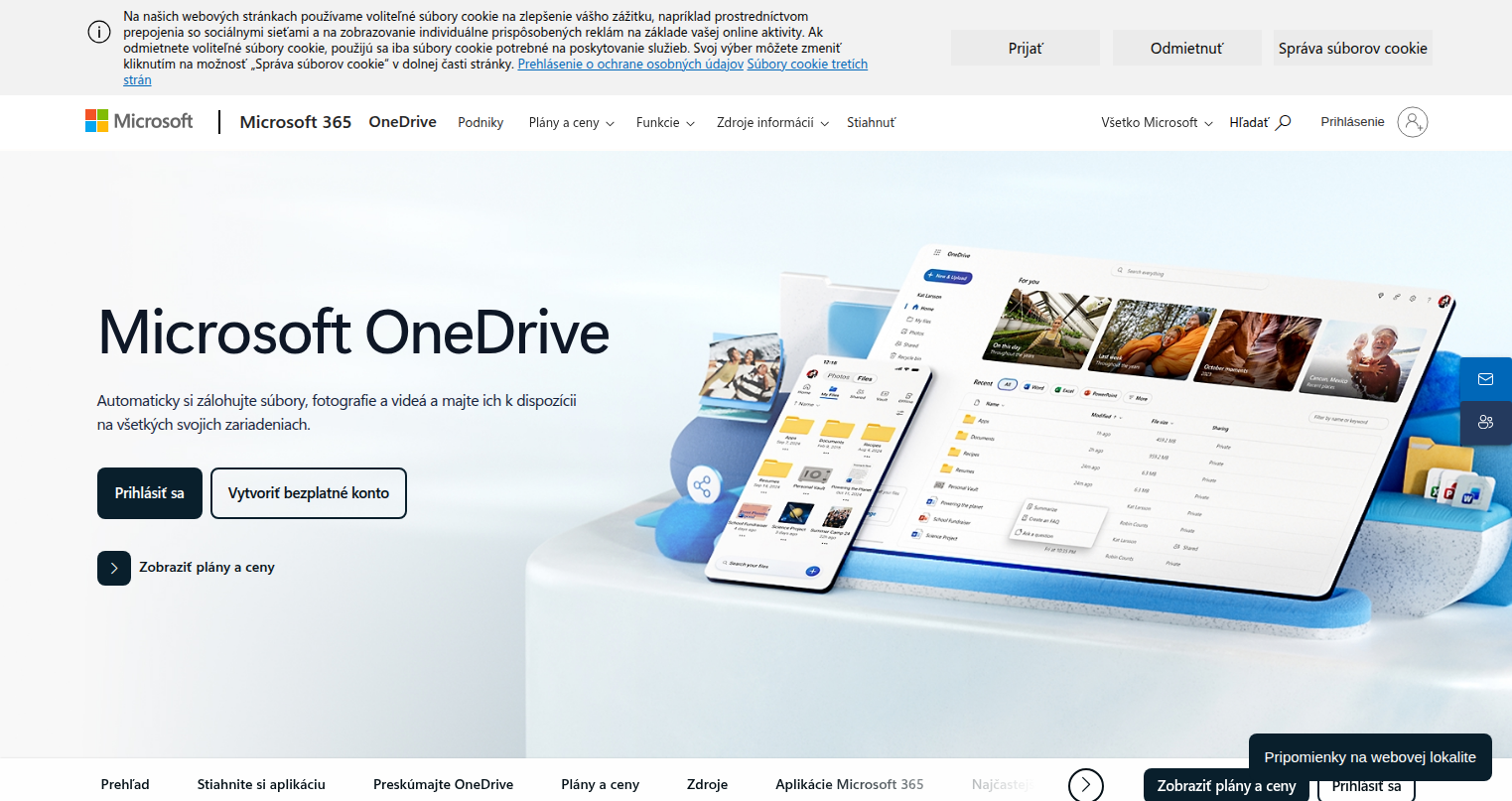
Step 3
Access Microsoft OneDrive
Log into your Microsoft account at onedrive.live.com where your files and folder structure are managed.
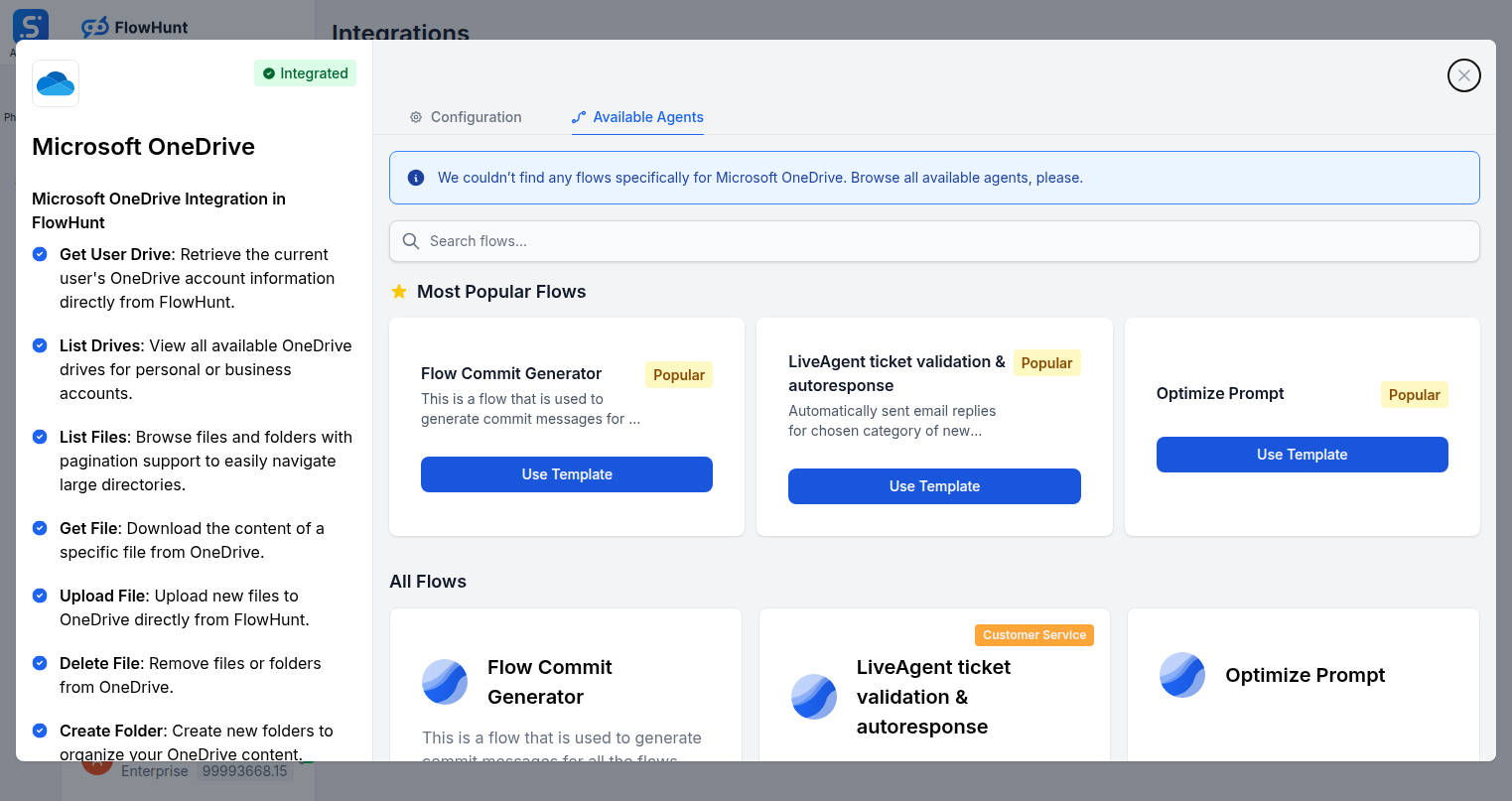
Step 4
Add to Your Agent
Open the Available Agents tab and add Microsoft OneDrive tools to your AI agent workflow.
Use Cases
What You Can Do with Microsoft OneDrive + FlowHunt
FlowHunt's OneDrive integration makes AI your cloud storage manager. Use all 12 file actions inside any flow to automate document handling, storage organization, and file sharing workflows.
- Auto-Save Documents
- Save AI-generated reports, contracts, and documents directly to OneDrive after creation.
- Client Folder Setup
- Automatically create a new OneDrive folder structure when a client is added to your CRM.
- File Delivery Automation
- Generate a sharing link and send it to clients automatically after a document is processed.
- Archive Management
- Move completed project files to archive folders on a schedule without manual intervention.
- Content Pipeline
- Upload assets from external sources, process them with AI, and store results back in OneDrive.
- Recent File Monitoring
- Retrieve recently accessed files to understand team activity and surface relevant content.
- Cross-Drive Organization
- Copy or move files between personal and shared drives to keep teams in sync.
- Backup Workflows
- Automatically upload exports or backups from other systems directly to OneDrive storage.
Microsoft OneDrive Components
All Microsoft OneDrive tool actions available in FlowHunt — add any of them to your AI agent flows.
| Component | Description |
|---|---|
| Copy File in OneDrive | Copy a file to a different folder in OneDrive. |
| Create Folder in OneDrive | Create a new folder in OneDrive. |
| Delete File from OneDrive | Delete a file from OneDrive. |
| Get File Content from OneDrive | Get the content of a file from OneDrive. |
| Get Recent Files from OneDrive | Get recently accessed files from OneDrive. |
| Get User Drive from OneDrive | Get the user’s OneDrive information and drive details. |
| List Drives from OneDrive | List all available OneDrive drives. |
| List Files from OneDrive | List files in a OneDrive folder. |
| Move File in OneDrive | Move a file to a different folder in OneDrive. |
| Search Files in OneDrive | Search for files in OneDrive. |
| Share File from OneDrive | Create a sharing link for a file in OneDrive. |
| Upload File to OneDrive | Upload a file to OneDrive. |