
AI Agent for Microsoft Outlook Contacts
Automate your contact management and email workflows with AI. FlowHunt connects directly to Microsoft Outlook so AI agents can create contacts, search and retrieve contact details, organize folders, send emails, and keep your address book perfectly maintained — all without manual effort.
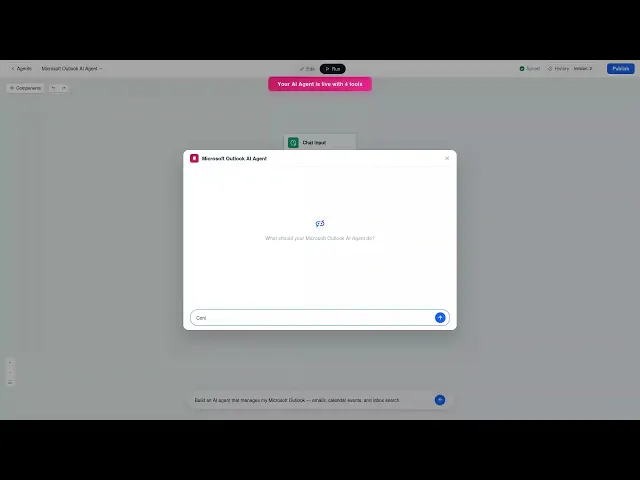




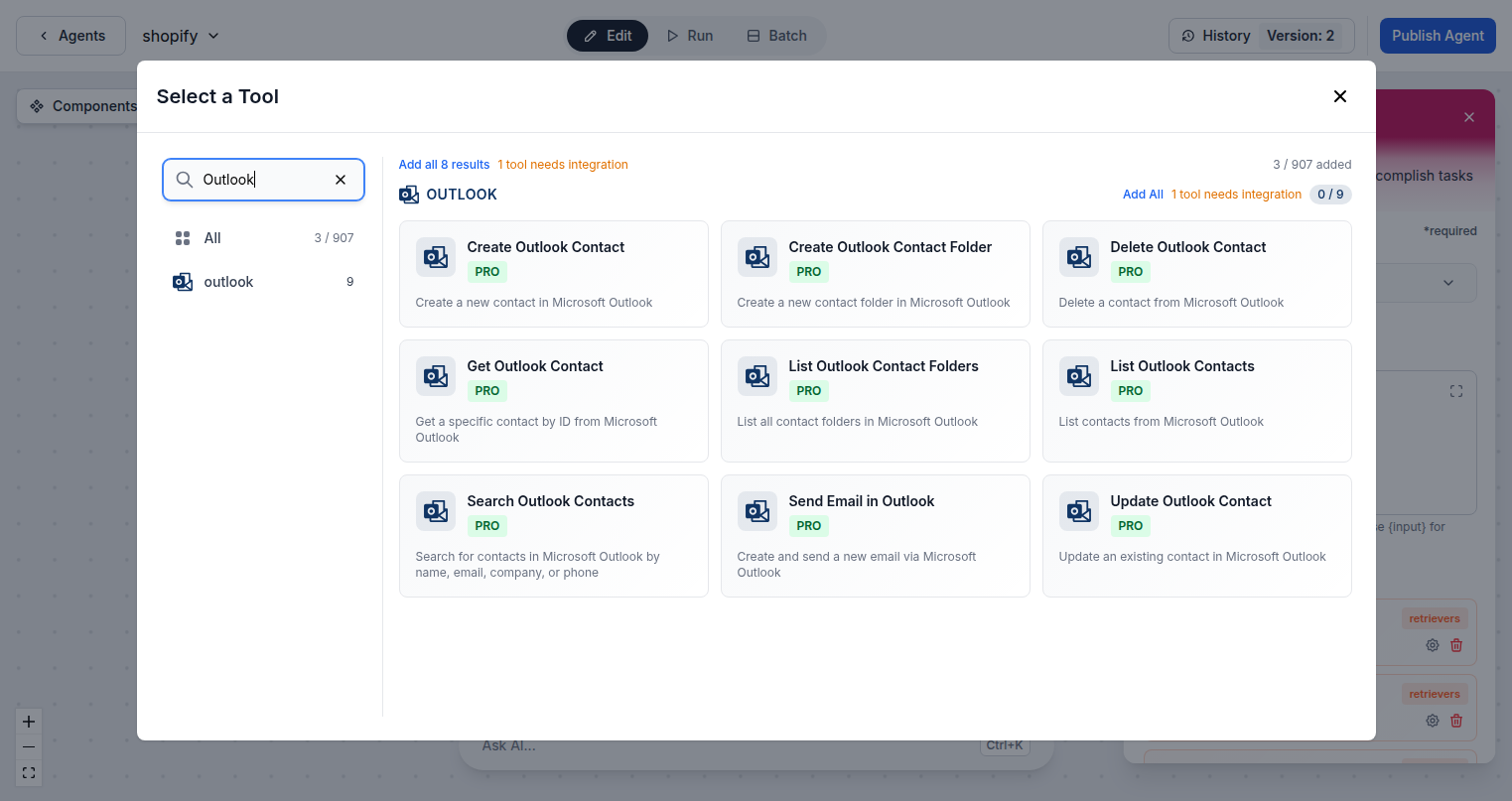
Complete Outlook Contact Automation
FlowHunt gives your AI agents full access to Outlook Contacts via the Microsoft Graph API. Create new contacts, organize them into folders, search by name, email, or company, retrieve contact details, update existing records, send emails, and delete outdated contacts — all from your AI workflows.
- Create and Update Contacts:
- AI agents automatically create new contacts or update existing ones with name, email, phone, company, and notes.
- Smart Contact Search:
- Search across your entire Outlook contact list by name, email address, or company to find the right person instantly.
- Send Email via Outlook:
- Compose and send emails directly through your Outlook account as part of any automated AI workflow.
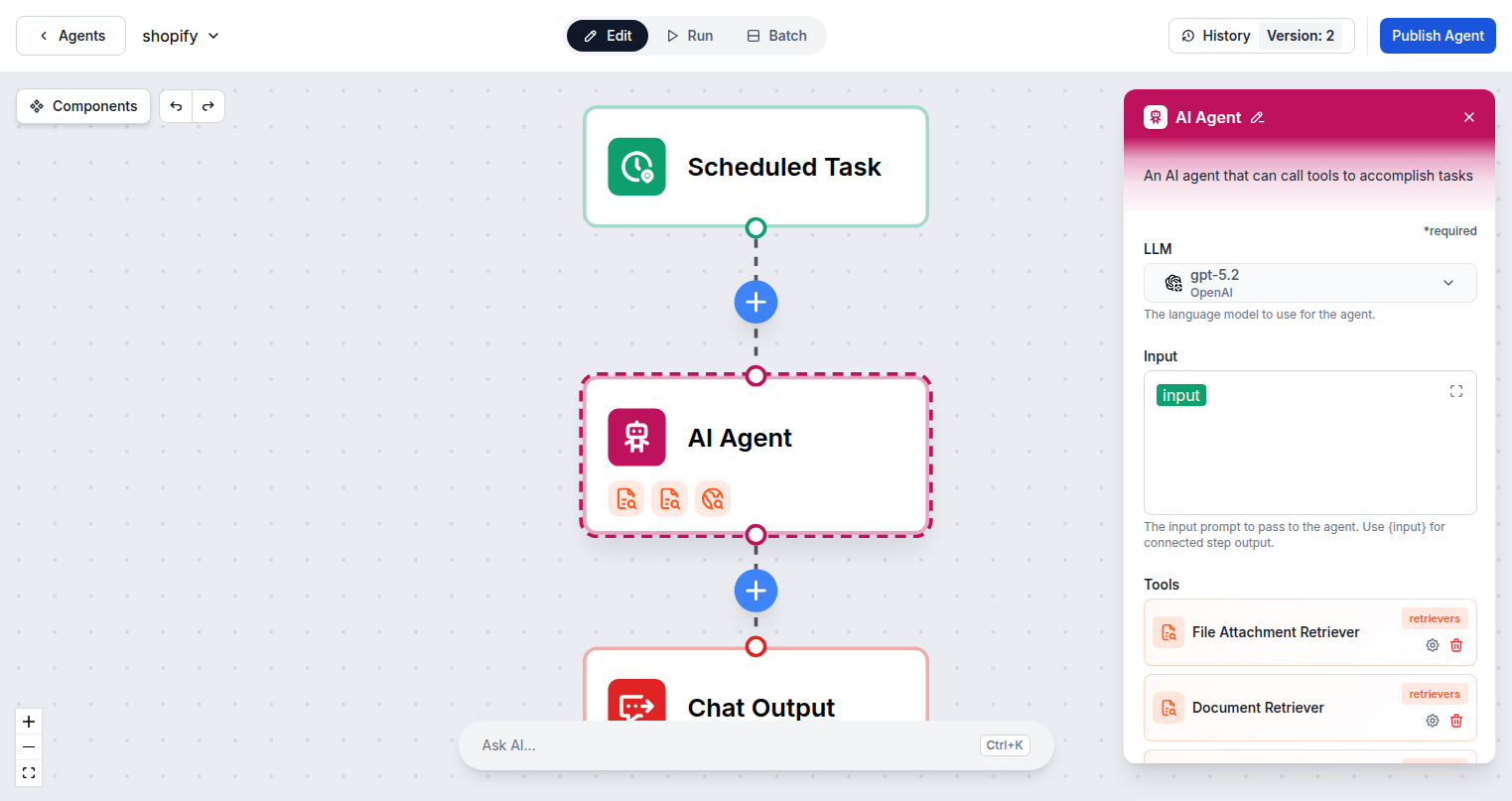
AI-Powered Contact and Email Workflows
Connect FlowHunt to Outlook Contacts and build AI workflows that handle relationship management automatically. Create contacts from form submissions, search the address book before sending emails, update records after customer interactions, and automate outreach — all from a single AI agent.
- Auto-Create Contacts:
- Automatically create Outlook contacts from form submissions, CRM entries, or any event in your workflow stack.
- Folder Organization:
- Create and manage contact folders to keep customers, prospects, and partners properly organized.
- Keep Records Current:
- Update contact details automatically when information changes across your other tools and systems.
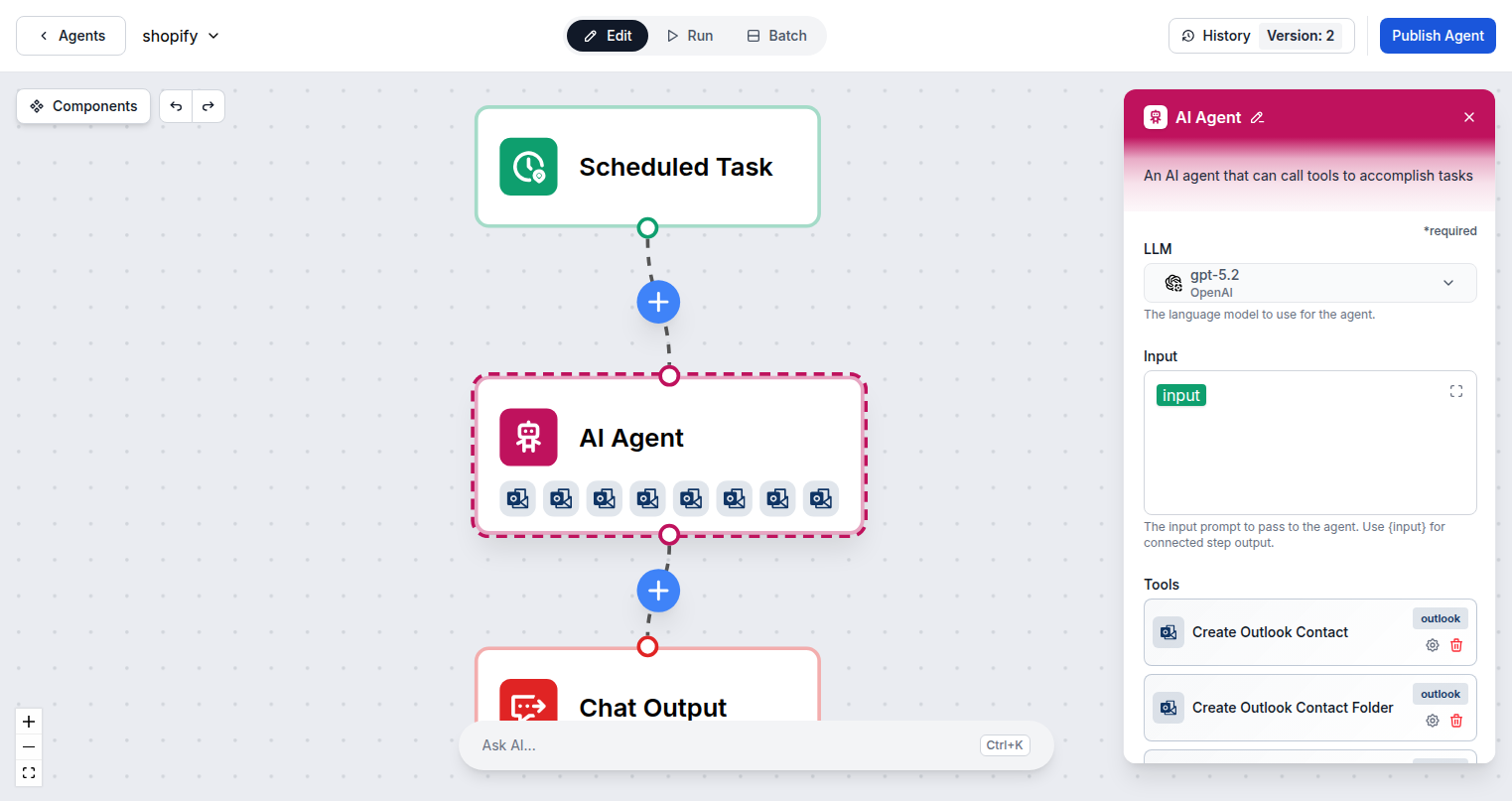
One Microsoft Login — 9 Outlook Actions
Connecting FlowHunt to Microsoft Outlook Contacts requires only your Microsoft account. Sign in once via standard OAuth and all 9 Outlook contact and email actions are immediately available across every AI agent flow in your workspace.
- OAuth Sign-In:
- Authenticate with Microsoft — shared across all Microsoft integrations with a single connection.
- 9 Contact Actions:
- Create, read, update, delete contacts and folders, plus send emails directly through Outlook.
- Microsoft Graph API:
- All contact operations use the official Graph API for reliable, secure, enterprise-grade automation.
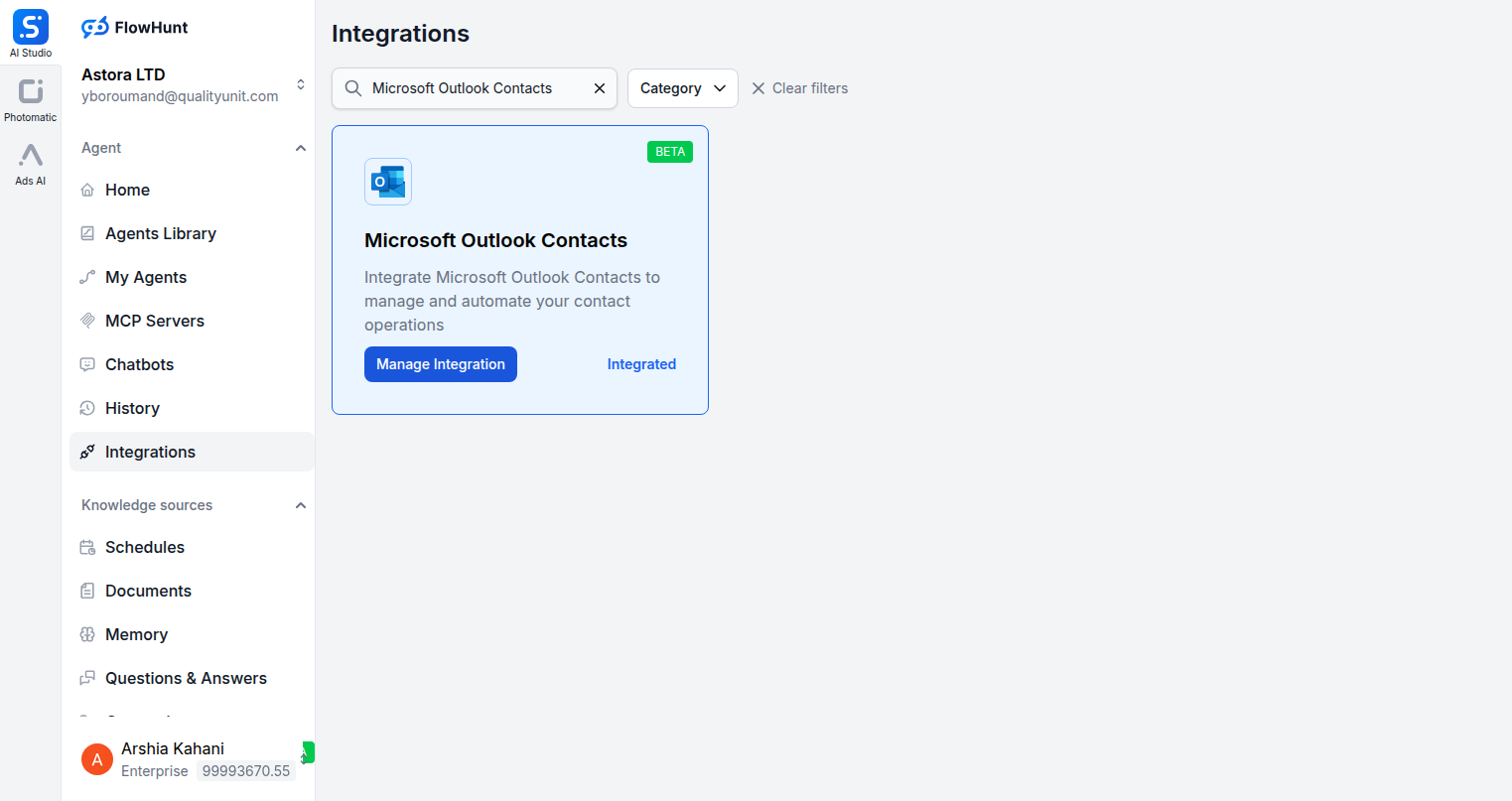
Step 1
Open Integrations
Navigate to the Integrations page in FlowHunt and find Microsoft Outlook Contacts.
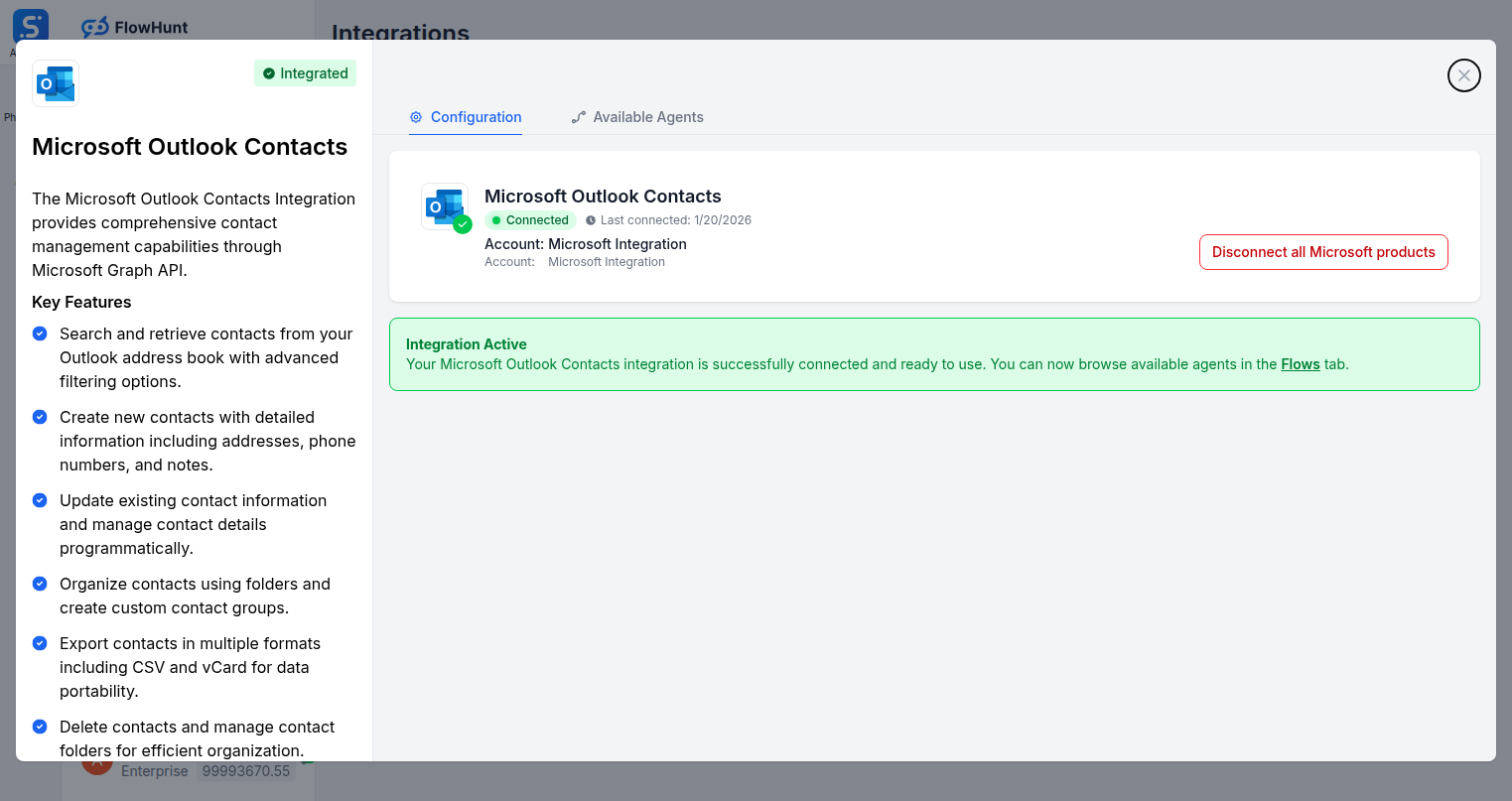
Step 2
Connect Microsoft Outlook Contacts
Click Manage Integration on the Microsoft Outlook Contacts card and sign in with your Microsoft account to authorize the connection.
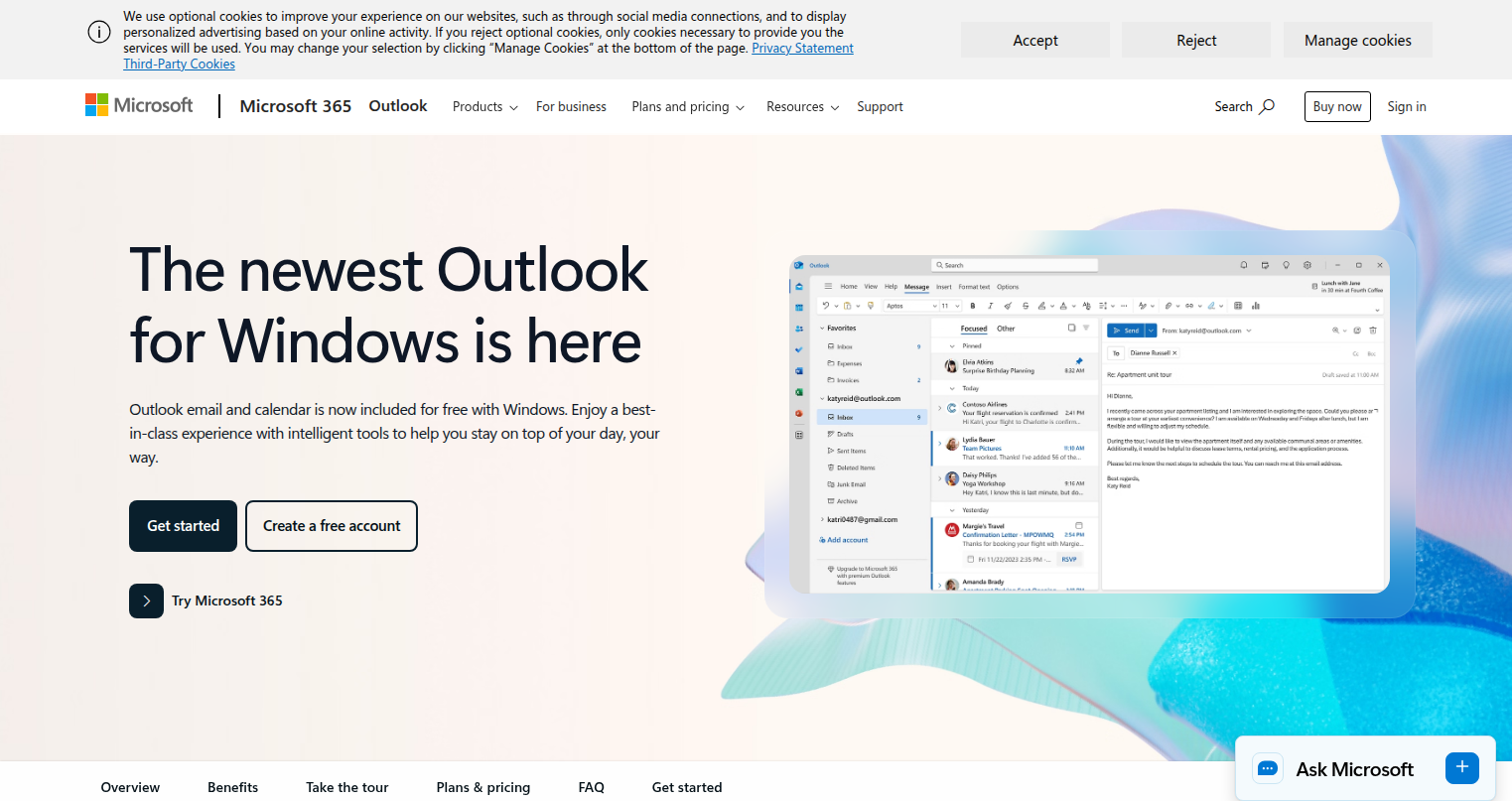
Step 3
Access Microsoft Outlook
Log into your Microsoft Outlook account where your contacts and email are managed.
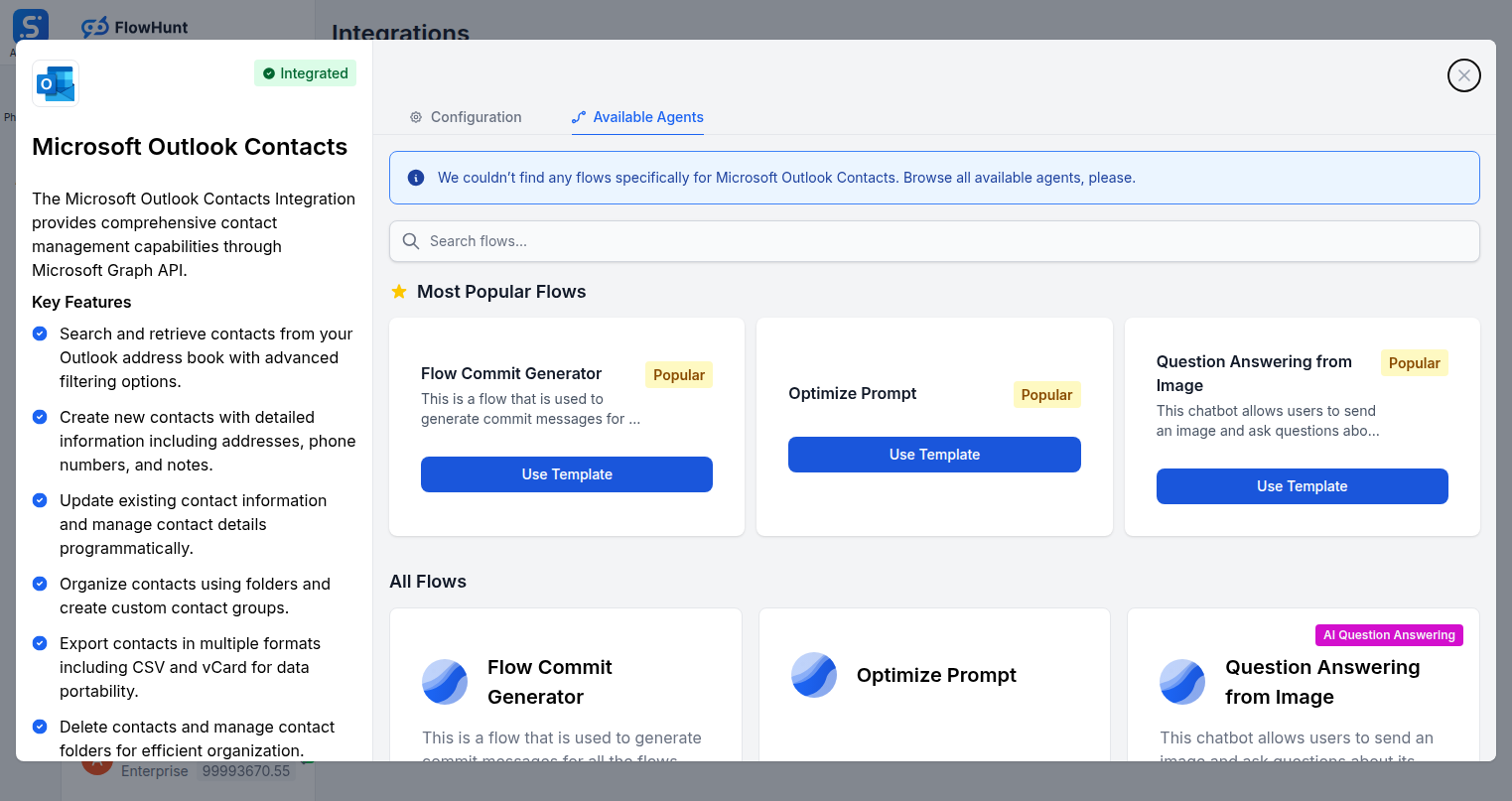
Step 4
Add to Your Agent
Open the Available Agents tab and add Microsoft Outlook Contact tools to your AI agent workflow.
Use Cases
What You Can Do with Microsoft Outlook Contacts + FlowHunt
FlowHunt's Outlook Contacts integration makes AI your personal contact manager and email automation engine. Use the full action set inside any flow to handle every aspect of contact and outreach management.
- Auto-Create Contacts
- AI creates Outlook contacts from lead forms, CRM records, or event registrations automatically.
- Contact Enrichment
- Update existing contacts with new information gathered from emails, calls, or external data sources.
- Smart Email Outreach
- AI composes and sends personalized emails through Outlook as part of automated outreach sequences.
- Contact Deduplication
- Search and identify duplicate contacts, then update or delete redundant records automatically.
- CRM Sync
- Keep Outlook contacts in sync with your CRM by updating records when data changes in either system.
- Lead Follow-Up
- Automatically send follow-up emails via Outlook when a lead completes a form or takes an action.
- Contact Organization
- Create and maintain contact folders to segment customers, partners, and prospects automatically.
- Customer Onboarding
- Add new customers to Outlook and send welcome emails as part of an automated onboarding flow.
Microsoft Outlook Contacts Components
All Outlook Contact tool actions available in FlowHunt — add any of them to your AI agent flows.
| Component | Description |
|---|---|
| Create Outlook Contact | Create a new contact in Microsoft Outlook. |
| Create Outlook Contact Folder | Create a new contact folder in Microsoft Outlook. |
| Delete Outlook Contact | Delete a contact from Microsoft Outlook. |
| Get Outlook Contact | Get a specific contact by ID from Microsoft Outlook. |
| List Outlook Contact Folders | List all contact folders in Microsoft Outlook. |
| List Outlook Contacts | List contacts from Microsoft Outlook. |
| Search Outlook Contacts | Search for contacts in Microsoft Outlook by name, email, company, or phone. |
| Send Email in Outlook | Create and send a new email via Microsoft Outlook. |
| Update Outlook Contact | Update an existing contact in Microsoft Outlook. |