
AI Agent for Microsoft Planner
Automate your Microsoft Planner workflows with AI. FlowHunt connects directly to your Planner environment to create plans, manage buckets, assign tasks, track progress, and update statuses — all driven by natural language commands and intelligent automation.
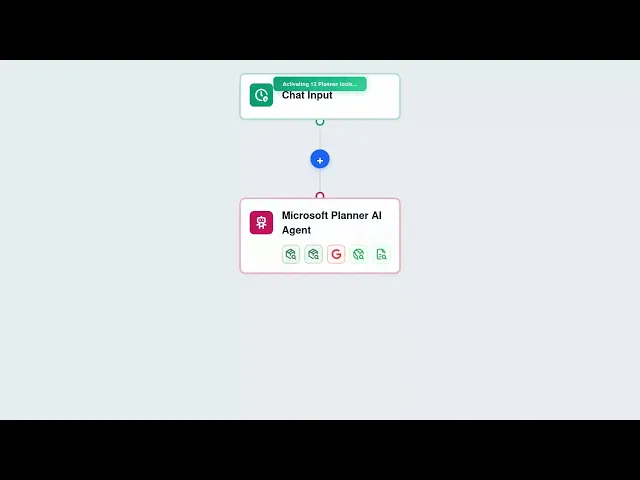




Full Planner Control via AI
FlowHunt gives your AI agents complete access to Microsoft Planner through the Graph API. Create plans, organize buckets, assign tasks to team members, set due dates and priorities, attach files, and update progress — all through natural language or automated triggers.
- Create Plans and Buckets:
- AI agents can scaffold entire projects by creating Planner plans and organizing them into structured buckets automatically.
- Assign and Track Tasks:
- Create tasks, assign them to team members, set due dates, and track completion percentages without manual input.
- Automated Status Updates:
- Update task status, move tasks between buckets, and maintain accurate project state as work progresses.
AI-Powered Project Management
Connect FlowHunt to Microsoft Planner and unlock intelligent project orchestration. AI agents can read your project state, identify overdue tasks, create follow-up assignments, and keep your team aligned — all from a single conversational interface or scheduled automation.
- Trigger-Based Automation:
- Automatically create Planner tasks when specific events occur — form submissions, support tickets, or scheduled triggers.
- Rich Task Details:
- Add detailed descriptions, file attachments, checklists, and notes to tasks so your team always has full context.
- Due Date Management:
- Set start dates, due dates, and scheduling priorities to ensure tasks are completed on time across all projects.
Simple OAuth Setup — No API Keys
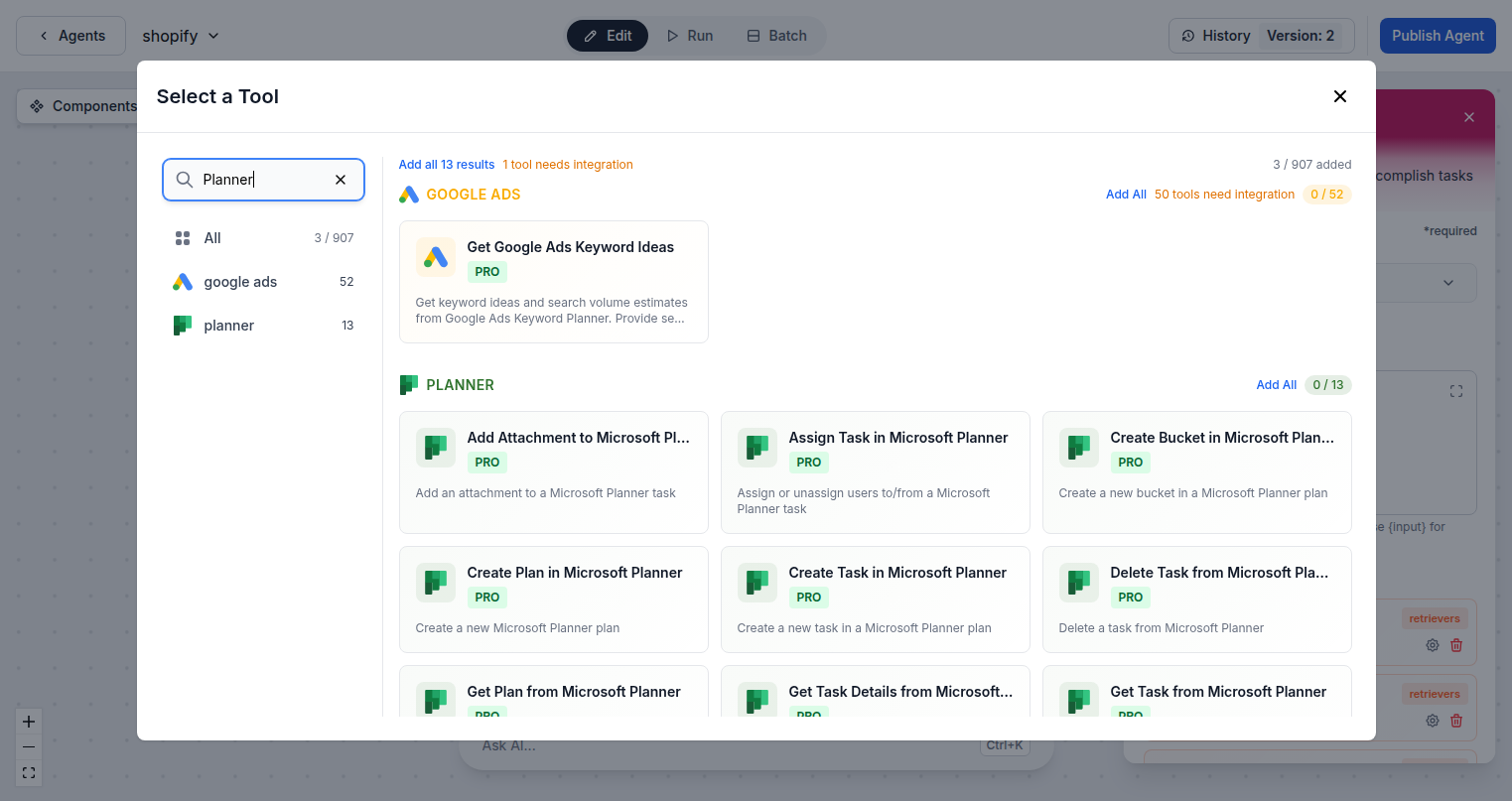
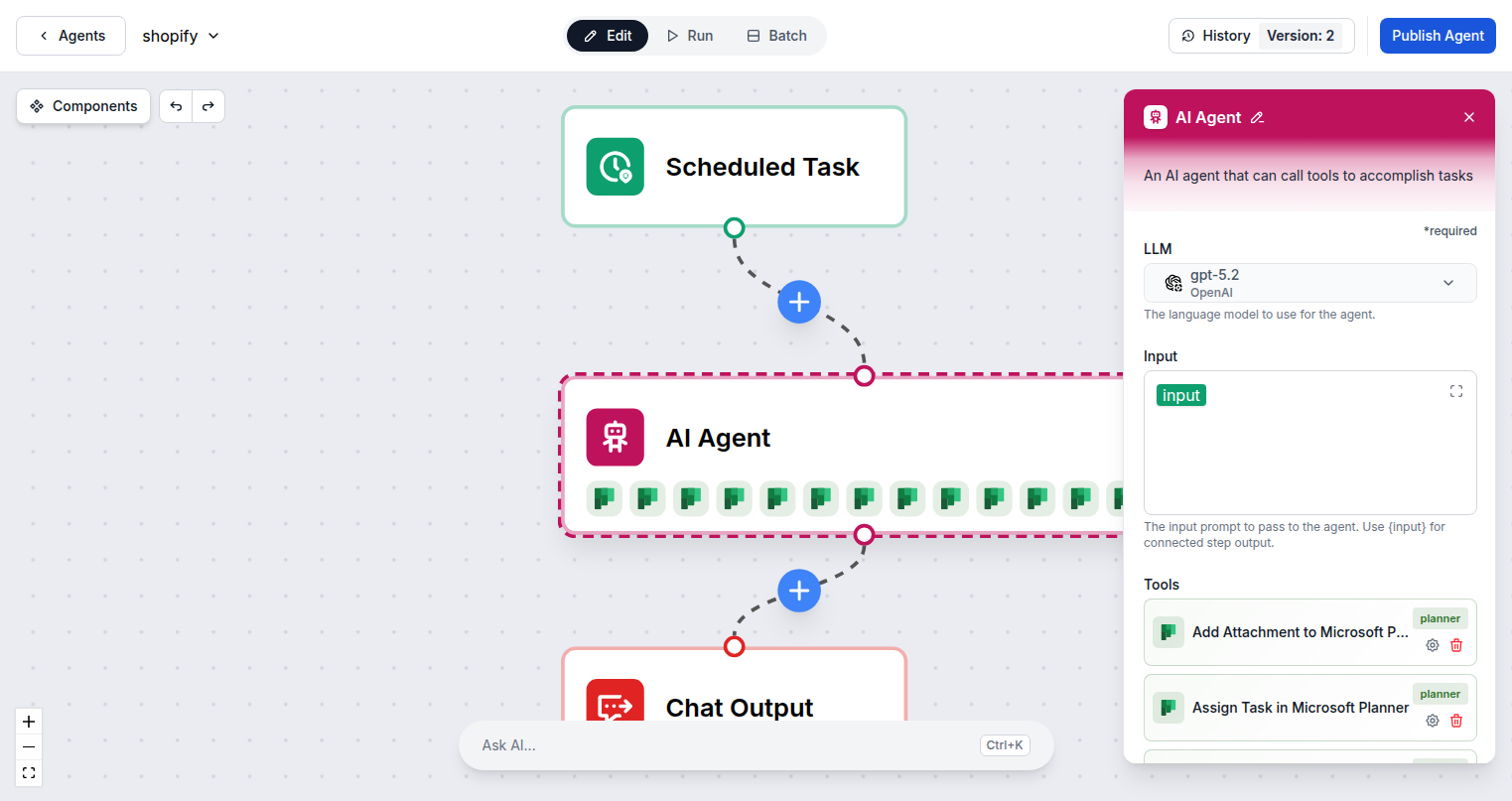
Connecting FlowHunt to Microsoft Planner takes seconds. Sign in with your Microsoft account through the standard OAuth flow and your Planner integration is active immediately. All 13 Planner tool actions are available to add to any AI agent flow.
- One-Click OAuth:
- Authenticate with your Microsoft account — no API keys, no developer registration required.
- 13 Planner Actions:
- Access the full range of Planner operations: create, read, update, delete tasks, plans, and buckets.
- Microsoft Graph API:
- Built on the official Microsoft Graph API for secure, reliable, and enterprise-ready automation.
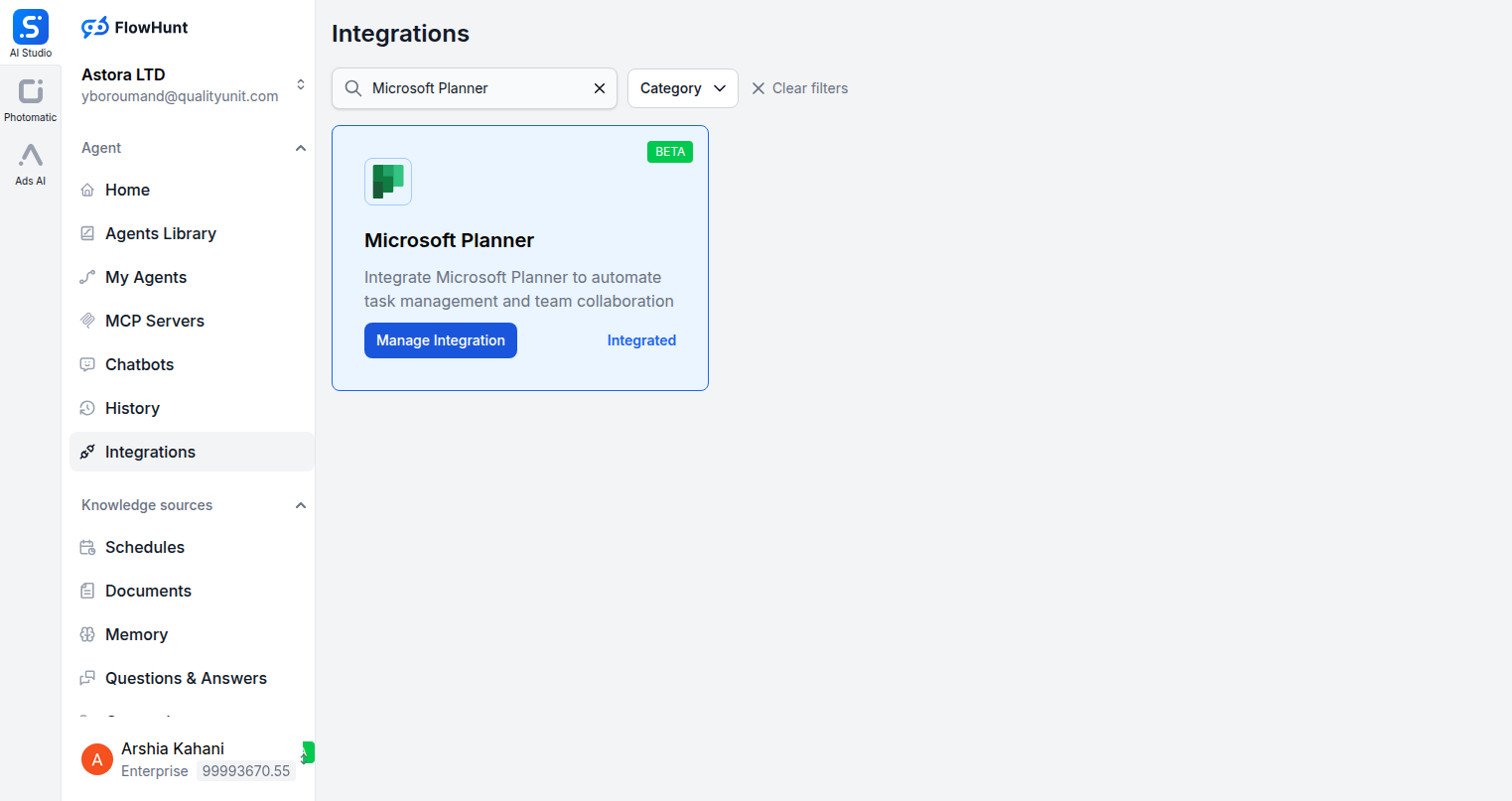
Step 1
Open Integrations
Navigate to the Integrations page in FlowHunt and find Microsoft Planner.
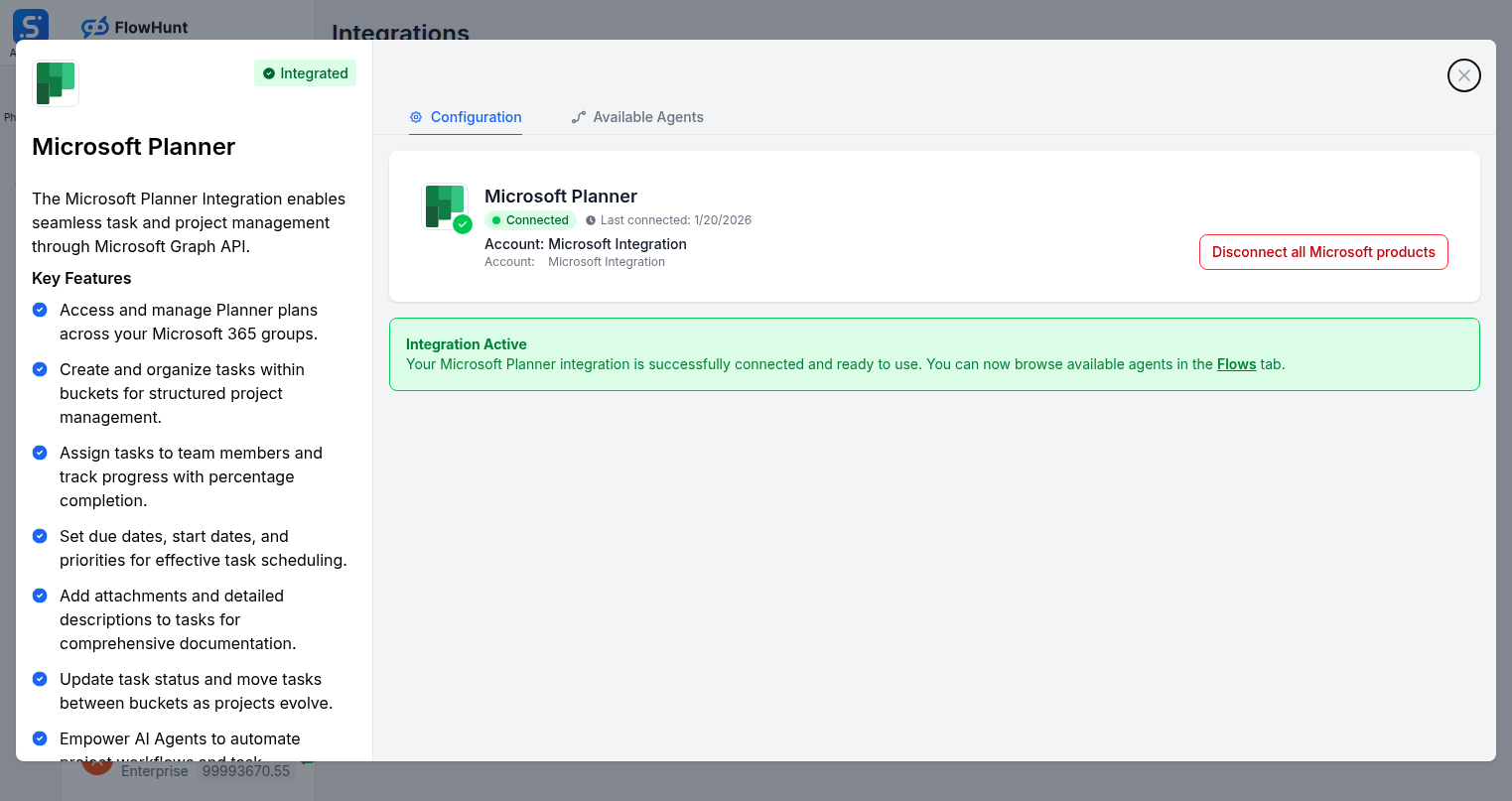
Step 2
Connect Microsoft Planner
Click Manage Integration on the Microsoft Planner card and sign in with your Microsoft account to connect via OAuth.
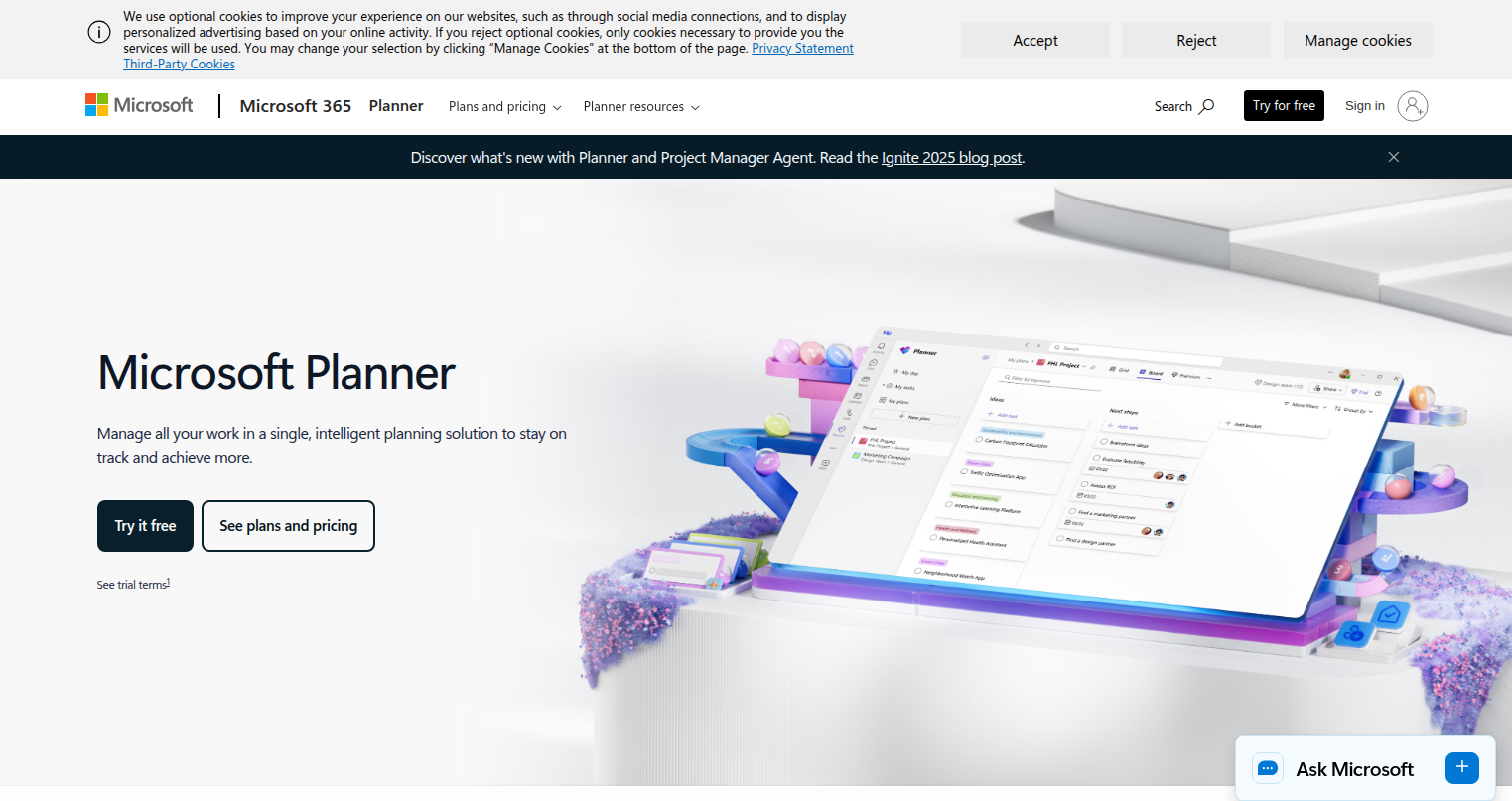
Step 3
Access Microsoft Planner
Log into your Microsoft 365 account where your Planner plans and groups are managed.
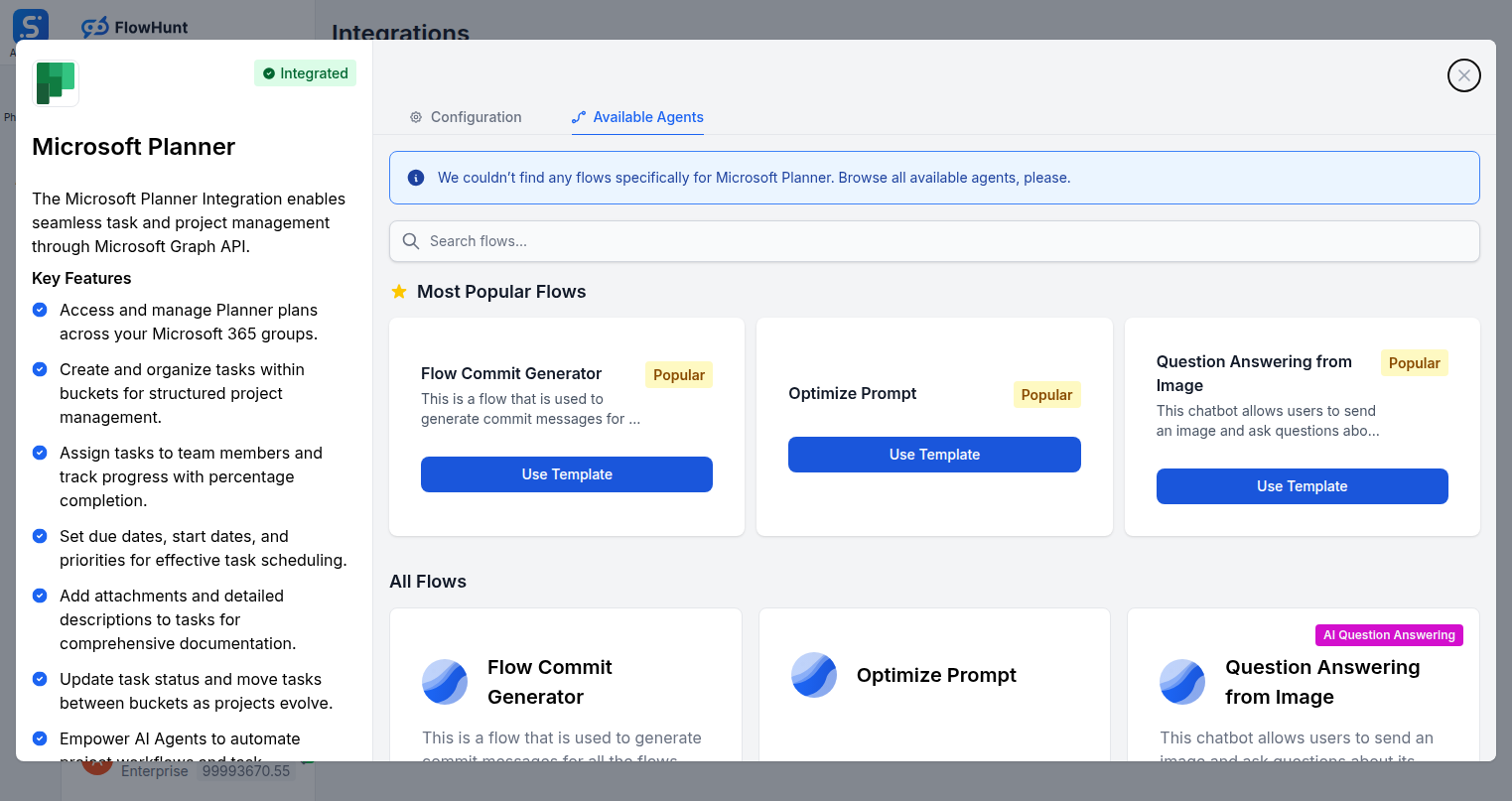
Step 4
Add to Your Agent
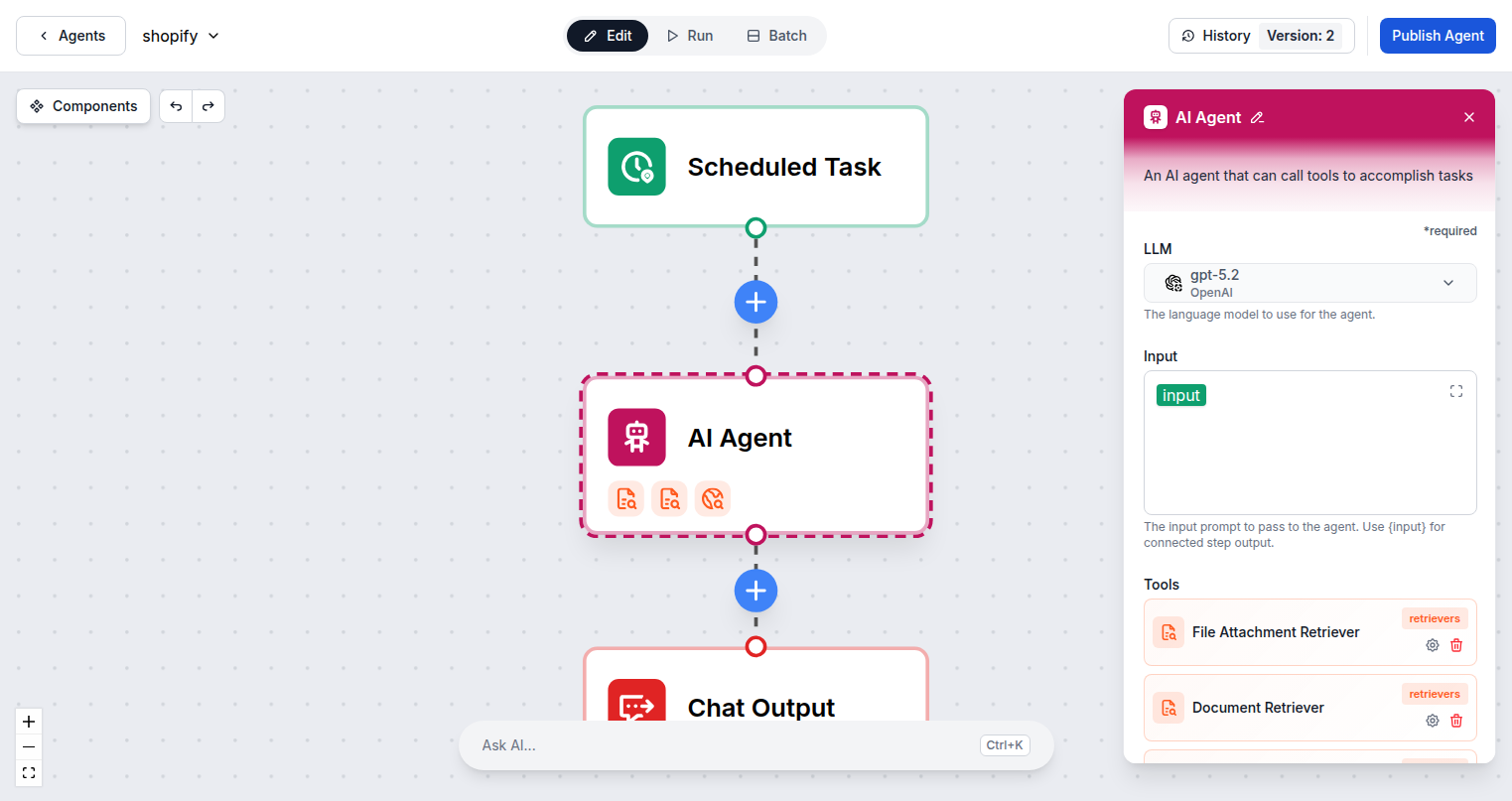
Open the Available Agents tab to browse Planner-specific flows and add Microsoft Planner tools to your AI agent.
Use Cases
What You Can Do with Microsoft Planner + FlowHunt
FlowHunt turns Microsoft Planner into an AI-powered project hub. Use the full suite of Planner tools inside any AI agent flow to automate every phase of project and task management.
- Automated Task Creation
- AI creates Planner tasks from emails, form submissions, or scheduled triggers automatically.
- Project Scaffolding
- Generate complete plan structures with buckets and task templates from a single AI command.
- Team Assignment Automation
- AI assigns tasks to the right team members based on role, workload, or project context.
- Progress Tracking
- Query task status, percentage completion, and overdue items with natural language reports.
- Due Date Management
- Set and update due dates and priorities across tasks to keep projects on schedule.
- Document Attachment
- AI automatically attaches relevant files and documentation to tasks for complete context.
- Cross-System Integration
- Connect Planner with other FlowHunt integrations — create tasks from Slack messages or HubSpot deals.
- Status Reporting
- Generate project status summaries by querying all tasks and their current states.
Microsoft Planner Components
All Microsoft Planner tool actions available in FlowHunt — add any of them to your AI agent flows.
| Component | Description |
|---|---|
| Add Attachment to Microsoft Planner | Add an attachment to a Microsoft Planner task. |
| Assign Task in Microsoft Planner | Assign or unassign users to/from a Microsoft Planner task. |
| Create Bucket in Microsoft Planner | Create a new bucket in a Microsoft Planner plan. |
| Create Plan in Microsoft Planner | Create a new Microsoft Planner plan. |
| Create Task in Microsoft Planner | Create a new task in a Microsoft Planner plan. |
| Delete Task from Microsoft Planner | Delete a task from Microsoft Planner. |
| Get Plan from Microsoft Planner | Get details of a specific Microsoft Planner plan. |
| Get Task Details from Microsoft Planner | Get detailed information about a Microsoft Planner task. |
| Get Task from Microsoft Planner | Get details of a specific Microsoft Planner task. |
| Update Task in Microsoft Planner | Update an existing task in Microsoft Planner. |