
AI Agent for Microsoft To Do
Supercharge your personal task management with AI. FlowHunt connects to Microsoft To Do so your AI agents can create task lists, add tasks with due dates and priorities, search across lists, mark tasks complete, and keep your productivity system in sync — automatically.
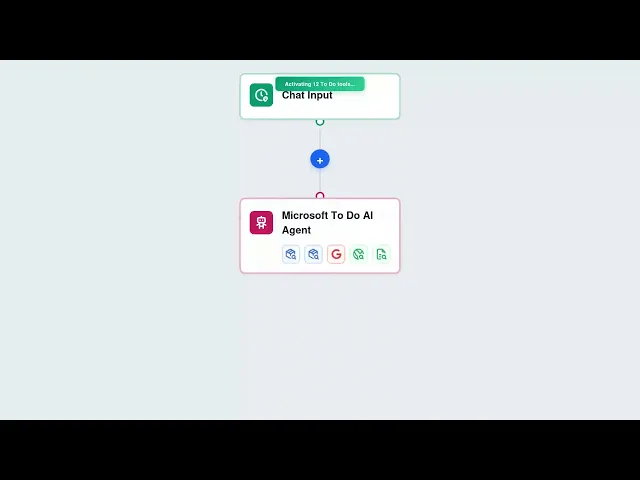




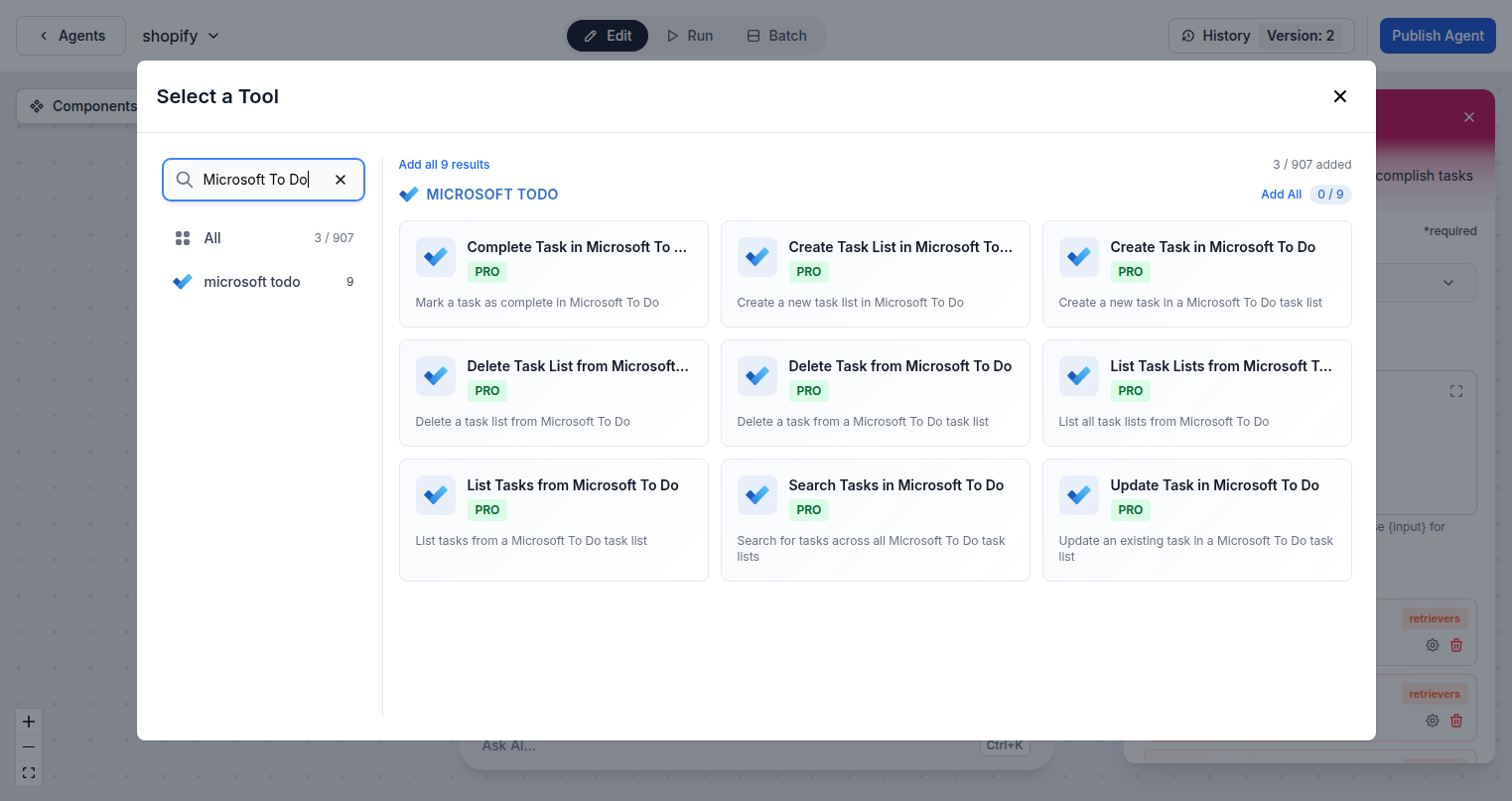
Full To Do Control via AI
FlowHunt gives AI agents complete access to Microsoft To Do through the Graph API. Create and manage task lists, add tasks with rich details, set due dates, mark items complete, search across your entire task library, and delete outdated entries — all through natural language or automated workflows.
- Create Lists and Tasks:
- AI agents create task lists and individual tasks with titles, due dates, notes, and priority levels in seconds.
- Search Across Tasks:
- Find any task by keyword across all your To Do lists with intelligent search and retrieval.
- Mark Tasks Complete:
- Programmatically complete tasks based on triggers — finishing a project, closing a ticket, or any automated condition.
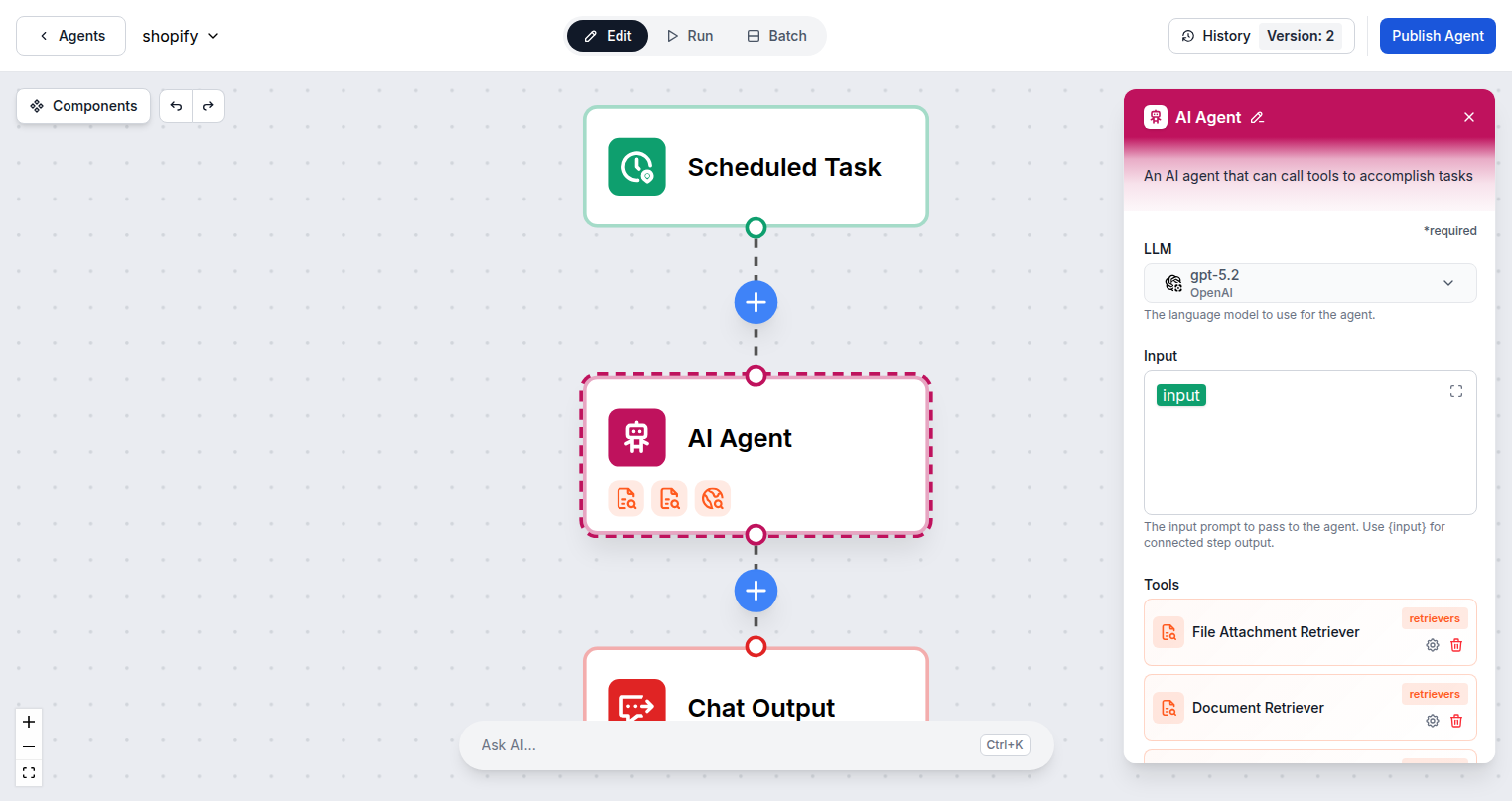
AI-Powered Personal Productivity
Turn any input into structured tasks. FlowHunt AI agents process emails, meeting notes, messages, or webhook events and convert them into organized To Do tasks automatically. Stay on top of commitments without manual data entry.
- Event-Driven Task Creation:
- Create tasks automatically from emails, form submissions, Slack messages, or any trigger event.
- List Organization:
- Keep tasks organized in separate lists by project, area, or context — and manage them all through AI.
- Task Lifecycle Management:
- Create, update, complete, and delete tasks at every stage of your workflow without touching the app.
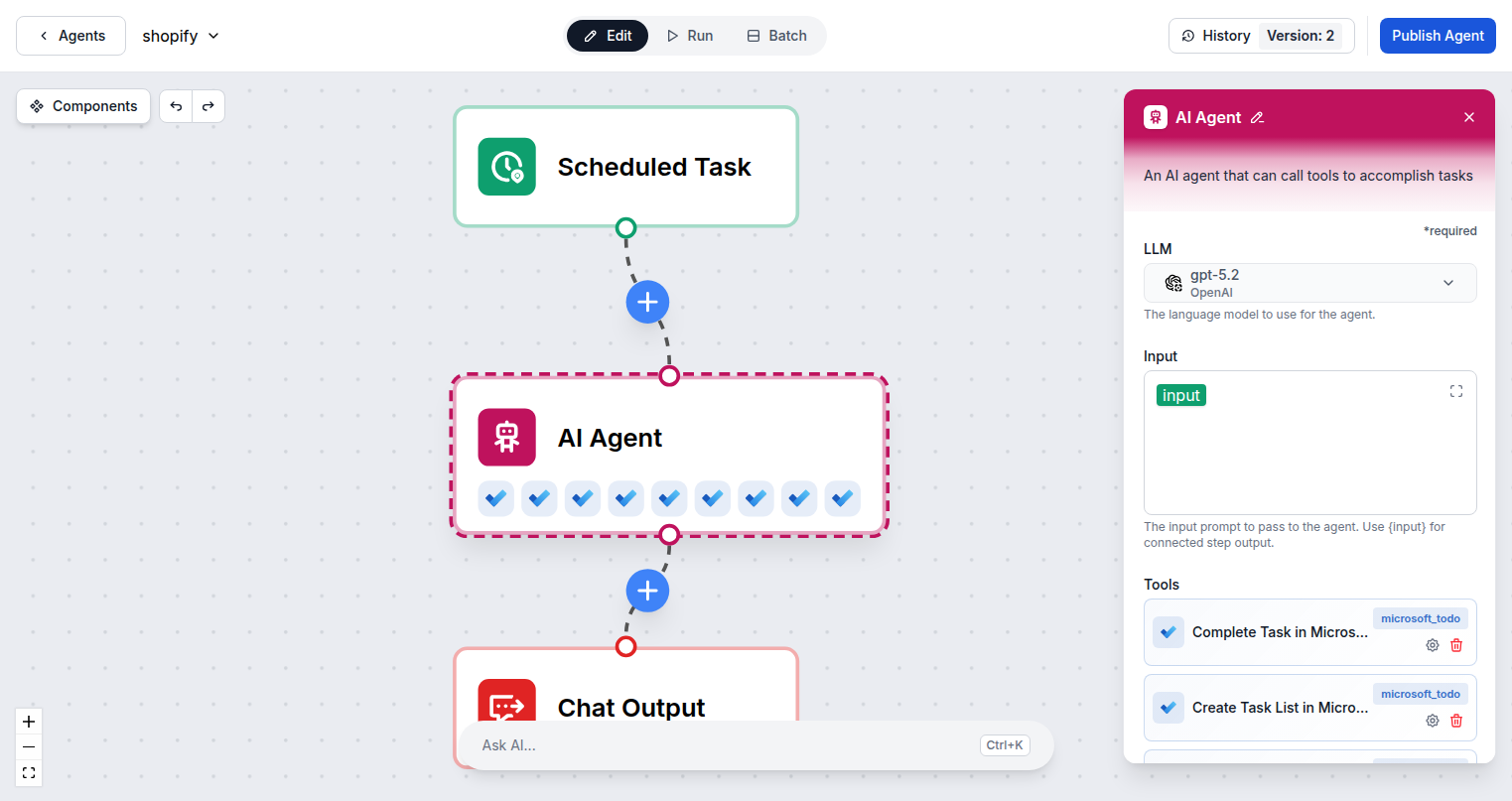
One Microsoft Login — Instant Access
Connecting FlowHunt to Microsoft To Do requires only your Microsoft account. Sign in once via OAuth and all 9 To Do tool actions are immediately available to add to any AI agent flow in your workspace.
- OAuth Authentication:
- One Microsoft sign-in connects FlowHunt — shared across all Microsoft integrations in your account.
- 9 Task Actions:
- Create, list, search, update, complete, and delete tasks and task lists with the full action set.
- Graph API Security:
- All operations run through the official Microsoft Graph API for secure, reliable task automation.
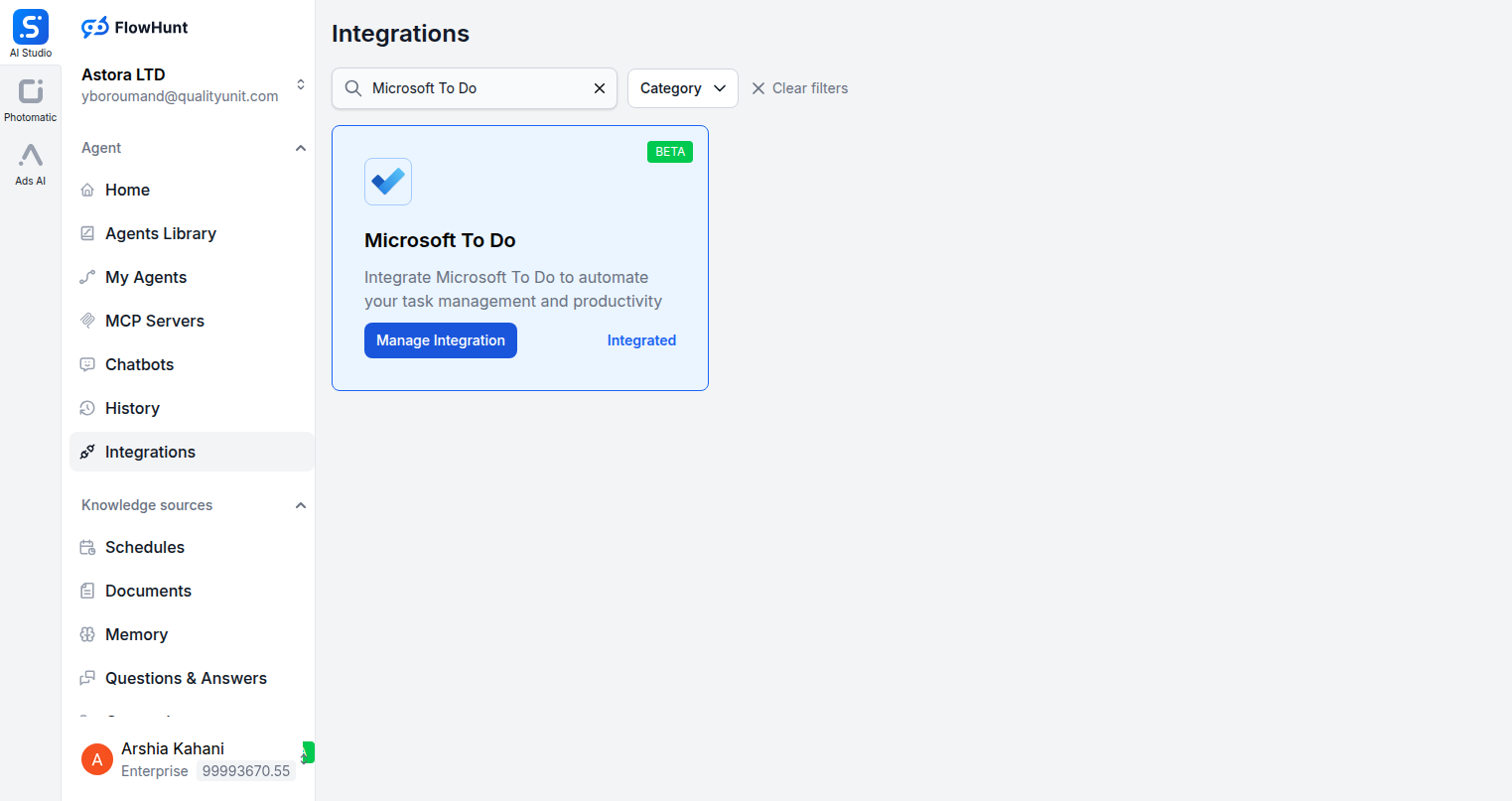
Step 1
Open Integrations
Navigate to the Integrations page in FlowHunt and find Microsoft To Do.
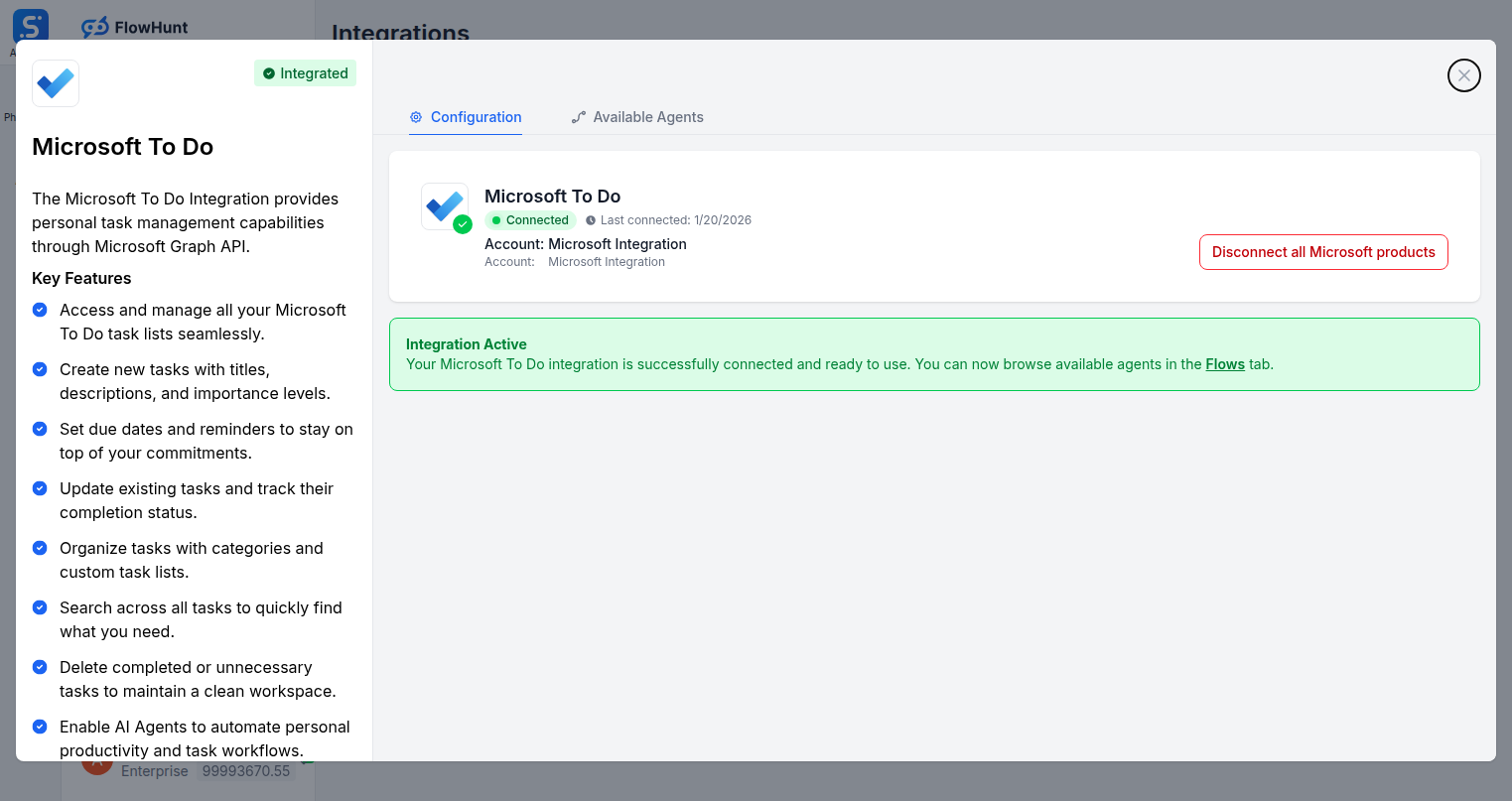
Step 2
Connect Microsoft To Do
Click Manage Integration on the Microsoft To Do card and sign in with your Microsoft account to authorize the connection.
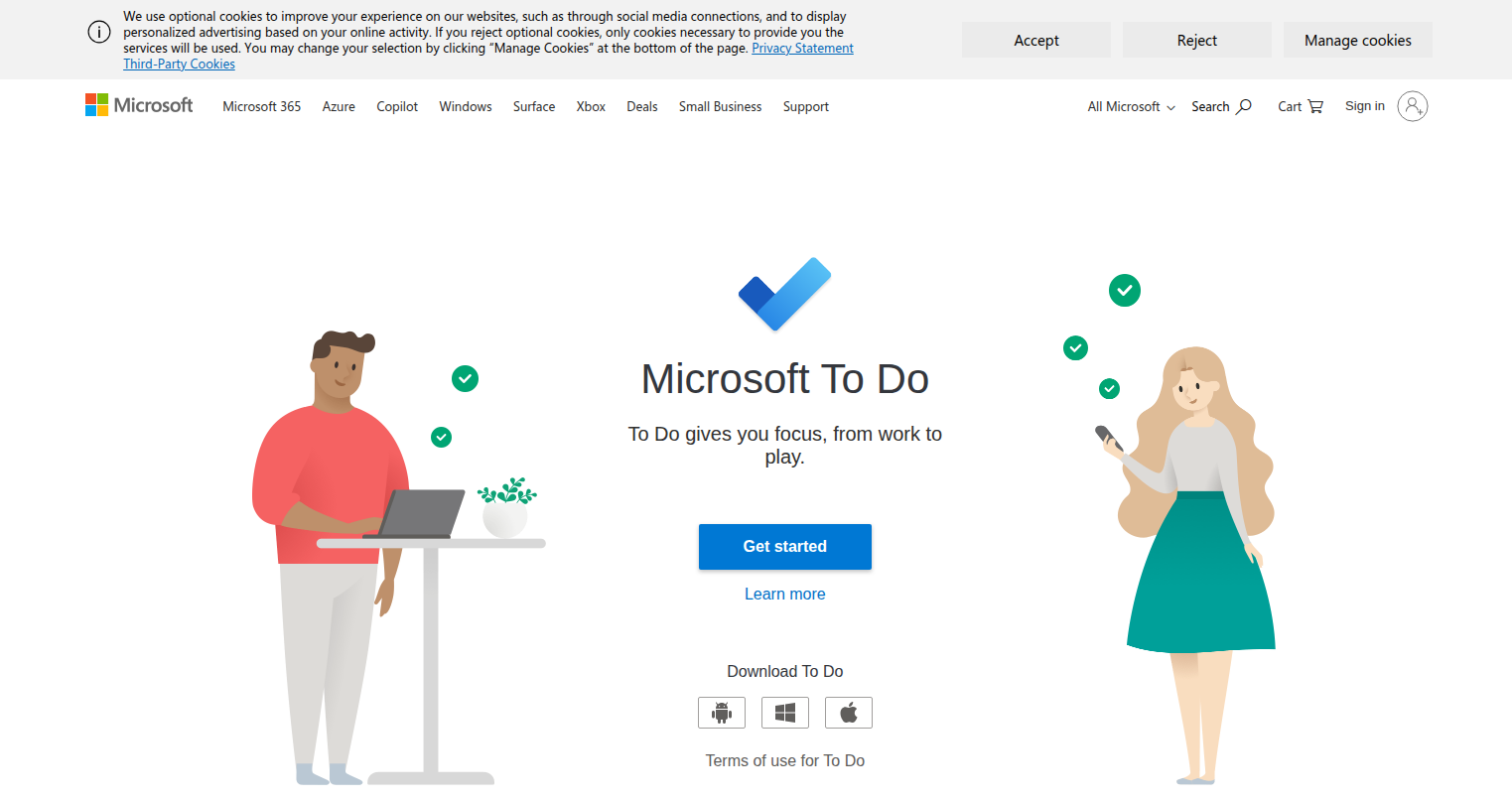
Step 3
Access Microsoft To Do
Log into your Microsoft account at todo.microsoft.com where your task lists and tasks are stored.
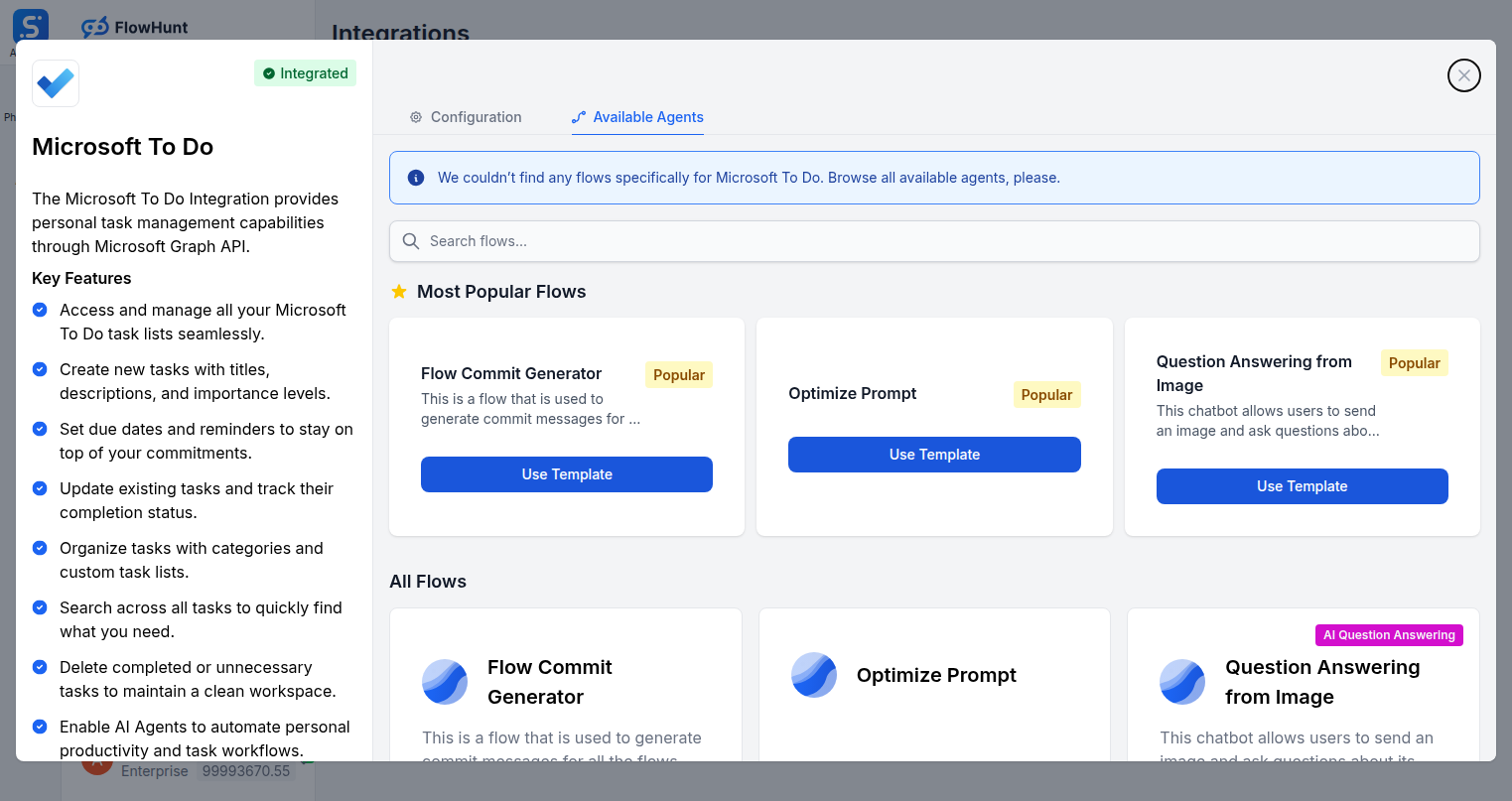
Step 4
Add to Your Agent
Open the Available Agents tab to browse flows and add Microsoft To Do tools to your AI agent workflow.
Use Cases
What You Can Do with Microsoft To Do + FlowHunt
FlowHunt's Microsoft To Do integration turns AI into your personal productivity assistant. Use the full task action set inside any flow to automate every part of your task management system.
- Email-to-Task Automation
- AI reads emails and creates To Do tasks from action items, follow-ups, and commitments automatically.
- Meeting Note Processing
- Convert meeting notes into structured task lists with due dates assigned to the right list.
- Daily Planning Automation
- AI generates a prioritized daily task list each morning from your projects and calendar.
- Task Completion Tracking
- Automatically mark tasks complete when related workflows or tickets are resolved.
- Cross-App Task Sync
- Create To Do tasks from events in Slack, HubSpot, GitHub, or any other connected integration.
- Personal Inbox Zero
- AI processes your inbox and converts every actionable message into a task with context preserved.
- Project Checklist Generation
- Automatically generate checklists in To Do for recurring project types or onboarding processes.
- Deadline Monitoring
- AI scans tasks for overdue items and sends reminders or updates priorities automatically.
Microsoft To Do Components
All Microsoft To Do tool actions available in FlowHunt — add any of them to your AI agent flows.
| Component | Description |
|---|---|
| Complete Task in Microsoft To Do | Mark a task as complete in Microsoft To Do. |
| Create Task List in Microsoft To Do | Create a new task list in Microsoft To Do. |
| Create Task in Microsoft To Do | Create a new task in a Microsoft To Do task list. |
| Delete Task List from Microsoft To Do | Delete a task list from Microsoft To Do. |
| Delete Task from Microsoft To Do | Delete a task from a Microsoft To Do task list. |
| List Task Lists from Microsoft To Do | List all task lists from Microsoft To Do. |
| List Tasks from Microsoft To Do | List tasks from a Microsoft To Do task list. |
| Search Tasks in Microsoft To Do | Search for tasks across all Microsoft To Do task lists. |
| Update Task in Microsoft To Do | Update an existing task in Microsoft To Do. |