
Welcome to FlowHunt! You’re about to get access to a platform that lets you build powerful AI tools, chatbots, and fully automated workflows without writing a single line of code. This guide will walk you through everything you can do here and point you to the right place to go deeper on each topic.
What is FlowHunt?
FlowHunt is a no-code AI platform built around a visual flow editor. You connect building blocks on a canvas, inputs, AI models, knowledge sources, tools, and outputs, and the result is a working AI tool or automation. It can be as simple as a chatbot that answers questions about your product, or as complex as a multi-agent workflow working at scale and on a schedule.
What sets FlowHunt apart is scale and choice. You are not locked into one AI model or one use case. FlowHunt gives you access to the top LLMs including ChatGPT, Claude, Gemini, and xAI, as well as leading image and video generation models, all in one place. You can mix and match models within the same flow, run thousands of interactions simultaneously, and build tools that grow with your business.
Step 1: Create Your First Flow
Not everyone starts from the same place, so here are three paths depending on how you like to work.
Option 1: Start From The Agent Library
The fastest way to get something working is to skip the blank canvas entirely. Head to the Agent Library and browse the collection of ready-made flows.
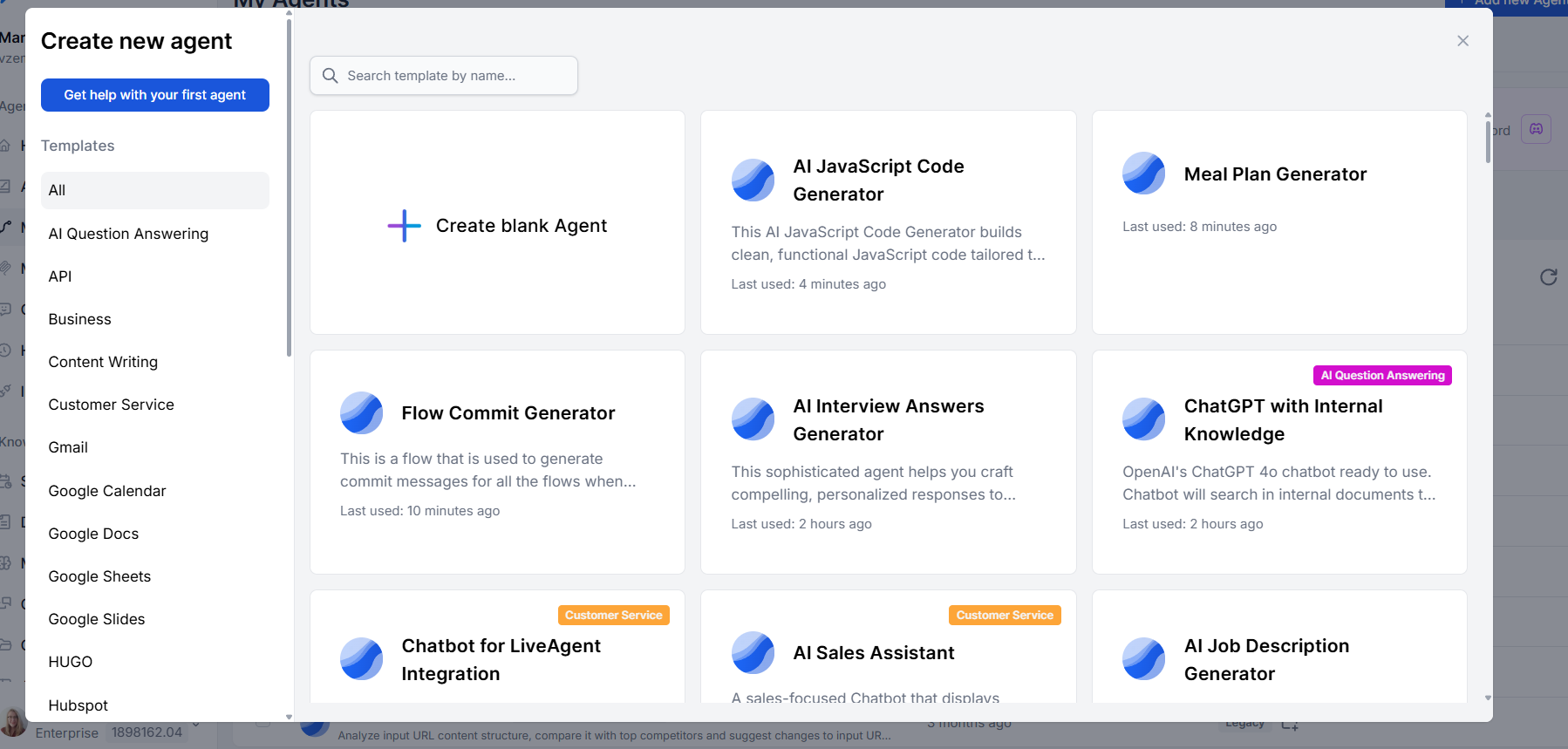
The library features use cases for customer support, content creation, research, data processing, and more. Find what you need and either start chatting with it immediately, or click + Add to my agents to pull it into your workspace and customize it.
Option 2: Ask The AI Assistant To Build It For You
If you have a specific idea but are not sure how to wire it together, let our AI Assistant do it.
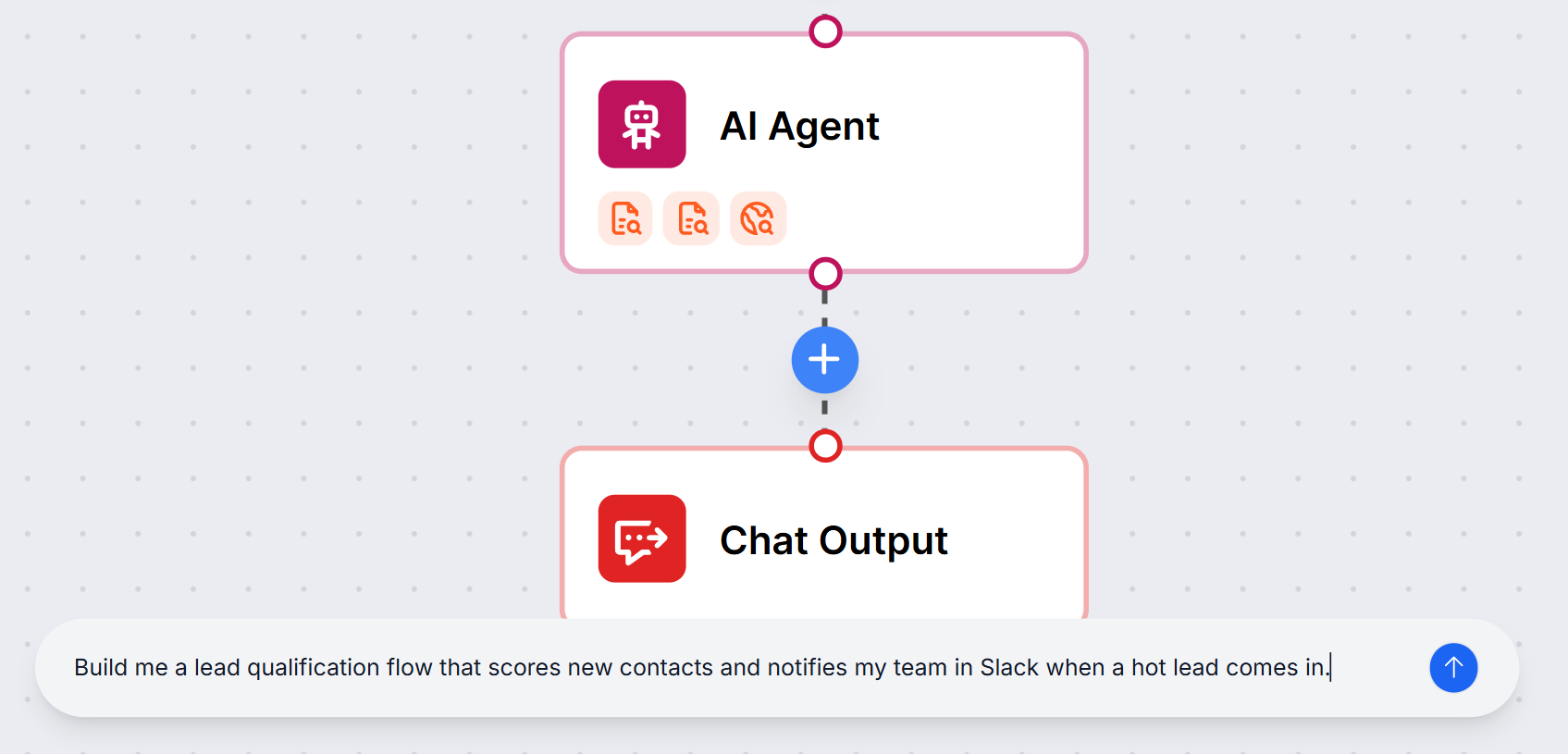
Go to My Agents in the left hand menu and click + Add new agent, and create a blank agent. in the Flow Editor , open the AI Assistant chat at the bottom, and describe what you want to build in plain language. The assistant will generate the flow structure for you. It is a great way to get a working starting point that you can then tweak and expand.
Check the created flow and connect the components if they are not connected. Remember that if your flow needs to connect to any third-party services, such as a CRM, a helpdesk, or an external database, you will need to set up the relevant integrations or connect an MCP server before those components will work.
Once your flow is ready, click RUN in the top right corner of the editor to open a chat window and test it directly. All test sessions are saved in history so you can review them later.
Note: that the assistant is currently in beta, so it is worth reviewing what it builds before you run it.
Option 3: Build It Yourself From Scratch
If you want full control from the start, open a blank flow and start connecting components yourself. The Flow Editor guide covers everything you need to know, from adding and configuring components to connecting them and testing the result.
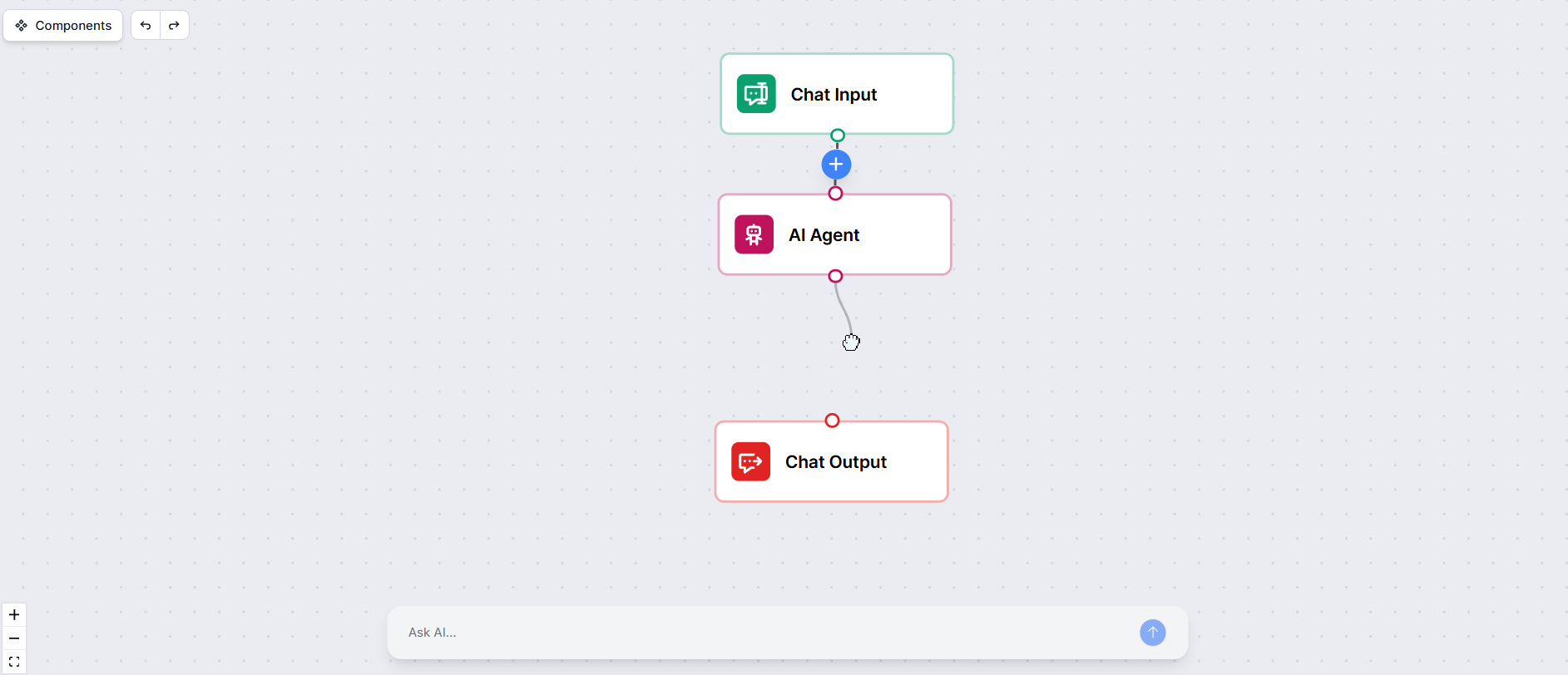
A simple chatbot is a great first project. It takes just three components and a few minutes to set up. You’ll learn how to build it in the Flow Editor guide.
Remember that if your flow needs to connect to any third-party services, such as a CRM, a helpdesk, or an external database, you will need to set up the relevant integrations or connect an MCP server before those components will work.
Once your flow is ready, click RUN in the top right corner of the editor to open a chat window and test it directly. All test sessions are saved in history so you can review them later.

Ready to grow your business?
Start your free trial today and see results within days.
Step 2: Connect Your Existing Tools
FlowHunt works best when it is connected to the rest of your stack. Most businesses already have a CRM, a helpdesk, a project management tool, and a handful of other systems they rely on every day. Rather than replacing those tools, FlowHunt brings AI into the mix and connects the systems to make them smarter.
There are two ways to connect external tools:
- Native integrations are pre-built connectors for popular platforms like HubSpot, Slack, WordPress, and LiveAgent. You authenticate your account and the relevant components become available in the editor immediately. See all the integrations here .
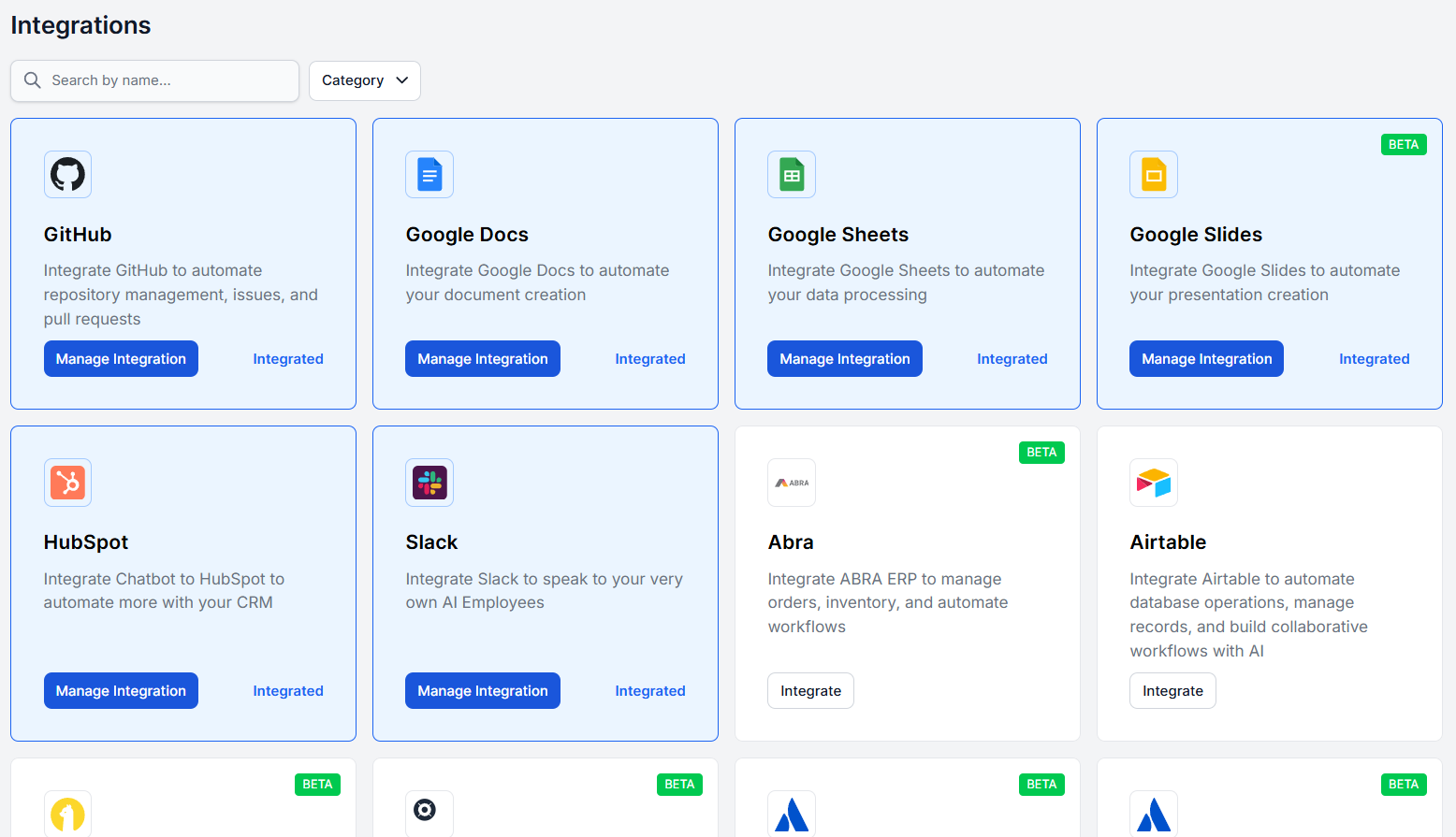
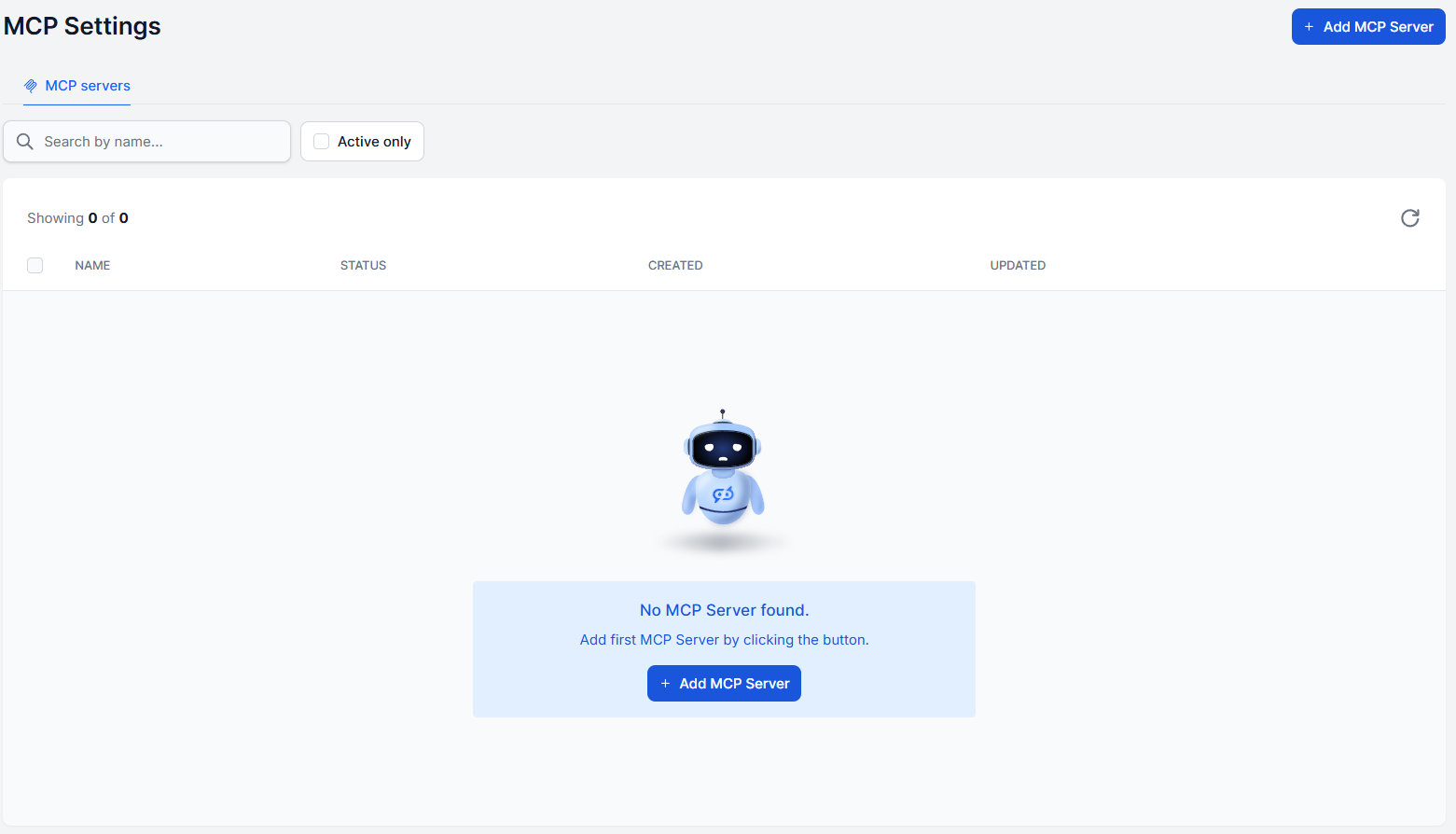
- MCP Servers help you connect everything else, such as internal systems, niche SaaS tools, and custom-built software. you can connect via MCP servers . MCP is an open standard that gives FlowHunt a common language to talk to virtually any tool that supports it.
Step 3: Build Your AI Knowledge Base
What separates a generic chatbot from a truly useful one is its knowledge of your business, products, policies, and your content. That and more is what Knowledge Sources are for.
You can upload documents and audiovisual content in a wide range of formats, link individual URLs, or set up automated crawls of your entire website on a schedule. Moreover, you can link your databases or add a controlled real-time internet search component.
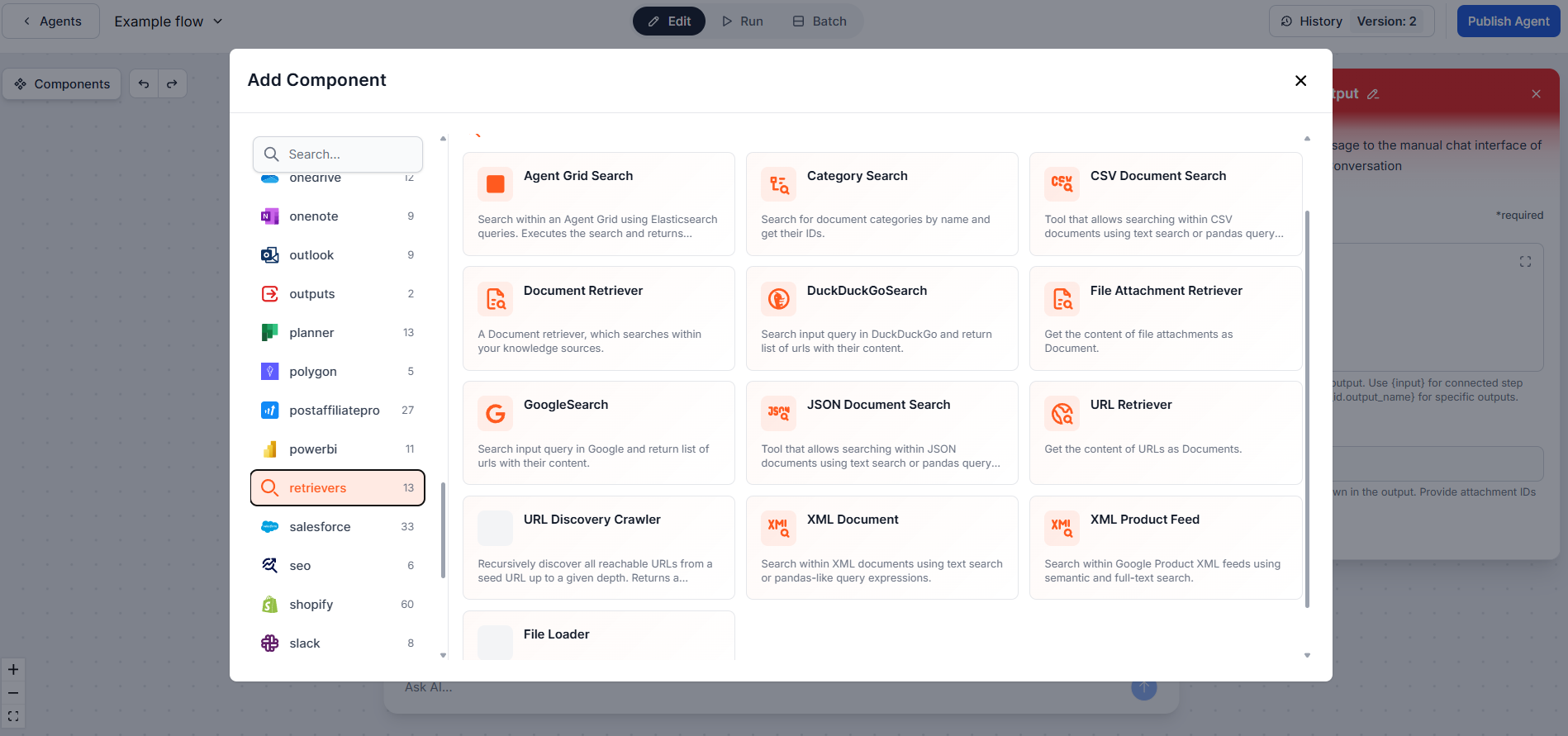
FlowHunt indexes all of it and makes it searchable by your flows through retriever components, making the answers grounded in your actual information rather than whatever the model happened to learn during training.
To learn what knowledge sources are available and how to add them, refer to the Knowledge Sources section, or to integrations for knowledge from third-party apps.
Join our newsletter
Get latest tips, trends, and deals for free.
Step 4: Publish Your Work as a Chatbot
Once your flow is done, you can easily share it by turning it into a public chatbot. The whole process takes just a few clicks.
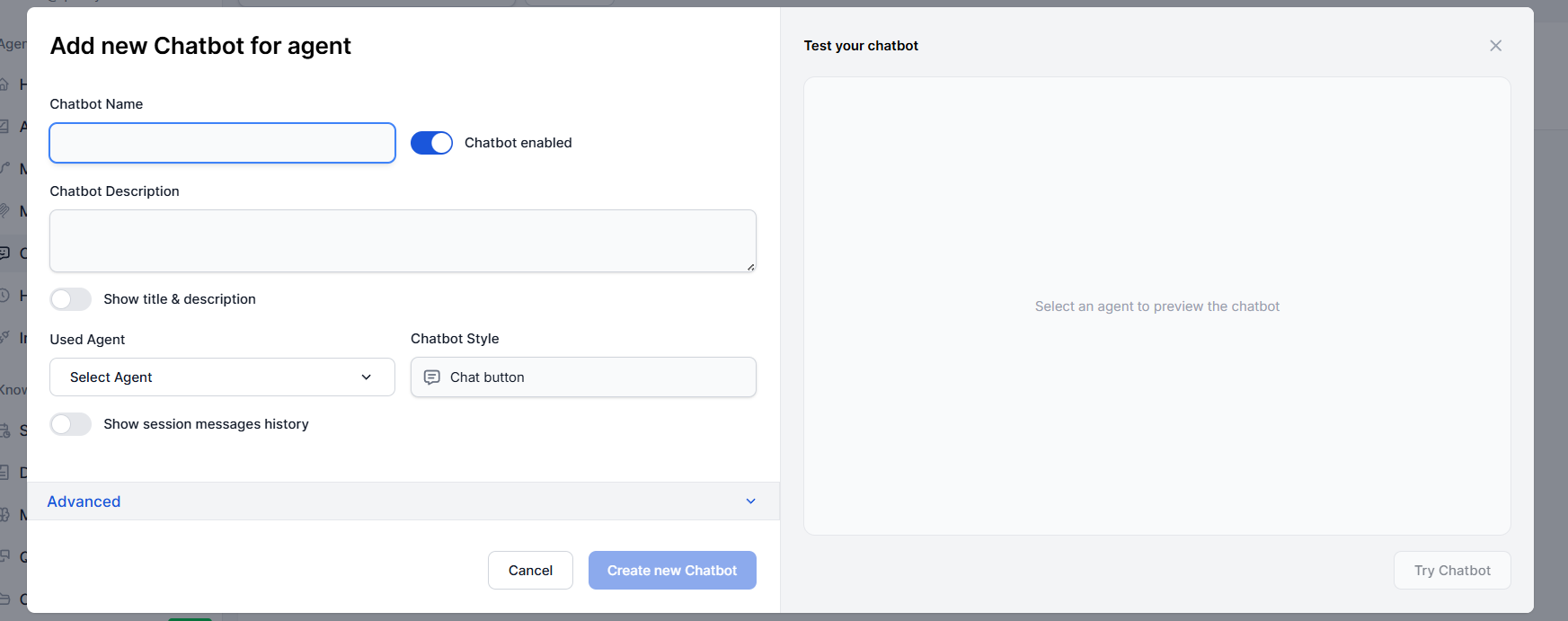
The Chatbots guide covers the process and all the settings in detail. You can customize styles and colors, add a welcome message, and even set up rate limiting to protect against abuse. When you are done, you get an integration code snippet to paste into your website.
Step 5: Automate Beyond Chat
A chat window is the most visible input-output mechanism, but it is far from the only one. FlowHunt includes a plethora of input, trigger and output options, enabling you to run any flow without human intervention, at scale and on a schedule.
For example, data from new google form submissions could be automatically processed and added to a spreadsheet. Are you overwhelmed by your inbox? Have AI go over it and pick out the important stuff. Each new GitHub issue could be automatically triaged and sent to your slack with a appropriate labels and a short summary. There’s plenty of ways FlowHunt can help you put the boring stuff on autopilot.
You can also run flows in batch mode to process large sets of inputs at once, which is useful for things like bulk content generation or processing a list of leads. The Scheduling guide is a good place to start if you want to set up time-based automations.
Bonus Step: Generate Images with Photomatic
FlowHunt doesn’t support just language models. The built-in Photomatic feature gives you access to the best AI image generation models available, along with hundreds of styles and effects, all from within the same platform. Switch to the Photomatic tab in the app and start generating images straight away, no separate tools or subscriptions needed.
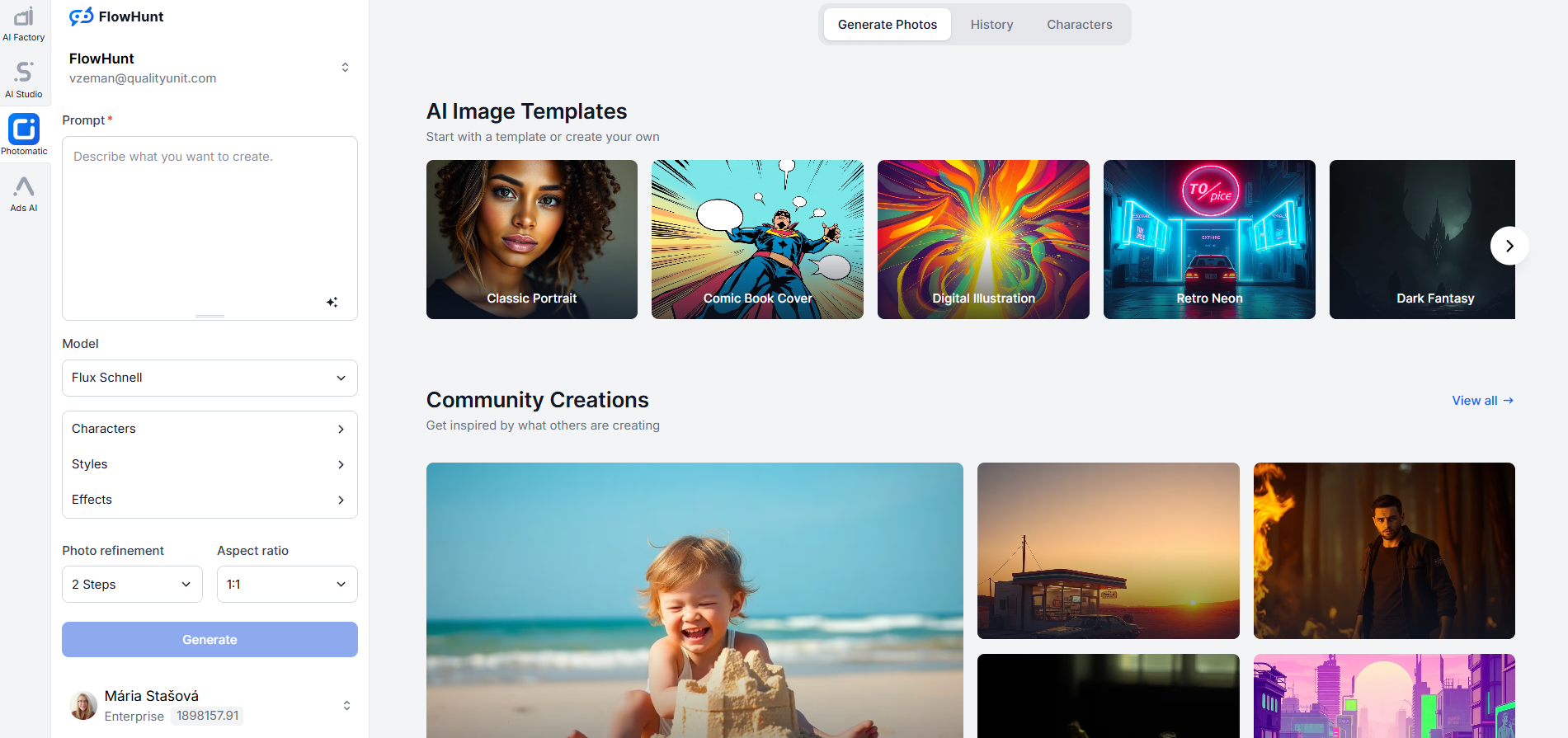
Besides a standalone generator, Photomatic is also a component you can drop into any flow. That means you can build workflows that generate images as part of a larger process, for example a content pipeline that writes a blog post and generates a featured image for it in the same run, or a product tool that creates visuals based on a description a user types into a chat.
That covers the main features of FlowHunt. Each section above links to a more detailed guide, so follow the threads that are most relevant to what you are building. And if you’d prefer a guided walkthrough or have specific questions about your use case, we are more than happy to help. Book a demo or reach us anytime at support@flowhunt.io . We are online 24/7.