
Your business already runs on dozens of tools. FlowHunt connects them, orchestrates them, and makes them smarter with AI, at at scale.There are two main ways to do it. You can either use the large library of pre-existing native integrations or use custom MCP servers to connect virtually anything. Most teams end up using a mix of both to create comprehensive workflows that span their entire business infrastructure.
Native Integrations
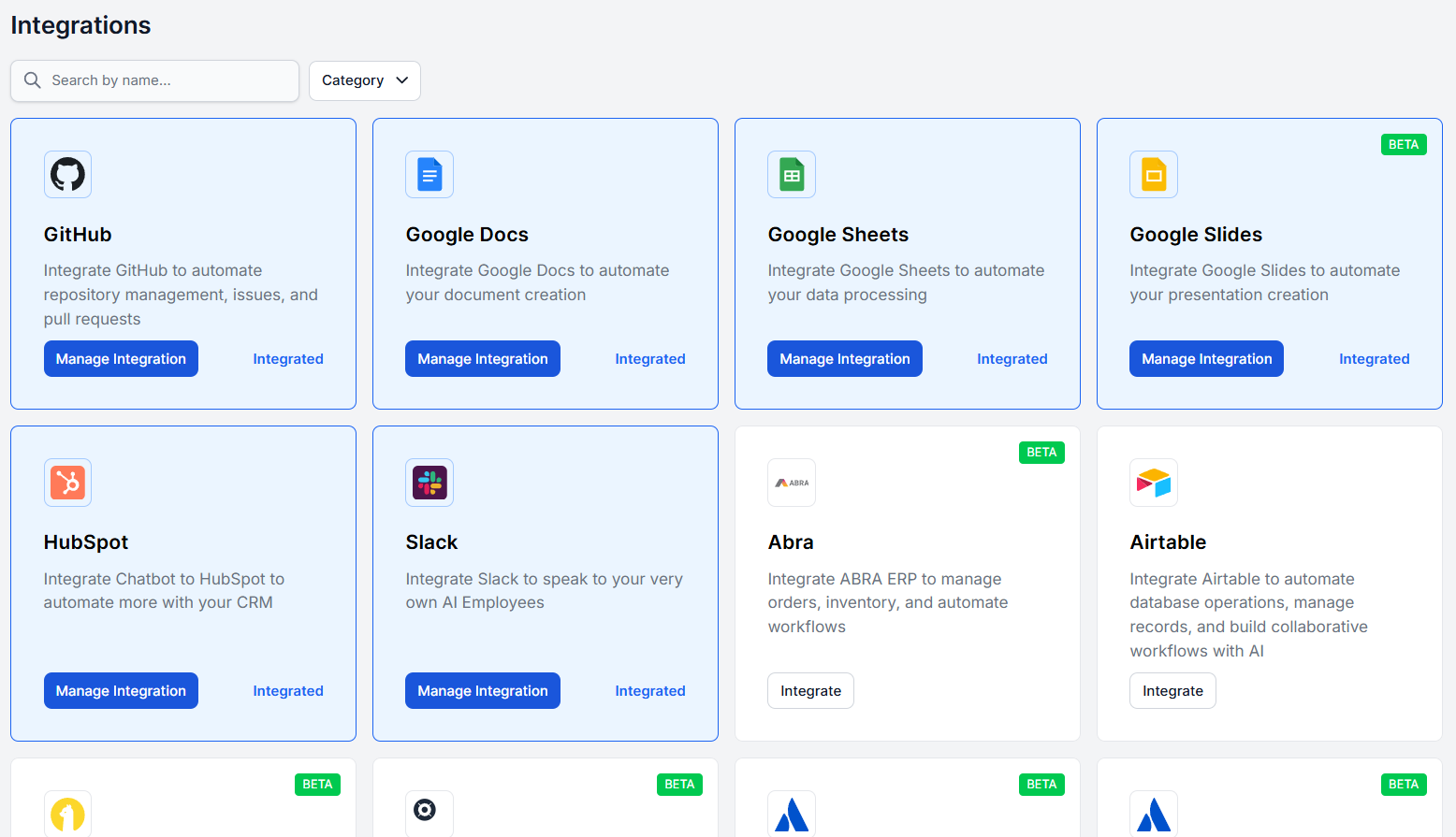
Native integrations are pre-built connectors for specific platforms. There’s dozens of integrations, covering customer service tools, CRMs, productivity apps, data platforms, and more. You can browse the full list on the Integrations page .
Every integration is unique on the provider’s side (connecting your account, granting permissions, configuring webhooks, etc.). You’ll find exact guides on each integration in the app. If you’re unsure how to start setting up integrations, try the how to integrate guide. Once connected, all the components requiring this integration become useable.
All integrations come with a unique set of components. For example, Shopify integration comes with 60 unique components, each representing a specific action. Your product description writing flow will use Get Product and Update Product while a customer service chatbot will use Get oOrder Status to answer delivery questions. For more information on available components and how to use them, refer to guides in the integrations section .
A few integrations worth exploring:
- HubSpot integration — sync contacts, trigger workflows, and build AI-powered CRM automation
- Slack integration — send messages, receive notifications, and connect Slack to your AI flows
- WordPress integration — connect your WordPress site to FlowHunt for content and chatbot automation
- LiveAgent integration — hand off conversations from AI to human agents seamlessly
MCP Servers
MCP stands for Model Context Protocol. It’s an open standard that gives AI systems a common language to talk to external tools and data sources.
Just like before USB-C, every device had its own charger and its own cable. MCP is the USB-C of AI integrations. It’s a singular standard that works across everything that supports it. Instead of building a custom connector for every tool, any MCP-compatible service can plug straight into FlowHunt.
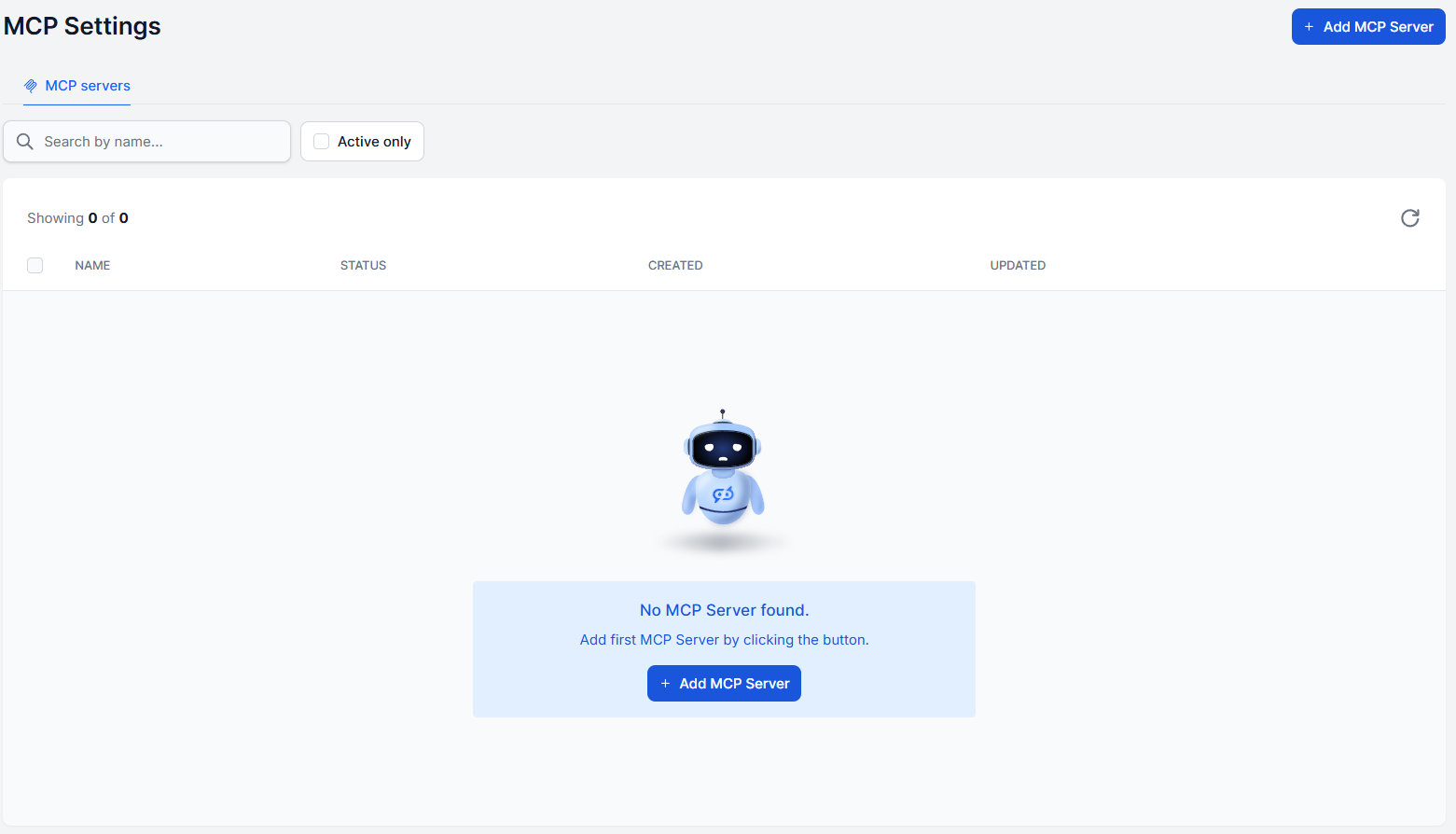
In practice, this means you can connect FlowHunt to databases, internal tools, niche SaaS products, and even your custom-built systems. Anything that has an MCP server available. The MCP Servers section of the website lists hundreds of available servers you can connect today.
To get started, the how to use MCP servers guide covers the full setup process.

Ready to grow your business?
Start your free trial today and see results within days.
The Difference Between MCP Serves and Integrations
Native integration had to be coded. A developer sat down and built a specific bridge between the AI and that one tool. It’s reliable and polished, but someone had to explicitly build it, and it only does what they programmed.
MCP, on the other hand, is dynamic. The agent connects to an MCP server and discovers what it can do on the fly. Any tool that speaks MCP is instantly available.
Which One Should You Use
If there’s a native integration for the tool you need, start there — it’s the fastest path. If you need to connect something that isn’t on the native integrations list, or you want to connect an internal system, MCP servers are the way to go.
Many teams use both. Native integrations for the common platforms, MCP servers for the custom or specialized ones. Together, they cover virtually any connection you’d need to build powerful, real-world AI workflows.