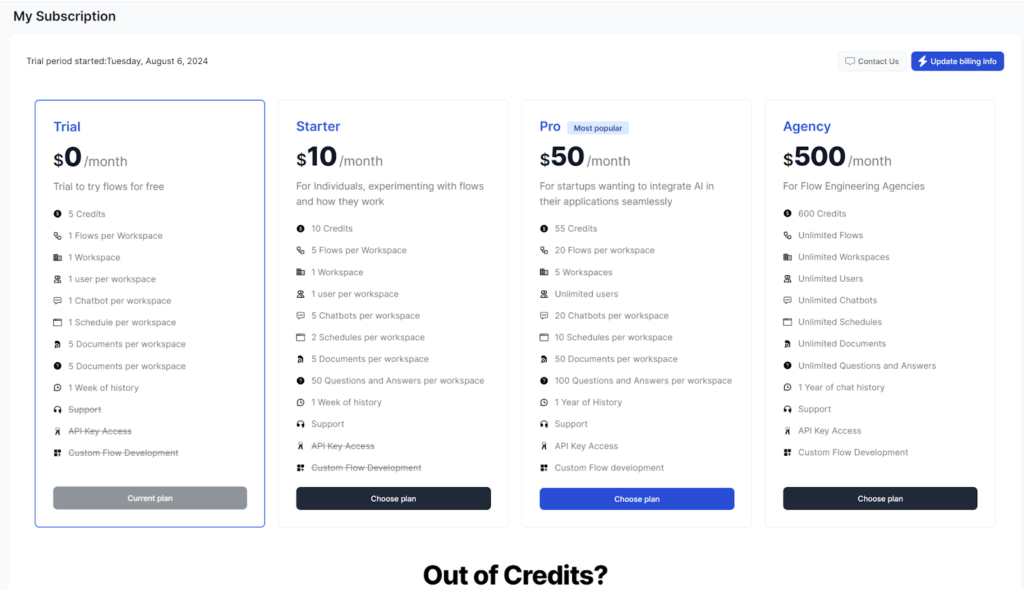
The My Subscription section lets you conveniently manage everything related to your billing and subscription. You’ll find your invoices, billing information, and payment method here. You can purchase additional credits or even upgrade your plan.
There are three monthly subscription plans available:
- Starter plan: For individuals looking to introduce AI Tools to their workflow.
- Pro plan: Great for small businesses and startups wanting to create Chatbots and integrate AI into their processes.
- Agency: For power-users and larger organizations.
FlowHunt offers a 7-day trial with a limit of 5 credits. This will be plenty for you to try out all of FlowHunt’s capabilities. Keep in mind that upgrading your plan during the trial period cancels your trial.
Note: Remember that leftover credits do not carry over to the next billing period.
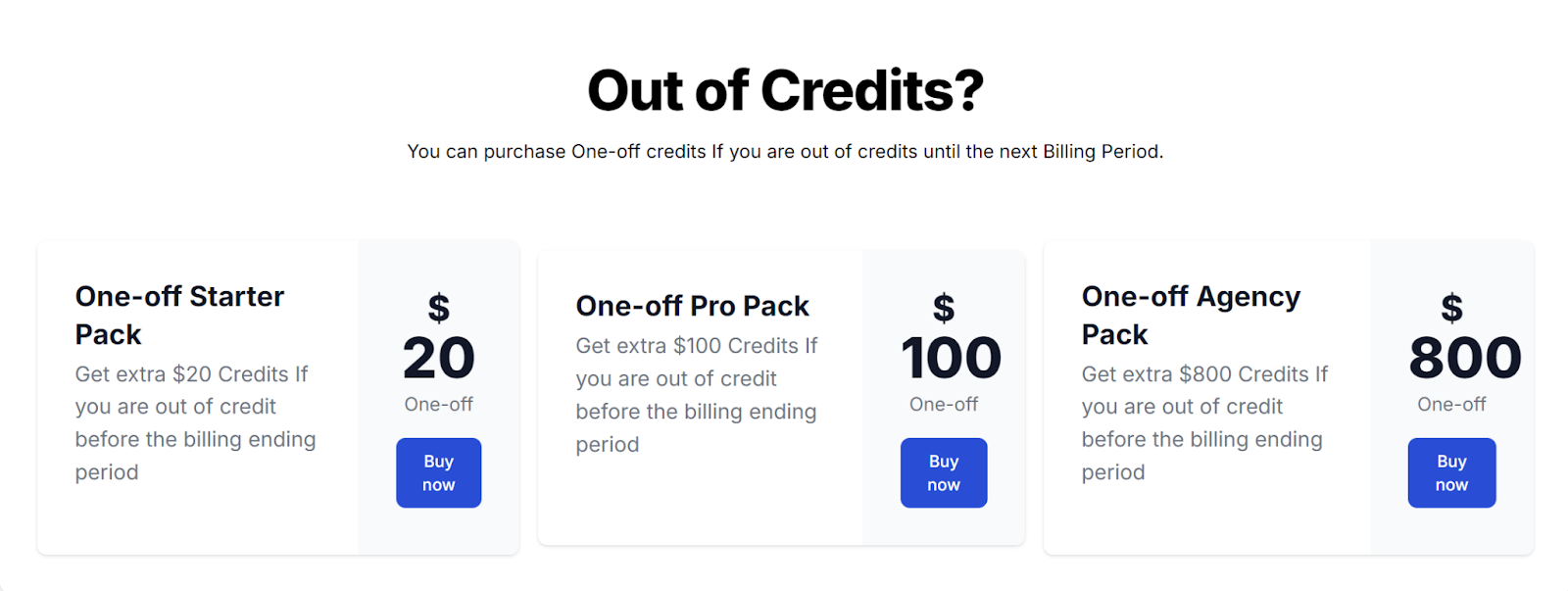
Buying additional credits
You can buy a one-off credit pack whenever you’re running low on credits before your billing period ends. The additional packs are modeled after the three subscription plans, but you can pick any of them regardless of your plan. Each one-off pack offers double the amount of credits included in the respective subscription plan.
Updating your billing information
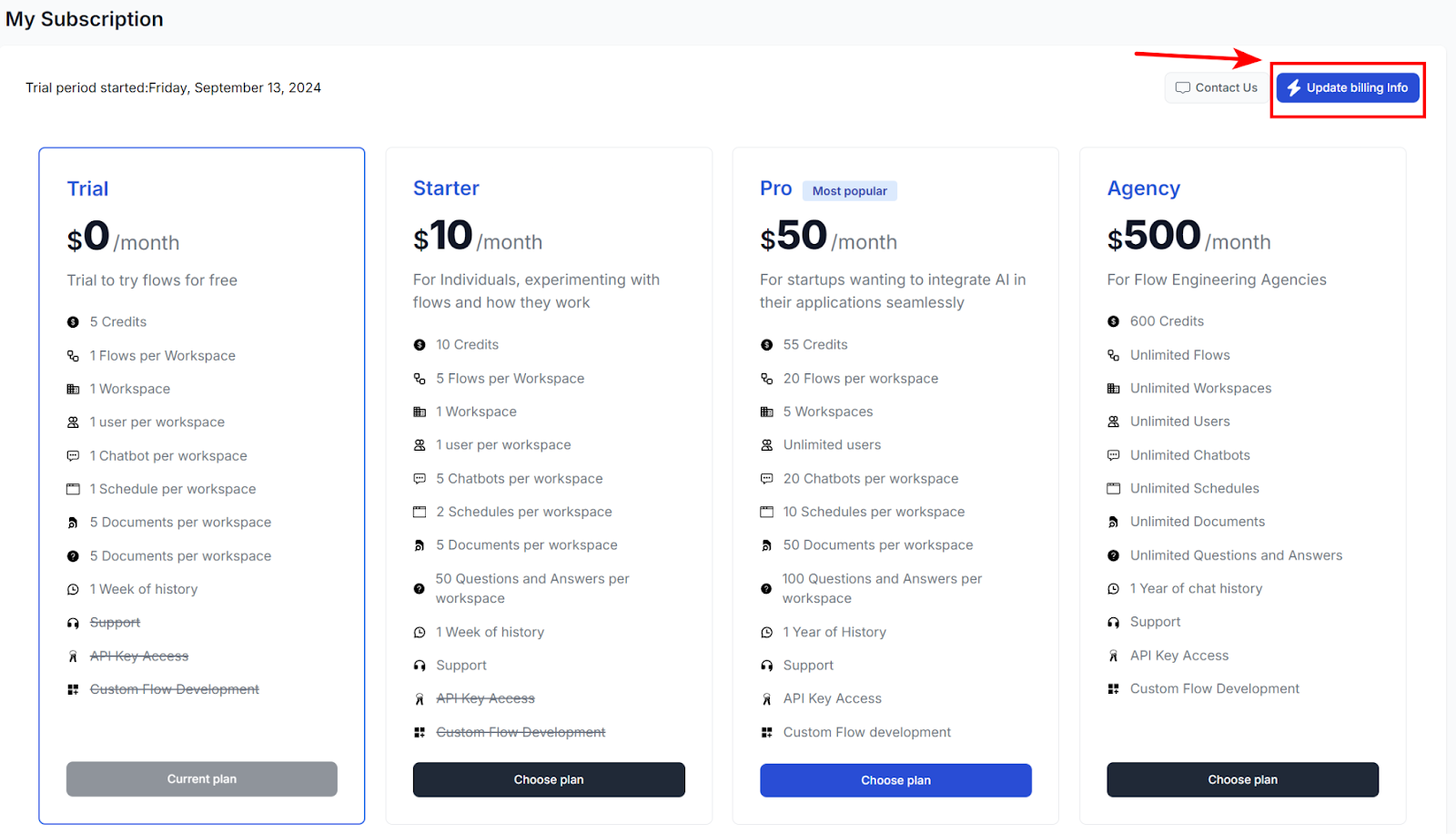
To manage your billing information, payment methods, and invoices, navigate to Update billing information in the top right of the My Subscription screen. This will transfer you to the checkout portal:
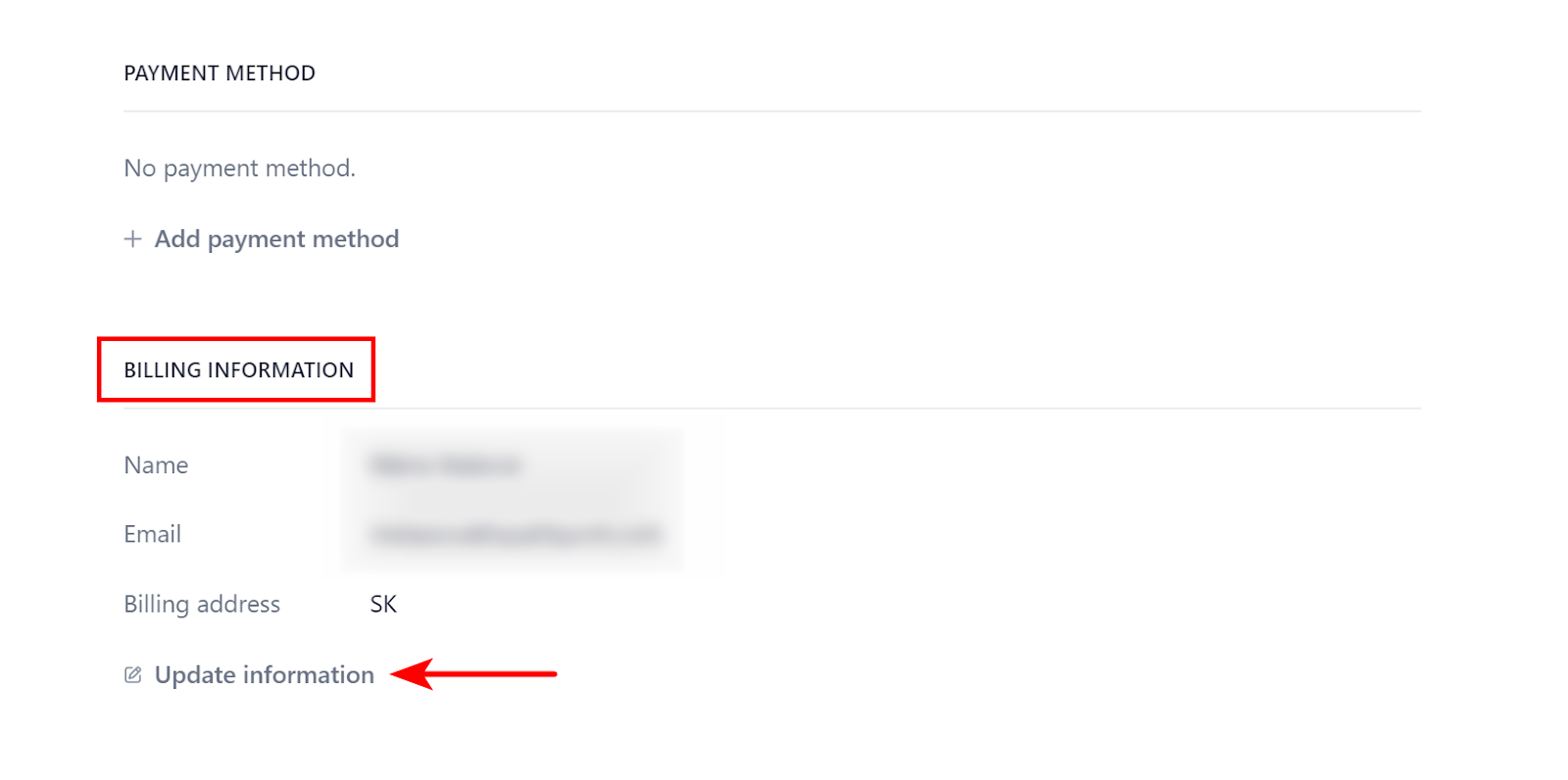
Once in the checkout portal, scroll to the BILLING INFORMATION section and click Update information:

Ready to grow your business?
Start your free trial today and see results within days.
Updating the Payment method
You can update your payment method in the checkout portal. Navigate to Update billing information in the top right of the My Subscription screen:
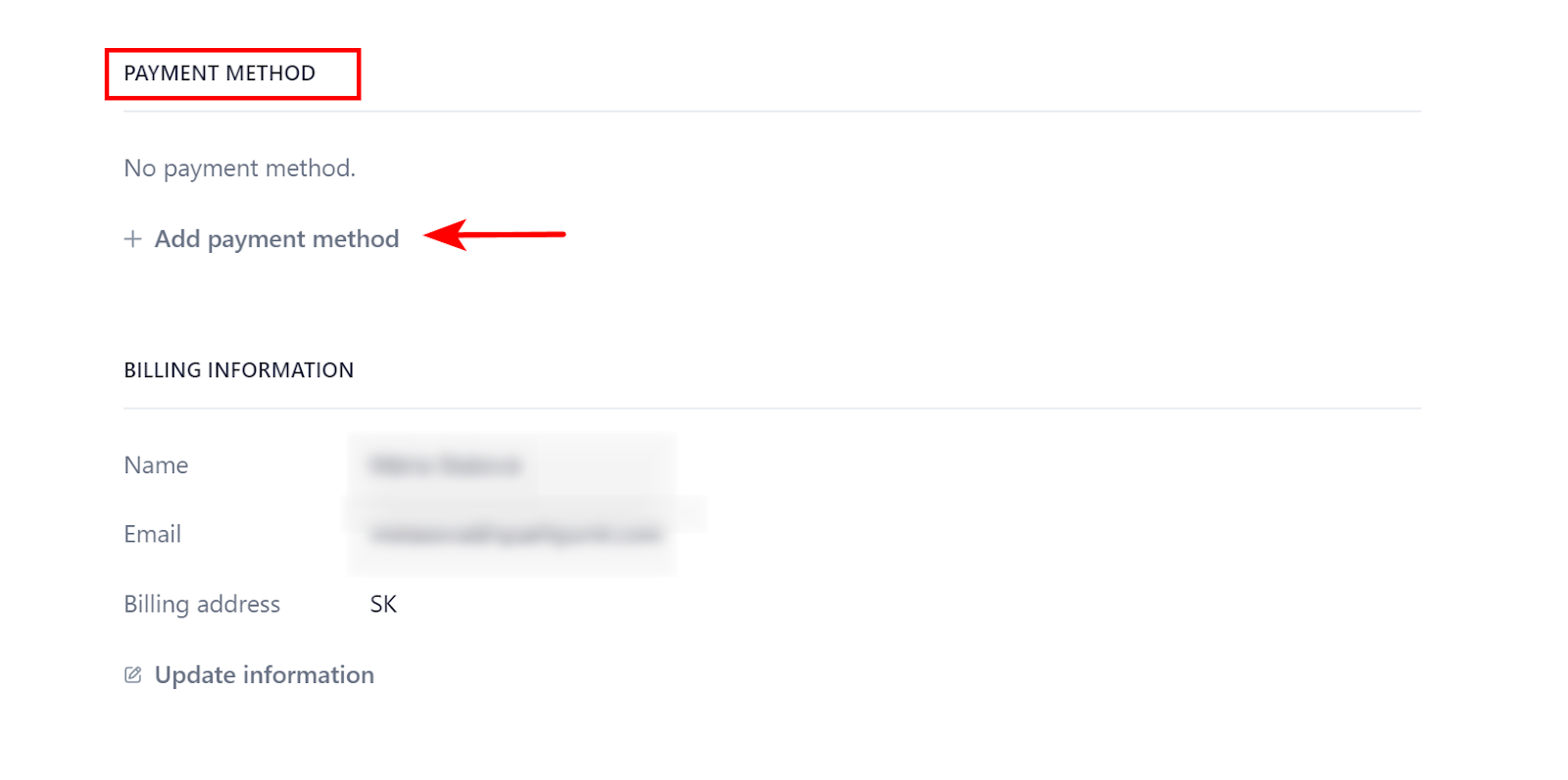
Scroll down to PAYMENT METHOD and click + Add payment method.
Our checkout is fully powered by Stripe. At the moment, credit cards are the only accepted payment methods.
How to download invoices
You can see and download your invoices via the checkout portal. Navigate to Update billing information in the top right of the My Subscription screen:
Scroll down to invoice history. To see the details of an invoice or download it, click the link button next to the invoice:
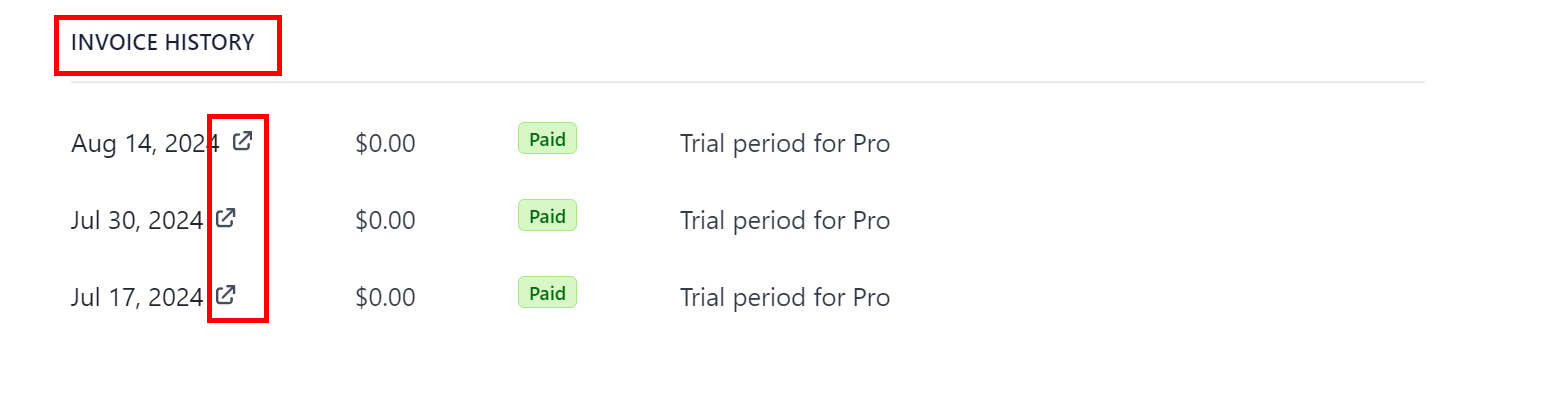
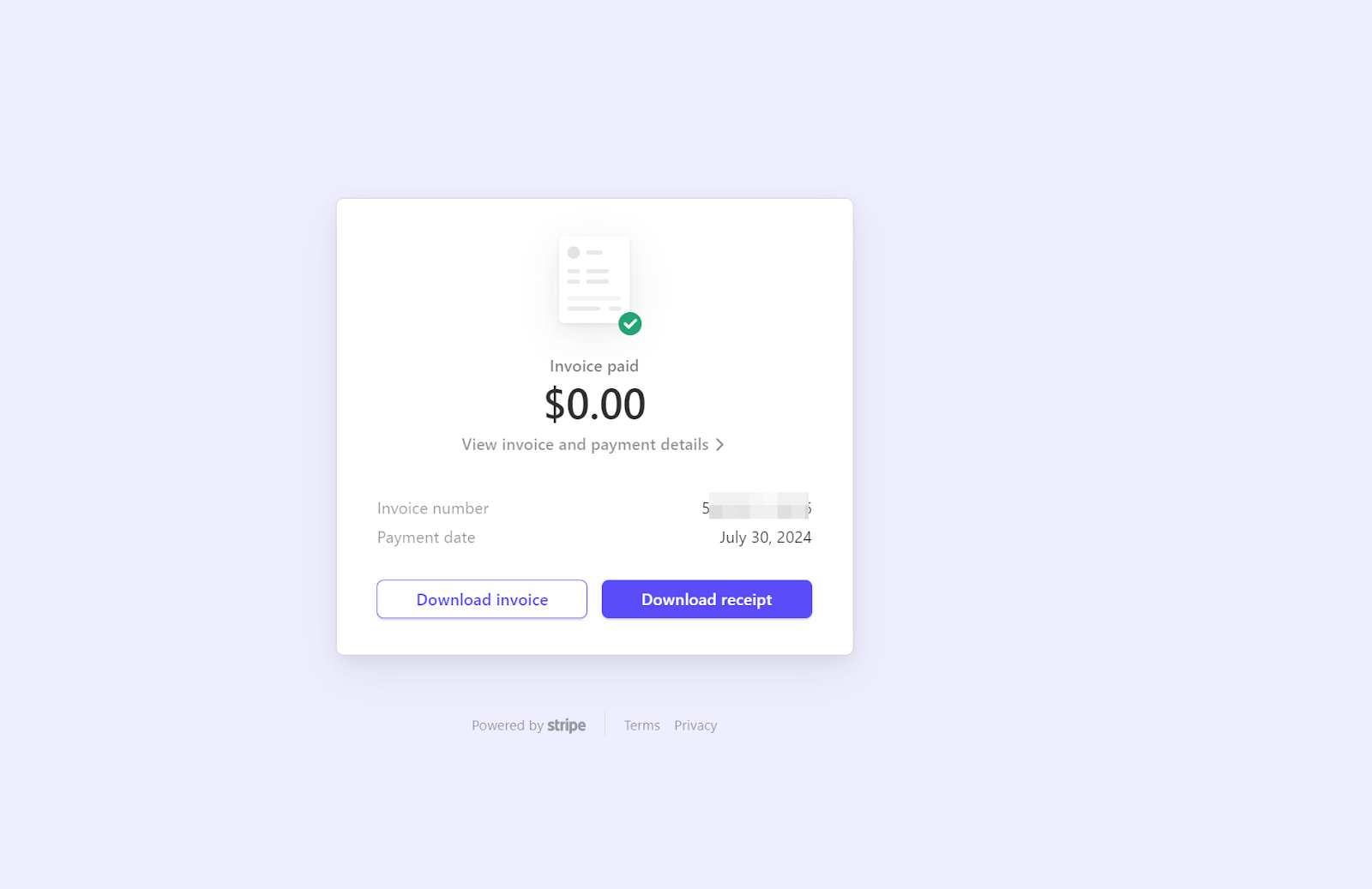
This will transfer you to Stripe invoices. Here, you can see the details, such as the invoice number. You also get to download the invoice or a receipt: