


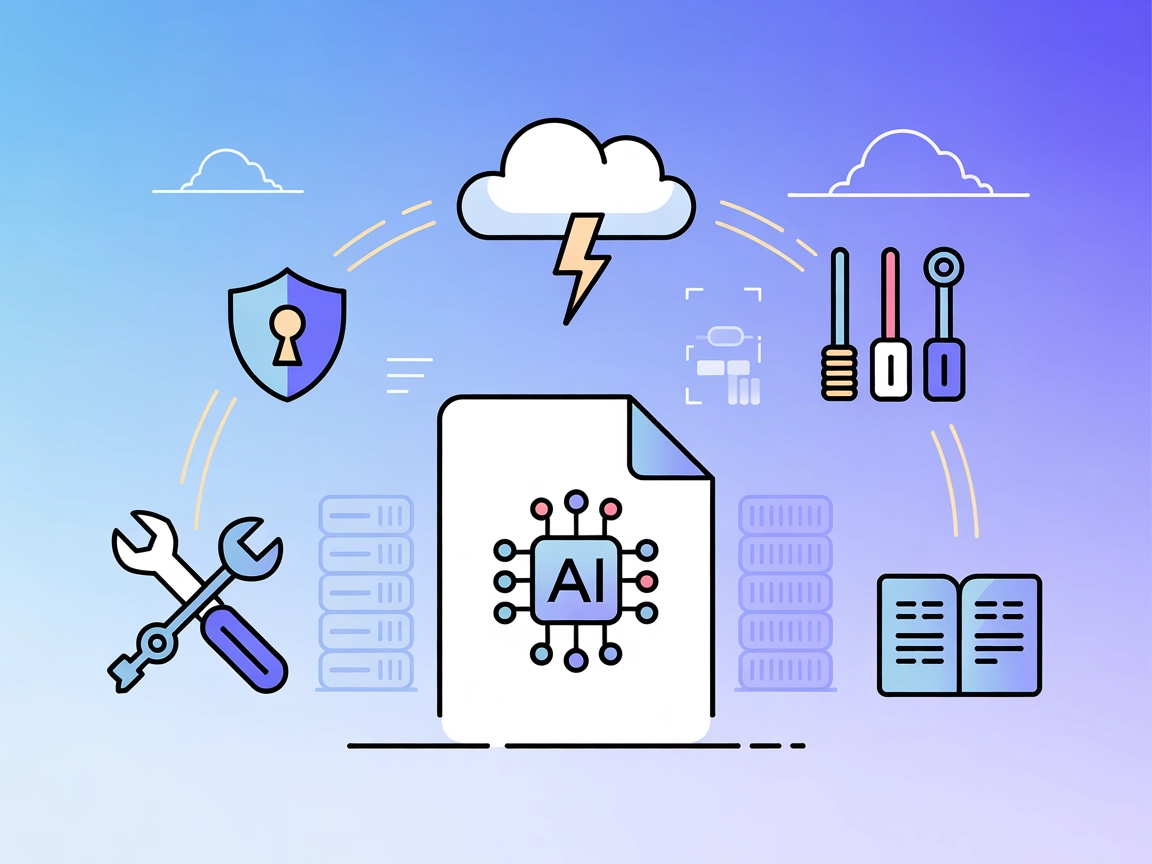
Agentset MCP
Integrate FlowHunt with Agentset MCP, the open-source platform for Retrieval-Augmented Generation (RAG), to build scalable, intelligent, and secure document-bas...
3 min read
AI
Agentset MCP
+4
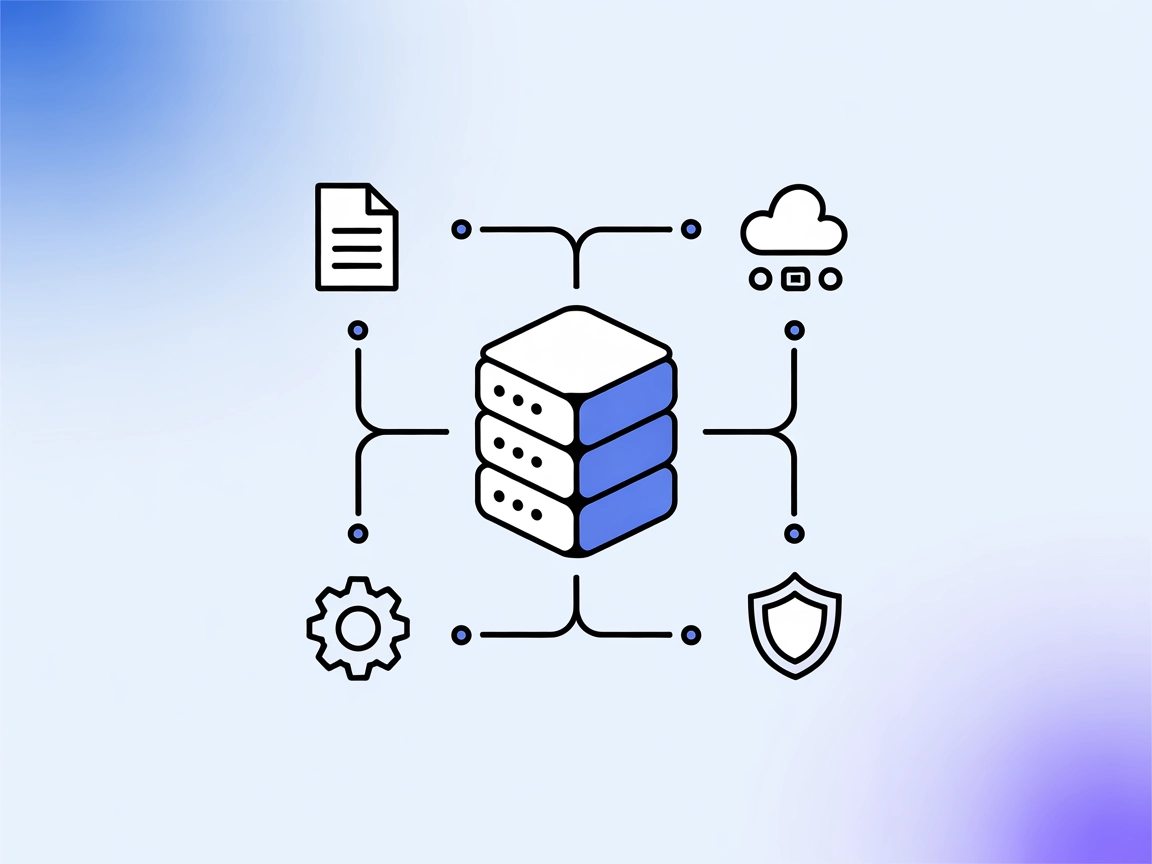
Agentset MCP Server connects AI agents to real-world data, enabling advanced RAG workflows and context-rich, document-based applications with secure API handling.
The Agentset MCP (Model Context Protocol) Server is an open-source platform designed to facilitate Retrieval-Augmented Generation (RAG) with agentic capabilities. It allows AI assistants to connect with external data sources, APIs, or services, streamlining the development of intelligent, document-based applications. By acting as a bridge between AI clients and context-rich resources, the Agentset MCP Server enables tasks such as dynamic document retrieval, efficient data management, and integration with custom workflows. This empowers developers to build robust, context-aware solutions with enhanced productivity and flexibility, leveraging both AI and real-world data sources for advanced application scenarios.
No prompt templates are explicitly mentioned in the available documentation or repository files.

Start your free trial today and see results within days.
No specific resources (MCP Resources) are enumerated in the available documentation or repository files.
No explicit tools are listed or described in the available documentation or repository files (e.g., server.py not present or no tool list in README).
Get latest tips, trends, and deals for free.
Ensure you have Node.js installed.
Obtain your Agentset API key and namespace ID.
Locate your Windsurf configuration file.
Add the Agentset MCP Server configuration:
{
  "mcpServers": {
    "agentset": {
      "command": "npx",
      "args": ["-y", "@agentset/mcp@latest"],
      "env": {
        "AGENTSET_API_KEY": "your-agentset-api-key",
        "AGENTSET_NAMESPACE_ID": "your-namespace-id"
      }
    }
  }
}
Save the configuration and restart Windsurf.
Verify the setup by checking the MCP server connection in the Windsurf interface.
Ensure Node.js is installed.
Obtain your Agentset API key and namespace ID.
Locate your Claude configuration file.
Add the following JSON configuration:
{
  "mcpServers": {
    "agentset": {
      "command": "npx",
      "args": ["-y", "@agentset/mcp@latest"],
      "env": {
        "AGENTSET_API_KEY": "agentset_xxx",
        "AGENTSET_NAMESPACE_ID": "ns_xxx"
      }
    }
  }
}
Save and restart Claude.
Confirm the MCP server is running from Claude’s admin tools.
Install Node.js if not present.
Acquire your Agentset API key and namespace ID.
Edit your Cursor configuration file.
Insert this snippet into the mcpServers section:
{
  "mcpServers": {
    "agentset": {
      "command": "npx",
      "args": ["-y", "@agentset/mcp@latest"],
      "env": {
        "AGENTSET_API_KEY": "your-agentset-api-key",
        "AGENTSET_NAMESPACE_ID": "your-namespace-id"
      }
    }
  }
}
Save changes and restart Cursor.
Test the connection to ensure it is active.
Make sure Node.js is available.
Secure your Agentset API key and namespace ID.
Open your Cline configuration file.
Add the Agentset MCP Server as follows:
{
  "mcpServers": {
    "agentset": {
      "command": "npx",
      "args": ["-y", "@agentset/mcp@latest"],
      "env": {
        "AGENTSET_API_KEY": "your-agentset-api-key",
        "AGENTSET_NAMESPACE_ID": "your-namespace-id"
      }
    }
  }
}
Save and restart Cline.
Verify the connection in Cline’s system panel.
Securing API Keys Note:
Always use environment variables for sensitive information like AGENTSET_API_KEY and AGENTSET_NAMESPACE_ID.
Example:
"env": {
  "AGENTSET_API_KEY": "your-agentset-api-key",
  "AGENTSET_NAMESPACE_ID": "your-namespace-id"
}
Using MCP in FlowHunt
To integrate MCP servers into your FlowHunt workflow, start by adding the MCP component to your flow and connecting it to your AI agent:

Click on the MCP component to open the configuration panel. In the system MCP configuration section, insert your MCP server details using this JSON format:
{
  "MCP-name": {
    "transport": "streamable_http",
    "url": "https://yourmcpserver.example/pathtothemcp/url"
  }
}
Once configured, the AI agent is now able to use this MCP as a tool with access to all its functions and capabilities. Remember to change “MCP-name” to whatever the actual name of your MCP server is (e.g., “github-mcp”, “weather-api”, etc.) and replace the URL with your own MCP server URL.
| Section | Availability | Details/Notes |
|---|---|---|
| Overview | ✅ | Overview present in README |
| List of Prompts | ⛔ | No prompt templates found |
| List of Resources | ⛔ | No resources listed |
| List of Tools | ⛔ | No specific tools listed; no server.py or equivalent specification found |
| Securing API Keys | ✅ | Instructions for environment variables in setup |
| Sampling Support (less important in evaluation) | ⛔ | No mention of sampling support |
The Agentset MCP Server repo provides a clear overview, setup instructions, and security guidance, but lacks detailed documentation on prompts, resources, and tools. While it is solid for application setup, it is limited in terms of feature and usage transparency.
| Has a LICENSE | ✅ (MIT) |
|---|---|
| Has at least one tool | ⛔ |
| Number of Forks | 2 |
| Number of Stars | 5 |
Based on the two tables, the Agentset MCP Server currently scores a 4/10 for MCP readiness. It provides a strong foundation and basic setup but lacks the documentation and explicit feature exposure (prompts, tools, resources) necessary for full MCP utilization and evaluation.
Empower your AI agents with real-time data and context using Agentset MCP Server. Build smarter, more dynamic applications today.
Integrate FlowHunt with Agentset MCP, the open-source platform for Retrieval-Augmented Generation (RAG), to build scalable, intelligent, and secure document-bas...
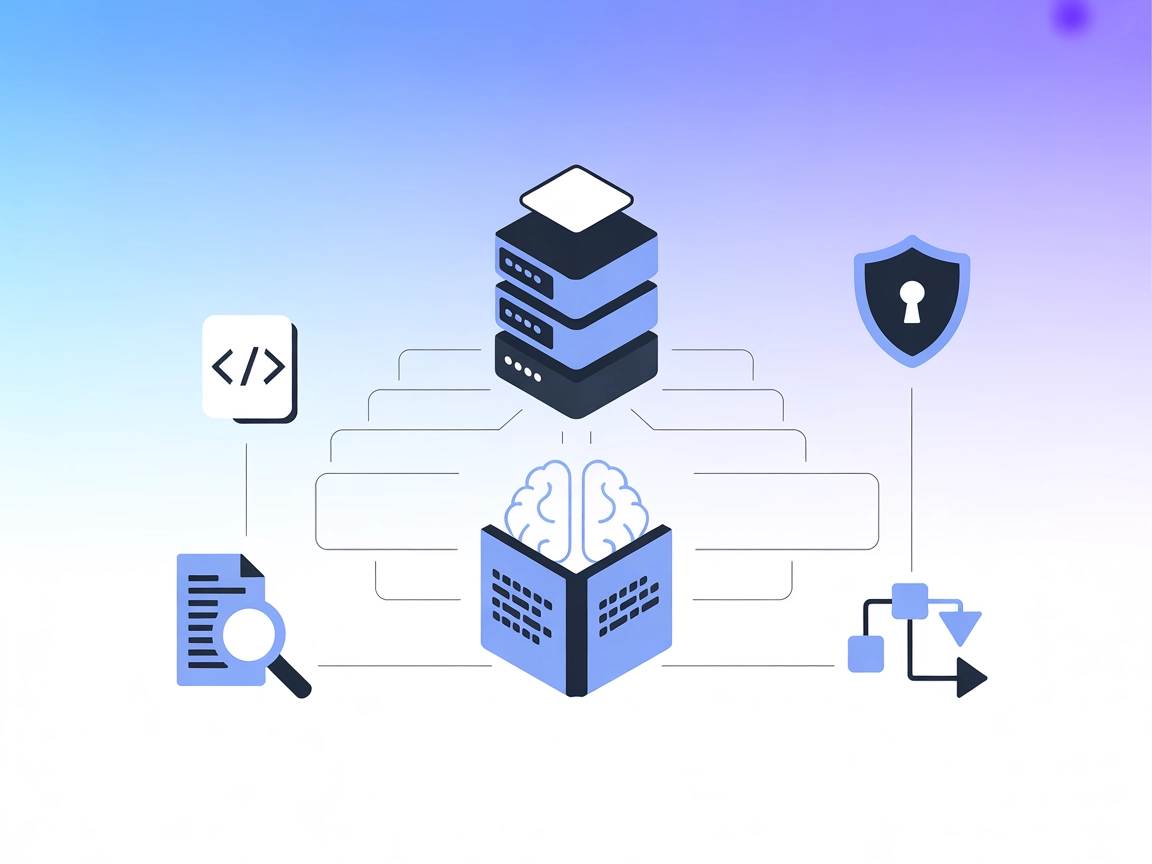
The Ragie MCP Server enables AI assistants to perform semantic search and retrieve relevant information from Ragie knowledge bases, enhancing development workfl...
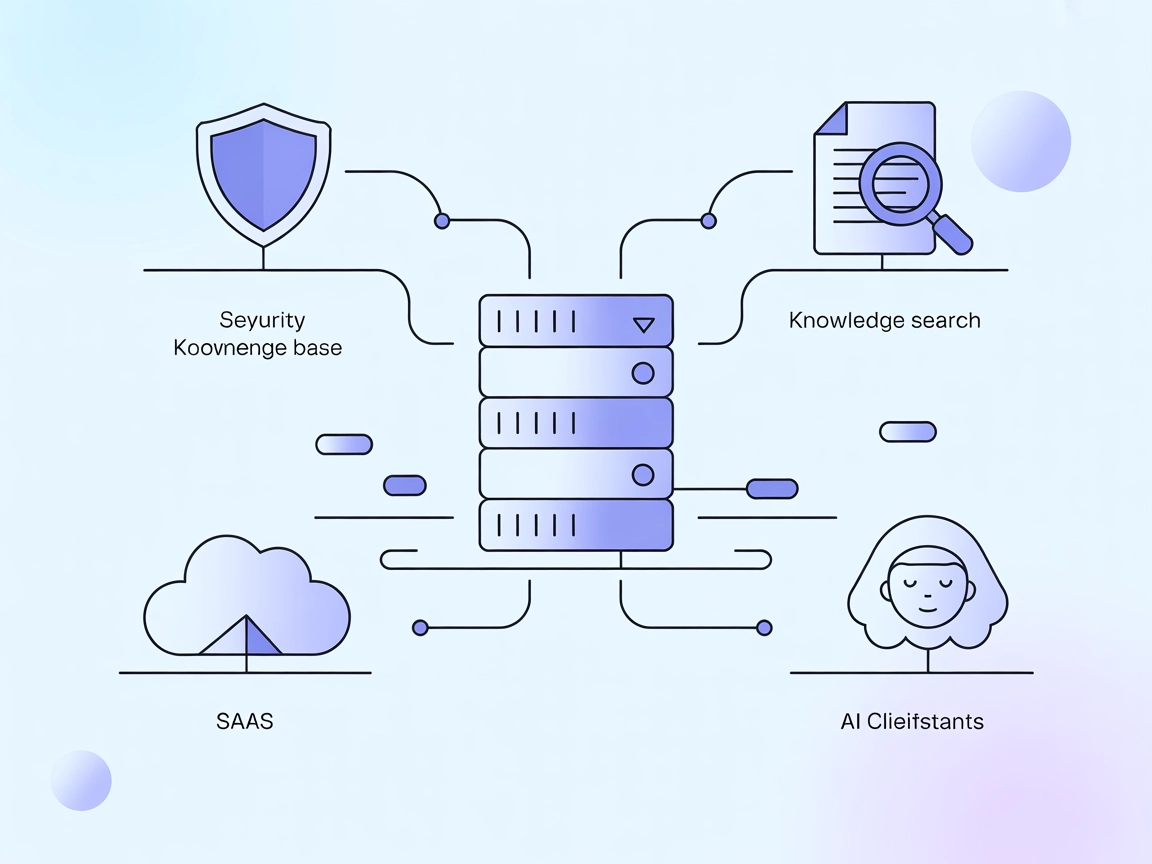
Vectara MCP Server is an open source bridge between AI assistants and Vectara's Trusted RAG platform, enabling secure, efficient Retrieval-Augmented Generation ...
Cookie Consent
We use cookies to enhance your browsing experience and analyze our traffic. See our privacy policy.