


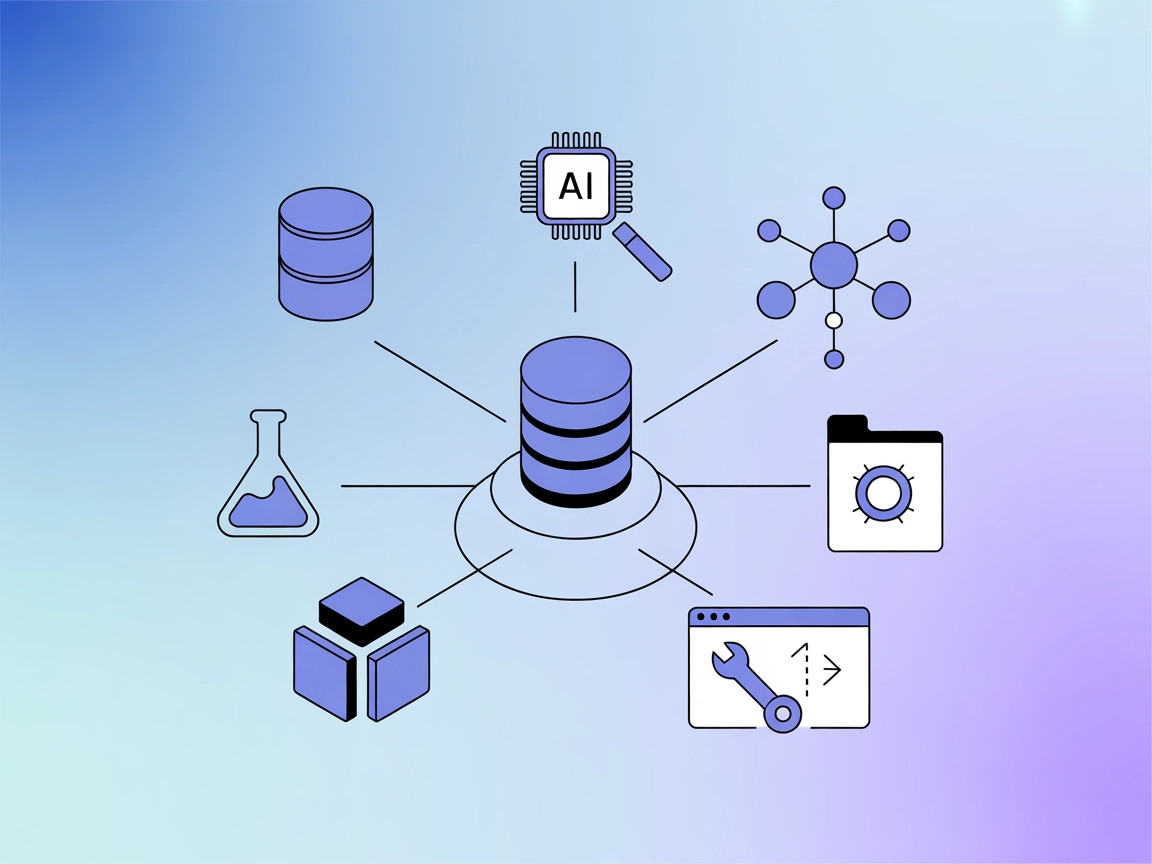
Context Portal (ConPort)
Integrate FlowHunt with Context Portal to create a powerful memory bank for your software projects. Effortlessly manage, store, and retrieve structured project ...
4 min read
AI
Context Portal
+5
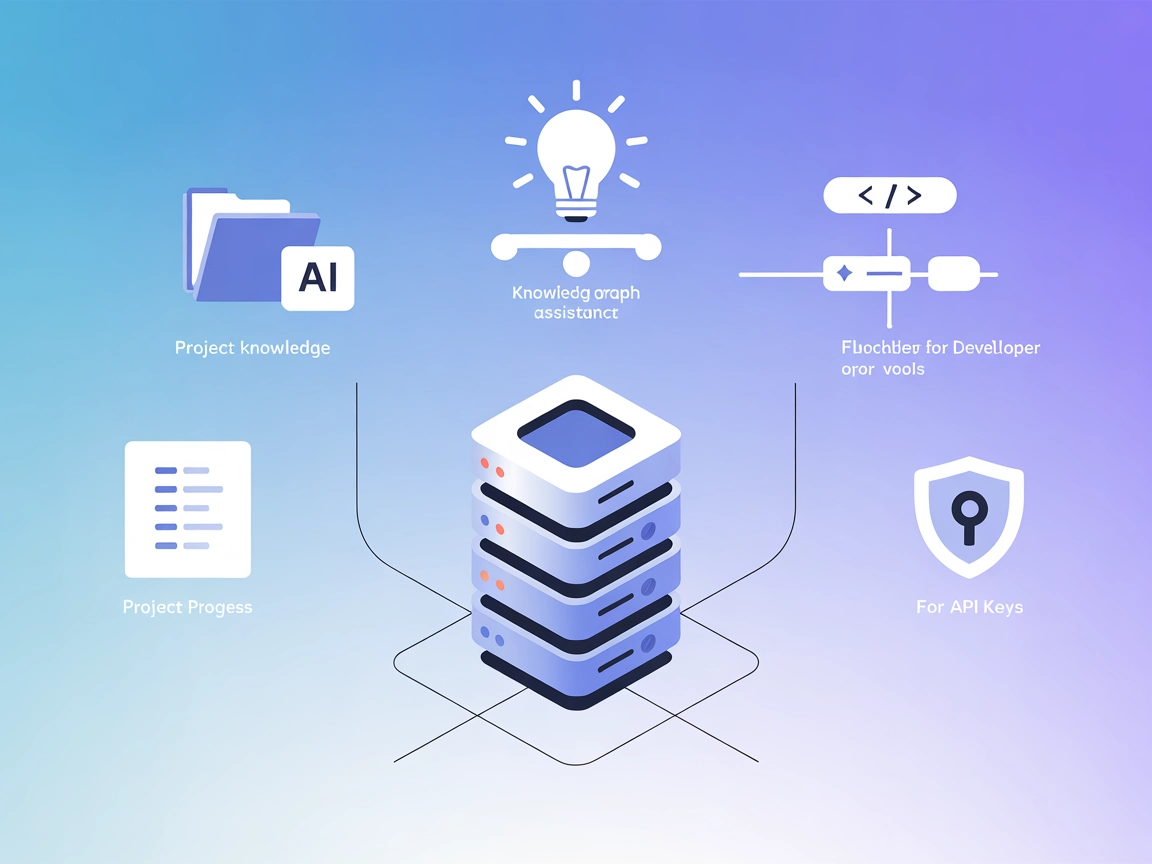
Supercharge your AI assistants with project-specific memory. ConPort stores and retrieves structured project context, enabling smarter, context-aware AI workflows in FlowHunt and IDEs.
Context Portal (ConPort) is a memory bank MCP server designed to supercharge AI assistants and developer tools within IDEs by managing structured project context. Acting as a project-specific knowledge graph, ConPort enables powerful Retrieval Augmented Generation (RAG), allowing AI to quickly access and utilize relevant project information. It stores important project data such as decisions, tasks, progress, architectural patterns, glossaries, and specifications in a structured way. This helps AI assistants provide more accurate and context-aware responses, enhancing development workflows by making project knowledge easily searchable and actionable.
No prompt templates are mentioned in the available repository files or documentation.

Start your free trial today and see results within days.
No explicit MCP resources are listed in the available repository files or documentation.
No specific tools are described or listed from server.py or other server logic in the available repository files or documentation.
Get latest tips, trends, and deals for free.
Project Knowledge Management
Store and retrieve key project decisions, glossaries, specifications, and architectural patterns, enabling AI assistants to provide project-specific guidance and context.
Context-Aware AI Coding Assistance
Allow AI assistants within IDEs to access structured project memory, improving code suggestions and explanations by leveraging project history and terminology.
Retrieval Augmented Generation (RAG)
Enhance LLM-powered assistants by providing them with up-to-date and relevant project data for more accurate and context-rich responses.
Project Progress Tracking
Keep a structured record of completed tasks, outstanding issues, and ongoing work, so AI agents can summarize or report project status.
{
  "mcpServers": {
    "context-portal": {
      "command": "npx",
      "args": ["@context-portal/mcp-server@latest"]
    }
  }
}
{
  "mcpServers": {
    "context-portal": {
      "command": "npx",
      "args": ["@context-portal/mcp-server@latest"]
    }
  }
}
{
  "mcpServers": {
    "context-portal": {
      "command": "npx",
      "args": ["@context-portal/mcp-server@latest"]
    }
  }
}
{
  "mcpServers": {
    "context-portal": {
      "command": "npx",
      "args": ["@context-portal/mcp-server@latest"]
    }
  }
}
Securing API Keys:
To securely provide API keys, use environment variables. Here’s an example of how to include them in your configuration:
{
  "mcpServers": {
    "context-portal": {
      "command": "npx",
      "args": ["@context-portal/mcp-server@latest"],
      "env": {
        "CONPORT_API_KEY": "${CONPORT_API_KEY}"
      },
      "inputs": {
        "apiKey": "${CONPORT_API_KEY}"
      }
    }
  }
}
Using MCP in FlowHunt
To integrate MCP servers into your FlowHunt workflow, start by adding the MCP component to your flow and connecting it to your AI agent:

Click on the MCP component to open the configuration panel. In the system MCP configuration section, insert your MCP server details using this JSON format:
{
  "context-portal": {
    "transport": "streamable_http",
    "url": "https://yourmcpserver.example/pathtothemcp/url"
  }
}
Once configured, the AI agent is now able to use this MCP as a tool with access to all its functions and capabilities. Remember to change “context-portal” to whatever the actual name of your MCP server is and replace the URL with your own MCP server URL.
| Section | Availability | Details/Notes |
|---|---|---|
| Overview | ✅ | |
| List of Prompts | ⛔ | No prompt templates found |
| List of Resources | ⛔ | No explicit resources listed |
| List of Tools | ⛔ | No tools listed in server logic |
| Securing API Keys | ✅ | Example for env vars is included |
| Roots Support | ⛔ | Not specified |
| Sampling Support (less important in evaluation) | ⛔ | Not specified |
Context Portal MCP (ConPort) provides a clear overview and strong use case articulation, but lacks explicit technical documentation for prompts, tools, and resources in the available public files. The setup instructions and API key guidance are helpful. Overall, its utility is evident, but deeper server details would enhance its score.
MCP Table rating: 6/10
| Has a LICENSE | ✅ (Apache-2.0) |
|---|---|
| Has at least one tool | ⛔ |
| Number of Forks | 47 |
| Number of Stars | 352 |
Empower your development team with context-aware AI by integrating Context Portal MCP Server. Streamline project knowledge management and enhance AI-driven coding workflows.
Integrate FlowHunt with Context Portal to create a powerful memory bank for your software projects. Effortlessly manage, store, and retrieve structured project ...
The Ragie MCP Server enables AI assistants to perform semantic search and retrieve relevant information from Ragie knowledge bases, enhancing development workfl...
The LLM Context MCP Server bridges AI assistants with external code and text projects, enabling context-aware workflows for code review, documentation generatio...
Cookie Consent
We use cookies to enhance your browsing experience and analyze our traffic. See our privacy policy.