


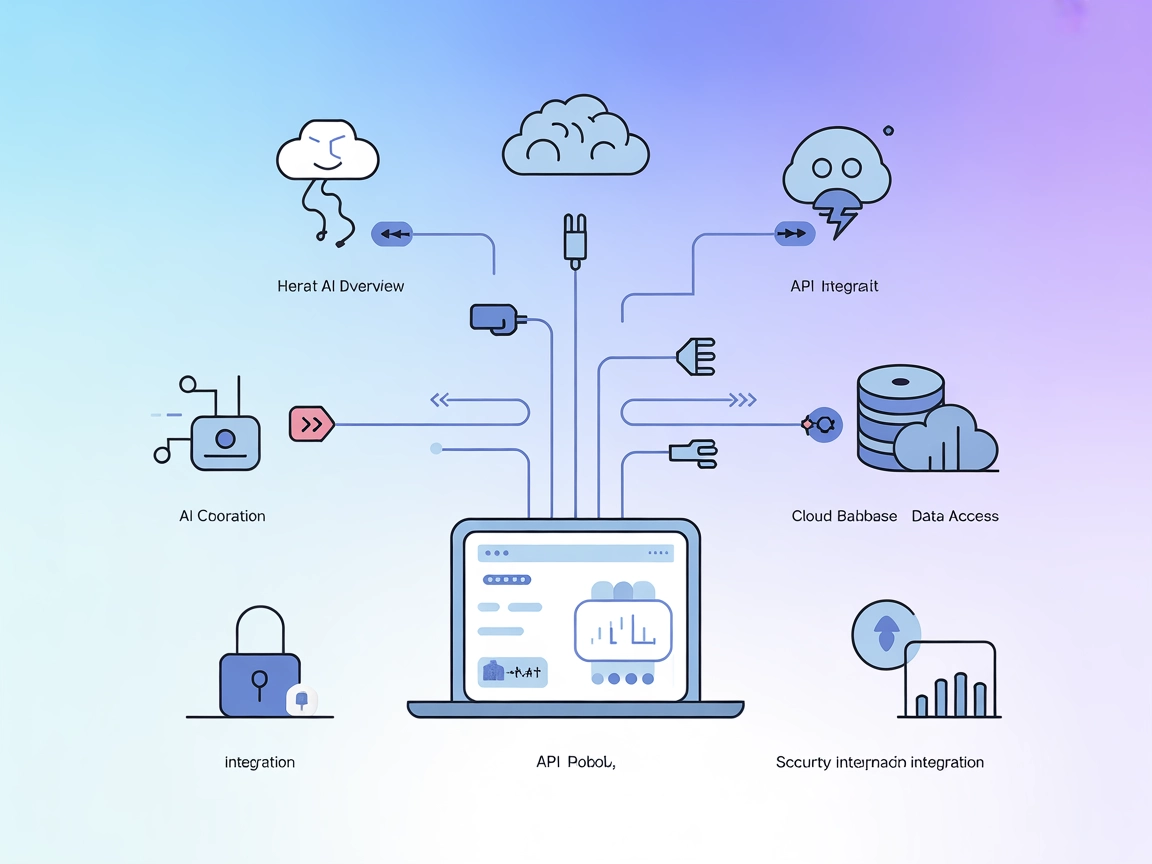
Createve AI Nexus
Connect FlowHunt with Createve AI Nexus to unify AI agents, automate enterprise workflows, and enable real-time system integration using the Model Context Proto...
3 min read
AI
Integration
+5

Open-source MCP server connecting AI agents with enterprise data, real-time sources, and secure business workflows.
Createve.AI Nexus is an open-source MCP (Model Context Protocol) server designed to bridge AI assistants—such as LLMs and agents—with enterprise systems, APIs, and real-world data sources. Developed by RootUK, it provides a universal integration layer that enables AI agents to securely access organizational data, trigger workflows, and interact with business applications. Createve.AI Nexus supports a variety of platforms, including Microsoft Copilot Studio (in preview), Anthropic’s Claude, and any MCP-enabled client, making it highly versatile for deployment scenarios. Its capabilities include real-time data streaming from sensors, secure connectivity to internal systems, role-based access management, and deployment features for enterprise environments (e.g., Azure integration, Private Link, Key Vault). By implementing MCP, Createve.AI Nexus empowers developers to build richer, context-aware AI solutions that can perform advanced tasks such as database queries, workflow automation, and live analytics integration.
No information about prompt templates is available in the provided repository.

Start your free trial today and see results within days.
No explicit resources are listed in the available documentation or repository files.
No detailed list of tools is documented in the repository files or code structure.
Get latest tips, trends, and deals for free.
{
  "mcpServers": {
    "createveai-nexus": {
      "command": "npx",
      "args": ["@createveai-nexus-server@latest"]
    }
  }
}
Securing API Keys (Windsurf Example):
{
  "mcpServers": {
    "createveai-nexus": {
      "command": "npx",
      "args": ["@createveai-nexus-server@latest"],
      "env": {
        "API_KEY": "${API_KEY}"
      },
      "inputs": {
        "api_key": "${API_KEY}"
      }
    }
  }
}
{
  "mcpServers": {
    "createveai-nexus": {
      "command": "npx",
      "args": ["@createveai-nexus-server@latest"]
    }
  }
}
API Key Security:
"env": {
  "API_KEY": "${API_KEY}"
}
{
  "mcpServers": {
    "createveai-nexus": {
      "command": "npx",
      "args": ["@createveai-nexus-server@latest"]
    }
  }
}
{
  "mcpServers": {
    "createveai-nexus": {
      "command": "npx",
      "args": ["@createveai-nexus-server@latest"]
    }
  }
}
Using MCP in FlowHunt
To integrate MCP servers into your FlowHunt workflow, start by adding the MCP component to your flow and connecting it to your AI agent:

Click on the MCP component to open the configuration panel. In the system MCP configuration section, insert your MCP server details using this JSON format:
{
  "createveai-nexus": {
    "transport": "streamable_http",
    "url": "https://yourmcpserver.example/pathtothemcp/url"
  }
}
Once configured, the AI agent is now able to use this MCP as a tool with access to all its functions and capabilities. Remember to change “createveai-nexus” to whatever the actual name of your MCP server is and replace the URL with your own MCP server URL.
| Section | Availability | Details/Notes |
|---|---|---|
| Overview | ✅ | |
| List of Prompts | ⛔ | No prompt templates in repo |
| List of Resources | ⛔ | Not explicitly listed |
| List of Tools | ⛔ | No tool details in repo |
| Securing API Keys | ✅ | Example provided in setup section |
| Sampling Support (less important in evaluation) | ⛔ | Not mentioned |
The Createve.AI Nexus MCP Server scores moderately due to its clear enterprise orientation, robust setup options, and licensing, but lacks explicit documentation for prompts, resources, and tools. Its real-world use cases are strong, but more technical transparency would improve its utility.
| Has a LICENSE | ✅ (Apache-2.0) |
|---|---|
| Has at least one tool | ⛔ |
| Number of Forks | 3 |
| Number of Stars | 1 |
Connect your AI agents to enterprise systems, automate workflows, and harness real-time analytics with Createve.AI Nexus MCP Server.
Connect FlowHunt with Createve AI Nexus to unify AI agents, automate enterprise workflows, and enable real-time system integration using the Model Context Proto...
The Cognee MCP (Model Context Protocol) Server connects AI assistants with external data sources, APIs, and services—enabling streamlined workflows, automation,...
The MCP-Server-Creator is a meta-server that enables rapid creation and configuration of new Model Context Protocol (MCP) servers. With dynamic code generation,...
Cookie Consent
We use cookies to enhance your browsing experience and analyze our traffic. See our privacy policy.