


gNucleus Text-To-CAD
Integrate FlowHunt with the gNucleus Text-To-CAD MCP server for instant conversion of natural language or image prompts into editable CAD models. Automate CAD g...
4 min read
AI
CAD
+4
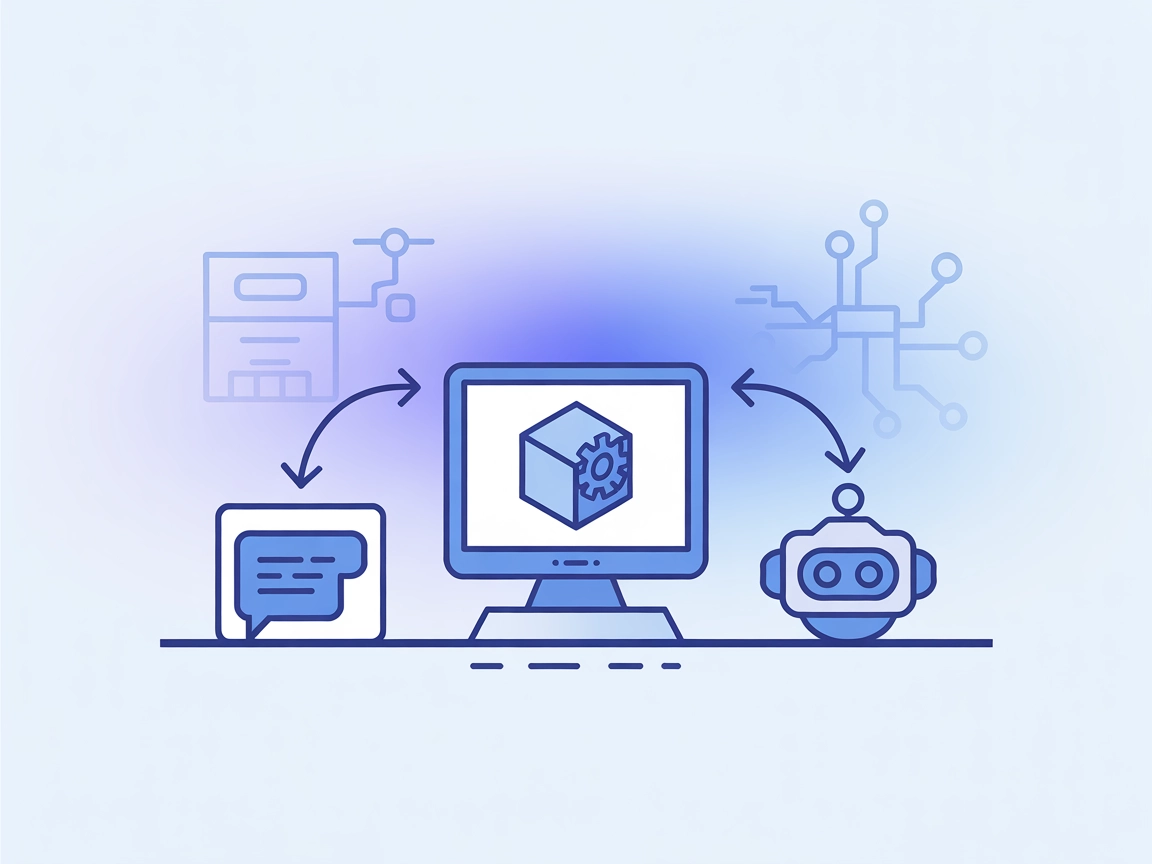
Generate CAD parts and assemblies instantly from text with the gNucleus Text To CAD MCP Server, enabling rapid prototyping, collaborative design, and automated assembly generation.
The gNucleus Text To CAD MCP server is a bridge that enables AI assistants and LLM-powered tools to generate CAD (Computer-Aided Design) models directly from natural language descriptions. By connecting to the gNucleus GenAI API, this server empowers developers and AI clients to translate text or image prompts into editable CAD parts or assemblies. This streamlines workflows for engineers, designers, and developers by allowing rapid prototyping, design generation, and collaborative modification via simple language instructions. The server exposes this functionality through the Model Context Protocol (MCP), making it accessible for integration into various development tools and AI environments, significantly enhancing the automation and efficiency of design processes.

Start your free trial today and see results within days.
(No explicit MCP resources are documented in the repository.)
Get latest tips, trends, and deals for free.
(No Windsurf-specific setup documentation is provided in the repository.)
.env file as described in the prerequisites.claude_desktop_config.json:{
"mcpServers": {
"gnucleus": {
"command": "/ABSOLUTE/PATH/TO/YOUR/text-to-cad-mcp/.venv/bin/python",
"args": [
"/ABSOLUTE/PATH/TO/YOUR/text-to-cad-mcp/main.py"
],
"workingDirectory": "/ABSOLUTE/PATH/TO/YOUR/text-to-cad-mcp",
"env": {
"GNUCLEUS_HOST": "genai.gnucleus.ai",
"GNUCLEUS_API_KEY": "YOUR_API_KEY_HERE"
}
}
}
}
{
  "mcpServers": {
    "gnucleus": {
      "command": "python",
      "args": [
        "/ABSOLUTE/PATH/TO/YOUR/text-to-cad-mcp/main.py"
      ],
      "workingDirectory": "/ABSOLUTE/PATH/TO/YOUR/text-to-cad-mcp",
      "env": {
        "GNUCLEUS_HOST": "genai.gnucleus.ai",
        "GNUCLEUS_API_KEY": "YOUR_API_KEY_HERE"
      }
    }
  }
}
env section of your configuration. Example:"env": {
"GNUCLEUS_HOST": "genai.gnucleus.ai",
"GNUCLEUS_API_KEY": "YOUR_API_KEY_HERE"
}
(No Cursor-specific setup documentation is provided in the repository.)
(No Cline-specific setup documentation is provided in the repository.)
Using MCP in FlowHunt
To integrate MCP servers into your FlowHunt workflow, start by adding the MCP component to your flow and connecting it to your AI agent:

Click on the MCP component to open the configuration panel. In the system MCP configuration section, insert your MCP server details using this JSON format:
{
  "gnucleus": {
    "transport": "streamable_http",
    "url": "https://yourmcpserver.example/pathtothemcp/url"
  }
}
Once configured, the AI agent is now able to use this MCP as a tool with access to all its functions and capabilities. Remember to change "gnucleus" to whatever the actual name of your MCP server is and replace the URL with your own MCP server URL.
| Section | Availability | Details/Notes |
|---|---|---|
| Overview | ✅ | Clear, concise description present |
| List of Prompts | ✅ | Text-to-CAD/Assembly prompt patterns described; not formal templates |
| List of Resources | ⛔ | No resource definitions found in repo |
| List of Tools | ✅ | text_to_cad(input: str) documented |
| Securing API Keys | ✅ | API key usage and example in env config |
| Sampling Support (less important in evaluation) | ⛔ | No mention of sampling support |
Based on the available documentation, the gNucleus Text To CAD MCP server scores well for practical utility and clarity, but lacks resource definitions and some advanced MCP features. It is highly usable for its core purpose, but not fully featured for all MCP scenarios.
| Has a LICENSE | ✅ (MIT) |
|---|---|
| Has at least one tool | ✅ |
| Number of Forks | 0 |
| Number of Stars | 4 |
Rating:
I would rate this MCP server a 6/10. It is robust for its main goal (text-to-CAD generation) and is ready for integration, but is missing some advanced MCP features (resources, roots, sampling support) and setup guides for some platforms.
Empower your AI workflows with natural language CAD generation. Start using the gNucleus Text To CAD MCP Server in FlowHunt for faster, smarter design automation.
Integrate FlowHunt with the gNucleus Text-To-CAD MCP server for instant conversion of natural language or image prompts into editable CAD models. Automate CAD g...
The KiCad MCP Server bridges AI assistants and the KiCad EDA ecosystem, enabling seamless access, discovery, and management of PCB projects for streamlined hard...

BlenderMCP bridges Blender with AI assistants like Claude, enabling automated, AI-driven 3D modeling, scene creation, and asset management through the Model Con...
Cookie Consent
We use cookies to enhance your browsing experience and analyze our traffic. See our privacy policy.