


JMeter MCP Server
Integrate FlowHunt with JMeter MCP Server to automate performance testing, execute tests in GUI and non-GUI modes, analyze JTL files, detect bottlenecks, and ge...
4 min read
AI
JMeter
+3
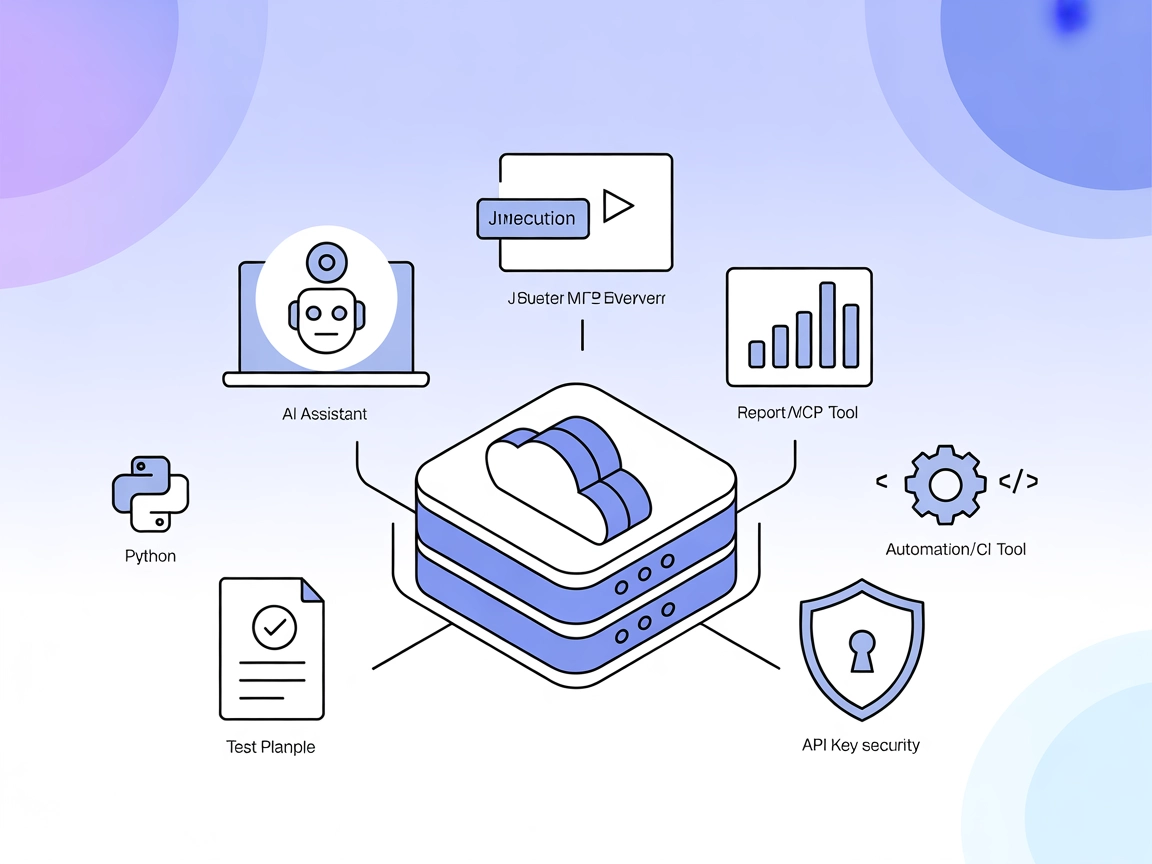
Automate JMeter performance testing and reporting directly within AI-powered workflows and CI/CD pipelines using the JMeter MCP Server for FlowHunt.
The JMeter MCP Server is a Model Context Protocol (MCP) server designed to bridge Apache JMeter with AI-driven workflows. It enables AI assistants and compatible clients to execute JMeter tests programmatically, analyze test results, and integrate performance testing directly into automated development pipelines. By exposing JMeter’s functionality as tools and resources, this server allows developers to automate load testing, retrieve reports, and interact with test artifacts seamlessly. The JMeter MCP Server facilitates enhanced workflows by supporting both GUI and non-GUI test executions, capturing outputs, and generating comprehensive performance dashboards, thereby streamlining performance engineering tasks within modern AI-enhanced development environments.
No explicit prompt templates are documented in the repository.

Start your free trial today and see results within days.
.jmx test plan as a template or starting point.Get latest tips, trends, and deals for free.
jmeter-mcp-server repository.mcpServers section:{
"jmeter-mcp": {
"command": "python",
"args": ["main.py"]
}
}
main.py is executable.{
"jmeter-mcp": {
"command": "python",
"args": ["main.py"]
}
}
{
  "jmeter-mcp": {
    "command": "python",
    "args": ["main.py"]
  }
}
{
  "jmeter-mcp": {
    "command": "python",
    "args": ["main.py"]
  }
}
Note on Securing API Keys:
Environment variables can be used to secure sensitive data like API keys. Example:
{
  "jmeter-mcp": {
    "command": "python",
    "args": ["main.py"],
    "env": {
      "JMETER_API_KEY": "${JMETER_API_KEY}"
    },
    "inputs": {
      "api_key": "${JMETER_API_KEY}"
    }
  }
}
Using MCP in FlowHunt
To integrate MCP servers into your FlowHunt workflow, start by adding the MCP component to your flow and connecting it to your AI agent:

Click on the MCP component to open the configuration panel. In the system MCP configuration section, insert your MCP server details using this JSON format:
{
  "jmeter-mcp": {
    "transport": "streamable_http",
    "url": "https://yourmcpserver.example/pathtothemcp/url"
  }
}
Once configured, the AI agent is now able to use this MCP as a tool with access to all its functions and capabilities. Remember to change “jmeter-mcp” to whatever the actual name of your MCP server is and replace the URL with your own MCP server URL.
| Section | Availability | Details/Notes |
|---|---|---|
| Overview | ✅ | Overview from README.md |
| List of Prompts | ⛔ | No prompt templates documented |
| List of Resources | ✅ | Report, output, sample test plan |
| List of Tools | ✅ | Execute test, GUI launch, report generation, analysis |
| Securing API Keys | ✅ | Example provided in setup section |
| Sampling Support (less important in evaluation) | ⛔ | No mention of sampling support |
The JMeter MCP Server is well-suited for teams looking to automate performance testing and integrate JMeter into AI-powered workflows. The documentation covers features and setup for various platforms, though it lacks explicit prompt templates and detailed sampling/root support. Its tool and resource exposure is robust for performance engineering tasks.
| Has a LICENSE | ⛔ (No LICENSE file found) |
|---|---|
| Has at least one tool | ✅ |
| Number of Forks | 7 |
| Number of Stars | 27 |
Rating: 6/10
The server provides core MCP functionality and clear setup guidance but lacks documented prompt templates, LICENSE, and explicit sampling/roots support, which would make it more production-ready and open-source friendly.
Streamline performance engineering by connecting JMeter to FlowHunt and automate test executions, result analysis, and reporting.
Integrate FlowHunt with JMeter MCP Server to automate performance testing, execute tests in GUI and non-GUI modes, analyze JTL files, detect bottlenecks, and ge...
The JavaFX MCP Server bridges AI assistants and JavaFX-based applications, enabling LLM-powered workflows to interact with JavaFX UI components, automate app st...

The Prometheus MCP Server enables AI assistants to interact with Prometheus metrics using standardized Model Context Protocol (MCP) interfaces. It supports Prom...
Cookie Consent
We use cookies to enhance your browsing experience and analyze our traffic. See our privacy policy.