


Firefly MCP Server
The Firefly MCP Server enables seamless AI-driven discovery, management, and codification of resources across your Cloud and SaaS environments. Integrate with t...
4 min read
AI
Cloud
+5
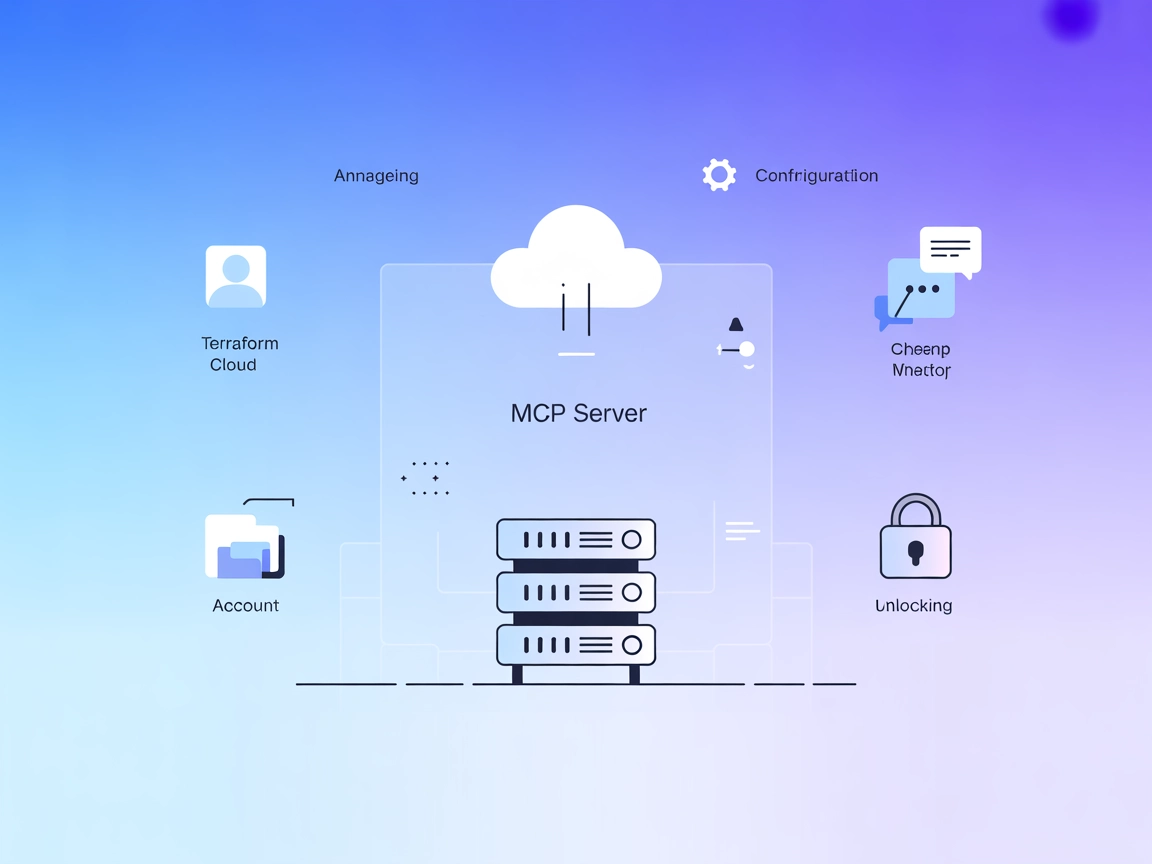
The Terraform Cloud MCP Server exposes Terraform Cloud functionalities as AI-accessible tools, enabling seamless infrastructure management through conversational interfaces.
The Terraform Cloud MCP Server is a Model Context Protocol (MCP) server that integrates AI assistants with the Terraform Cloud API, enabling developers to manage their infrastructure through natural conversation. Built with Python and Pydantic models, this server is compatible with any MCP-supporting platform, including Claude, Claude Code CLI, Claude Desktop, Cursor, and Copilot Studio. By exposing Terraform Cloud functionalities as MCP tools, the server lets AI assistants perform actions like querying account details, managing workspaces and projects, and automating infrastructure tasks. This integration streamlines infrastructure-as-code workflows, making it easier for developers to interact with their cloud environments programmatically and conversationally.
No prompt templates are mentioned in the repository.

Start your free trial today and see results within days.
No explicit MCP resources are described in the available documentation.
Get latest tips, trends, and deals for free.
Ensure Python 3.12+ is installed and Terraform Cloud MCP server is accessible.
Locate your Windsurf configuration file.
Add the Terraform Cloud MCP server to your mcpServers object:
{
  "mcpServers": {
    "terraform-cloud": {
      "command": "python",
      "args": ["-m", "terraform_cloud_mcp"]
    }
  }
}
Save the configuration and restart Windsurf.
Verify the server is connected and discoverable.
Securing API Keys
Use environment variables to set sensitive values. Example:
{
  "env": {
    "TERRAFORM_CLOUD_TOKEN": "your-api-token"
  },
  "inputs": {}
}
Ensure Python 3.12+ is available.
Download or clone the Terraform Cloud MCP repository.
In your Claude configuration (see CLAUDE.md), add:
{
  "mcpServers": {
    "terraform-cloud": {
      "command": "python",
      "args": ["-m", "terraform_cloud_mcp"]
    }
  }
}
Set your API token using an environment variable as above.
Restart Claude and verify the MCP server is listed.
Install Python 3.12+ and clone the repository.
Open Cursor’s configuration settings.
Add the MCP server:
{
  "mcpServers": {
    "terraform-cloud": {
      "command": "python",
      "args": ["-m", "terraform_cloud_mcp"]
    }
  }
}
Use environment variables for secure API key storage.
Save and restart Cursor, then test the integration.
Download the Terraform Cloud MCP server and ensure Python 3.12+ is installed.
Edit Cline’s configuration file to include the MCP server:
{
  "mcpServers": {
    "terraform-cloud": {
      "command": "python",
      "args": ["-m", "terraform_cloud_mcp"]
    }
  }
}
Configure your Terraform Cloud API token using environment variables.
Restart Cline and verify operation.
Note: Always use environment variables for sensitive information like API keys.
Using MCP in FlowHunt
To integrate MCP servers into your FlowHunt workflow, start by adding the MCP component to your flow and connecting it to your AI agent:

Click on the MCP component to open the configuration panel. In the system MCP configuration section, insert your MCP server details using this JSON format:
{
  "terraform-cloud": {
    "transport": "streamable_http",
    "url": "https://yourmcpserver.example/pathtothemcp/url"
  }
}
Once configured, the AI agent is now able to use this MCP as a tool with access to all its functions and capabilities. Remember to change “terraform-cloud” to whatever the actual name of your MCP server is and replace the URL with your own MCP server URL.
| Section | Availability | Details/Notes |
|---|---|---|
| Overview | ✅ | |
| List of Prompts | ⛔ | None found |
| List of Resources | ⛔ | None found |
| List of Tools | ✅ | Account, workspace, and project management |
| Securing API Keys | ✅ | Use environment variables (from README and env.example) |
| Sampling Support (less important in evaluation) | ⛔ | Not mentioned |
| Supports Roots | ⛔ | Not documented | | Supports Sampling | ⛔ | Not documented |
Based on the available documentation, Terraform Cloud MCP Server provides a focused set of infrastructure management tools and clear setup instructions, but lacks detailed descriptions of resources, prompt templates, or advanced MCP features like Roots and Sampling. It is well-suited for teams wanting to automate Terraform Cloud workflows via AI assistants but could benefit from richer MCP integration and documentation.
| Has a LICENSE | ✅ (MIT) |
|---|---|
| Has at least one tool | ✅ |
| Number of Forks | 3 |
| Number of Stars | 11 |
Empower your team to manage cloud infrastructure conversationally. Integrate Terraform Cloud MCP Server with FlowHunt and automate your workflows today.
The Firefly MCP Server enables seamless AI-driven discovery, management, and codification of resources across your Cloud and SaaS environments. Integrate with t...
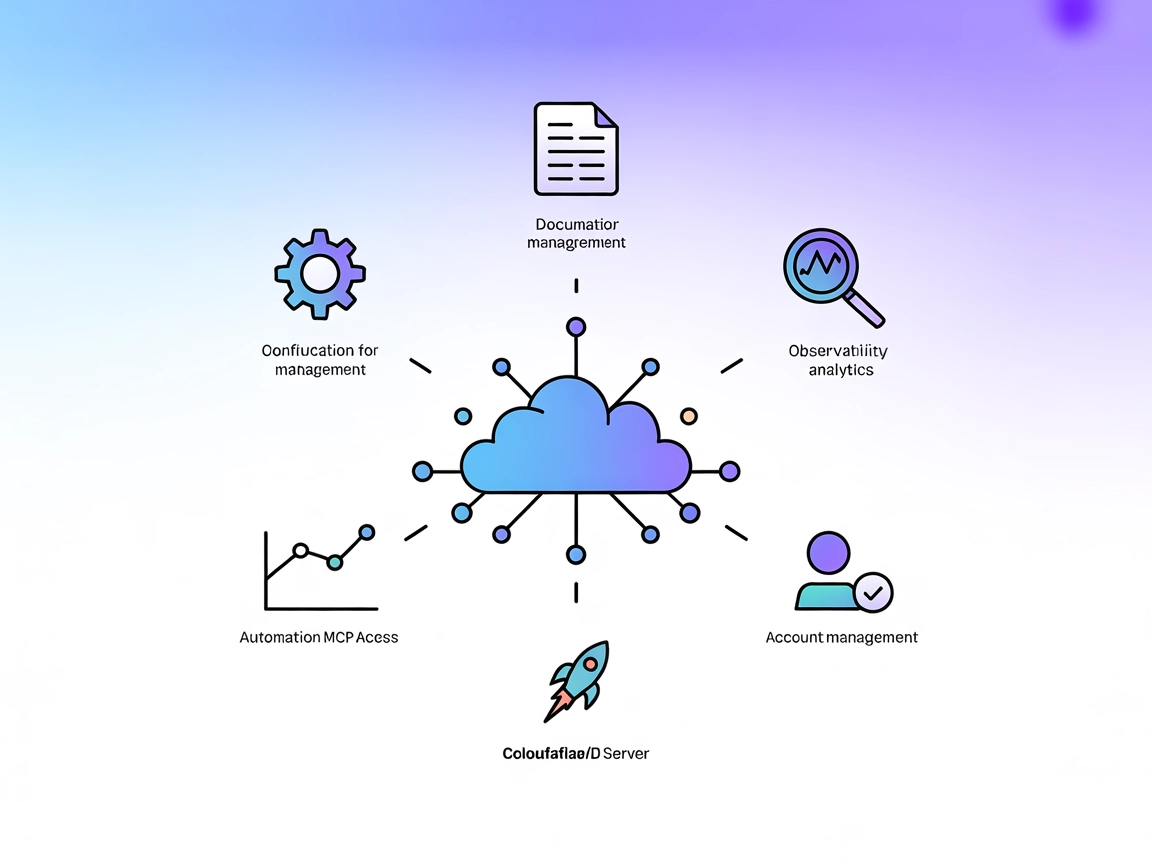
The Cloudflare MCP Server bridges AI assistants and Cloudflare’s cloud services, enabling natural language automation for configurations, logs, builds, and docu...
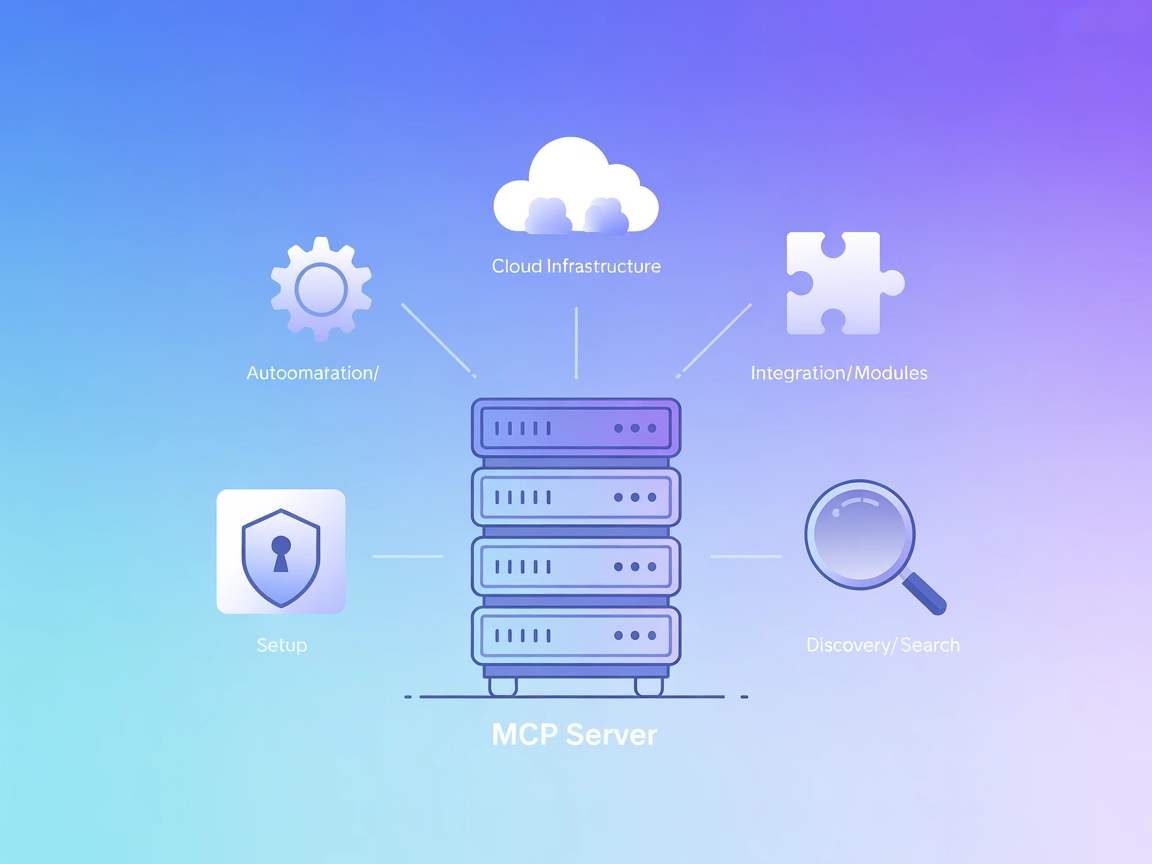
The Terraform MCP Server connects FlowHunt and AI agents to the Terraform Registry, enabling automated discovery, extraction, and analysis of Terraform provider...
Cookie Consent
We use cookies to enhance your browsing experience and analyze our traffic. See our privacy policy.