


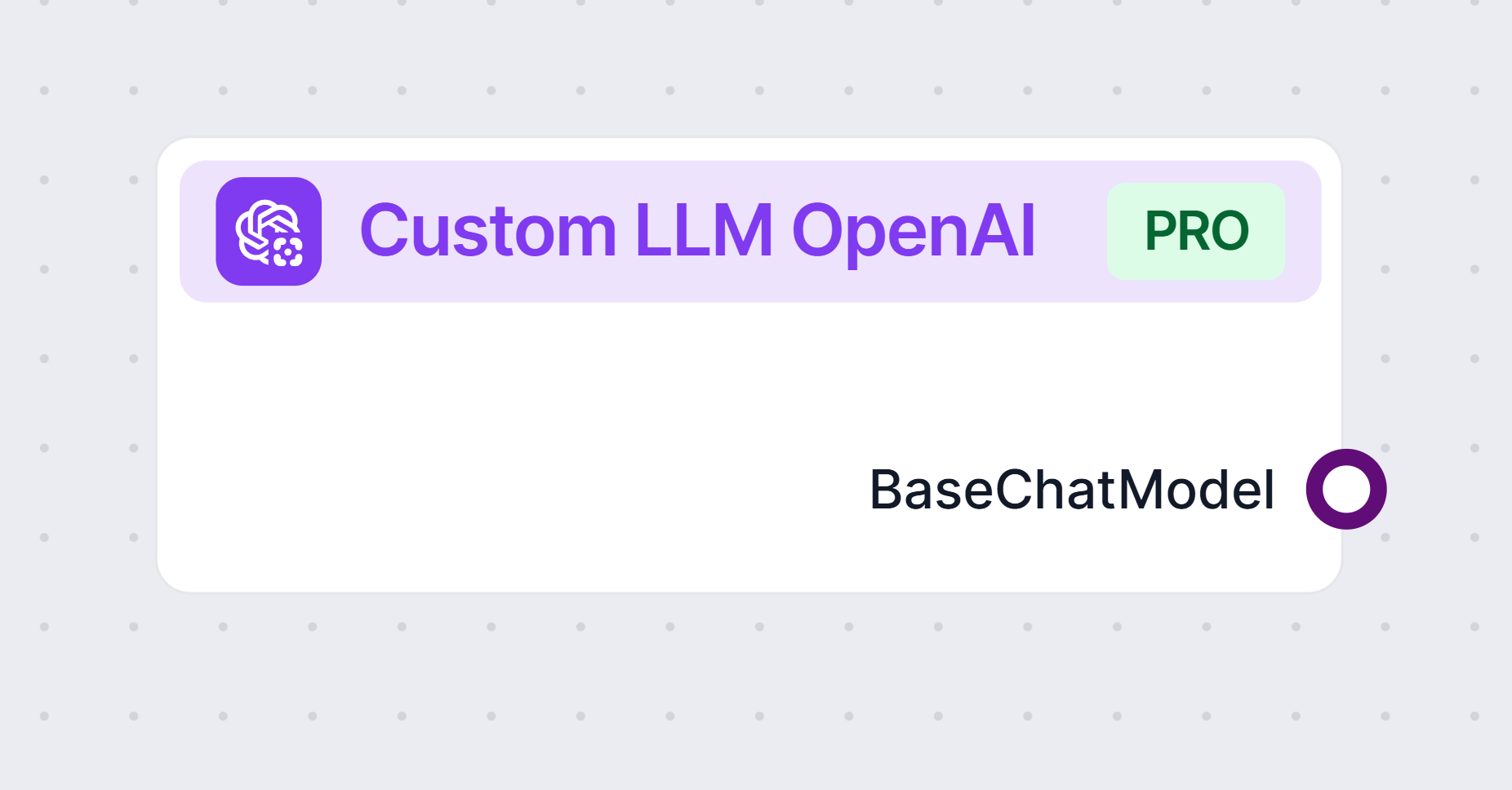
The Custom LLM OpenAI component provides a flexible interface to interact with large language models that are compatible with the OpenAI API. This includes models not only from OpenAI, but also from alternative providers such as JinaChat, LocalAI, and Prem. The component is designed to be highly configurable, making it suitable for a variety of AI workflow scenarios where natural language processing is required.
Purpose and Functionality
This component acts as a bridge between your AI workflow and language models that follow the OpenAI API standard. By allowing you to specify the model provider, API endpoint, and other parameters, it enables you to generate or process text, chat, or other language-based outputs within your workflow. Whether you need to summarize content, answer questions, generate creative text, or perform other NLP tasks, this component can be tailored to your needs.
Settings
You can control the behavior of the component through several parameters:
| Parameter | Type | Required | Default | Description |
|---|---|---|---|---|
| Max Tokens | int | No | 3000 | Limits the maximum length of the generated text output. |
| Model Name | string | No | (empty) | Specify the exact model to use (e.g., gpt-3.5-turbo). |
| OpenAI API Base | string | No | (empty) | Allows you to set a custom API endpoint (e.g., for JinaChat, LocalAI, or Prem). Defaults to OpenAI if blank. |
| API Key | string | Yes | (empty) | Your secret API key for accessing the chosen language model provider. |
| Temperature | float | No | 0.7 | Controls the creativity of output. Lower values mean more deterministic results. Range: 0 to 1. |
| Use Cache | bool | No | true | Enable/disable caching of queries to improve efficiency and reduce costs. |
Note: All these configuration options are advanced settings, giving you fine-grained control over the model’s behavior and integration.
Inputs and Outputs
Inputs:
There are no input handles for this component.Outputs:
- Produces a
BaseChatModelobject, which can be used in subsequent components in your workflow for further processing or interaction.
- Produces a
Why Use This Component?
- Flexibility: Connect to any OpenAI-compatible language model, including third-party or local deployments.
- Customization: Adjust parameters like token limit, randomness (temperature), and caching to fit your use case.
- Extensibility: Suitable for chatbots, content generation, summarization, code generation, and more.
- Efficiency: Built-in caching can help avoid redundant queries and manage API usage cost-effectively.
Example Use Cases
- Deploy a chatbot using a local instance of an OpenAI-compatible language model.
- Generate summaries or creative content using JinaChat, LocalAI, or a custom API endpoint.
- Integrate LLM-powered text analysis into a larger AI workflow, connecting outputs to downstream processing components.
Summary Table
| Feature | Description |
|---|---|
| Provider Support | OpenAI, JinaChat, LocalAI, Prem, or any OpenAI API-compatible service |
| Output Type | BaseChatModel |
| API Endpoint | Configurable |
| Security | API Key required (kept secret) |
| Usability | Advanced settings for power users, but defaults work for most applications |
This component is ideal for anyone looking to integrate flexible, robust, and configurable LLM capabilities into their AI workflows, regardless of whether you use OpenAI directly or an alternative provider.