


Suporte por Chatbot de IA no LiveAgent
Automatize o suporte ao cliente no LiveAgent com um chatbot de IA que responde perguntas usando sua base de conhecimento interna, recupera documentos relevantes...
4 min de leitura
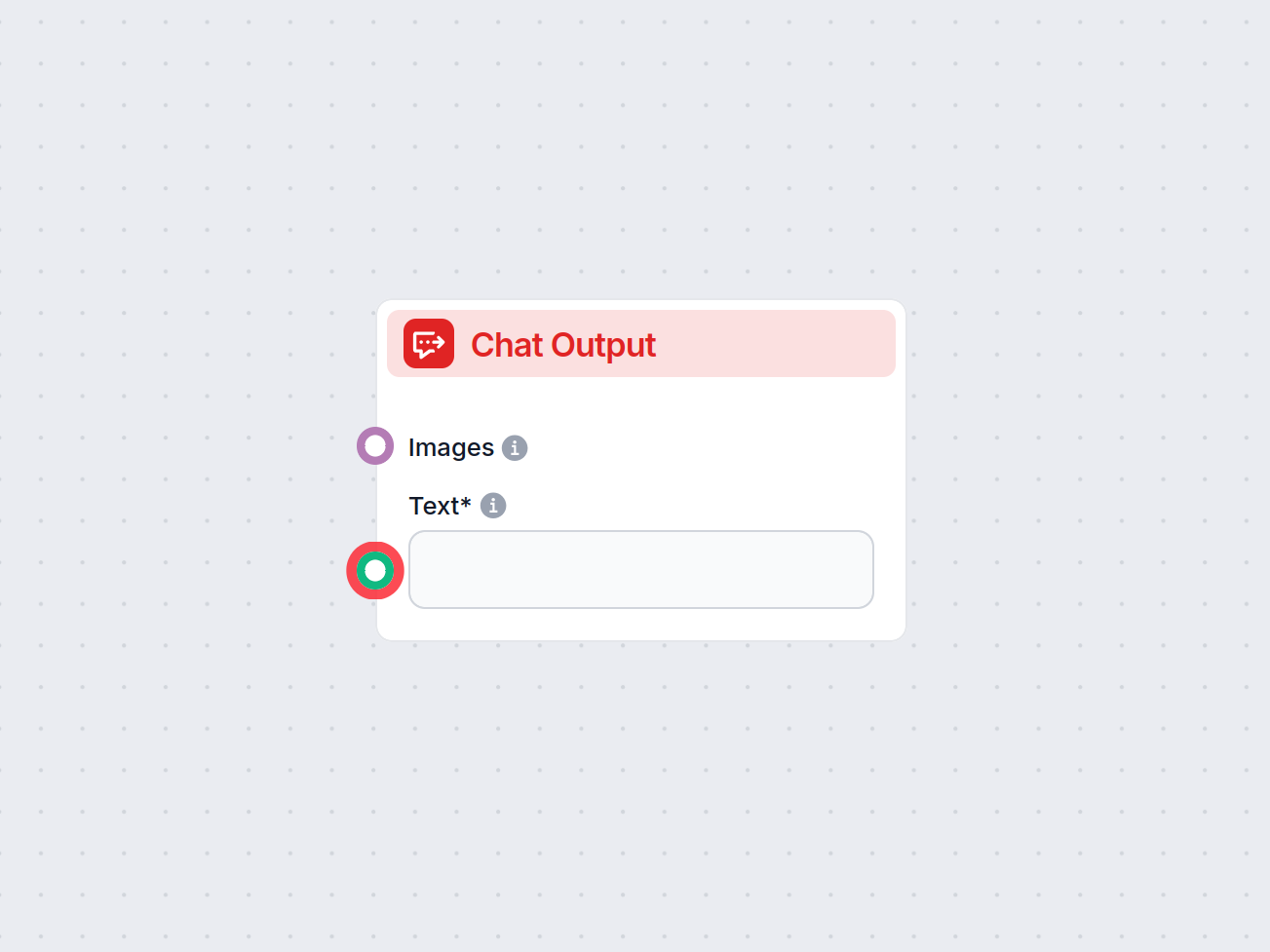
O componente Saída do Chat no FlowHunt finaliza as respostas do chatbot usando componentes conectados, permitindo respostas complexas, em múltiplas partes, e conclusão de fluxo sem interrupções.
Descrição do componente
Flows are a versatile tool that allows you to connect many variations of components. That’s why you need a way to tell the bot you’re done creating, and it’s time for it to craft an answer based on the connected components.
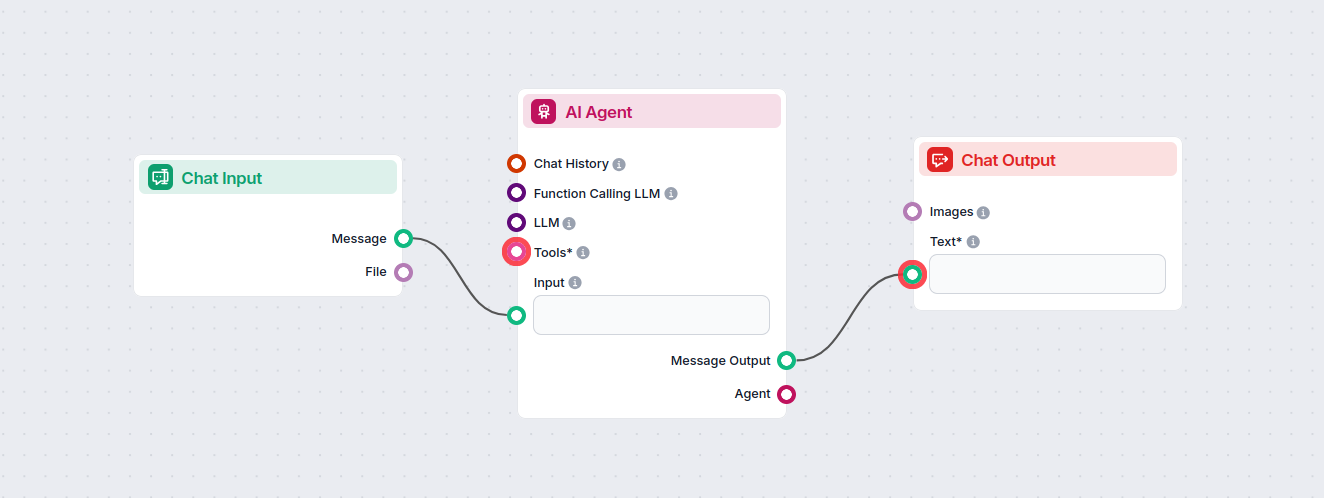
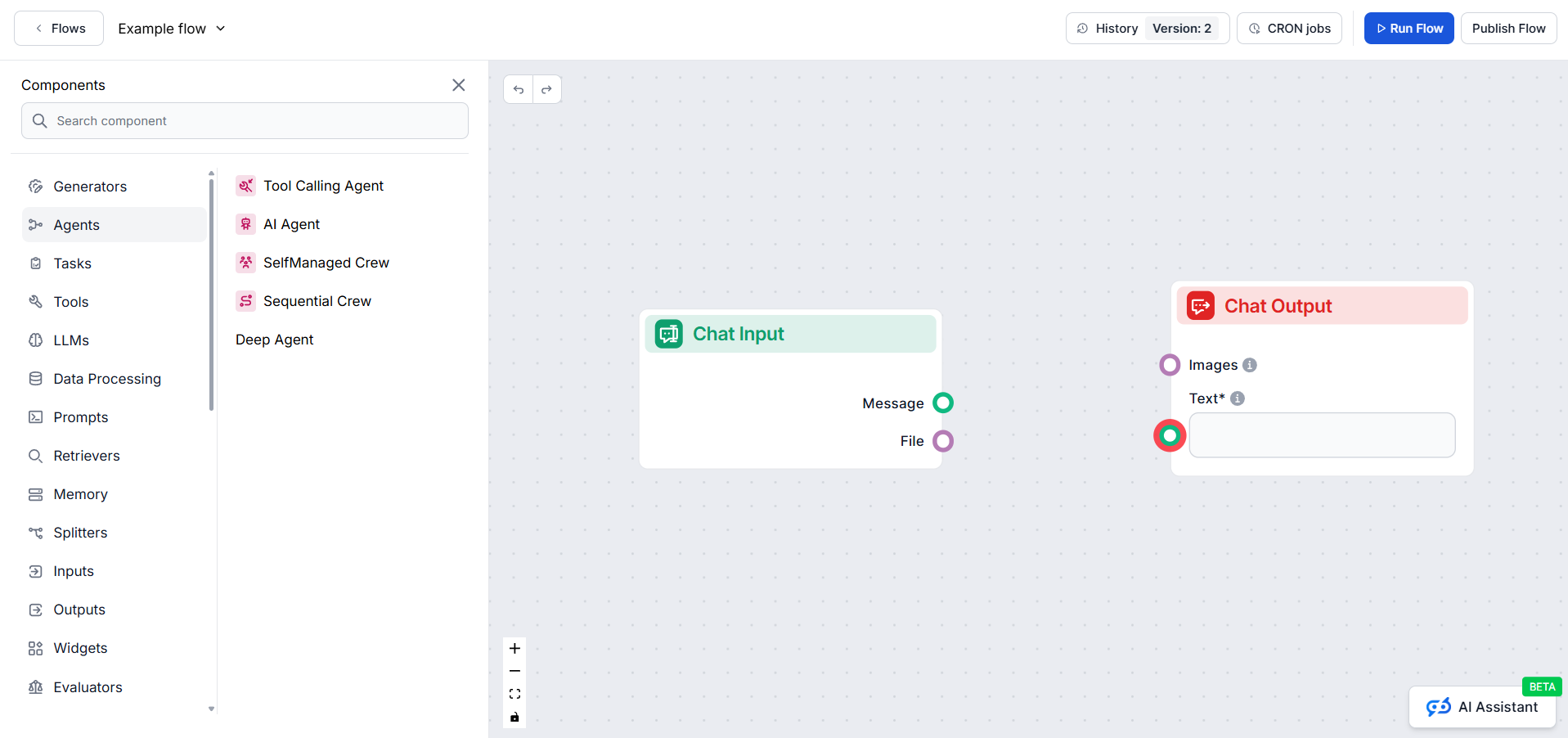
The Chat Output component is how you tell the chatbot to start crafting an answer based on the connected components. One flow can have several outputs coming together in a single reply. For example, one output generates a text answer from AI, while a second one adds relevant links from your knowledge base.
Always being at the end of the chain, it doesn’t connect to anything, but any component that outputs text can connect to it. To see the options, just hover over the connector handle.
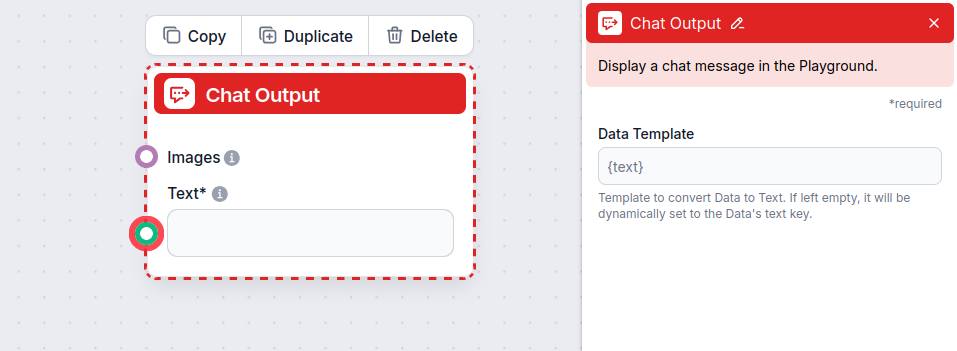
The Chat Output component accepts the following inputs:
| Input Name | Type | Required | Description |
|---|---|---|---|
| Text | Message (str) | Yes | The main message text to be displayed in the chat output. |
| Images | Attachment | No | Images to be shown alongside the message in the output. |
| Data Template | str | No | (Advanced) Template for converting data to text. If left empty, defaults to the data’s ’text’ key. Useful for custom formatting. |
The component produces the following output:
| Output Name | Type | Description |
|---|---|---|
| Message | Message | The processed chat message (including images if provided), ready to be displayed in the UI. |
Each flow can only contain a single Chat Input component but may contain various outputs. These are useful for creating complex answers consisting of several elements. Let’s look at an example of a flow with several outputs.
Imagine the user wants to know what an IVR is. Let’s say you want your bot to answer the question in a lighthearted, conversational way and then link further reading from your website.
To achieve this, you will want to create two separate outputs:
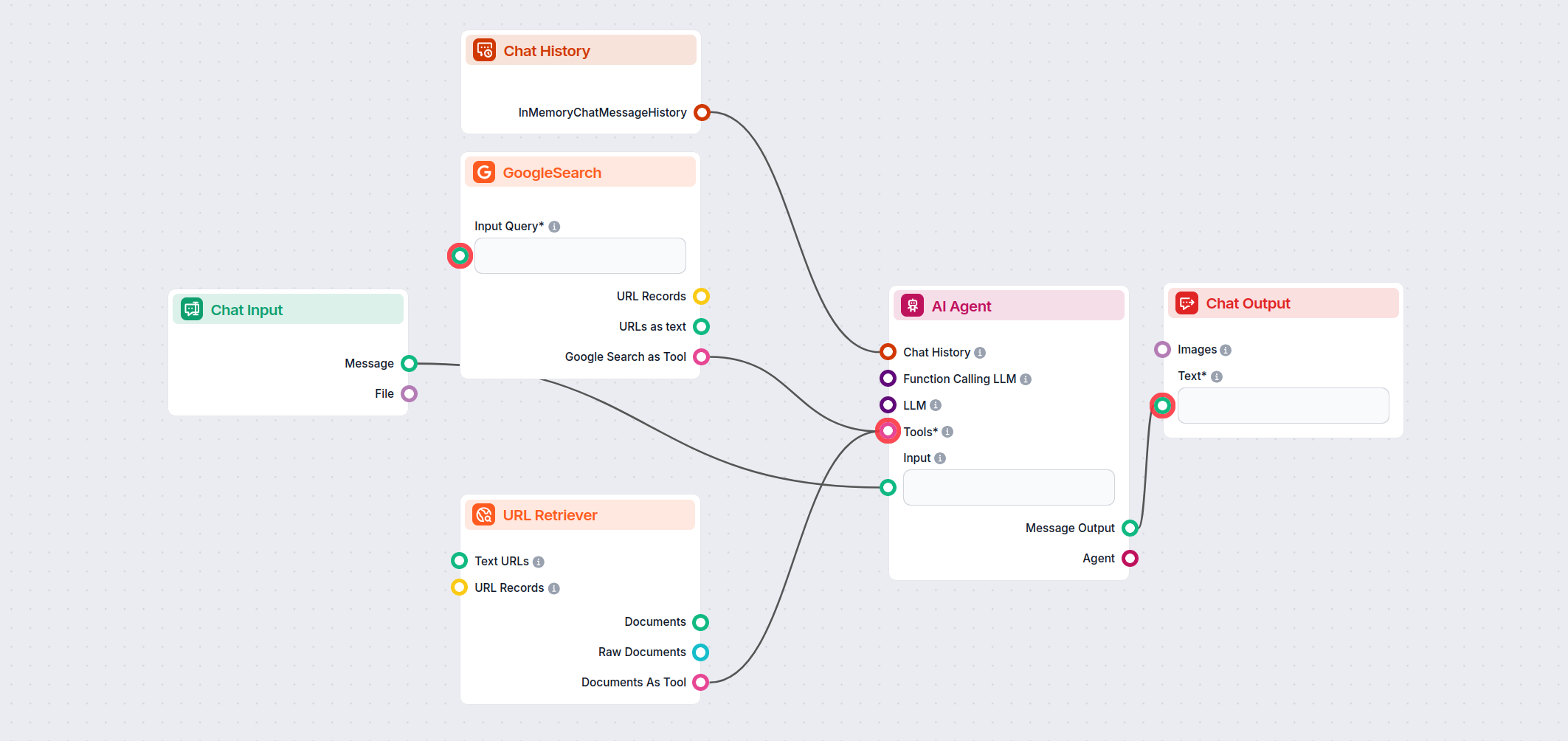
The final answer will combine these two types of outputs:
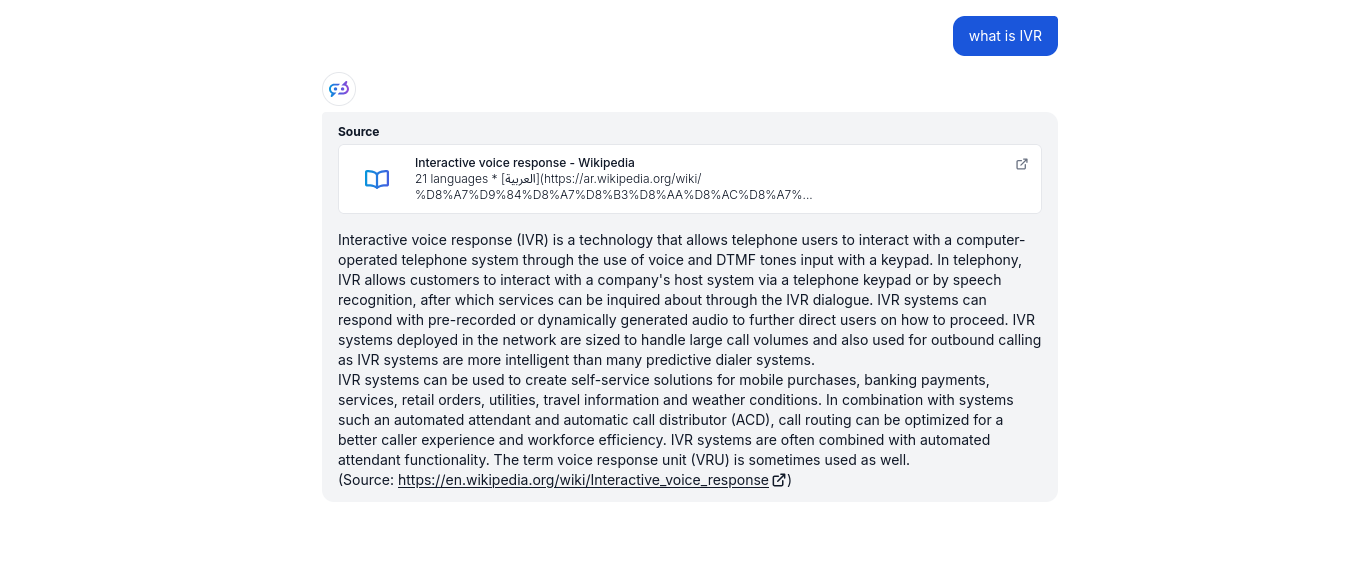
Separated outputs provide greater flexibility and control over the chatbot. By adding other outputs, you can continue making the answers more complex. For example, you can make the related sources more elaborate by adding Google Search to the mix, or you can introduce follow-up questions to prompt the user to ask more questions.
Para ajudá-lo a começar rapidamente, preparamos vários modelos de fluxo de exemplo que demonstram como usar o componente Saída do Chat de forma eficaz. Esses modelos apresentam diferentes casos de uso e melhores práticas, tornando mais fácil para você entender e implementar o componente em seus próprios projetos.
Automatize o suporte ao cliente no LiveAgent com um chatbot de IA que responde perguntas usando sua base de conhecimento interna, recupera documentos relevantes...
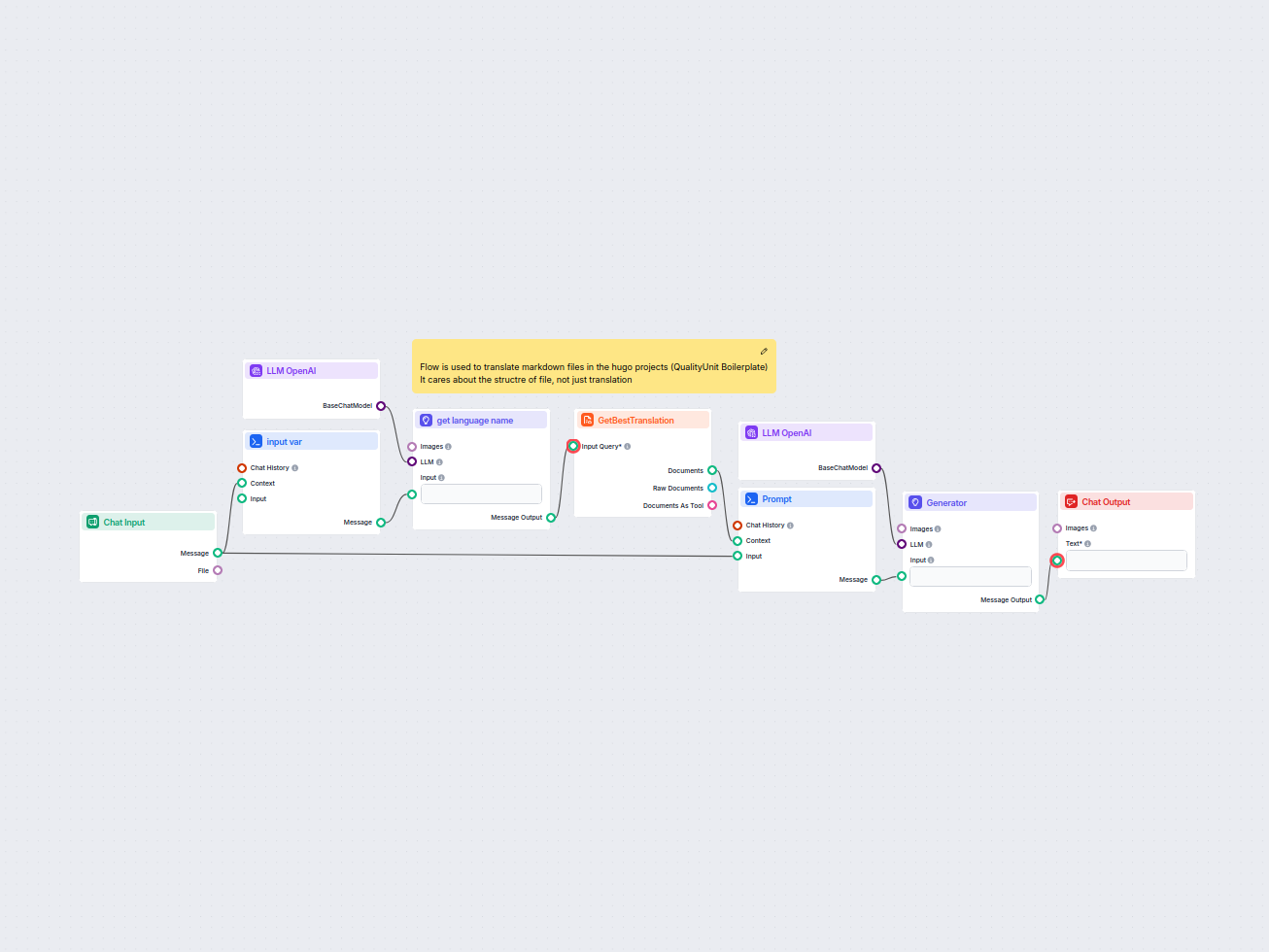
Este fluxo simplifica a tradução de arquivos markdown do HUGO para idiomas de destino, preservando a estrutura e a formatação do arquivo. Aproveitando modelos d...
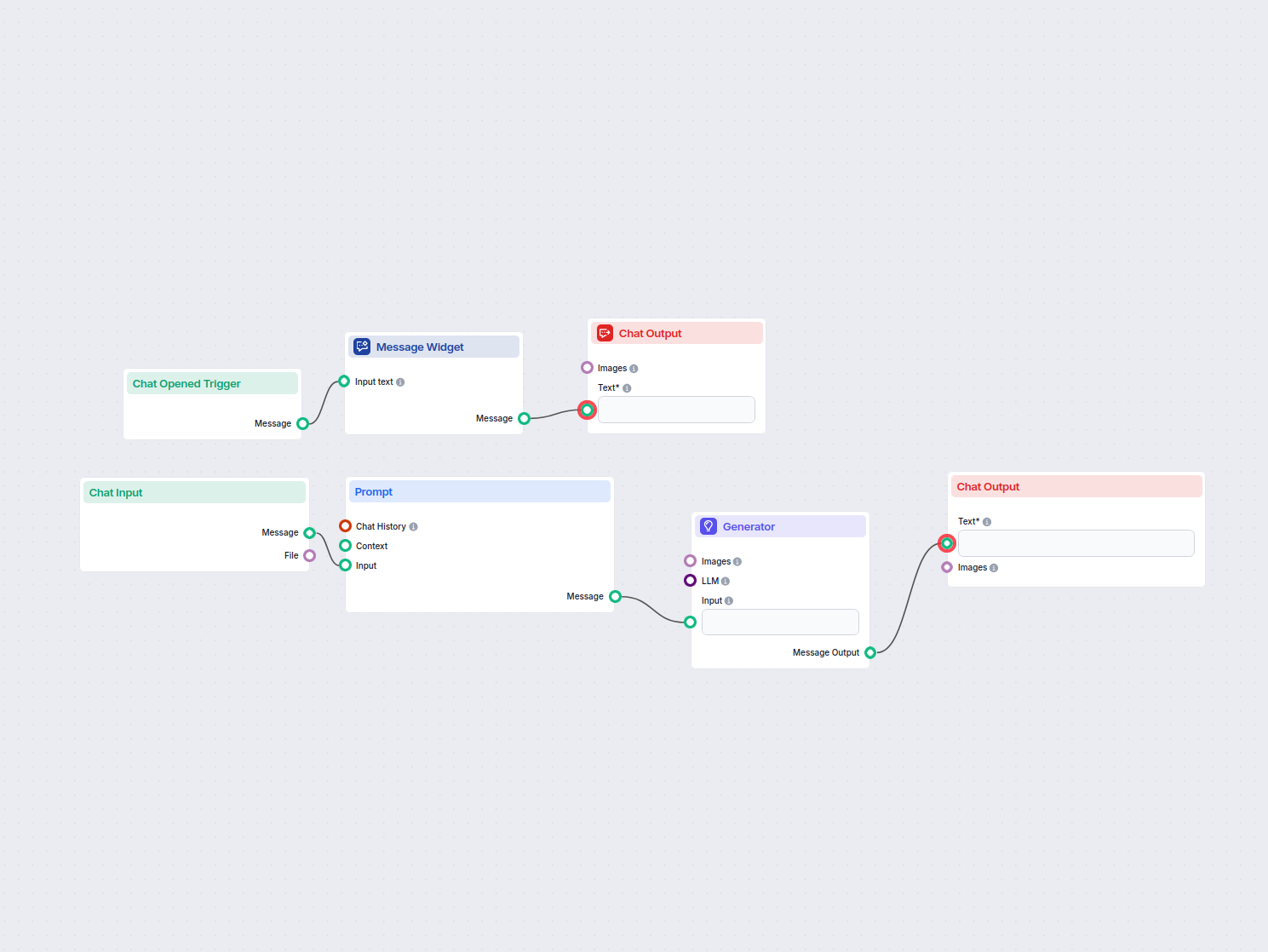
Este fluxo de trabalho permite que os usuários traduzam instantaneamente qualquer texto inserido para o inglês usando IA. Os usuários digitam ou enviam um texto...
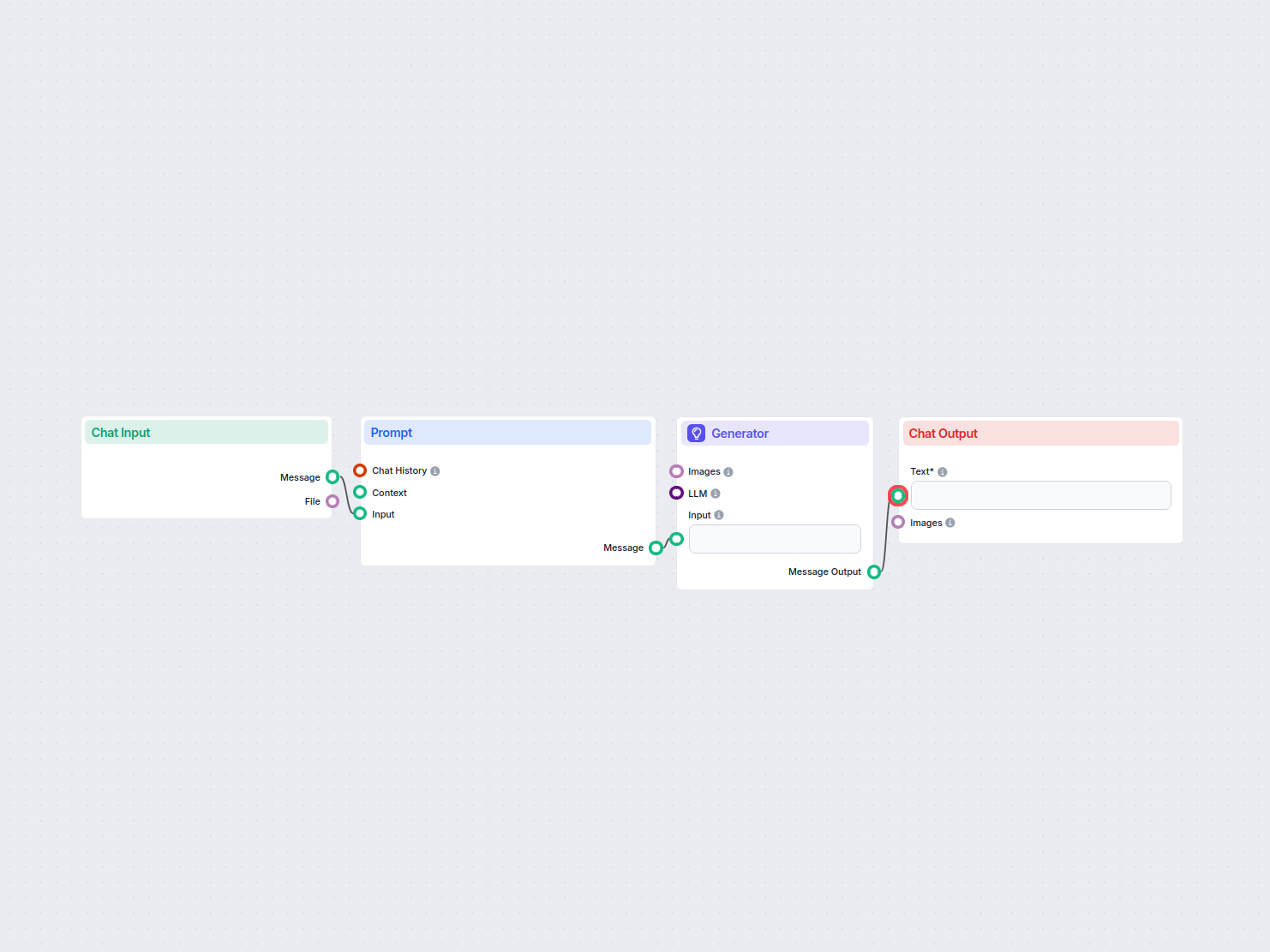
Traduza conteúdos web entre idiomas preservando a estrutura HTML, usando IA e o plugin UrlsLab. Endereços de e-mail e URLs permanecem inalterados, garantindo tr...
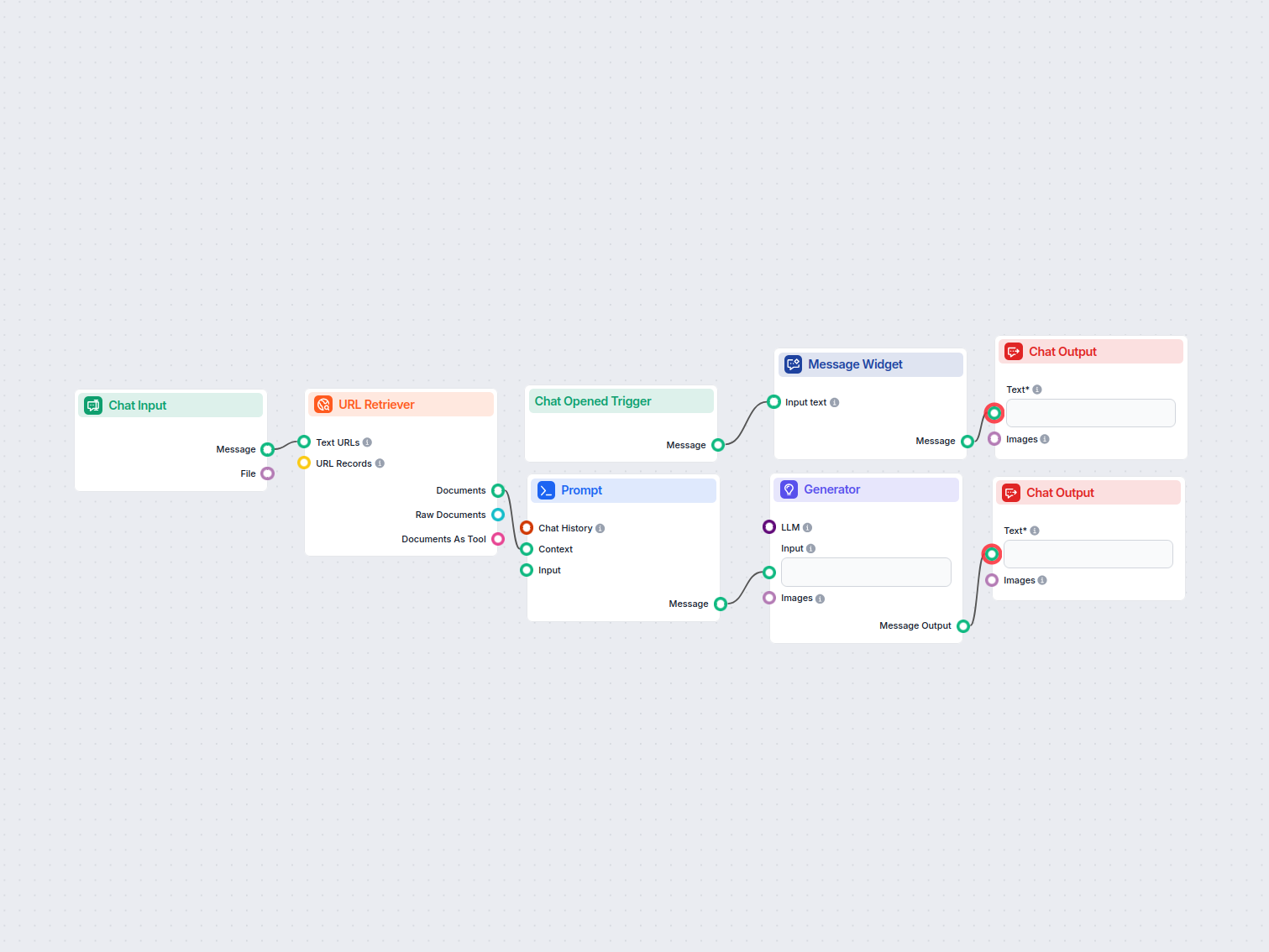
Transforma automaticamente o conteúdo de qualquer URL fornecida em um post conciso e envolvente, adequado para o X (Twitter), ajudando profissionais de marketin...
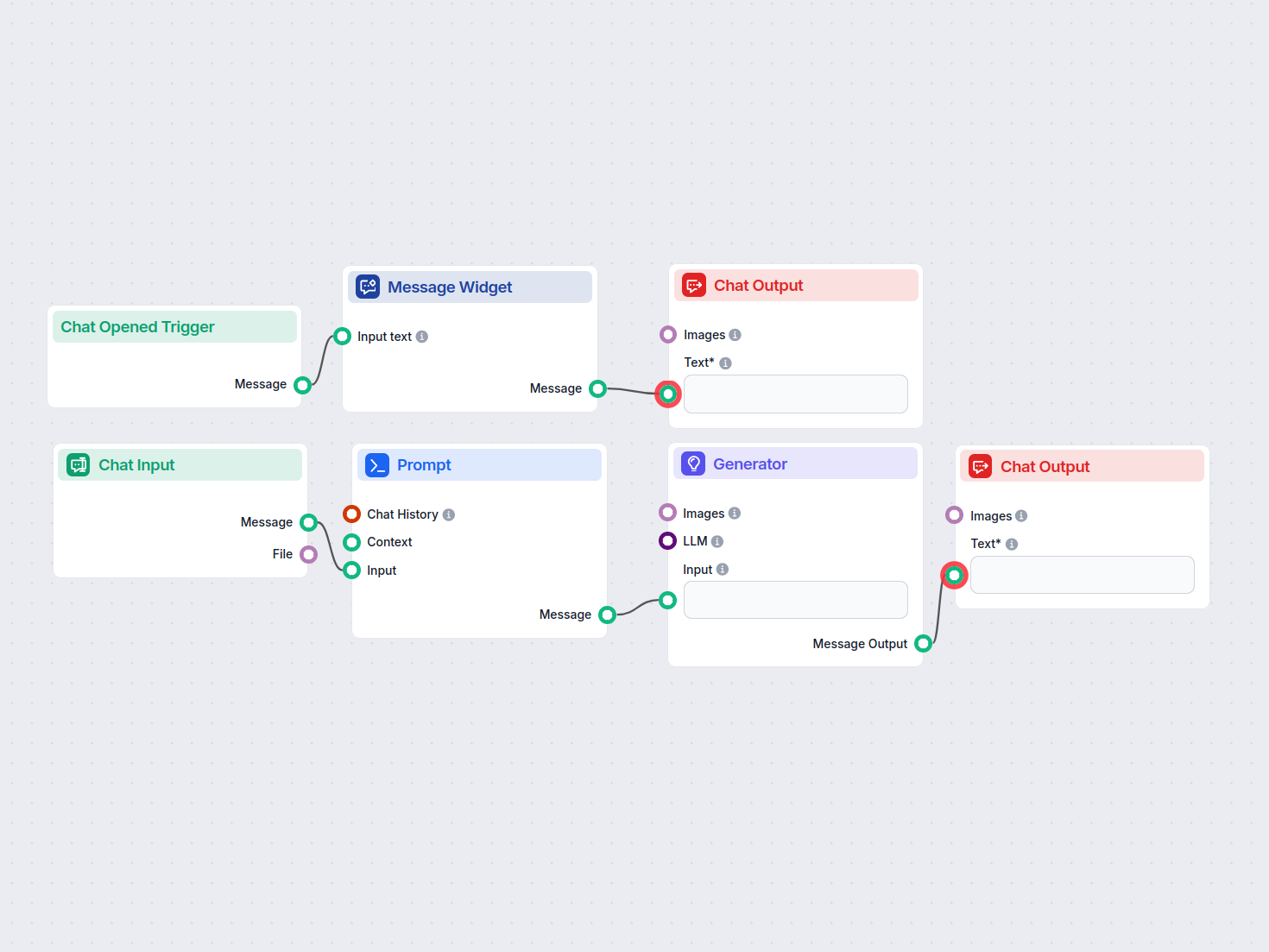
Este fluxo de trabalho determina se um endereço de e-mail pertence a um provedor de e-mail gratuito/genérico ou a um domínio personalizado de uma empresa. É úti...
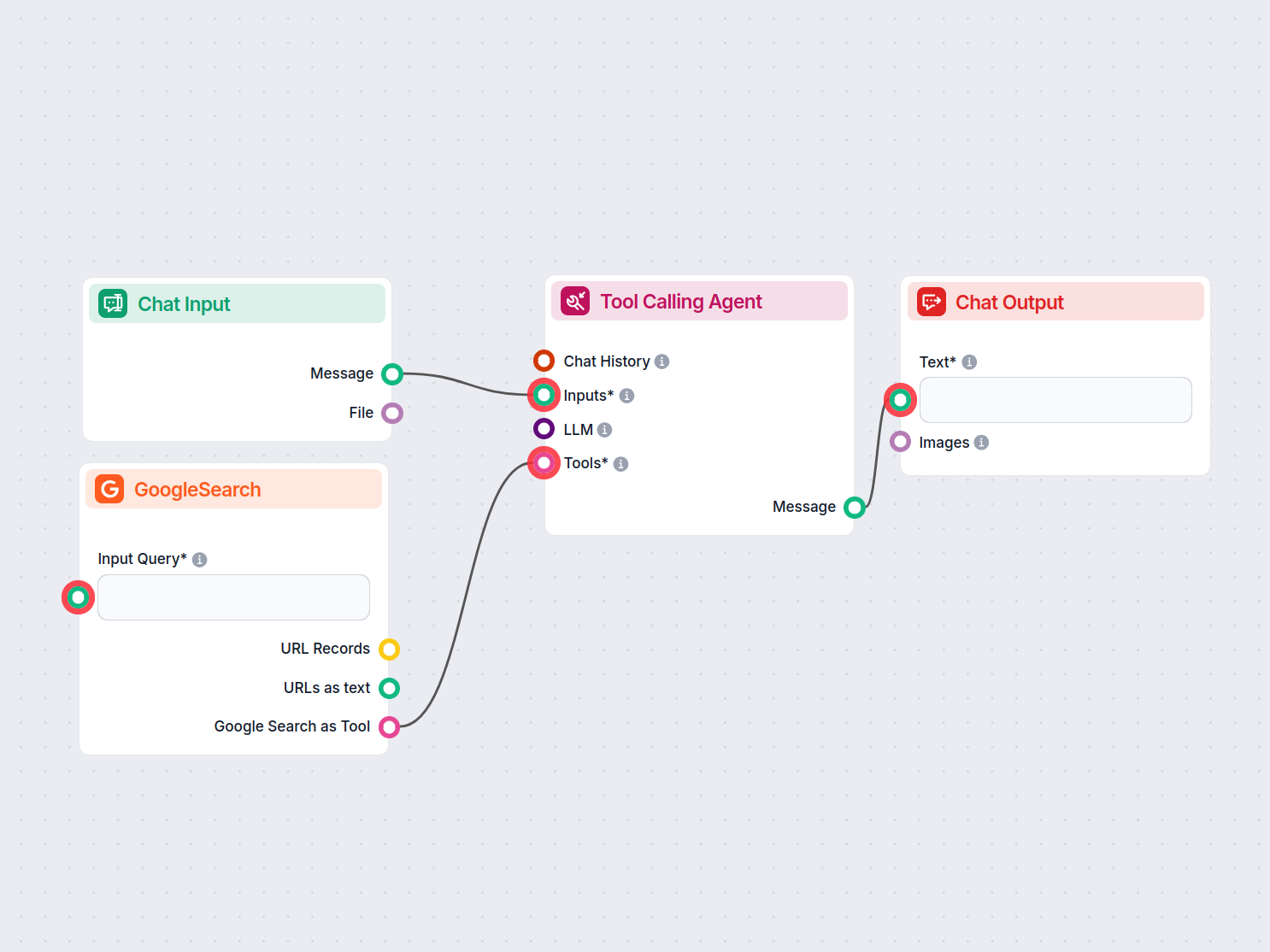
Verifique automaticamente o plágio em qualquer texto usando IA e Pesquisa Google. Este fluxo escaneia o conteúdo fornecido, compara com fontes online e gera rel...
Mostrando 121 a 127 de 127 resultados
Comece a criar suas próprias soluções de IA e experimente a flexibilidade dos componentes de Saída do Chat no FlowHunt.
O editor de Fluxos permite que você arraste e solte componentes que representam diversas habilidades de IA. Nenhuma habilidade de programação é necessária, gara...

Novo no FlowHunt? Comece aqui. Aprenda o básico sobre como construir fluxos de IA, implantar chatbots e conectar fontes de conhecimento — tudo sem escrever códi...

Com dificuldade para finalizar um artigo? Experimente gratuitamente o Gerador de Conclusão por IA da FlowHunt e aprenda como criar sua própria ferramenta para e...
Consentimento de Cookies
Usamos cookies para melhorar sua experiência de navegação e analisar nosso tráfego. See our privacy policy.