Najlepšie nástroje bez kódu na automatizáciu v roku 2026: 10 porovnávaných platforiem
Definitívny sprievodca platformami na automatizáciu bez kódu v roku 2026. Porovnávame 10 nástrojov — od vizuálnych tvorcov pracovných postupov až po platformy natívne postavené na AI — aby sme vám pomohli automatizovať bez napísania jediného riadku kódu.
Automatizácia bez kódu sa posunula z kuriozity na mainstreamovú podnikovú schopnosť. Najlepšie platformy na automatizáciu bez kódu v dnešnej dobe umožňujú marketingovým tímom vytvárať systémy na smerovanie potenciálnych zákazníkov, operačným tímom automatizovať spracovanie faktúr a HR tímom zefektívniť onboarding — všetko bez toho, aby vývojár napísal jediný riadok kódu.
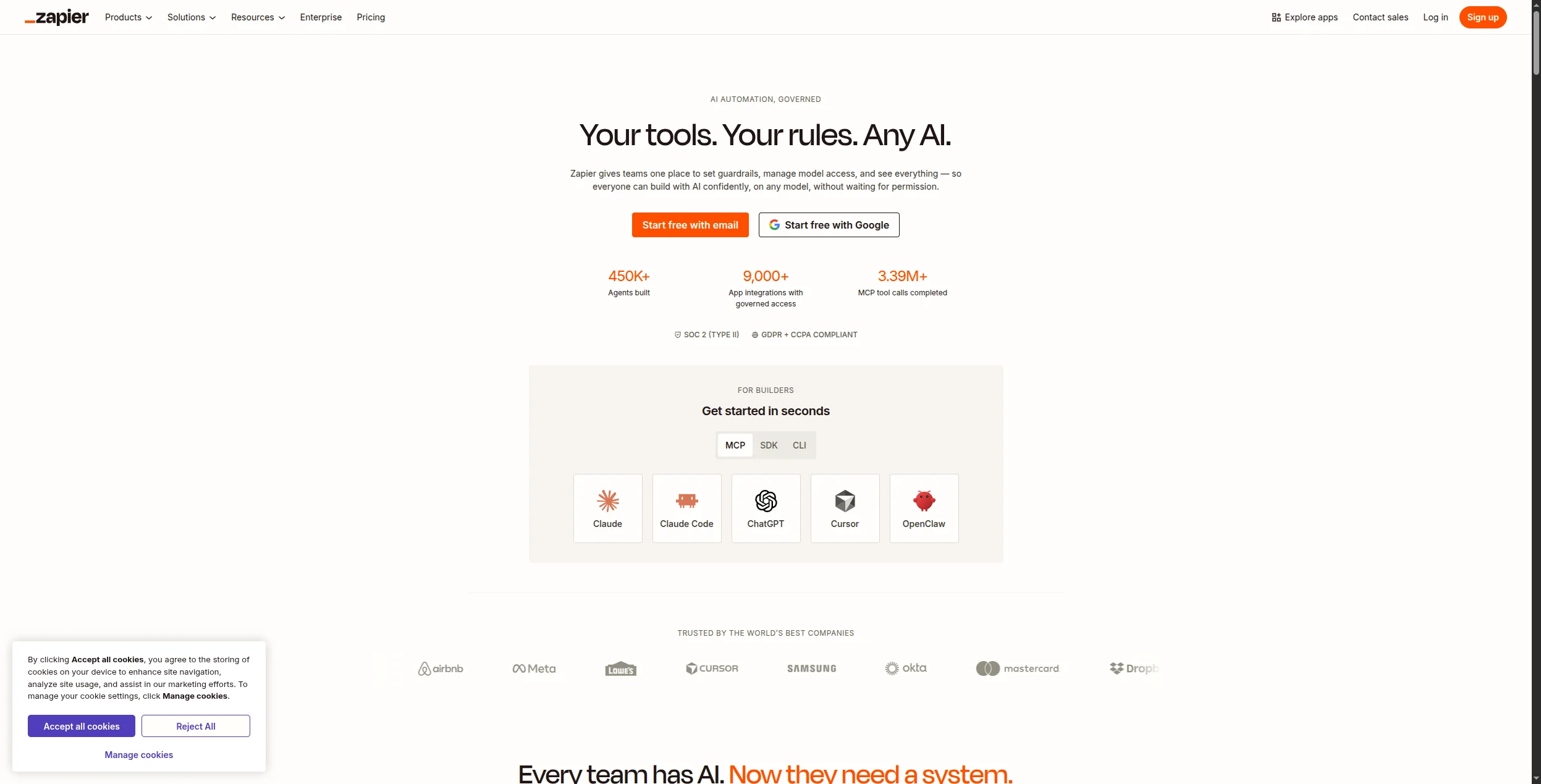
Kategória sa však výrazne rozšírila. “Automatizácia bez kódu” teraz zahŕňa všetko od jednoduchých nástrojov spúšťania-akcie (Zapier) až po vizuálne tvorcov agentov AI natívne postavených na AI (FlowHunt) až po komplexné platformy na vývoj aplikácií bez kódu (Bubble). Výber správneho závisí od toho, čo sa pokúšate automatizovať a ako technický je váš tím.
Tento sprievodca pokrýva 10 najlepších platforiem na automatizáciu bez kódu v roku 2026, s poctivým hodnotením toho, čo každá z nich robí dobre a kde má nedostatky.
Rýchla odpoveď:FlowHunt
je najlepšia platforma bez kódu pre tímy, ktoré potrebujú automatizáciu poháňanú AI. Zapier zvíťazí na šírke integrácie. Make je lepší pre zložité vizuálne pracovné postupy. n8n a Activepieces sú najlepšie možnosti s otvoreným zdrojovým kódom.
Rýchle porovnanie: Platformy na automatizáciu bez kódu
Nástroj
Najlepší pre
Agenty AI
Integrácie
Bezplatný plán
Ceny začínajú
FlowHunt
Automatizácia natívna na AI
Áno
1 400+
Áno
Freemium
Zapier
Šírka integrácie
Obmedzené
7 000+
Áno
$19,99/mesiac
Make
Zložité vizuálne pracovné postupy
Obmedzené
1 800+
Áno
$9/mesiac
n8n
Vlastný hosting/s otvoreným zdrojovým kódom
Áno
400+
Vlastný hosting
$20/mesiac (cloud)
Activepieces
Rozpočet s otvoreným zdrojovým kódom
Obmedzené
500+
Vlastný hosting
$0 (vlastný hosting)
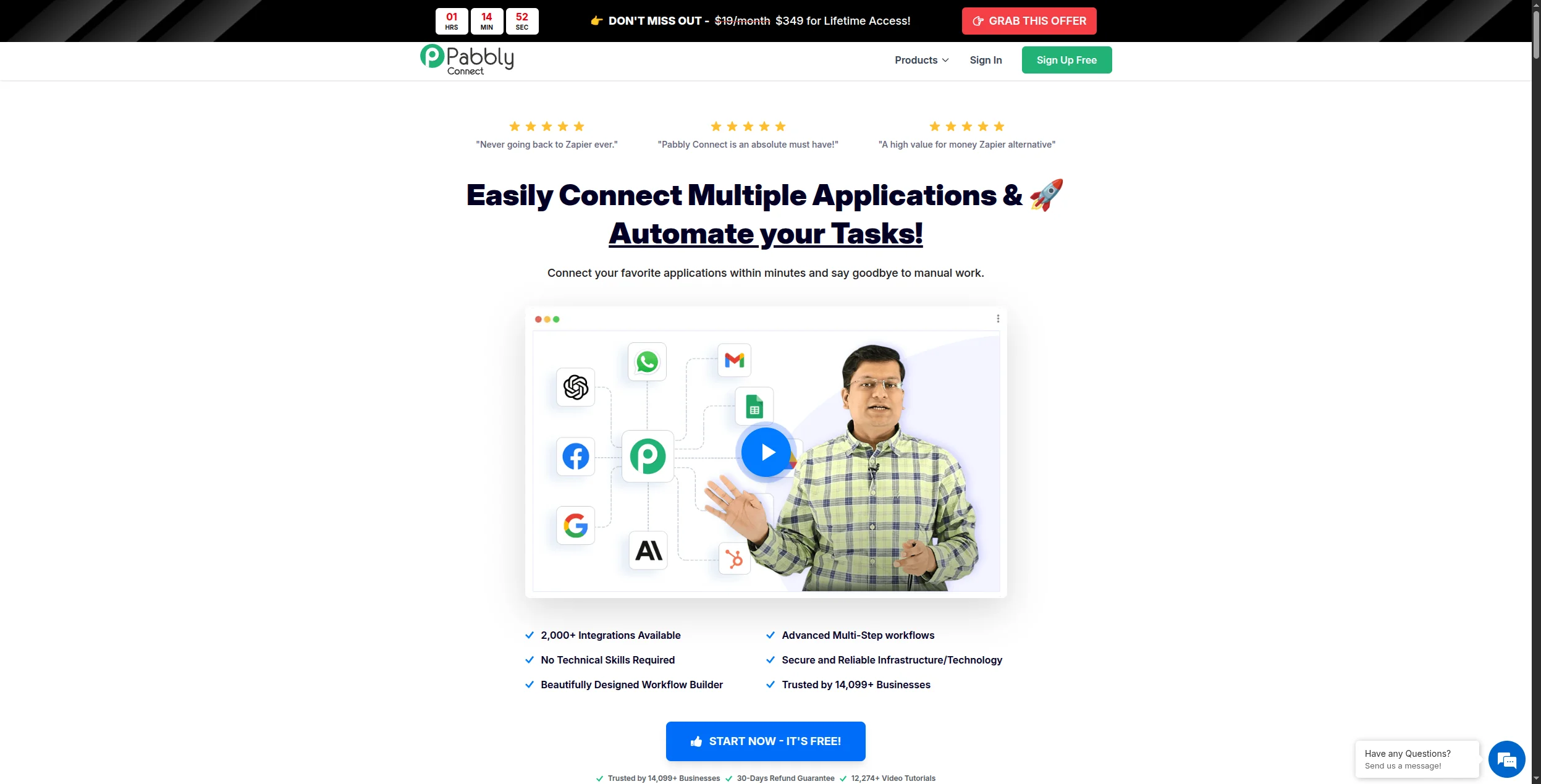
Pabbly Connect
Neobmedzený objem, nízka cena
Nie
1 000+
Nie
$19/mesiac
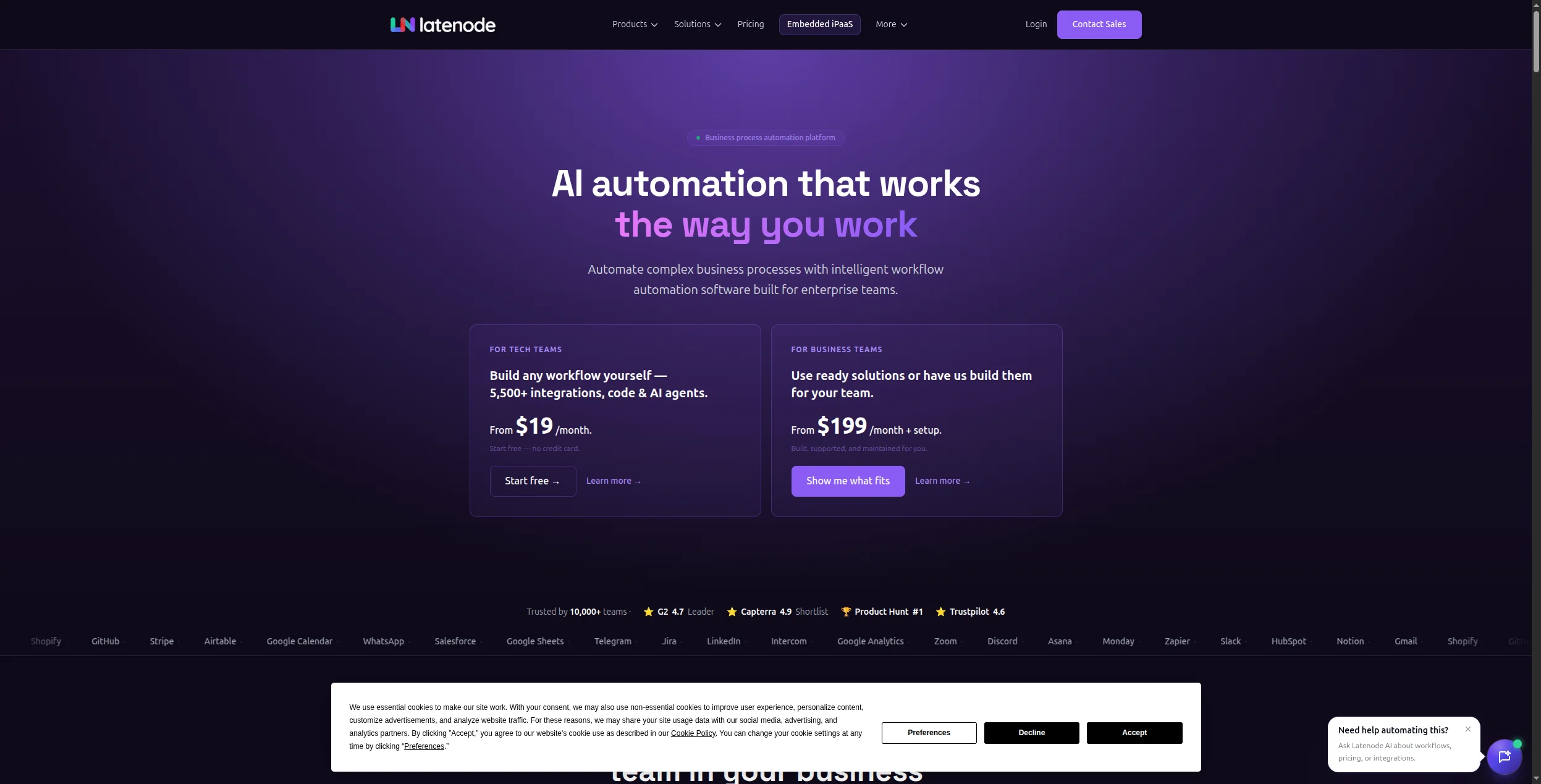
Latenode
Flexibilita s nízkym kódom
Obmedzené
300+
Áno
$17/mesiac
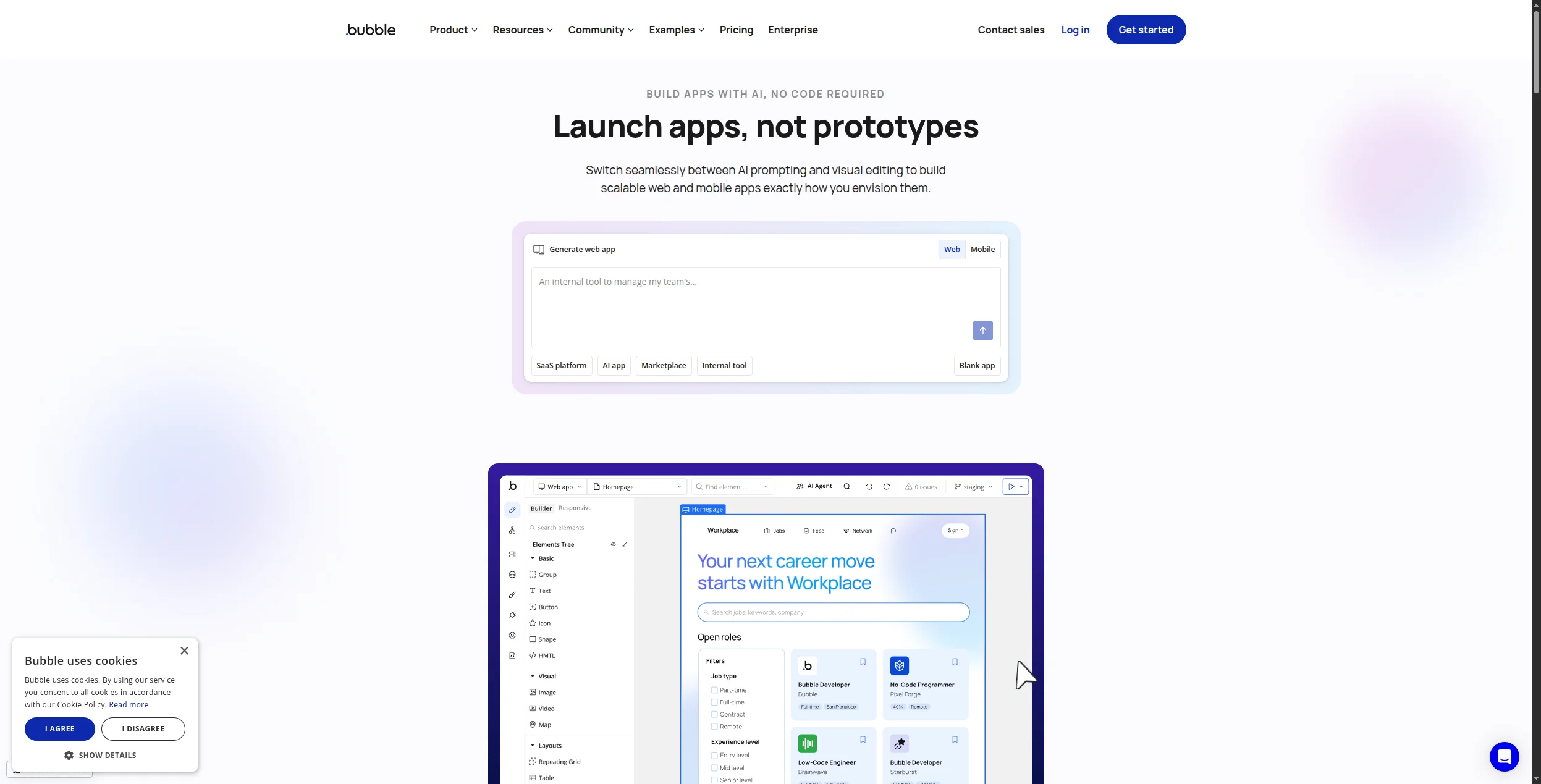
Bubble
Vývoj celej aplikácie
Nie
Cez API
Áno
$29/mesiac
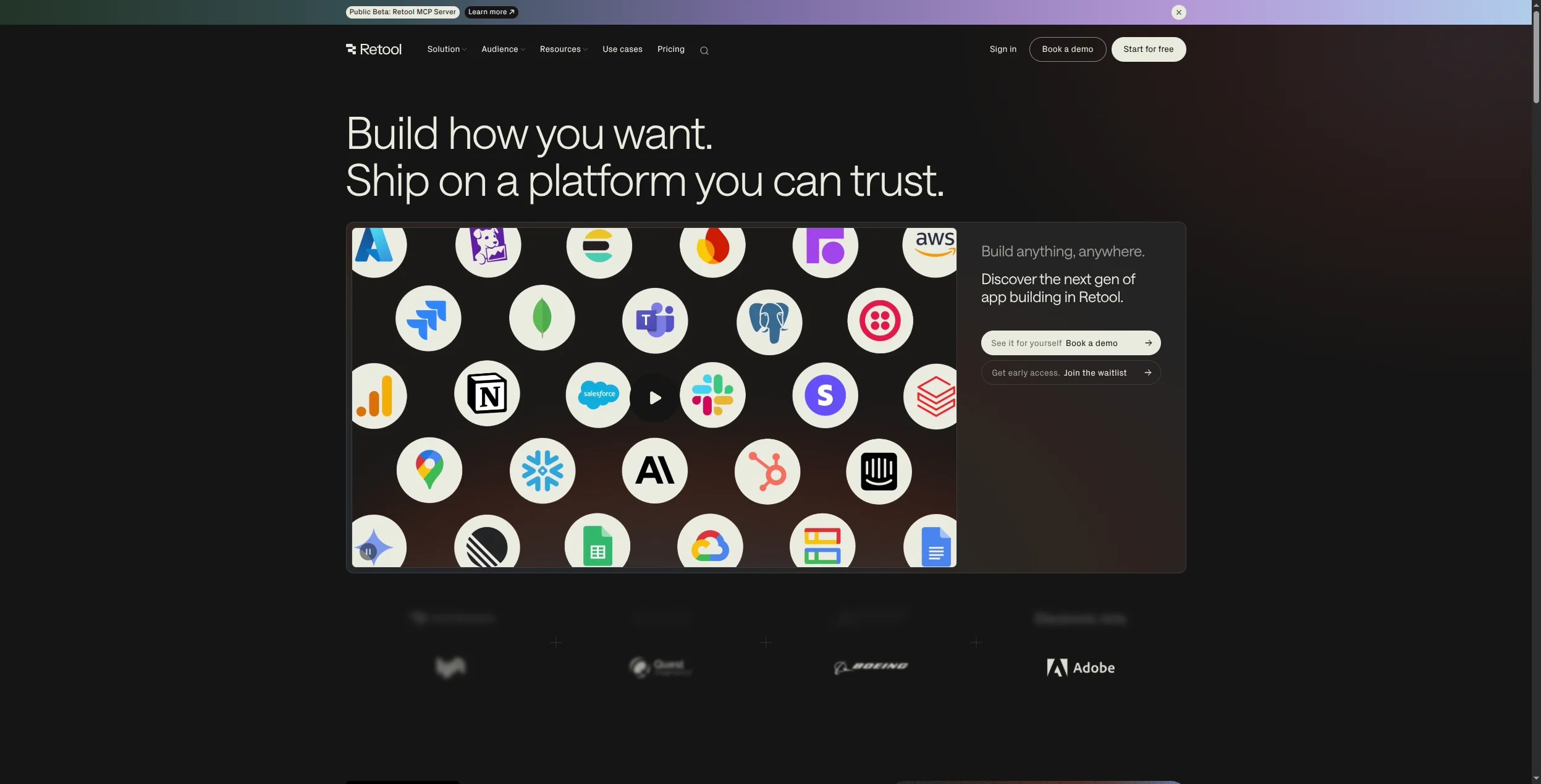
Retool
Interné nástroje a panely nástrojov
Nie
Cez API
Áno
$10/mesiac
Glide
Jednoduché mobilné/webové aplikácie
Nie
Tabuľky/Airtable
Áno
$49/mesiac
Čo robí skvelú platformu na automatizáciu bez kódu?
Pred recenziou jednotlivých nástrojov stojí za to definovať, čo oddeľuje skvelú platformu na automatizáciu bez kódu od priemernej:
Hĺbka integrácie — nie len to, koľko aplikácií sa pripája, ale ako hlboko sa integruje. Integrácia “Salesforce”, ktorá môže vytvoriť iba potenciálnych zákazníkov, je oveľa menej cenná ako taká, ktorá zvláda 200+ akcií Salesforce.
Spracovanie chýb — skutočná obchodná automatizácia zlyhá. Najlepšie platformy umožňujú ľahko vidieť, čo sa pokazilo, opakovať zlyhané kroky a dostať upozornenie, keď sa niečo pokazí.
Schopnosti AI — v roku 2026 je automatizácia bez AI tabuľka. Najlepšie platformy vkladajú AI natívne — nie ako dodatočnú integráciu s OpenAI, ale ako základnú súčasť logiky pracovného postupu.
Škálovateľnosť — ceny, ktoré vás nepotrestajú za úspech. Niektoré platformy účtujú za úlohu spôsobom, ktorý sa stáva prohibitívnym, keď automatizácia funguje dobre.
Pripravení rozšíriť svoje podnikanie?
Začnite svoju 30-dňovú skúšobnú verziu ešte dnes a vidzte výsledky behom pár dní.
1. FlowHunt — Najlepšia platforma na automatizáciu bez kódu natívna na AI
FlowHunt
je najschopnejšia platforma bez kódu pre tímy, ktoré chcú agentov AI, nie len automatizáciu spúšťania-akcie. Jeho vizuálne plátno umožňuje občianskym vývojárom — ľuďom, ktorí rozumejú obchodným procesom, ale nepíšu kód — vytvárať sofistikované pracovné postupy, kde agenty AI uvažujú, rozhodujú sa a konajú.
Základný rozdiel medzi FlowHunt a nástrojmi ako Zapier alebo Make: tie platformy automatizujú kroky, ktoré ste definovali vopred. FlowHunt umožňuje agentom AI zvládnuť kroky, ktoré nemôžete úplne definovať vopred — pretože vyžadujú čítanie, uvažovanie a úsudok. Agent AI môže prečítať príchodzajúcu správu, určiť jej zámeru, vyhľadať relevantnu históriu zákazníka, navrhnúť odpoveď a smerovať ju na schválenie — bez toho, aby ste museli predvídať každý možný scenár správy.
To je obzvlášť cenné pre:
Automatizácia marketingu obsahu — výskum, písanie, kontrola a publikovanie obsahu v jednom pracovnom postupe
Operácie v predaji — výskum potenciálnych zákazníkov, obohacovanie, personalizovaný dosah, aktualizácie CRM
Podpora zákazníkov — klasifikácia lístkov, návrh odpovede, smerovanie eskalácie
Pracovné postupy SEO — výskum kľúčových slov, analýza medzier v obsahu, generovanie briefu
Agenty AI s opravdovou schopnosťou uvažovania — nie len uzly na volanie LLM
Vizuálne plátno, ktoré môžu navigovať netechnickí používatelia
1 400+ integrácie vrátane všetkých hlavných obchodných nástrojov
Orkestrovaní viacerých agentov — reťazenie viacerých agentov AI v jednom toku
Vlastný hosting dostupný pre tímy citlivé na údaje
Veľkorysá bezplatná úroveň
Nevýhody:
Strmšia počiatočná krivka učenia ako Zapier pre jednoduchú automatizáciu spúšťania-akcie
Knižnica šablón stále rastie (silná, ale nie taká rozsiahla ako šablóny Zapier)
Najlepší pre: Tímy, ktoré potrebujú agentov AI na uvažovanie, výskum a písanie — nie len smerovanie údajov — obzvlášť v marketingu, podpore zákazníkov a operáciách v predaji.
2. Zapier — Najlepší na šírku integrácie
Zapier je stále najšírej nasadenou platformou na automatizáciu na svete a jej 7 000+ integrácie sú hlavným dôvodom. Ak potrebujete pripojiť dve špecifické aplikácie, Zapier takmer určite má vopred vytvorenú integráciu pre obe. Jeho “Zaps” (pracovné postupy spúšťania-akcie) sú najrýchlejšie na nastavenie pre štandardné prípady použitia.
Výhody:
7 000+ integrácie aplikácií — neporovnateľná šírka
Obrovská knižnica vopred vytvorených šablón Zap
Zapier AI môže generovať kroky pracovného postupu z opisov prirodzeného jazyka
Spoľahlivý a otestovaný v mierke
Veľmi aktívna komunita na podporu a šablóny
Nevýhody:
Ceny sa strmšie zvyšujú s objemom úloh — drahé na automatizáciu s vysokým objemom
Nie je navrhnutý pre agentov AI — schopnosť uvažovania je obmedzená
Komplexná podmienená logika vyžaduje viacero Zaps alebo prémium funkcie
Najlepší pre: Netechnické tímy, ktoré potrebujú širokú pokrytosť aplikácií a najrýchlejšie možné nastavenie — kde je pracovný postup jednoduchý a šírka integrácie je dôležitejšia ako logická sila.
Prihláste sa na newsletter
Získajte najnovšie tipy, trendy a ponuky zadarmo.
3. Make — Najlepší vizuálny tvorca pracovného postupu
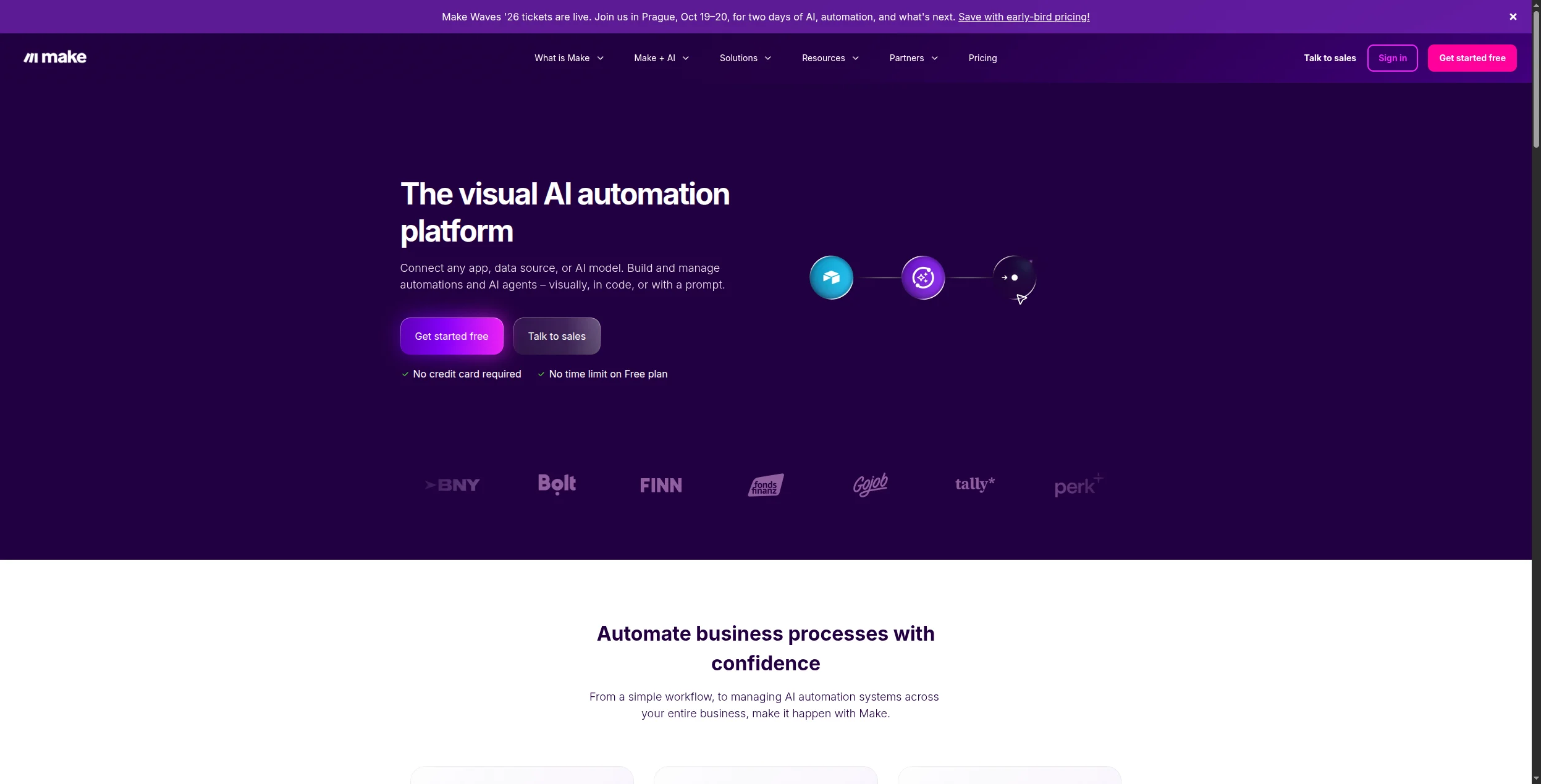
Make (predtým Integromat) ponúka najvýkonnejší vizuálny editor scenárov v priestore automatizácie bez kódu. Kde Zapier používa lineárny zoznam krokov, plátno Make zobrazuje celý tok naraz — s vizuálnym vetvením, smerovačmi, agregátormi a nástrojmi transformácie údajov, ktoré Zapier nemôže dosiahnuť.
Pre automatizáciu, ktorá zahŕňa komplexnú transformáciu údajov, podmienené vetvenie naprieč viacerými cestami alebo iteráciu nad poľami záznamov, Make to zvláda oveľa lepšie ako Zapier — a na výrazne nižšiu cenu za operáciu.
Výhody:
Vynikajúce vizuálne plátno s úplným vetvením a transformáciou údajov
1 800+ integrácie s konkurencieschopnými cenami
Ceny na základe scenárov — lacnejšie ako Zapier pri vysokom objeme
Veľkorysá bezplatná úroveň (1 000 operácií/mesiac)
Nevýhody:
Zložitejšie sa učí ako Zapier pre jednoduché automatizácie
Schopnosti agentov AI vyžadujú externé pripojenia LLM
Žiadne natívne uvažovanie AI — je to výkonný smerovač, nie agent AI
Najlepší pre: Operačné tímy, ktoré potrebujú zložité viacekrokové pracovné postupy s vetvením, transformáciou údajov a spracovaním chýb — na výrazne nižšiu cenu ako Zapier.
4. n8n — Najlepšia platforma na automatizáciu bez kódu s otvoreným zdrojovým kódom
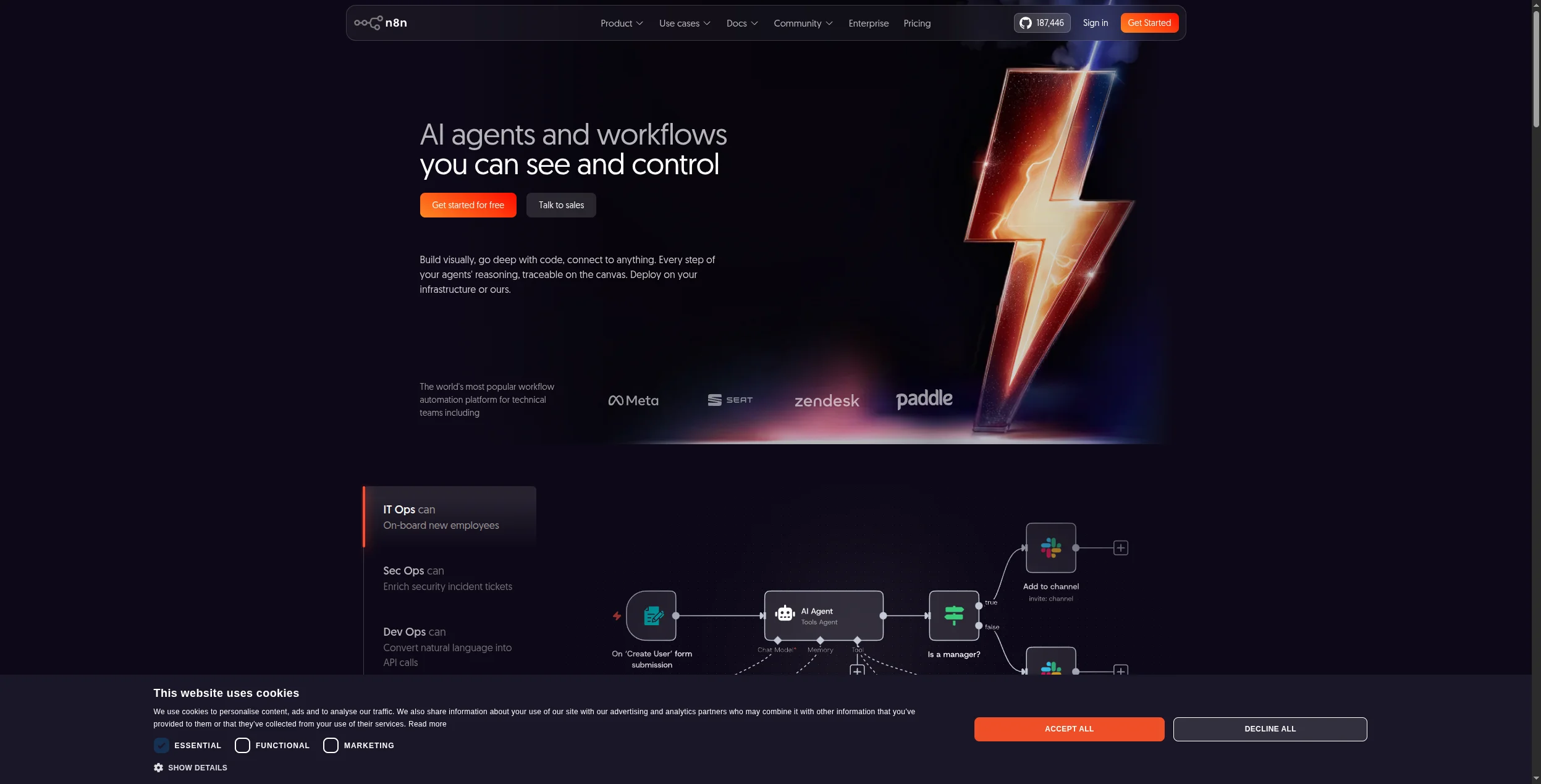
n8n je vedúca platforma na automatizáciu pracovného postupu s otvoreným zdrojovým kódom, ktorá spája vizuálny tvorca bez kódu s natívnou podporou uzlov AI a možnosťou vlastného hostingu na vašej vlastnej infraštruktúre. Pre tímy, ktoré potrebujú dostupnosť bez kódu s úplnou kontrolou údajov, je n8n najsilnejšou možnosťou.
Uzly AI n8n podporujú OpenAI, Anthropic, Hugging Face a ďalších poskytovateľov LLM natívne, čo z neho robí skutočne schopný automatizáciu podporovanú AI bez externej konfigurácie. Možnosť vlastného hostingu znamená, že údaje nikdy neopúšťajú vašu infraštruktúru — kritické pre zdravotnícke, finančné a právne tímy.
Výhody:
Úplne s otvoreným zdrojovým kódom — vlastný hosting na ľubovoľnej infraštruktúre
Natívne uzly AI s podporou multi-LLM
400+ integrácie vytvorené komunitou
Bezplatne pre nasadenia vlastného hostingu — žiadne poplatky za úlohu
Aktívna komunita s rozsiahlu dokumentáciou
Nevýhody:
Nasadenie vlastného hostingu vyžaduje znalosť DevOps
Ceny cloudového plánu sú konkurencieschopné, ale nie také veľkorysé ako Make
Menší katalóg integrácie ako Zapier alebo Make (hoci rýchlo rastie)
Najlepší pre: Technické tímy s požiadavkami na dodržiavanie údajov, ktoré potrebujú vlastný hosting, natívne uzly AI a tvorca bez kódu bez obety kontroly infraštruktúry.
5. Activepieces — Najlepšia možnosť s otvoreným zdrojovým kódom na rozpočet
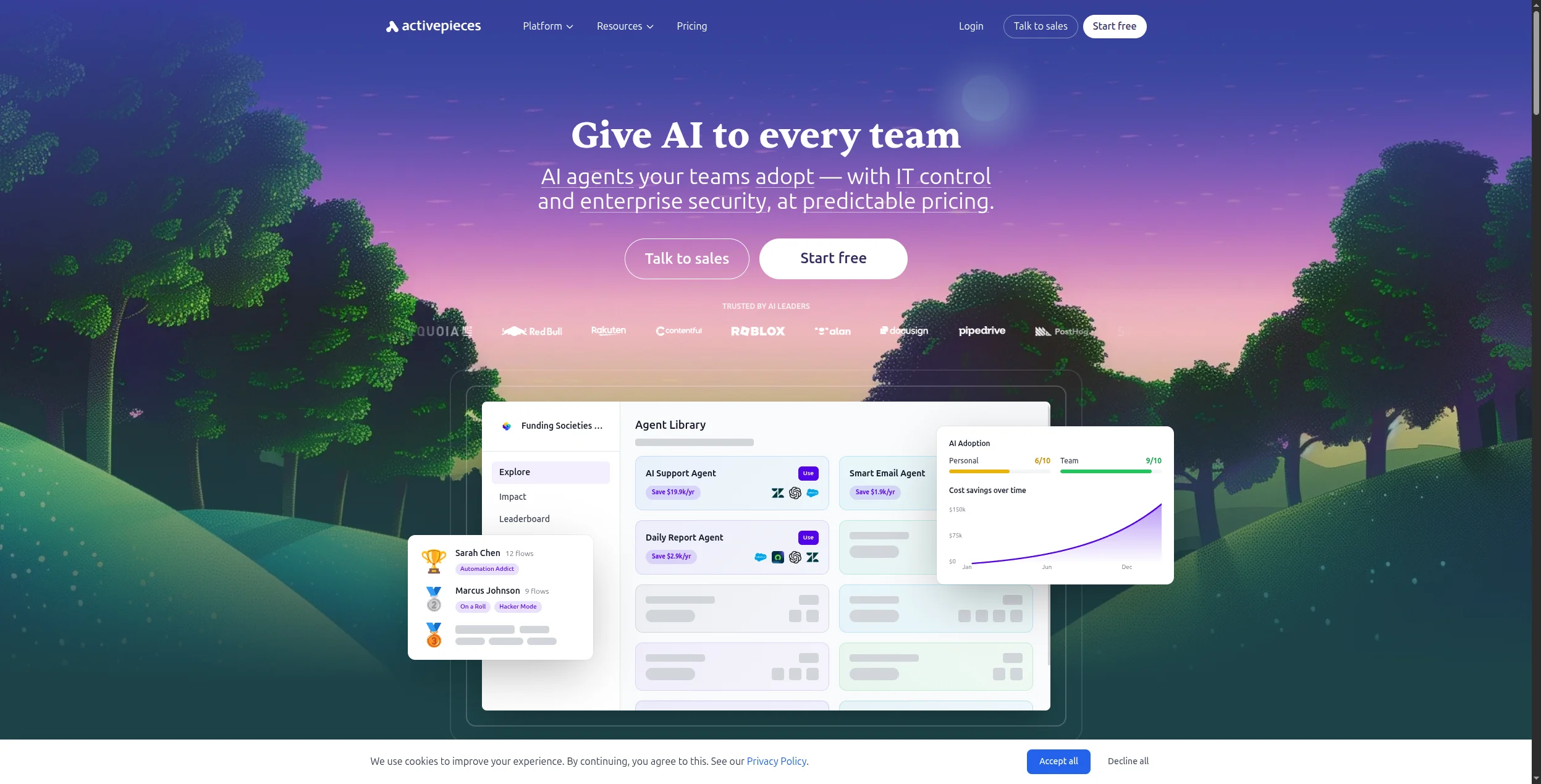
Activepieces je najnovší účastník v priestore automatizácie s otvoreným zdrojovým kódom, ktorý sa pozicionuje ako náhrada Zapier s vlastným hostingom, čistým rozhraním a rýchlo rastúcim katalógom integrácie. Pre tímy s obmedzeným rozpočtom, ktoré chcú známy zážitok podobný Zapier bez ceny, je Activepieces najlepšou voľbou.
Výhody:
Čisté, intuitívne rozhranie — najnižšia krivka učenia akejkoľvek možnosti s otvoreným zdrojovým kódom
500+ integrácie a rýchlo rastú
Vlastný hosting dostupný — bezplatne na neobmedzenú automatizáciu na vašej infraštruktúre
Aktívny vývoj s častými novými integráciami
Nevýhody:
Schopnosti AI sú v ranom štádiu v porovnaní s FlowHunt alebo n8n
Podnikové funkcie (SSO, RBAC) vyžadujú platenú úroveň
Menšia komunita a menej dokumentácie ako n8n
Najlepší pre: Tímy s obmedzeným rozpočtom migrujúce z Zapier, ktoré chcú vlastný hosting s otvoreným zdrojovým kódom s známym lineárnym rozhraním krokov a minimálnou zložitosťou nastavenia.
6. Pabbly Connect — Najlepší na neobmedzený objem za nízku cenu
Hlavný rozdiel Pabbly Connect je cena: jednorazová platba na doživotie pokrýva neobmedzené pracovné postupy a neobmedzené operácie. Pre tímy, ktorých primárnym boľom je model ceny za úlohu Zapier, Pabbly tento problém úplne eliminuje.
Výhody:
Ceny na doživotie — najlepšia ekonómia na automatizáciu s vysokým objemom
Neobmedzené pracovné postupy a operácie na platených plánoch
1 000+ integrácie pokrývajúce väčšinu obchodných nástrojov
Nevýhody:
Rozhranie a spoľahlivosť sú menej leštené ako Make alebo Zapier
Žiadne schopnosti agentov AI
Podpora môže byť pomalá v porovnaní so zavedených platformách
Najlepší pre: Malé podniky a agentúry s automatizáciou s vysokým objemom, kde ceny za úlohu od Zapier alebo Make sa stali primárnym faktorom nákladov — obzvlášť tí, ktorí sú ochotní obetovať leštenie za ekonómiu.
7. Latenode — Najlepší na premostenie bez kódu a s nízkym kódom
Latenode sa nachádza na priesečníku bez kódu a s nízkym kódom: vizuálny tvorca, ktorý môžu netechnickí používatelia produktívne používať, s možnosťou spustiť sa do uzlov s kódom JavaScript, keď vizuálny tvorca dosiahne svoje limity. Pre tímy so zmiešanými technickými úrovňami — niektorí vývojári, niektorí netechnickí používatelia — poskytuje najflexibilnejšie prostredie.
Uzly s kódom JavaScript pre vývojárov, ktorí ich potrebujú
Akcie AI zabudované do plátna pracovného postupu
Konkurencieschopné ceny vs Zapier a Make
Nevýhody:
Menší katalóg integrácie ako top tier (300+)
Menej zrelá platforma — menej šablón a zdrojov komunity
Kvalita dokumentácie sa líši
Najlepší pre: Zmiešané technické tímy — niektorí vývojári, niektorí netechnickí používatelia — ktorí potrebujú vizuálny tvorca na každodenné automatizácie s možnosťou pridať vlastný kód na hraničné prípady.
8. Bubble — Najlepší na vývoj celej aplikácie bez kódu
Bubble presahuje automatizáciu pracovného postupu do vývoja celej aplikácie bez kódu. S Bubble môžete vytvárať celé webové aplikácie — kompletné so schémami databáz, autentifikáciou používateľov, spracovaním platieb a vlastným používateľským rozhraním — bez napísania kódu. Ak vaša potreba automatizácie je úzko spojená s vytvárením novej aplikácie, Bubble je najschopnejšou možnosťou bez kódu.
Výhody:
Vytváranie celých webových aplikácií bez kódu
Zvláda databázu, UI, logiku a externé integrácie
Veľký ekosystém pluginov a šablón
Aktívna komunita s rozsiahlu tutoriály
Nevýhody:
Nie je nástroj na automatizáciu pracovného postupu — iná kategória
Krivka učenia je strmšia ako nástroje pracovného postupu
Výkon môže byť obmedzený pre aplikácie s vysokým prenosom
Najlepší pre: Zakladatelia a produktové tímy, ktoré potrebujú vytvoriť a spustiť celú webovú aplikáciu — s databázou, autentifikáciou používateľov a vlastnou logikou — bez zamestnávania vývojárov.
9. Retool — Najlepší na interné nástroje a panely nástrojov
Retool je tvorca nástrojov s nízkym kódom, ktorý umožňuje tímom ops, data a engineering vytvárať správcovské panely, panely nástrojov a aplikácie CRUD ťahaním komponentov na plátno a ich pripojením k ľubovoľnej databáze alebo API. Nie je to nástroj na automatizáciu pracovného postupu, ale pre tímy, ktoré potrebujú interný nástroj a automatizáciu, vyplňuje medzeru v stavbe aplikácií.
Výhody:
Vynikajúci na vytváranie interných panelov nástrojov a správcovských panelov
Priame pripojenie k databázam (Postgres, MySQL, MongoDB) a API
Vopred vytvorené komponenty UI pokrývajú väčšinu vzorov interného nástroja
Vlastný hosting dostupný pre nasadenia podnikov
Nevýhody:
Vyžaduje určité technické znalosti na pripojenie k zdrojom údajov
Nie je nástroj na automatizáciu pracovného postupu — žiadna automatizácia spúšťania-akcie zabudovaná
Ceny sa zvyšujú s počtom používateľov, čo sa sčítava pre veľké tímy
Najlepší pre: Operačné a dátové tímy, ktoré potrebujú správcovské panely, interné panely nástrojov a rozhrania CRUD pripojené k databázam alebo API — vytvárané rýchlejšie ako s vlastným kódom.
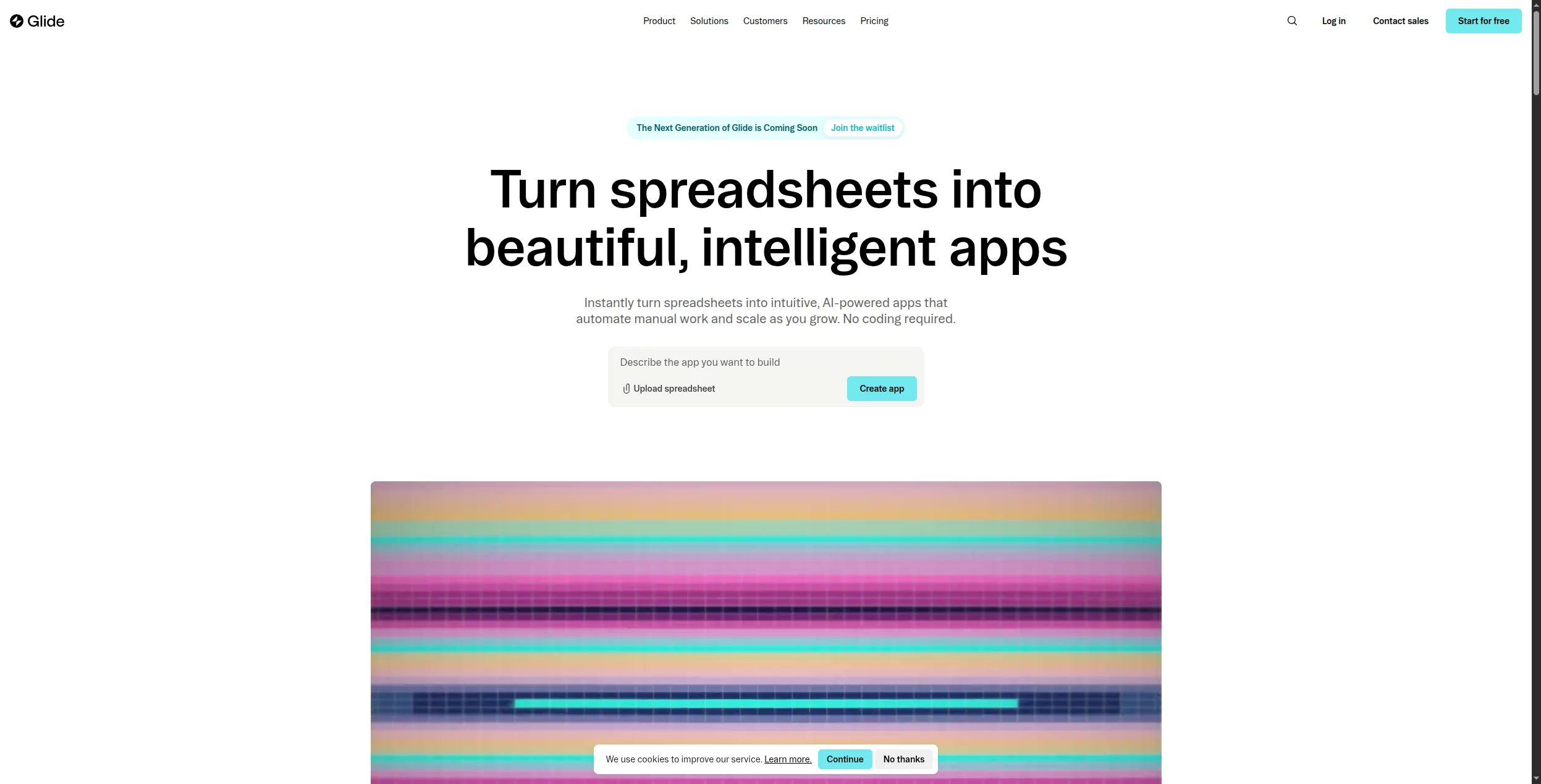
10. Glide — Najlepší na jednoduché mobilné a webové aplikácie
Glide zmení údaje z Tabuľiek Google alebo Airtable na mobilné a webové aplikácie bez kódu. Pre tímy, ktoré potrebujú jednoduchú obchodnú aplikáciu — zoznam kontroly služieb v teréne, katalóg produktov, interný adresár — je Glide najrýchlejšou cestou od údajov k nasadenej aplikácii.
Výhody:
Vytváranie mobilných aplikácií priamo z údajov tabuľky
Bez kódovania — skutočne bez kódu
Rýchle nasadenie — aplikácie môžu byť naživo za hodiny
Vhodné pre terénne tímy, jednoduché adresáre a katalógy
Nevýhody:
Obmedzené na relatívne jednoduchú logiku aplikácií
Výkon a škálovateľnosť sú obmedzené podkladovou tabuľkou
Nie je navrhnuté pre komplexnú automatizáciu pracovného postupu
Najlepší pre: Terénne tímy, malé podniky a operačné tímy, ktoré potrebujú jednoduchú mobilnú alebo webovú aplikáciu vytvorenej z tabuľky Google alebo základne Airtable — nasadenú za hodiny, nie týždne.
Ako vybrať: Automatizácia bez kódu vs Vytváranie aplikácií bez kódu
Jedným dôležitým rozlíšením: niektoré nástroje v tomto zozname (Bubble, Retool, Glide) sú tvorcami aplikácií — vytvárajú rozhrania a dátové vrstvy. Iní (Zapier, Make, FlowHunt, n8n) sú platformy na automatizáciu — spájajú aplikácie a automatizujú procesy. Mnohé organizácie potrebujú oboje.
Ak potrebujete automatizovať obchodné procesy medzi existujúcimi aplikáciami → FlowHunt, Zapier, Make alebo n8n.
Ak potrebujete agentov AI, ktorí uvažujú a konajú, nie len smerovať údaje → FlowHunt.
Ak potrebujete vytvoriť novú aplikáciu na interné alebo externe použitie → Bubble (zložité), Glide (jednoduché), Retool (interné nástroje).
Ak je vaším primárnym obmedzením cena alebo kontrola údajov → n8n alebo Activepieces (vlastný hosting).
Záver
Trh automatizácie bez kódu sa výrazne dozrel. Nástroje na vrchu tohto zoznamu teraz zvládajú prípady použitia, ktoré vyžadovali prácu vývojára ešte pred dvoma rokmi — a najlepšie platformy natívne postavené na AI ako FlowHunt zvládajú prípady použitia, ktoré žiadna suma práce vývojára nemohla zvládnuť pred existenciou LLM.
Pre väčšinu tímov vyzerá správny zásobník na automatizáciu bez kódu v roku 2026 ako: FlowHunt na automatizáciu pracovného postupu poháňanú AI + špecializovaný tvorca aplikácií, ak potrebujete vlastné rozhrania. Táto kombinácia pokrýva 90% potrieb automatizácie bez jediného riadku kódu.
Platforma na automatizáciu bez kódu vám umožňuje vytvárať automatizované pracovné postupy medzi aplikáciami a službami bez napísania akéhokoľvek kódu. Namiesto programovania používate vizuálne tvorcov, rozhrania s ťahaním a pustením alebo vopred vytvorené šablóny na definovanie spúšťačov (udalosti, ktorá spustí pracovný postup) a akcií (čo sa stane v dôsledku). Príklady zahŕňajú odoslanie správy Slack, keď nový potenciálny zákazník vyplní formulár, alebo aktualizáciu CRM, keď sa prijme platba.
Platformy bez kódu sú navrhnuté úplne okolo vizuálnych rozhraní s kliknutím — nie je potrebná žiadna znalosť kódovania. Platformy s nízkym kódom ponúkajú vizuálnych tvorcov, ale umožňujú vývojárom napísať kód pre komplexnú logiku, ktorú vizuálny tvorca nemôže zvládnuť. Nástroje ako Zapier a Make sú bez kódu; platformy ako n8n a Latenode sú s nízkym kódom (fungujú bez kódu, ale umožňujú vývojárom ich ďalej rozšíriť kódom, keď je to potrebné).
Najlepšie bezplatné nástroje na automatizáciu bez kódu zahŕňajú FlowHunt (veľkorysá bezplatná úroveň s agentmi AI), Make (1 000 operácií/mesiac zadarmo), Zapier (100 úloh/mesiac zadarmo), Activepieces (bezplatne pre vlastný hosting) a n8n (bezplatne pre vlastný hosting). V prípade stavby aplikácií namiesto automatizácie pracovného postupu ponúka Glide bezplatný plán pre základné aplikácie.
Nástroje na automatizáciu bez kódu môžu zvládnuť veľký podiel opakujúcich sa, na pravidlách založených automatizácií pracovného postupu, ktorá predtým vyžadovala čas vývojára — ale úplne nenahrádzajú vývojárov. Zložité integrácie, vlastná obchodná logika, pracovné postupy citlivé na bezpečnosť a aplikácie kritické na výkon stále profitujú z účasti vývojára. Správny rámec je taký, že nástroje bez kódu oslobodzujú vývojárov od rutinnej automatizačnej práce, aby sa mohli zamerať na skutočne zložité problémy.
Popredné platformy na automatizáciu bez kódu implementujú bezpečnosť na podnikovej úrovni: súlad s SOC 2, end-to-end šifrovanie, riadenie prístupu na základe rolí a protokolovaní auditov. Pre organizácie citlivé na údaje ponúkajú platformy ako n8n a Activepieces aj možnosť vlastného hostingu — vaše údaje nikdy neopúšťajú vašu infraštruktúru. Vždy si prečítajte dokumentáciu o bezpečnosti platformy a dohody o spracovaní údajov pred pripojením kritických obchodných systémov.
Arshia je inžinierka AI workflowov v spoločnosti FlowHunt. S pozadím v informatike a vášňou pre umelú inteligenciu sa špecializuje na tvorbu efektívnych workflowov, ktoré integrujú AI nástroje do každodenných úloh, čím zvyšuje produktivitu a kreativitu.
Arshia Kahani
Inžinierka AI workflowov
Platforma na automatizáciu bez kódu vytvorená pre AI — Vyskúšajte FlowHunt zadarmo
FlowHunt spája jednoduchosť vizuálneho tvorca bez kódu s výkonom agentov AI — automatizujte zložité pracovné postupy bez napísania jediného riadku kódu.
Najlepšie nástroje na automatizáciu pracovných tokov v roku 2026: 12 platforiem hodnotených a recenzovaných
Hodnotené a recenzované: 12 najlepších nástrojov na automatizáciu pracovných tokov v roku 2026. Tabuľka porovnania, ceny, bezplatné verzie a jasný verdikt, ktor...
Najlepšie nástroje pre AI agentov v roku 2026: 12 platforiem na tvorbu a prevádzku AI agentov
Hodnotenie a recenzia: 12 najlepších nástrojov pre AI agentov v roku 2026. Od no-code agent builderov po open-source frameworky — nájdite správnu platformu pre ...
Najlepšie AI agentné platformy v roku 2026: Komplexný sprievodca autonómnymi inteligentnými riešeniami
Preskúmajte najlepších tvorcov AI agentov v roku 2026 – od no-code platforiem po enterprise frameworky. Objavte, ktoré nástroje sú najlepšie pre váš prípad použ...
14 min čítania
AI Agents
Automation
+3
Súhlas s cookies Používame cookies na vylepšenie vášho prehliadania a analýzu našej návštevnosti. See our privacy policy.