


MCP 数据库服务器
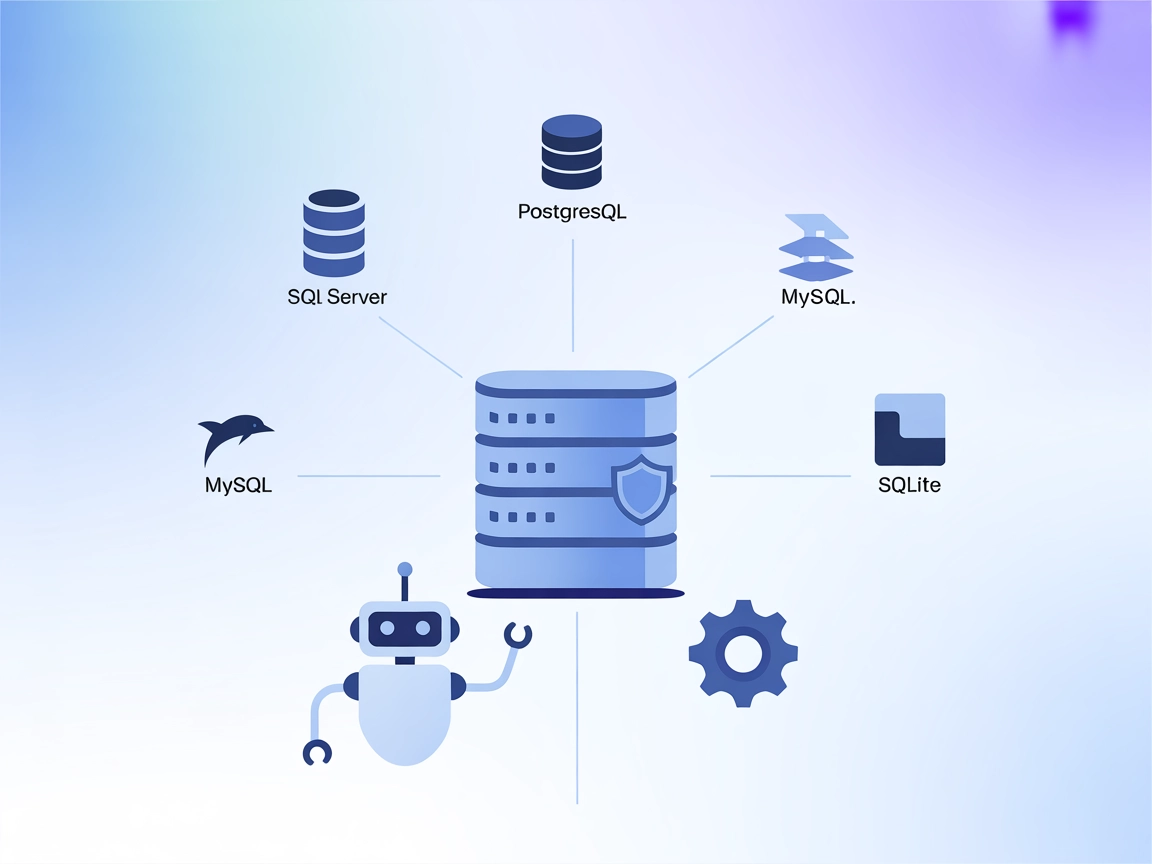
MCP 数据库服务器为 AI 助手和自动化工具提供对常见数据库(如 SQLite、SQL Server、PostgreSQL 和 MySQL)的安全、可编程访问。它作为桥梁,支持上下文感知的工作流和 AI 驱动应用高效查询、管理和交互结构化数据。...
2 分钟阅读
AI
Database
+4
SingleStore MCP 服务器是一款模型上下文协议(Model Context Protocol, MCP)服务器,旨在为 AI 助手和 SingleStore 管理 API 及相关服务之间搭建桥梁。通过遵循 MCP 标准,该服务器可实现无缝集成,使 AI 客户端(如 Claude Desktop、Cursor 等)能够以自然语言与 SingleStore 数据库进行交互。其主要功能是通过统一、标准化的协议,简化复杂操作(如数据库查询、管理任务和服务交互),让开发者能够直接在 AI 驱动工具中访问、操作和管理 SingleStore 环境中的数据,从而优化开发、数据分析与运维流程。
仓库中未明确提及任何提示模板。
仓库文档或文件中未列出任何明确资源。
文档或引用文件(如 server.py 或类似文件)中未列出任何明确工具。

免费获取最新提示、趋势和优惠。
uvx singlestore-mcp-server init --api-key <SINGLESTORE_API_KEY>
init 命令可能会自动定位)。{
"mcpServers": {
"singlestore": {
"command": "uvx",
"args": ["singlestore-mcp-server", "serve"]
}
}
}
通过环境变量设置 API 密钥:
{
"mcpServers": {
"singlestore": {
"command": "uvx",
"args": ["singlestore-mcp-server", "serve"],
"env": {
"SINGLESTORE_API_KEY": "your_api_key_here"
},
"inputs": {}
}
}
}
uvx singlestore-mcp-server init --api-key <SINGLESTORE_API_KEY> --client=claude
init 命令通常会自动定位)。{
"mcpServers": {
"singlestore": {
"command": "uvx",
"args": ["singlestore-mcp-server", "serve"]
}
}
}
{
"mcpServers": {
"singlestore": {
"command": "uvx",
"args": ["singlestore-mcp-server", "serve"],
"env": {
"SINGLESTORE_API_KEY": "your_api_key_here"
},
"inputs": {}
}
}
}
uvx singlestore-mcp-server init --api-key <SINGLESTORE_API_KEY> --client=cursor
{
  "mcpServers": {
    "singlestore": {
      "command": "uvx",
      "args": ["singlestore-mcp-server", "serve"]
    }
  }
}
{
  "mcpServers": {
    "singlestore": {
      "command": "uvx",
      "args": ["singlestore-mcp-server", "serve"],
      "env": {
        "SINGLESTORE_API_KEY": "your_api_key_here"
      },
      "inputs": {}
    }
  }
}
uvx singlestore-mcp-server init --api-key <SINGLESTORE_API_KEY> --client=cline
{
  "mcpServers": {
    "singlestore": {
      "command": "uvx",
      "args": ["singlestore-mcp-server", "serve"]
    }
  }
}
{
  "mcpServers": {
    "singlestore": {
      "command": "uvx",
      "args": ["singlestore-mcp-server", "serve"],
      "env": {
        "SINGLESTORE_API_KEY": "your_api_key_here"
      },
      "inputs": {}
    }
  }
}
在 FlowHunt 中使用 MCP
要在 FlowHunt 工作流中集成 MCP 服务器,请先将 MCP 组件添加到流程,并与您的 AI 代理连接:
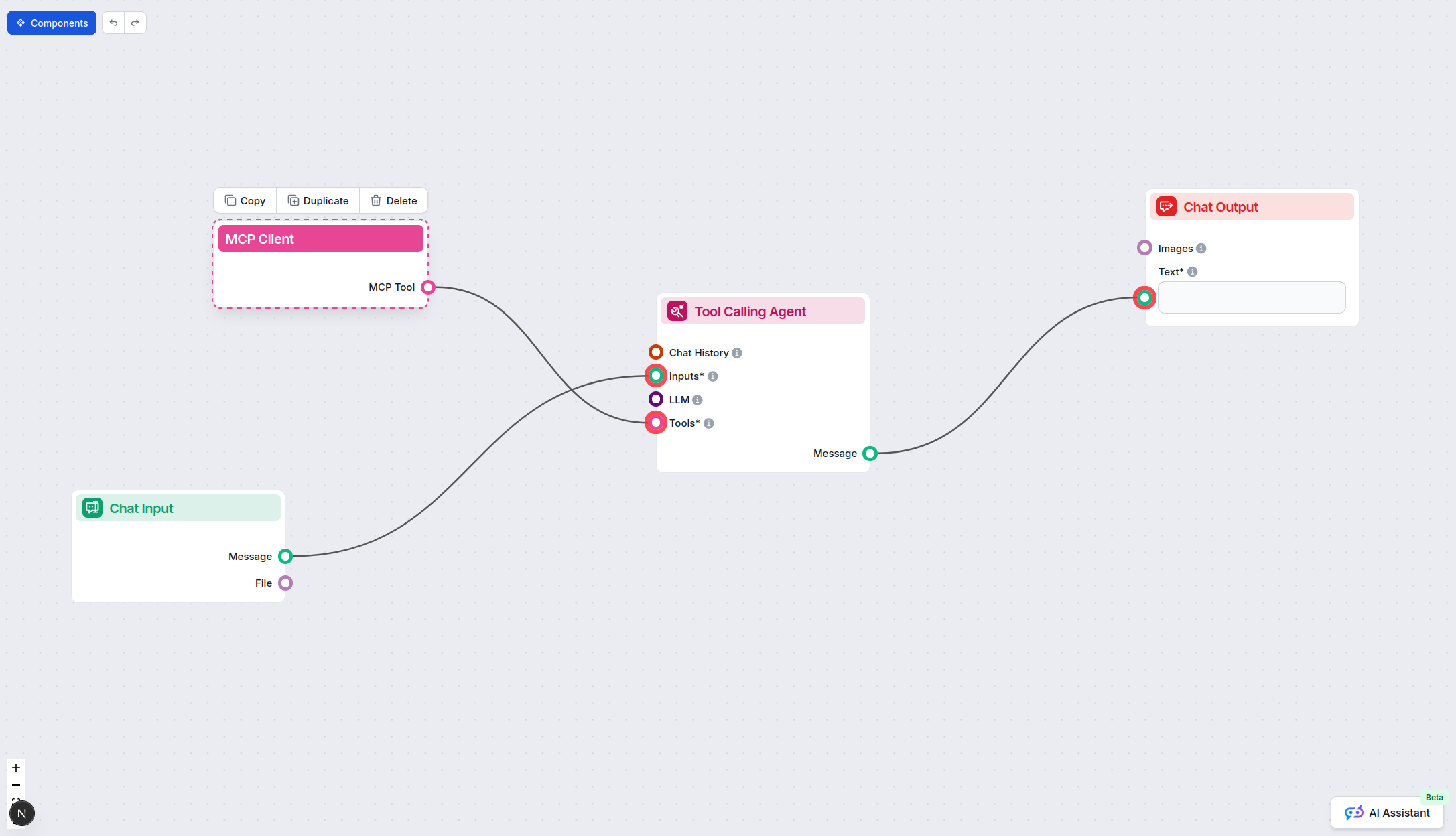
点击 MCP 组件以打开配置面板。在系统 MCP 配置区域,使用如下 JSON 格式输入您的 MCP 服务器信息:
{
  "singlestore": {
    "transport": "streamable_http",
    "url": "https://yourmcpserver.example/pathtothemcp/url"
  }
}
配置完成后,AI 代理即可将此 MCP 作为工具,访问其全部功能和能力。请注意将 “singlestore” 替换为您的 MCP 服务器实际名称,并将 URL 替换为您的 MCP 服务器地址。
| 部分 | 是否可用 | 详情/备注 |
|---|---|---|
| 概览 | ✅ | README 及项目描述中有概览与用途说明。 |
| 提示模板列表 | ⛔ | 未记录任何提示模板。 |
| 资源列表 | ⛔ | 未列出任何明确的 MCP 资源。 |
| 工具列表 | ⛔ | 文档中未列出或描述任何工具。 |
| API 密钥安全配置 | ✅ | README 展示了使用环境变量配置 API 密钥的方法。 |
| 采样支持(评估时不重要) | ⛔ | 未提及采样支持。 |
我会给这个 MCP 服务器打 5/10 分。该项目有开源许可证,社区关注度不错,且多平台的部署文档详细。但缺乏有关提示、资源和可用工具的详细文档,降低了对新用户的实用性和可发现性。
| 拥有 LICENSE | ✅ (MIT) |
|---|---|
| 有至少一个工具 | ⛔ |
| Fork 数量 | 6 |
| Star 数量 | 21 |
MCP 数据库服务器为 AI 助手和自动化工具提供对常见数据库(如 SQLite、SQL Server、PostgreSQL 和 MySQL)的安全、可编程访问。它作为桥梁,支持上下文感知的工作流和 AI 驱动应用高效查询、管理和交互结构化数据。...
YugabyteDB MCP 服务器连接 AI 助手与 YugabyteDB 数据库,通过标准化的 Model Context Protocol (MCP) 接口,实现安全、只读的数据探索和模式分析。非常适合追求简单、安全且强大 AI 驱动数据库访问的开发者。...
Cursor MCP 安装器是专为 Cursor IDE 设计的精简型 Model Context Protocol (MCP) 服务器。它通过 git URL 自动化其他 MCP 服务器的安装和配置,简化 AI 助手与外部工具、API 和数据源的集成。...
Cookie 同意
我们使用 cookie 来增强您的浏览体验并分析我们的流量。 See our privacy policy.