


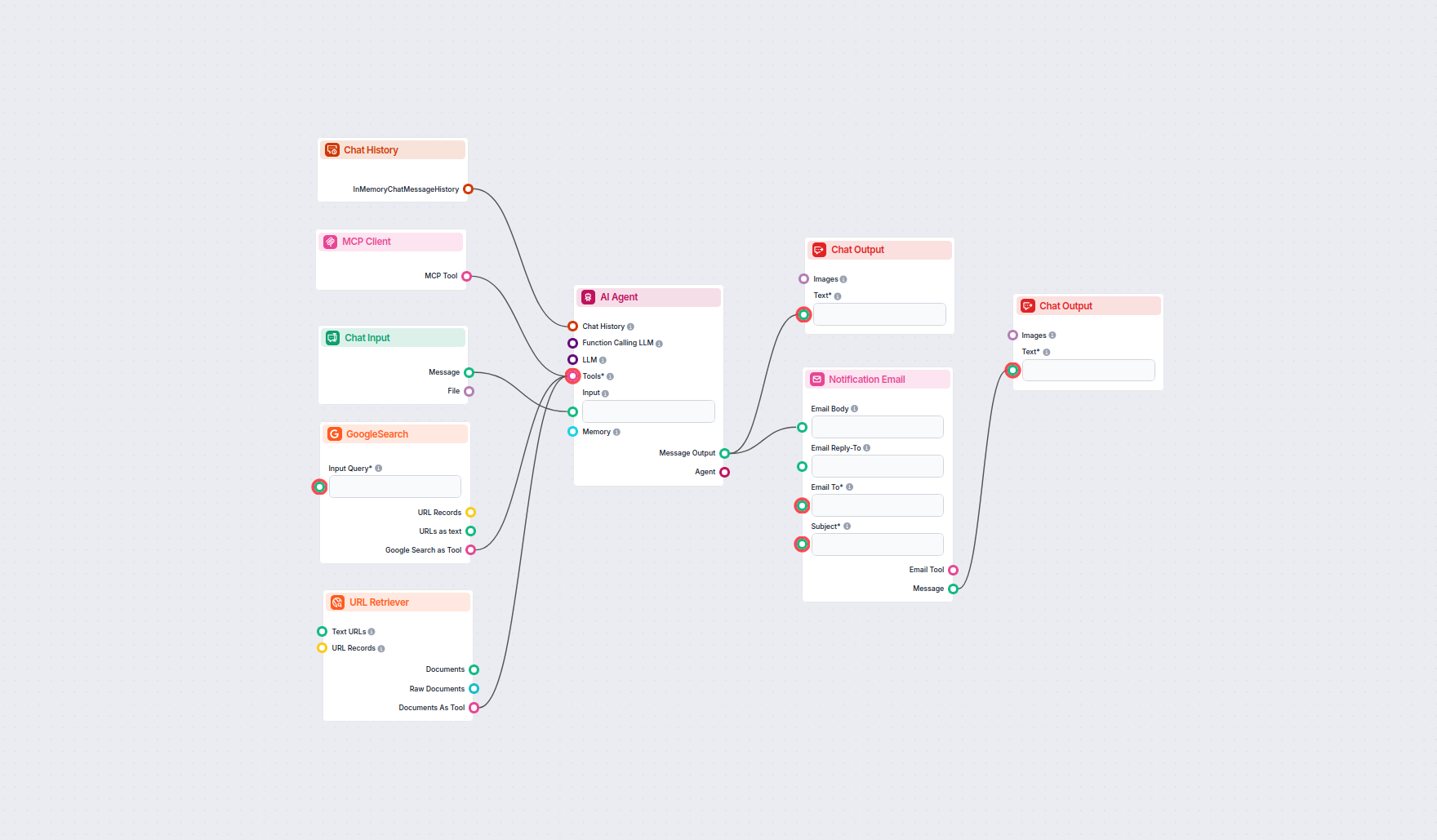
Sistema autónomo de trading de acciones y alertas con IA
Este flujo de trabajo impulsado por IA monitorea de forma autónoma los mercados bursátiles, recopila y analiza datos y noticias en tiempo real, simula operacion...
5 min de lectura
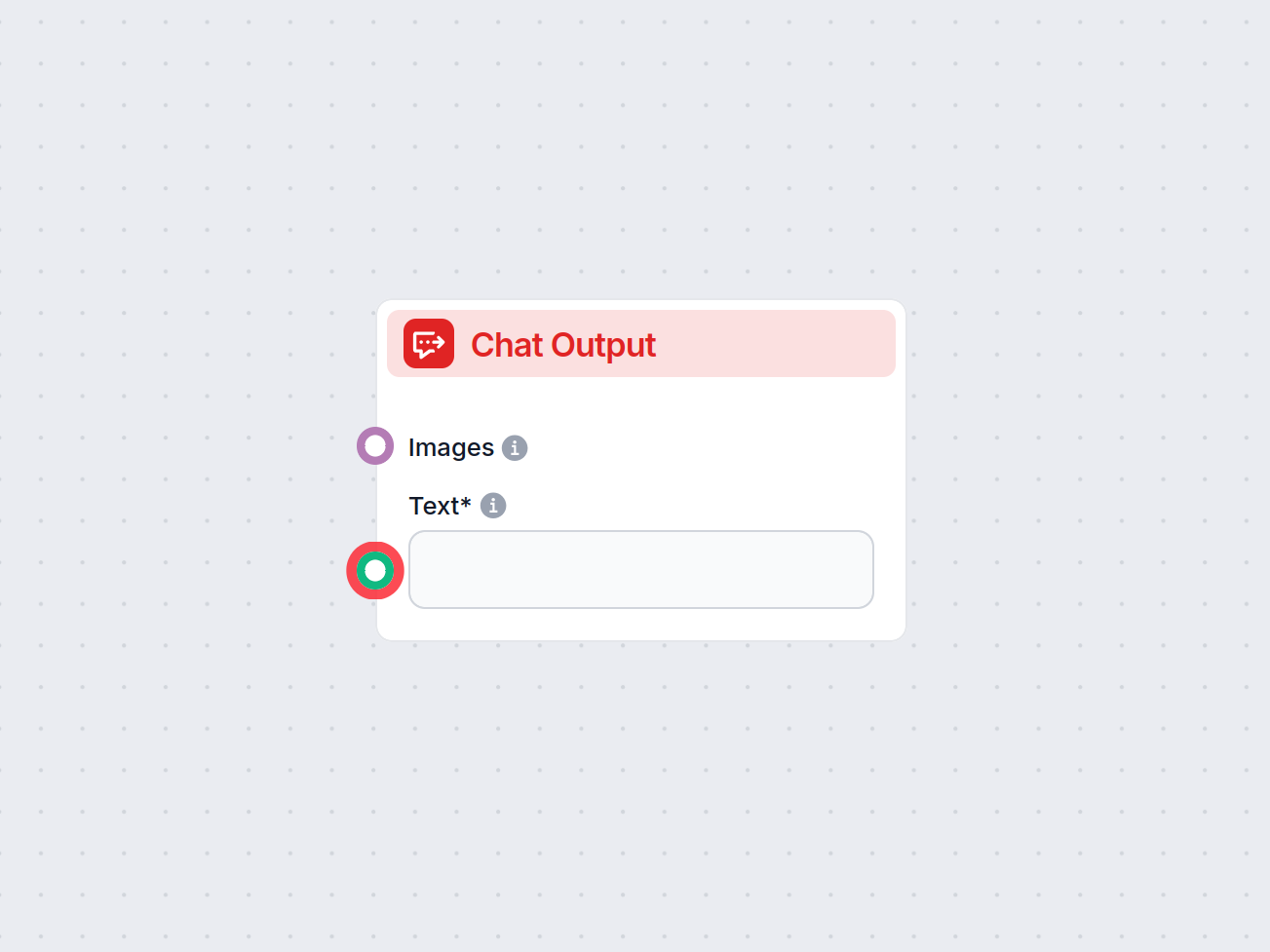
El componente Salida de Chat en FlowHunt finaliza las respuestas del chatbot usando componentes conectados, permitiendo respuestas complejas de varias partes y una finalización fluida del flujo.
Descripción del componente
Flows are a versatile tool that allows you to connect many variations of components. That’s why you need a way to tell the bot you’re done creating, and it’s time for it to craft an answer based on the connected components.
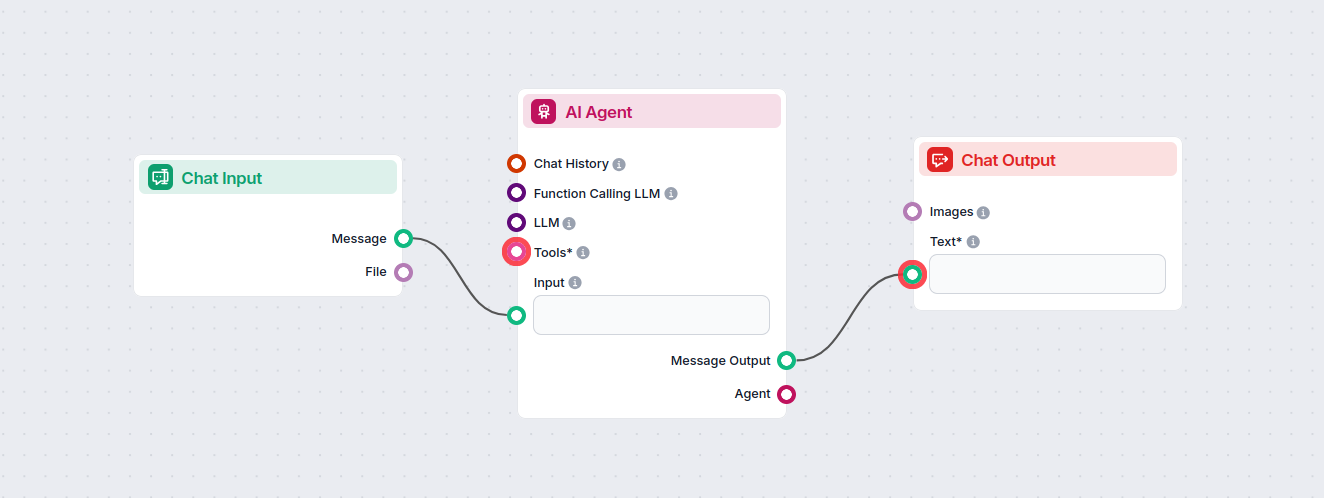
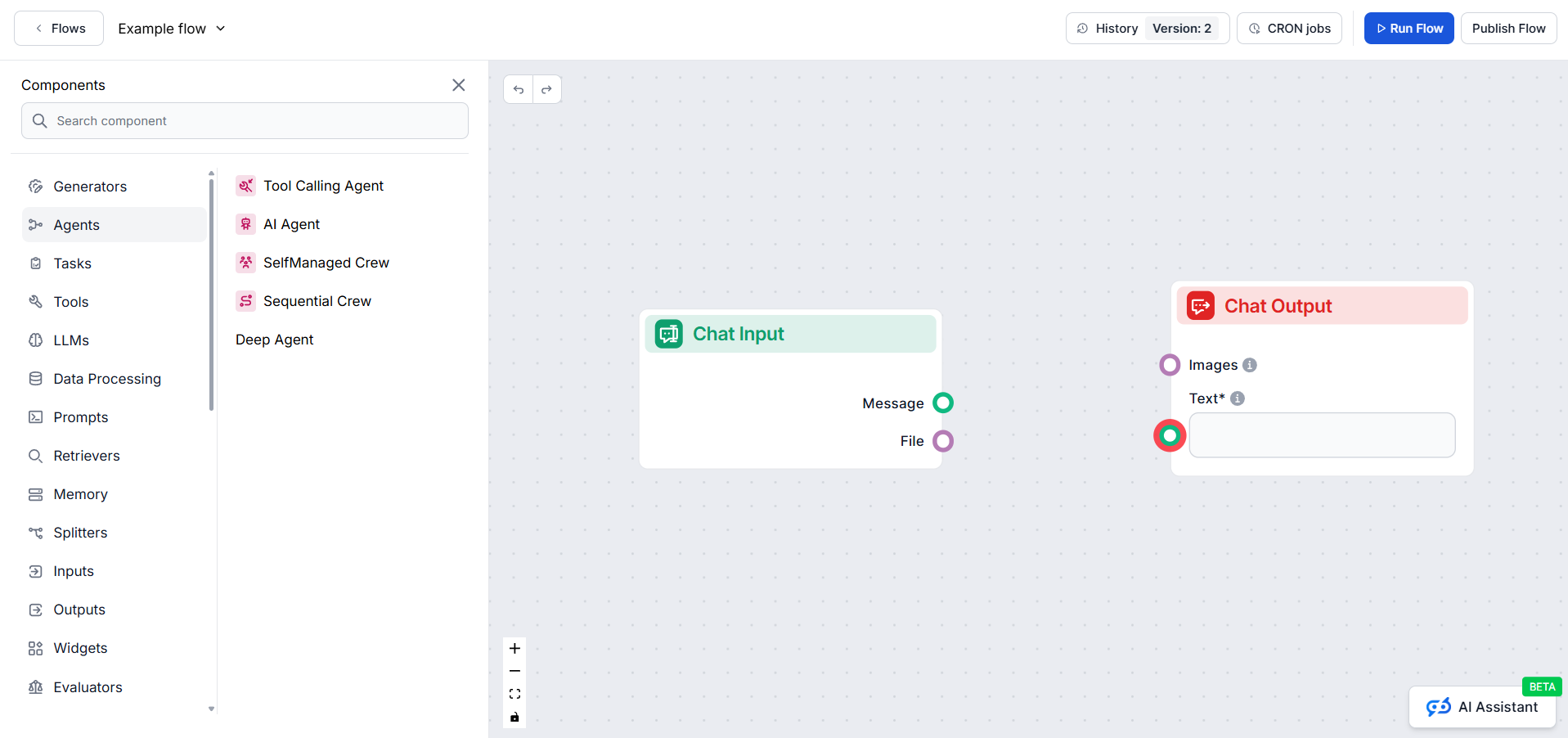
The Chat Output component is how you tell the chatbot to start crafting an answer based on the connected components. One flow can have several outputs coming together in a single reply. For example, one output generates a text answer from AI, while a second one adds relevant links from your knowledge base.
Always being at the end of the chain, it doesn’t connect to anything, but any component that outputs text can connect to it. To see the options, just hover over the connector handle.
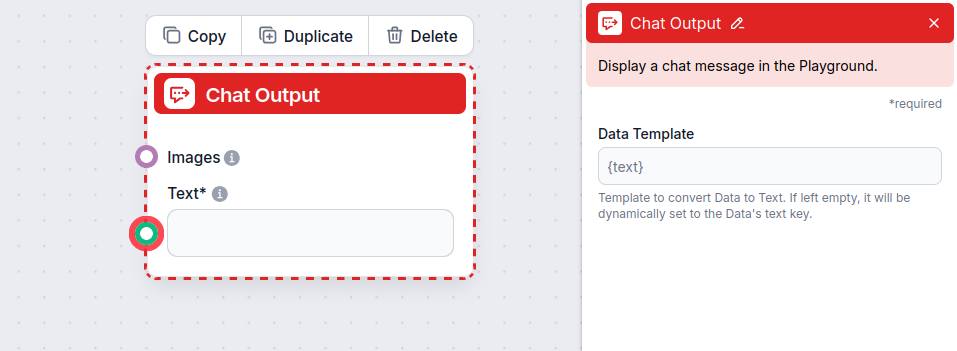
The Chat Output component accepts the following inputs:
| Input Name | Type | Required | Description |
|---|---|---|---|
| Text | Message (str) | Yes | The main message text to be displayed in the chat output. |
| Images | Attachment | No | Images to be shown alongside the message in the output. |
| Data Template | str | No | (Advanced) Template for converting data to text. If left empty, defaults to the data’s ’text’ key. Useful for custom formatting. |
The component produces the following output:
| Output Name | Type | Description |
|---|---|---|
| Message | Message | The processed chat message (including images if provided), ready to be displayed in the UI. |
Each flow can only contain a single Chat Input component but may contain various outputs. These are useful for creating complex answers consisting of several elements. Let’s look at an example of a flow with several outputs.
Imagine the user wants to know what an IVR is. Let’s say you want your bot to answer the question in a lighthearted, conversational way and then link further reading from your website.
To achieve this, you will want to create two separate outputs:
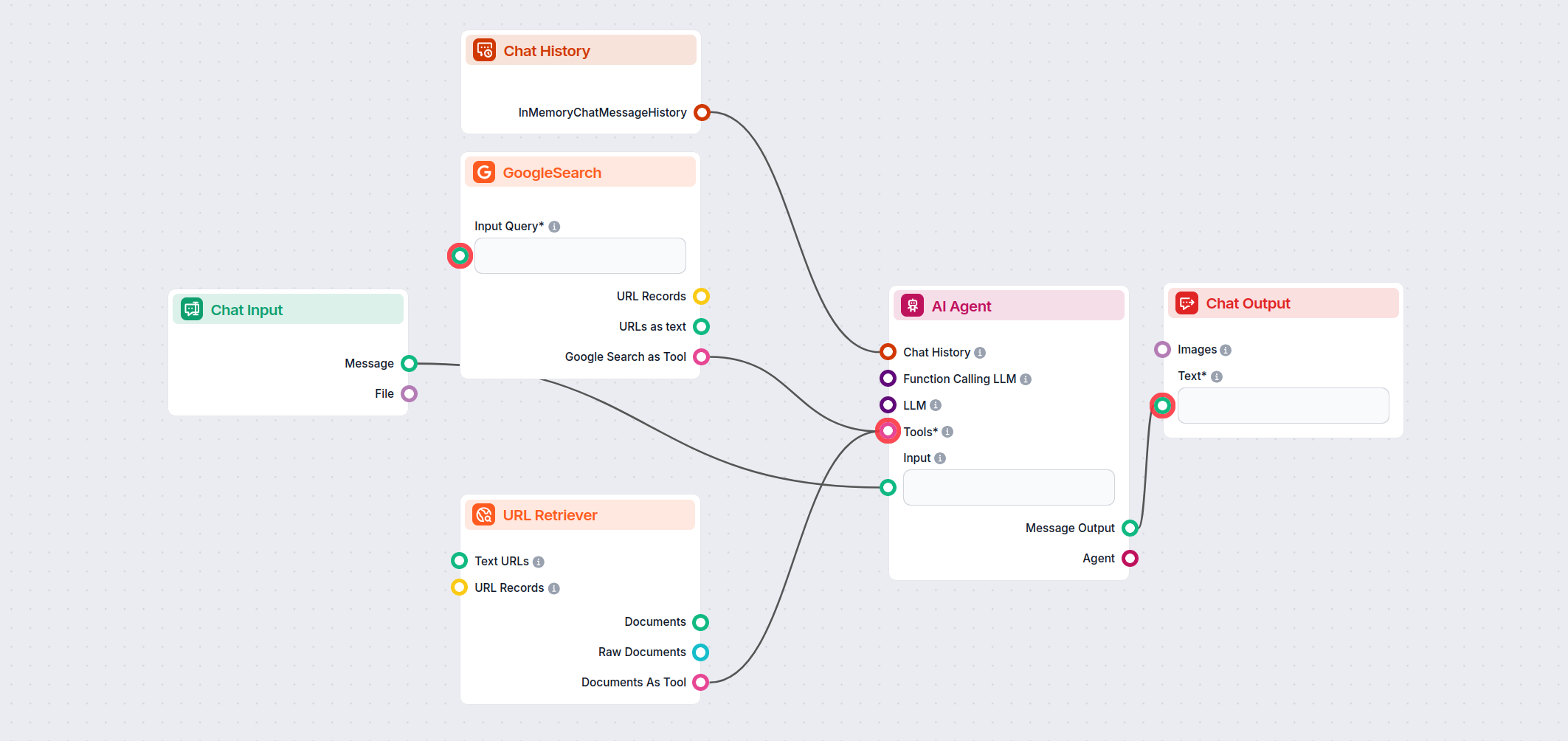
The final answer will combine these two types of outputs:
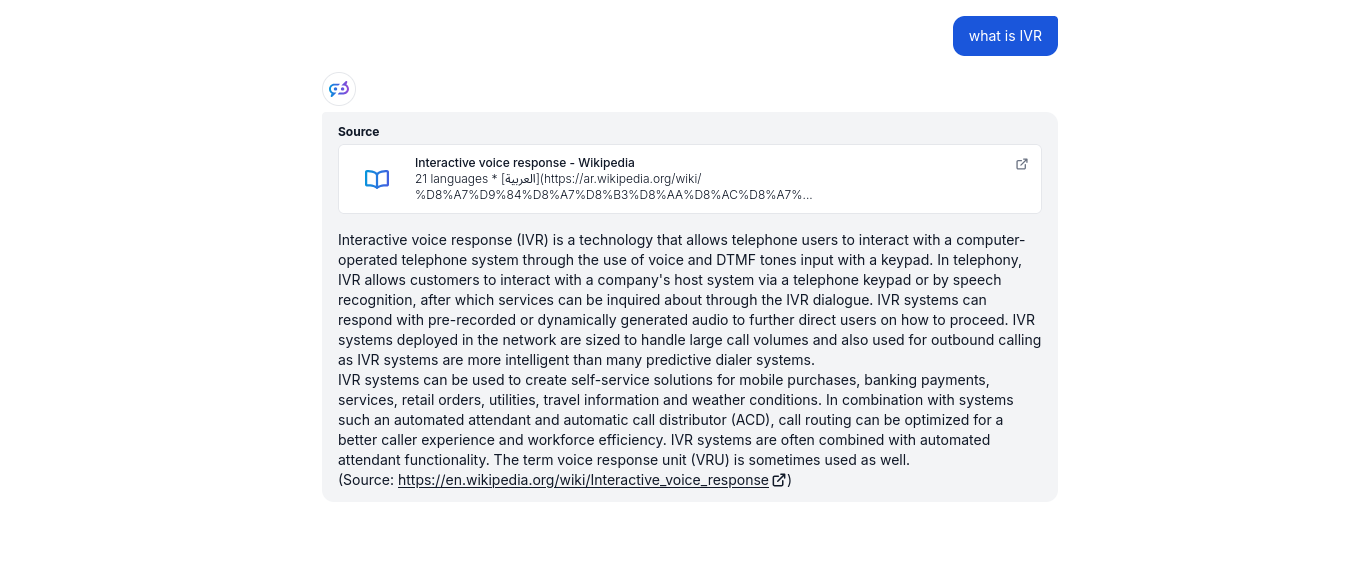
Separated outputs provide greater flexibility and control over the chatbot. By adding other outputs, you can continue making the answers more complex. For example, you can make the related sources more elaborate by adding Google Search to the mix, or you can introduce follow-up questions to prompt the user to ask more questions.
Para ayudarle a comenzar rápidamente, hemos preparado varios ejemplos de plantillas de flujo que demuestran cómo utilizar el componente Salida de Chat de manera efectiva. Estas plantillas muestran diferentes casos de uso y mejores prácticas, facilitando la comprensión e implementación del componente en sus propios proyectos.
Este flujo de trabajo impulsado por IA monitorea de forma autónoma los mercados bursátiles, recopila y analiza datos y noticias en tiempo real, simula operacion...
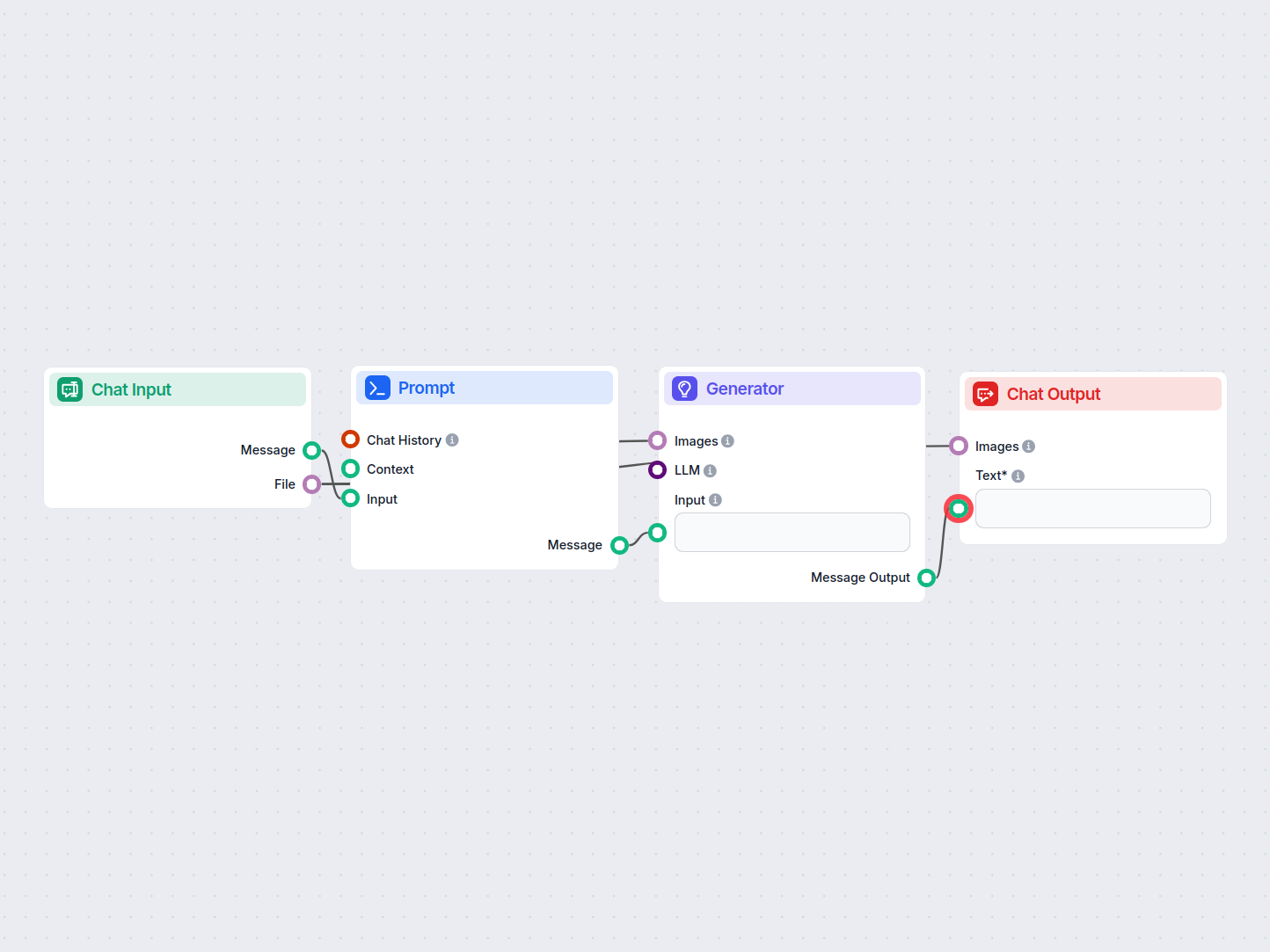
Este flujo de trabajo impulsado por IA resuelve automáticamente imágenes CAPTCHA subidas por los usuarios. Guía a los usuarios con instrucciones, procesa la ima...
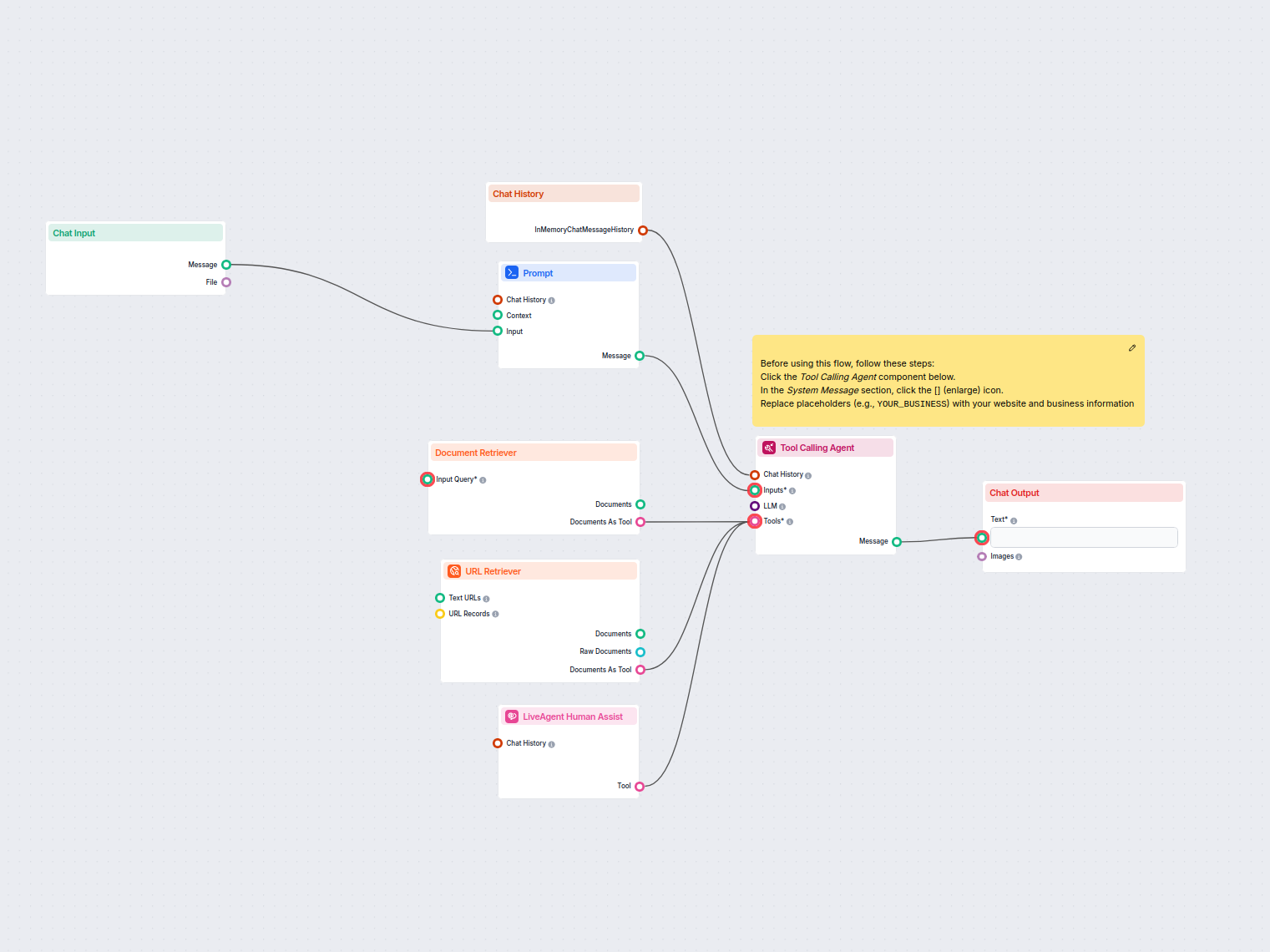
Automatiza la atención al cliente en LiveAgent con un chatbot de IA que responde preguntas utilizando tu base de conocimientos interna, recupera documentos rele...
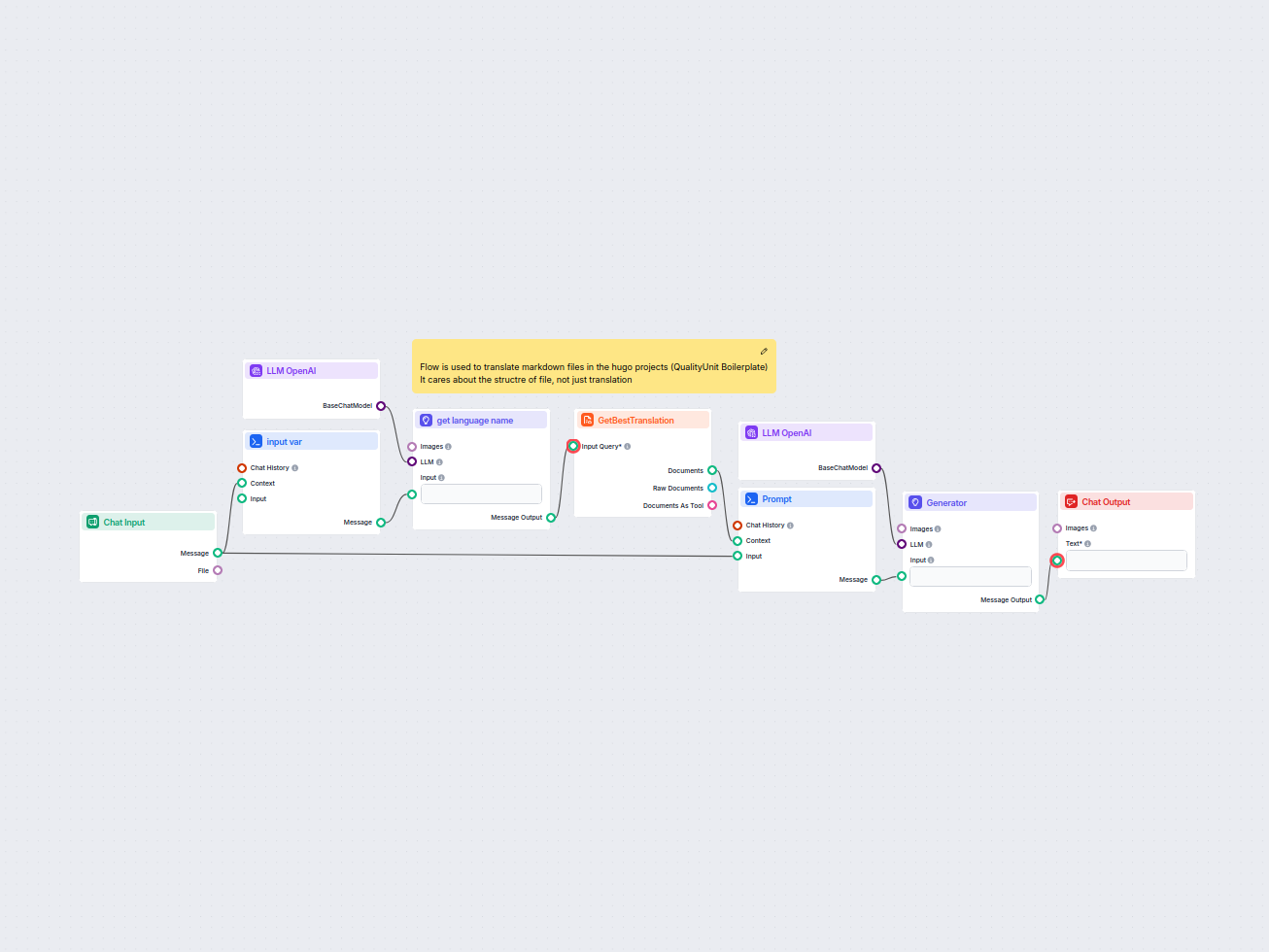
Este flujo de trabajo agiliza la traducción de archivos markdown de HUGO a idiomas de destino mientras preserva la estructura y el formato del archivo. Aprovech...
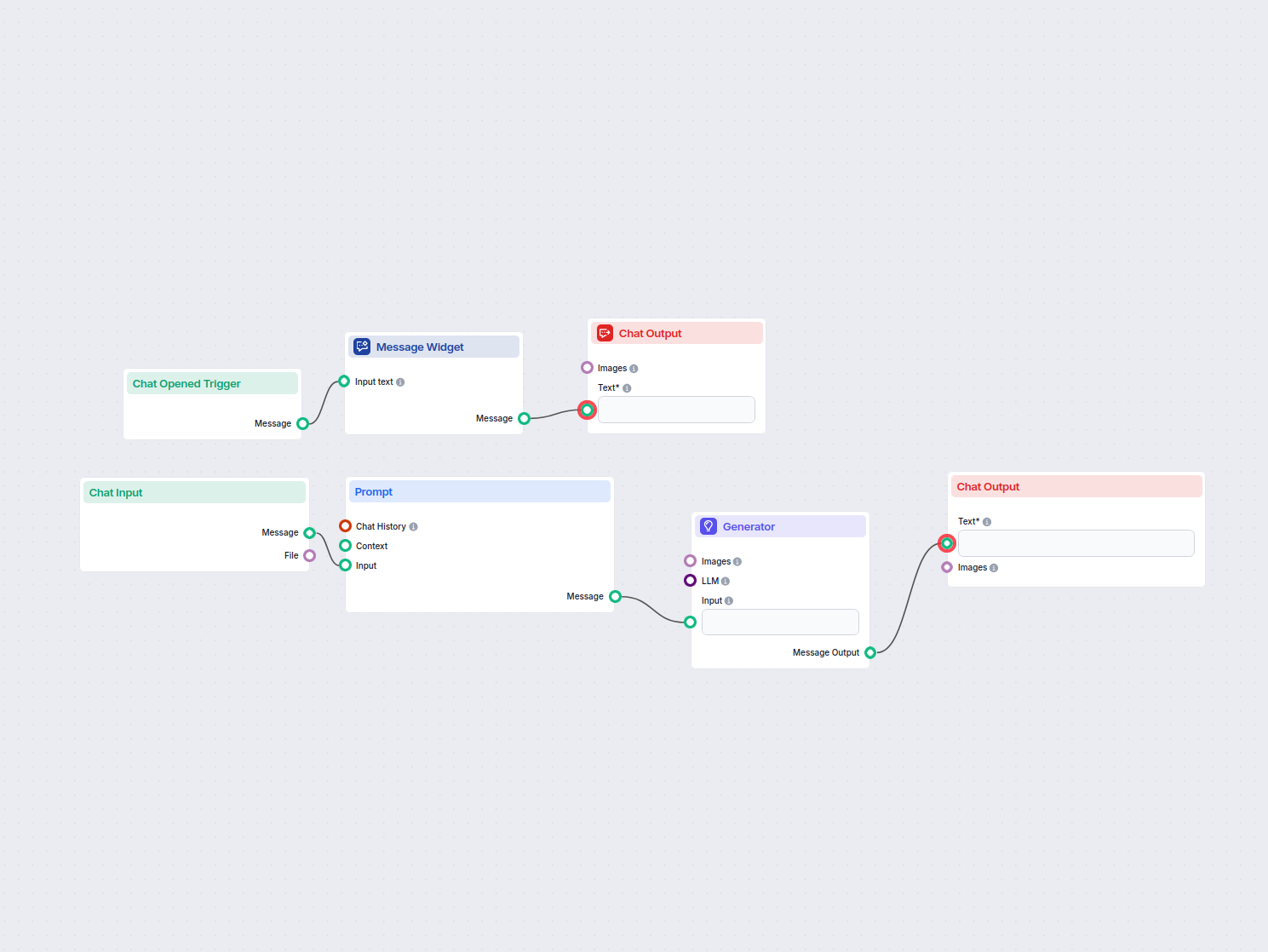
Este flujo de trabajo permite a los usuarios traducir instantáneamente cualquier texto de entrada al inglés usando IA. Los usuarios ingresan o cargan texto, que...
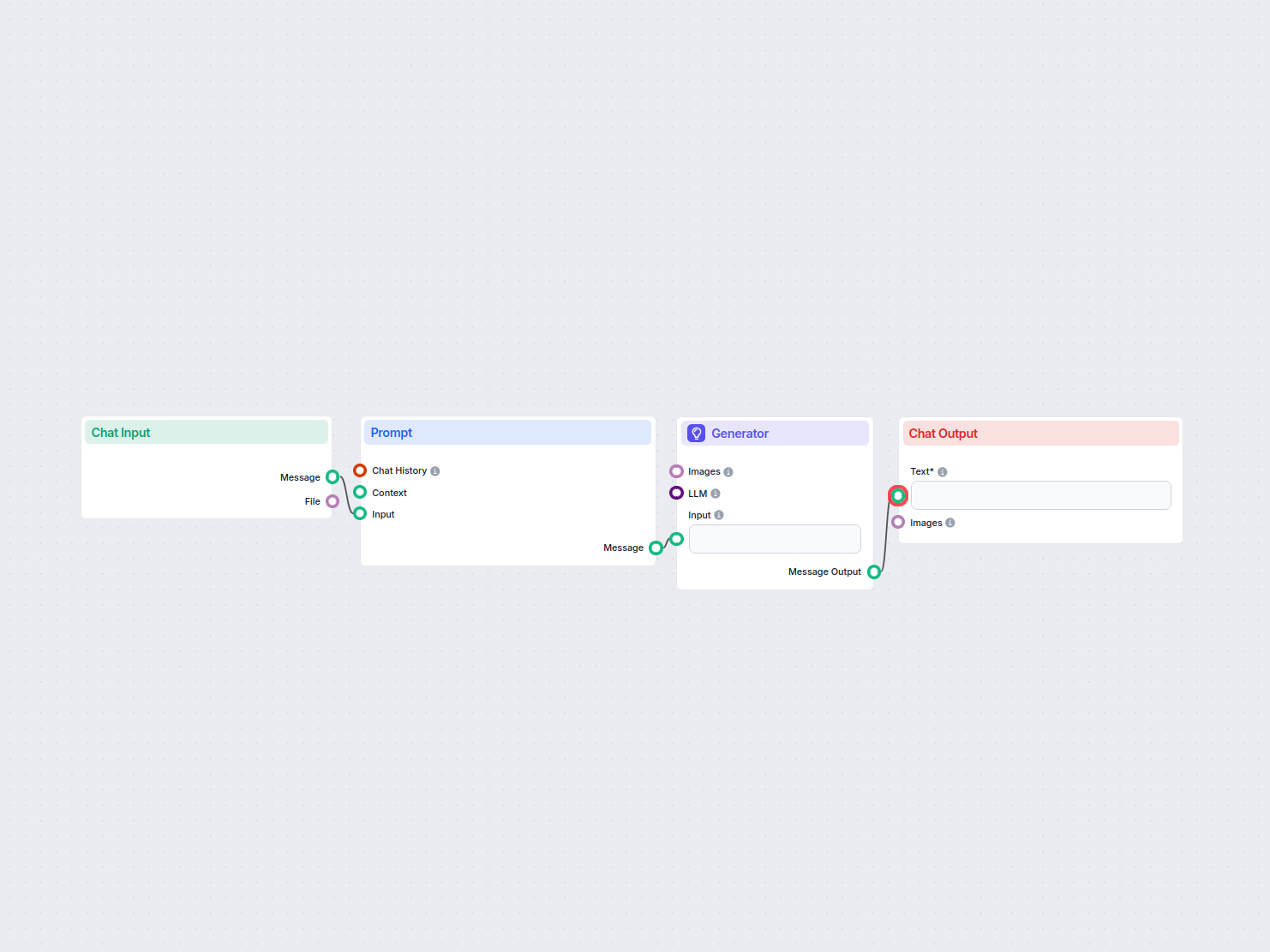
Traduce contenido web entre idiomas mientras se preserva la estructura HTML, usando IA y el plugin UrlsLab. Las direcciones de correo electrónico y las URLs per...
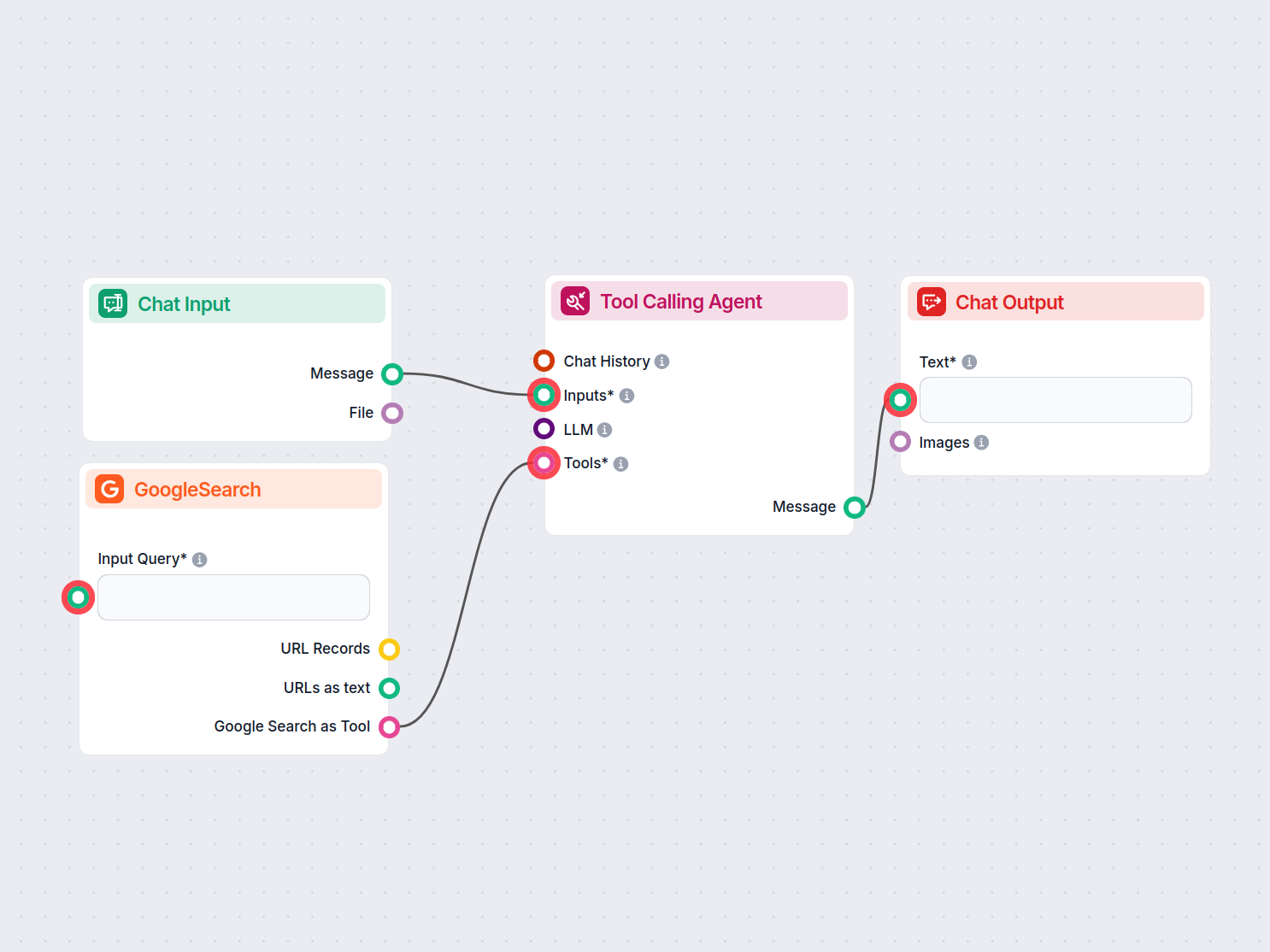
Comprueba automáticamente el plagio en cualquier texto utilizando IA y Google Search. Este flujo escanea el contenido ingresado, lo compara con fuentes en línea...
Mostrando 121 a 127 de 127 resultados
Comienza a crear tus propias soluciones de IA y experimenta la flexibilidad de los componentes Salida de Chat en FlowHunt.
El editor de Flujos te permite arrastrar y soltar componentes que representan varias capacidades de IA. No se requieren habilidades de programación, garantizand...

¿Te cuesta cerrar un artículo? Prueba gratis el Generador de Conclusiones con IA de FlowHunt y aprende cómo crear tu propia herramienta para lograr conclusiones...
Consentimiento de Cookies
Usamos cookies para mejorar tu experiencia de navegación y analizar nuestro tráfico. See our privacy policy.