

Hosted MCP Server for GitHub
The GitHub MCP Server enables seamless integration between AI tools and GitHub, allowing automated workflows to manage repositories, issues, and pull requests d...
6 min read
AI
GitHub
+5

Integrate FlowHunt with Google BigQuery via the BigQuery MCP Server to execute SQL queries, manage datasets, and connect your AI workflows using simple Google Sign-in.
Host MCP Servers using FlowHunt
FlowHunt’s platform lets users create AI Agents for any service without the usual hassles of MCP servers. Host MCP servers for any service, automate workflows, and connect with enterprise data in seconds.
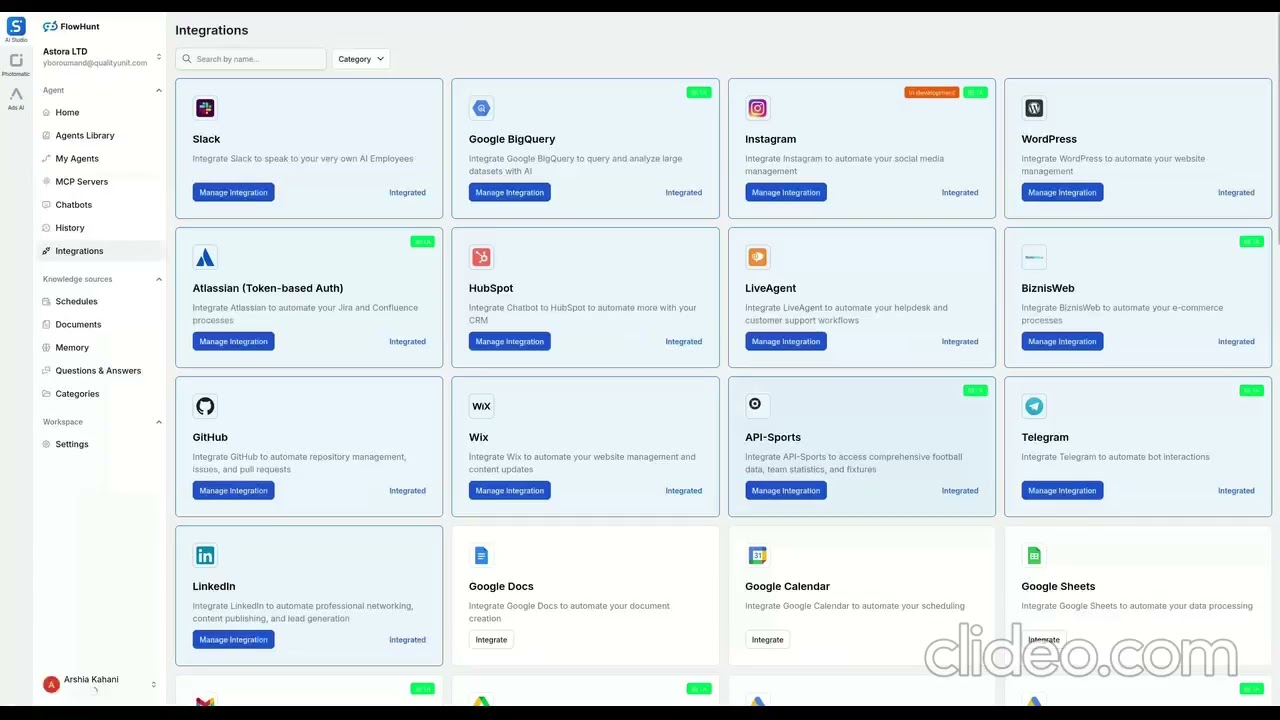
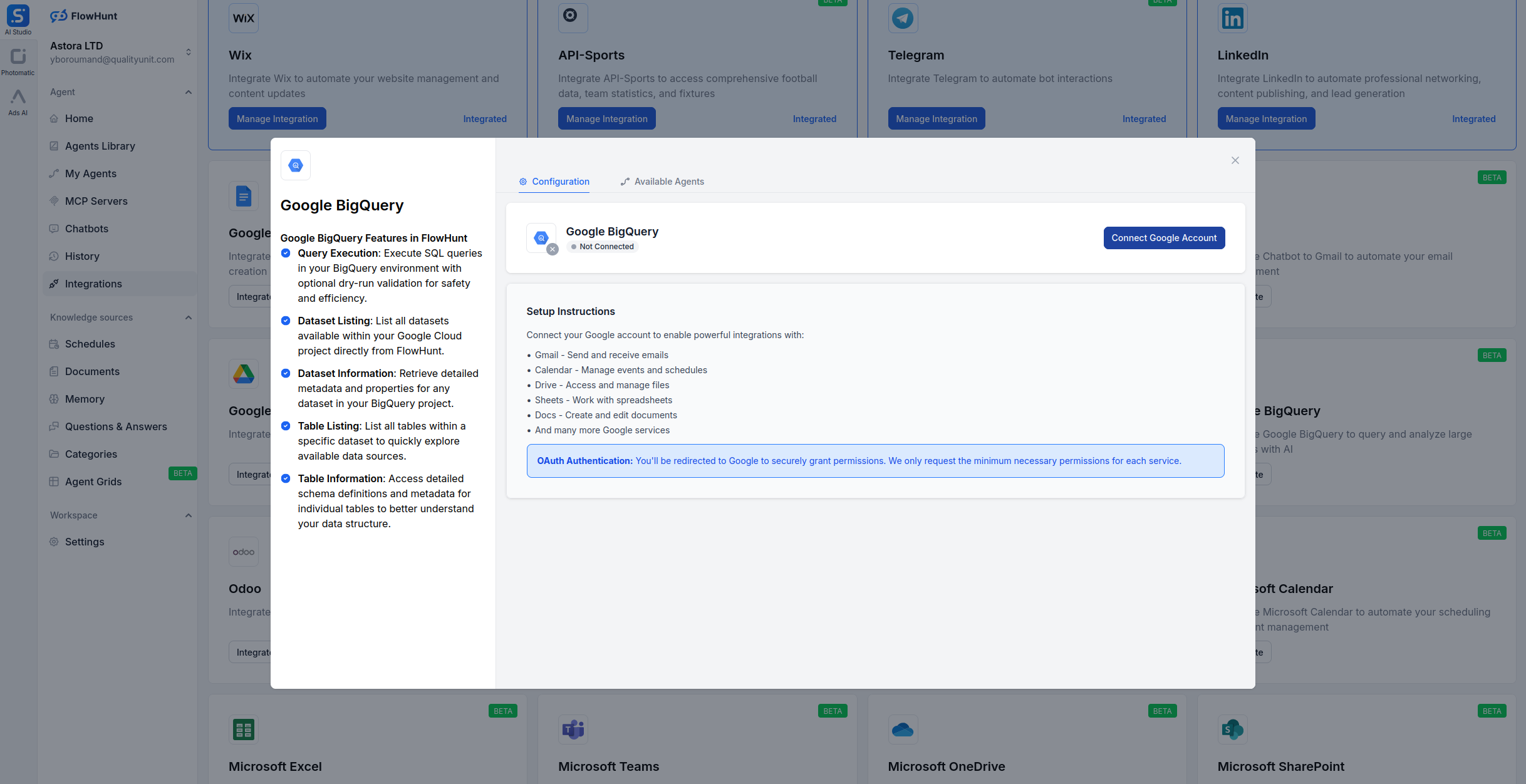
💡 Note: Using Google Sign-in ensures that FlowHunt follows your existing Google Cloud IAM permissions, providing a secure and seamless connection without managing JSON keys.
MCP INTEGRATION
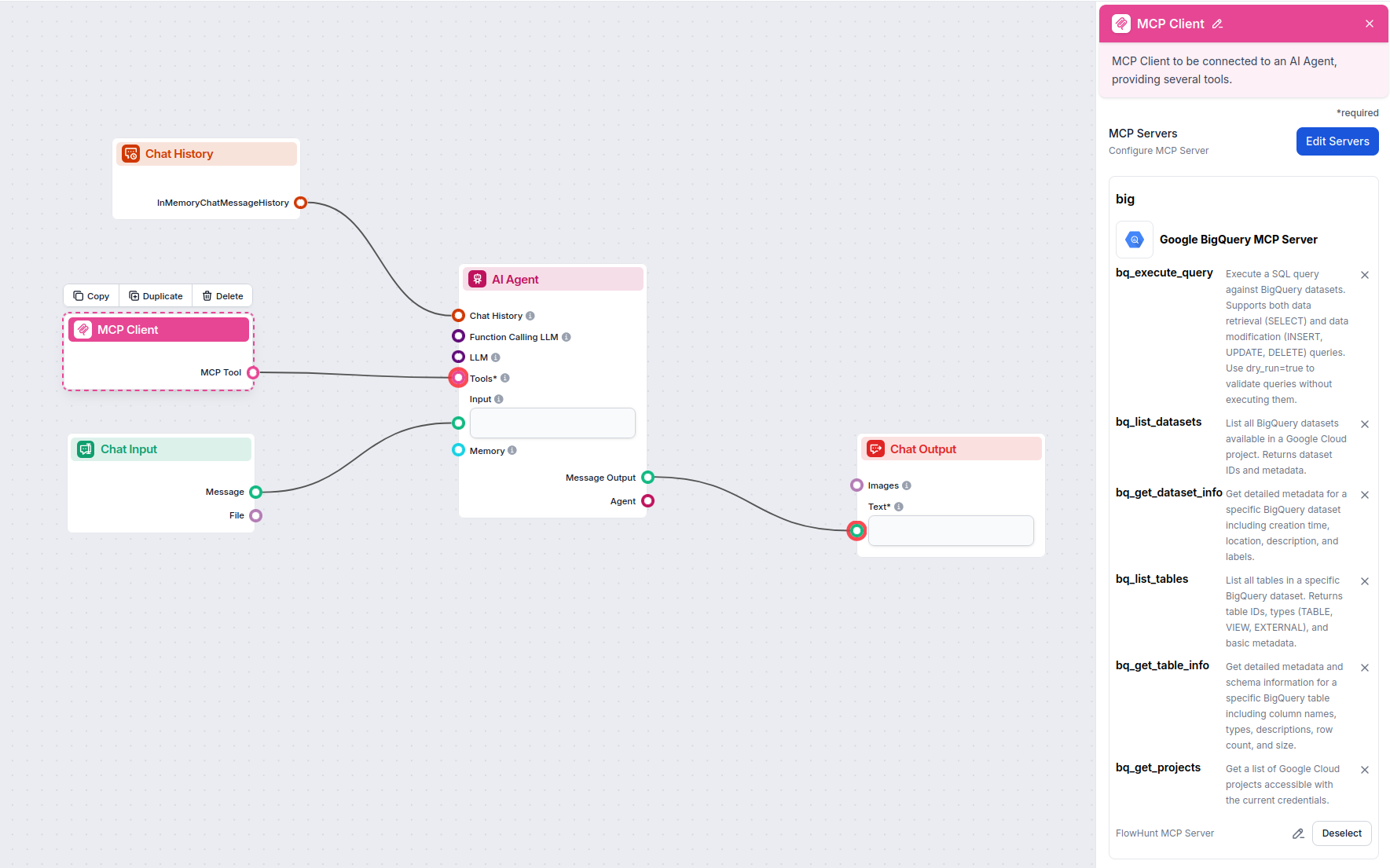
The following tools are available as part of the Google BigQuery MCP integration:
Execute SQL queries (SELECT, INSERT, UPDATE, DELETE). Supports dry_run for validation.
List all BigQuery datasets available in your Google Cloud project.
Get metadata for a specific dataset, including location and description.
List all tables and views within a specific BigQuery dataset.
Get detailed schema information, column types, and row counts for a table.
List all Google Cloud projects accessible with your Google account.

Start your free trial today and see results within days.
Get latest tips, trends, and deals for free.
Try these practical prompts with your BigQuery-enabled AI Agent:
The Google BigQuery MCP Server on FlowHunt.io turns your data warehouse into an interactive resource for AI. With simple Google Sign-in and powerful SQL tools, you can automate reporting, audit schemas, and generate insights instantly.
Ready to start? Sign in with your Google account on FlowHunt and deploy your BigQuery MCP server today!
FlowHunt provides an additional security layer between your internal systems and AI tools, giving you granular control over which tools are accessible from your MCP servers. MCP servers hosted in our infrastructure can be seamlessly integrated with FlowHunt's chatbot as well as popular AI platforms like ChatGPT, Claude, and various AI editors.
Unlock the power of AI-driven data analysis for your BigQuery datasets. Execute queries and manage your data warehouse directly from FlowHunt.
The GitHub MCP Server enables seamless integration between AI tools and GitHub, allowing automated workflows to manage repositories, issues, and pull requests d...
The Microsoft Excel MCP Server enables seamless integration between AI tools and Microsoft Excel, allowing automated workflows to manage workbooks, worksheets, ...

The Airtable MCP Server enables seamless integration between AI tools and Airtable, allowing automated workflows to manage bases, tables, records, and fields di...
Cookie Consent
We use cookies to enhance your browsing experience and analyze our traffic. See our privacy policy.