
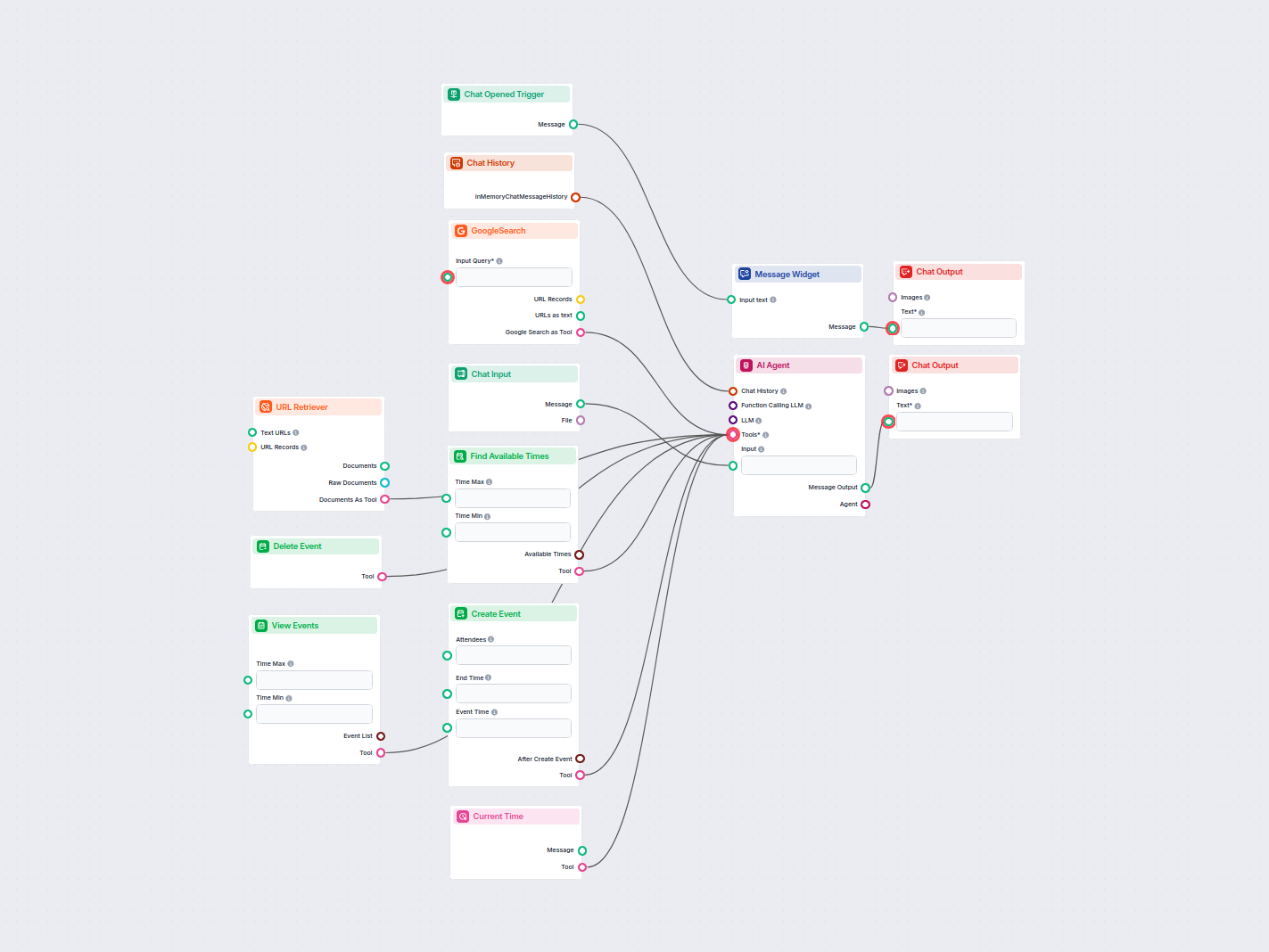
AI Assistant with Google Calendar Awareness
An intelligent AI assistant that integrates with Google Calendar to help users manage their schedules. Users can interact via chat to check their events, find a...
4 min read
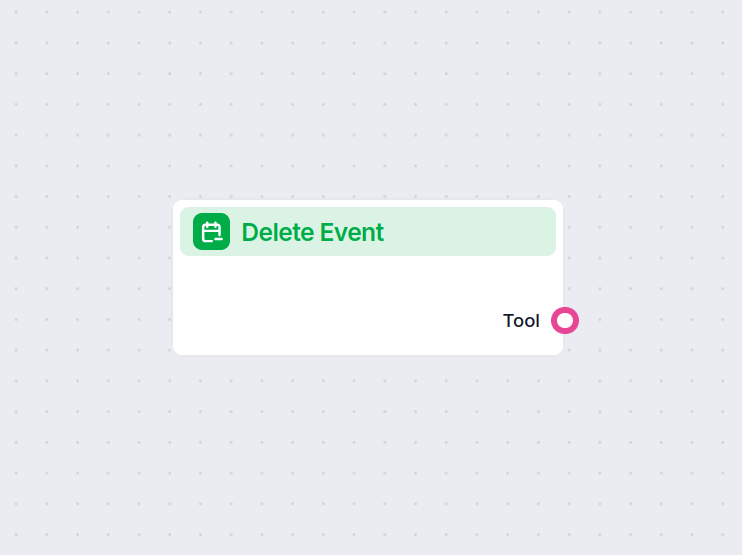
The Delete Event component automates deleting events from Google Calendar and can send updates to attendees, simplifying calendar management in your automated workflows.
Component description
The Delete Event component is designed to remove an event from a specified Google Calendar. It connects directly to the Google Calendar API, allowing for seamless and automated management of calendar events within your AI-driven workflows. This component is particularly useful when you need to automate the process of deleting events and optionally notifying attendees about these changes.
The component accepts several configurable inputs:
| Input Name | Type | Required | Description | Advanced |
|---|---|---|---|---|
| Calendar ID | Dynamic Single Select | Yes | The ID of the calendar from which you want to delete an event. | Yes |
| Send Updates | Dropdown (str) | No | Determines if and how updates are sent to attendees (None, ExternalOnly, All). | Yes |
| Tool Description | Multiline Input | No | Optional description to help agents understand the tool’s usage. | Yes |
| Tool Name | String Input | No | Optional name to refer to this tool in agent-based workflows. | Yes |
| Verbose | Boolean | No | If enabled, provides detailed output for debugging or logs. | Yes |
get_calendars API.None (default): No updates sent.ExternalOnly: Only external attendees are notified.All: All attendees are notified.true, the component will print more detailed information about its actions, which is useful for debugging.| Output Name | Type | Description |
|---|---|---|
| delete_event_tool | Tool | Provides an interface to perform the event deletion action. |
The primary output is a Tool that can be used within your workflow to execute the deletion of the calendar event as configured.
This component is ideal for any AI workflow that requires dynamic and automated calendar management. Whether you’re building a meeting assistant, automating event cleanup, or integrating calendar management into a broader business process, the Delete Event component provides a reliable and flexible way to handle event deletions with optional attendee notifications.
To help you get started quickly, we have prepared several example flow templates that demonstrate how to use the Delete Event component effectively. These templates showcase different use cases and best practices, making it easier for you to understand and implement the component in your own projects.
An intelligent AI assistant that integrates with Google Calendar to help users manage their schedules. Users can interact via chat to check their events, find a...
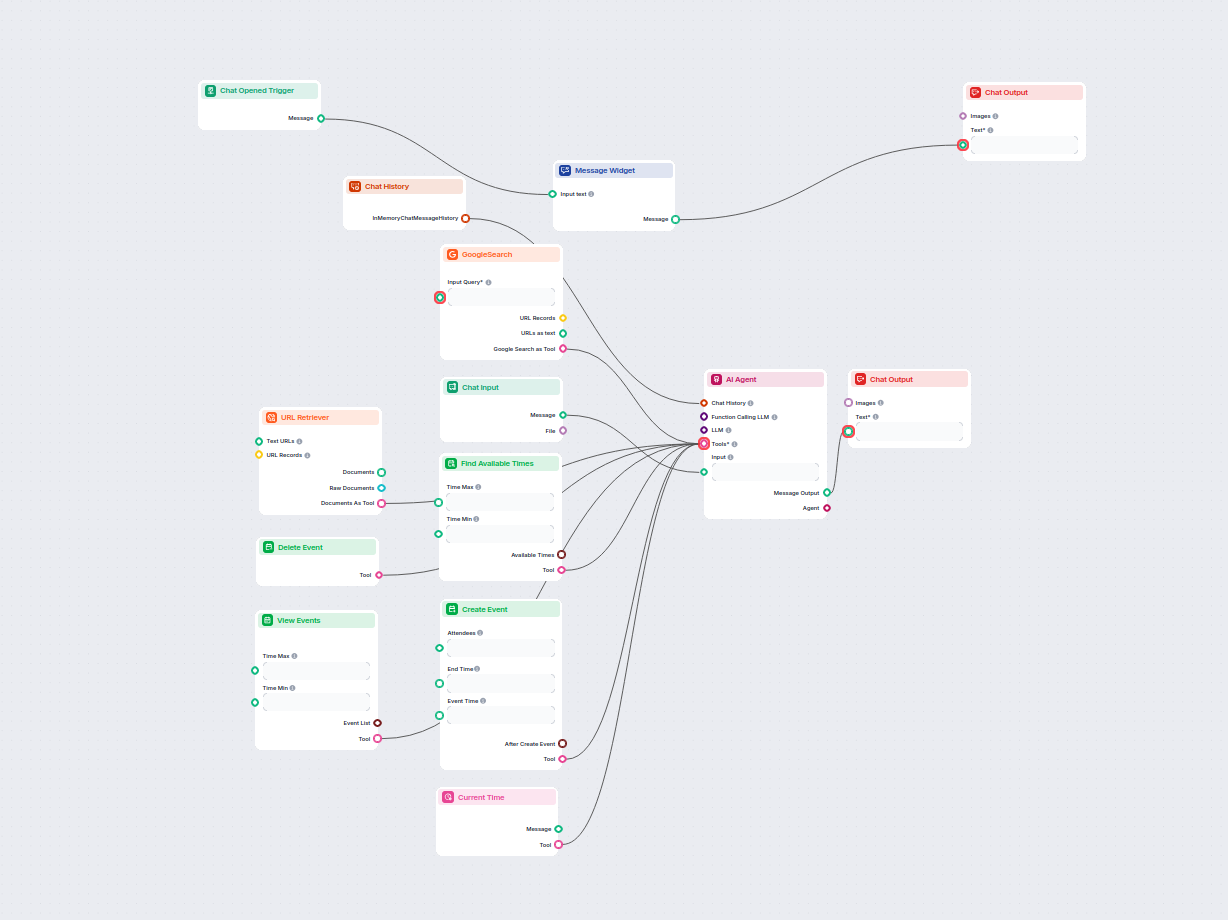
This AI-powered workflow automates meeting scheduling through Google Calendar. Users interact with a chatbot that finds available times, creates, views, or dele...
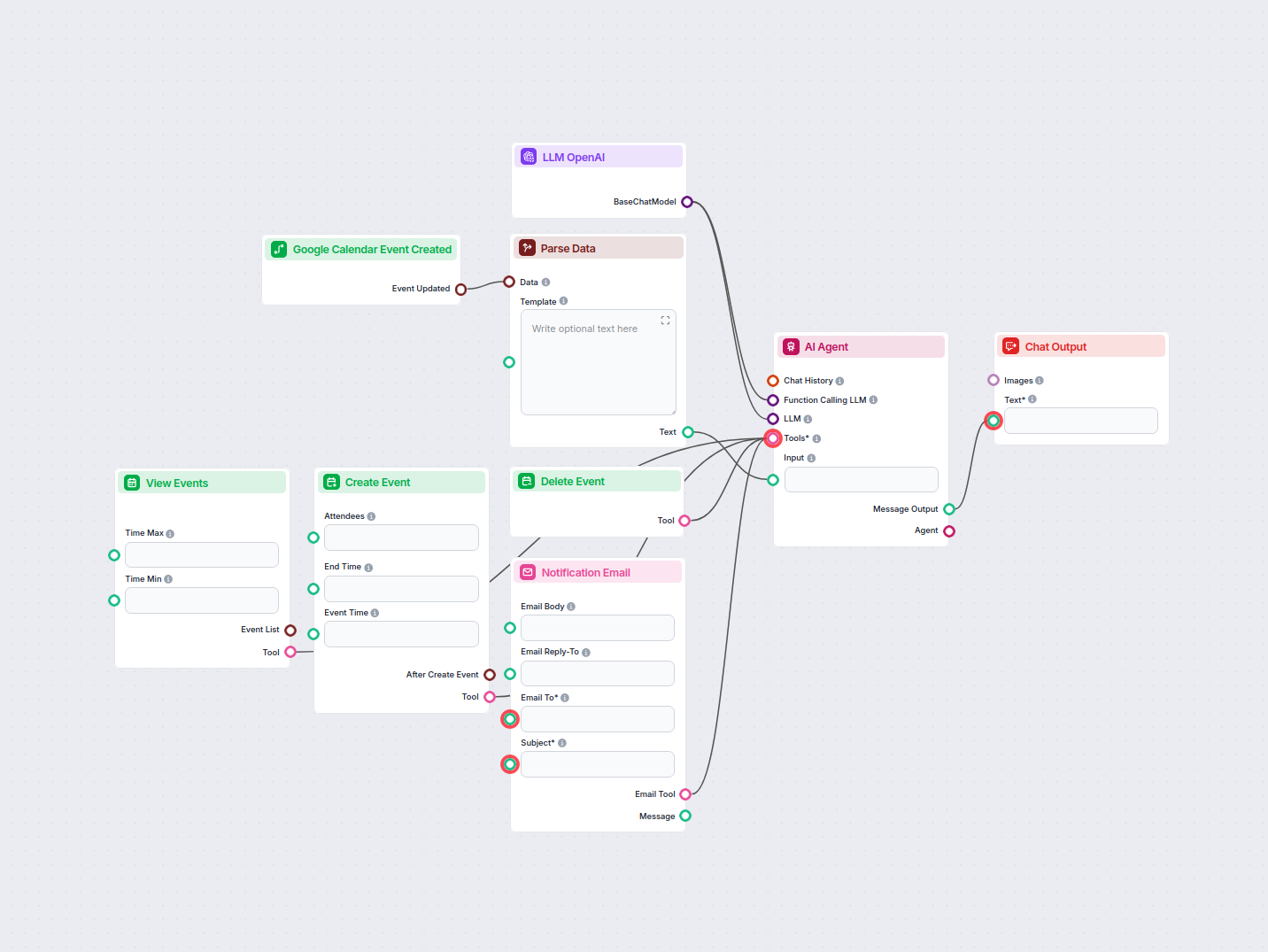
Automate and streamline vacation request approvals in Google Calendar using an AI agent. This workflow detects new vacation requests, evaluates them against com...

Integrate FlowHunt with Google Calendar to automate scheduling, create and manage events with AI, find available times, and build intelligent calendar workflows...
Streamline your workflow and manage your calendar events automatically with the Delete Event component in FlowHunt.
Cookie Consent
We use cookies to enhance your browsing experience and analyze our traffic. See our privacy policy.