AI Agent for Google Calendar
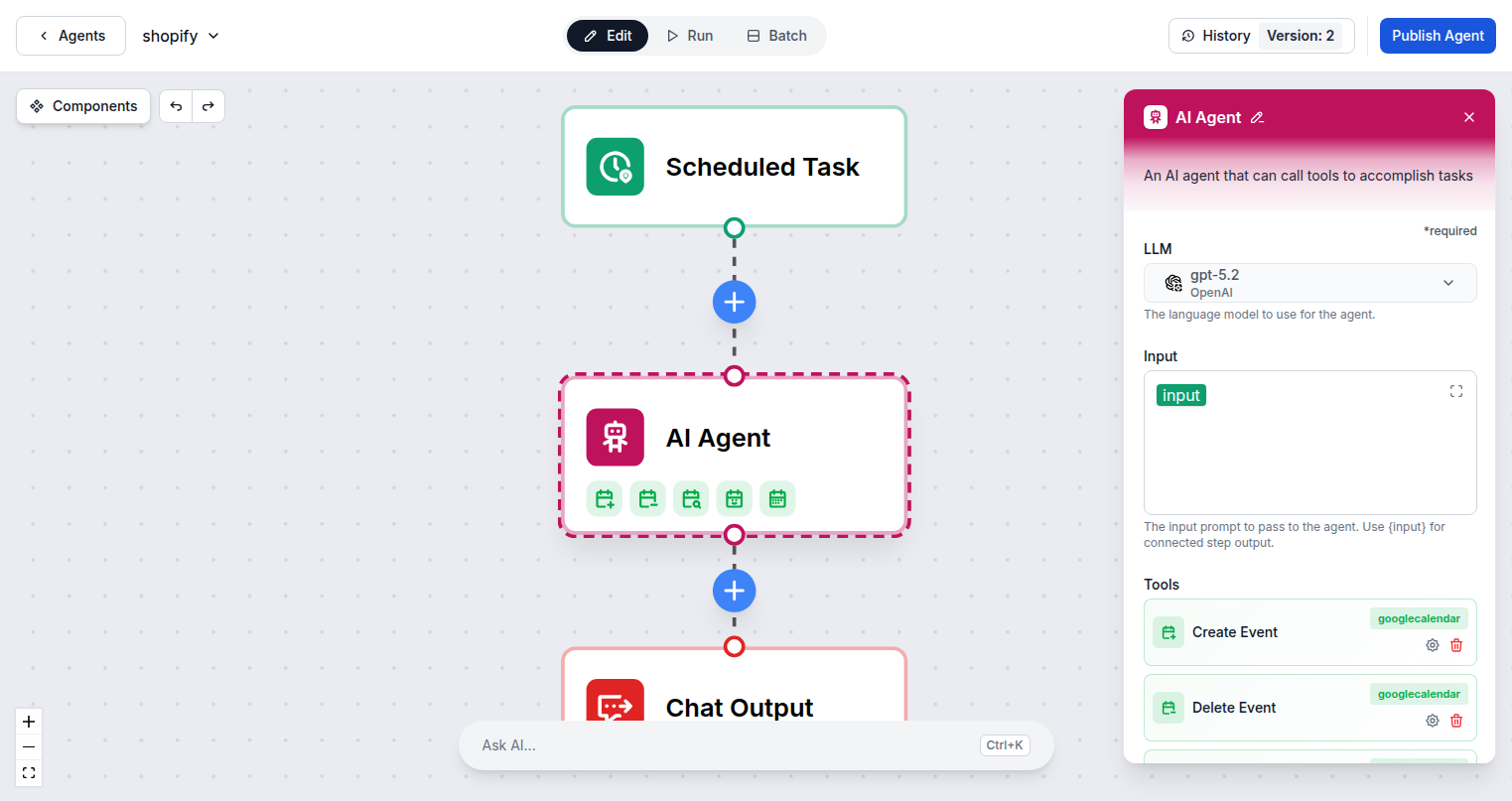
Automate your scheduling with FlowHunt AI. Create events, find available times, view upcoming meetings, delete outdated bookings, and trigger workflows when new calendar events are created — all from a single AI agent.





6 Calendar Actions, Fully Automated
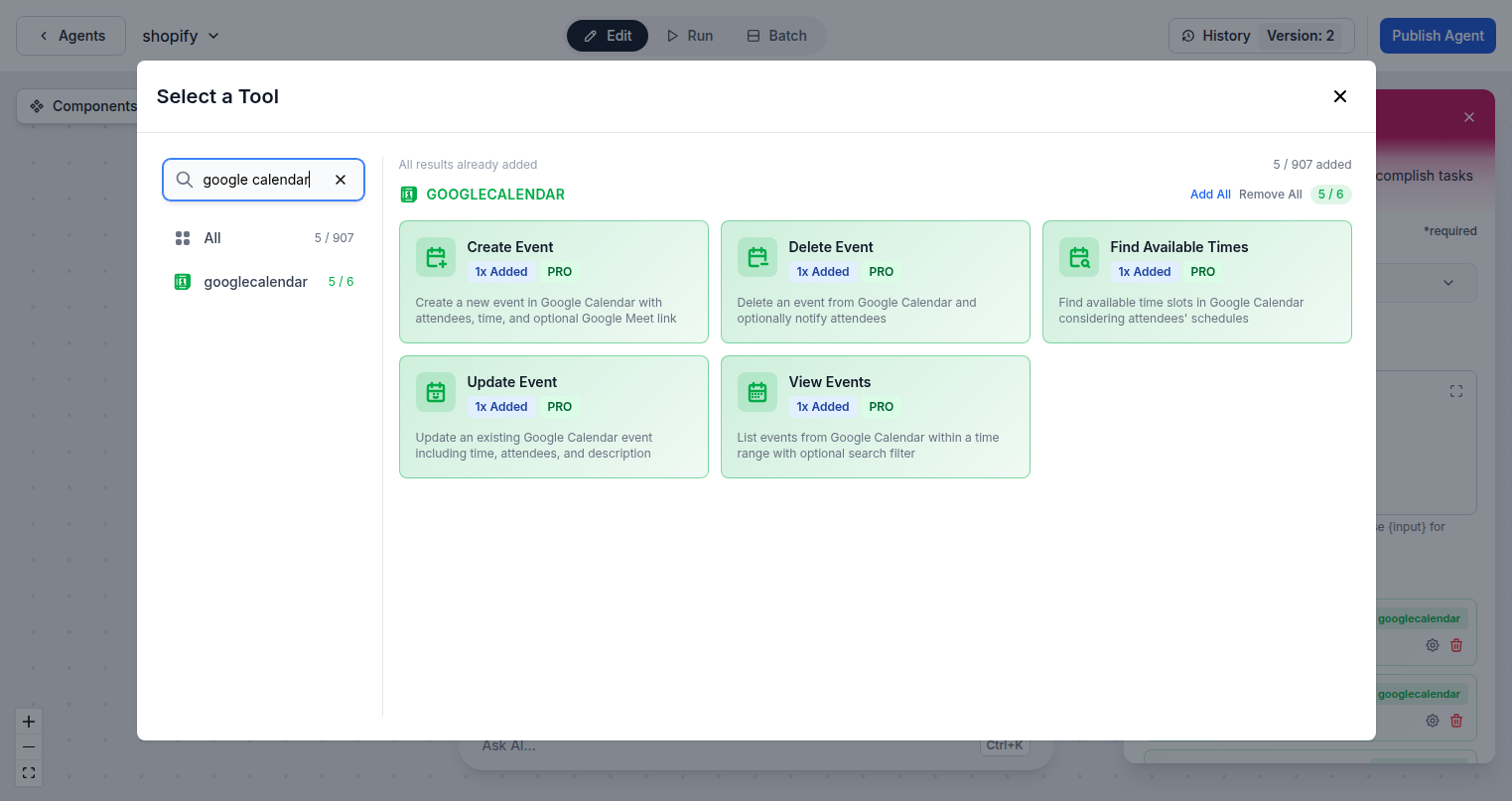
FlowHunt gives AI agents direct access to your Google Calendar. Create meetings from natural language requests, find open slots across multiple attendees, view full schedules, delete events, and format events for display — all without leaving your workflow.
- Create and Delete Events:
- AI agents can schedule new meetings or remove outdated events from your calendar based on triggers or natural language commands.
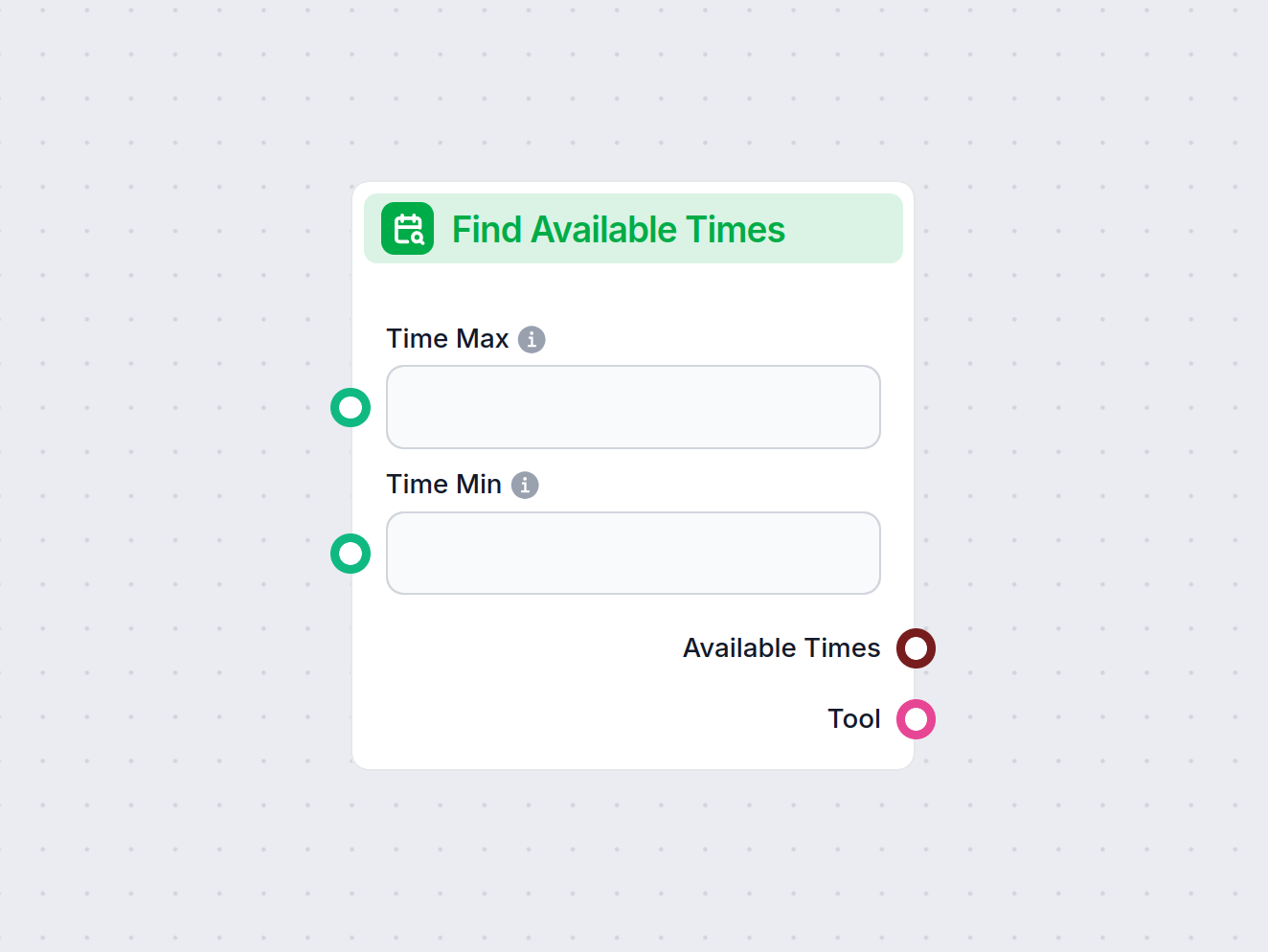
- Find Available Times:
- Check availability across multiple attendees and automatically pick the best open slot for any meeting request.
- Event-Triggered Workflows:
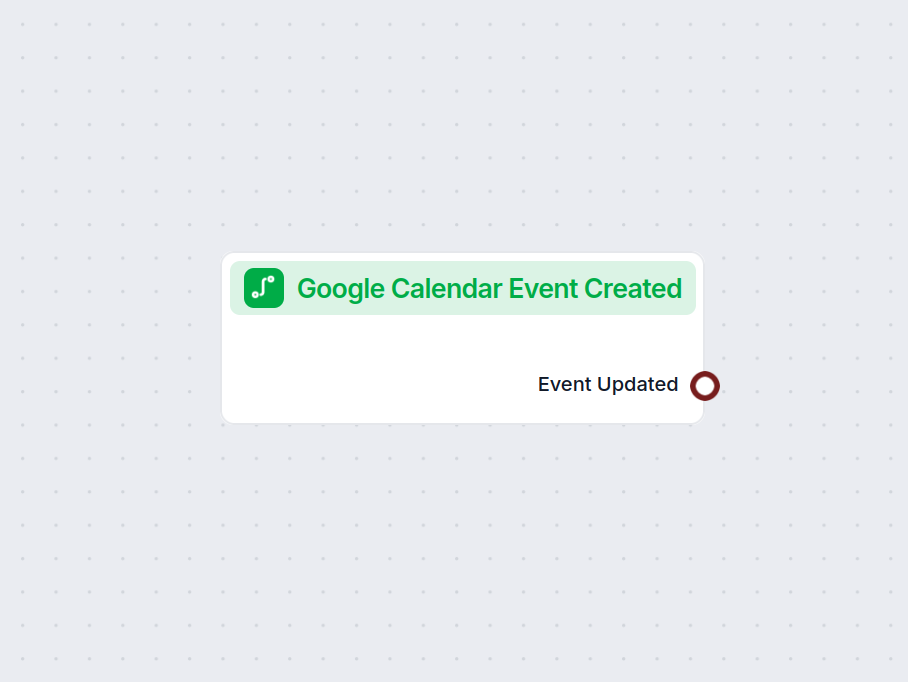
- The Google Calendar Event Created trigger fires whenever a new event is added, letting you launch downstream automation instantly.
Your AI Scheduling Assistant
Imagine telling your AI agent to schedule a meeting with your team next Tuesday afternoon — it checks everyone's availability, picks the best slot, creates the event, and sends notifications. FlowHunt makes this possible out of the box, connected to your real Google Calendar.
- Natural Language Booking:
- Accept scheduling requests in plain text and let the AI create calendar events with the right attendees and time slot.
- Multi-Attendee Awareness:
- Find Available Times checks calendars across your whole team to eliminate back-and-forth scheduling emails.
- Post-Meeting Automation:
- Trigger follow-up flows after events end — create tasks, send summaries, or update CRM records automatically.
One Google Login for Everything
FlowHunt connects to Google Calendar via the same OAuth flow used by Google Sheets, Docs, Gmail, and Drive. One authorization covers your entire Google Workspace, so you never need to manage separate credentials per service.
- Single OAuth Flow:
- One Google sign-in authorizes Calendar, Gmail, Sheets, Docs, and Drive — no separate credentials needed for each service.
- Minimal Permissions:
- FlowHunt requests only the Calendar scopes it needs and never stores your Google credentials.
- 6 Calendar Actions Ready:
- All 6 Calendar tool actions are available immediately after connecting, ready to add to any AI agent flow.
Step 1
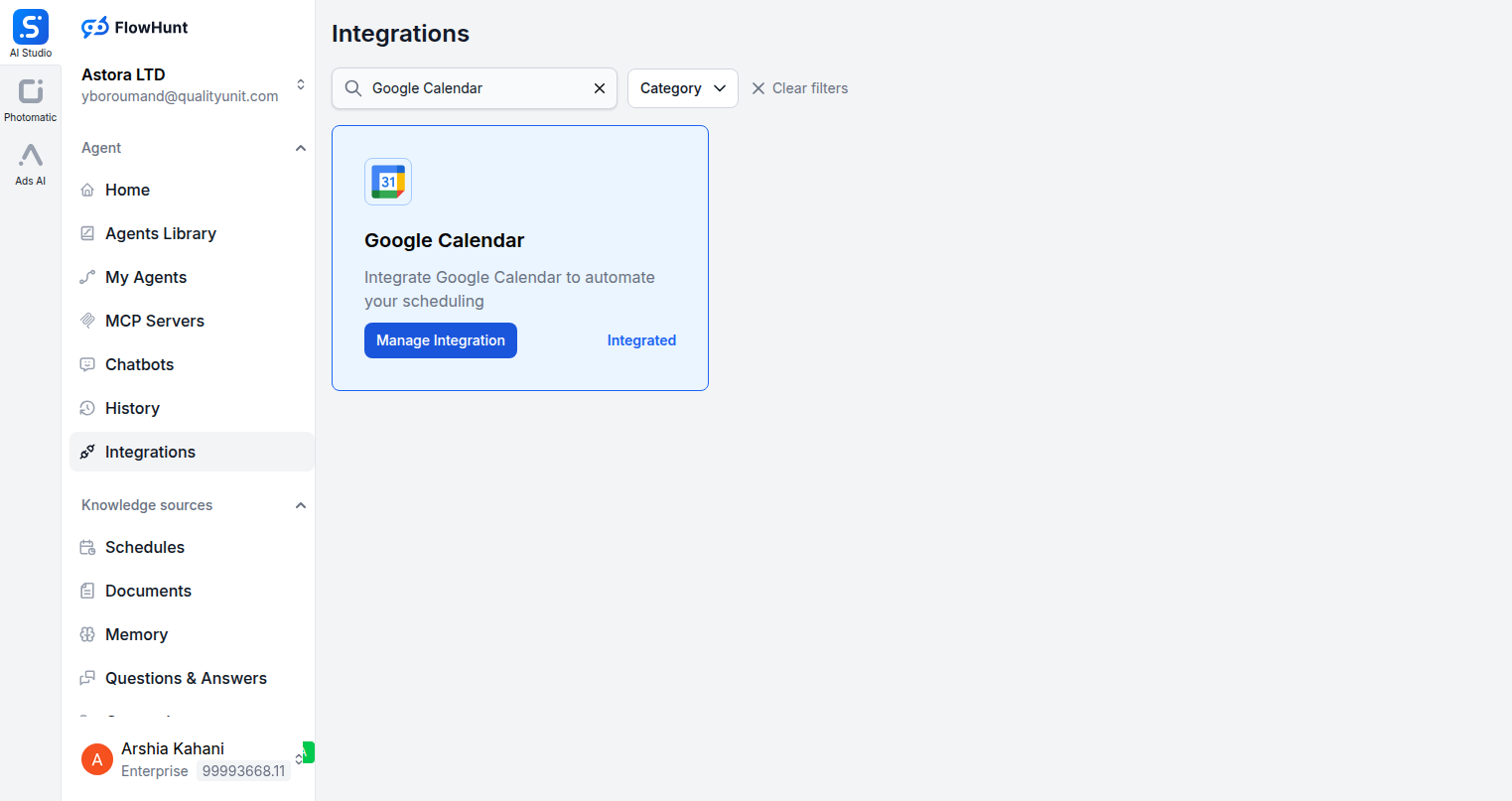
Open the Integrations Page
Navigate to the Integrations section in FlowHunt and search for Google Calendar. Click Manage Integration to open the connection dialog.
Step 2
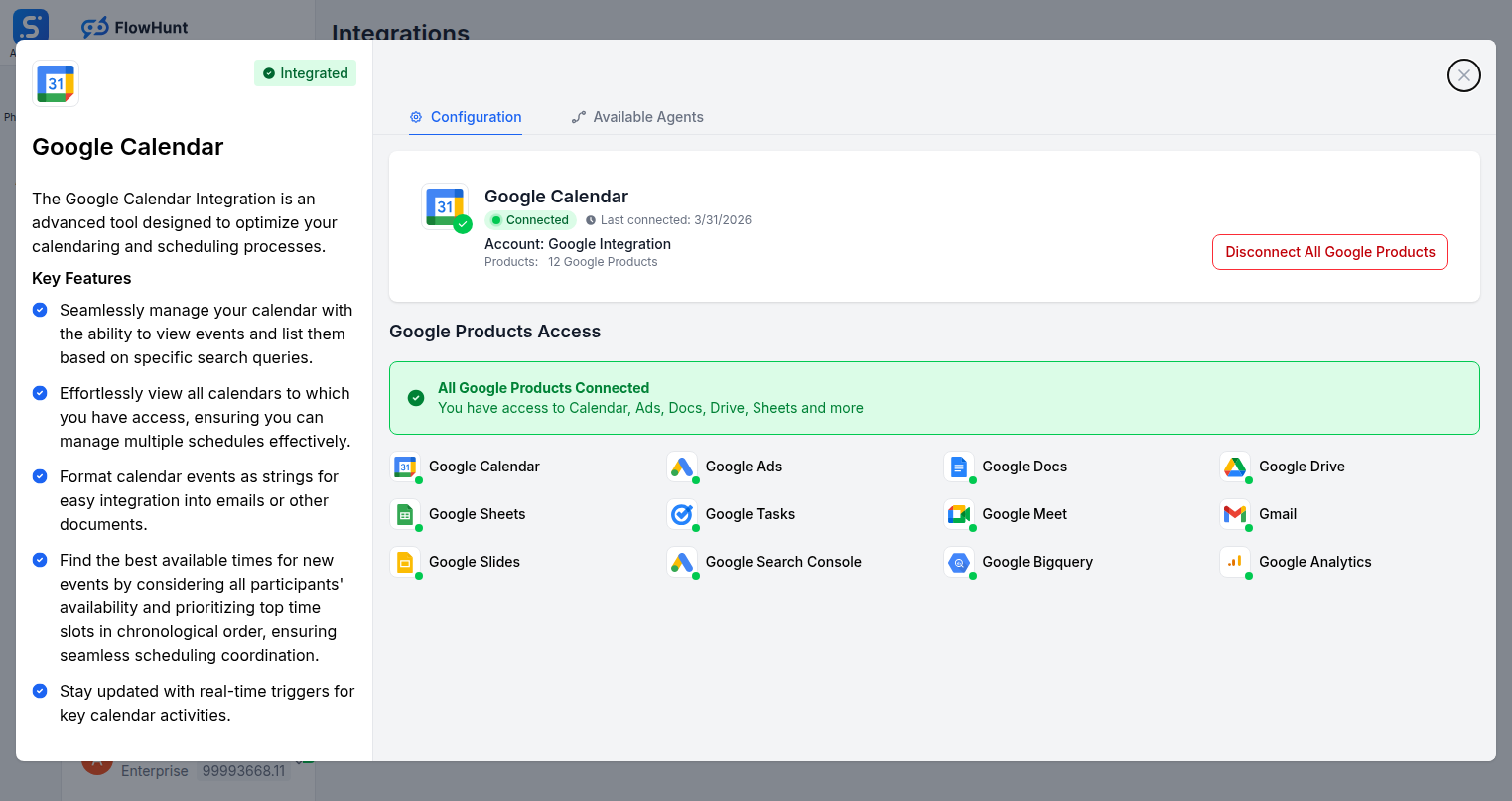
Connect Your Google Account
Click Connect Google Account to authenticate via OAuth. FlowHunt requests only the minimum Calendar permissions needed and never stores your credentials.
Step 3
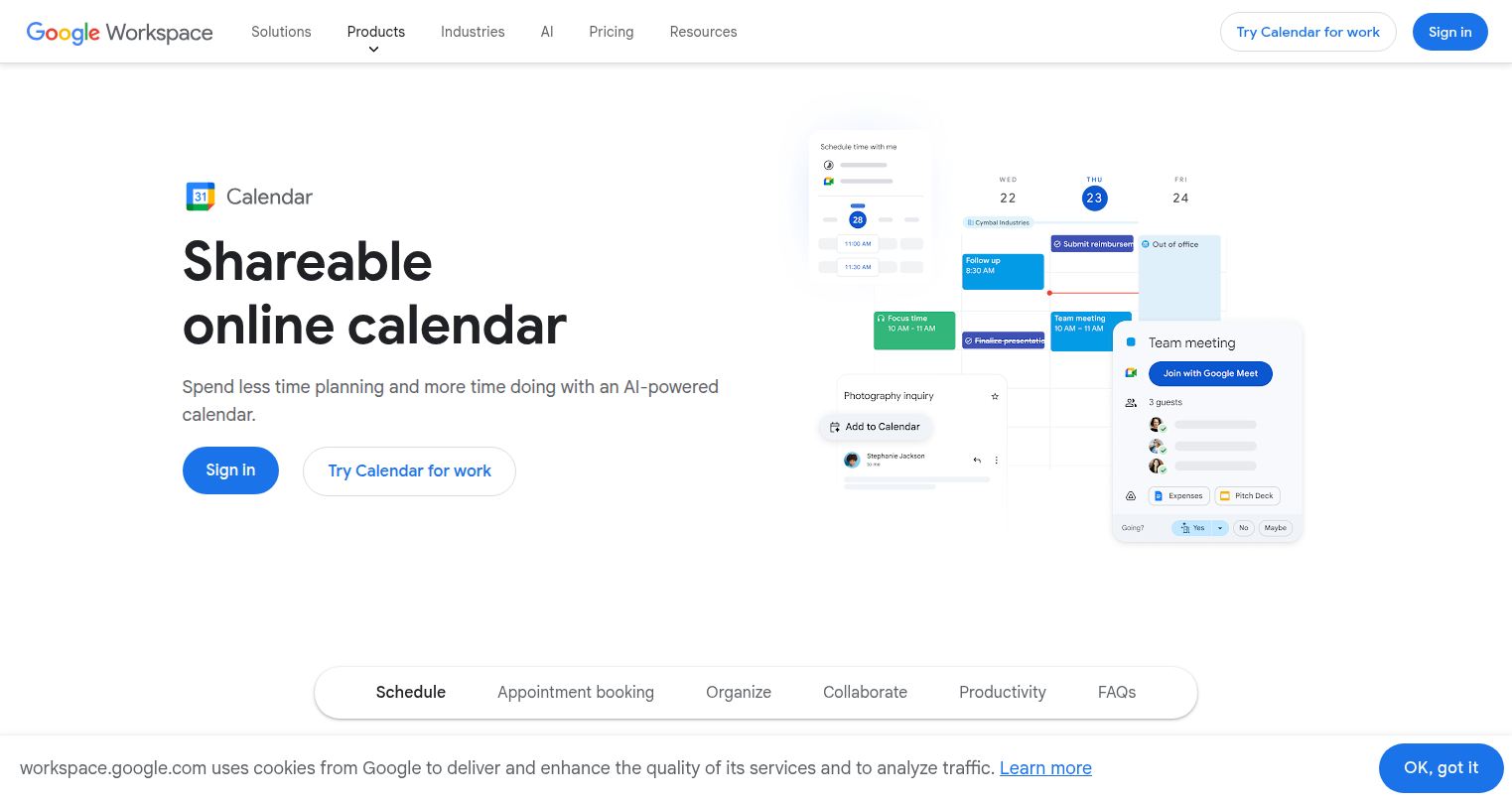
Authorize via Google
You will be redirected to Google to approve calendar access. Once approved, you are returned to FlowHunt with your Google Calendar fully connected.
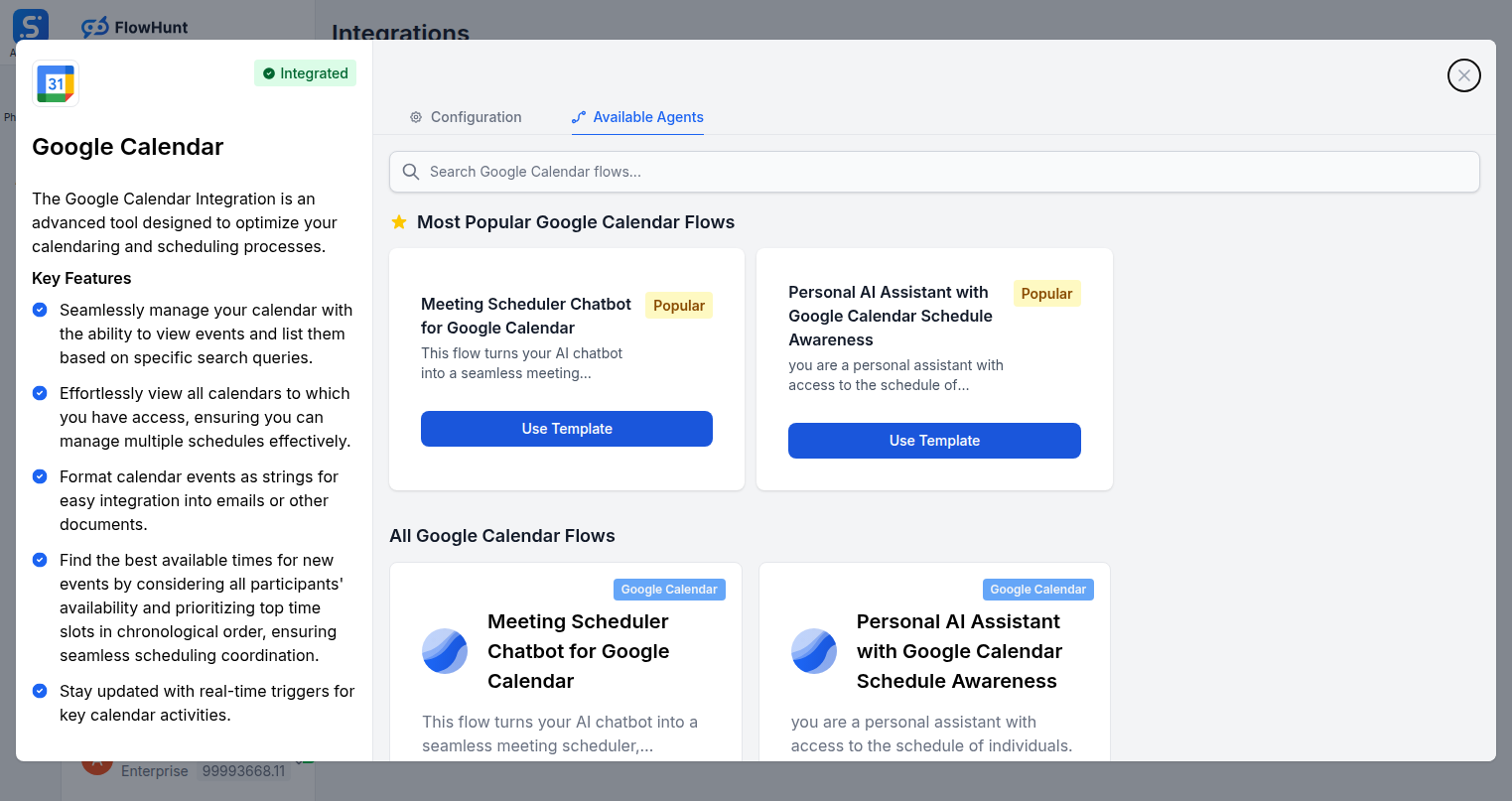
Step 4
Add Calendar Tools to Your Agent
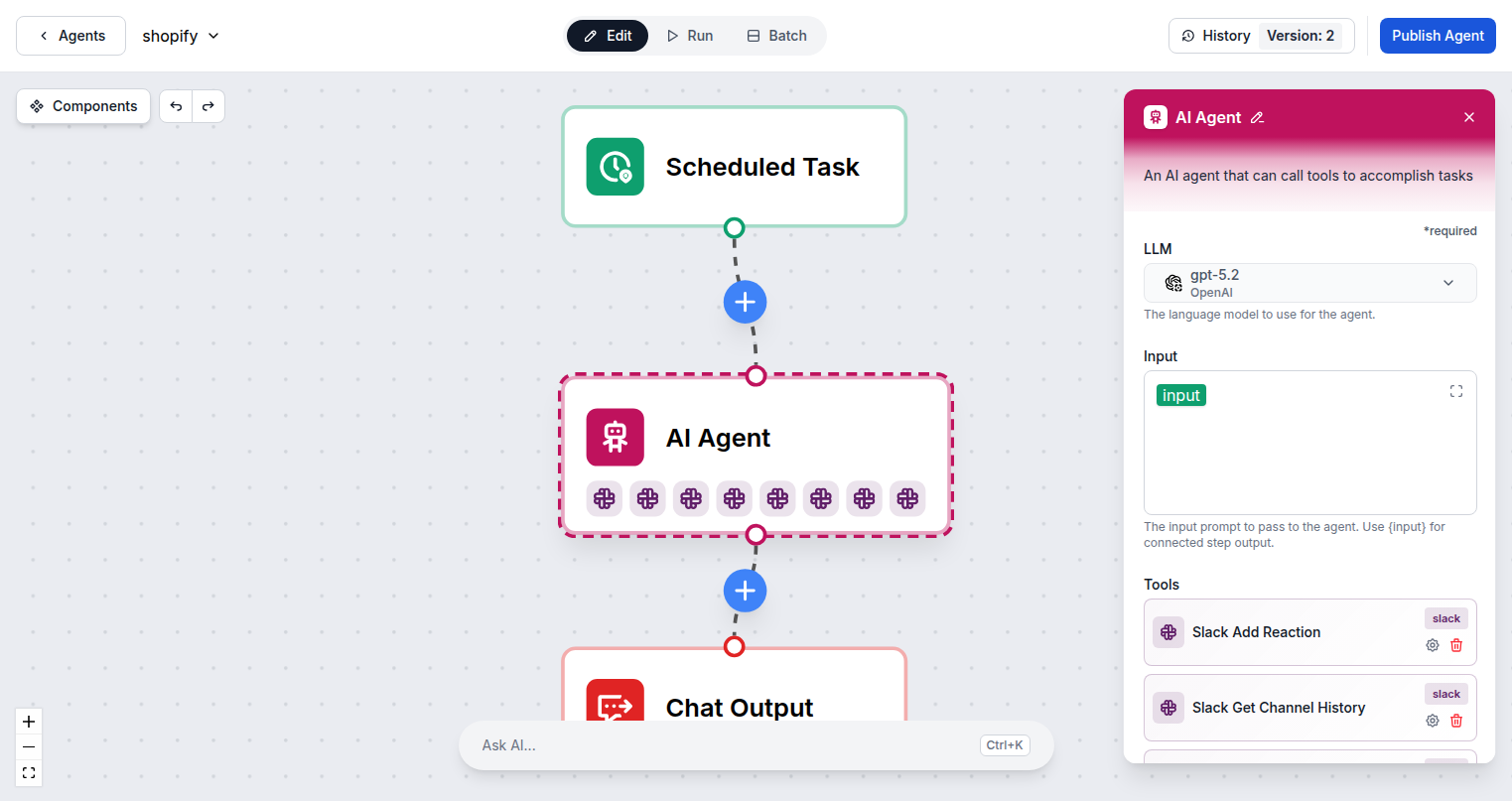
Open the Available Agents tab to explore Google Calendar flows, or go to the Flow Builder and add Calendar tools directly to your AI agent.
Use Cases
What You Can Build with Google Calendar + FlowHunt
Practical scheduling automation your team can deploy today.
- Smart Meeting Scheduler
- AI finds mutual availability and books the meeting automatically with all attendees.
- Event-Triggered Workflows
- Kick off processes whenever a new calendar event is created in your account.
- Natural Language Booking
- Accept scheduling requests in plain text and create events instantly without forms.
- Conflict Detector
- AI scans upcoming events and flags double-bookings or schedule gaps for your team.
- Daily Agenda Briefing
- AI reads your calendar and sends a morning summary via email or Slack every day.
- Automated Reminders
- Trigger custom notifications before events based on attendee type or event location.
- Meeting Prep Assistant
- AI gathers relevant documents and notes before each scheduled event automatically.
- Post-Meeting Follow-Up
- Automatically create tasks or send summaries after calendar events end.
All Google Calendar Components
Every Google Calendar action available in FlowHunt.
| Component | Description |
|---|---|
| Find Available Times | Find available time slots across calendars for scheduling meetings. |
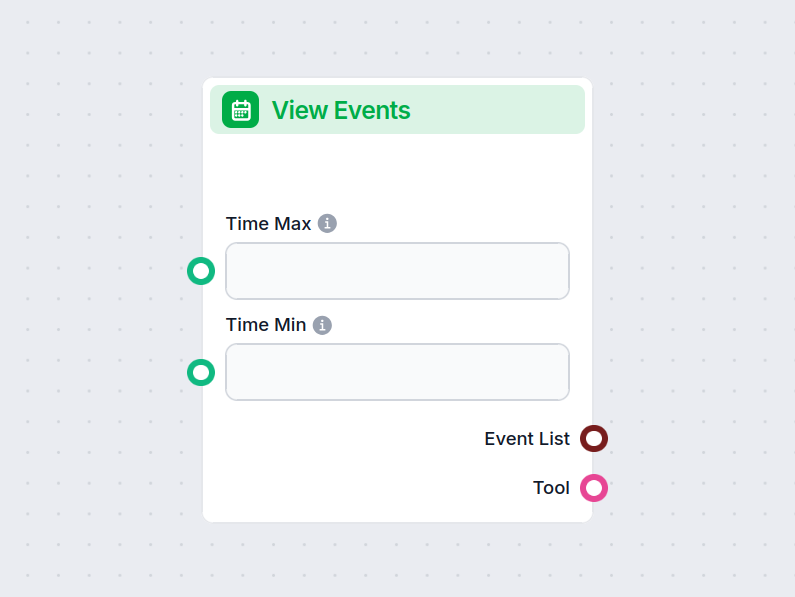
| View Events | View upcoming or past calendar events from Google Calendar. |
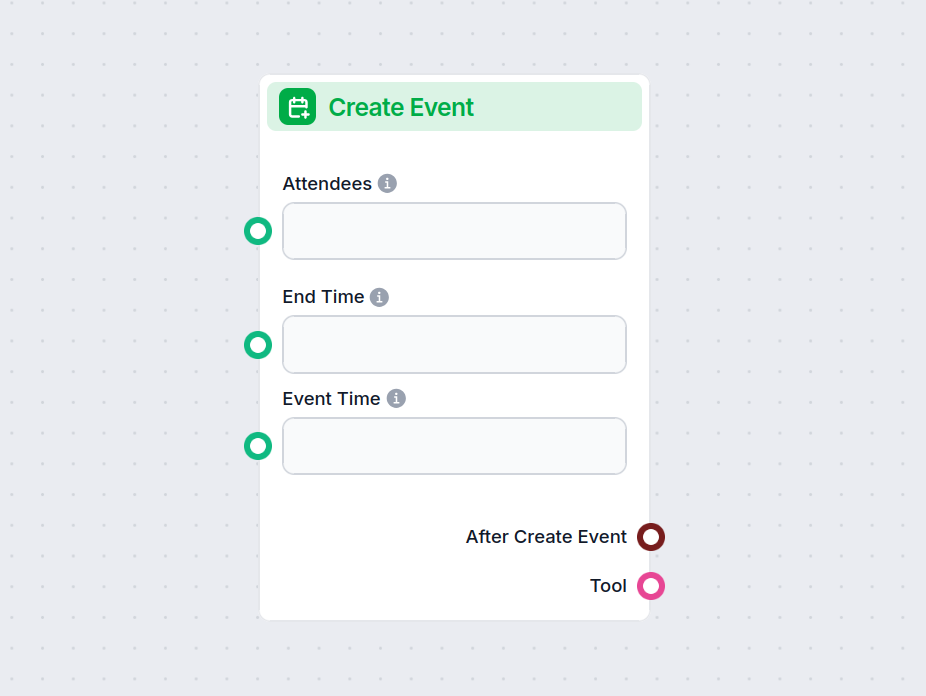
| Create Event | Create a new event on Google Calendar with attendees and details. |
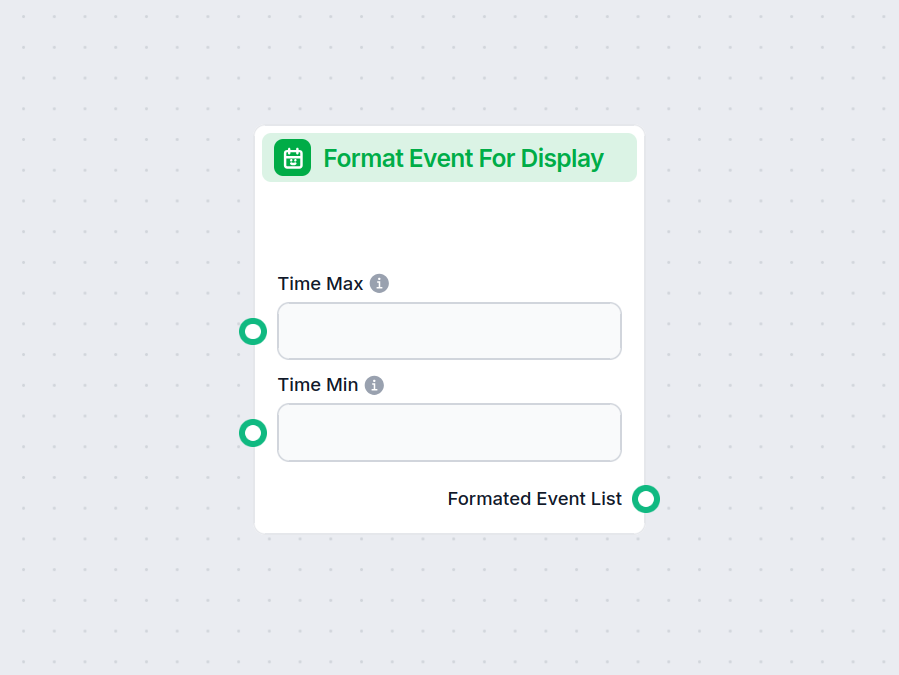
| Format Event for Display | Format a calendar event into a readable display format. |
| Delete Event | Delete an event from Google Calendar. |
| Google Calendar Event Created | Trigger that fires when a new calendar event is created. |