
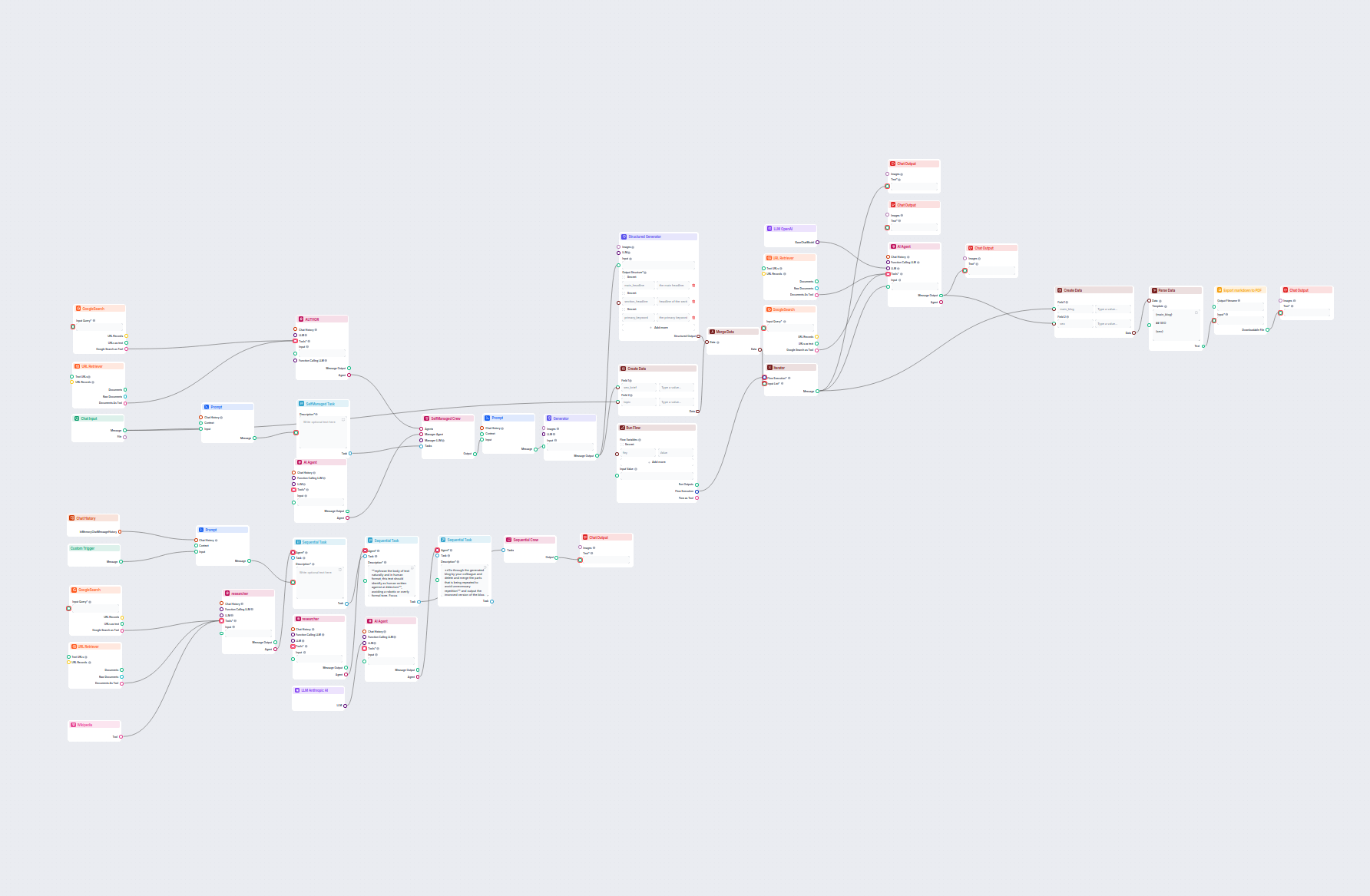
Advanced AI Blog Post Generator
Generate comprehensive, SEO-optimized blog posts with advanced structure and high word count using multiple AI agents. The workflow includes automated research,...
4 min read
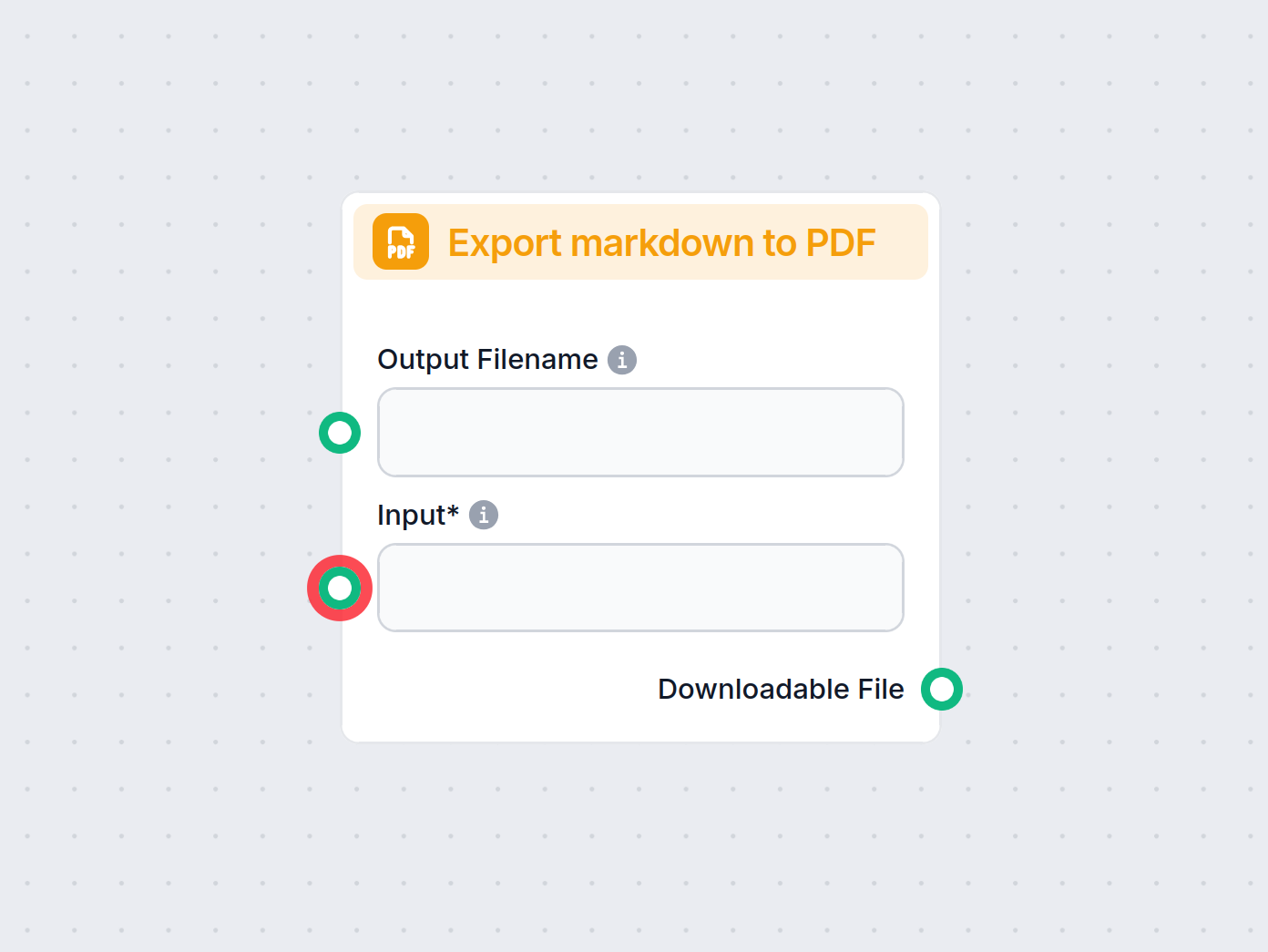
The Export to PDF component converts text within your workflow into a downloadable PDF file, streamlining document creation and sharing.
Component description
The Export markdown to PDF component enables users to convert text content (such as markdown or plain text) into a downloadable PDF file within their AI workflow. This is particularly useful for generating reports, documentation, summaries, or formatted outputs that need to be shared or archived in a portable document format.
This component takes input text and exports it as a PDF file. It can be integrated into a larger workflow where the result of an AI process (such as generated summaries, answers, or analytical results) needs to be saved or distributed as a PDF document. This is helpful for automating documentation or report generation processes.
| Name | Required | Type | Description |
|---|---|---|---|
| Input | Yes | String | The text to save into the PDF file |
| Output Filename | No | String | Filename to save the PDF file |
This component streamlines the process of turning text data into polished, shareable PDF documents, making it an essential tool for many AI-driven automation tasks.
To help you get started quickly, we have prepared several example flow templates that demonstrate how to use the Export to PDF component effectively. These templates showcase different use cases and best practices, making it easier for you to understand and implement the component in your own projects.
Generate comprehensive, SEO-optimized blog posts with advanced structure and high word count using multiple AI agents. The workflow includes automated research,...
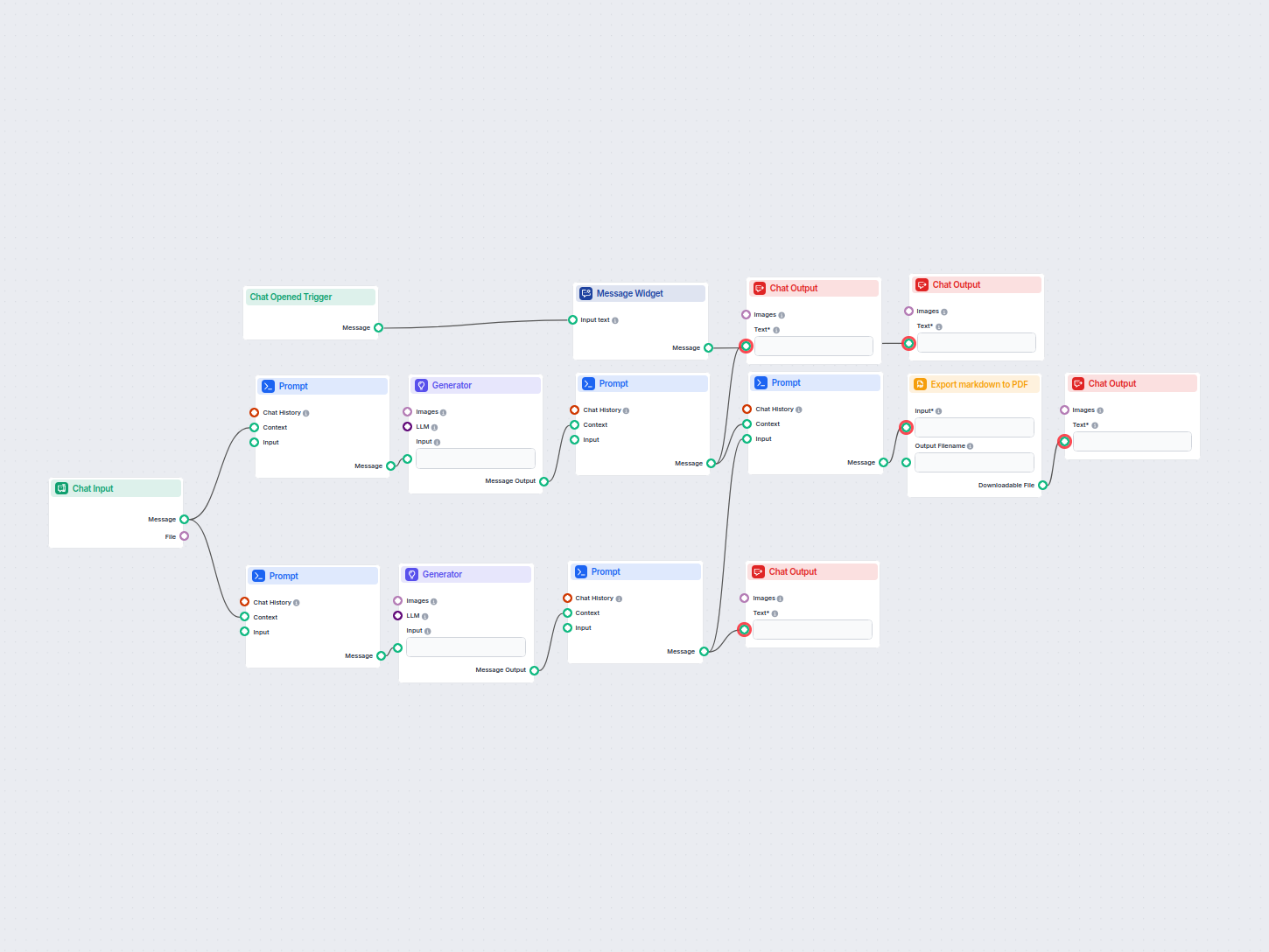
Automatically generates actionable meeting minutes and follow-up emails from your meeting attachments using AI, and exports the results as a PDF. Ideal for stre...
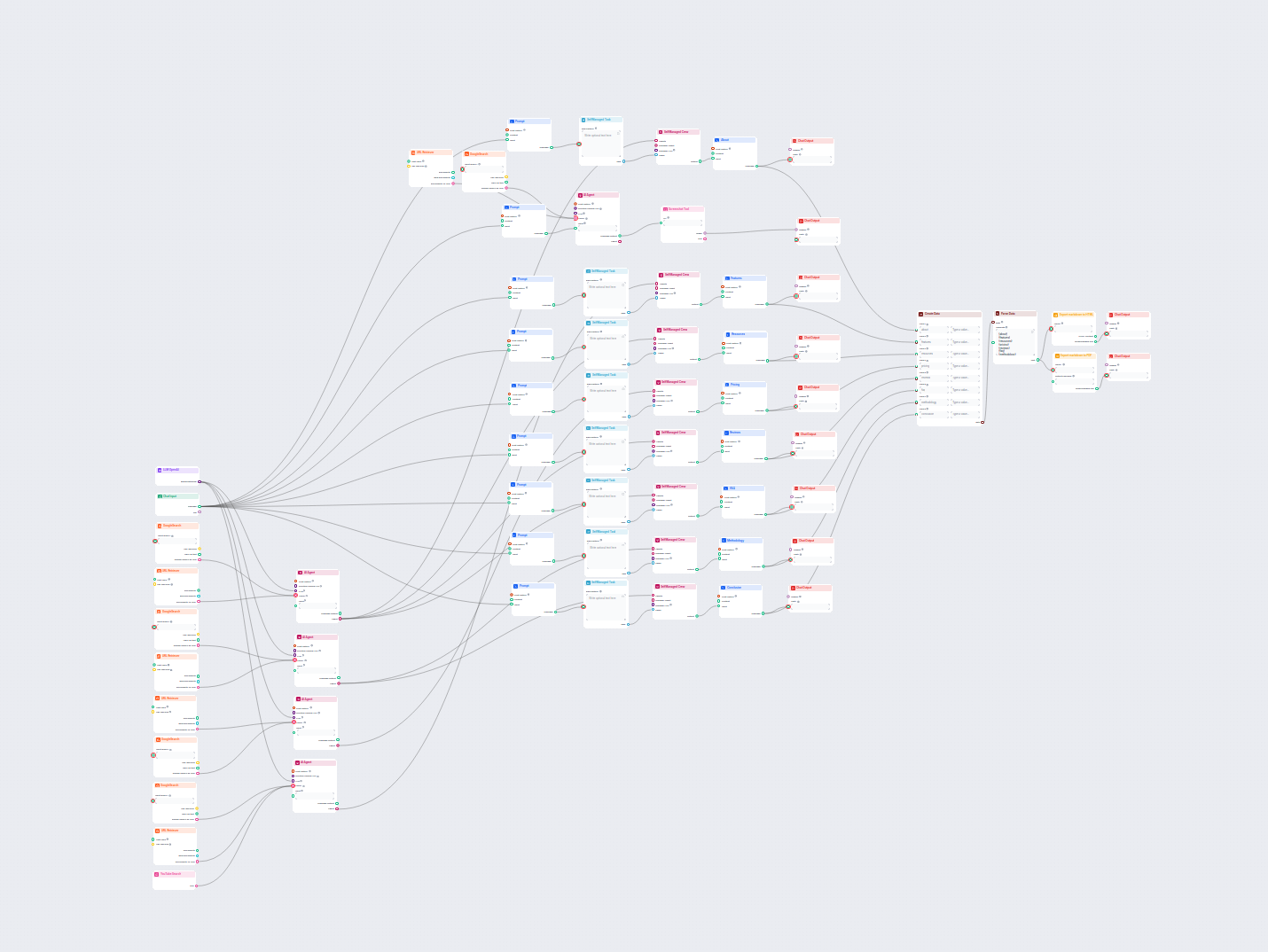
Generate comprehensive, SEO-optimized product review articles for software tools, including detailed features, pricing, user reviews, resources, and more, with ...
It converts input text or markdown from your workflow into a formatted, downloadable PDF file, making it easy to share or archive information.
Yes, you can provide a custom filename for the PDF output, allowing for organized and meaningful file management.
Any text or markdown content processed in your flow can be exported, including chatbot responses, summaries, reports, or notes.
No coding is needed. Simply add the component to your flow, connect the input, and set your desired filename.
The exported PDF is made available as a downloadable file within your FlowHunt workflow.
Effortlessly generate PDF documents from your workflows. Enhance productivity and automate document outputs with FlowHunt.
Discover how a PDF to Article Generator transforms complex technical documentation into SEO-optimized, readable web content. Learn about its features, benefits,...
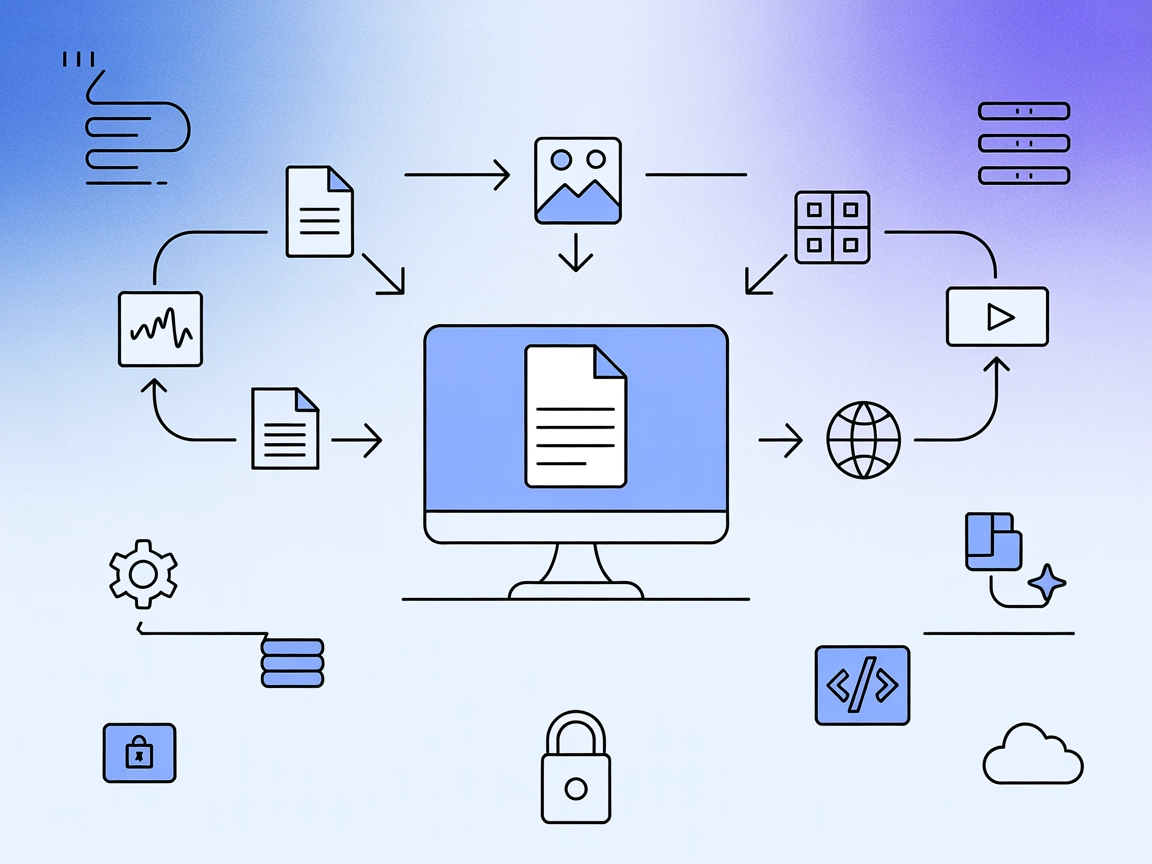
Integrate FlowHunt with Markdownify MCP Server to automate the conversion of PDFs, images, audio, DOCX, spreadsheets, presentations, and web content into markdo...
Cookie Consent
We use cookies to enhance your browsing experience and analyze our traffic. See our privacy policy.