


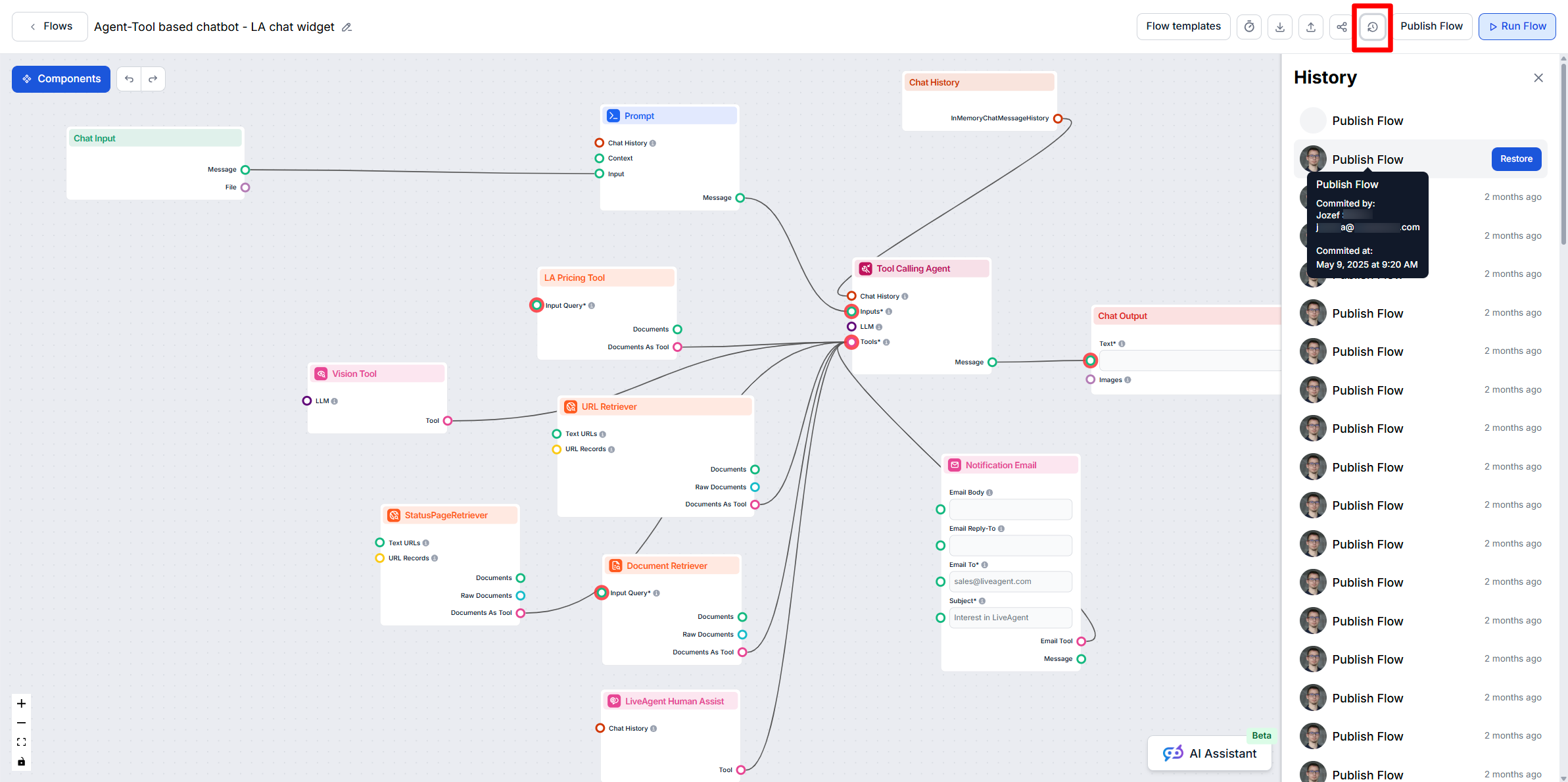
Understanding Flow Version History
Learn how FlowHunt AIStudio automatically manages your Flow version history, and how to review or restore previous versions if needed.
2 min read
Version History
AI
+2
Learn when to use the Run Flow and Publish Flow features in FlowHunt AIStudio to safely test and deploy your AI workflows.
When working in FlowHunt AIStudio, understanding the distinction between Run Flow and Publish Flow is essential for safe, controlled workflow development, especially if your Flow is already active in production (for example, embedded in a website chatbot). Below, we clarify the roles and recommended use cases for each function.
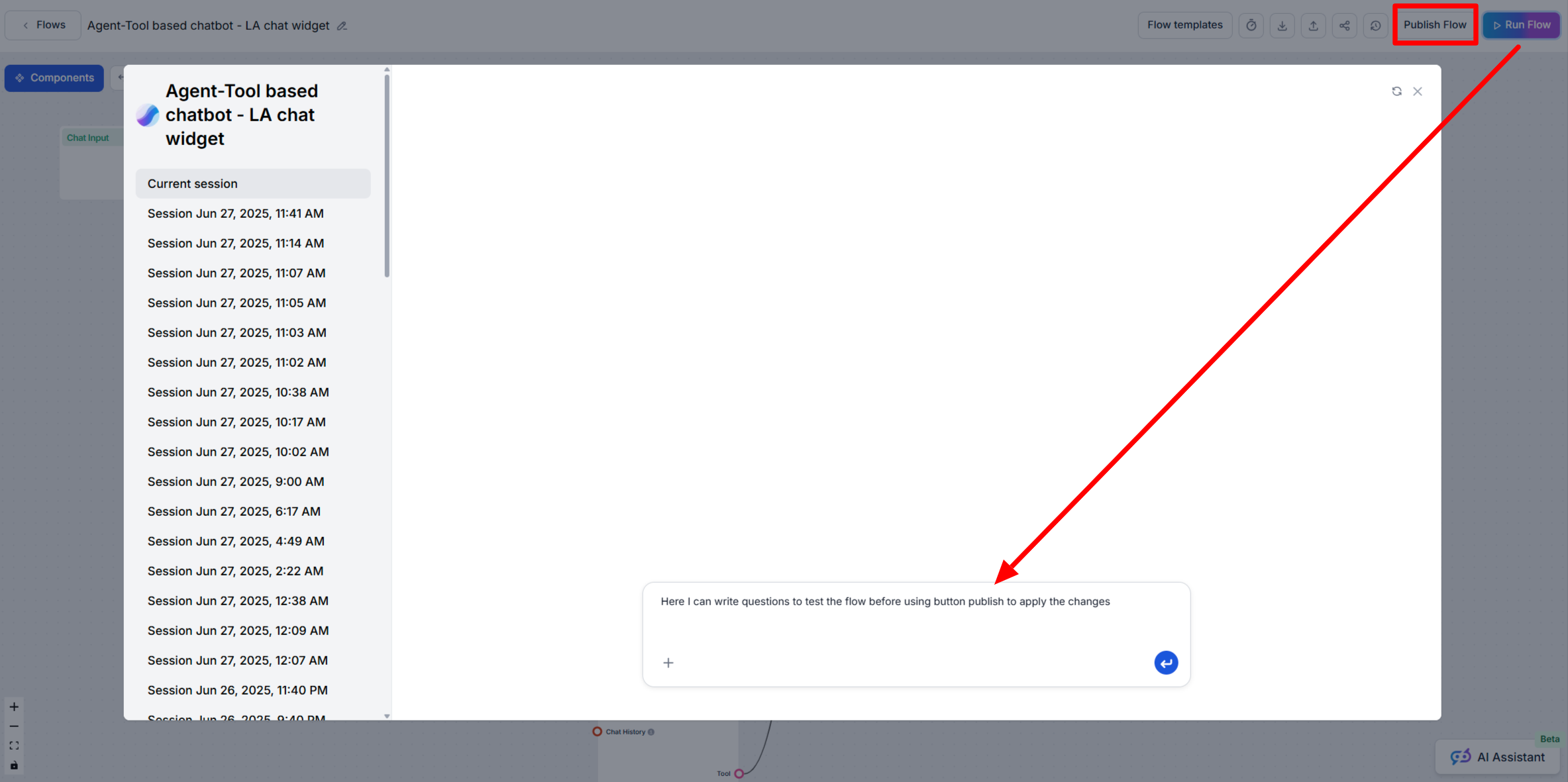
The Run Flow button allows you to test and experiment with your latest changes privately before exposing them to end users.
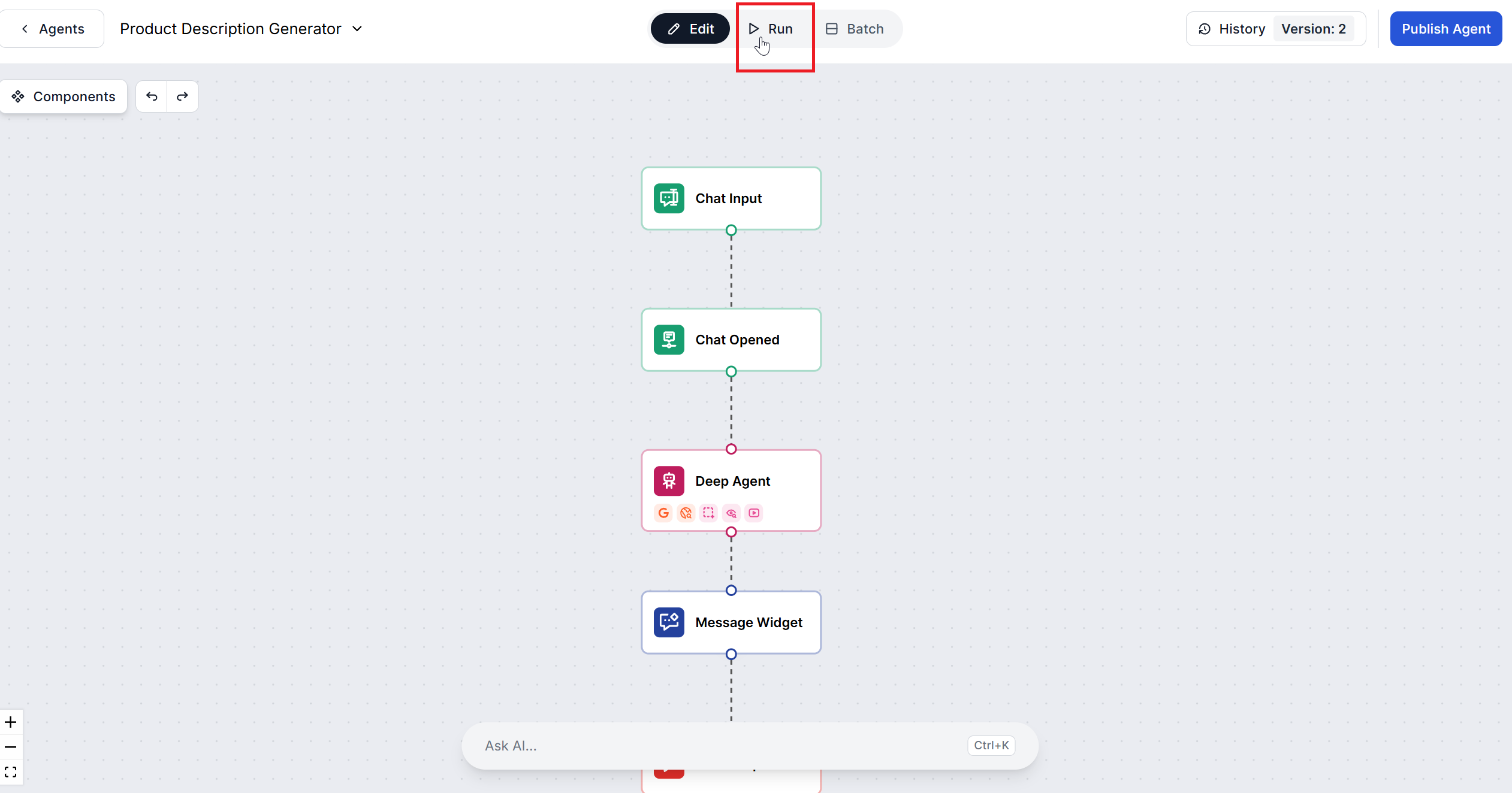
You want to refactor a step in your Flow or add a new integration. Use Run Flow to test changes and verify the output, all while your live users continue to interact with the unchanged, published version.
The Publish Flow button makes your changes public by replacing the existing version used everywhere the Flow is deployed (e.g., on your website or chatbot).
Our AI Agent will automatically analyze the new changes and generate a commit message. You can add your message instead or edit the generated one. Once you’re done, hit Publish and a new version gets created. You can view and manage past version via version control .
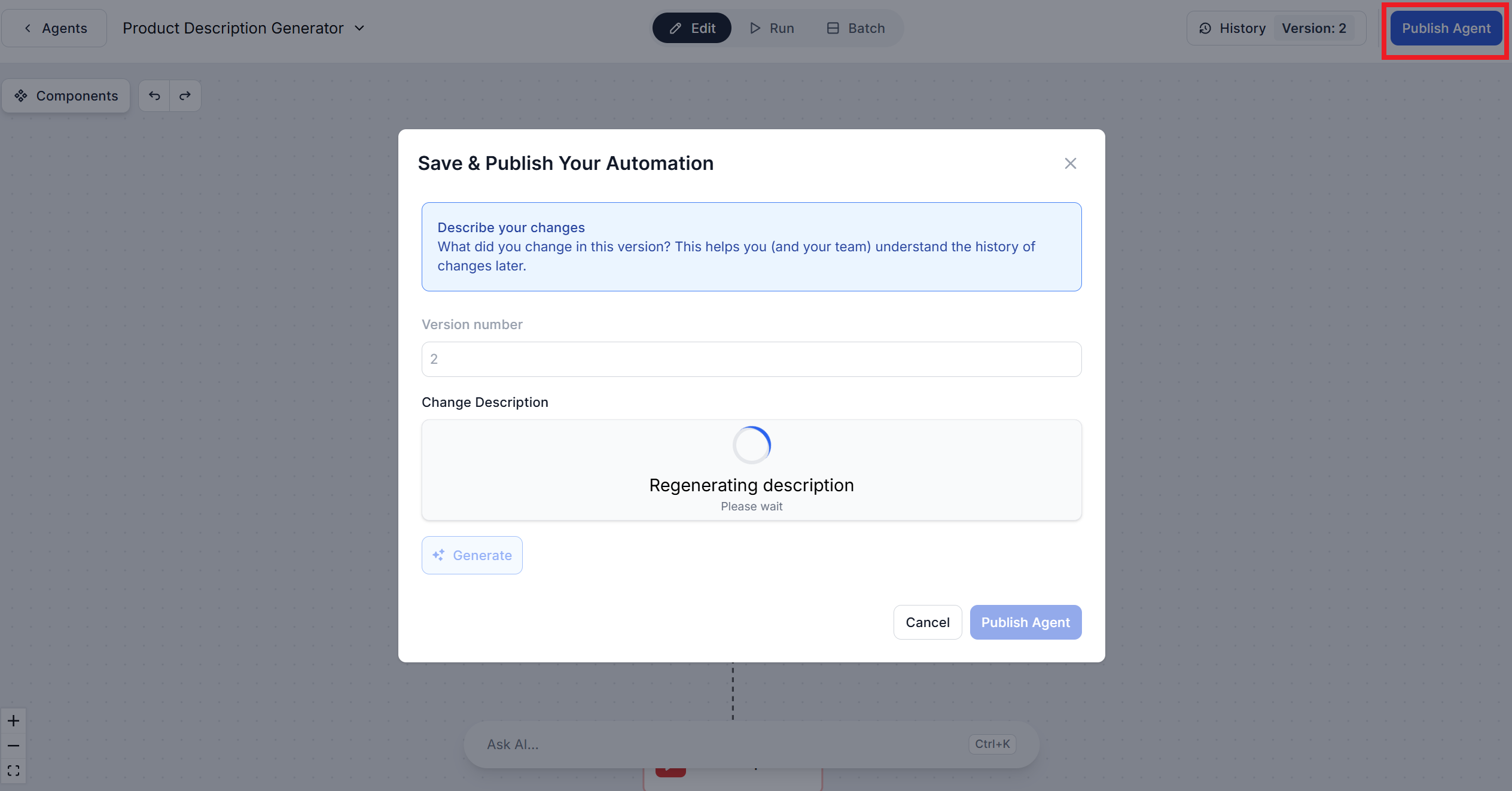
Once you’ve validated your changes with Run Flow, use Publish Flow to update the production system for all users.

Start your free trial today and see results within days.
Always test flow changes with Run Flow before using Publish Flow to push updates live. This ensures seamless and bug-free user experiences.
Learn how FlowHunt AIStudio automatically manages your Flow version history, and how to review or restore previous versions if needed.
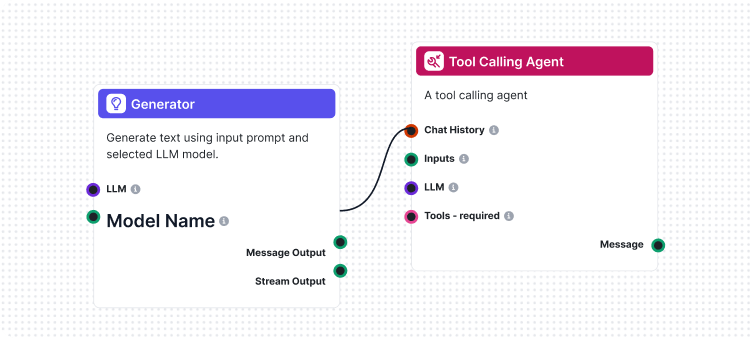
Flows are the brains behind it all in FlowHunt. Learn how to build them with a no-code visual builder, from placing the first component to website integration, ...
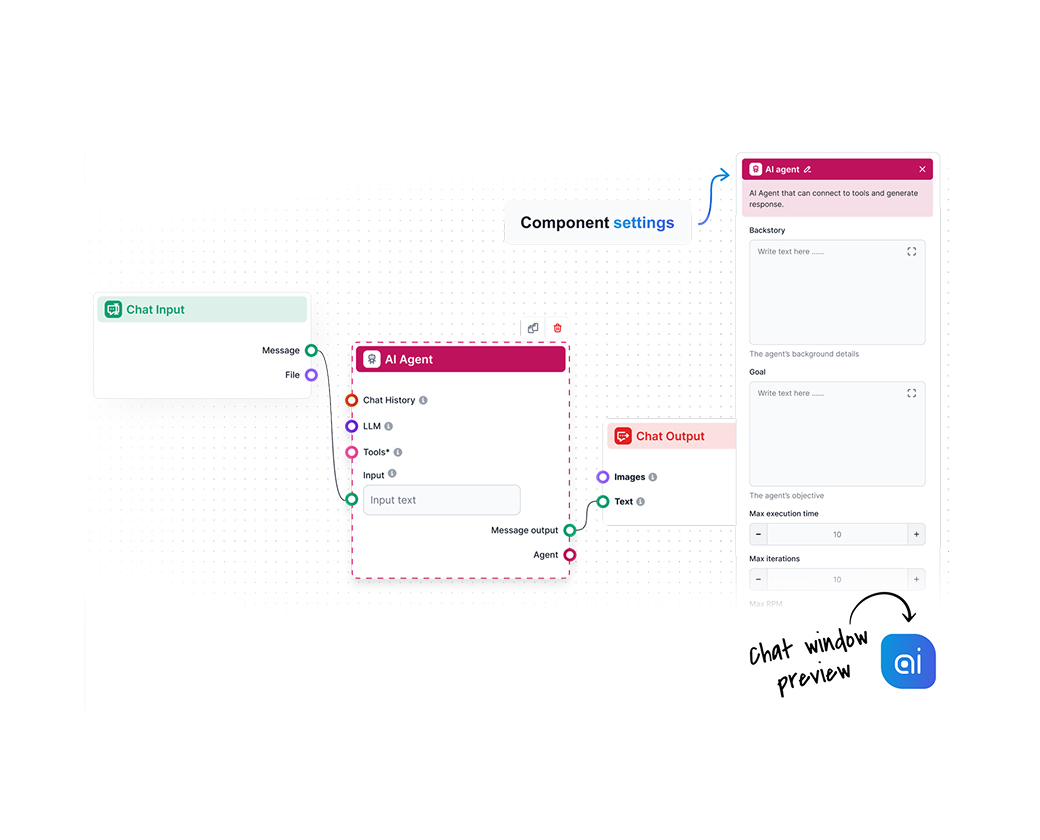
FlowHunt's visual AI workflow builder is a drag-and-drop canvas for connecting LLMs, tools, knowledge sources, and agents into runnable flows — no code, no devo...
Cookie Consent
We use cookies to enhance your browsing experience and analyze our traffic. See our privacy policy.