

Google Search Console MCP Server
Integrate Google Search Console data with AI assistants and developer tools using the Model Context Protocol (MCP). The Google Search Console MCP Server enables...
1 분 읽기
SEO
Search Console
+5

Automate Google Ads campaign management, performance monitoring, and optimization with AI-powered natural language control. Manage campaigns, analyze performance data, research keywords, and adjust bids directly through your AI assistant.
지난 30일간 모든 활성 캠페인의 성과 지표를 보여주세요
지난주에 $1000 이상 지출했지만 전환율이 2% 미만인 모든 캠페인을 나열하세요
지난 7일과 이전 30일의 캠페인 성과를 비교하세요
지난 7일 동안 노출 수가 30% 이상 감소했거나 비용이 40% 이상 증가한 캠페인을 찾으세요
미국을 대상으로 높은 검색량을 가진 '러닝화'에 대한 키워드 아이디어를 조사하세요
지난 30일 동안 $100 이상 지출했지만 품질 평가 점수가 5 미만인 모든 키워드를 보여주세요
지난 30일 동안 최소 3건의 전환이 있었지만 내 키워드 목록에 없는 모든 검색어를 찾으세요
품질 평가 점수가 7 이상이고 전환율이 5% 이상인 모든 키워드의 입찰가를 업데이트하세요
지난 14일 동안 CTR이 2% 미만이고 비용이 $500 이상인 모든 캠페인을 일시 중지하세요
전환율이 4% 이상이고 ROAS가 300% 이상인 캠페인의 예산을 50% 증가시키세요
ROAS가 200% 미만인 캠페인의 예산을 30% 줄이세요
클릭 최대화 입찰 전략을 사용하여 일일 예산 $50로 '친환경 물병'에 대한 새 검색 캠페인을 만드세요
전환을 목표로 일일 예산 $100로 Performance Max 캠페인을 만드세요
'무료', '저렴한' 또는 '대안'이 포함된 모든 검색어를 보여주세요. 클릭 수가 20회 이상이지만 전환이 0건인 경우
다음 50개의 제외 키워드를 모든 검색 캠페인에 추가하세요: [키워드 목록]
지난 60일 동안의 국가별 캠페인 성과를 ROAS별로 순위를 매겨 보여주세요
지난 30일 동안 모든 캠페인의 모바일, 데스크톱, 태블릿 간 전환율을 비교하세요
노출 수는 가장 많지만 CTR이 가장 낮은 국가를 찾으세요
FlowHunt는 귀하의 내부 시스템과 AI 도구 사이에 추가 보안 계층을 제공하여 MCP 서버에서 액세스할 수 있는 도구를 세밀하게 제어할 수 있습니다. 저희 인프라에서 호스팅되는 MCP 서버는 FlowHunt의 챗봇뿐만 아니라 ChatGPT, Claude 및 다양한 AI 편집기와 같은 인기 있는 AI 플랫폼과 원활하게 통합될 수 있습니다.
The Google Ads MCP Server is a comprehensive bridge between Google Ads and AI assistants using the Model Context Protocol (MCP). It enables natural language control of Google Ads campaigns, allowing you to manage campaigns, analyze performance, research keywords, update budgets and bids, and create new campaigns through conversational AI commands.
Key use cases include: automated performance reporting and analysis, AI-driven campaign optimization, natural language keyword research, budget management across multiple campaigns, automated bid adjustments based on performance data, competitor keyword analysis, negative keyword management, and creating campaigns and ad groups through conversational commands.
Store all sensitive credentials as environment variables. Never hardcode your developer token, client ID, client secret, or refresh token in configuration files. Use the 'env' field in your MCP server config to pass credentials securely. Additionally, restrict API access through Google Cloud Console permissions.
Yes, the server supports manager (MCC) accounts. Use the login_customer_id parameter to access sub-accounts under your MCC account. This enables centralized management of multiple client accounts through a single AI interface.
The server supports all major Google Ads campaign types including SEARCH, DISPLAY, SHOPPING, VIDEO, PERFORMANCE_MAX, DEMAND_GEN, LOCAL, SMART, APP, and DISCOVERY campaigns. You can create, manage, and optimize any campaign type through natural language commands.
The google_ads_run_gaql tool allows you to execute Google Ads Query Language (GAQL) queries for custom reporting. You can access any Google Ads data using SQL-like syntax, retrieve specific metrics and dimensions, apply filters and date ranges, and combine data from multiple resources for comprehensive analysis.
Yes, the server provides multiple bid management tools including individual keyword bid updates, batch bid updates for up to 1000 keywords at once, ad group CPC bid adjustments, and automated bid optimization based on performance metrics. Bids are specified in micros (1,000,000 micros = $1).
Add the MCP component to your FlowHunt flow and connect it to your AI agent. In the MCP configuration panel, insert your Google Ads MCP server details in JSON format. Once configured, your AI agent can access all Google Ads management capabilities for automated campaign optimization and reporting workflows.
Automate your Google Ads workflows, eliminate manual campaign management tasks, and empower your marketing team to optimize campaigns through natural language commands.
Integrate Google Search Console data with AI assistants and developer tools using the Model Context Protocol (MCP). The Google Search Console MCP Server enables...
Automate email marketing campaigns and customer engagement with the Klaviyo MCP Server. Integrate Klaviyo's powerful marketing automation platform with AI assis...
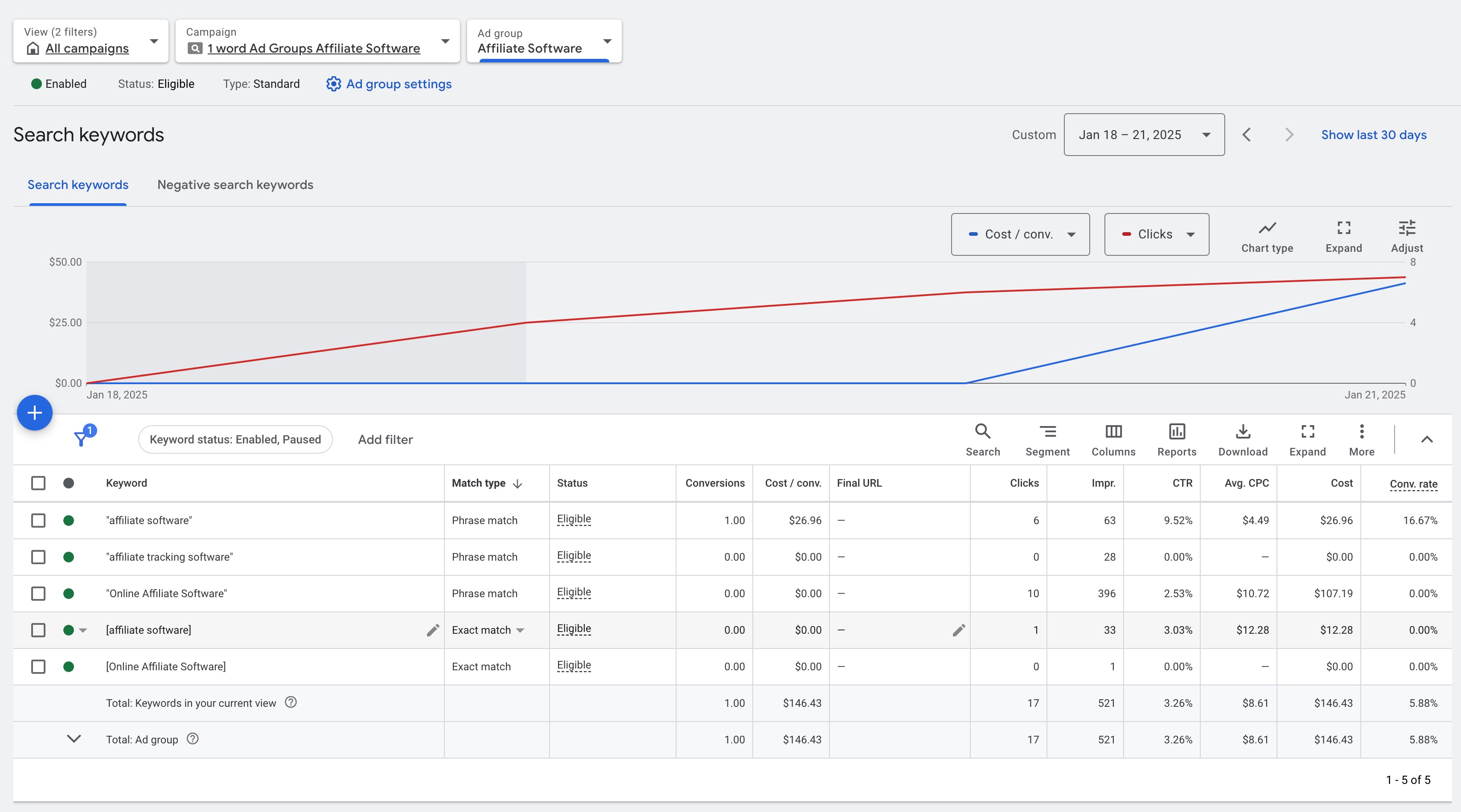
FlowHunt의 PPC AI 에이전트로 Google Ads의 부정 키워드를 자동화하세요. 관련 없는 쿼리를 제외하고 불필요한 비용을 줄이며 AI 기반 타겟팅과 손쉬운 캠페인 최적화로 전환율을 향상시킵니다....
쿠키 동의
당사는 귀하의 브라우징 경험을 향상시키고 트래픽을 분석하기 위해 쿠키를 사용합니다. See our privacy policy.