
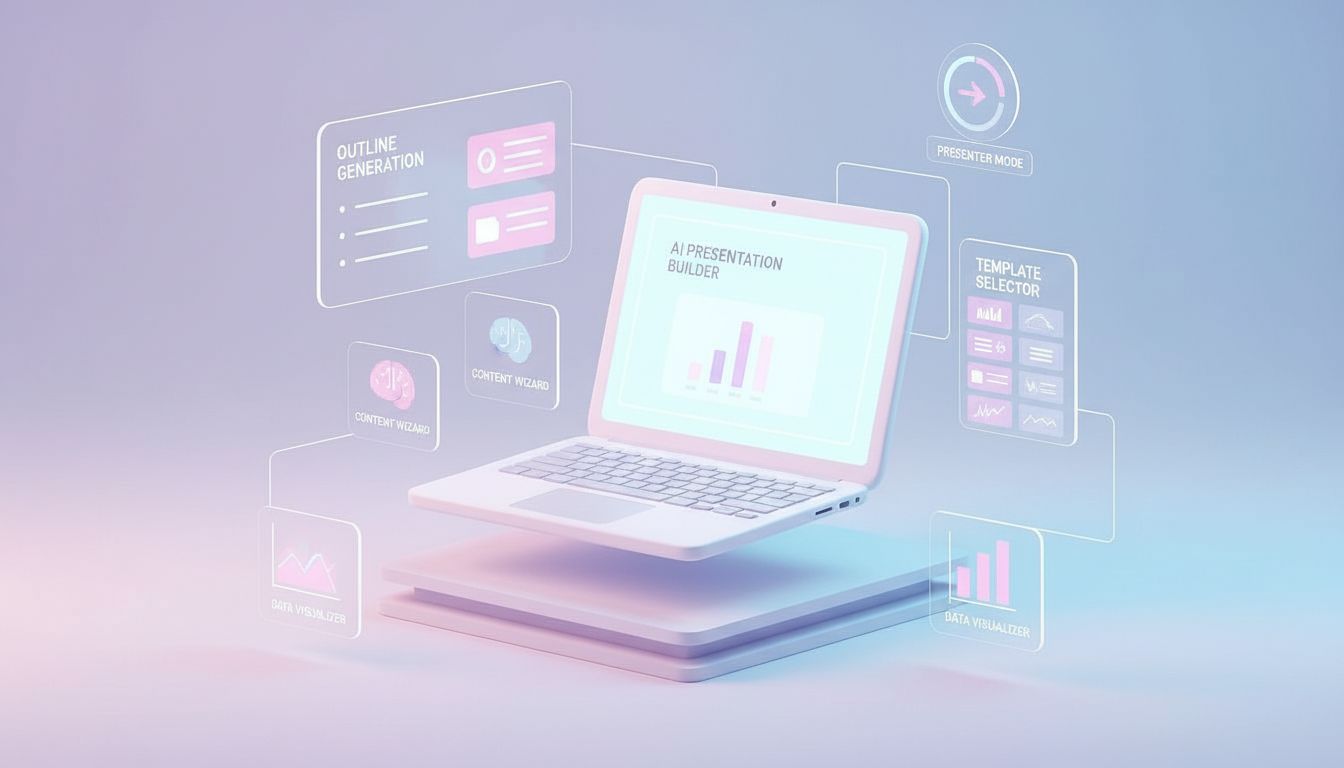
Getting Started with Copilot in PowerPoint
Learn how Copilot helps you draft presentations, refine content and work faster inside PowerPoint.
3 min read
Beginner
Copilot
+1
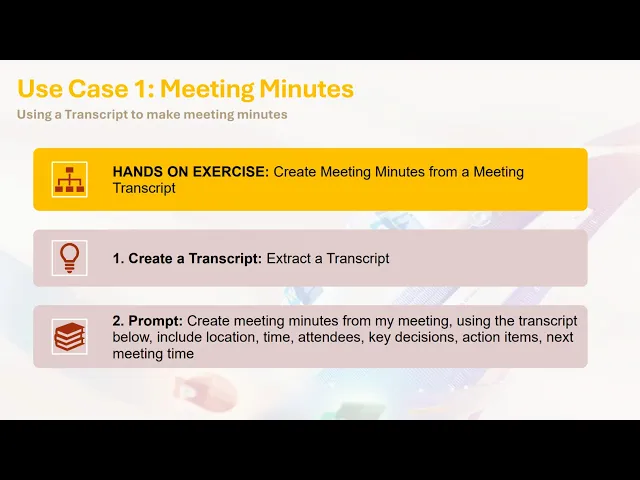
Learn how to turn a raw meeting transcript into clear, structured meeting minutes using Copilot Chat.
Designing meeting minutes is a common administrative task, yet it can be time consuming when starting from an unstructured transcript. Copilot Chat can convert a full transcript into clear, accurate meeting minutes in moments, which saves time and improves consistency.
Here are the three key points:
Read more AI Academy stories:
https://www.flowhunt.io/academy/
Manual note taking or rewriting heavily detailed transcripts can slow teams down. Copilot Chat automates the transformation of long, messy text into a tidy set of minutes with attendees, key decisions, action items and next steps. This supports faster alignment and reduces administrative load.
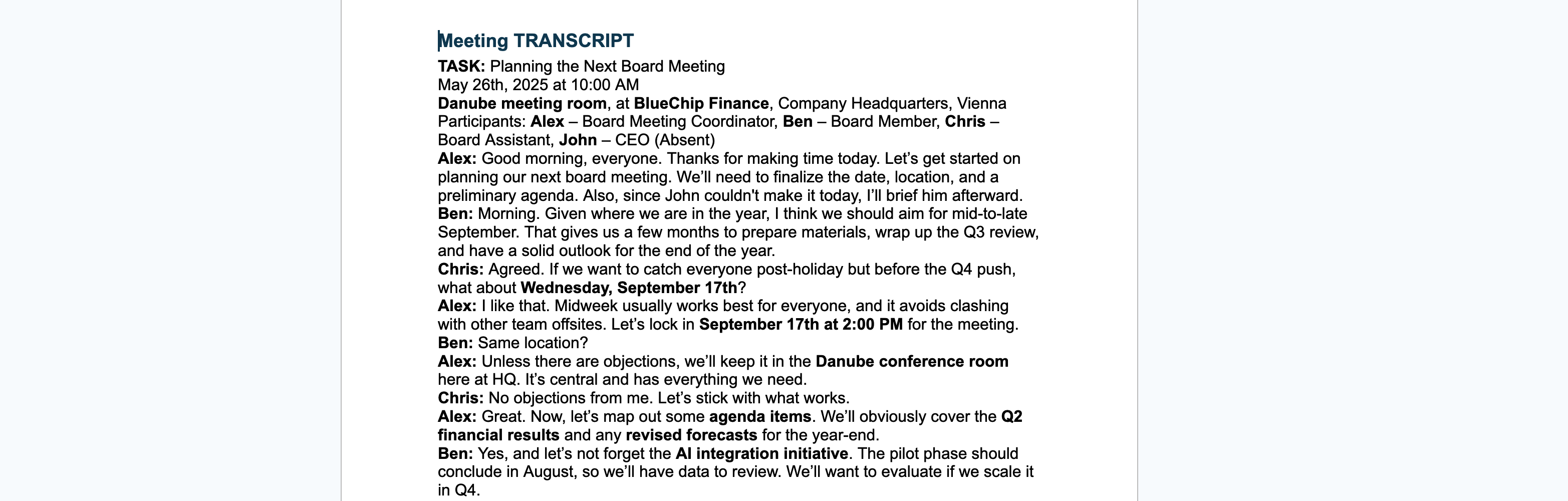
You can use any transcript created in:
Once the transcript is ready, copy the full text. Copilot only needs the raw content, so no special formatting is required.


Start your free trial today and see results within days.
The process relies on one clear instruction:
This gives Copilot a defined structure so the minutes are complete and easy to read.
Paste the transcript directly under the prompt.
Copilot then interprets:
In the example scenario, Copilot extracted information including:
{< lazyimg src="/images/academy/2.png" alt=“how to get AI-generated meeting minutes output” class=“rounded-lg shadow-md” >}
Get latest tips, trends, and deals for free.
Once generated, simply select Export to Word.
Copilot prepares a clean document containing:
This becomes ready to share with colleagues or archive for records.
If you want to master Copilot from the ground up and learn every essential skill for real world productivity, explore our Microsoft 365 Copilot Essentials training programme:
https://www.flowhunt.io/services/ai-training/microsoft-365-copilot-essentials/
We help companies like yours to develop smart chatbots, MCP Servers, AI tools or other types of AI automation to replace human in repetitive tasks in your organization.
Learn how Copilot helps you draft presentations, refine content and work faster inside PowerPoint.

Step-by-step guide on how to create simple meeting minutes in under five minutes using AI from your data.

Learn how to automate meeting minutes with AI. From simple GPT prompting to specialized FlowHunt tools, create meeting minutes in seconds.
Cookie Consent
We use cookies to enhance your browsing experience and analyze our traffic. See our privacy policy.