

How to Use Copilot in Microsoft Word
A clear introduction to the three main ways you can use Copilot inside Microsoft Word.
3 min read
Beginner
Copilot
+1

A clear explanation of how Work Mode and Web Mode function inside Copilot and how to choose the right one.
If you want to use Copilot safely and effectively, one of the most important things to understand is the difference between Work Mode and Web Mode. These two modes determine what information Copilot can access and what it can do with your prompts. Choosing the right one keeps your workflow smooth and your data protected.
Here are the three key points:
Read more AI Academy stories:
https://www.flowhunt.io/academy/
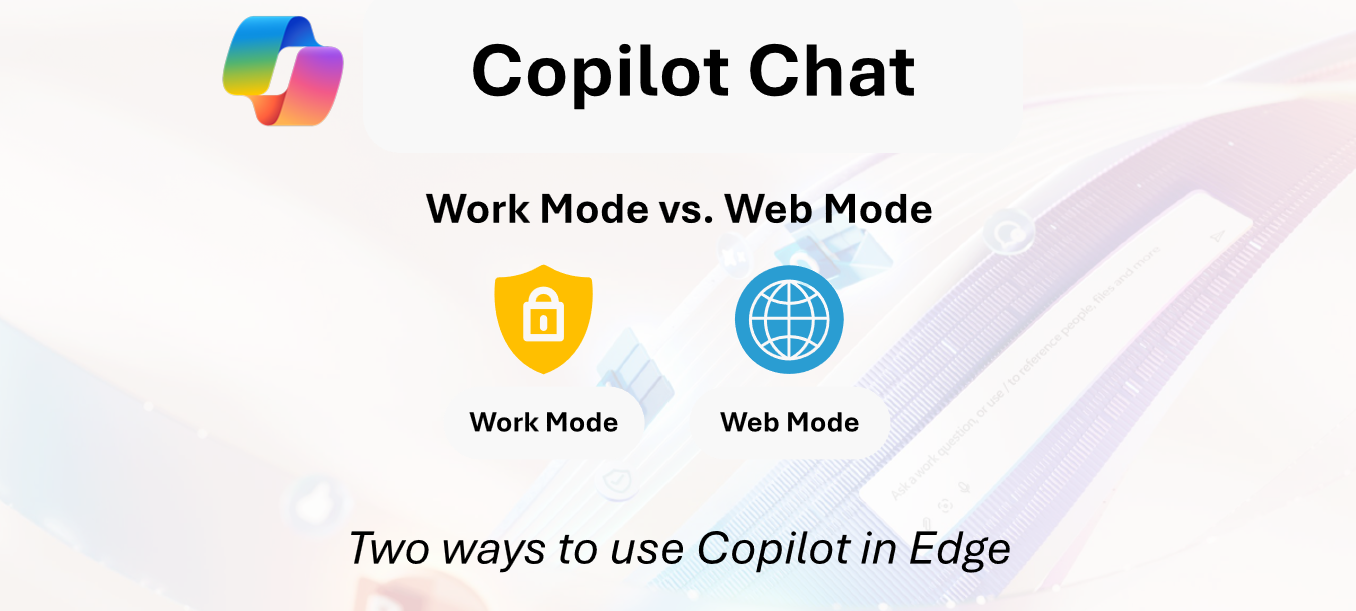
Work Mode is where Copilot becomes truly powerful within your organisation.
It can access:
This also means Work Mode can process a lot of personal data and internal information.
Use Work Mode when asking Copilot about:
Anything stored inside your Microsoft 365 environment becomes available for Copilot to read and analyse.
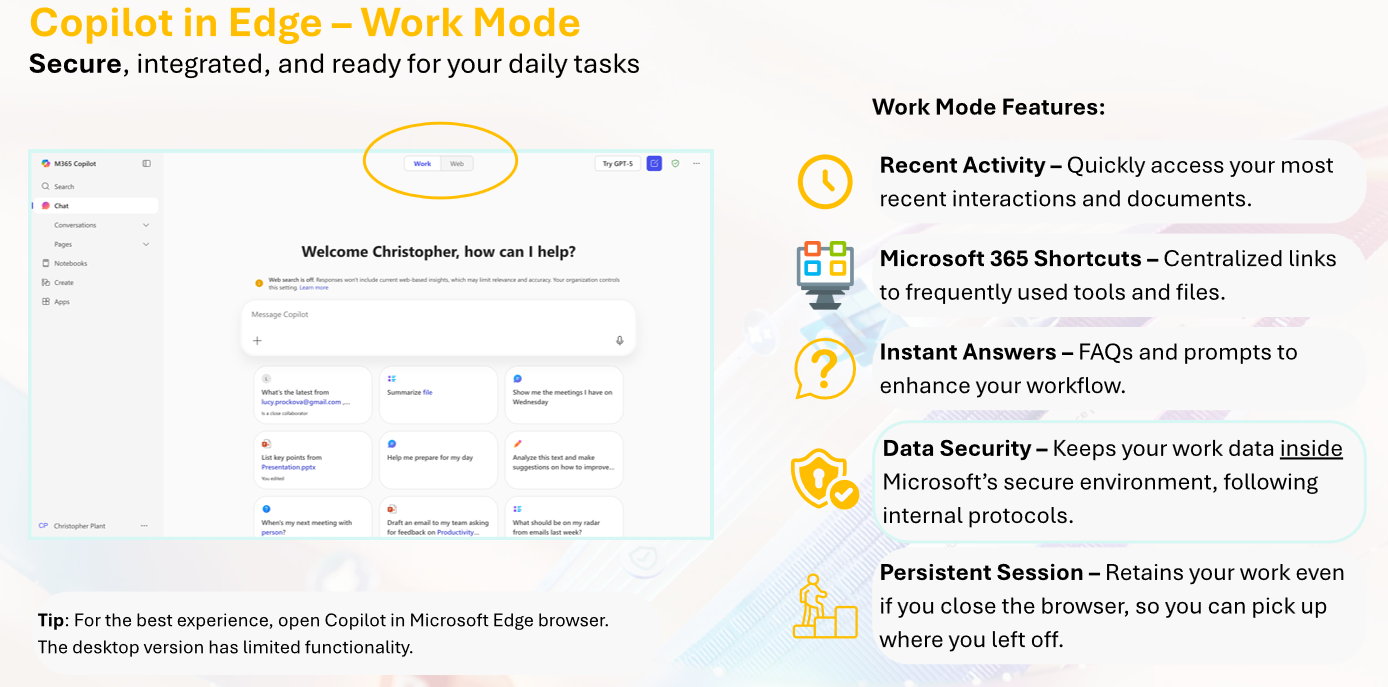
Web Mode connects Copilot to the Internet. It is ideal for:
You can still upload files in Web Mode, but Copilot does not have deep access to your organisational environment here.
It cannot open your OneDrive, SharePoint, or Teams data.
This keeps the mode lighter and more focused on external knowledge.

Start your free trial today and see results within days.
Switching is simple and safe.
You might start in Work Mode to review internal notes, then switch to Web Mode to ask:
What are the latest industry benchmarks?
After retrieving the insights, you can return to Work Mode and integrate them with your company’s internal data.
Choosing the correct starting mode saves time and prevents mistakes.
Work Mode operates inside the same secure environment as the rest of your organisation.
It benefits from:
Your data stays within your company’s protected ecosystem.
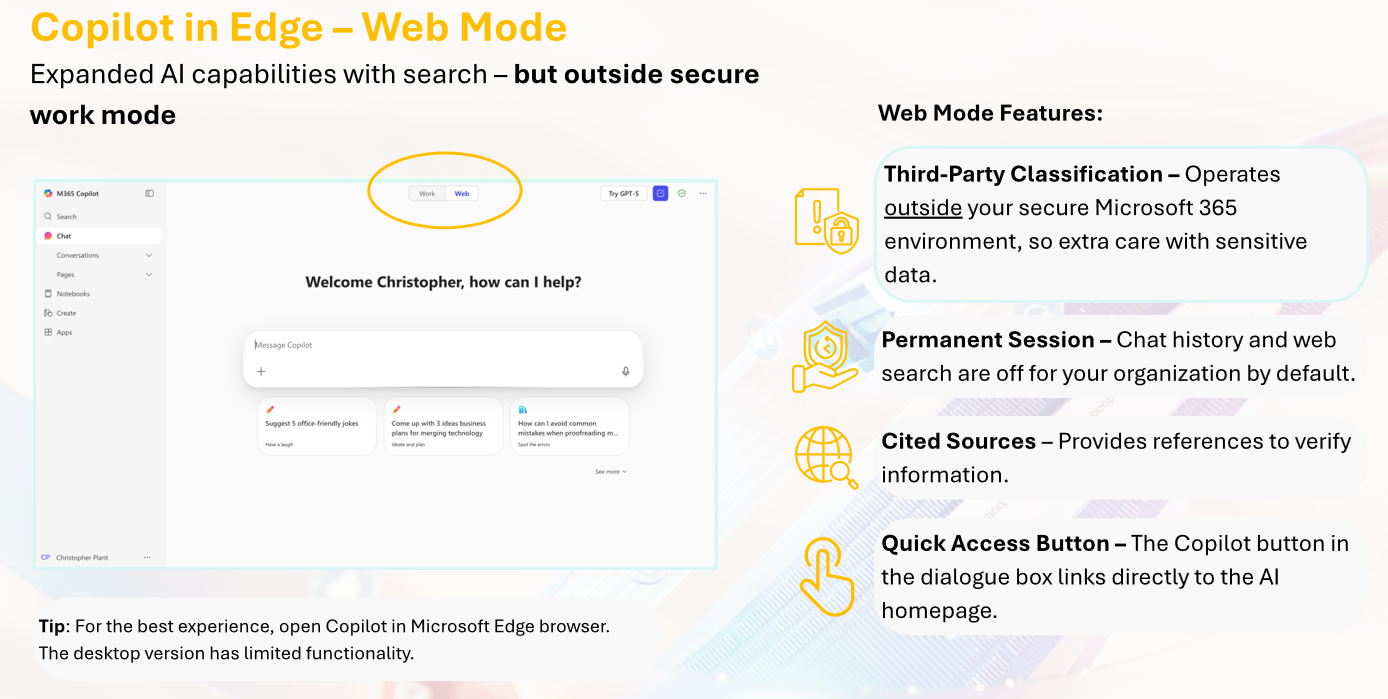
Web Mode functions as a third party application, similar to any external AI service. It does not follow the same enterprise security and compliance rules.
This means:
It is perfect for research, but not for sensitive information.
Get latest tips, trends, and deals for free.
Work Mode and Web Mode are designed to help you choose the right level of access and safety for your task. You can:
If you want to fully understand Copilot and use it effectively across Microsoft 365, explore our Microsoft 365 Copilot Essentials training programme:
https://www.flowhunt.io/services/ai-training/microsoft-365-copilot-essentials/
We help companies like yours to develop smart chatbots, MCP Servers, AI tools or other types of AI automation to replace human in repetitive tasks in your organization.
A clear introduction to the three main ways you can use Copilot inside Microsoft Word.

A clear overview of the key capabilities Copilot brings into Microsoft Word to help you draft, analyse, and refine content.

A clear introduction to the Copilot chat interface, its layout, and how to start using it effectively.
Cookie Consent
We use cookies to enhance your browsing experience and analyze our traffic. See our privacy policy.