

Getting Started with Copilot in PowerPoint
Learn how Copilot helps you draft presentations, refine content and work faster inside PowerPoint.
3 min read
Beginner
Copilot
+1
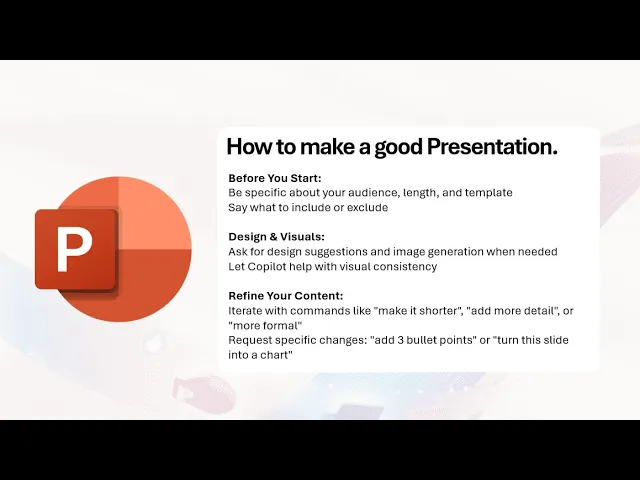
Practical guidance on prompting, refining and collaborating with Copilot to build strong presentations.
To get strong results from Copilot in PowerPoint, the key is clear instructions and iterative refinement. Copilot can support you with structure, writing and visuals, but the quality of the outcome improves when you guide it with specific information.
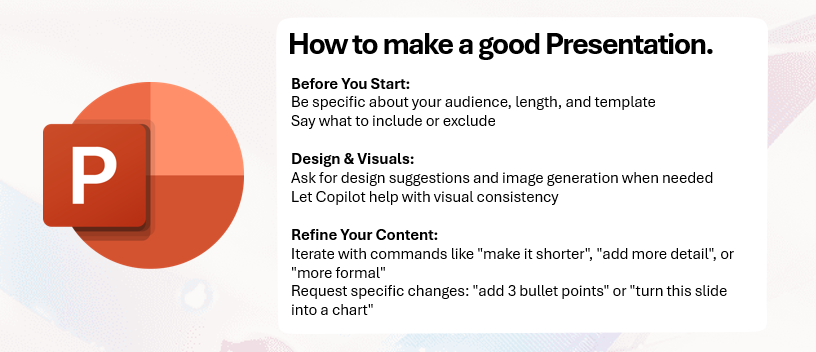
Here are the three key points:
Read more AI Academy stories:
https://www.flowhunt.io/academy/
Before generating anything, tell Copilot exactly what you want. Include details such as:
If there are sections you do not want, say so directly. For example: exclude financial details or remove product history. The clearer the instructions, the stronger the first draft.
Copilot can support your design process by creating visuals on demand. You can request:
For example, generate an image of a modern office space. Copilot produces visuals that match the content of your slides, which speeds up your design workflow.

Start your free trial today and see results within days.
Your first draft will rarely be perfect. Copilot is designed to respond to refinement. You can ask it to:
This iterative process lets you shape the presentation step by step while Copilot handles the writing and layout adjustments.
You bring subject knowledge. Copilot brings drafting speed and design support. Together, you can create a strong presentation far faster than working alone. Use Copilot to handle structure, improve visuals and adjust tone while you focus on the message you want to deliver.
Get latest tips, trends, and deals for free.
If you want to master Copilot from the ground up and learn every essential skill for real world productivity, explore our Microsoft 365 Copilot Essentials training programme:
https://www.flowhunt.io/services/ai-training/microsoft-365-copilot-essentials/
We help companies like yours to develop smart chatbots, MCP Servers, AI tools or other types of AI automation to replace human in repetitive tasks in your organization.
Learn how Copilot helps you draft presentations, refine content and work faster inside PowerPoint.
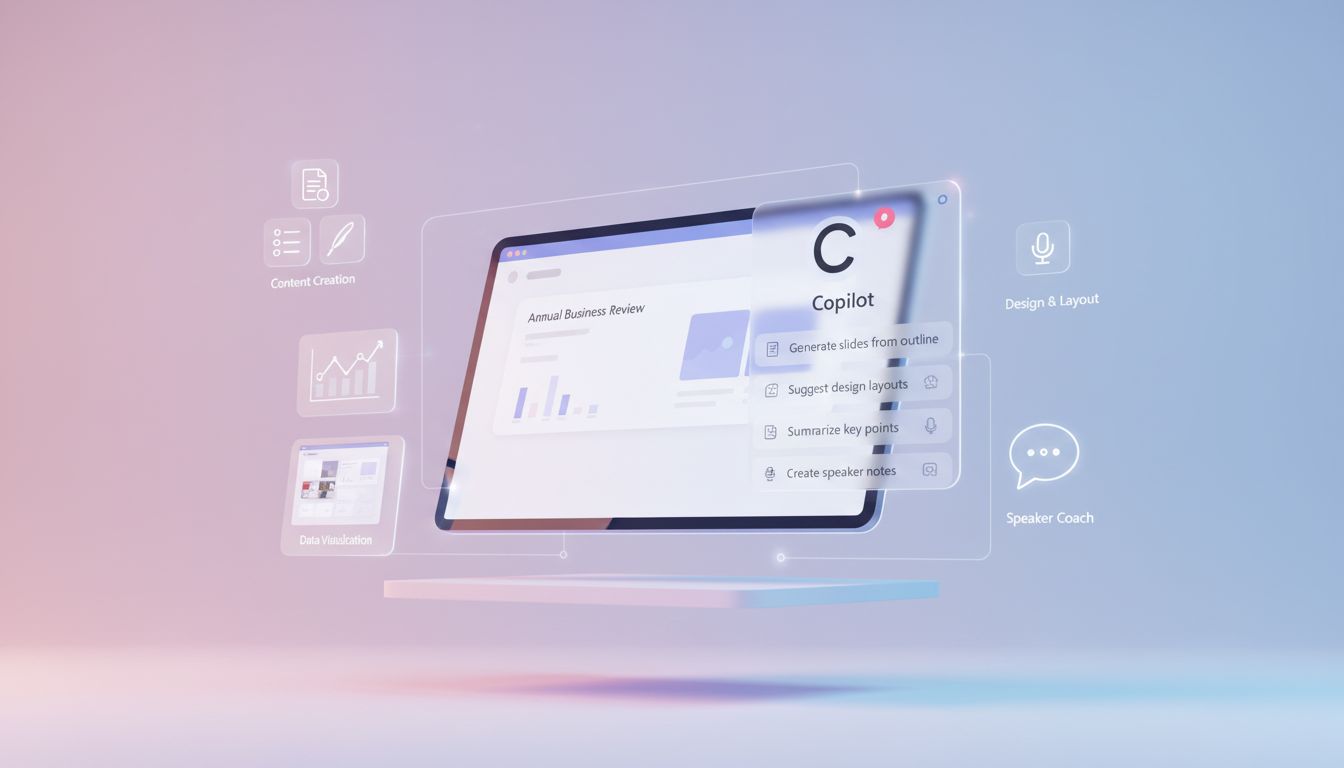
A clear walkthrough of Copilot’s key capabilities in PowerPoint, from drafting slides to checking accuracy.

A super-easy, step-by-step guide for anyone who needs to write and deliver a short speech using Microsoft Copilot. No writing skills or experience required—just...
Cookie Consent
We use cookies to enhance your browsing experience and analyze our traffic. See our privacy policy.