AI Invoice Processing Tools Compared: FlowHunt vs Rossum vs Docsumo
FlowHunt, Rossum, Docsumo, Nanonets, and Klippa compared on invoice format handling, integrations, and premium pricing. See which AI invoice processing tool fits your volume and budget.
We compared AI invoice processing tool
options across five invoice formats, a standard PDF, scanned image, low-quality photo, foreign-language, and non-standard layout. Here’s the format-handling breakdown, integration options, and the price comparison.
What We Compared and How
This isn’t a lab benchmark where we ran the same 50 invoices through five separate systems and logged error rates. None of these vendors publish a shared, independently audited accuracy benchmark, and running one ourselves wasn’t in scope here. What follows instead is a capability comparison built from each vendor’s own product documentation, published pricing pages, and independent review data (G2, Capterra, GetApp), evaluated against the same five invoice-format categories and the same six criteria:
Format handling: standard PDFs, scans, low-quality photos, foreign-language invoices, and non-standard layouts.
Extraction approach: fixed templates, hybrid rules-plus-AI, or template-free AI.
Integrations: accounting and ERP connections, native or via API.
Pricing: each tool’s actual lowest published paid tier — not a free trial, since FlowHunt doesn’t have a permanent free tier and comparing it against competitors’ free tiers wouldn’t be a fair fight.
Contract terms: monthly vs. annual commitment, minimum contract length.
Best-fit team size: who each tool is actually built for.
FlowHunt AI Invoice Processing: Results
The Invoice Data Extractor
combines OCR with AI reasoning to read invoice images and return the key fields as a markdown table, plus a CSV with with more detailed output. It works from scans, photos, or screenshots directly in chat, and detects the invoice’s language automatically rather than needing it set in advance.
Strengths:
Template-free extraction: The model looks for what a field means rather than where it sits, so a new vendor’s layout or a non-standard invoice works without configuration.
Credit-based pricing: At roughly 0.01-0.02 credits per invoice, even the €50/month Starter plan’s 50 credits cover thousands of invoices a month if extraction is the main use of the platform. But the platform also includes hundreds of other useful AI workflows.
No contract minimum: Month-to-month, no annual commitment required, unlike Rossum’s one-year minimum.
MCP-based integration: Connects directly to Xero, and via MCP servers can generally be wired into other accounting or ERP tools without a pre-built connector.
Limits:
No built-in duplicate detection or approval routing: These need to be added as extra steps (a Conditional Router plus a notification step) in FlowHunt’s visual builder.
No dedicated AP workflow layer: FlowHunt is a general AI workflow platform, not a purpose-built AP suite, so there’s no native approval-chain or master-data-matching module out of the box.
Best fit: Teams that want low-cost, template-free extraction without an enterprise contract, and are comfortable building any additional approval or duplicate-check logic themselves.
Ready to grow your business?
Start your free trial today and see results within days.
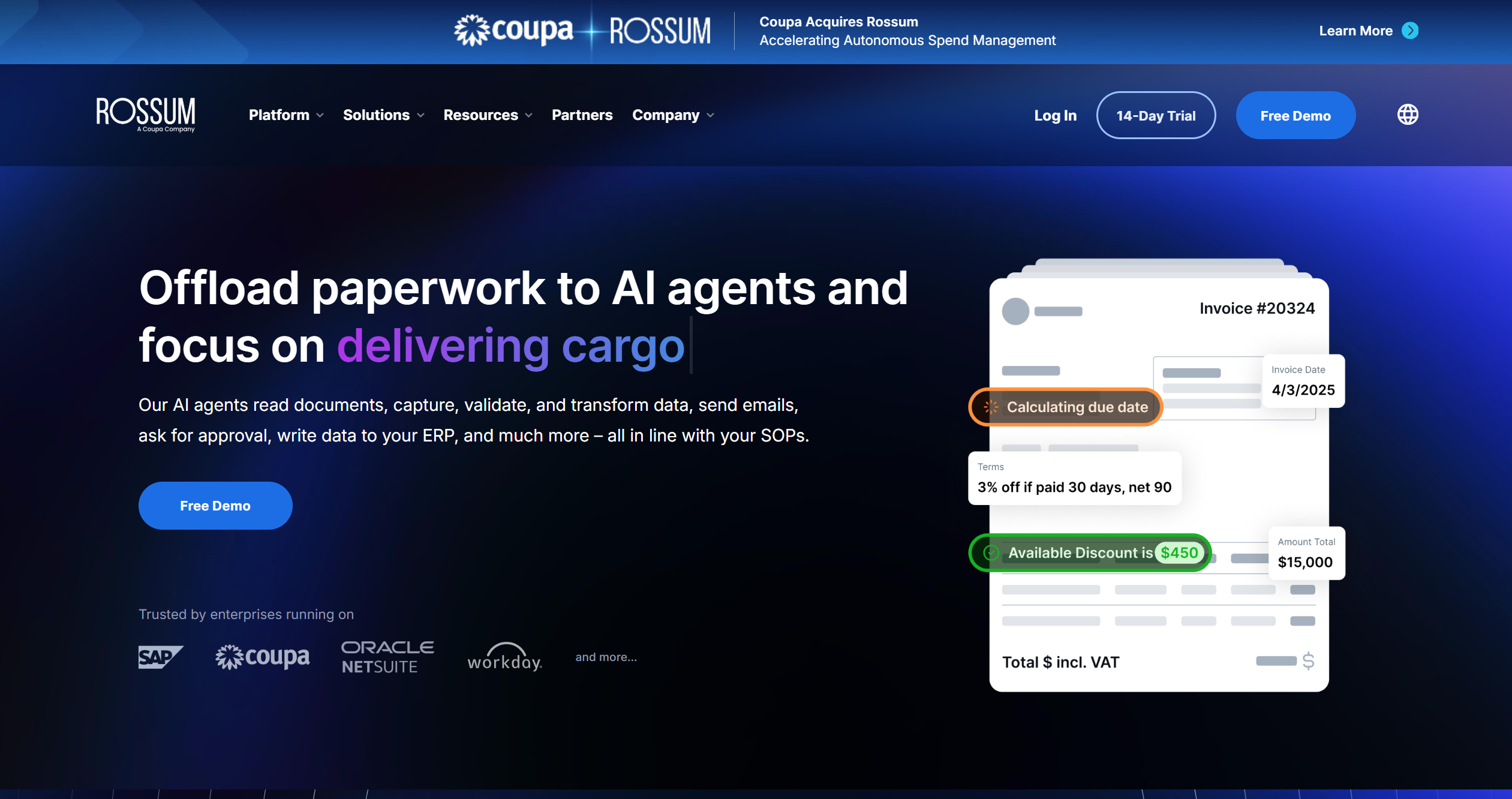
Rossum pairs AI-based extraction with a full AP workflow — capture, validation, approval routing, and ERP integration. Its AI is trained specifically on invoices and purchase orders. Duplicate detection and master data matching are built in from the Business tier up, along with integrations for SAP, Coupa, Oracle, and Workday.
Strengths:
Full AP workflow, not just extraction: Capture through approval and ERP posting in one platform.
Enterprise-grade validation: Master data matching and duplicate detection are native, not bolted on.
Unlimited seats: Even the Starter plan doesn’t cap the number of users.
Limits:
Starting at $18,000/yearfor the Starter plan, with Business and Enterprise tiers requiring a custom quote
One-year minimum contract, which rules it out for teams that want to test at low commitment.
Best fit: Large enterprises with ERP systems already in place and a budget that starts in five figures annually.
Docsumo: Results
Docsumo uses a hybrid of rules-based and AI extraction with a human-in-the-loop review interface that highlights low-confidence fields and learns from corrections. It’s built to work well when invoices keep arriving from a fairly stable set of vendors. It’s commonly cited as effective for 20-50 recurring vendors, and integrates natively with QuickBooks and Xero.
Strengths:
Human review built into the workflow: Low-confidence extractions are flagged for review rather than silently guessed.
Direct QuickBooks and Xero integration: No CSV export step needed for those two platforms specifically.
Continuous learning: The model improves on your specific vendor formats as corrections are made.
Limits:
$499/month Starter plancovering 5,000 pages, with Business and Enterprise both requiring a custom quote. This is a bigger jump from entry to mid-market pricing than FlowHunt or Klippa.
Best suited to stable vendor lists: Teams with constantly changing, one-off vendors get less benefit from its learning-based accuracy gains.
Best fit: Mid-sized finance teams with a fairly consistent vendor list who want a review layer built into the extraction process.
Join our newsletter
Get latest tips, trends, and deals for free.
Accuracy Comparison Across 5 Invoice Types
Format
FlowHunt
Rossum
Docsumo
Nanonets
Klippa (Doxis AI.dp)
Standard PDF
Handled — convert to image first (or use Chat with PDF
for text-based PDF Q&A)
FlowHunt: Markdown table in chat plus CSV export (company name, VAT ID, service description, amount); direct Xero integration
via MCP; connects to other systems through MCP servers rather than a fixed integration list.
Rossum: API access on every tier; SAP, Coupa, Oracle, and Workday integrations from the Business tier up.
Docsumo: Native QuickBooks and Xero integrations, plus webhooks, API, and Excel export on every paid tier.
Klippa (Doxis AI.dp): Accounting and ERP integrations plus SSO, available from the Custom/enterprise tier.
If your workflow also involves checking a contract or terms document alongside the invoice, Chat with PDF
is a useful pairing regardless of which extractor you use. It answers questions from the document itself rather than extracting fixed fields.
Price Comparison by Volume Tier
Using each vendor’s lowest published paid tier (not a free trial):
Tool
Entry paid plan
Volume included
Effective cost pattern
FlowHunt
€50/month (Starter)
Not capped; ~0.01-0.02 credits/invoice
Thousands of invoices possible within 50 monthly credits if extraction is the main use
At 1,000 invoices a month, the gap is stark. Rossum’s $18,000/year works out to $1,500/month regardless of whether you hit that volume, Docsumo’s $499/month Starter plan is already near its 5,000-page ceiling, Klippa’s €275/month Premium plan covers it directly, and FlowHunt’s credit consumption for that volume alone stays well under its €50/month Starter plan (assuming extraction is the account’s primary workload).
Which Invoice Processing Tool Should You Use?
Choose FlowHunt if you want low-cost, template-free extraction without an annual contract, and you’re comfortable adding your own approval or duplicate-check logic on top. It’s also the strongest fit if your invoices span multiple languages, since language detection is automatic rather than a configured setting. FlowHunt also applies the same extract-and-structure pattern outside of invoices.
Choose Rossum if you’re an enterprise with ERP systems already in place and need a full capture-to-approval AP workflow, and a five-figure annual contract isn’t a barrier.
Choose Docsumo if your invoices come from a fairly stable set of 20-50 vendors and you want a human review layer built into the extraction process rather than fully hands-off automation.
Choose Nanonets if you have the technical comfort to train custom extraction models per vendor and want fine-grained control over field definitions.
Choose Klippa (Doxis AI.dp) if you’re processing invoices in many European languages, need built-in VAT validation, and want duplicate detection included at a small-business price point.
Klippa (rebranded to Doxis AI.dp after SER Group's 2025 acquisition) is built specifically around low-quality scans and mobile photos, with 30+ language support and built-in VAT validation on top. FlowHunt and Nanonets both use AI-model extraction rather than fixed templates, which tends to hold up better on irregular layouts and imperfect scans than the hybrid rules-plus-AI approach Docsumo uses.
Nanonets and Docsumo both list direct QuickBooks and Xero integrations out of the box, and Nanonets adds Zapier, SAP Business One, and several other apps on top. Rossum's ERP integrations (SAP, Coupa, Oracle, Workday) only unlock on its Business tier and up. FlowHunt connects to Xero? Zapier and more, and since it connects through MCP servers rather than a fixed integration list, can generally be wired into any accounting or ERP tool that exposes an MCP server or API.
Rossum is built for this scale, with unlimited seats and enterprise-grade validation and workflow tooling, but its pricing starts at $18,000/year and requires a one-year contract. Klippa's Premium plan covers up to 12,000 invoices a year (about 1,000/month) at €275/month. FlowHunt starts at $50, and since extraction runs at roughly 0.01-0.02 credits per invoice, 1,000 invoices a month uses a small fraction of even the Starter plan, though heavier combined platform usage would draw down that pool faster.
On published pricing, FlowHunt and Klippa are the two realistic options for small businesses. Klippa's Effective plan is €95/month for up to 4,000 invoices a year. FlowHunt's Starter plan is €50/month, which budget covers thousands of invoices if extraction is the primary use of the account. Docsumo's cheapest published plan is $499/month, and Rossum's is $18,000/year — both aimed at mid-market and enterprise budgets rather than small teams.
None of the five offers a permanent, production-ready free tier. Docsumo gives a 14-day trial covering up to 1,000 pages, Nanonets starts new accounts with $200 in usage credits, Rossum offers a 14-day trial with no credit card required, and Klippa starts accounts with €25 in free credits. FlowHunt's trial is 7 days limited to 5 credits. All five are effectively try-before-you-buy trials rather than tiers you could run a real invoice volume on indefinitely.
Try FlowHunt's AI Invoice Processing
Upload an invoice image and get structured data back in seconds, at a fraction of the cost of an enterprise AP platform. Try FlowHunt's Invoice Data Extractor free.
AI Invoice Processing: Extract Your First Invoice Dataset in 5 Minutes
A step-by-step walkthrough of FlowHunt's Invoice Data Extractor, from uploading your first invoice to downloading a structured CSV ready for your accounting sys...
Discover how an Invoice Data Extractor OCR Flow can streamline your financial processes by automating the extraction and organization of invoice data. Learn abo...
AI OCR Invoice Data Extraction with a Simple Python Script
Discover a scalable Python solution for invoice data extraction using AI-based OCR. Learn how to convert PDFs, upload images to FlowHunt’s API, and retrieve str...
7 min read
AI
OCR
+6
Cookie Consent We use cookies to enhance your browsing experience and analyze our traffic. See our privacy policy.