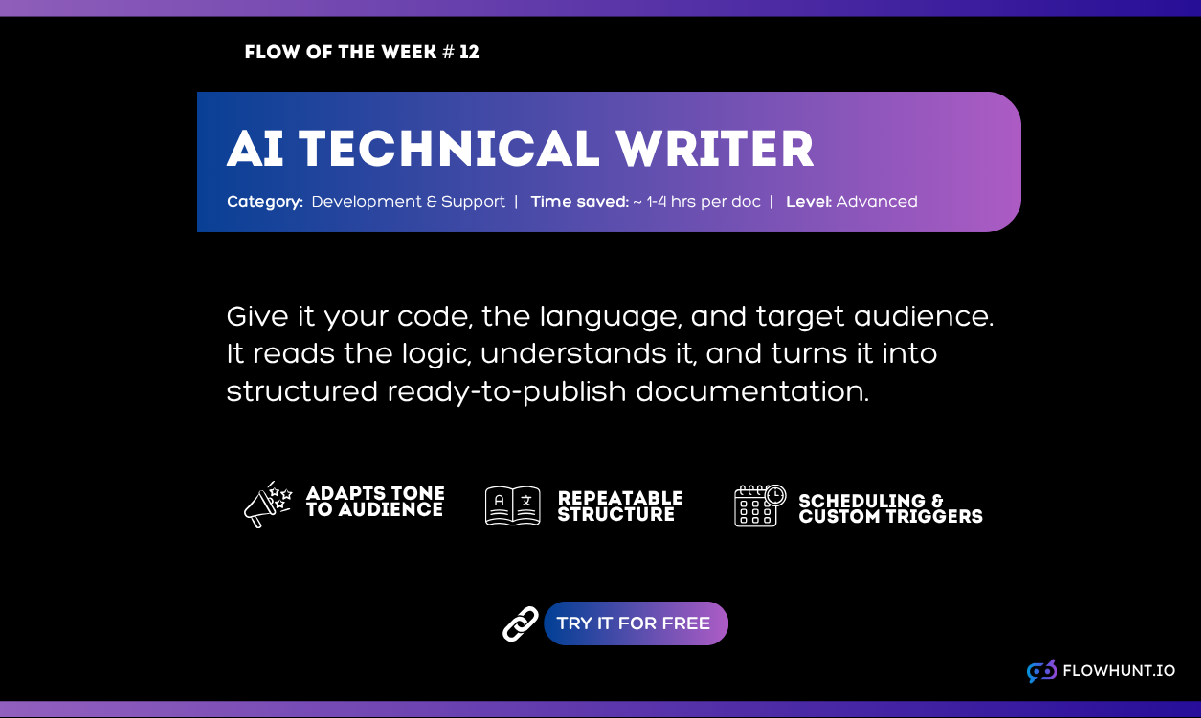
Flow of the Week is back. This week’s pick is for teams that never stop moving forward, because there’s always a bigger problem than the docs waiting to be solved. And on the rare occasion someone does circle back, the code has usually changed enough that the old write-up needs redoing anyway.
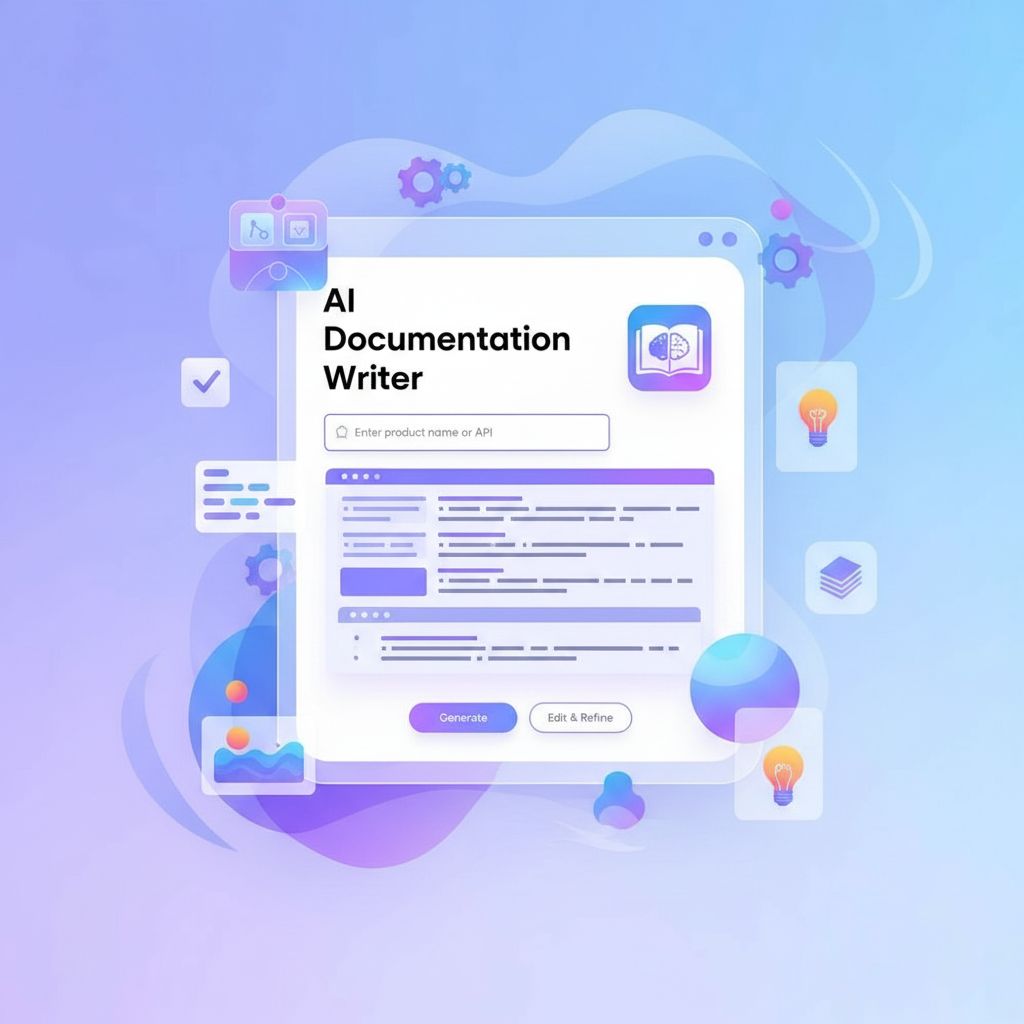
The AI Documentation Writertakes your actual source code and turns it into a structured, audience-aware technical manual. No blank page, no reverse-engineering your own logic three months later.
Code in. A complete technical document out, in seconds.
The Problem: Documentation Is Always the First Thing Cut
Every team knows documentation matters, and every team still deprioritizes it the moment a deadline tightens. Writing it manually means translating logic you already understand into language someone else needs, for an audience that changes depending on whether you’re writing an API reference, a client handoff, or an onboarding doc for the new hire who joined last week.
The result is a README that’s two versions behind, an internal wiki page nobody trusts, and institutional knowledge that lives entirely in one person’s head until they leave. Writing documentation from scratch every time quickly turns into a bottleneck that gets skipped as soon as something more urgent shows up.
What the AI Documentation Writer Does
The AI Documentation Writer
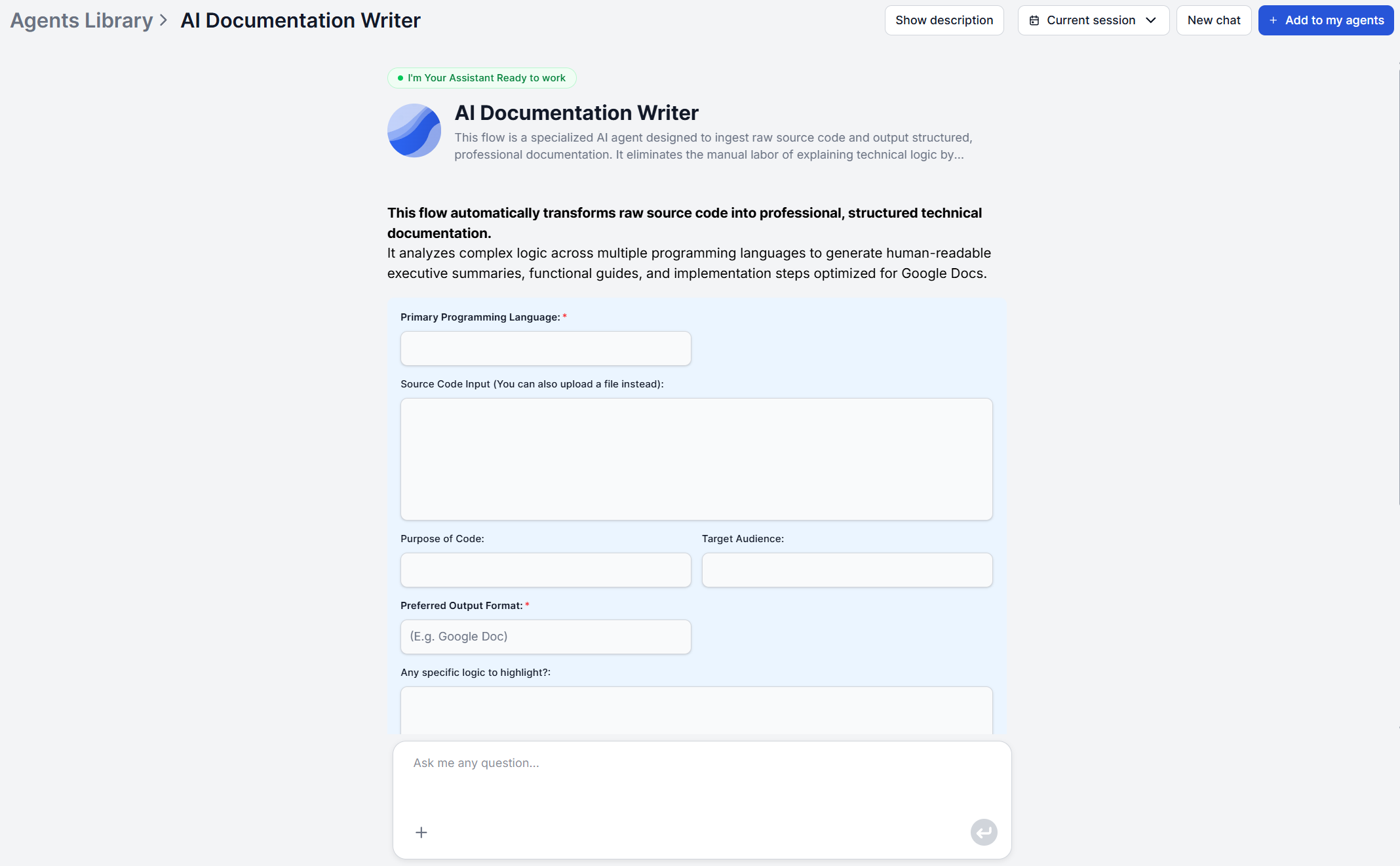
takes your source code plus a handful of context fields, programming language, target audience, purpose, preferred output format, and runs it through a three-stage process:
Code analysis — interprets the core functionality, data flow, and structural logic of what you provided, whether it’s a full codebase or a partial snippet.
Logic translation — converts technical operations into plain-language explanations calibrated to your target audience, whether that’s developers, clients, or non-technical stakeholders.
Document structuring — organizes everything into a logical hierarchy that explains why and how the code works, delivering the complete documentation as clean, structured format of your choosing.
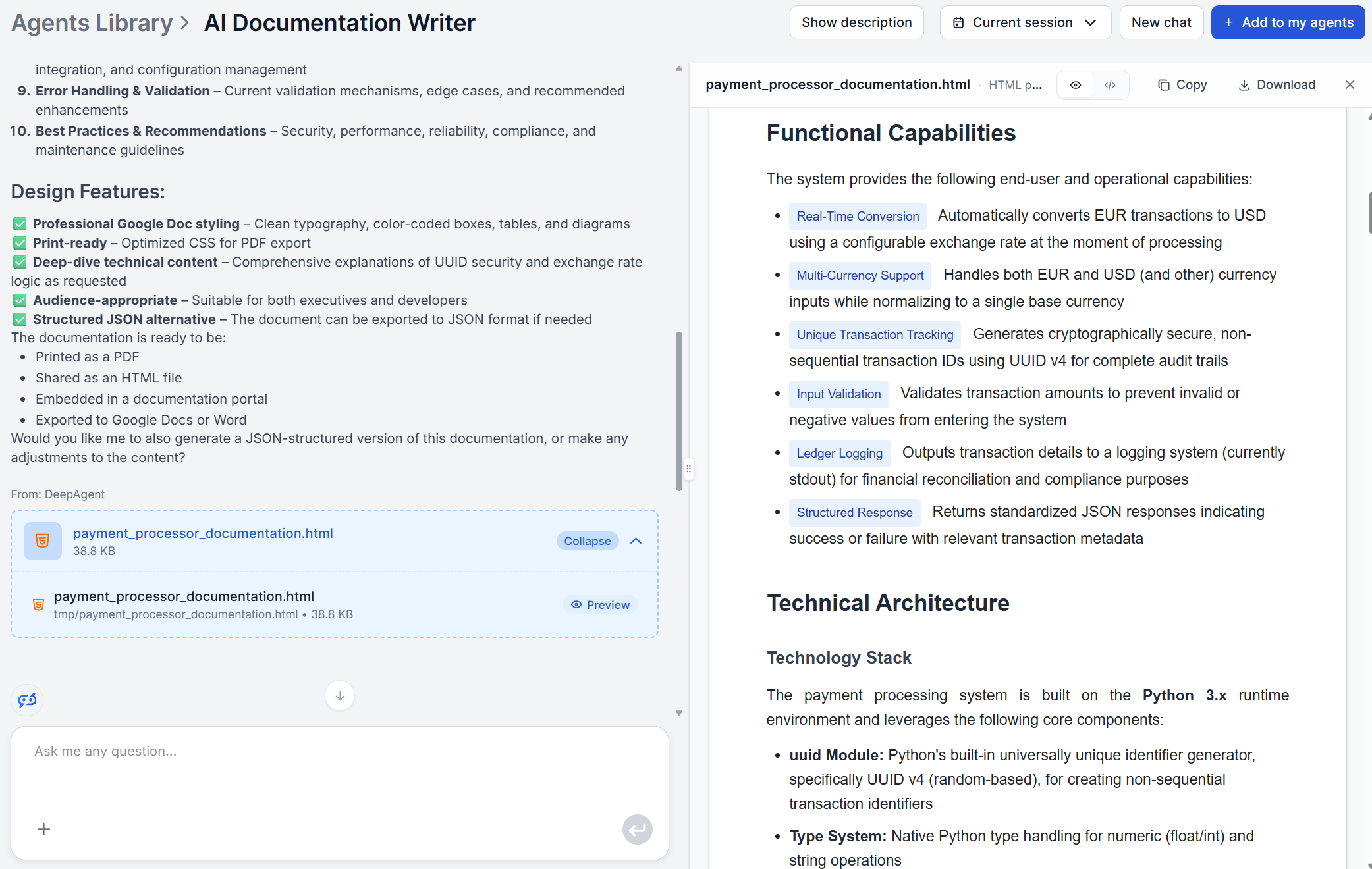
Every output is a complete technical document covering:
An executive summary of what the software does and the problem it solves
The same six sections run whether the input is an internal script only three people touch or a client-facing deliverable that needs to look polished on handoff. What changes is the audience input, not the underlying process, so one flow covers API references, user guides, and internal runbooks without three separate writing efforts.
If your code or context is incomplete, the tool infers the most likely intent from what’s there and documents accordingly instead of stopping. Because the generation takes seconds, it’s realistic to regenerate documentation every time the underlying code changes meaningfully, rather than waiting for an annual documentation sprint that never quite happens.
Who It’s Built For
This flow is most useful for:
Developers who need to document their own code quickly without writing it manually from scratch
Technical writers converting a codebase into a client-ready or stakeholder-facing manual
Engineering teams onboarding new members who need clear explanations of existing systems and logic
Software agencies delivering projects that require accompanying technical documentation as part of the handoff
AI Documentation Writer: Generate Your First Technical Doc in 10 Minutes
Step-by-step guide from entering your source code and context to reviewing a structured technical document ready for your knowledge base or developer portal.
How to Write Technical Documentation Automatically with AI
Technical documentation takes developers away from building. AI documentation writers generate structured, accurate docs from code in minutes. Here's how to use...
Convert source code into structured, professional technical documentation with FlowHunt's AI Documentation Writer — also known as the Technical Documentation Ar...
3 min read
AI
Developer Tools
+3
Cookie Consent We use cookies to enhance your browsing experience and analyze our traffic. See our privacy policy.