


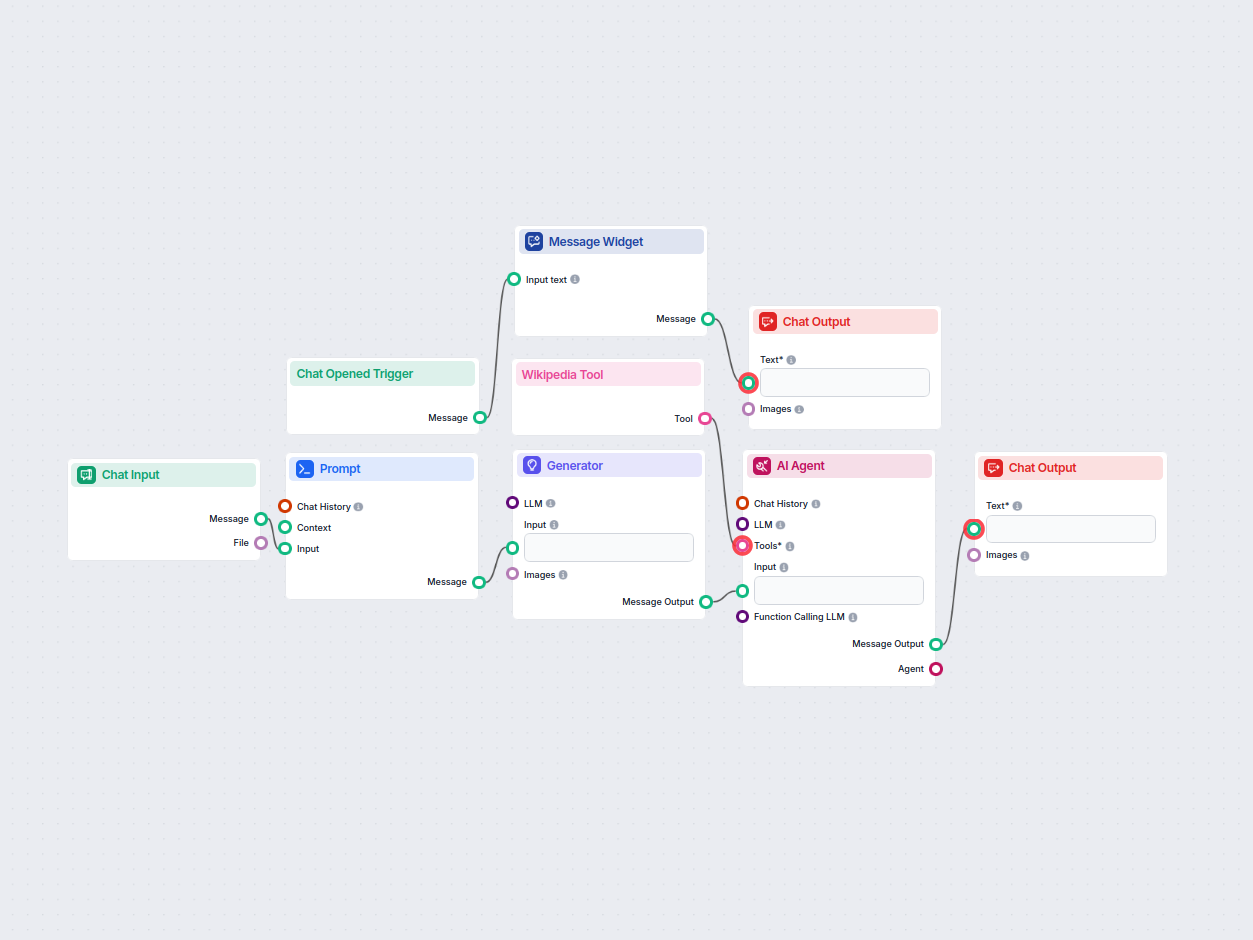
Wikipedia Grounded Q&A AI Assistant
An AI assistant that answers user questions with factual and well-researched information, using the RIG approach to ground responses in Wikipedia sources and sp...
4 min read
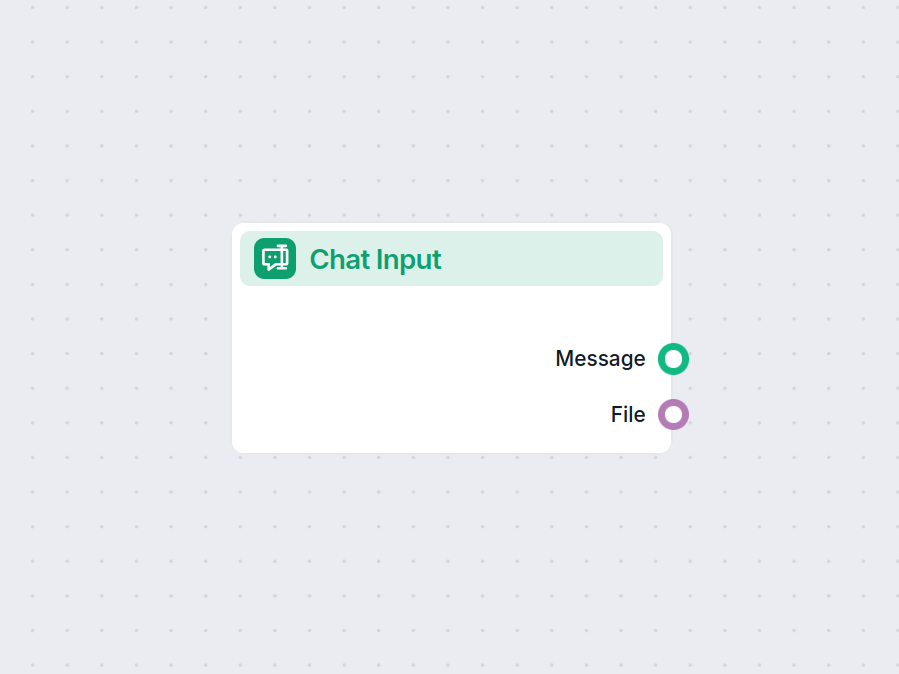
The Chat Input component collects messages and files from users, launching the workflow in FlowHunt.
Component description
The Chat Input component is designed to facilitate the intake of user messages within an AI workflow. It acts as an entry point where users or external systems can provide text-based input, which is then processed by subsequent components in the workflow.
This component is primarily responsible for capturing chat messages or user input from the Playground interface. It’s ideal for scenarios where human or application input is needed to trigger or direct the flow of your AI processes.
| Name | Type | Description | Required | Display Name | Notes |
|---|---|---|---|---|---|
| input_value | Message | Message to be passed as input. | No | Text | Hidden from UI, supports text input |
The component produces two possible outputs that can be connected to other components:
| Output Name | Type | Description |
|---|---|---|
| message | Message | The user message itself. |
| file_input | FlowSessionAttachmentResponse | File uploaded with the chat input, if any. |
| Property | Value |
|---|---|
| Display Name | Chat Input |
| Version | 1.0.1 |
| Outputs | Message, File |
| Input Type | Message (Text) |
| Attachment | Supports file input |
| Typical Role | Workflow entry point for user input |
This component is a foundational building block for workflows that require real-time or user-driven data, providing both textual and file input capabilities to downstream AI processes.
To help you get started quickly, we have prepared several example flow templates that demonstrate how to use the ChatInput component effectively. These templates showcase different use cases and best practices, making it easier for you to understand and implement the component in your own projects.
An AI assistant that answers user questions with factual and well-researched information, using the RIG approach to ground responses in Wikipedia sources and sp...
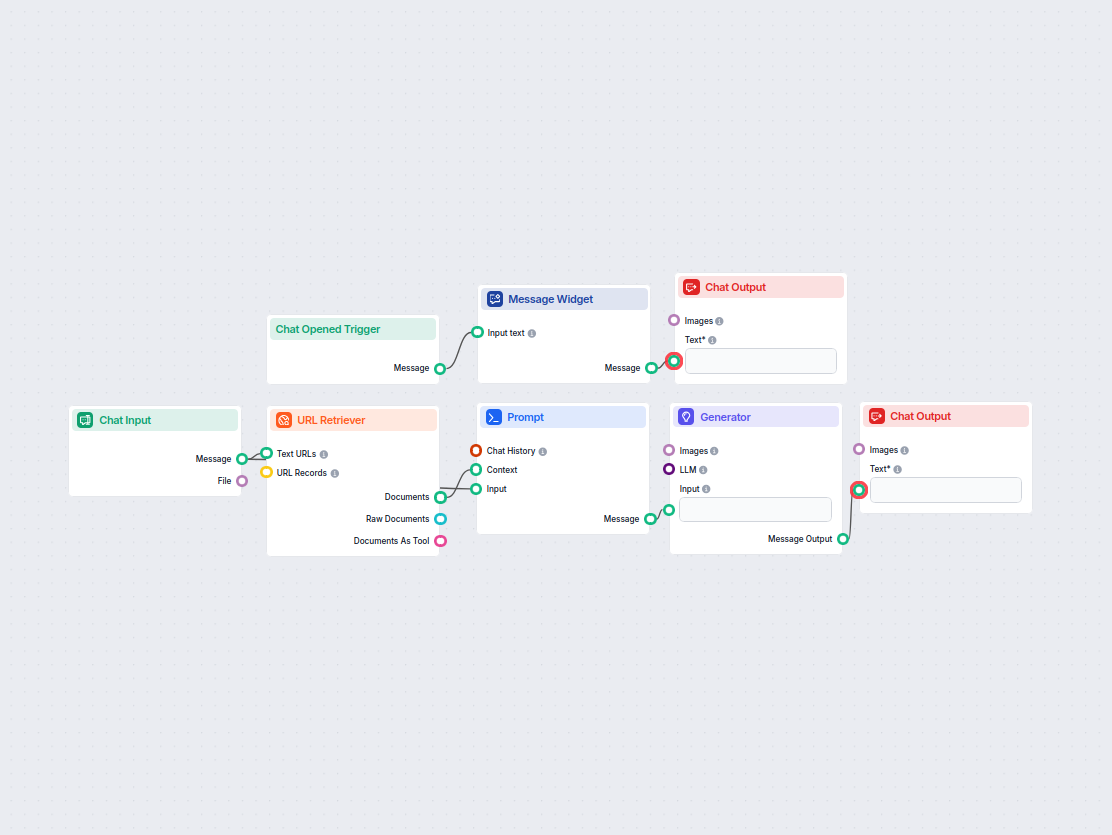
Automatically generate SEO-optimized YouTube video titles, descriptions, and hashtags from any webpage URL. Perfect for marketers, content creators, and busines...
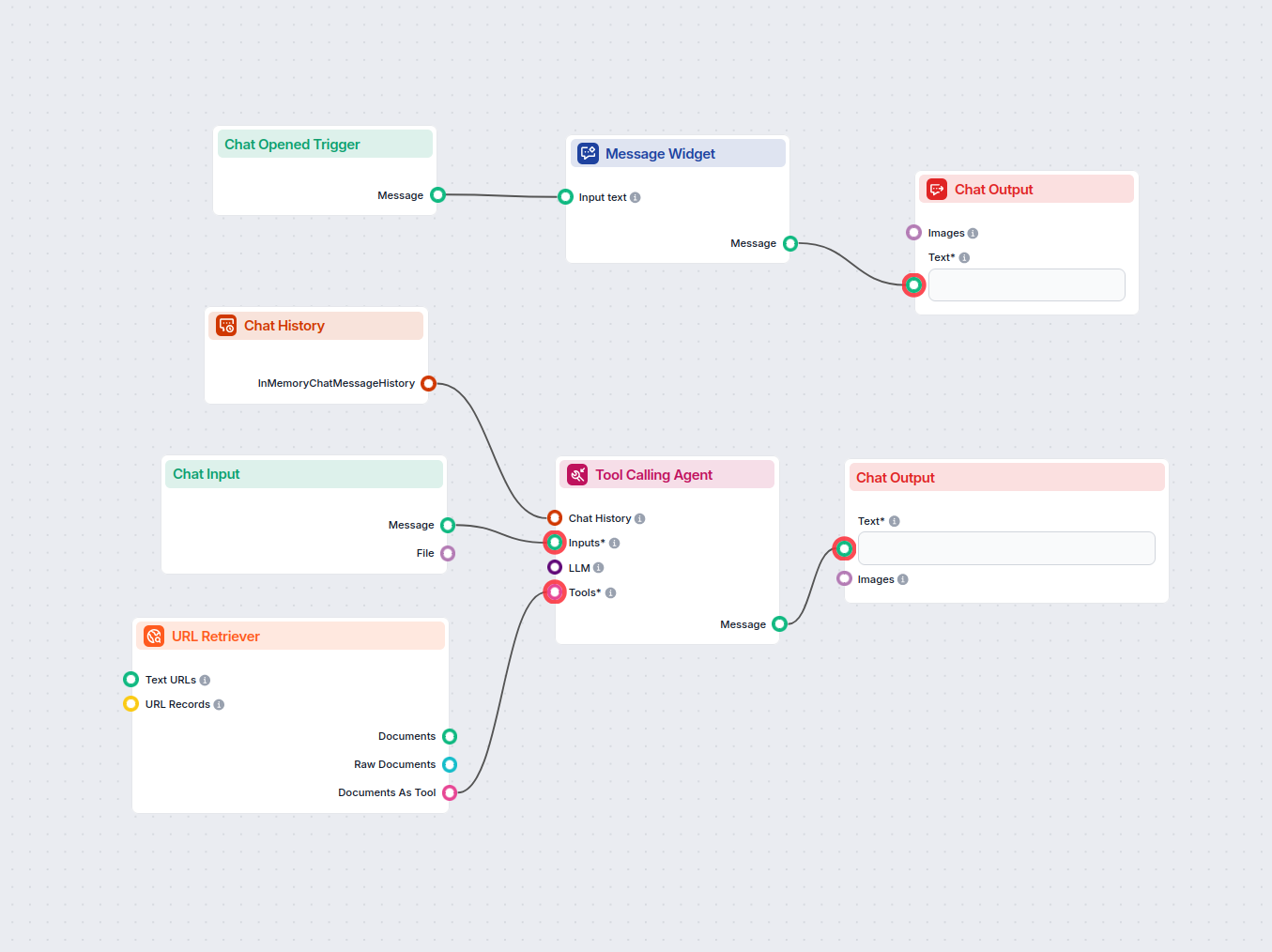
Interact with any YouTube video by chatting with its transcript. Instantly extract and query video content to get concise, AI-powered answers to your questions ...
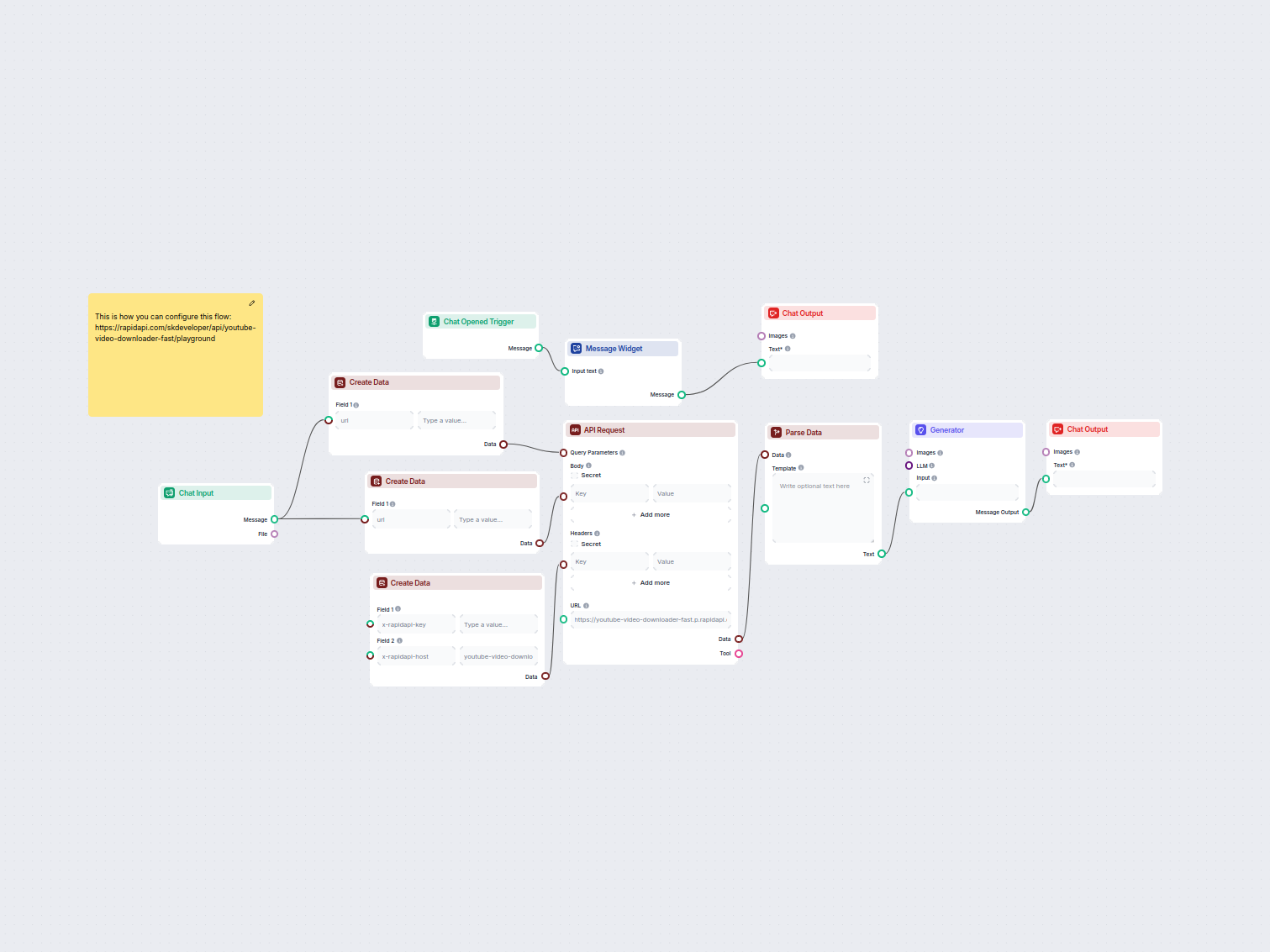
Easily generate multiple format download links (MP4, audio, HD, etc.) for any YouTube video using a simple chat interface. The workflow collects a YouTube link,...
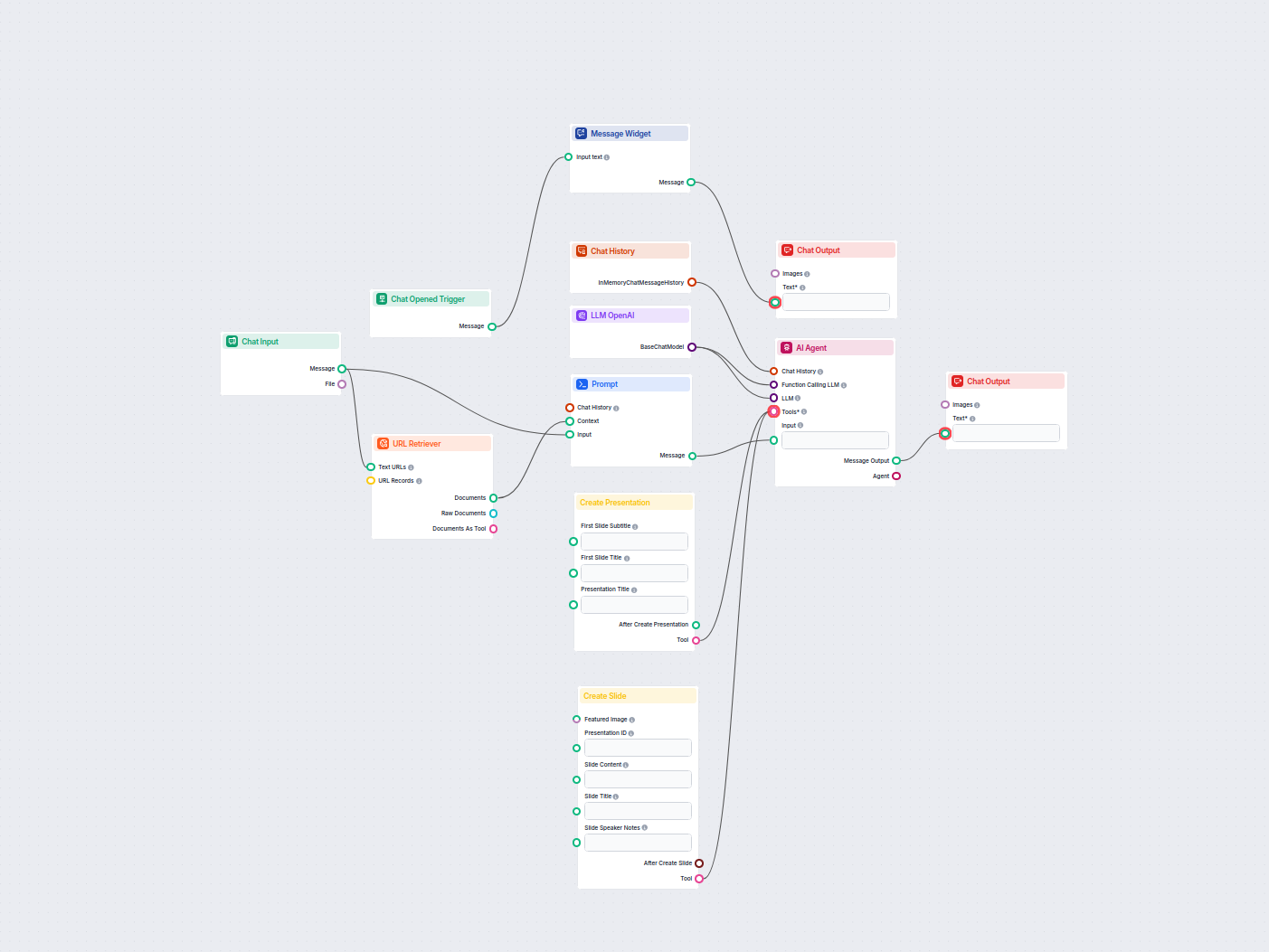
Turn any YouTube video into a professional Google Slides presentation in minutes. This AI-powered workflow extracts content from a provided YouTube URL, analyze...
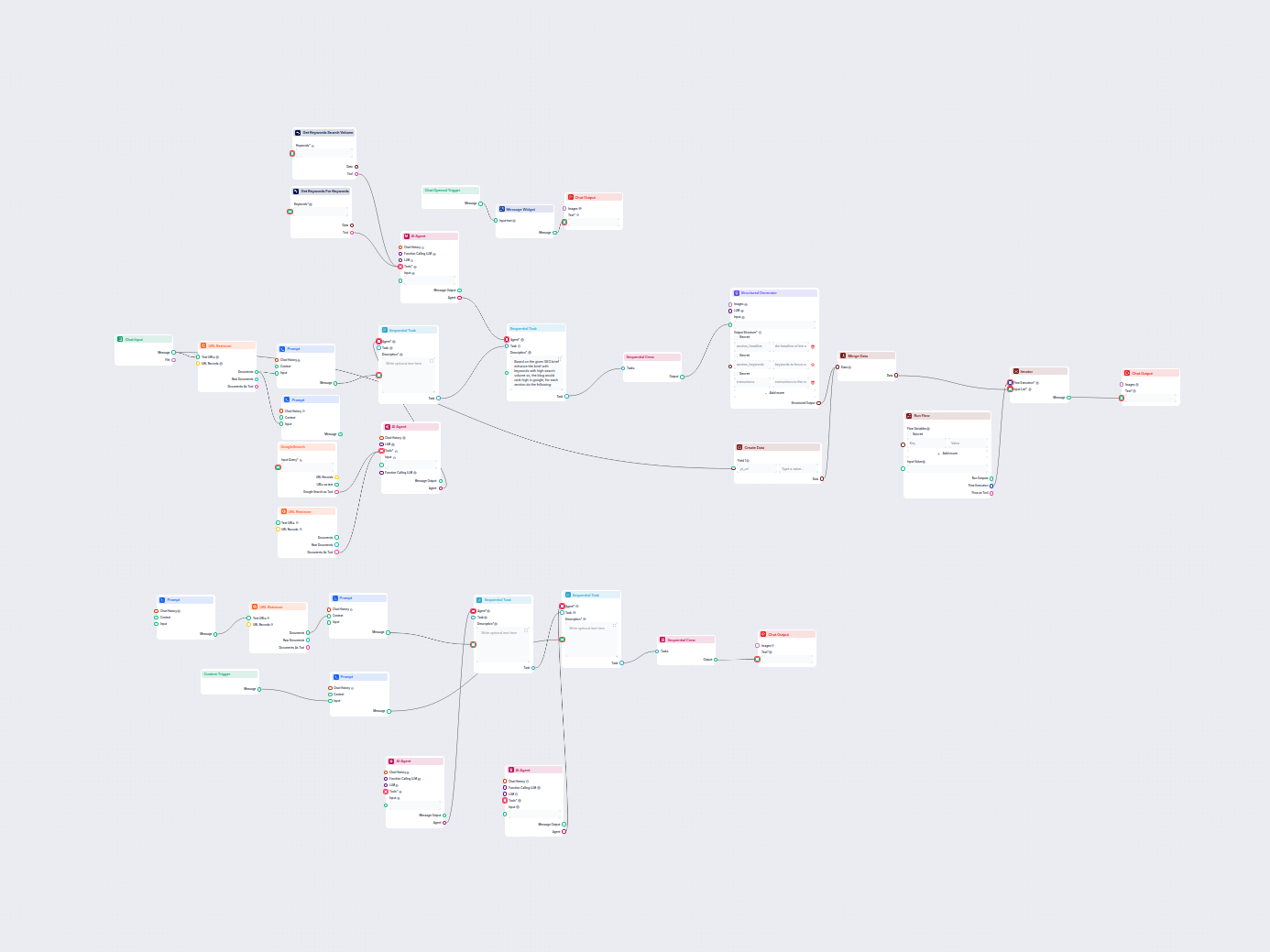
Automatically generate high-ranking SEO blog posts from YouTube videos. This workflow extracts video transcripts, analyzes top SEO keywords, creates a detailed ...
Showing 121 to 126 of 126 results
Begin your AI workflow with the Chat Input component and unlock powerful, interactive chatbot capabilities.
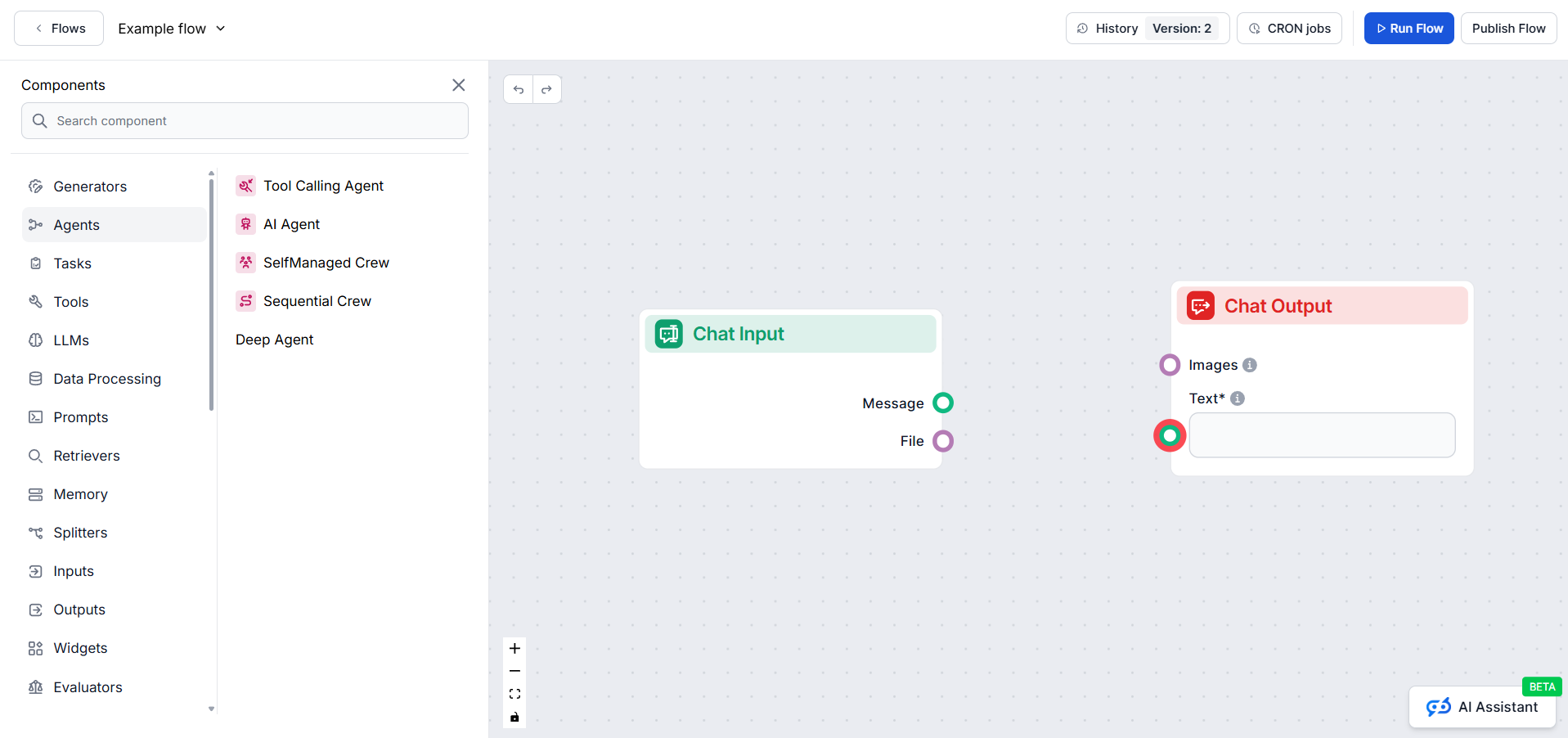
The Flow editor allows you to drag and drop components representing various AI abilities. No coding skills are required, ensuring a visual and intuitive buildin...
Cookie Consent
We use cookies to enhance your browsing experience and analyze our traffic. See our privacy policy.