


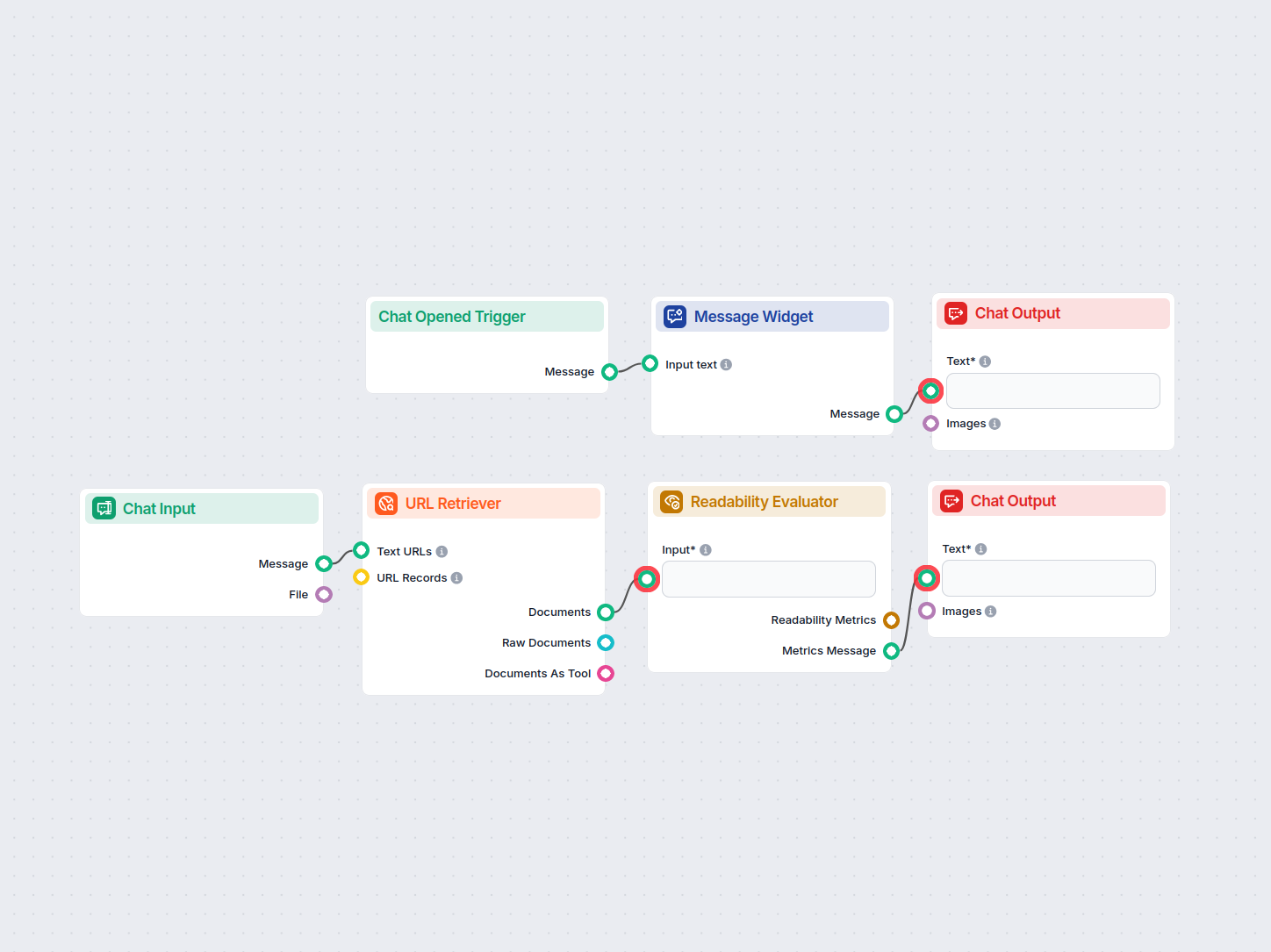
Website Readability Analyzer
Analyze the readability of any website by inputting its URL. This workflow retrieves the content from the provided URL and evaluates its readability using multi...
3 min read
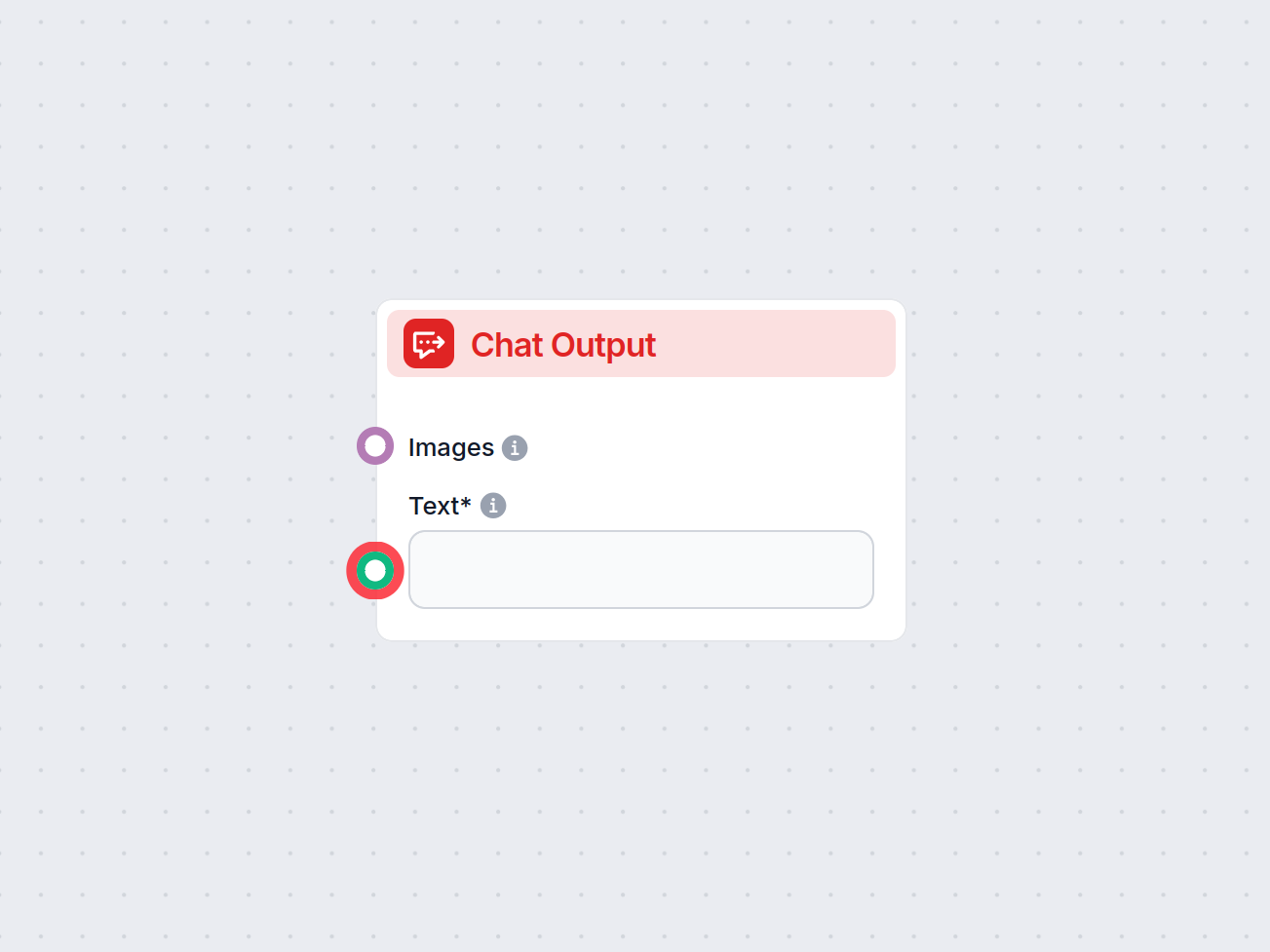
The Chat Output component in FlowHunt finalizes chatbot responses using connected components, enabling complex, multi-part answers and seamless flow completion.
Component description
Flows are a versatile tool that allows you to connect many variations of components. That’s why you need a way to tell the bot you’re done creating, and it’s time for it to craft an answer based on the connected components.
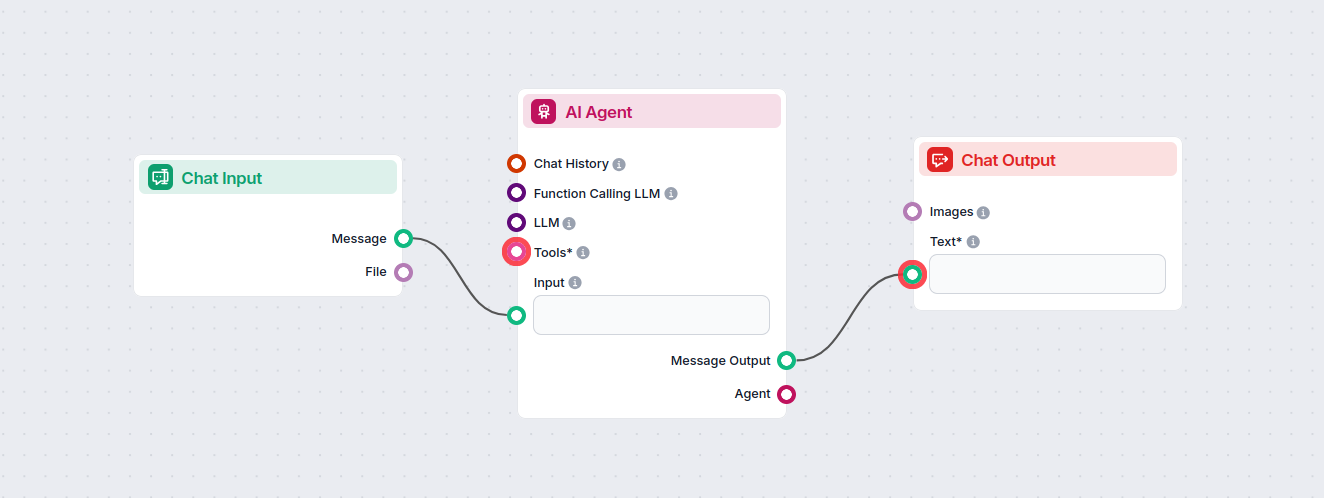
The Chat Output component is how you tell the chatbot to start crafting an answer based on the connected components. One flow can have several outputs coming together in a single reply. For example, one output generates a text answer from AI, while a second one adds relevant links from your knowledge base.
Always being at the end of the chain, it doesn’t connect to anything, but any component that outputs text can connect to it. To see the options, just hover over the connector handle.
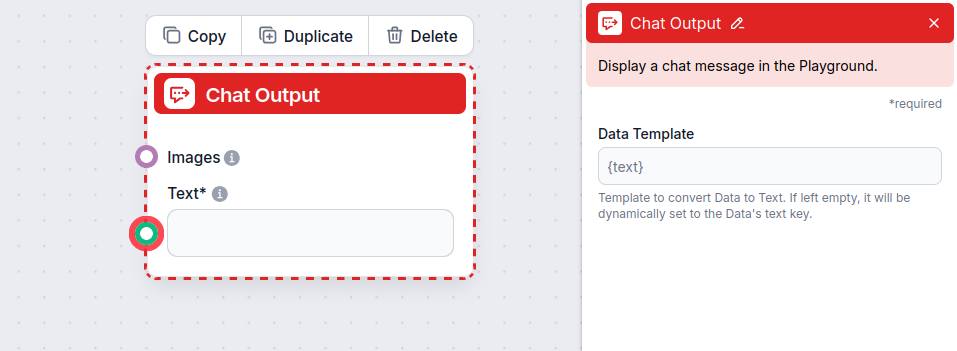
The Chat Output component accepts the following inputs:
| Input Name | Type | Required | Description |
|---|---|---|---|
| Text | Message (str) | Yes | The main message text to be displayed in the chat output. |
| Images | Attachment | No | Images to be shown alongside the message in the output. |
| Data Template | str | No | (Advanced) Template for converting data to text. If left empty, defaults to the data’s ’text’ key. Useful for custom formatting. |
The component produces the following output:
| Output Name | Type | Description |
|---|---|---|
| Message | Message | The processed chat message (including images if provided), ready to be displayed in the UI. |
Each flow can only contain a single Chat Input component but may contain various outputs. These are useful for creating complex answers consisting of several elements. Let’s look at an example of a flow with several outputs.
Imagine the user wants to know what an IVR is. Let’s say you want your bot to answer the question in a lighthearted, conversational way and then link further reading from your website.
To achieve this, you will want to create two separate outputs:
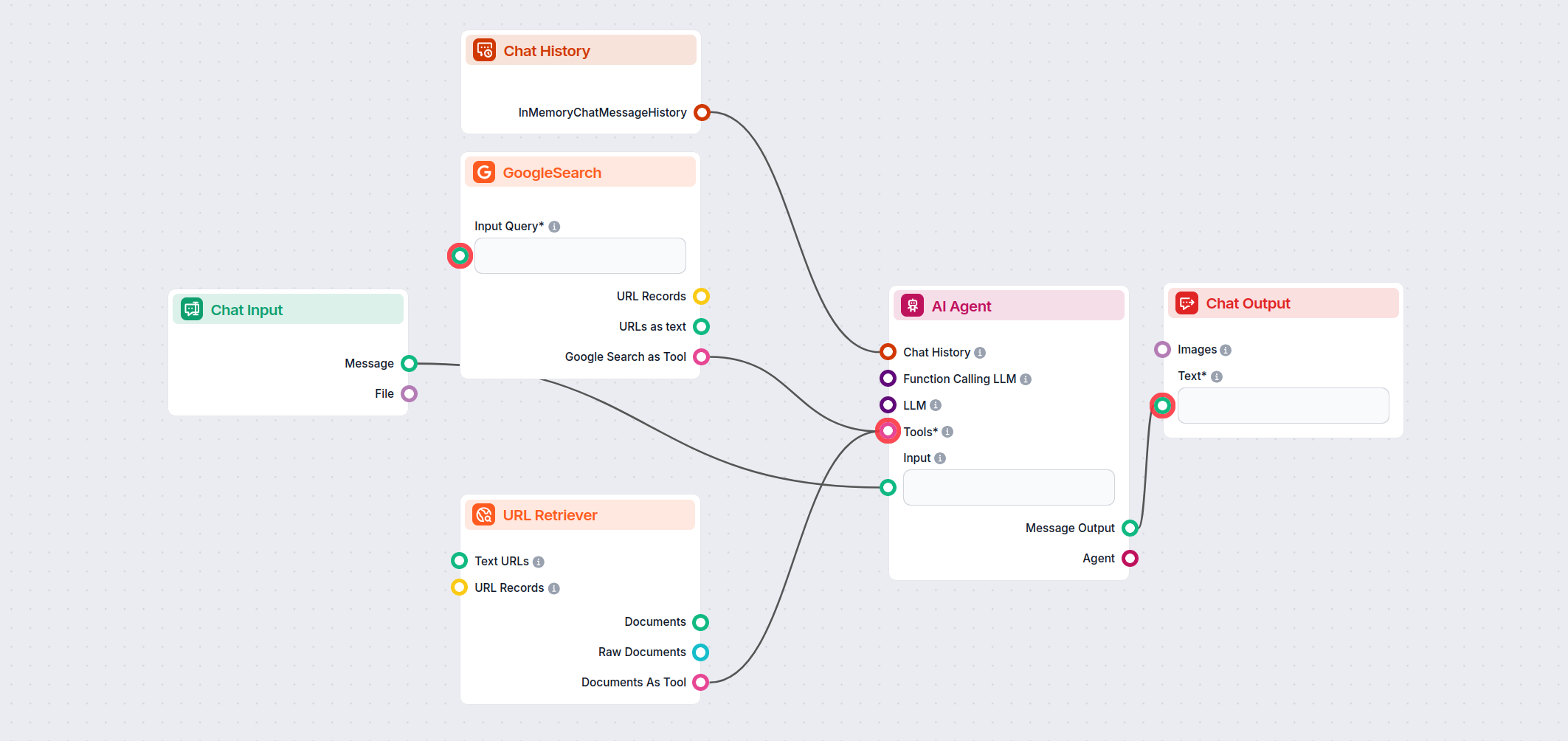
The final answer will combine these two types of outputs:
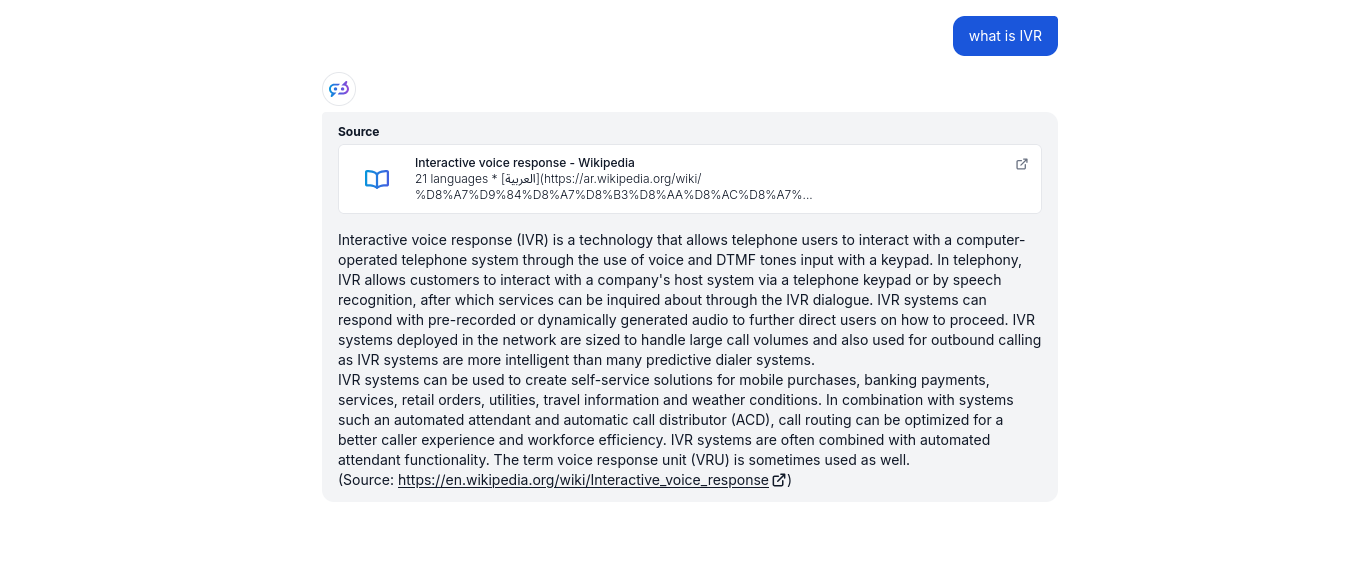
Separated outputs provide greater flexibility and control over the chatbot. By adding other outputs, you can continue making the answers more complex. For example, you can make the related sources more elaborate by adding Google Search to the mix, or you can introduce follow-up questions to prompt the user to ask more questions.
To help you get started quickly, we have prepared several example flow templates that demonstrate how to use the Chat Output component effectively. These templates showcase different use cases and best practices, making it easier for you to understand and implement the component in your own projects.
Analyze the readability of any website by inputting its URL. This workflow retrieves the content from the provided URL and evaluates its readability using multi...
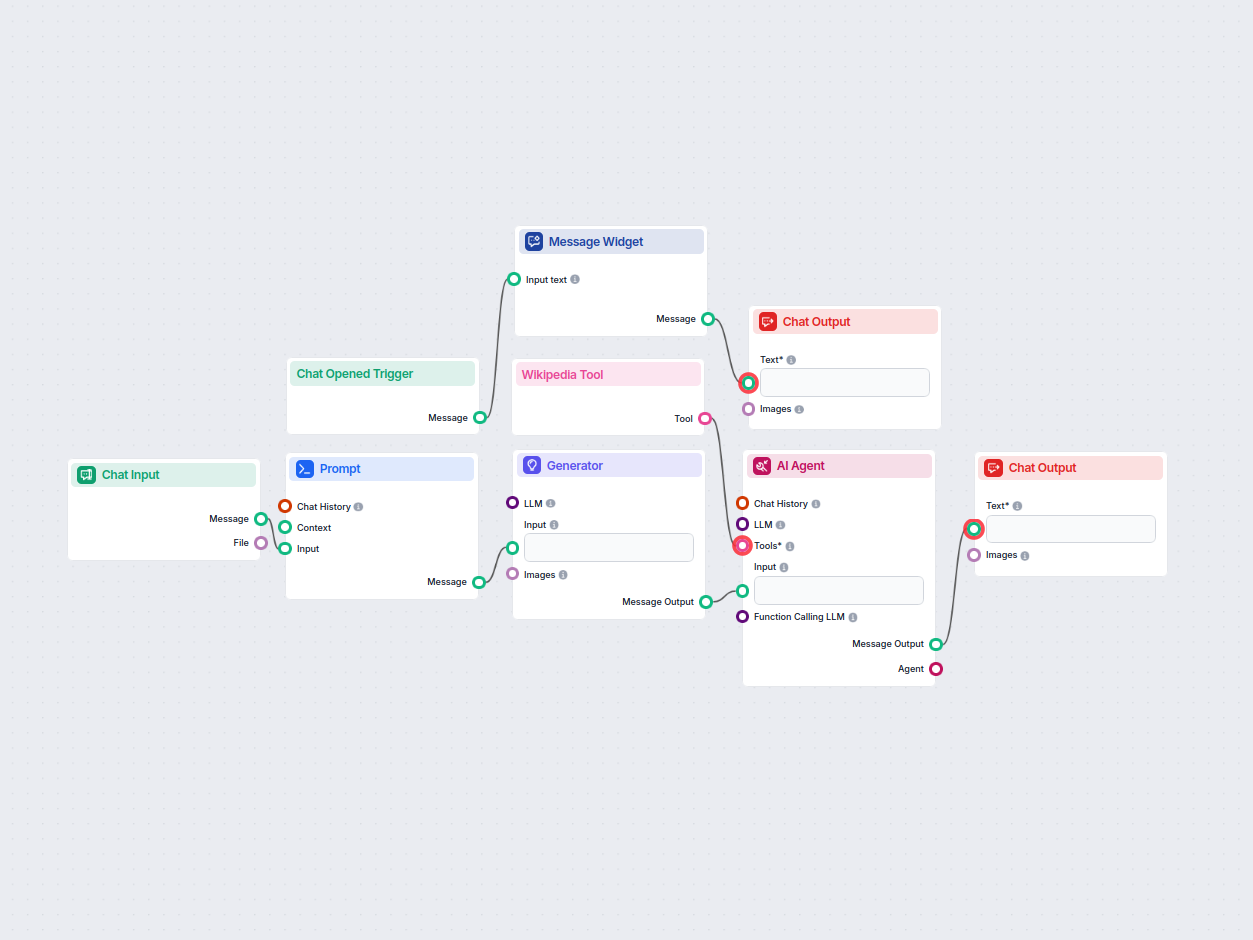
An AI assistant that answers user questions with factual and well-researched information, using the RIG approach to ground responses in Wikipedia sources and sp...
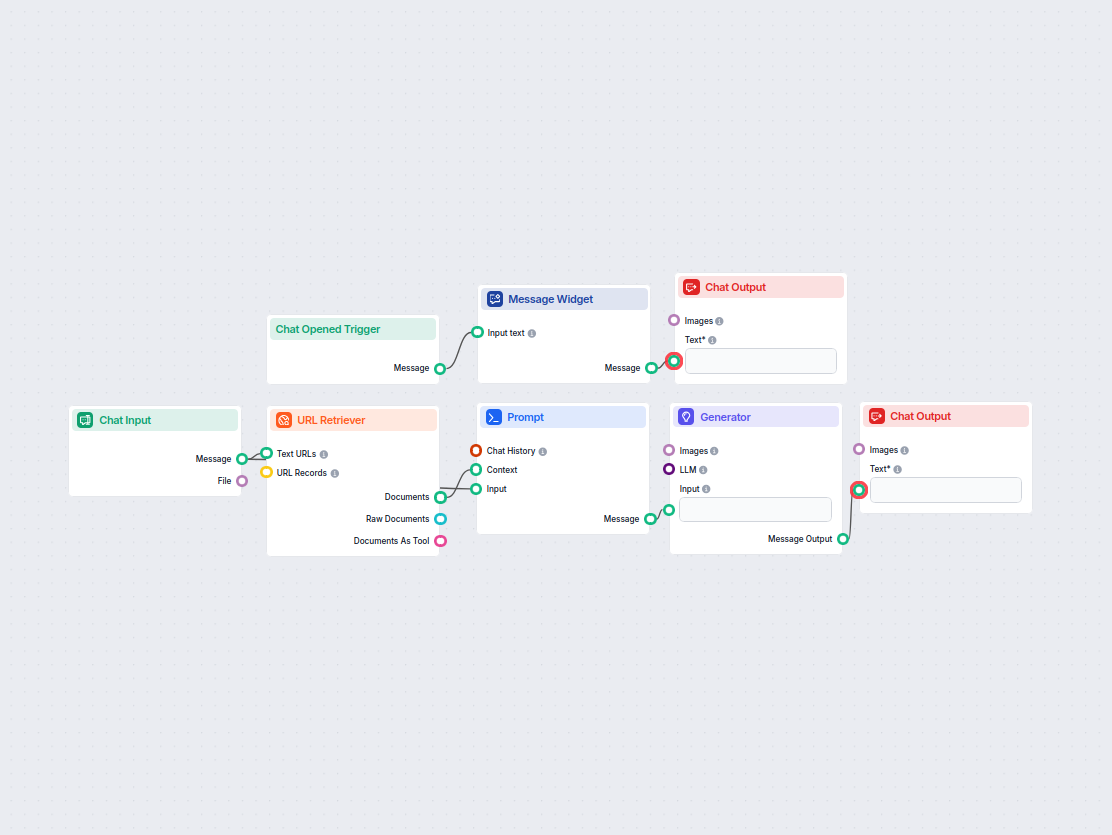
Automatically generate SEO-optimized YouTube video titles, descriptions, and hashtags from any webpage URL. Perfect for marketers, content creators, and busines...
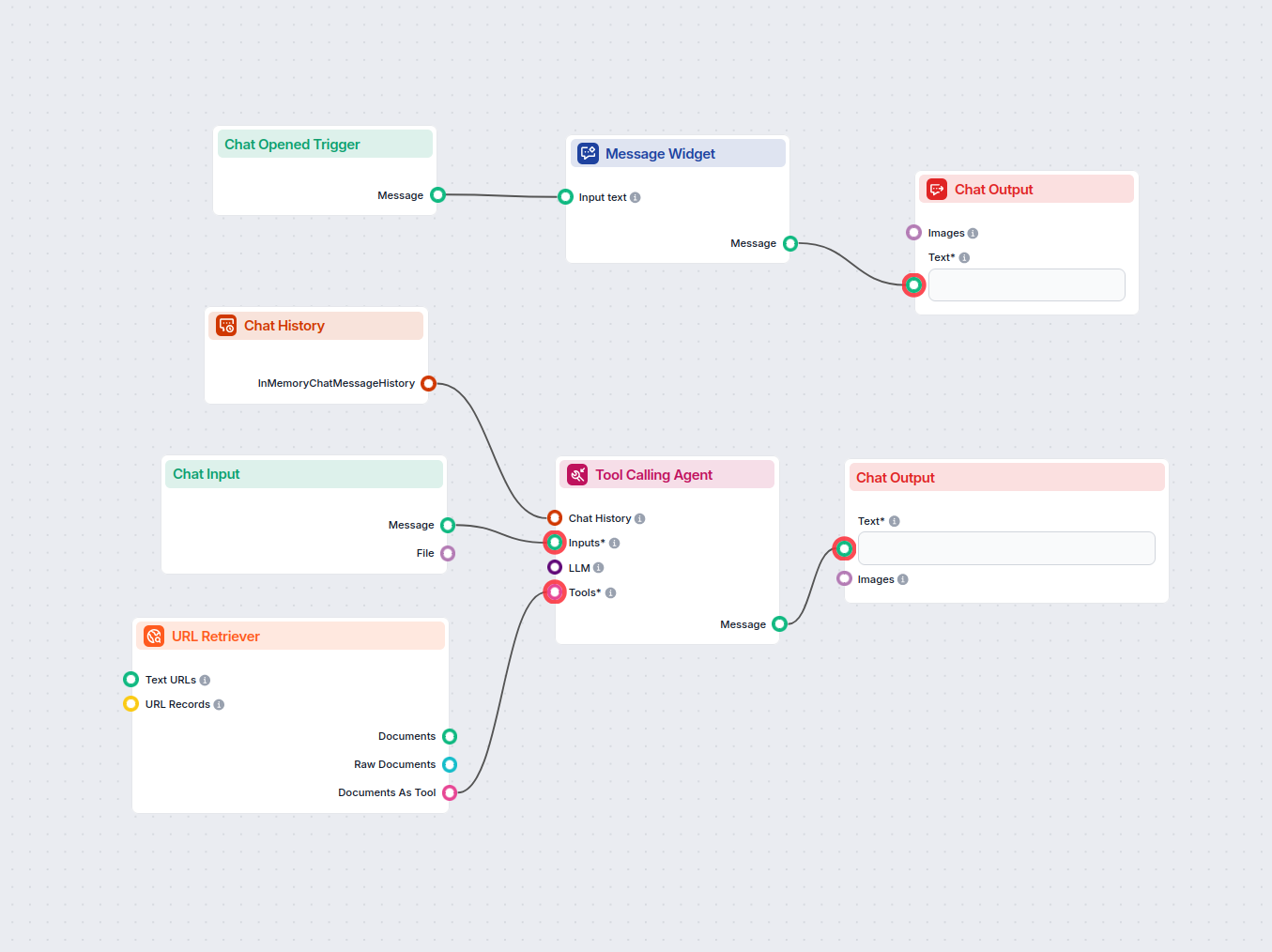
Interact with any YouTube video by chatting with its transcript. Instantly extract and query video content to get concise, AI-powered answers to your questions ...
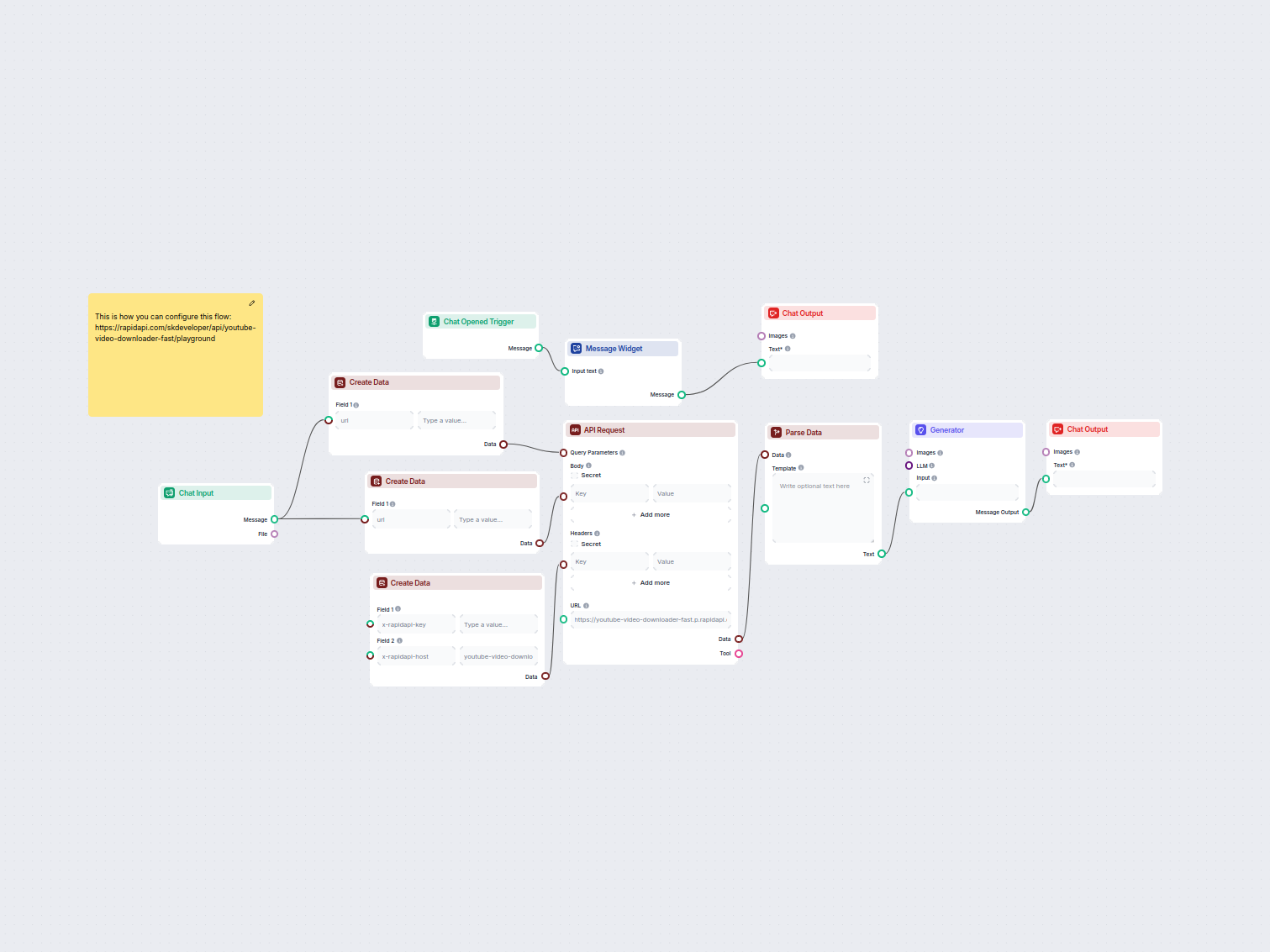
Easily generate multiple format download links (MP4, audio, HD, etc.) for any YouTube video using a simple chat interface. The workflow collects a YouTube link,...
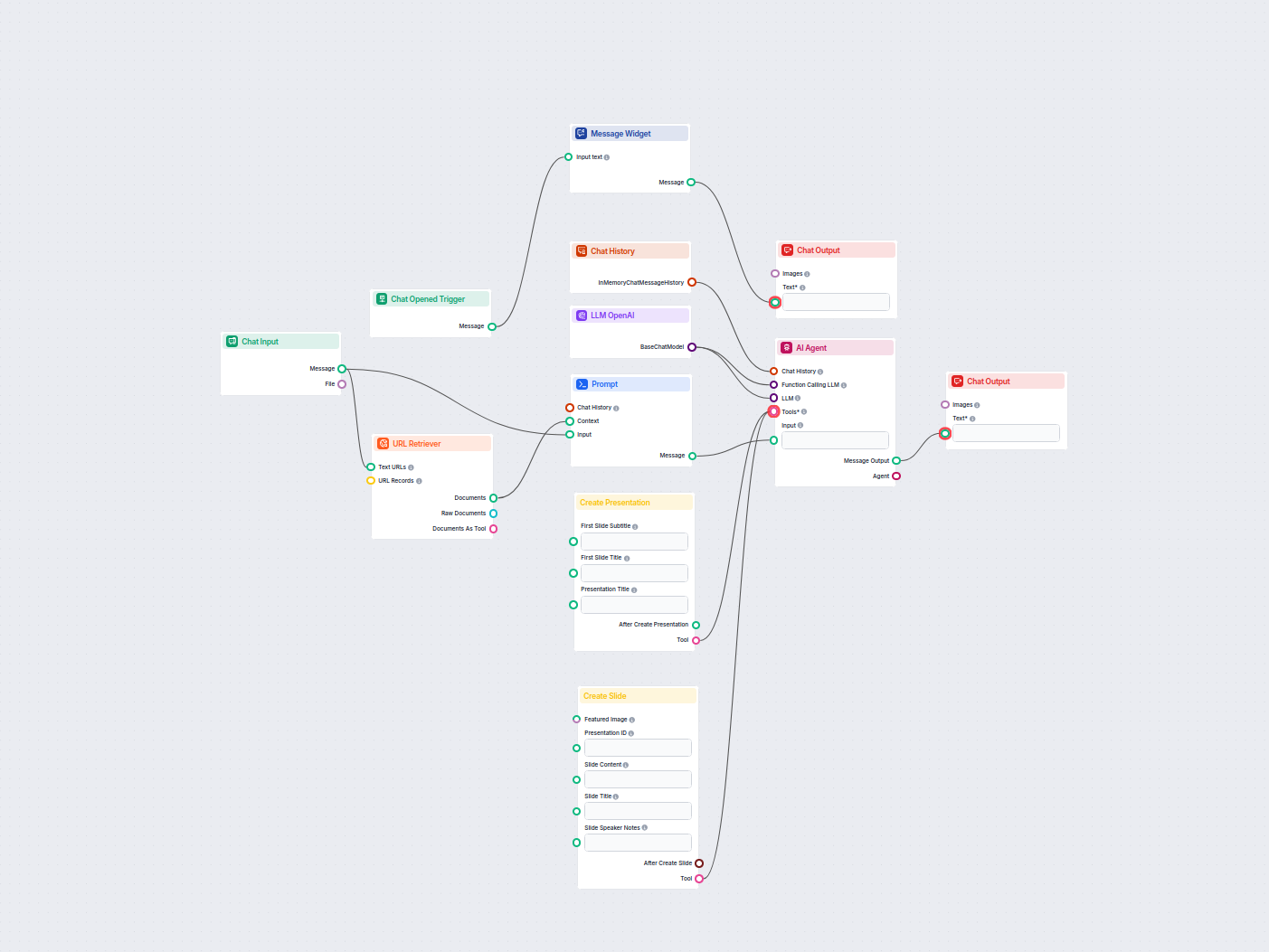
Turn any YouTube video into a professional Google Slides presentation in minutes. This AI-powered workflow extracts content from a provided YouTube URL, analyze...
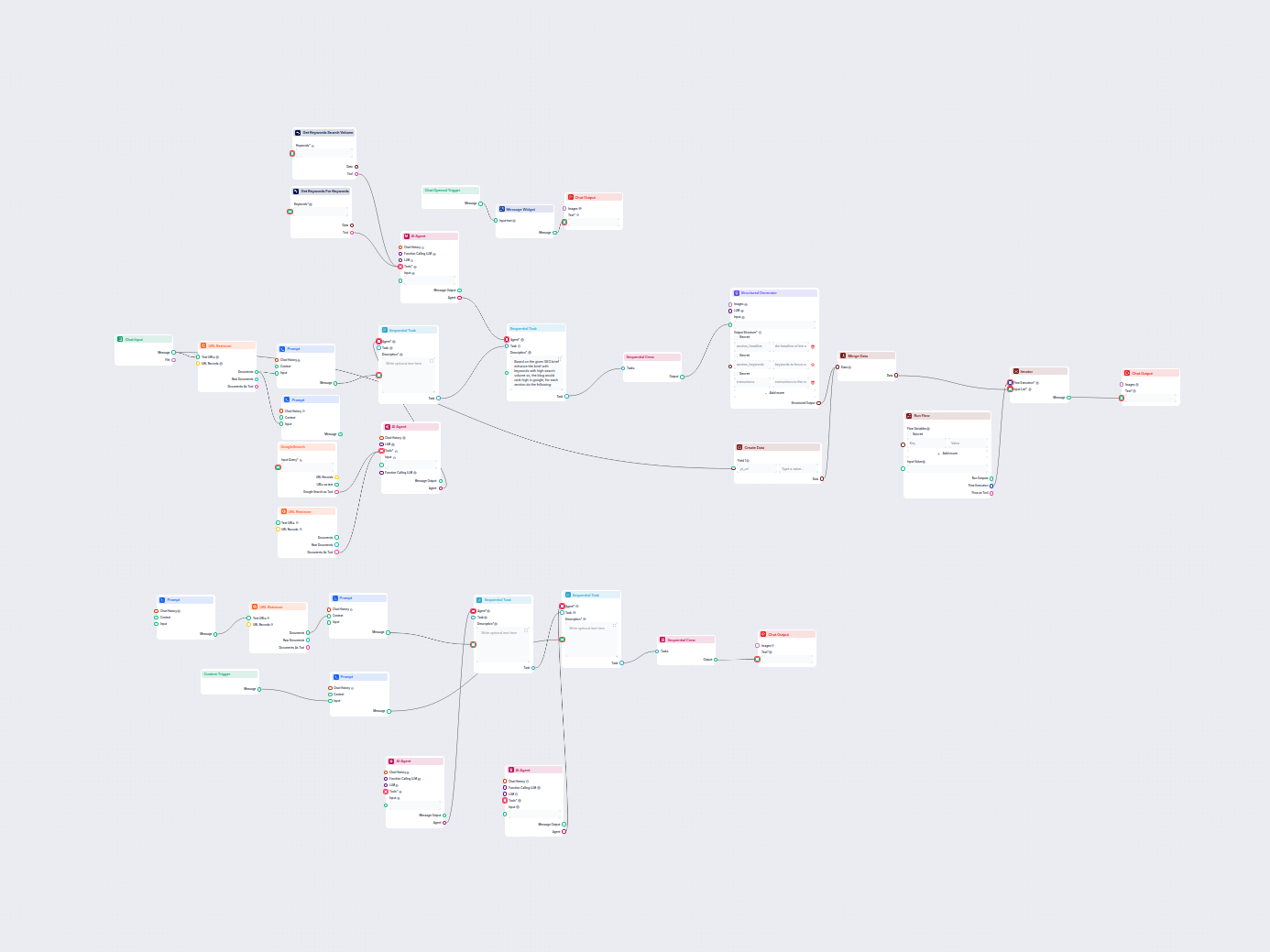
Automatically generate high-ranking SEO blog posts from YouTube videos. This workflow extracts video transcripts, analyzes top SEO keywords, creates a detailed ...
Showing 121 to 127 of 127 results
Start building your own AI solutions and experience the flexibility of Chat Output components in FlowHunt.
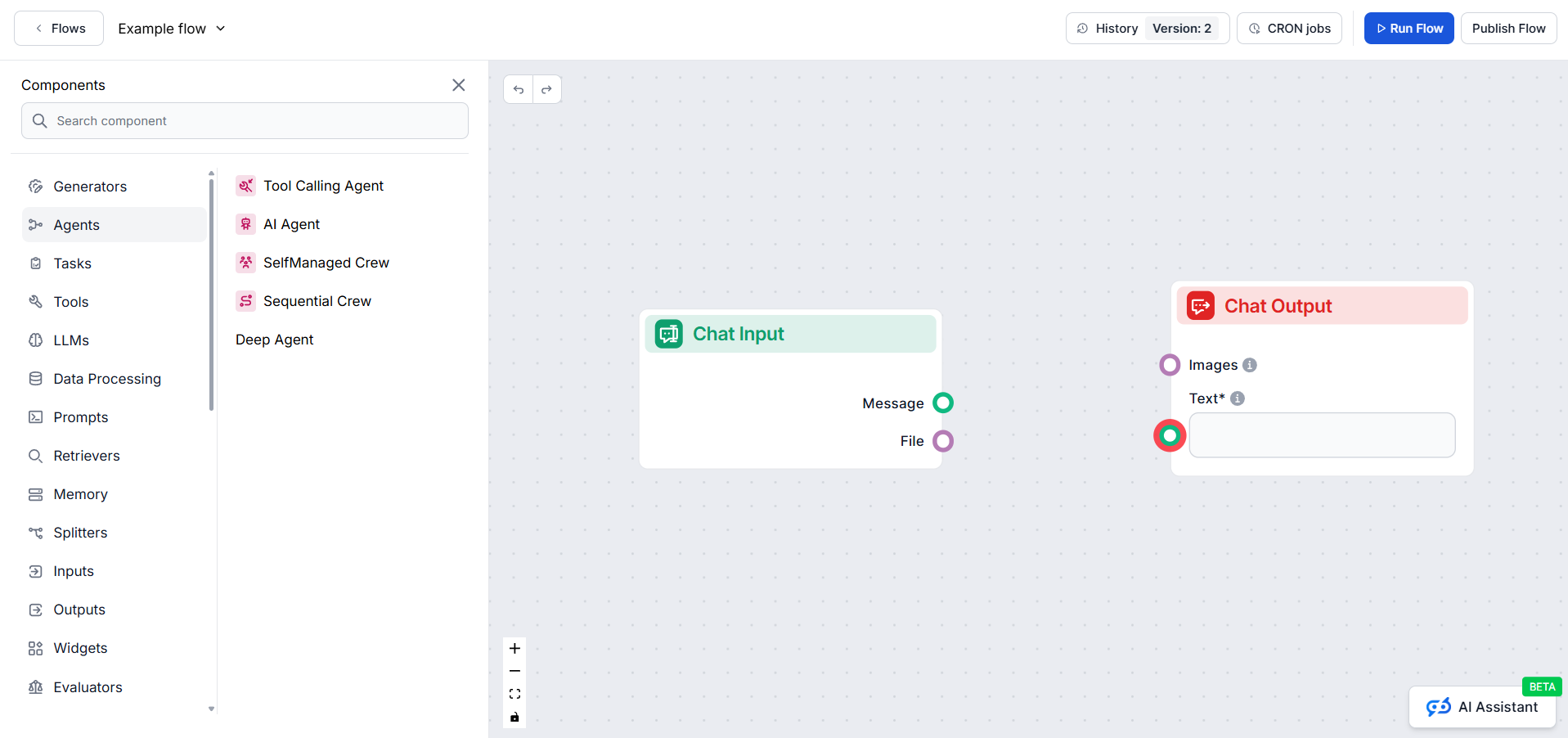
The Flow editor allows you to drag and drop components representing various AI abilities. No coding skills are required, ensuring a visual and intuitive buildin...
New to FlowHunt? Start here. Learn the basics of building AI workflows, deploying chatbots, and connecting knowledge sources — all without writing code.
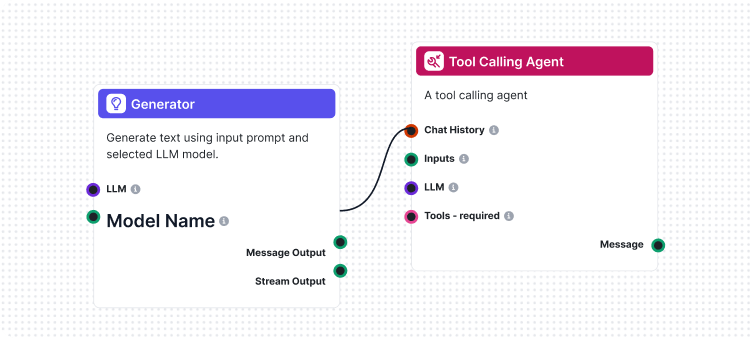
Flows are the brains behind it all in FlowHunt. Learn how to build them with a no-code visual builder, from placing the first component to website integration, ...
Cookie Consent
We use cookies to enhance your browsing experience and analyze our traffic. See our privacy policy.