


AI Agent for Asana
Deploy AI agents that connect directly to your Asana workspace—automate task and project management, sync work data across platforms in real time, trigger intelligent team workflows, and power collaborative operations. FlowHunt handles the repetitive project work so your team can focus on delivering results.




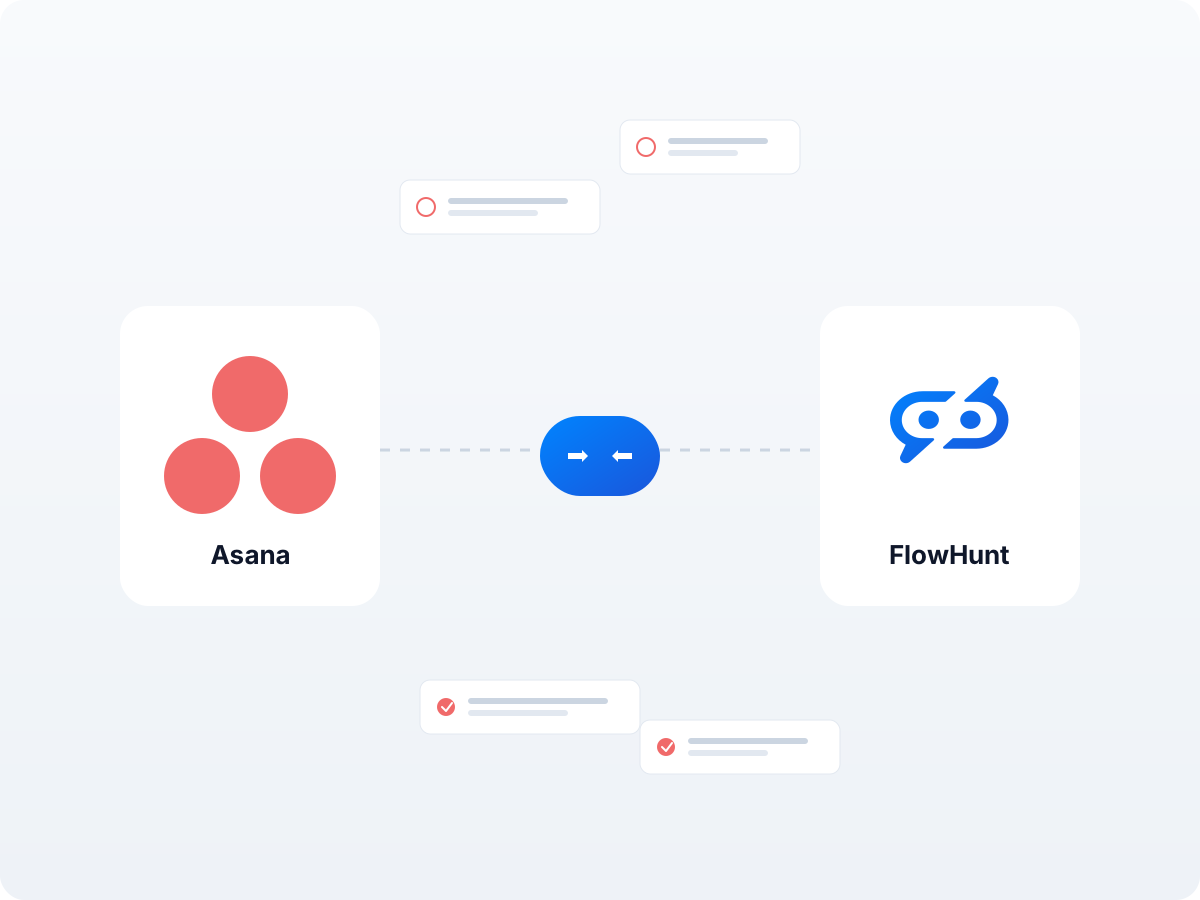
Automated Task & Project Management
Pull live data from your Asana workspace—tasks, projects, portfolios, and comments—directly into AI workflows. Create, update, and complete tasks programmatically, trigger alerts on project changes, and feed structured work data into marketing, analytics, or operational automation.
- Full Task & Project Operations:
- Create, retrieve, update, and complete tasks and projects in Asana to keep your team's work current and accurate across all systems.
- Advanced Filtering & Search:
- Search tasks across workspaces and projects, filter by assignee, due date, or priority to target exactly the records your automations need.
- Example:
- An AI agent monitors new tasks in Asana and auto-generates progress updates, deadline alerts, and assignment notifications for your project team.
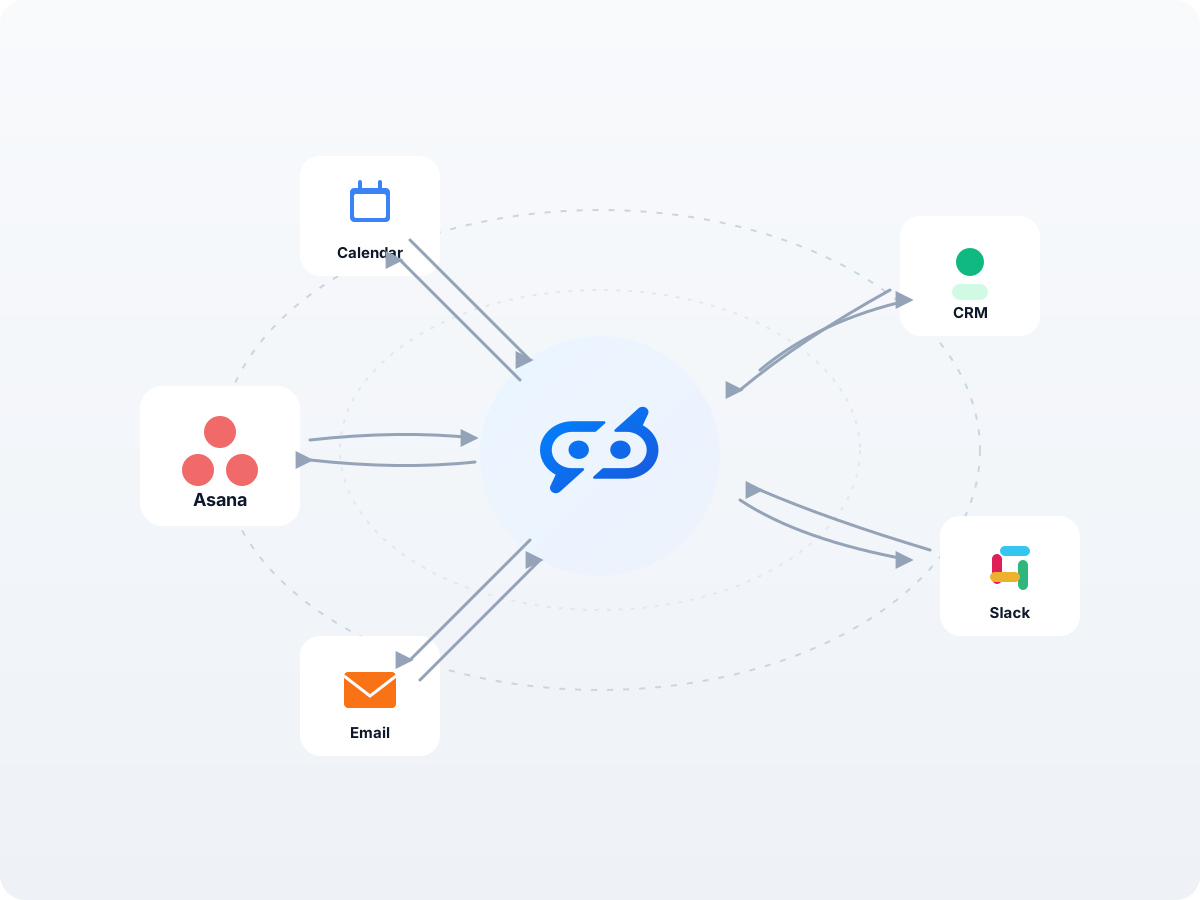
Cross-Platform Work Data Synchronization
Keep your project data consistent across your entire software stack. Sync information between Asana and other integrations to eliminate data silos and ensure every team is working with the most up-to-date task and project records—automatically and in real time.
- Real-Time Data Sync:
- Automatically synchronize tasks and project records between Asana and other platforms—no manual imports, exports, or CSV uploads needed.
- Dynamic Workflow Triggers:
- Initiate workflows from external events and interact with your Asana workspace as a key step in the process—across any connected system.
- Example:
- When a deal closes in your CRM, an AI workflow automatically creates a full onboarding project in Asana with templated tasks, due dates, and assignees ready to go.
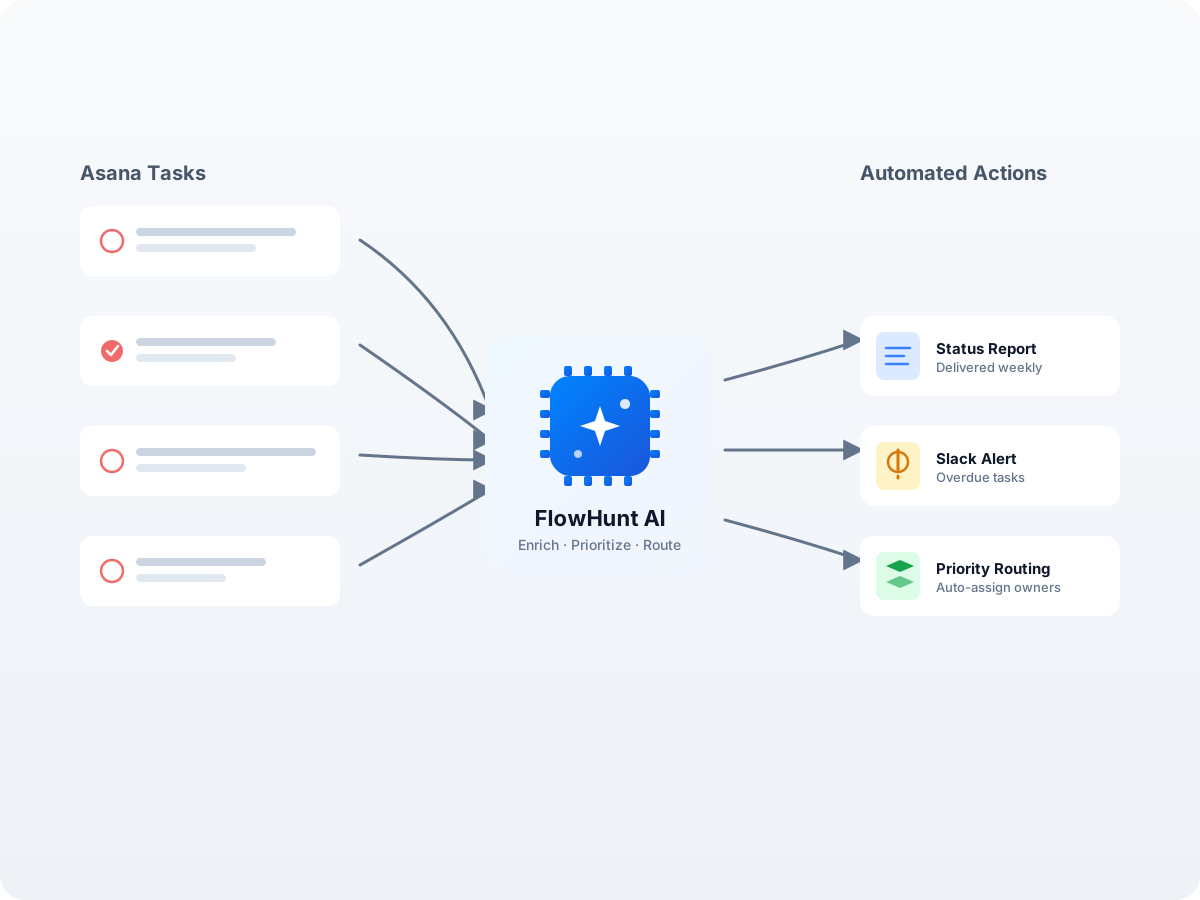
Intelligent Project Workflow Automation
Move beyond manual task creation and build dynamic, automated workflows that streamline your entire project management process. Whether you're automating project reviews, generating status reports, or syncing work data across platforms, the Asana integration empowers your team to deliver smarter.
- AI-Powered Task Enrichment:
- Automatically enrich, prioritize, and categorize tasks using AI—turning raw work items into structured, actionable project intelligence.
- Batch Operations:
- Process hundreds of tasks at once—bulk updates, mass re-assignment, and project migrations without manual effort.
- Example:
- An AI workflow scans all overdue tasks in Asana, generates a prioritized status report, and sends targeted nudges to assignees via email or Slack.
Step 1
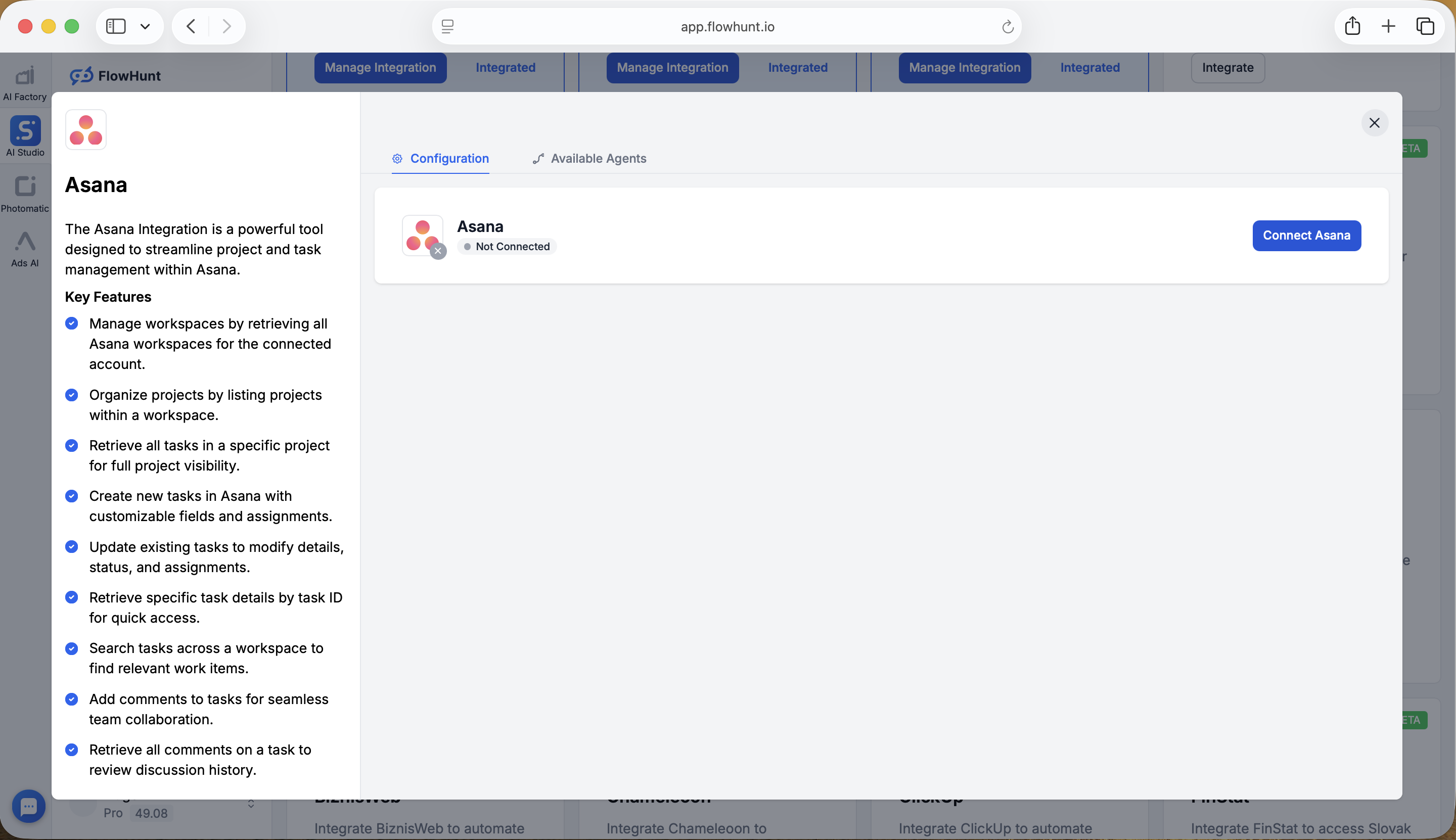
Click Connect Asana in FlowHunt
Log in to your FlowHunt account and navigate to the Integrations page from the sidebar menu. Find Asana in the list of available integrations and click Integrate to open the configuration dialog. Click the Connect Asana button to begin the OAuth authentication process.
- Start the Connection:
- On the Integrations page, locate the Asana card, open the configuration dialog, and click Connect Asana to begin linking your workspace to FlowHunt.
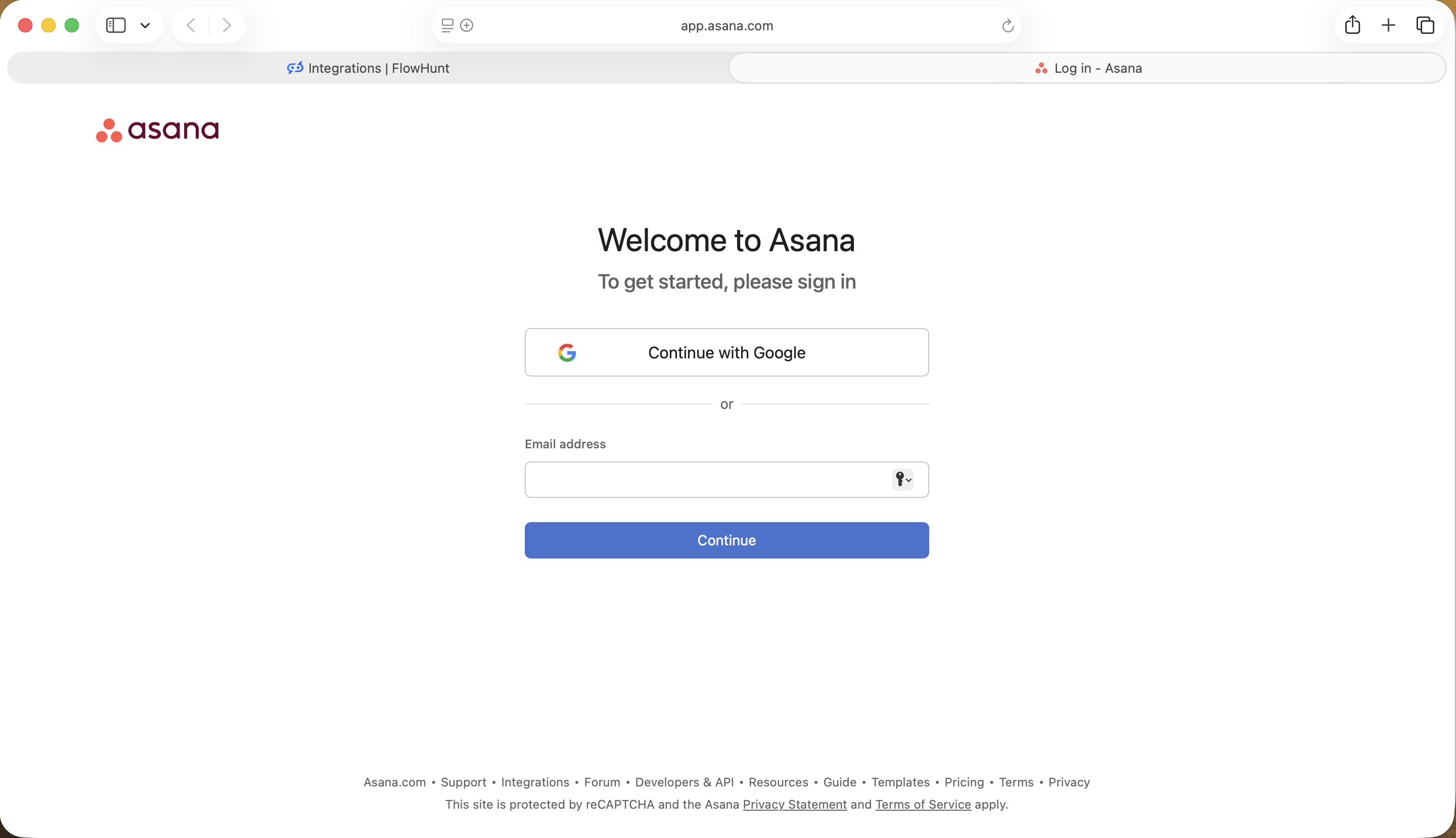
Step 2
Log In to Your Asana Account
You will be redirected to the Asana login page. You can sign in quickly using Continue with Google, or enter your email address and click Continue—this will take you to a password page where you enter your password and click Log in to proceed. If you don't have an Asana account yet, you can sign up from this page before continuing.
- Sign In to Asana:
- Use Google for a one-click login, or enter your email and password to authenticate. New to Asana? Sign up for a free account before proceeding.
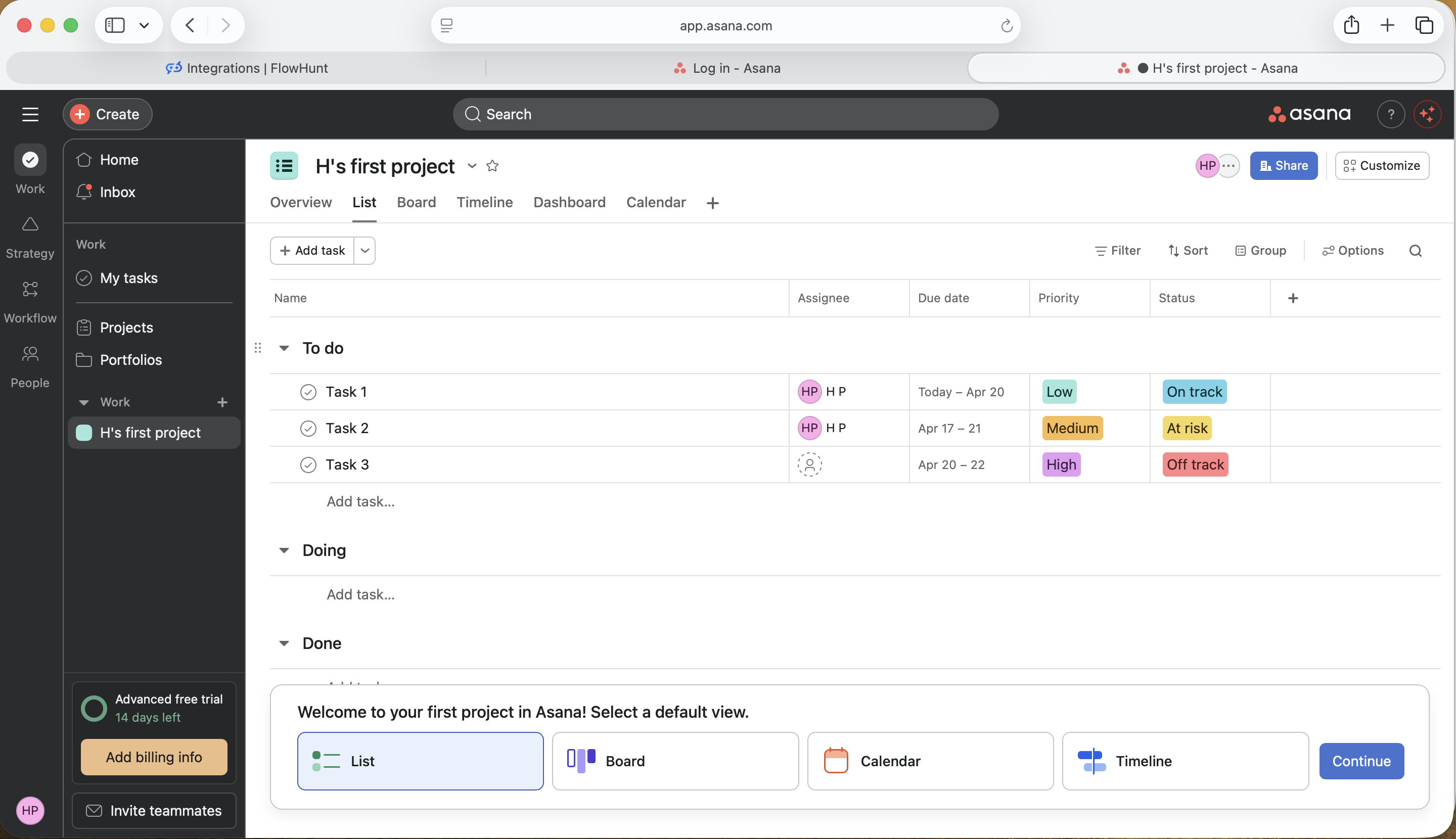
Step 3
Set Up Your Asana Workspace
After logging in, Asana will take you through a short onboarding flow where you will need to fill in some details about your workspace—such as your team name and your first project. Complete this setup to reach your Asana dashboard. Once your workspace is ready, return to FlowHunt and click Connect Asana once more—this will redirect you to the authorization screen shown in the next step.
- Complete Onboarding:
- Fill in your workspace details and complete the Asana setup flow. Then return to FlowHunt and click Connect Asana again to continue with the authorization.
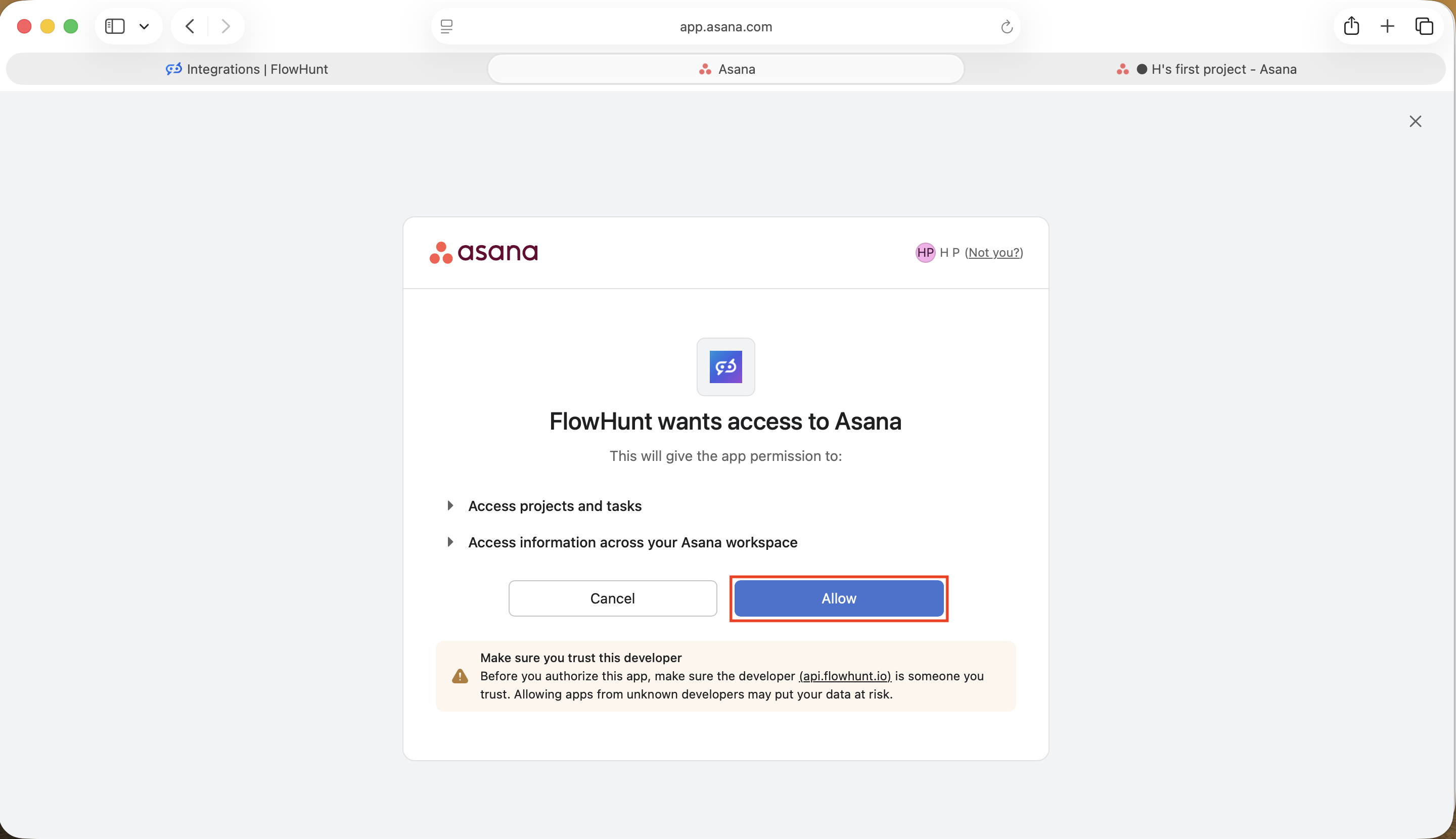
Step 4
Allow FlowHunt Access to Asana
Asana will display an authorization screen asking whether to grant FlowHunt access to your workspace. Review the permissions—FlowHunt will be able to access your projects, tasks, and workspace information—then click Allow to complete the connection.
- Grant Access:
- Review the permissions FlowHunt is requesting and click Allow to authorize the connection. FlowHunt will gain access to your Asana projects and tasks.
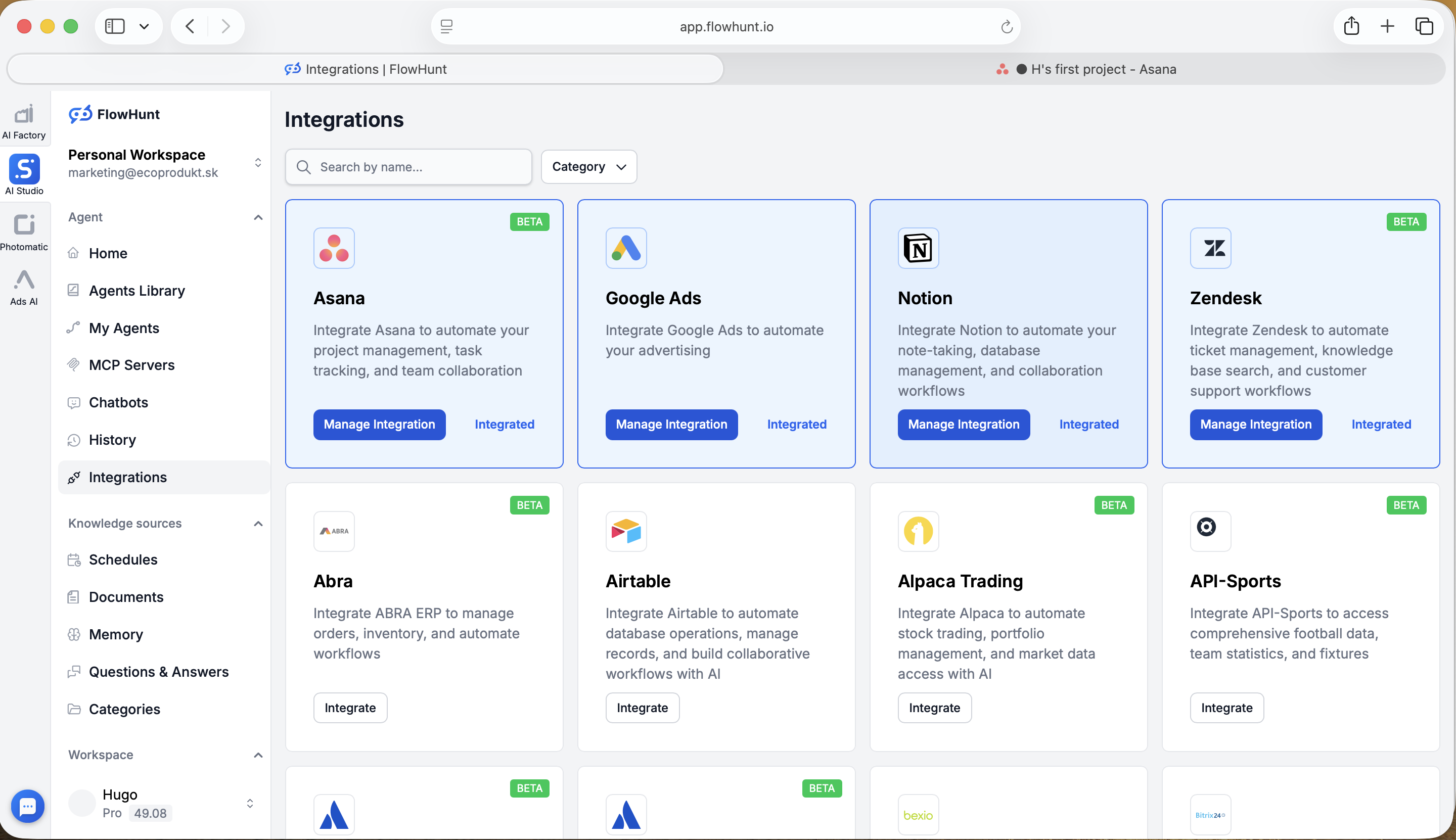
Step 5
Asana Successfully Integrated
You will be redirected back to the FlowHunt Integrations page, where Asana will now show as Integrated with a Manage Integration button. Your Asana workspace is now fully connected to FlowHunt and ready to use in your AI workflows.
- Connected!:
- Your Asana workspace is now linked to FlowHunt. Click Manage Integration to browse ready-made templates or build custom flows to automate your project management workflows.
Use Cases & Flows
Everything You Can Do with FlowHunt + Asana
A complete overview of available use cases, flow templates, and capabilities for the Asana integration:
- Automated Task Management
- AI agents create, update, and route tasks in your Asana workspace based on triggers from web forms, emails, or other connected systems—keeping your project pipeline always current.
- Project Tracking & Reporting
- Automatically generate project status reports and progress summaries from your Asana data using AI—delivered on schedule or on demand to Slack, email, or your BI tool.
- Cross-Platform Data Sync
- Keep data consistent between Asana and your CRM, support desk, or finance tools with real-time two-way synchronization.
- Task Enrichment & Prioritization
- Automatically enrich tasks with context, score them by urgency and impact, and route high-priority items to the right team members without manual triage.
- Workflow Trigger Automation
- Trigger complex multi-step workflows when tasks change status or projects hit milestones—from sending stakeholder notifications to updating records in connected systems.
- Comment & Collaboration Workflows
- Automatically add comments to tasks to keep teams informed, log activity from external systems, and maintain a complete discussion history on every work item.
- Onboarding Workflow Triggers
- When a new client or team member is added, automatically create a full onboarding project in Asana with templated tasks, due dates, and assigned owners.
- Custom AI Workflows
- Build your own flows using Asana components alongside LLMs, web search, and document retrieval for any project management automation need.