AI Agent for Shopify
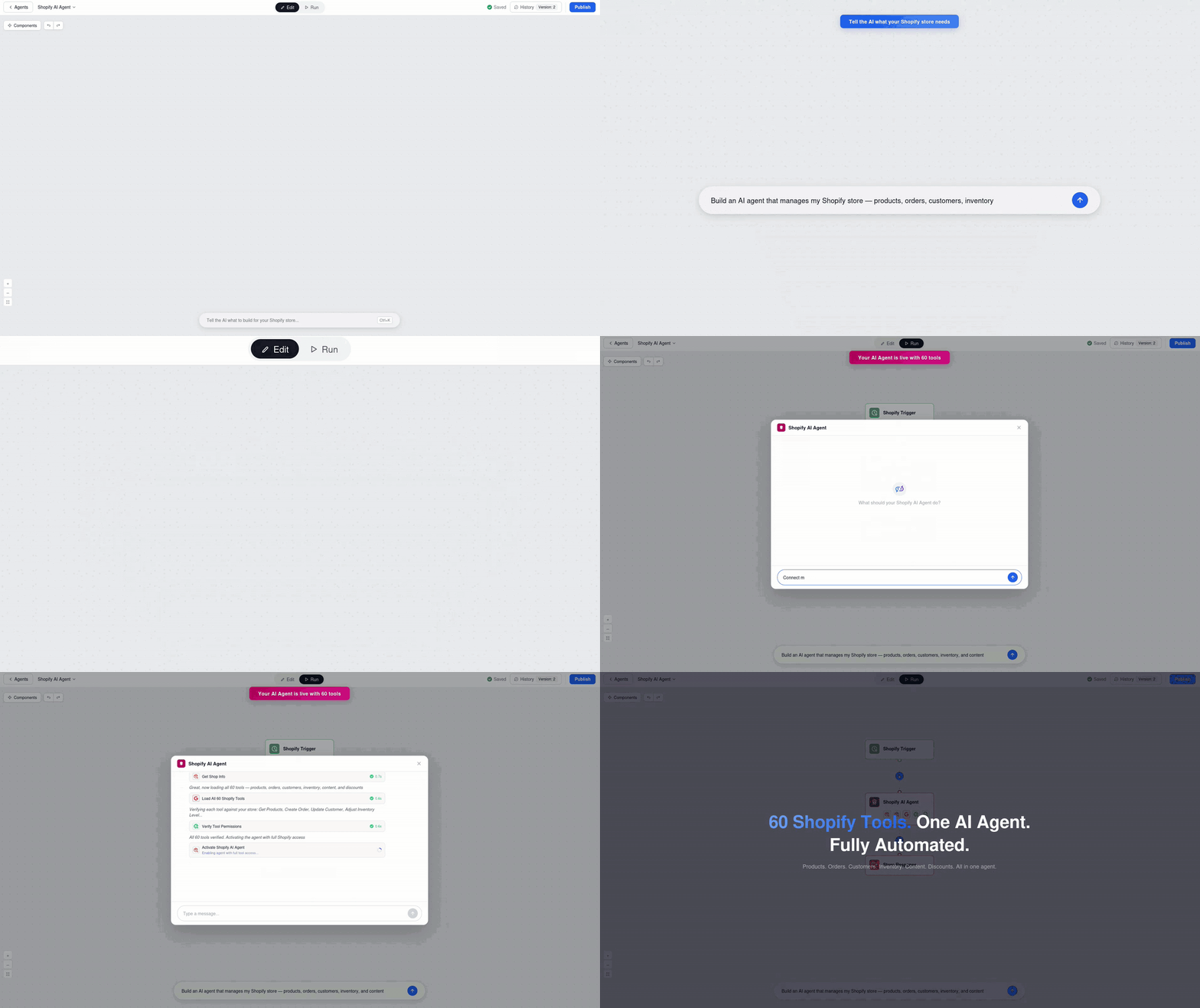
Deploy AI agents that connect directly to your Shopify store—automate product discovery, enrich descriptions with AI-generated copy, track orders in real time, and power intelligent customer support. FlowHunt handles the repetitive e-commerce work so your team can focus on growth.




Automated Product Discovery & Catalog Management
Pull live product data from your Shopify store—titles, prices, variants, inventory levels, and metadata—directly into AI workflows. Keep your catalog in sync, trigger alerts on stock changes, and feed product info into marketing, analytics, or pricing automation.
- Live Product Data Access:
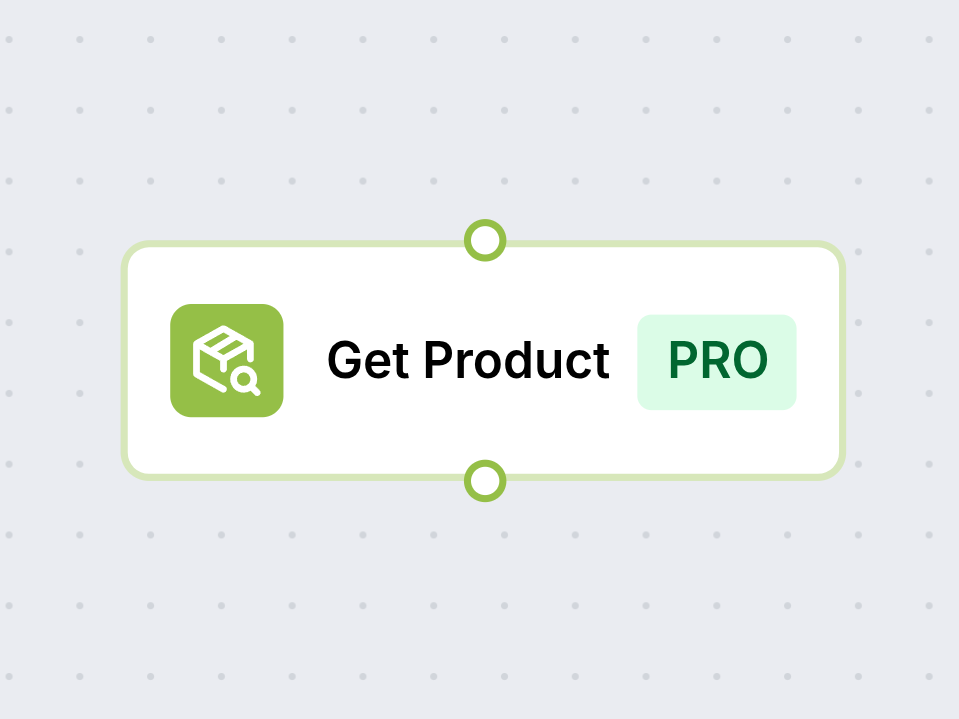
- Fetch titles, descriptions, pricing, variants, and inventory from Shopify in real time via the GetProduct component.
- Catalog Sync & Automation:
- Automatically detect new products, price changes, or stock updates and route them into downstream workflows.
- Example:
- An AI agent monitors new product additions and auto-generates marketing copy, social posts, and ad creatives for each one.
Order Tracking & Customer Support Automation
Give your AI agents direct access to Shopify order data—status, fulfillment, tracking numbers, and line items. Build intelligent support bots that answer 'Where's my order?' instantly, trigger proactive shipping notifications, and escalate issues before customers even ask.
- Real-Time Order Lookup:
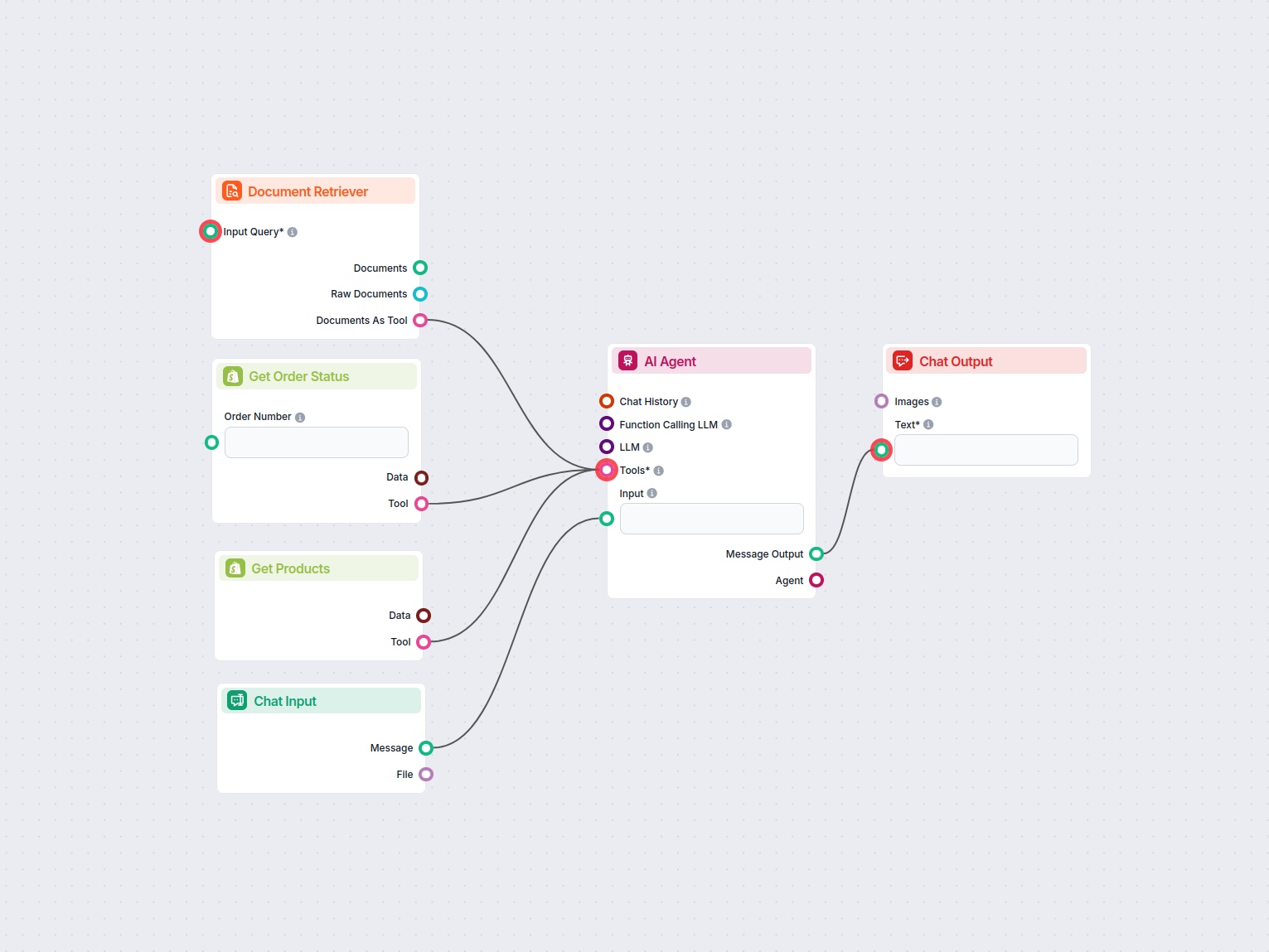
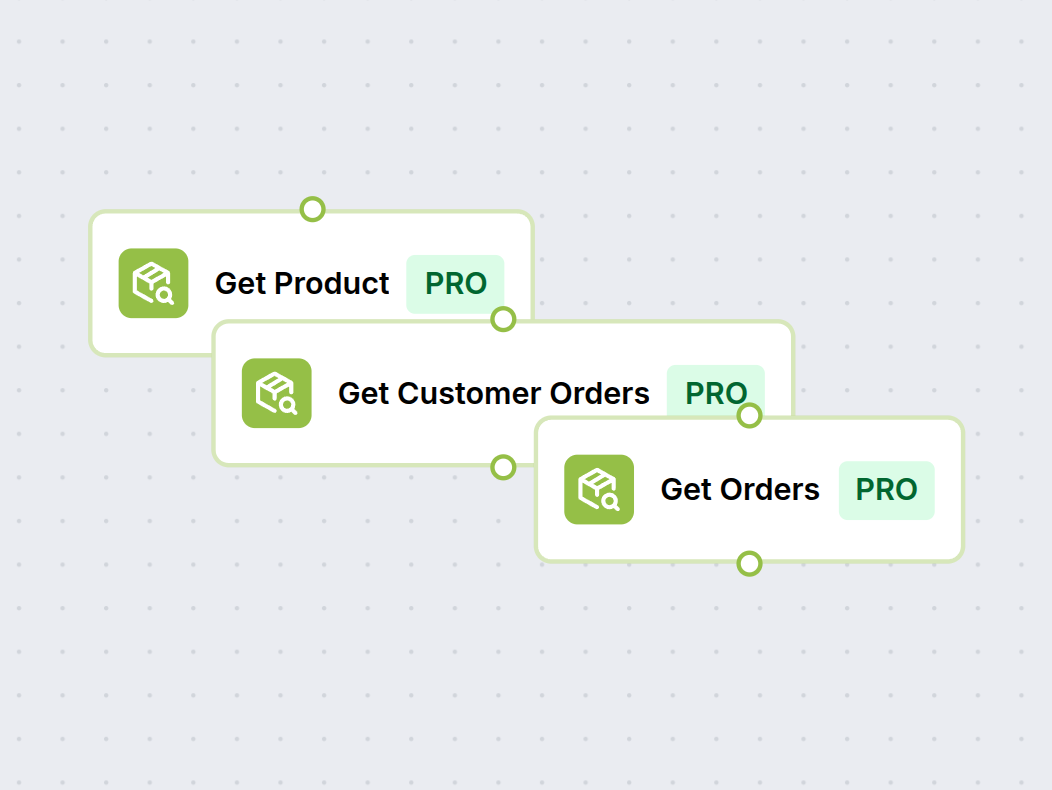
- Retrieve order status, fulfillment details, and tracking info via the GetOrder component—no manual lookups needed.
- Proactive Customer Notifications:
- Trigger automated updates when orders ship, are delayed, or require action—reducing support tickets by up to 40%.
- Example:
- A support chatbot checks order status in real time and sends proactive delivery updates to customers via email or chat.
Product Description Enrichment & Enhancement
Stop writing product descriptions manually. FlowHunt's AI reads your existing product data, researches your market, and generates SEO-optimized descriptions that highlight key features, benefits, and selling points—at scale across your entire catalog.
- AI-Generated Product Copy:
- Automatically create unique, SEO-friendly descriptions for new or existing products—complete with feature lists and benefit statements.
- Bulk Catalog Enrichment:
- Process hundreds of product listings at once—enrich thin descriptions, add missing details, and standardize tone across your store.
- Example:
- An AI workflow scans all products with descriptions under 50 words, researches similar items, and generates high-converting copy automatically.
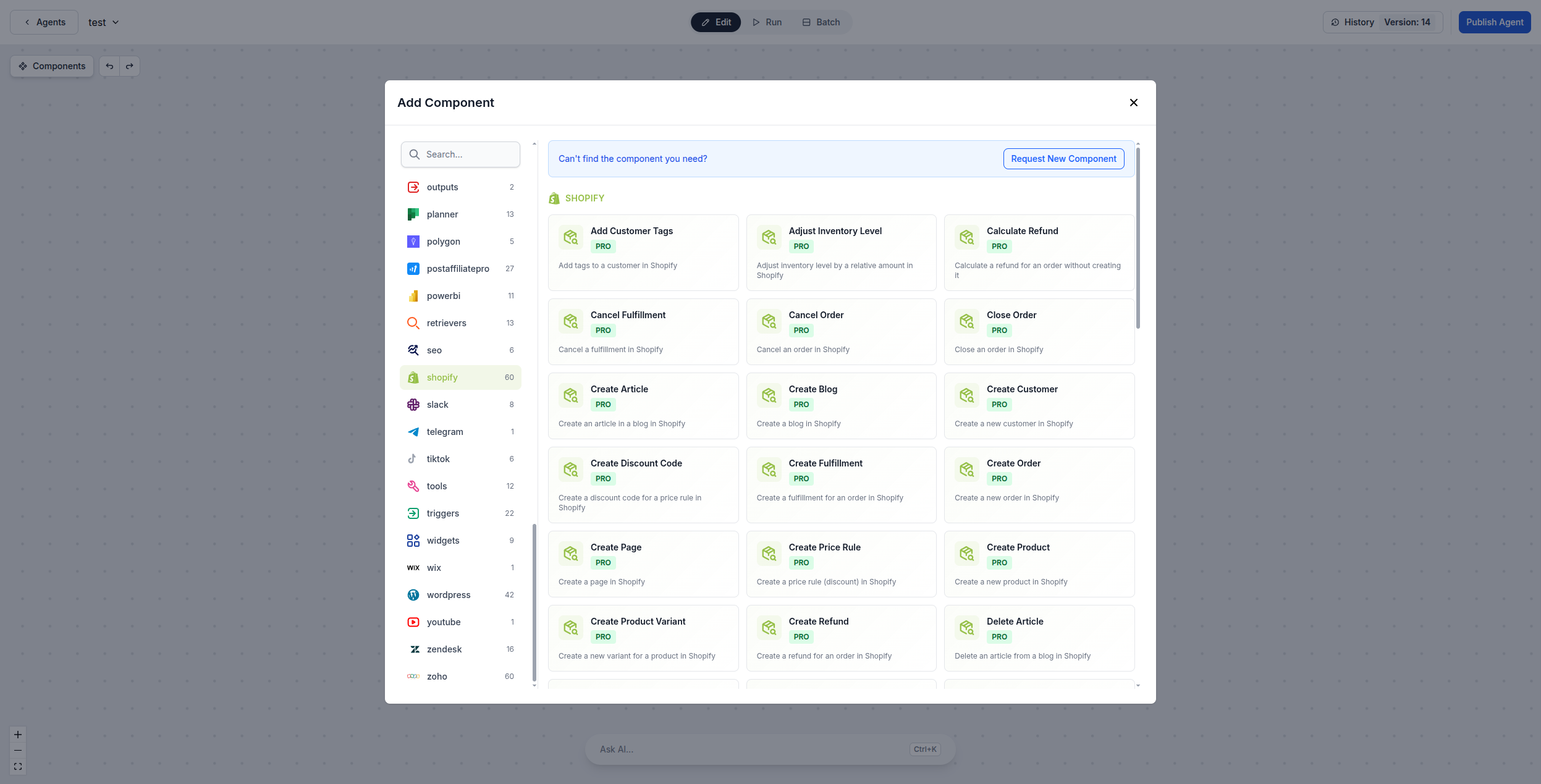
60+ Shopify Components — Use as AI Agent Tools or Standalone
FlowHunt provides over 60 ready-to-use Shopify components covering products, orders, customers, fulfillments, blogs, pages, discount codes, inventory, and more. Each component can be used as a tool inside an AI agent for autonomous decision-making, or as a standalone building block in any custom flow.
- AI Agent Tools:
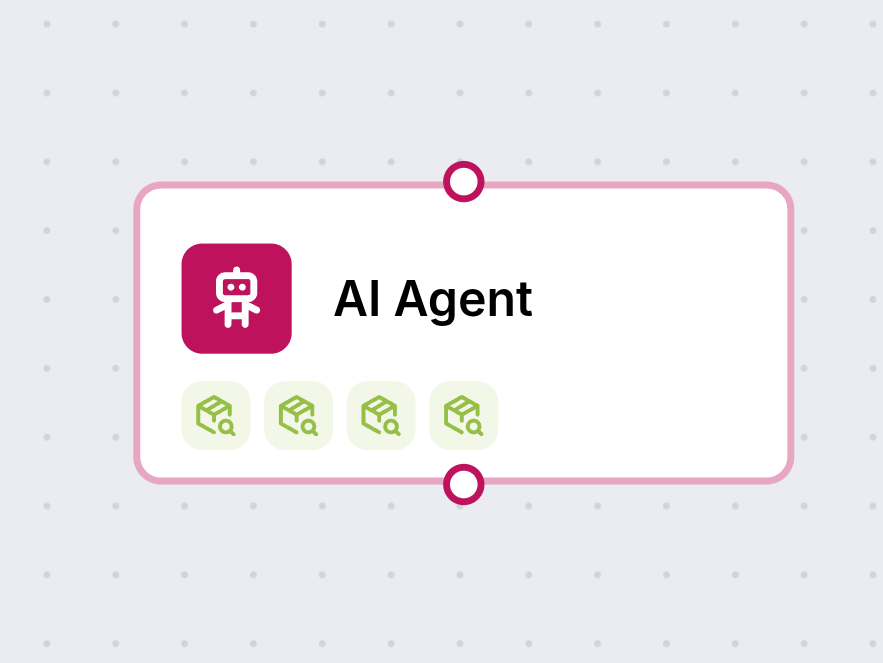
- Attach any Shopify component as a tool to an AI agent — the agent decides when and how to call it based on the conversation context.
- Standalone Flow Components:
- Drag and drop Shopify components into any flow to build deterministic, multi-step automations — no AI required.
- Full Coverage:
- From GetProduct and CreateOrder to ManageInventory and CreateDiscountCode — every major Shopify API operation is available as a component.
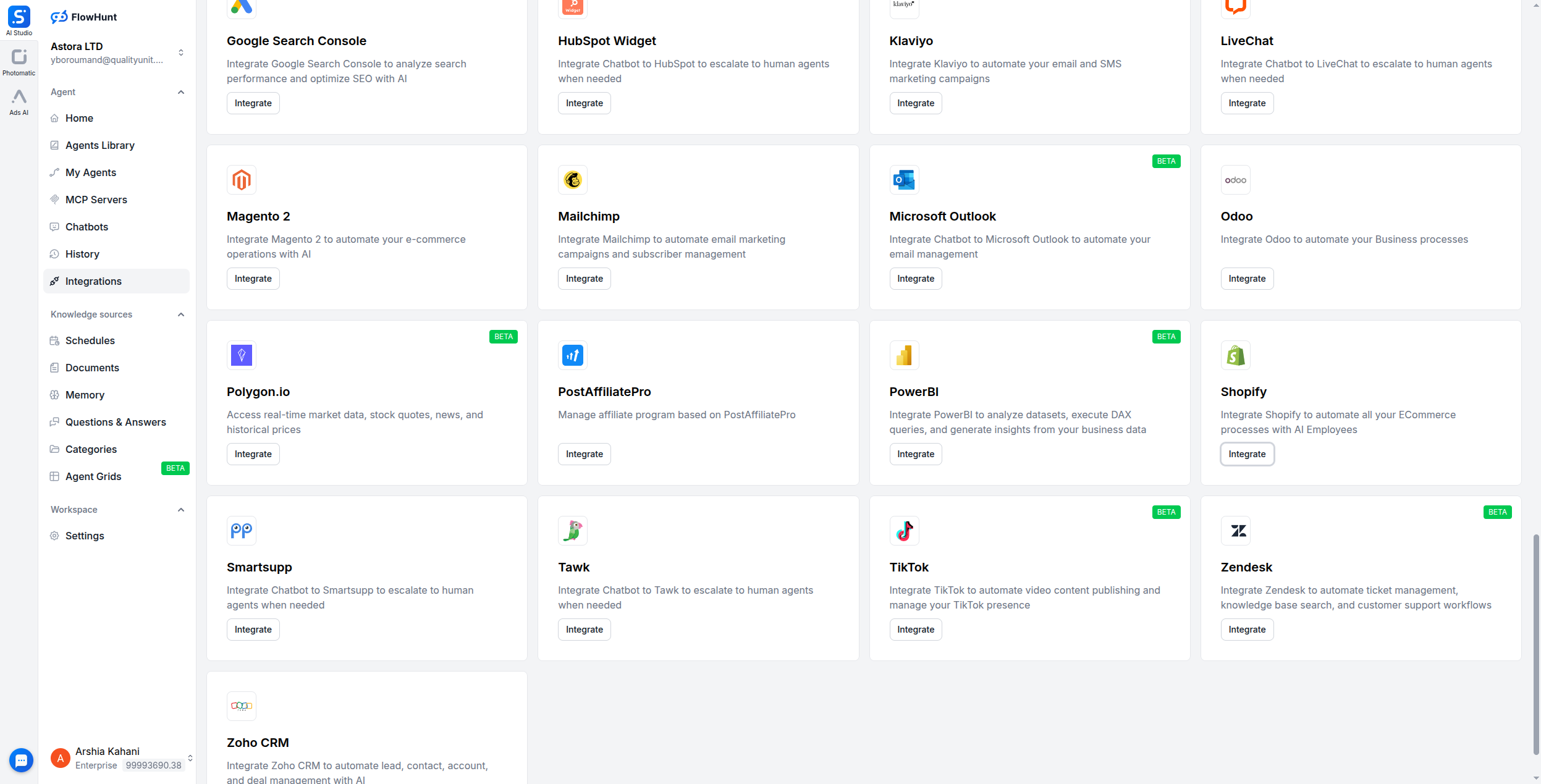
Step 1
Open the Integrations Page
Log in to your FlowHunt account and navigate to the Integrations page from the sidebar menu. Scroll down to find Shopify in the list of available integrations and click the Integrate button.
- Find Shopify:
- In the Integrations page, scroll to the Shopify card and click Integrate to open the setup dialog.
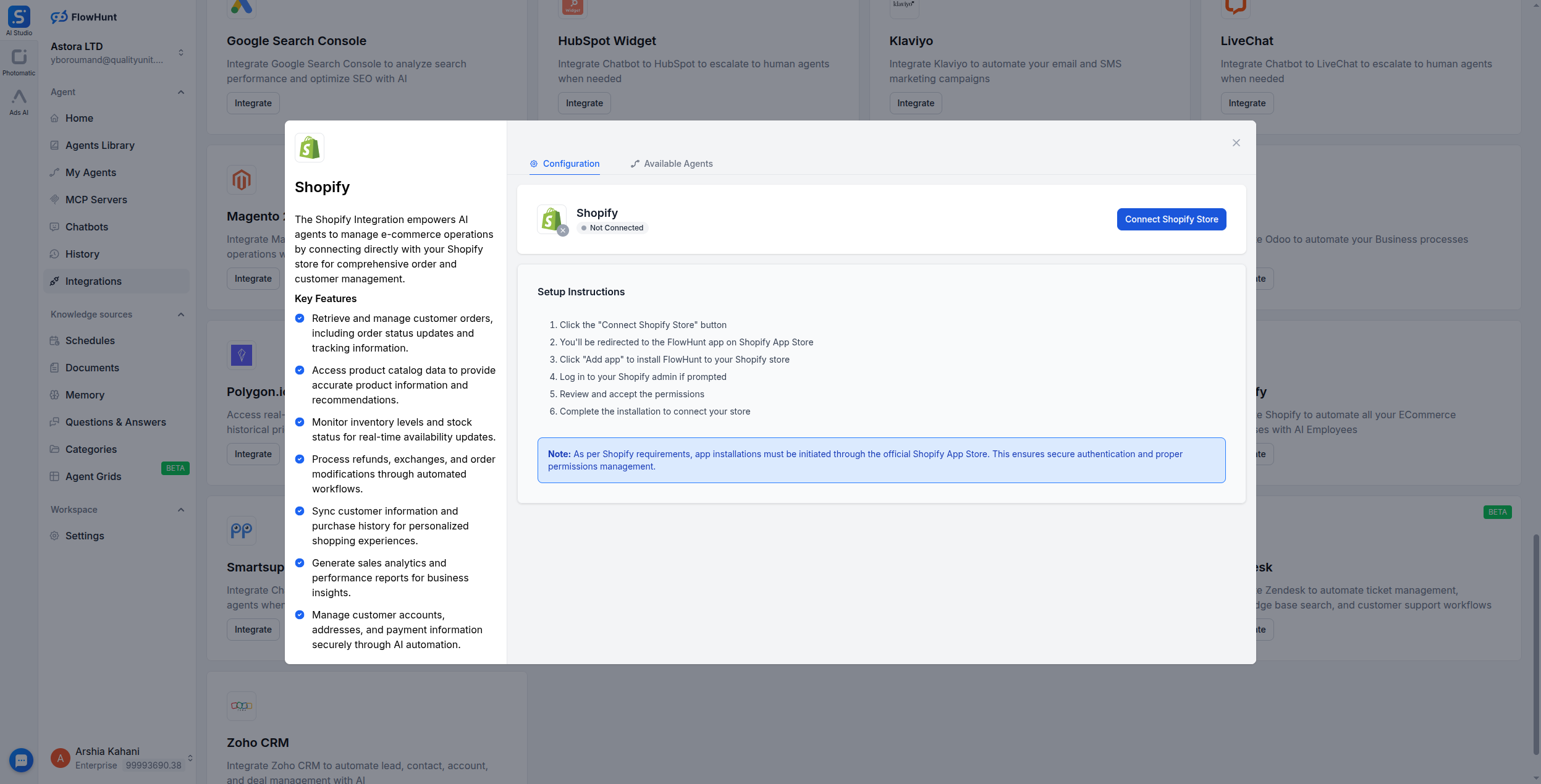
Step 2
Click Connect Shopify Store
In the Shopify integration dialog, you'll see the Configuration tab with a Connect Shopify Store button. Click it to begin the OAuth authentication process. The dialog also shows setup instructions for reference.
- Start the Connection:
- Click Connect Shopify Store to be redirected to the Shopify App Store for secure authentication.
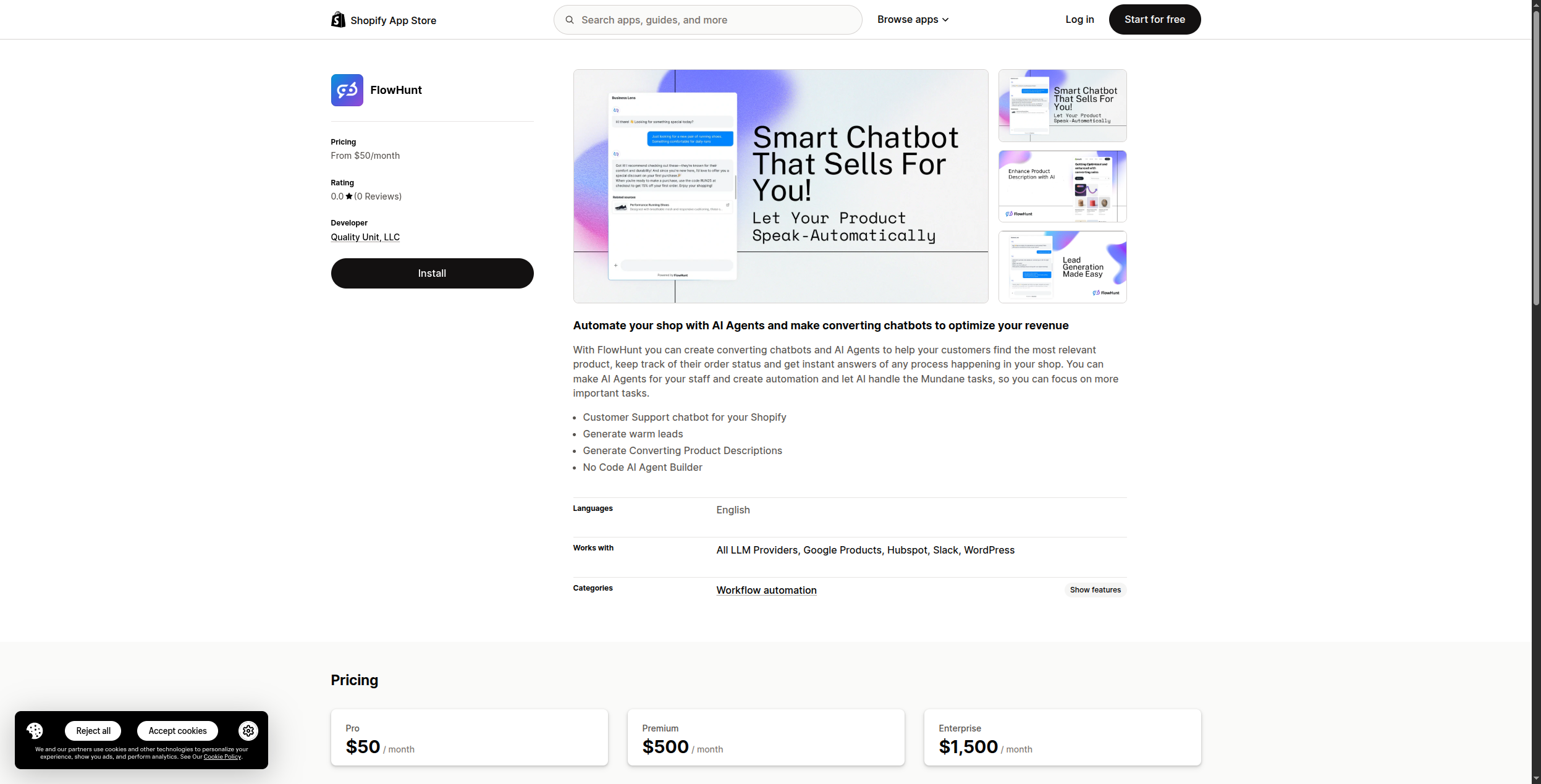
Step 3
Install from the Shopify App Store
You'll be redirected to the FlowHunt app on the Shopify App Store. Click Add app to install FlowHunt to your Shopify store. Log in to your Shopify admin if prompted, then review and accept the permissions to complete the installation.
- Authorize & Install:
- Accept the permissions and complete the installation. Your Shopify store will be linked to FlowHunt automatically.
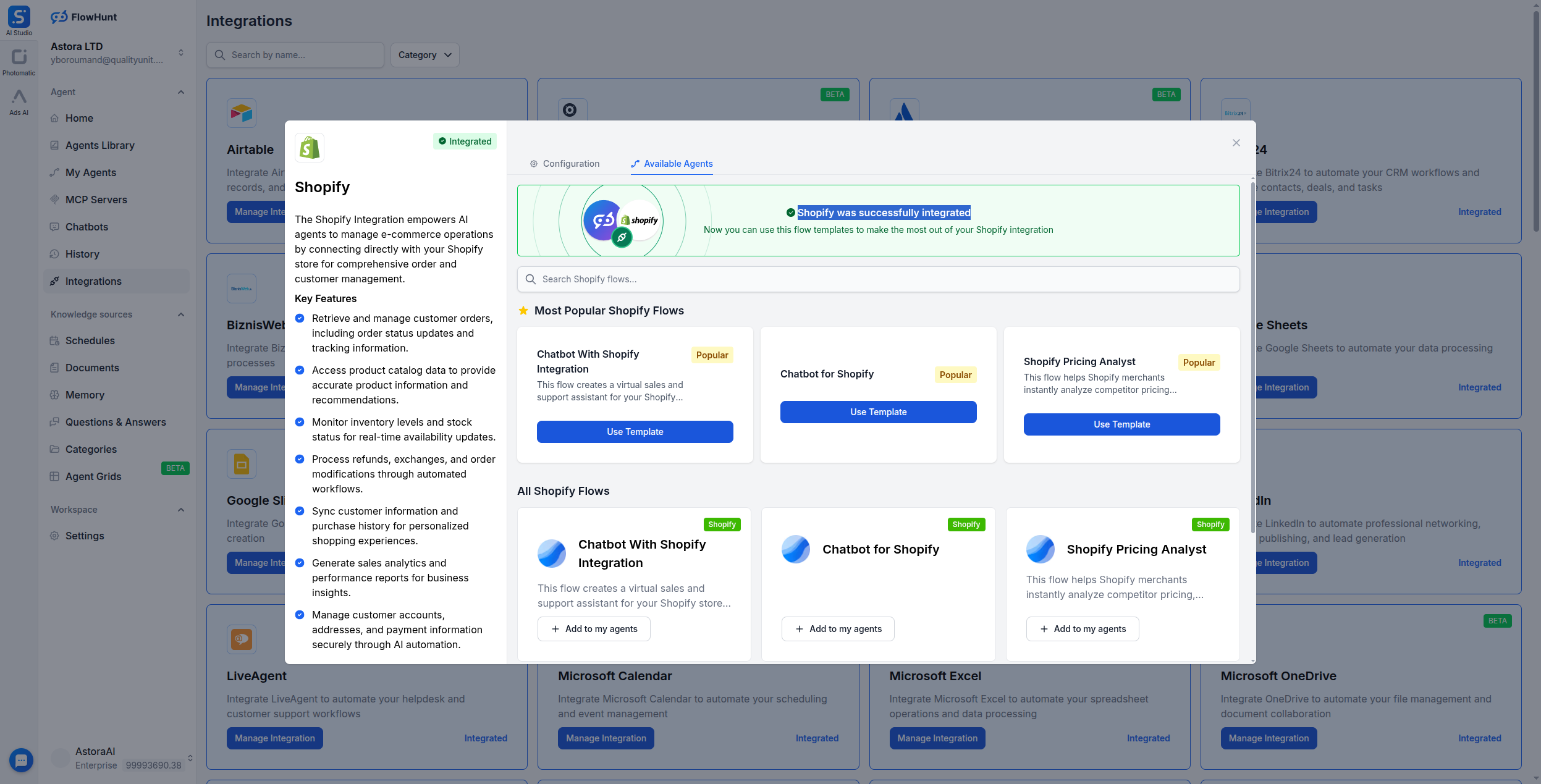
Step 4
Confirm Installation & Select Workspace
On the Shopify App Store page, click Install again to confirm. You'll be prompted to choose your FlowHunt workspace — select the one you want to connect. Once authorized, you'll be redirected back to FlowHunt with the integration active.
- Connected!:
- Your Shopify store is now linked to FlowHunt. Pick a ready-made template or build a custom flow using Shopify components like GetProduct and GetOrder.
Use Cases & Flows
Everything You Can Do with FlowHunt + Shopify
A complete overview of available use cases, flow templates, and capabilities for the Shopify integration:
- Product Pricing Research
- AI agent analyzes your Shopify products, researches competitors via Google Search and web scraping, and delivers actionable pricing strategies to maximize profitability.
- Product Description Enhancement
- Automatically generate, rewrite, and optimize product descriptions using AI—improving SEO, clarity, and conversion rates across your catalog.
- AI Customer Support Agent
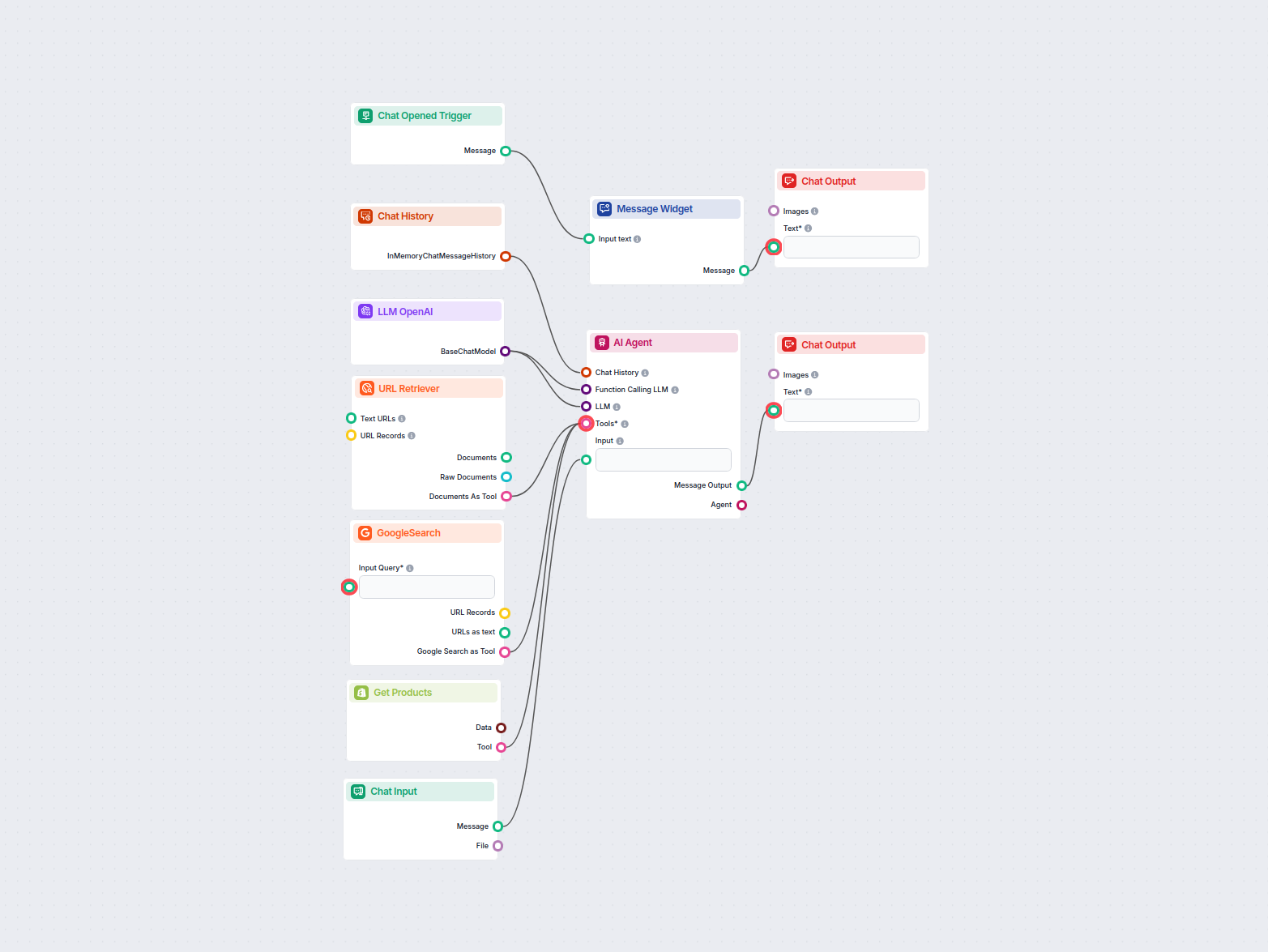
- Deploy a chatbot that answers product questions, retrieves real-time order status, and pulls from your internal documentation to assist customers 24/7.
- Product Data Retrieval
- Fetch product listings, pricing, inventory, and metadata from Shopify for use in analytics dashboards, marketing automation, or reporting workflows.
- Order Status Tracking
- Retrieve up-to-date order information and integrate it into customer notifications, support flows, or internal operations dashboards.
- Catalog Automation
- Automatically sync and enrich product data across channels—keep listings consistent and up to date without manual effort.
- Competitor Monitoring
- Combine Shopify product data with web research to track competitor pricing, product launches, and market positioning.
- Custom AI Workflows
- Build your own flows using GetProduct and GetOrder components alongside LLMs, web search, and document retrieval for any Shopify automation need.
All 60 Shopify Components
Every Shopify tool available in FlowHunt — use them as AI agent tools or standalone flow components.
| Component | Description |
|---|---|
| Add Customer Tags | Add tags to a customer in Shopify. |
| Adjust Inventory Level | Adjust inventory level by a relative amount in Shopify. |
| Calculate Refund | Calculate a refund for an order without creating it. |
| Cancel Fulfillment | Cancel a fulfillment in Shopify. |
| Cancel Order | Cancel an order in Shopify. |
| Close Order | Close an order in Shopify. |
| Create Article | Create an article in a blog in Shopify. |
| Create Blog | Create a blog in Shopify. |
| Create Customer | Create a new customer in Shopify. |
| Create Discount Code | Create a discount code for a price rule in Shopify. |
| Create Fulfillment | Create a fulfillment for an order in Shopify. |
| Create Order | Create a new order in Shopify. |
| Create Page | Create a page in Shopify. |
| Create Price Rule | Create a price rule (discount) in Shopify. |
| Create Product | Create a new product in Shopify. |
| Create Product Variant | Create a new variant for a product in Shopify. |
| Create Refund | Create a refund for an order in Shopify. |
| Delete Article | Delete an article from a blog in Shopify. |
| Delete Blog | Delete a blog from Shopify. |
| Delete Customer | Delete a customer from Shopify. |
| Delete Page | Delete a page from Shopify. |
| Delete Price Rule | Delete a price rule from Shopify. |
| Delete Product | Delete a product from Shopify. |
| Get Article | Get a specific article from a blog in Shopify. |
| Get Article Tags | Get article tags from Shopify. |
| Get Articles | Get articles from a blog in Shopify. |
| Get Blog | Get a specific blog from Shopify. |
| Get Blogs | Get blogs from Shopify. |
| Get Collections | Get collections from Shopify. |
| Get Customer | Get a specific customer from Shopify by ID. |
| Get Customer Orders | Get orders for a specific customer from Shopify. |
| Get Customers | Get a list of customers from Shopify with optional search. |
| Get Fulfillments | Get fulfillments for an order from Shopify. |
| Get Inventory Items | Get inventory items from Shopify. |
| Get Inventory Levels | Get inventory levels from Shopify. |
| Get Locations | Get all fulfillment locations from Shopify. |
| Get Order | Get a specific order from Shopify by ID. |
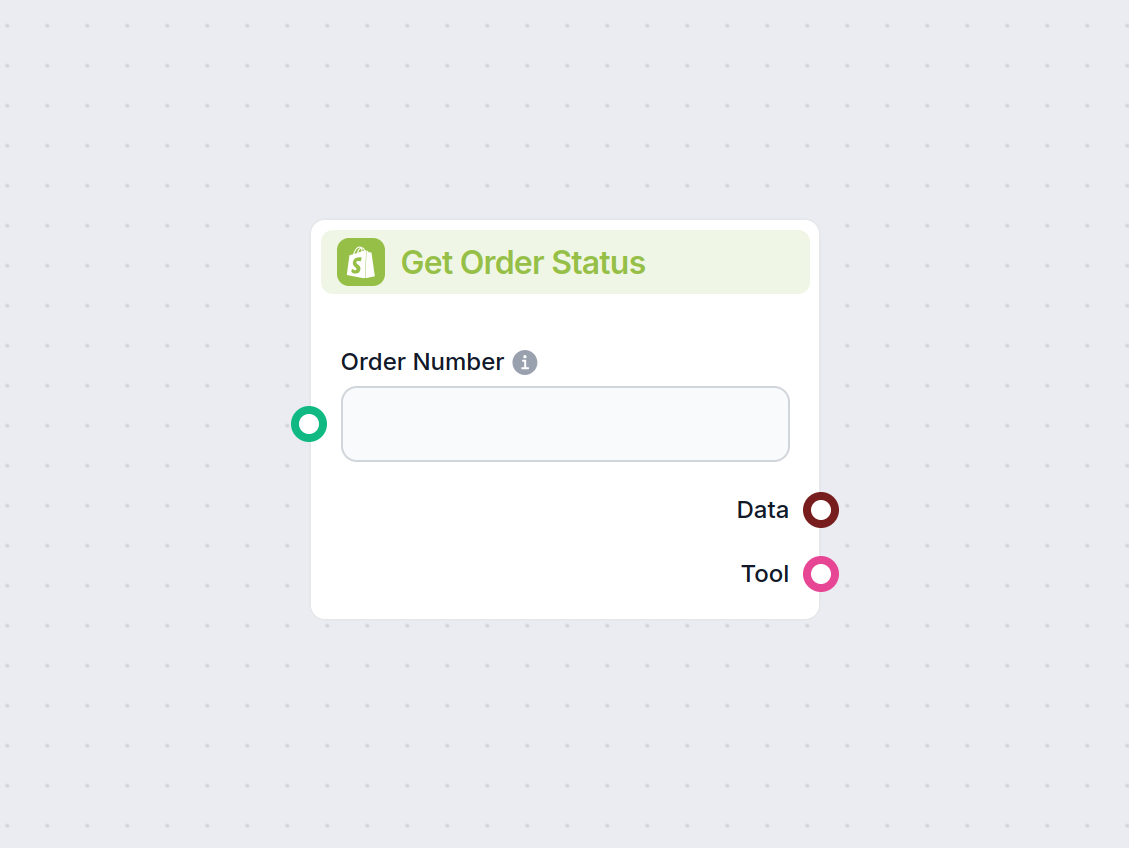
| Get Order Status | Get the status of an order from Shopify. |
| Get Orders | Get a list of orders from Shopify with optional filters. |
| Get Page | Get a specific page from Shopify. |
| Get Pages | Get pages from Shopify. |
| Get Price Rule | Get a specific price rule from Shopify. |
| Get Price Rules | Get price rules (discounts) from Shopify. |
| Get Product | Get a specific product from Shopify by ID. |
| Get Product Variants | Get all variants for a specific product from Shopify. |
| Get Products | Get products from Shopify. |
| Get Products by Collection | Get products in a specific collection from Shopify. |
| Get Refunds | Get refunds for an order from Shopify. |
| Get Shop Info | Get shop information from Shopify. |
| Update Article | Update an article in a blog in Shopify. |
| Update Blog | Update a blog in Shopify. |
| Update Customer | Update an existing customer in Shopify. |
| Update Fulfillment | Update a fulfillment in Shopify. |
| Update Inventory Level | Update inventory level at a specific location in Shopify. |
| Update Order | Update an existing order in Shopify. |
| Update Page | Update a page in Shopify. |
| Update Price Rule | Update a price rule in Shopify. |
| Update Product | Update an existing product in Shopify. |
| Update Product Variant | Update an existing product variant in Shopify. |
| Upload Image | Upload an image to Shopify Files. |