AI Agent for Slack
Automate your Slack workspace with FlowHunt AI. Send messages, reply to threads, react to posts, retrieve channel history, and monitor team activity — all driven by intelligent automation that works around the clock.





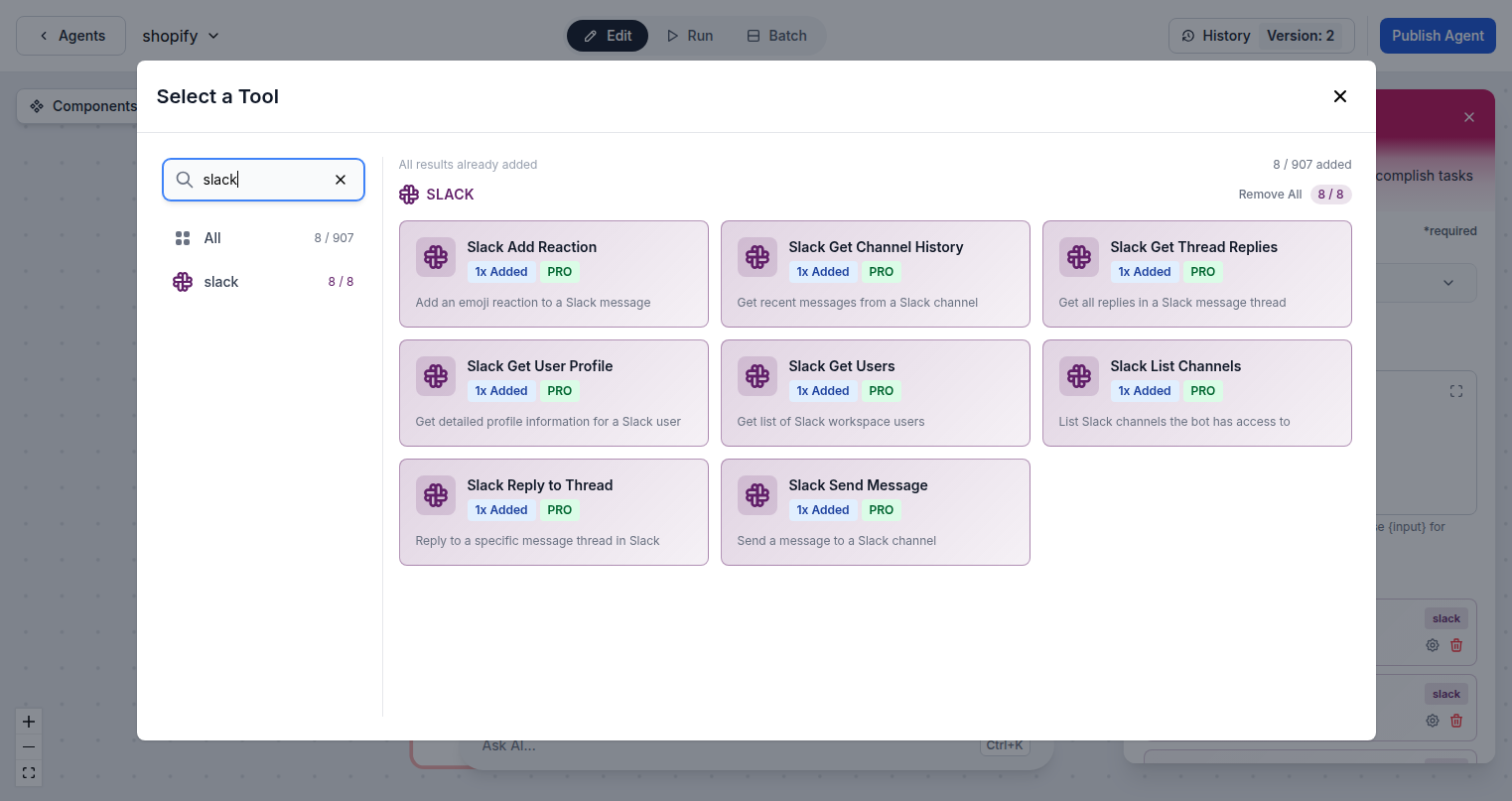
8 Slack Actions, One AI Brain
FlowHunt connects to your Slack workspace and gives AI agents full access to messaging, channels, threads, users, and reactions. Build workflows that send alerts, escalate issues, summarize threads, or post AI-generated content — without writing a single line of code.
- Send and Reply:
- AI agents can send messages to any channel and reply directly to threads — keeping conversations contextual and organized.
- Monitor 24/7:
- Retrieve channel history and thread replies at any time, enabling AI to summarize discussions and surface key decisions.
- User and Channel Lookup:
- List workspace users, get user profiles, and browse available channels to build smart routing and notification workflows.
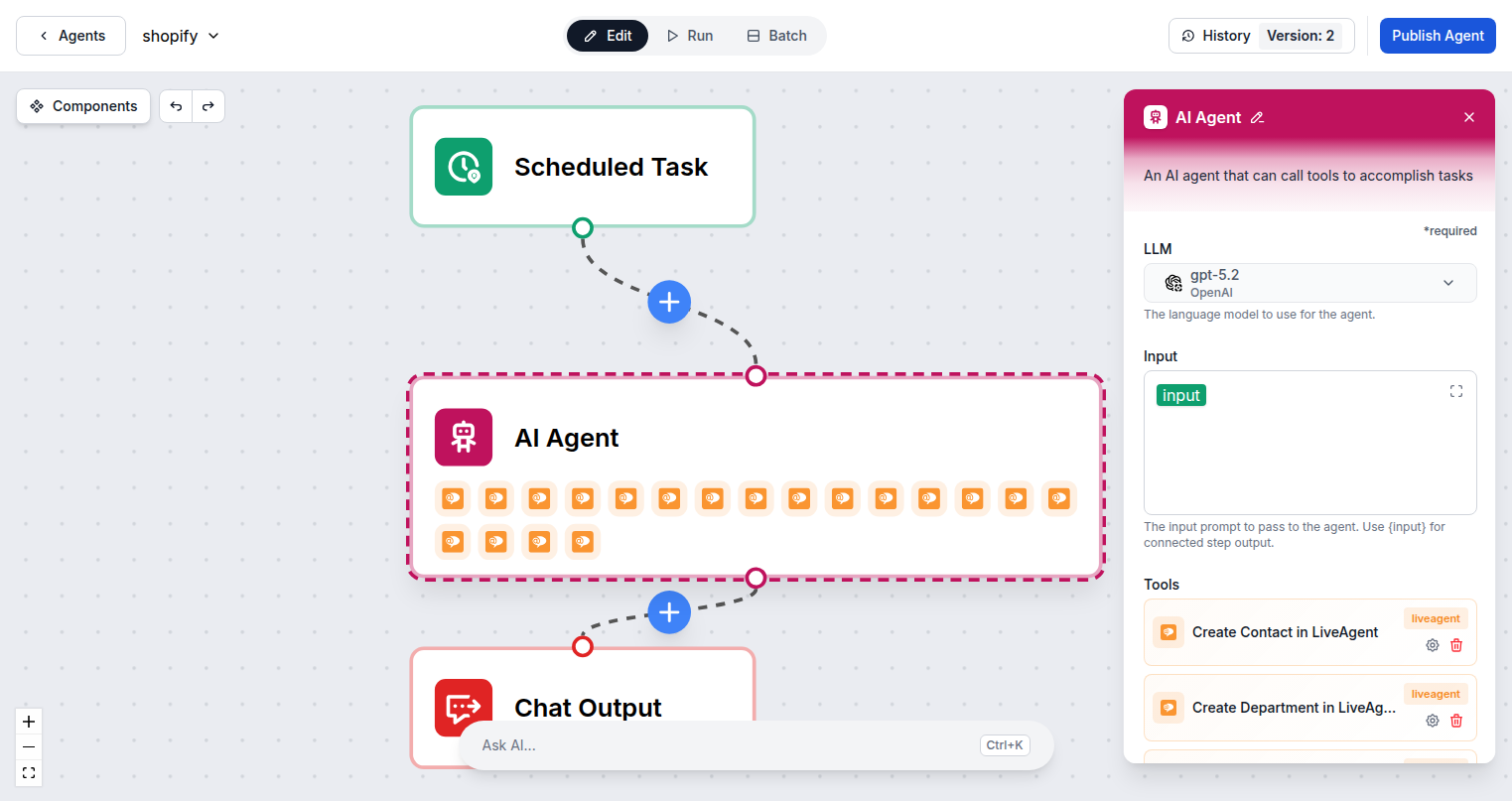
Your AI Employee in Every Channel
FlowHunt AI agents live inside your Slack workspace and respond in real time. They can greet users, answer questions from your knowledge base, escalate to humans when needed, and post automated summaries — making them indistinguishable from a real team member.
- Real-Time Responses:
- Trigger flows when messages arrive in specific channels — AI processes and responds without any human delay.
- Knowledge Base Integration:
- Connect your documentation so AI agents can answer questions accurately from Slack, drawing on your existing content.
- Human Escalation:
- AI agents recognize when to escalate, automatically notifying the right person when a request needs human attention.
Connect in Minutes, Not Days
Connecting Slack to FlowHunt takes a single OAuth click — no API keys or manual configuration required. Once connected, your AI agents immediately gain access to all 8 Slack actions and can start automating your team's communication workflows.
- One-Click OAuth:
- Authenticate with a single Slack OAuth flow — no bot tokens, no manual configuration, no developer setup required.
- 8 Slack Actions Ready:
- All 8 Slack tool actions are immediately available to add to any AI agent flow after connecting your workspace.
- Minimum Permissions:
- FlowHunt requests only the scopes it needs and never stores your Slack credentials.
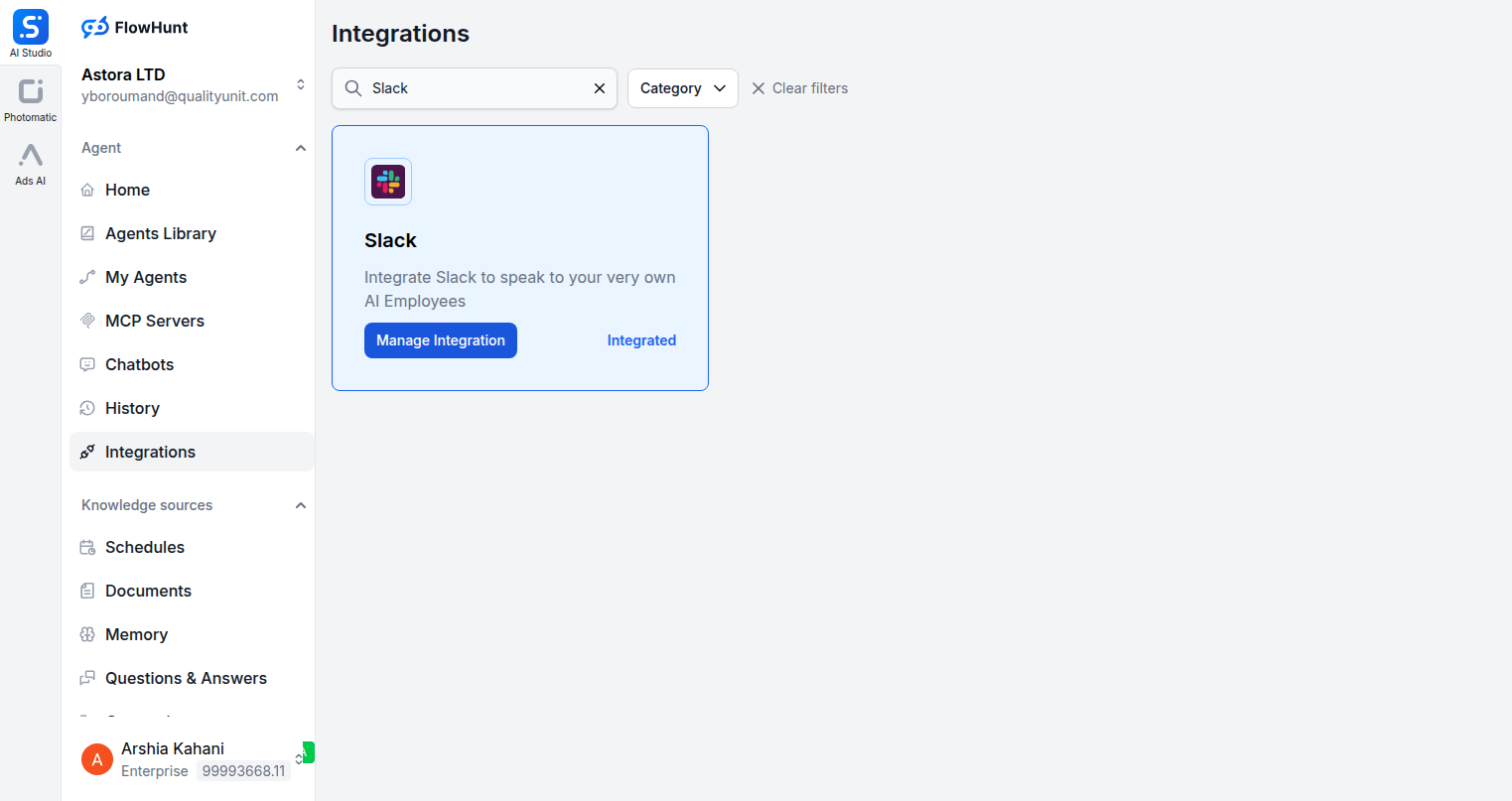
Step 1
Open the Integrations Page
Navigate to the Integrations section in FlowHunt and search for Slack. Click Manage Integration to open the connection dialog.
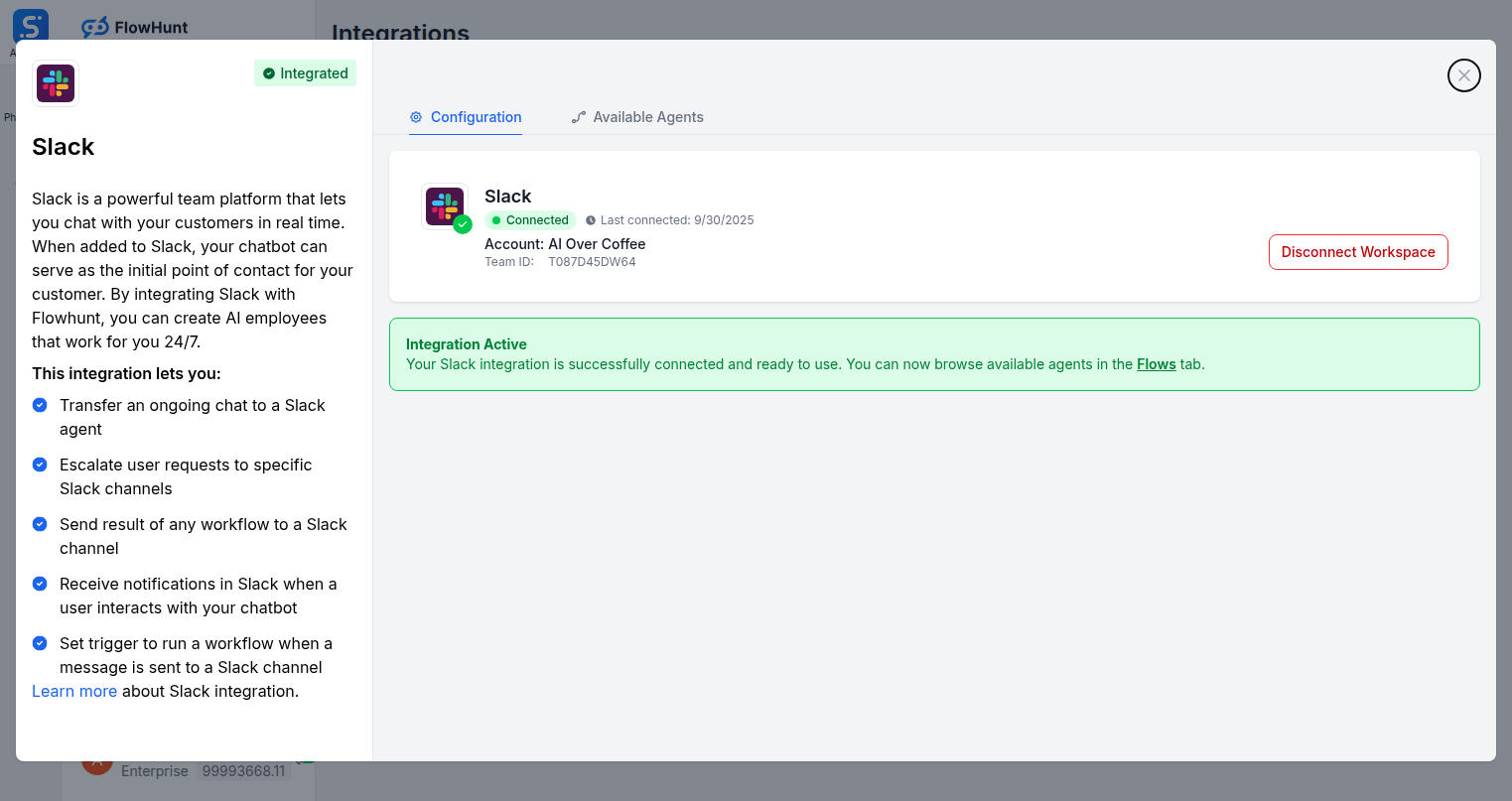
Step 2
Connect Your Slack Workspace
Click Connect Slack Workspace to authenticate via OAuth. FlowHunt will request only the minimum permissions needed to send and receive messages on your behalf.
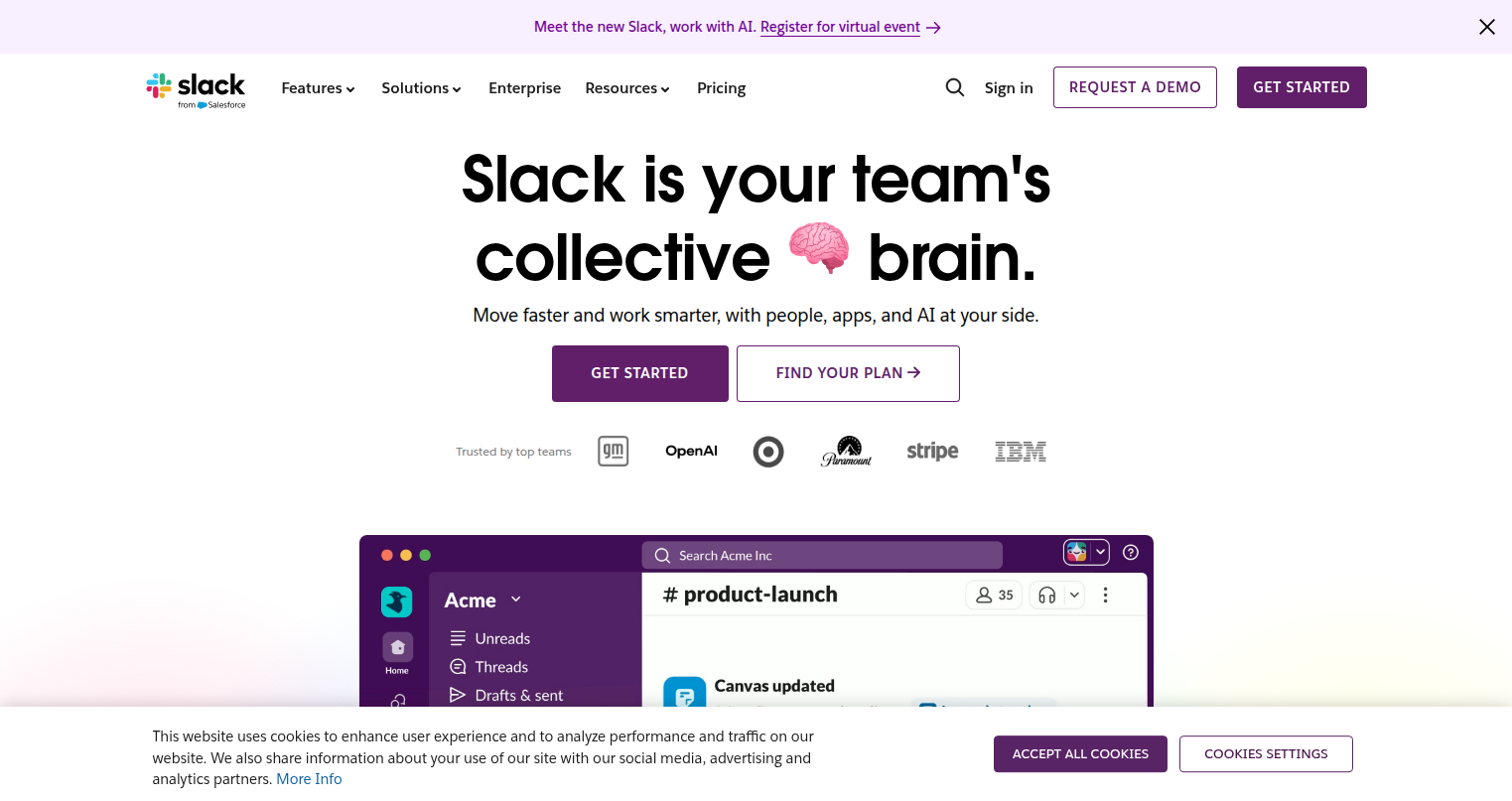
Step 3
Authorize in Slack
You will be redirected to Slack to approve the connection. Once approved, you are taken back to FlowHunt with your workspace connected and ready to use.
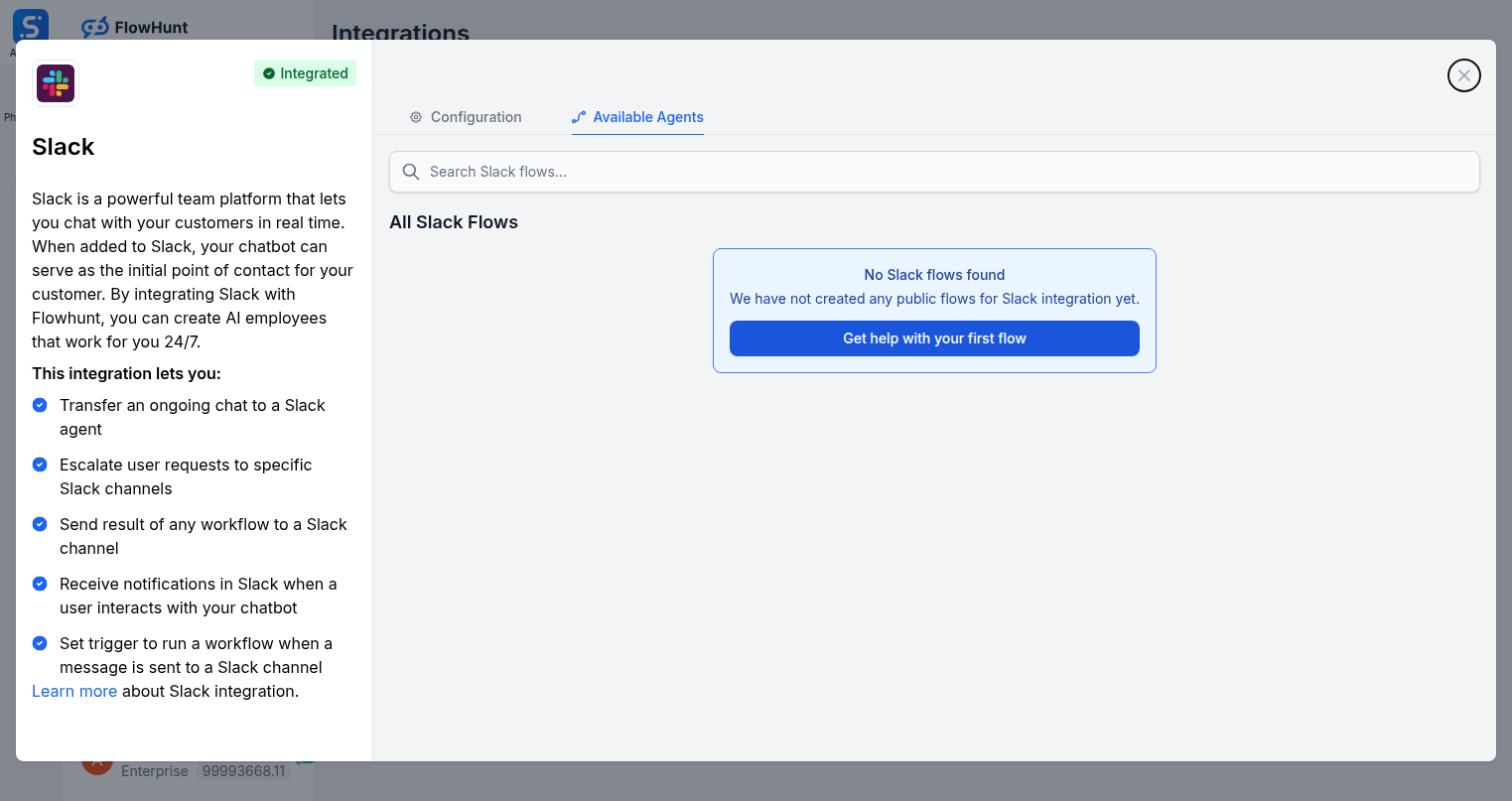
Step 4
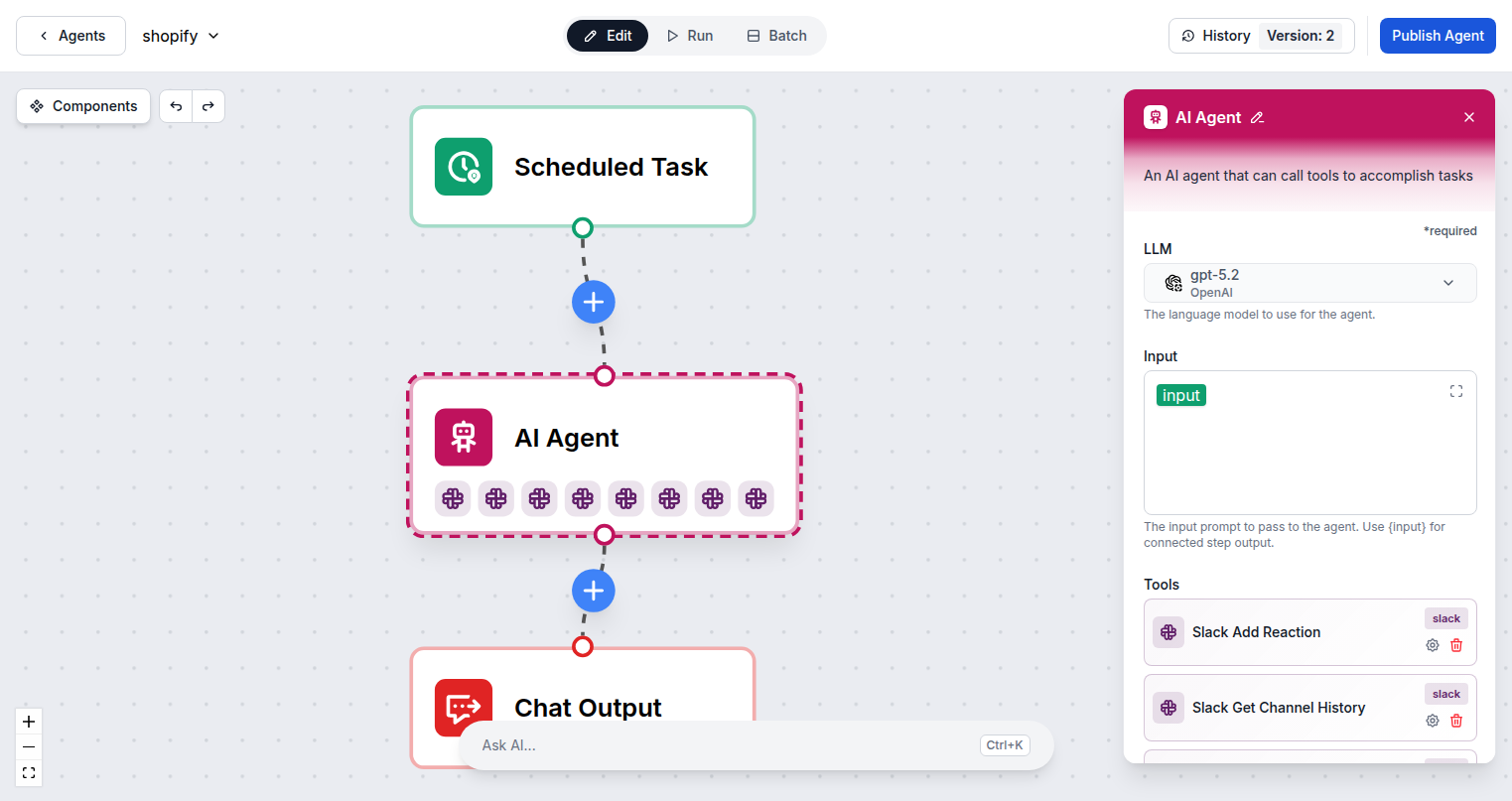
Add Slack Tools to Your Agent
Open the Available Agents tab to explore Slack-specific flows, or open the Flow Builder and add Slack tools directly to your AI agent.
Use Cases
What You Can Build with Slack + FlowHunt
Practical automation workflows your team can deploy today.
- Automated Alert Routing
- AI detects keywords in channels and escalates to the right person automatically.
- Thread Summarizer
- AI reads long threads and posts a TL;DR for latecomers and async team members.
- Customer Support Bot
- Answer questions from a knowledge base directly inside Slack channels.
- Daily Standup Collector
- Agent DMs team members and posts a compiled update to the team channel.
- Incident Notification
- AI posts structured alerts to ops channels when upstream events trigger.
- Approval Workflows
- AI waits for reactions or replies before proceeding to the next step in a flow.
- Onboarding Assistant
- Welcome new workspace members and guide them through setup automatically.
- Cross-Channel Broadcast
- Post the same message to multiple channels simultaneously with one trigger.
All Slack Components
Every Slack action available in FlowHunt.
| Component | Description |
|---|---|
| Slack Add Reaction | Add an emoji reaction to a Slack message. |
| Slack Get Channel History | Get recent messages from a Slack channel. |
| Slack Get Thread Replies | Get all replies in a Slack message thread. |
| Slack Get User Profile | Get detailed profile information for a Slack user. |
| Slack Get Users | Get list of Slack workspace users. |
| Slack List Channels | List Slack channels the bot has access to. |
| Slack Reply to Thread | Reply to a specific message thread in Slack. |
| Slack Send Message | Send a message to a Slack channel. |