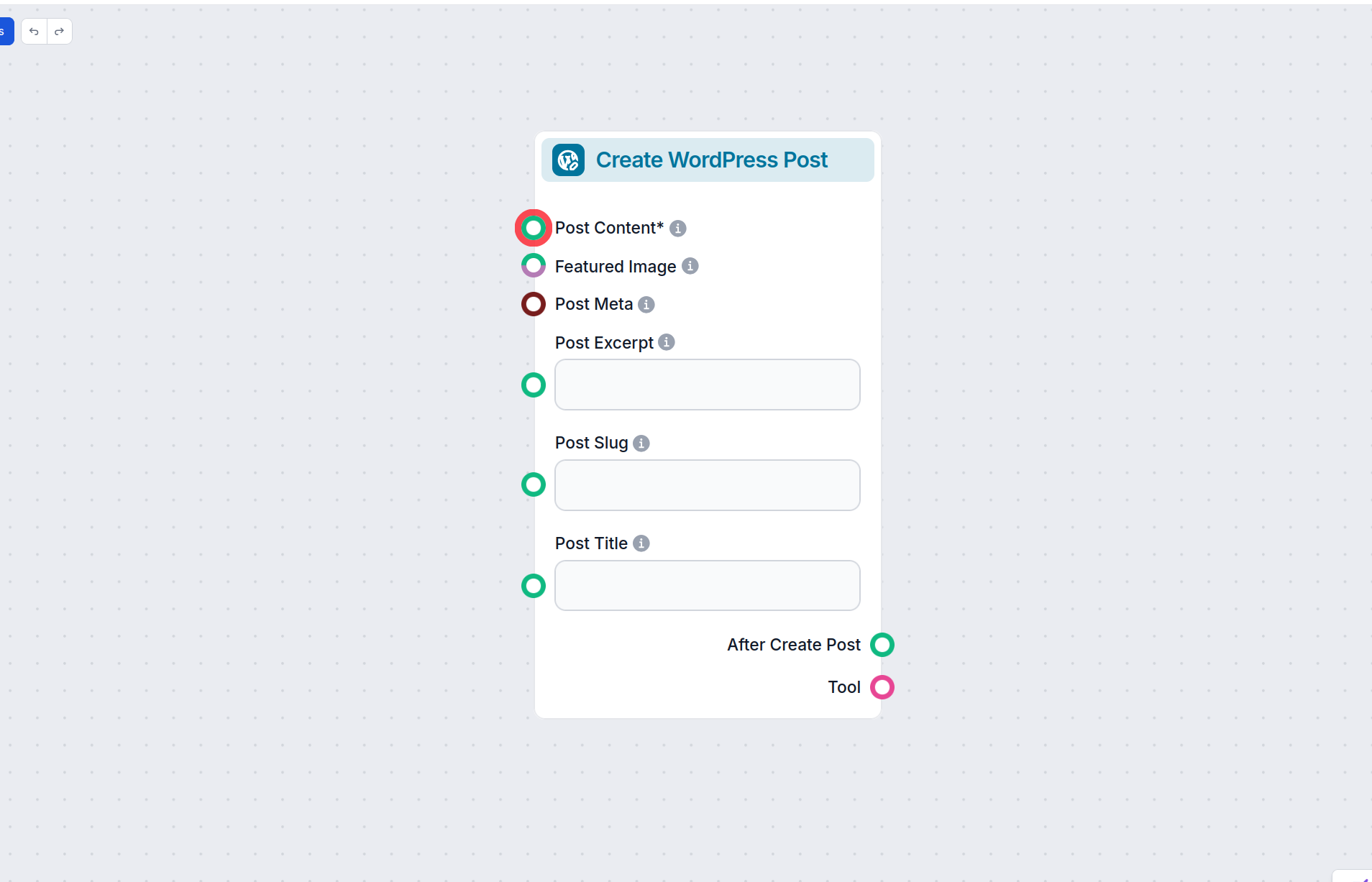
AI Agent for WordPress
Automate your entire WordPress site with FlowHunt AI. Create and publish posts, manage pages, handle comments, upload media, control users, and even toggle plugins — all driven by 42 intelligent actions that your AI agent can run on demand or on a schedule.





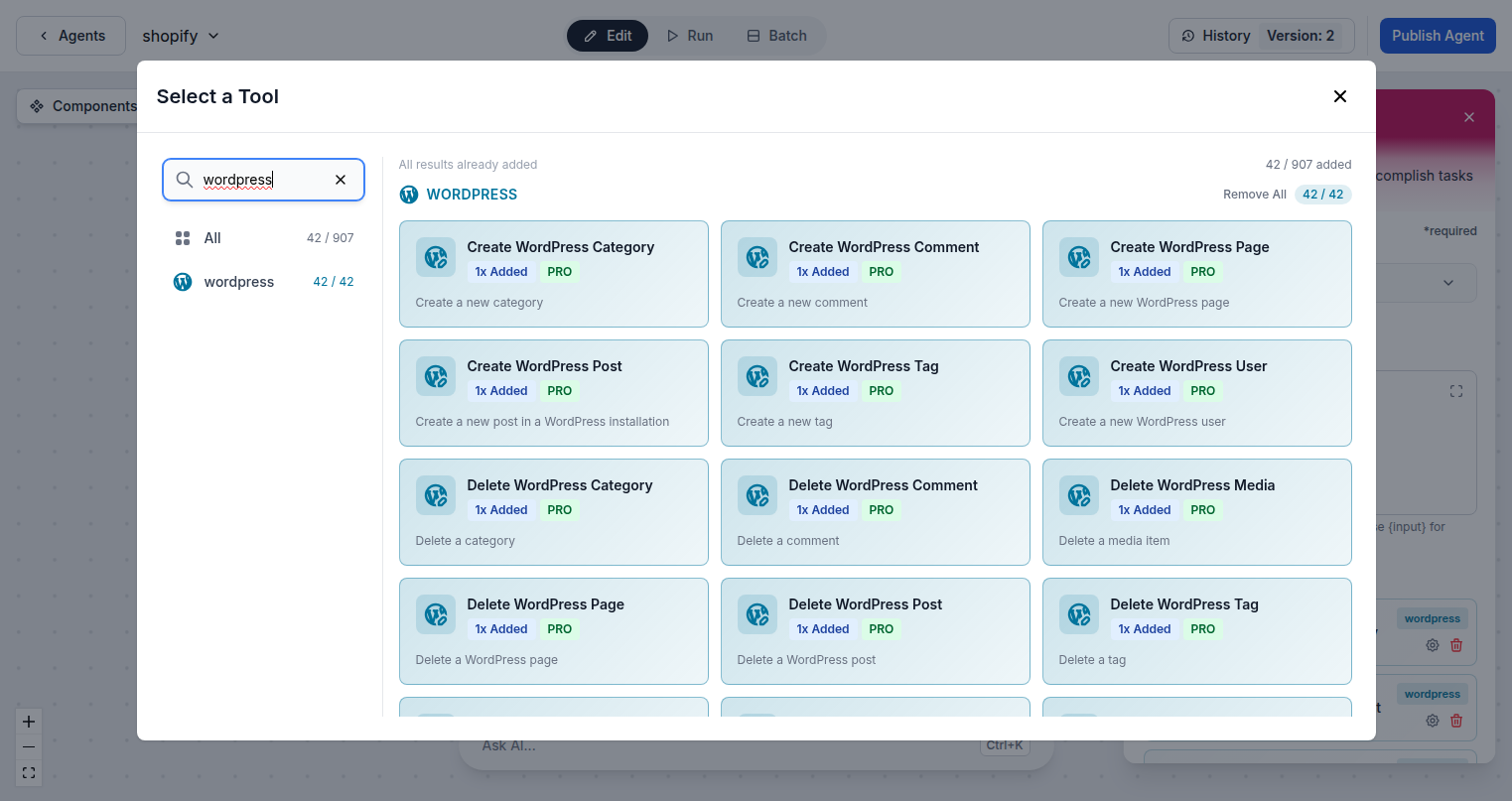
42 WordPress Actions in One Agent
FlowHunt gives AI agents complete control over WordPress — posts, pages, users, media, categories, tags, comments, plugins, templates, and site info. Every major WordPress operation is covered, letting you build end-to-end publishing workflows entirely in AI.
- Full Content Control:
- Create, update, and delete posts, pages, categories, tags, and comments — the complete WordPress content lifecycle managed by AI.
- Media Management:
- Upload images, update alt text and metadata, and organize your entire media library automatically with AI.
- Users, Plugins, and Site Info:
- Manage WordPress users, activate or deactivate plugins, and retrieve site metadata — all from a single AI agent.
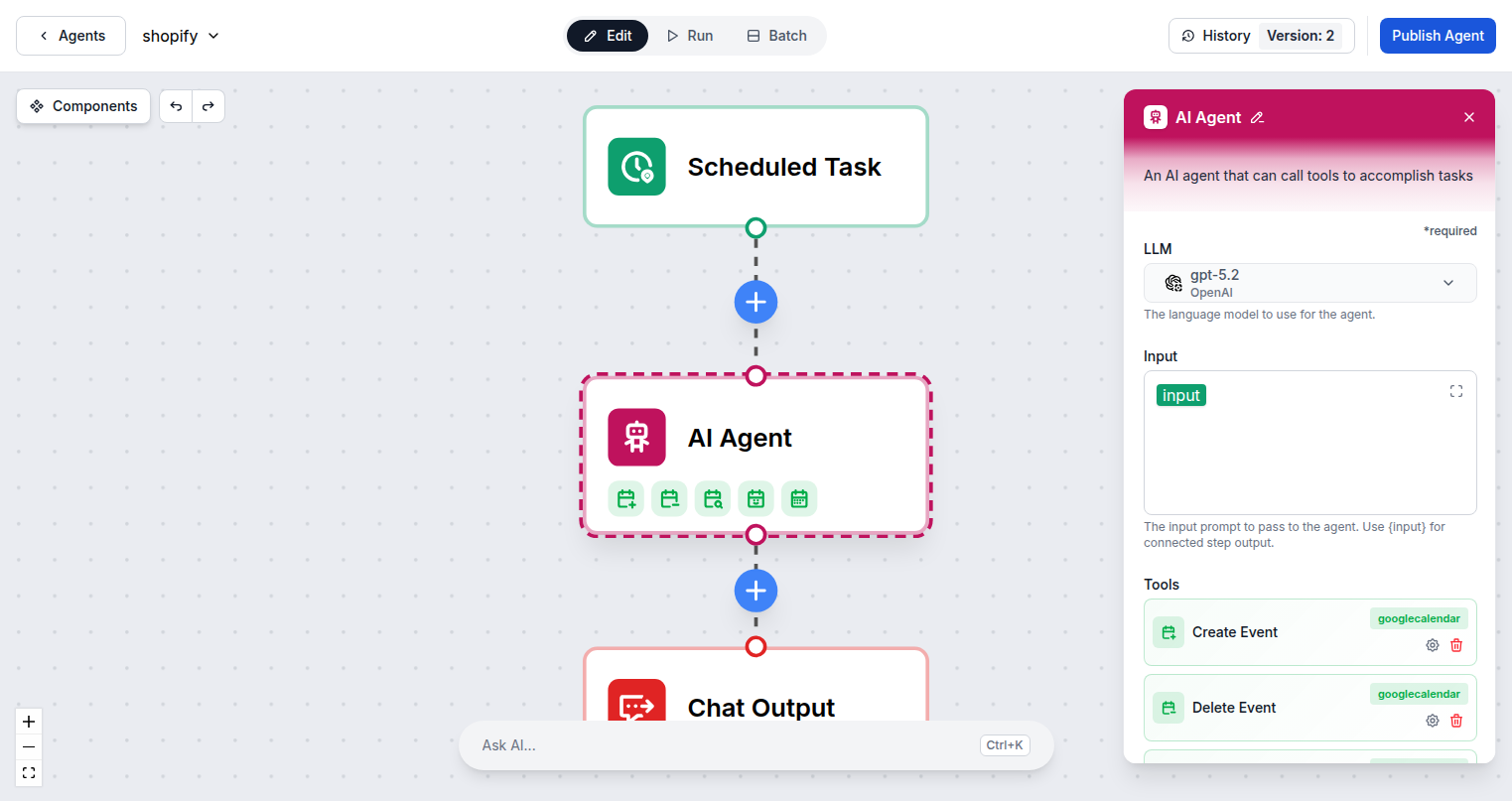
Your AI Content Team, Running 24/7
FlowHunt AI agents can draft posts from a brief, optimize content for SEO, assign categories and tags, upload a featured image, set a publish date, and hit publish — completely autonomously. Run scheduled content pipelines that keep your site fresh without human intervention.
- End-to-End Publishing:
- AI drafts, optimizes, and publishes blog posts from a single prompt — handling every step from writing to scheduling.
- Scheduled Pipelines:
- Run content workflows on a set schedule so your site gets fresh posts automatically without any manual work.
- Bulk Operations:
- Update metadata, reassign categories, and moderate comments across hundreds of posts in a single AI-driven batch operation.
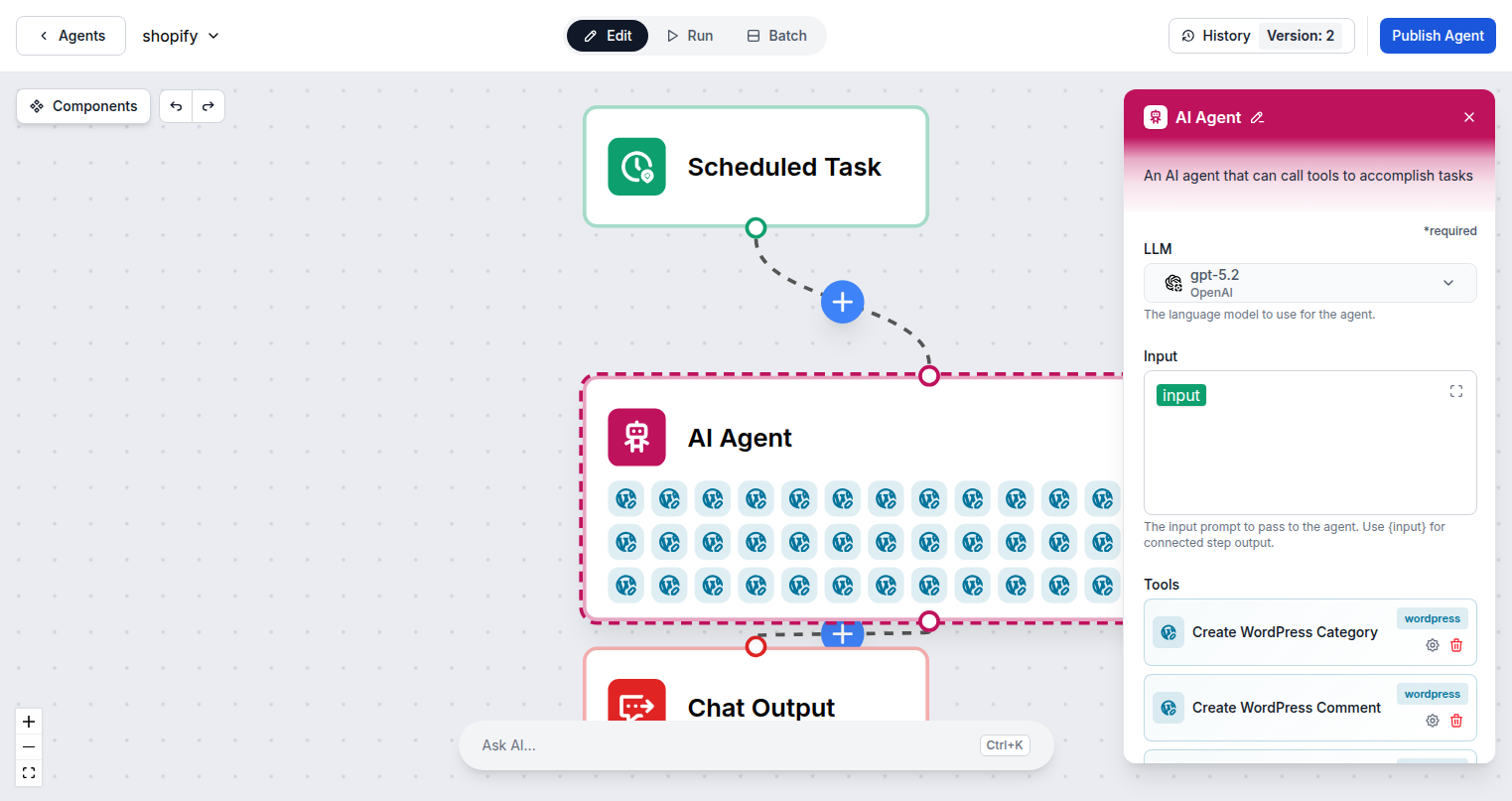
Connect Any WordPress Site in Seconds
Connecting WordPress to FlowHunt takes under a minute — just enter your site URL, username, and application password. You can connect multiple WordPress sites to the same FlowHunt workspace and switch between them in your agent flows.
- Application Password Auth:
- WordPress Application Passwords are built-in since v5.6 — no plugin required, and they can be revoked any time from your admin panel.
- Multi-Site Support:
- Connect multiple WordPress installations to one FlowHunt workspace and target each independently from your agent flows.
- Self-Hosted or WordPress.com:
- Works with any WordPress site that has the REST API enabled, including self-hosted and WordPress.com Business plans.
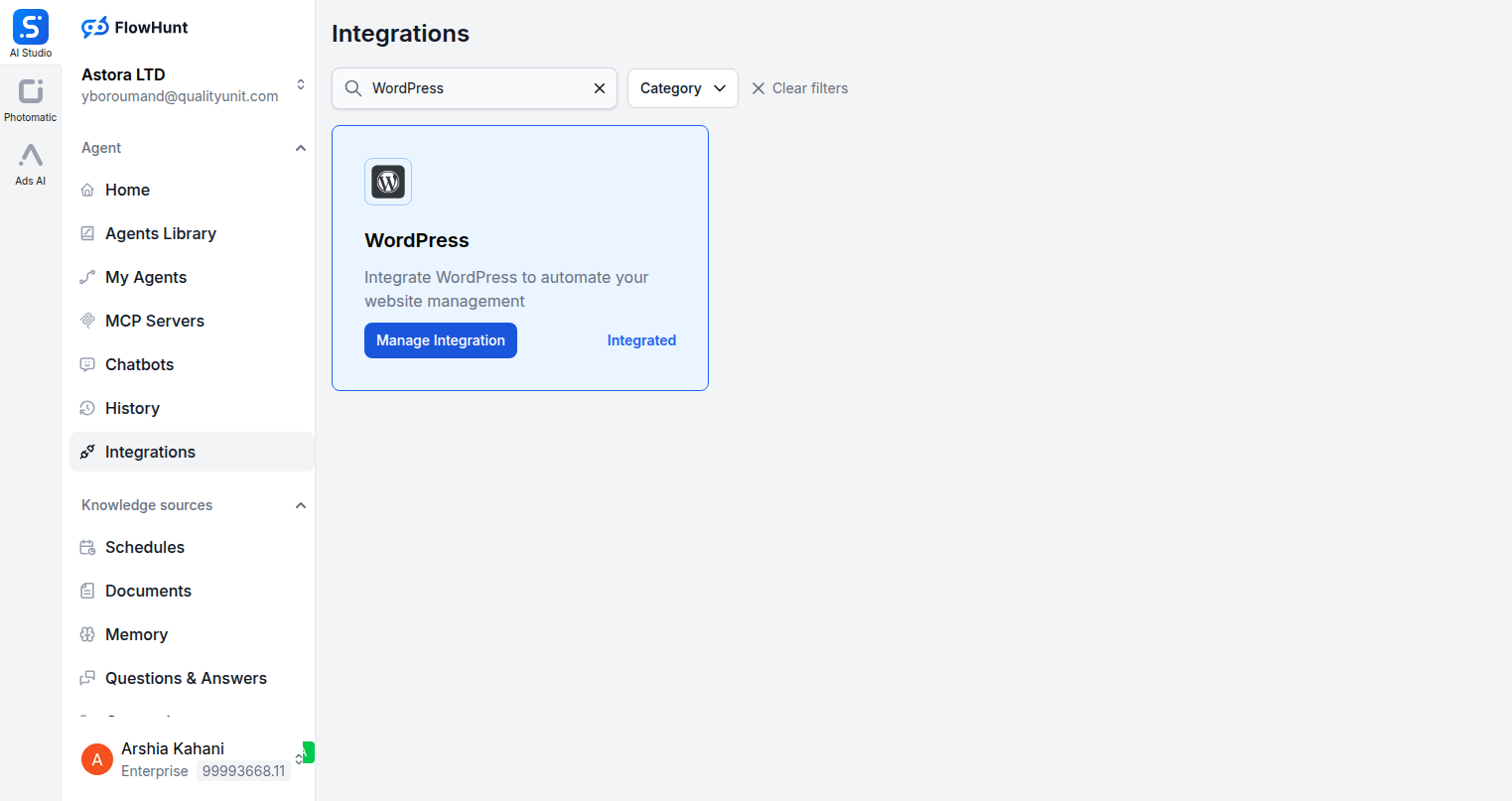
Step 1
Open the Integrations Page
Navigate to the Integrations section in FlowHunt and search for WordPress. Click Manage Integration to open the connection dialog.
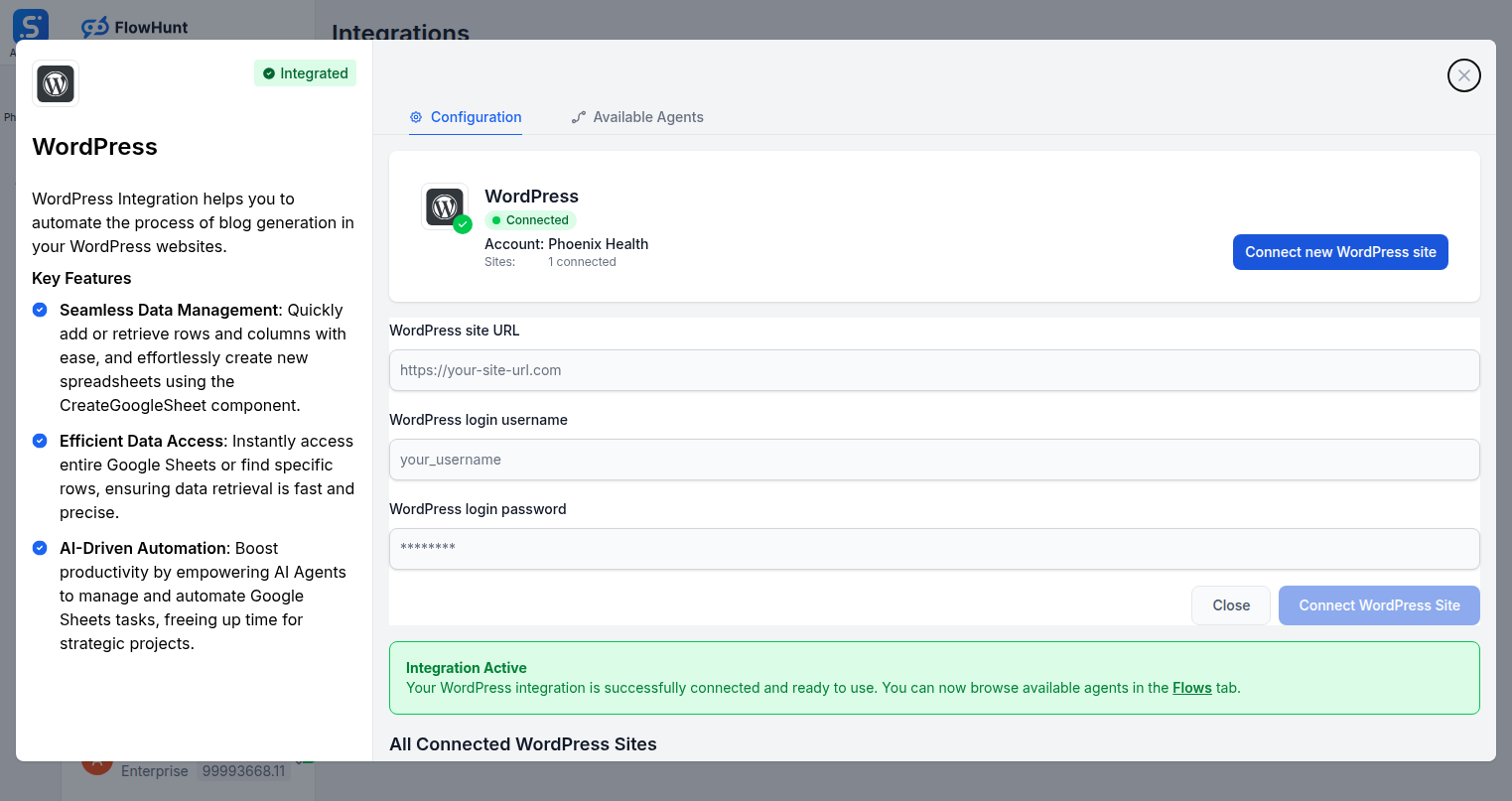
Step 2
Enter Your WordPress Credentials
Provide your WordPress site URL, login username, and a WordPress Application Password. Application Passwords are generated from your WordPress admin panel under Users → Profile.
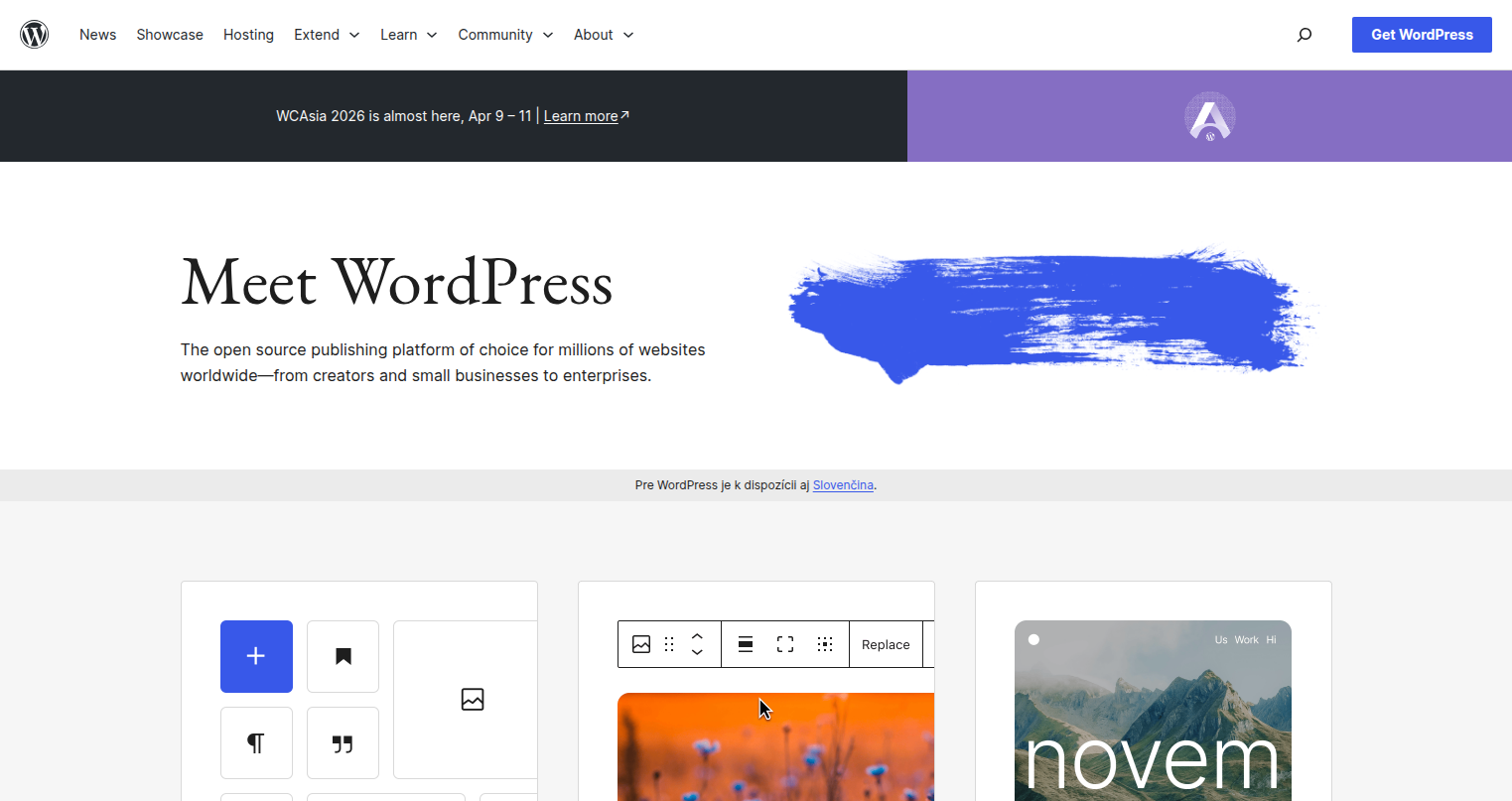
Step 3
Get Your Application Password
Log into your WordPress admin panel, go to Users → Your Profile, scroll to Application Passwords, enter a name, and click Add New Application Password. Copy the generated password and paste it into FlowHunt.
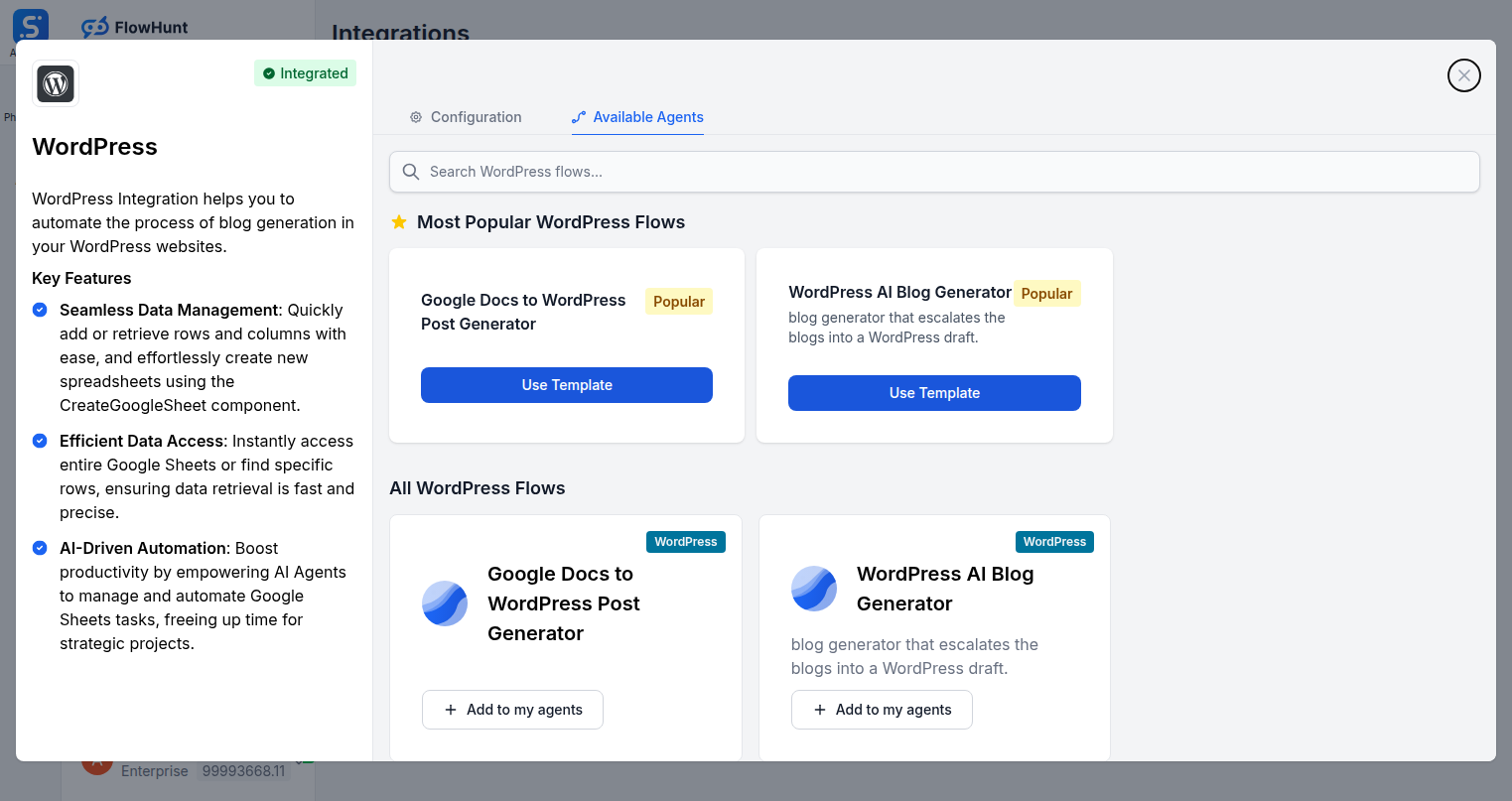
Step 4
Add WordPress Tools to Your Agent
Open the Available Agents tab to browse WordPress-specific flows, or open the Flow Builder and add any of the 42 WordPress tools directly to your AI agent.
Use Cases
What You Can Build with WordPress + FlowHunt
Practical content and site management automation you can deploy today.
- AI Content Pipeline
- Generate, review, and publish blog posts automatically on a recurring schedule.
- Comment Moderation
- AI reviews incoming comments and approves, marks spam, or deletes based on content rules.
- User Onboarding
- Automatically create WordPress accounts when new customers sign up in your CRM.
- Media Management
- Bulk upload images, update alt text, and organize the media library with AI.
- SEO Optimization
- AI updates post metadata, titles, and tags across existing content in bulk.
- Multi-Site Syndication
- Publish the same content across multiple WordPress sites simultaneously.
- Plugin Monitoring
- List and toggle plugins programmatically as part of deployment workflows.
- Category Restructuring
- Bulk update categories and tags across hundreds of posts at once.
All WordPress Components
Every WordPress action available in FlowHunt.
| Component | Description |
|---|---|
| Create WordPress Post | Create a new post in a WordPress installation. |
| Update WordPress Post | Update an existing WordPress post. |
| Delete WordPress Post | Delete a WordPress post. |
| Get WordPress Post | Get a specific WordPress post by ID. |
| List WordPress Posts | List WordPress posts with filtering options. |
| Create WordPress Page | Create a new WordPress page. |
| Update WordPress Page | Update an existing WordPress page. |
| Delete WordPress Page | Delete a WordPress page. |
| Get WordPress Page | Get a specific WordPress page by ID. |
| List WordPress Pages | List WordPress pages. |
| Create WordPress Category | Create a new category. |
| Update WordPress Category | Update an existing category. |
| Delete WordPress Category | Delete a category. |
| Get WordPress Category | Get a specific category by ID. |
| List WordPress Categories | List all WordPress categories. |
| Create WordPress Tag | Create a new tag. |
| Update WordPress Tag | Update an existing tag. |
| Delete WordPress Tag | Delete a tag. |
| Get WordPress Tag | Get a specific tag by ID. |
| List WordPress Tags | List all WordPress tags. |
| Create WordPress Comment | Create a new comment. |
| Update WordPress Comment | Update an existing comment. |
| Delete WordPress Comment | Delete a comment. |
| Moderate WordPress Comment | Moderate a comment (approve, spam, trash). |
| Get WordPress Comment | Get a specific comment by ID. |
| List WordPress Comments | List WordPress comments. |
| Create WordPress User | Create a new WordPress user. |
| Update WordPress User | Update an existing user. |
| Delete WordPress User | Delete a WordPress user. |
| Get WordPress User | Get a specific user by ID. |
| List WordPress Users | List WordPress users. |
| Upload WordPress Media | Upload a new media file. |
| Update WordPress Media | Update media metadata. |
| Delete WordPress Media | Delete a media item. |
| Get WordPress Media | Get a specific media item by ID. |
| List WordPress Media | List media library items. |
| Get WordPress Plugin | Get a specific plugin by slug. |
| List WordPress Plugins | List installed WordPress plugins. |
| Toggle WordPress Plugin | Activate or deactivate a plugin. |
| List WordPress Templates | Retrieve all WordPress templates. |
| Get WordPress Site Info | Get WordPress site information and metadata. |